Loup County Correction Deed Form
Last validated November 2, 2026 by our Forms Development TeamFormatted for recording in Loup County, for property anywhere in the county: rural and unincorporated areas as well as Taylor.
- 3 documents included
- Immediate PDF download
- Formatting guarantee
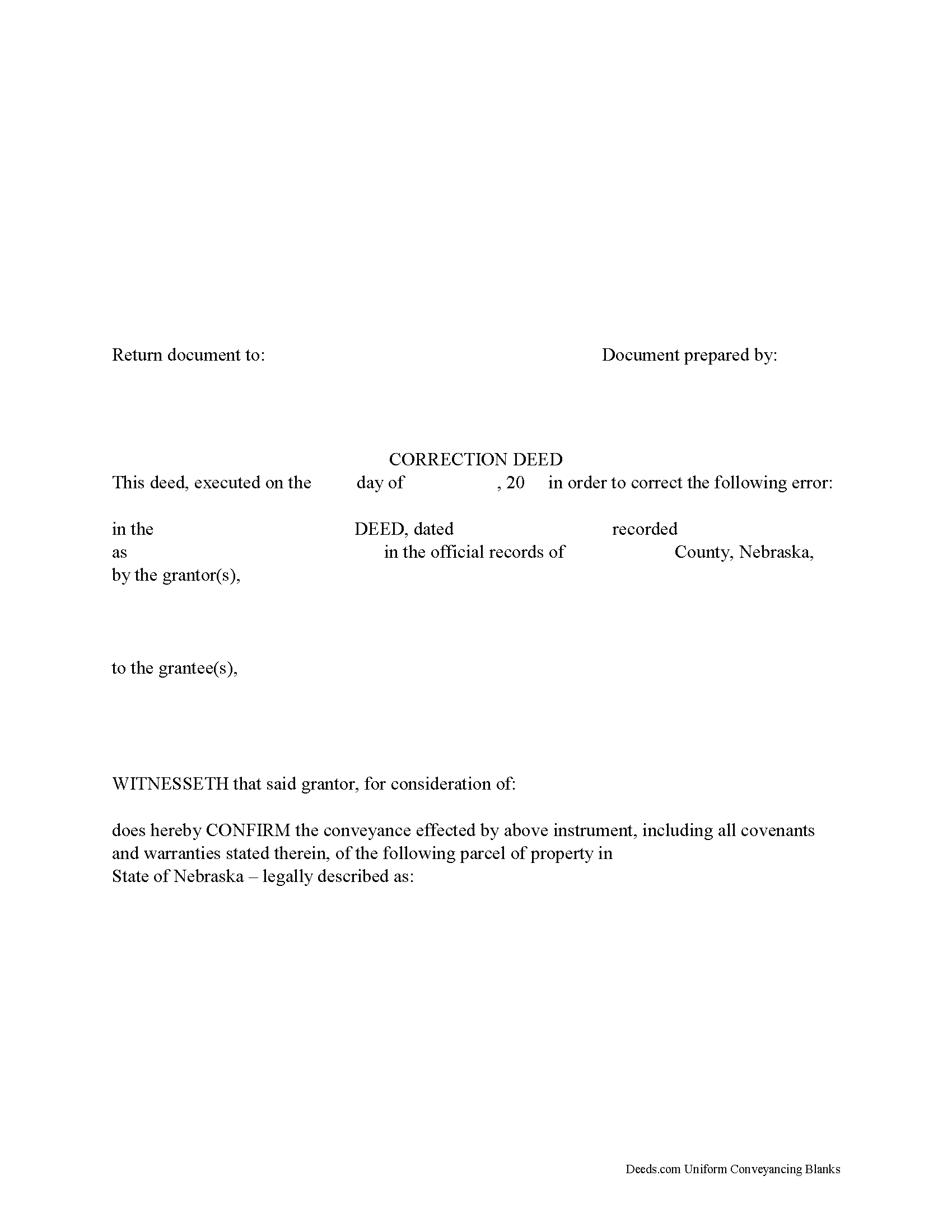
Loup County Correction Deed Form
Fill in the blank form formatted to comply with all recording and content requirements.
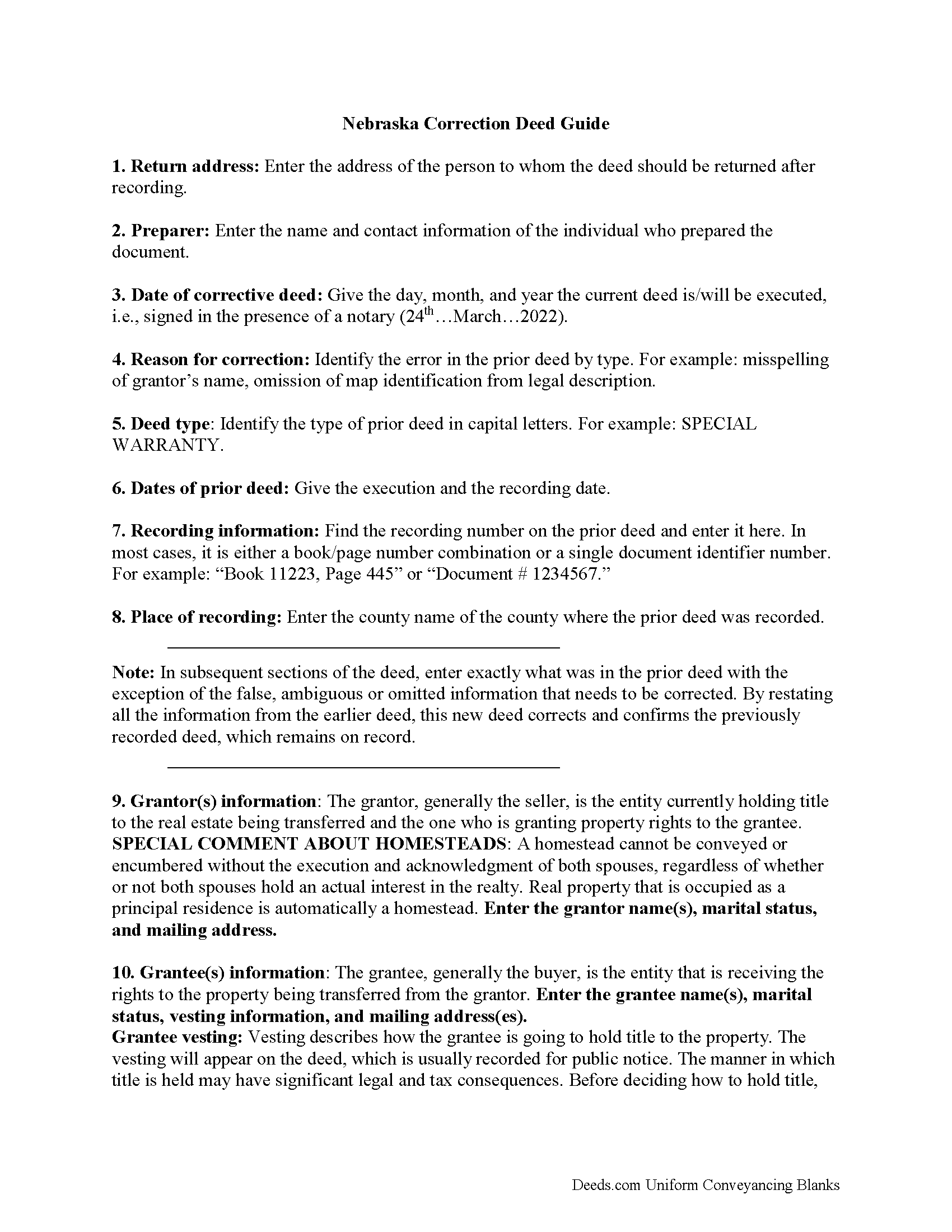
Loup County Correction Deed Guide
Line by line guide explaining every blank on the form.
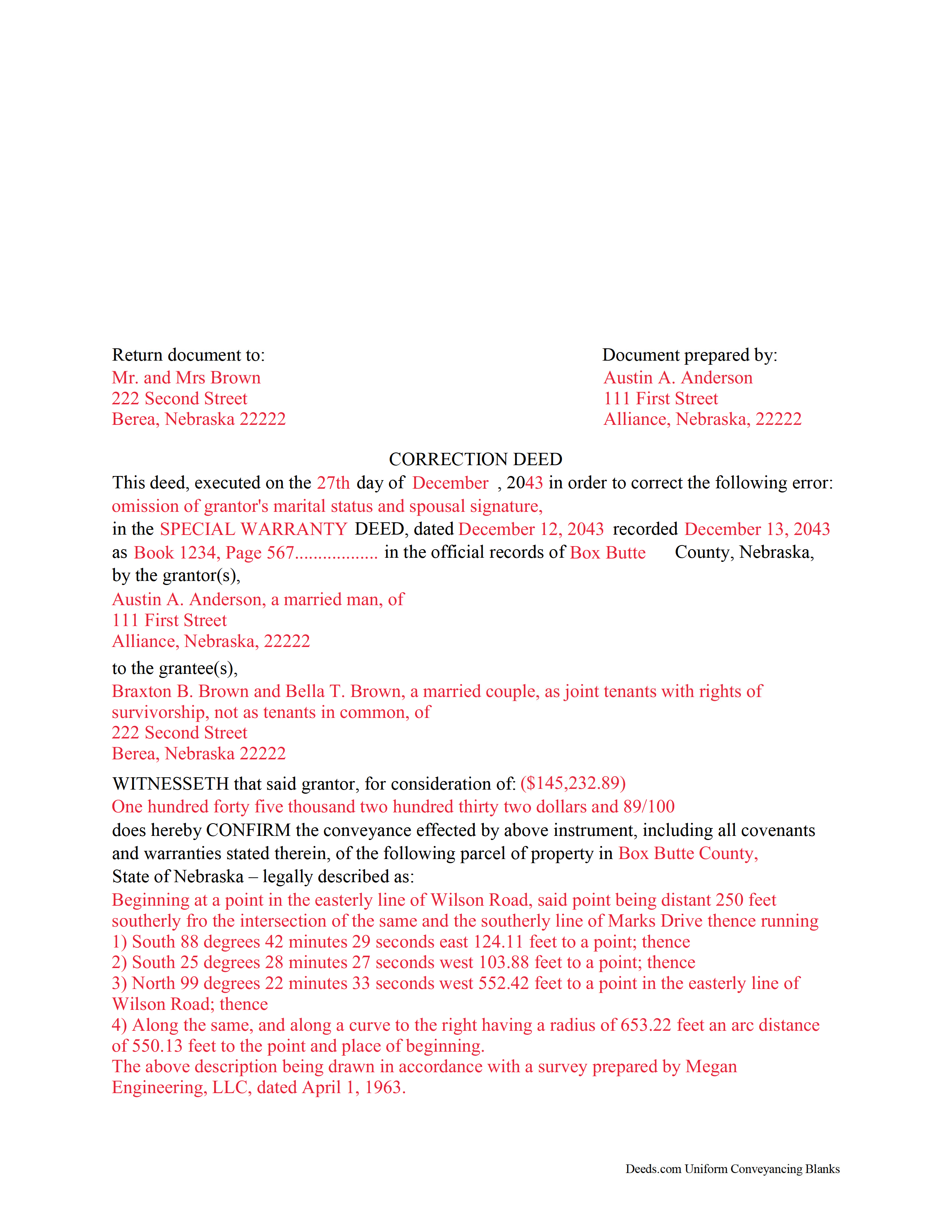
Loup County Completed Example of the Correction Deed Document
Example of a properly completed form for reference.
All 3 documents above included • One-time purchase • No recurring fees
Immediate Download • Secure Checkout
Additional Nebraska and Loup County documents included at no extra charge:
Where to Record Your Documents
Loup County Register of Deeds
Taylor, Nebraska 68879-0187
Hours: 8:30 - 12:00 & 1:00 - 5:00 Monday thru Thursday; 8:30 - 12:00 Friday
Phone: (308) 942-3135
Recording Tips for Loup County:
- Bring your driver's license or state-issued photo ID
- Ensure all signatures are in blue or black ink
- Both spouses typically need to sign if property is jointly owned
- Bring extra funds - fees can vary by document type and page count
- Check margin requirements - usually 1-2 inches at top
Cities and Jurisdictions in Loup County
Properties in any of these areas use Loup County forms:
- Taylor
Hours, fees, requirements, and more for Loup County
How do I get my forms?
Forms are available for immediate download after payment. The Loup County forms will be in your account ready to download to your computer. An account is created for you during checkout if you don't have one. Forms are NOT emailed.
Are these forms guaranteed to be recordable in Loup County?
Yes. Our form blanks are guaranteed to meet or exceed the applicable formatting requirements used for recording in Loup County, including margin requirements, font requirements, and other layout standards. This guarantee applies to formatting, not to the legal sufficiency of information entered by the user or the suitability of a form for a particular transaction.
Can I reuse these forms?
Yes. You can reuse the forms for your personal use. For example, if you have multiple properties in Loup County you only need to order once.
What do I need to use these forms?
The forms are PDFs that you fill out on your computer. The free Adobe Acrobat Reader is recommended, and most PDF apps also work. You do NOT enter your property information online - you download the blank forms and complete them privately on your own computer.
Are there any recurring fees?
No. This is a one-time purchase. Nothing to cancel, no memberships, no recurring fees.
How much does it cost to record in Loup County?
Recording fees in Loup County vary. Contact the recorder's office at (308) 942-3135 for current fees.
Questions answered? Let's get started!
Use the correction deed to amend a previously recorded warranty, special warranty, or quitclaim deed.
A correction deed explains and corrects an error in a prior instrument; it is especially important if such an error might cloud the title and affect its future transfers. The correction deed passes no title, but reiterates and confirms the conveyance effected by the previously recorded document. Therefore, it must be executed from the original grantor to the original grantee and recorded in order to be legally valid.
The correction deed should reference the prior conveyance by type of error, date of execution, date of recording, as well as by recording number and location. Beyond that, it restates the information given in the prior deed, thus serving as its confirmation. The original instrument remains on record as well.
Deeds of correction are most appropriate for minor errors and omissions in the original deed, such as misspelled names, omission of marital status, or typos in the legal description. More substantial changes, such as adding a name to the title or adding/subtracting a portion of land to the legal description of the property, usually require a new deed of conveyance instead of a correction deed. When in doubt, seek legal counsel to determine which instrument is most appropriate for a case that involves a material change.
(Nebraska CD Package includes form, guidelines, and completed example)
Important: Your property must be located in Loup County to use these forms. Documents should be recorded at the county recording office listed above.
This Correction Deed meets all recording requirements specific to Loup County.
Our Promise
The documents you receive here are guaranteed to meet or exceed the applicable Loup County recording format requirements. If there is a rejection caused by our formatting, we will correct the issue or refund your payment. This guarantee applies to document formatting only and does not extend to information entered by the user, the selection of the form, or the legal effect of the completed document.
Save Time and Money
Get your Loup County Correction Deed form done right the first time with Deeds.com Uniform Conveyancing Blanks. At Deeds.com, we understand that your time and money are valuable resources, and we don't want you to face a penalty fee or rejection imposed by a county recorder for submitting nonstandard documents. We constantly review and update our forms to meet rapidly changing state and county recording requirements for roughly 3,500 counties and local jurisdictions.
4.8 out of 5 - ( 4,846 Reviews )
Mary R. 5 out of 5 stars
Love to use DEEDS>COM
Thank you Mary.
Cynthia S. 5 out of 5 stars
I am an attorney assisting my son with some simple legal docs & this service saved me a lot of time and is user friendly!
We appreciate your business and value your feedback. Thank you. Have a wonderful day!
Theresa M. 5 out of 5 stars
Deeds.com was simple to use and had a quick turnaround. Saved me so much time hunting around on the internet and recorder's office website to try and figure out the process. would definitely use again!
Thank you!
KELLY S. 5 out of 5 stars
very happy. I will use you for all my needed documents thanks for being here
We appreciate your business and value your feedback. Thank you. Have a wonderful day!
Kevin R. 5 out of 5 stars
So far so good. Had an issue and customer service responded very fast by email.
Thank you for your feedback. We really appreciate it. Have a great day!
sean m. 5 out of 5 stars
Wow everything I need in one place... what a concept. thanks Deeds.com for the deeds, the guides and the transfer certificate all included for a great price
We appreciate your business and value your feedback. Thank you. Have a wonderful day!
Gary F. 5 out of 5 stars
5 star review. Was able to order and download what I wanted in just a few minutes without any glitches.
Thank you for your feedback. We really appreciate it. Have a great day!
Margaret S. 5 out of 5 stars
Great experience, quick and easy, thank you!
Thank you for your feedback. We really appreciate it. Have a great day!
Michael W. 5 out of 5 stars
Easy to use Website. Quick accurate data reporting. I will use the service in the future.
We appreciate your business and value your feedback. Thank you. Have a wonderful day!
Scott H. 5 out of 5 stars
Good experience, good service too - thanks.
Your feedback is appreciated. Thank you for letting us know how we did.
DeBe W. 5 out of 5 stars
Thanks for the quick response. That really helps when you're under a time deadline.
Your feedback is greatly appreciated. Thank you for taking the time to share your experience!
Brian S. 3 out of 5 stars
PDF fields change font sizes leading to an unprofessional-appearing printed page. The examples for "Convey to" section don't include how to specify just one person instead of a married couple. Maybe that is simple but it would help to spell it out in an example. Haven't submitted to County Recorder yet, so will find out if it is acceptable.
Thank you for the feedback Brian.
The font issue is caused by using a PDF viewer other than Adobe Acrobat Reader. Our form fields are set to a uniform 12-point font, but non-Adobe viewers often render form fields inconsistently. Opening and printing the form with the free Adobe Acrobat Reader will resolve that.
Regarding the examples, that's a fair point, we'll look at expanding them.
Philip C. 5 out of 5 stars
The product I purchased looks great and I added Adobe to be able to copy it, but for some reason I can't,so I will delete Adobe and then try again to copy what i paid for. I have all the PDFS' and my computer and printer are fairly new (windows 10),I should have tried to copy it first, I'll get it! Thanks
Thank you for your feedback. We really appreciate it. Have a great day!
Diana M. 5 out of 5 stars
First time user - process went very smooth and fast. It took me a little to find my messages. At first I didn't know you process documents other than deeds so maybe you should consider putting on your home page that it's not only for deeds - it's for any document that needs recording. :)
Thank you for your feedback. We really appreciate it. Have a great day!
Donna M. 5 out of 5 stars
Appreciated the ability to not only download the form but the instruction's AND a sample.
Thank you for your feedback. We really appreciate it. Have a great day!