San Juan County Quitclaim Deed Form
Last validated October 21, 2026 by our Forms Development TeamFormatted for recording in San Juan County, for property anywhere in the county: rural and unincorporated areas as well as Aztec, Blanco, Bloomfield, Farmington, Flora Vista, Fruitland, Kirtland, La Plata and 7 more.
- 3 documents included
- Immediate PDF download
- Formatting guarantee
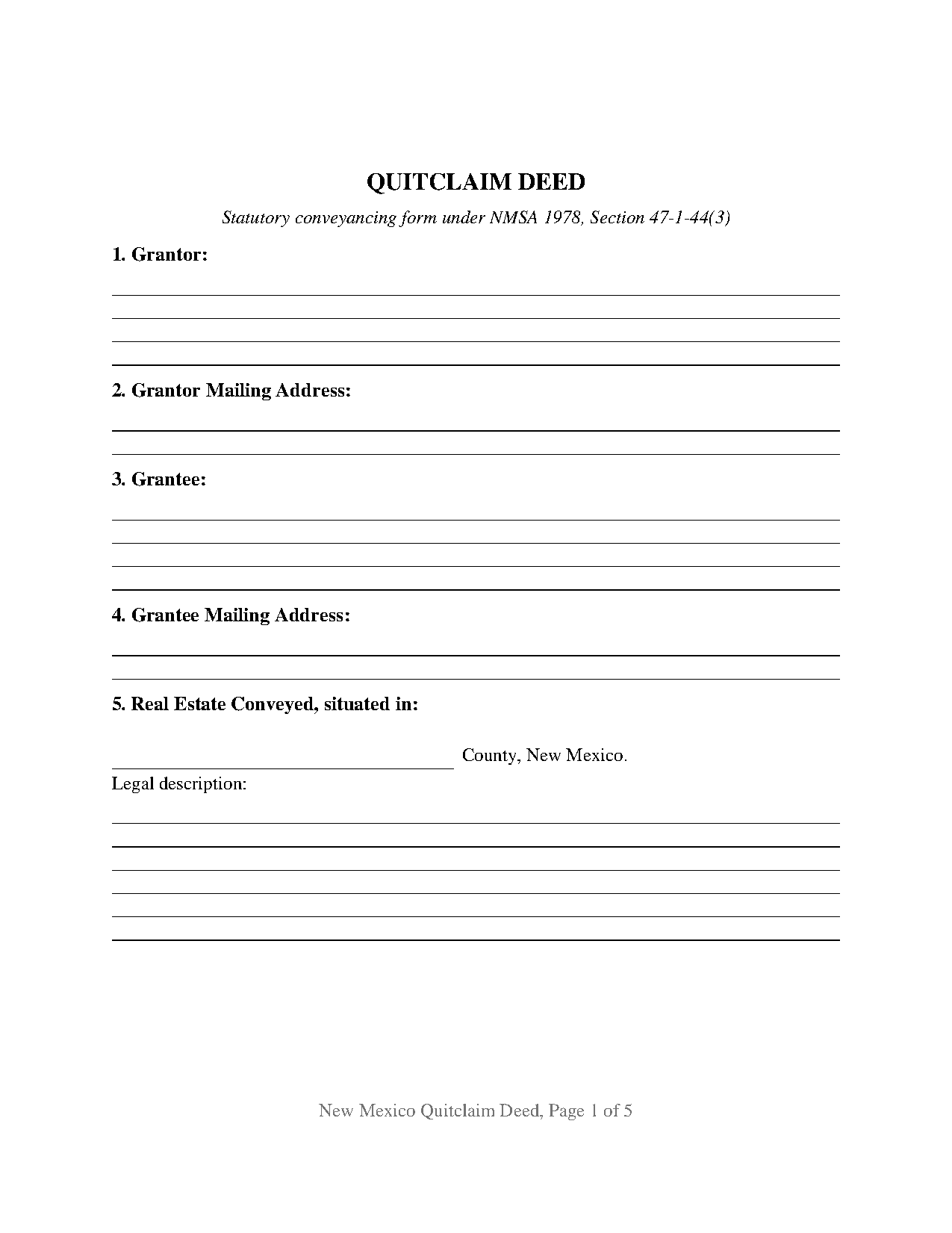
San Juan County Quitclaim Deed Form
Fill in the blank Quitclaim Deed form formatted to comply with all New Mexico recording and content requirements.
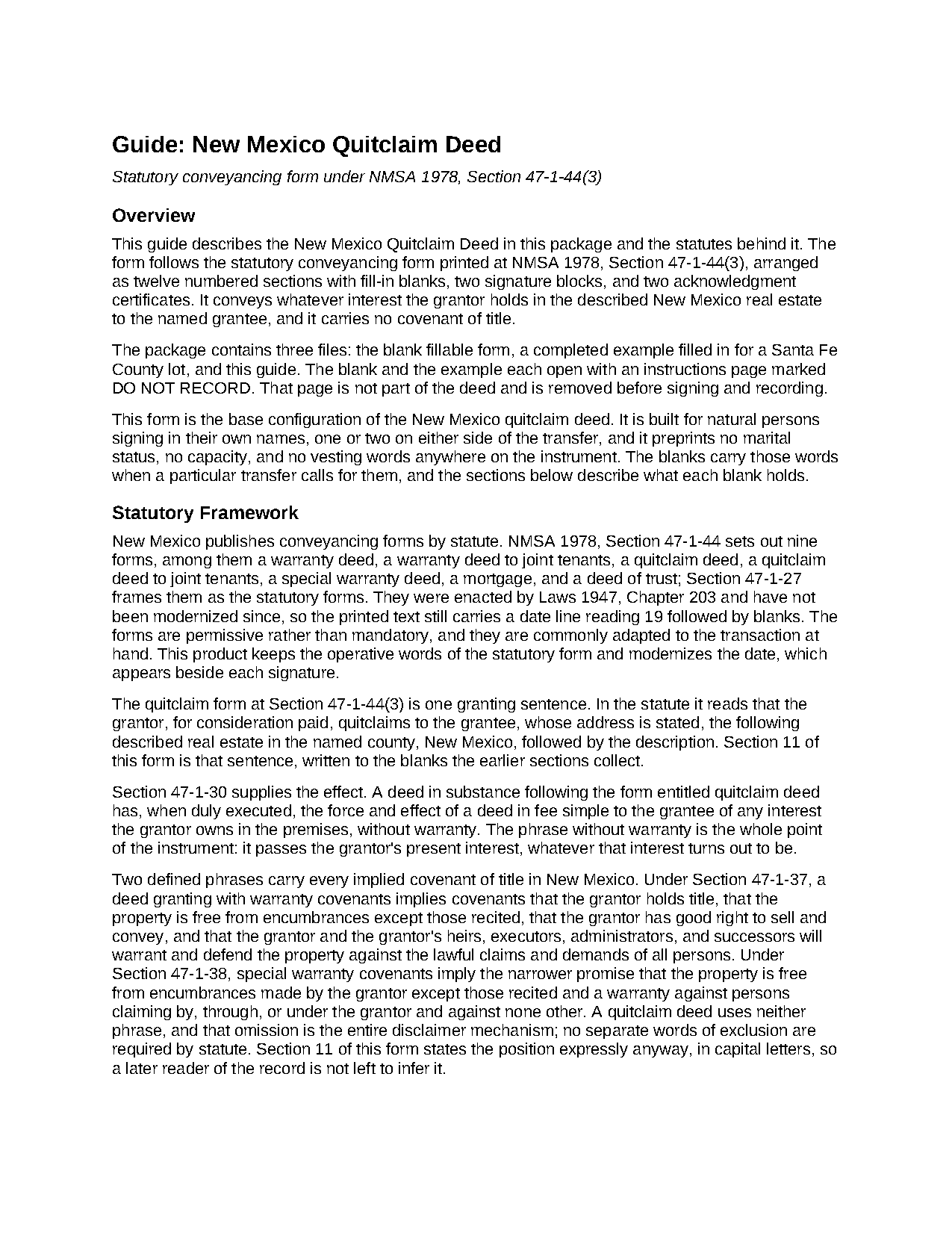
San Juan County Quitclaim Deed Guide
Line by line guide explaining every blank on the Quitclaim Deed form.
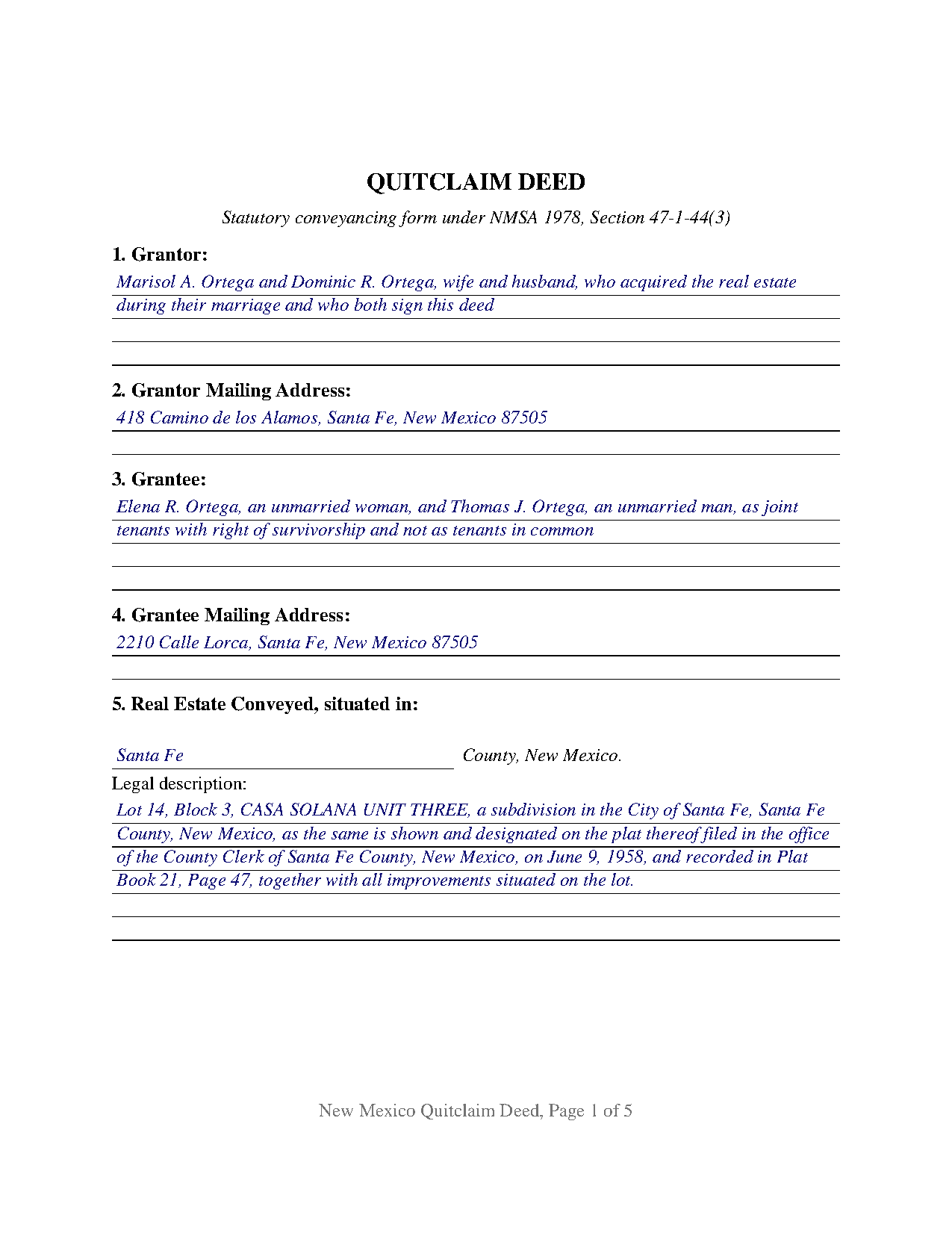
San Juan County Completed Example of the Quitclaim Deed Document
Example of a properly completed New Mexico Quitclaim Deed document for reference.
All 3 documents above included • One-time purchase • No recurring fees
Immediate Download • Secure Checkout
Additional New Mexico and San Juan County documents included at no extra charge:
Where to Record Your Documents
San Juan County Clerk
Aztec, New Mexico 87410
Hours: 7:00 am - 5:00 pm Monday - Friday
Phone: (505) 334-9471
Recording Tips for San Juan County:
- Bring your driver's license or state-issued photo ID
- Ensure all signatures are in blue or black ink
- Ask about accepted payment methods when you call ahead
- Ask for certified copies if you need them for other transactions
- Ask if they accept credit cards - many offices are cash/check only
Cities and Jurisdictions in San Juan County
Properties in any of these areas use San Juan County forms:
- Aztec
- Blanco
- Bloomfield
- Farmington
- Flora Vista
- Fruitland
- Kirtland
- La Plata
- Nageezi
- Navajo Dam
- Newcomb
- Sanostee
- Sheep Springs
- Shiprock
- Waterflow
Hours, fees, requirements, and more for San Juan County
How do I get my forms?
Forms are available for immediate download after payment. The San Juan County forms will be in your account ready to download to your computer. An account is created for you during checkout if you don't have one. Forms are NOT emailed.
Are these forms guaranteed to be recordable in San Juan County?
Yes. Our form blanks are guaranteed to meet or exceed the applicable formatting requirements used for recording in San Juan County, including margin requirements, font requirements, and other layout standards. This guarantee applies to formatting, not to the legal sufficiency of information entered by the user or the suitability of a form for a particular transaction.
Can I reuse these forms?
Yes. You can reuse the forms for your personal use. For example, if you have multiple properties in San Juan County you only need to order once.
What do I need to use these forms?
The forms are PDFs that you fill out on your computer. The free Adobe Acrobat Reader is recommended, and most PDF apps also work. You do NOT enter your property information online - you download the blank forms and complete them privately on your own computer.
Are there any recurring fees?
No. This is a one-time purchase. Nothing to cancel, no memberships, no recurring fees.
How much does it cost to record in San Juan County?
Recording fees in San Juan County vary. Contact the recorder's office at (505) 334-9471 for current fees.
Questions answered? Let's get started!
New Mexico's quitclaim deed is one sentence long in the statute book. The legislature printed it at NMSA 1978, Section 47-1-44(3) in 1947 and left it there: the grantor, for consideration paid, quitclaims to the grantee, whose address is stated, the described real estate in the named county. Section 47-1-30 supplies the force behind that sentence, giving a deed that follows the form the effect of a fee simple conveyance of whatever interest the grantor owns, without warranty. This form is that sentence, opened out into numbered blanks.
What the statutory form leaves out is the point of it
Two defined phrases carry every implied covenant of title in this state. Section 47-1-37 attaches the full package to the words warranty covenants, Section 47-1-38 a narrower one to special warranty covenants. The quitclaim form prints neither, and that silence is the disclaimer: nothing is promised about the condition of the title, and no words of exclusion are needed to withhold a promise. Section 11 prints the posture in capital letters even so, naming both statutes. Recorded mortgages, judgments, easements, and mineral reservations pass through untouched.
One or two grantors, one or two grantees
The party entries are open four line blocks rather than fixed name lines, and nothing about marital status, capacity, or form of ownership is preprinted anywhere on the instrument. Four count patterns fit: one grantor to one grantee, one to two, two to one, and two to two. Two signature blocks follow, headed GRANTOR and SECOND GRANTOR (if applicable), each closing with its own certificate in the officer neutral short form wording of Section 14-14A-15, so signers appearing on different days or in different states are accommodated. Where a single grantor conveys, the second block and its certificate stay blank. Those four counts are what this base configuration recites; a grantor signing through a company office, a trusteeship, or a power of attorney, and three or more owners on either side, are configurations it is not set up as.
The grantee blank is where ownership form is decided
Because nothing is preprinted, the words that fix co-ownership are typed into the grantee entry. Section 47-1-15 leaves two or more grantees as tenants in common by default, Section 47-1-36 demands an express declaration before a joint tenancy exists, and Section 47-1-16 makes that recital conclusive in favor of purchasers and encumbrancers for value. Spousal title runs on a second track, where Swink v. Fingado holds one parcel can be community property and joint tenancy property at once. Tenancy by the entirety has no existence here. The guide lays out each recognized form and the words that create it.
The signature the Community Property Act counts
Marriage, rather than the name carried on the record, characterizes land here. Section 40-3-12(A) attaches a community presumption to whatever was acquired while married, and a sole name vesting displaces it only as a matter of rebuttable proof. Section 40-3-13(A) then directs both spouses to join in a transfer of community real property, extends the same demand to separate real property they hold as cotenants, and calls a one spouse attempt void and of no effect. Both signatures land in the two grantor entries and the two signature blocks when that rule reaches a transfer, and the guide traces the narrow openings the statute leaves.
Twenty five dollars, and a filing that goes somewhere else
Section 14-8-15 fixes one fee for the whole state: twenty five dollars for a document carrying ten or fewer index entries, plus twenty five for each further block of ten. Indexed names and separate description units both count, so a multi lot description can reach a second block. Nothing else is collected, there being no transfer tax and no documentary stamp here, and no surveyed clerk asks for a cover sheet. Format lives in county practice rather than statute, and this form is drawn inside the strictest published county figures in the state.
The download prepares this base configuration as a fillable PDF, a completed example filled in for a Santa Fe County lot moving from two grantors to two grantees under an express survivorship declaration, and a plain language guide covering the statutory framework, every numbered section, the joinder analysis, the ownership forms open to grantees, and recording, the residential declaration the county assessor holds included. Buyers reach it typing quit claim deed or quick claim deed; the New Mexico statutes spell it quitclaim. The materials are informational and are not legal advice.
Important: Your property must be located in San Juan County to use these forms. Documents should be recorded at the county recording office listed above.
This Quitclaim Deed meets all recording requirements specific to San Juan County.
Our Promise
The documents you receive here are guaranteed to meet or exceed the applicable San Juan County recording format requirements. If there is a rejection caused by our formatting, we will correct the issue or refund your payment. This guarantee applies to document formatting only and does not extend to information entered by the user, the selection of the form, or the legal effect of the completed document.
Save Time and Money
Get your San Juan County Quitclaim Deed form done right the first time with Deeds.com Uniform Conveyancing Blanks. At Deeds.com, we understand that your time and money are valuable resources, and we don't want you to face a penalty fee or rejection imposed by a county recorder for submitting nonstandard documents. We constantly review and update our forms to meet rapidly changing state and county recording requirements for roughly 3,500 counties and local jurisdictions.
4.8 out of 5 - ( 4,836 Reviews )
MATUS C. 5 out of 5 stars
Quick, easy way to get the forms I needed
Thank you for your feedback. We really appreciate it. Have a great day!
Wilma M. 5 out of 5 stars
Amazingly easy. Thank you
Thank you!
Crystal W. 5 out of 5 stars
This is the easiest process.
Thank you for your feedback. We really appreciate it. Have a great day!
Terri B. 4 out of 5 stars
It's worth the money. I would like to have seen a variety of examples showing different scenarios for completing a quitclaim deed.
Thank you!
Maricela N. 5 out of 5 stars
very easy and quick to get all the forms needed! Thank you!
Thank you for your feedback. We really appreciate it. Have a great day!
Cheryl B. 5 out of 5 stars
I did this on a desktop using a scanned .pdf file. Simple, straight-forward, excellent instructions, easy, fast, and well documented for each step. From account creation to proof of recording: 4 hours... from the comfort of my home. I would highly recommend this service to anyone, including - and maybe especially - those who are looking for fast recording who aren't well versed in computers and on-line processes. Well done in all ways.
We appreciate your business and value your feedback. Thank you. Have a wonderful day!
Mary H. 5 out of 5 stars
Your site was very informative and I was able to instantly and easily download the documents that I needed. I could not be happier with your service. Thank You Mary Harju
Thank you Mary, we really appreciate your feedback.
Paul K. 1 out of 5 stars
too much money
Thank you for your feedback. We really appreciate it. Have a great day!
Halilat S. 5 out of 5 stars
Excellent communications. Well done guys!
Thank you for your feedback. We really appreciate it. Have a great day!
L B W. 4 out of 5 stars
Bottom line - it was certainly worth the $21 (+-?) I paid for the form and instructions, etc. Admittedly the form is a little inflexible in terms of editing for readability but I understand that offering greater flexibility would likely make theft more likely. So I'm happy with what I got. One suggestion - add more info about what's required in the "Source of Title" section.
Thank you for your feedback. We really appreciate it. Have a great day!
Renee H. 5 out of 5 stars
First time to use this service, was easy and quick return.
We appreciate your business and value your feedback. Thank you. Have a wonderful day!
Samuel C. 5 out of 5 stars
Awesome!!
Thank you!
John C. 5 out of 5 stars
So far it's OK but have not filed it with the the county so can't say if it will be what they want
Thank you for your feedback. We really appreciate it. Have a great day!
Russell B. 5 out of 5 stars
complete package as promised at a very reasonable cost. Easy forms to complete. Thank you. Definitely 5 stars!!!
Thank you for your feedback. We really appreciate it. Have a great day!
Michael N. 5 out of 5 stars
This is an extremely helpful and very fast way to file with property recorders. It saved me time away from work and provided a receipt for the filing
Thank you, Michael! We're glad to hear the process was fast and efficient for you—and that it saved you time from work. Appreciate you sharing your experience!