Alleghany County Appointment of Substitute Trustee Form
Last validated October 23, 2026 by our Forms Development TeamFormatted for recording in Alleghany County, for property anywhere in the county: rural and unincorporated areas as well as Ennice, Glade Valley, Laurel Springs, Piney Creek, Roaring Gap, Sparta.
- 4 documents included
- Immediate PDF download
- Formatting guarantee
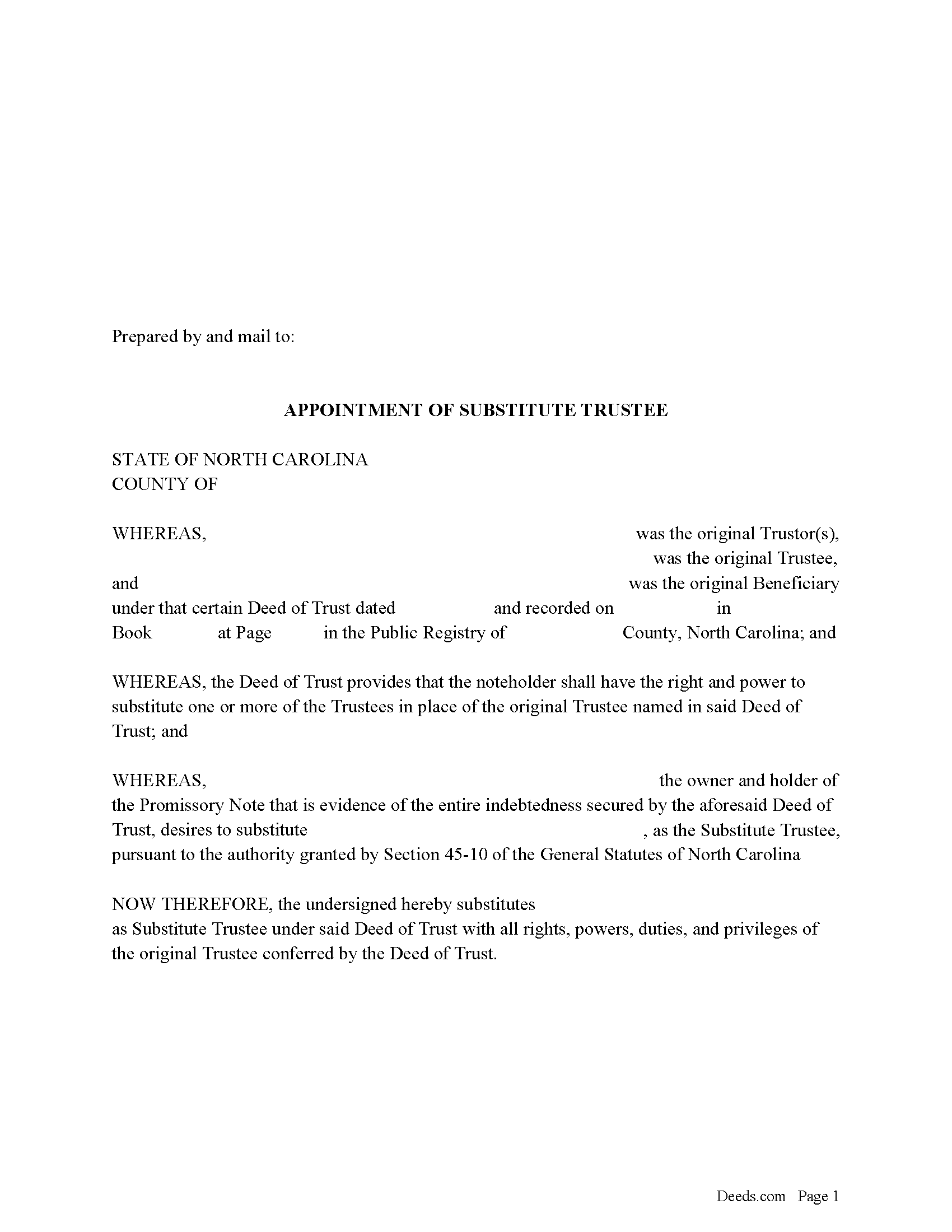
Alleghany County Appointment of Substitute Trustee Form
Fill in the blank form formatted to comply with all recording and content requirements.
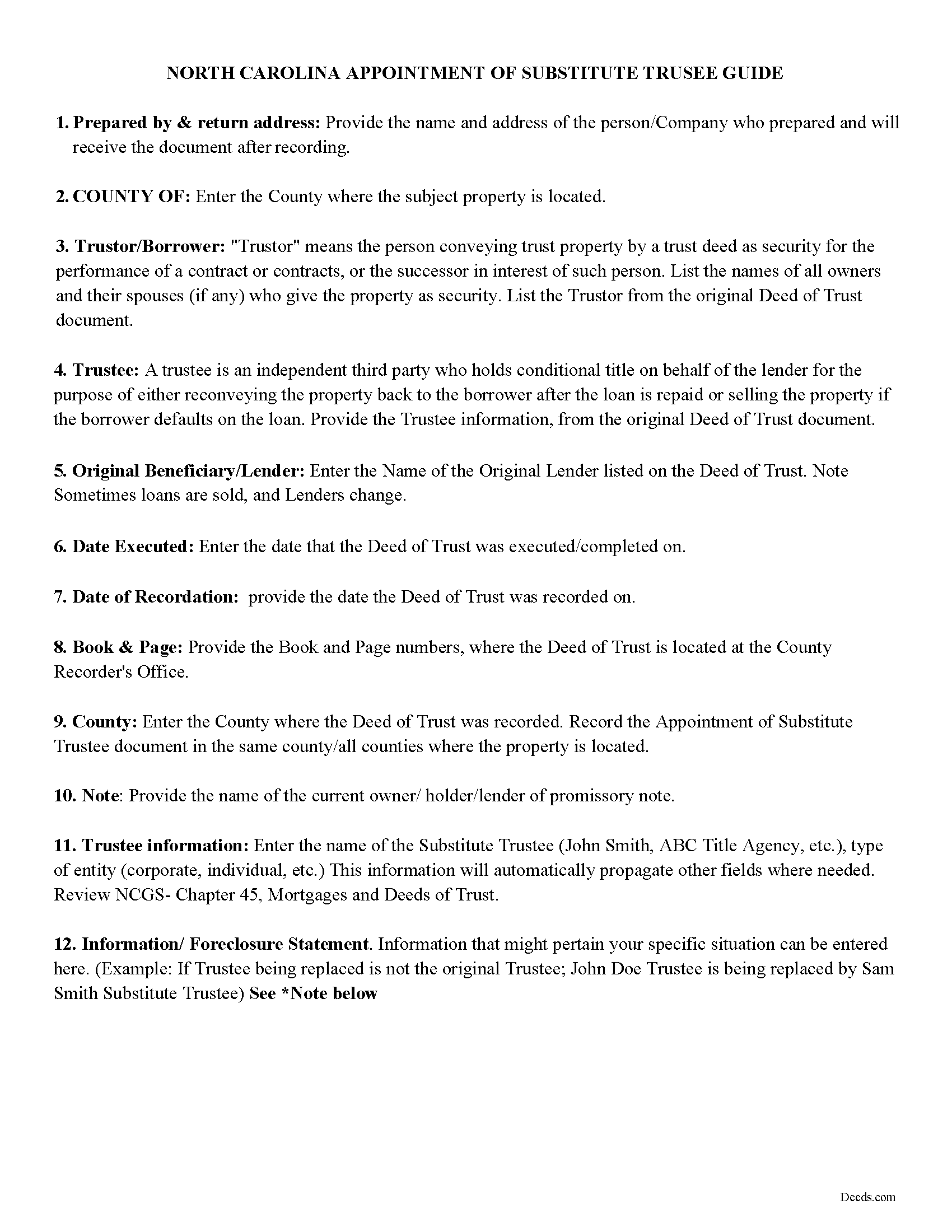
Alleghany County Appointment of Substitute Trustee Guidelines
Line by line guide explaining every blank on the form.
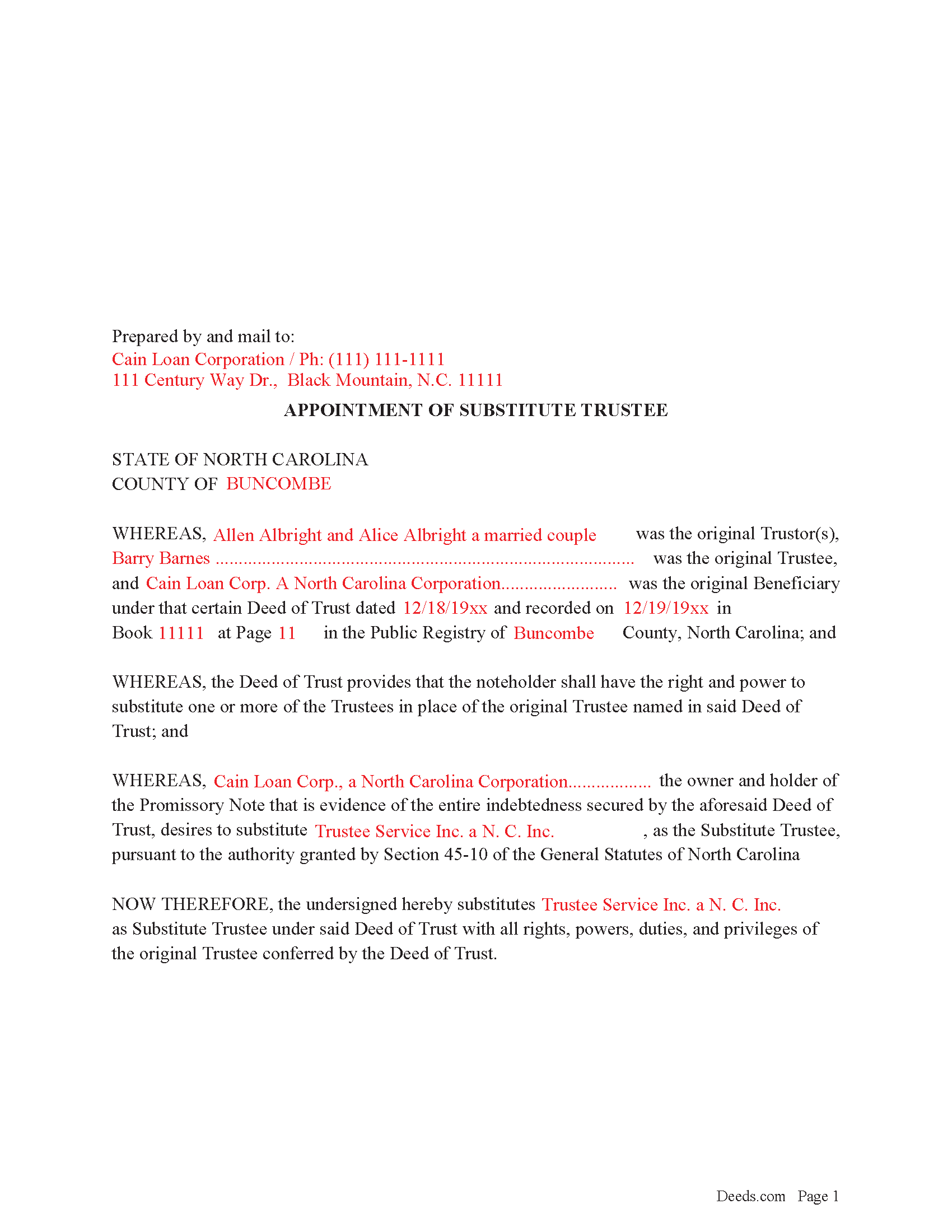
Alleghany County Completed Example of the Appointment of Substitute Trustee Form
Example of a properly completed form for reference.
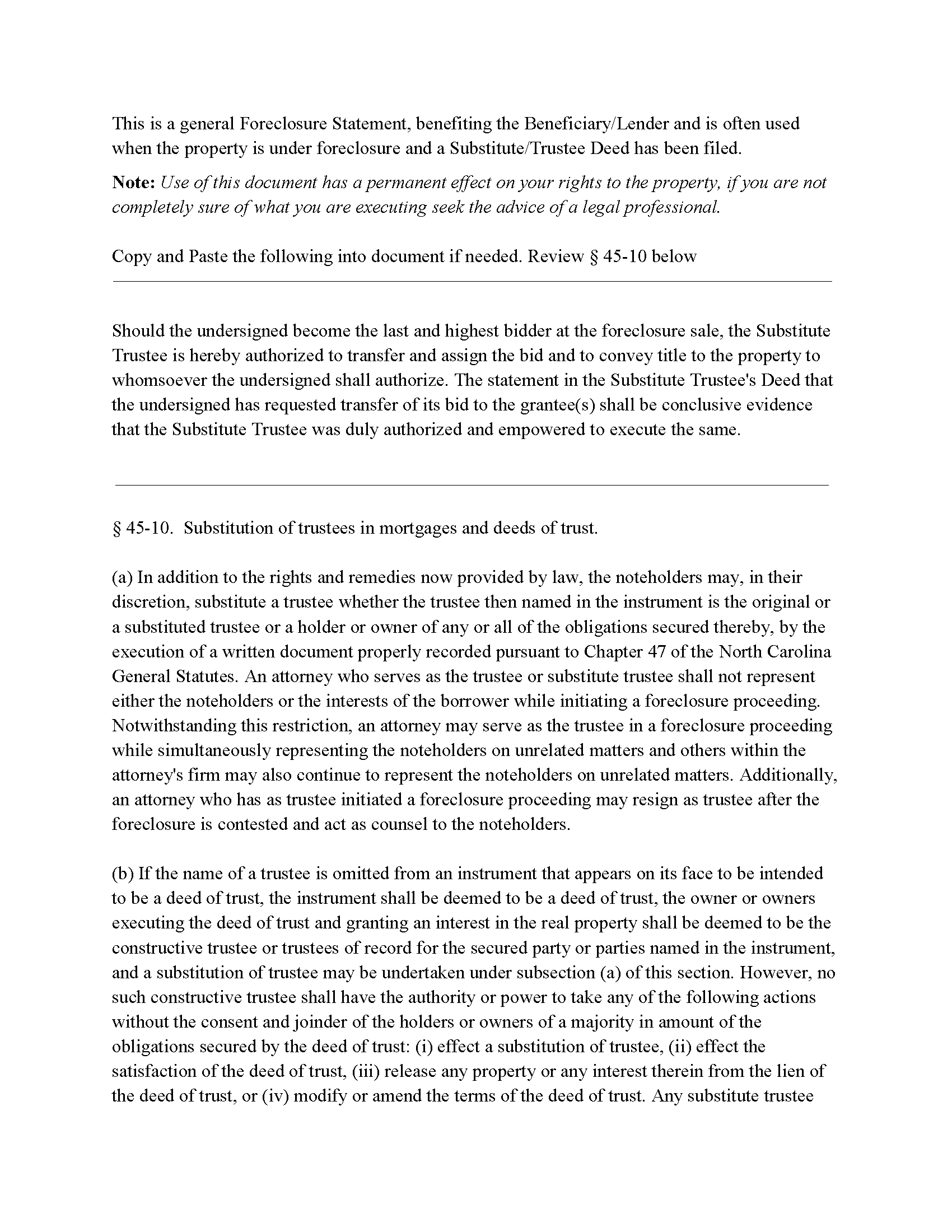
Alleghany County Foreclosure Clause
Clause that can be added to the form, if foreclosure is involved.
All 4 documents above included • One-time purchase • No recurring fees
Immediate Download • Secure Checkout
Additional North Carolina and Alleghany County documents included at no extra charge:
Where to Record Your Documents
Register of Deeds
Sparta, North Carolina 28675
Hours: 8:00am - 5:00pm M-F
Phone: (336) 372-4342
Recording Tips for Alleghany County:
- Bring your driver's license or state-issued photo ID
- Ensure all signatures are in blue or black ink
- Make copies of your documents before recording - keep originals safe
- Recorded documents become public record - avoid including SSNs
- Recording fees may differ from what's posted online - verify current rates
Cities and Jurisdictions in Alleghany County
Properties in any of these areas use Alleghany County forms:
- Ennice
- Glade Valley
- Laurel Springs
- Piney Creek
- Roaring Gap
- Sparta
Hours, fees, requirements, and more for Alleghany County
How do I get my forms?
Forms are available for immediate download after payment. The Alleghany County forms will be in your account ready to download to your computer. An account is created for you during checkout if you don't have one. Forms are NOT emailed.
Are these forms guaranteed to be recordable in Alleghany County?
Yes. Our form blanks are guaranteed to meet or exceed the applicable formatting requirements used for recording in Alleghany County, including margin requirements, font requirements, and other layout standards. This guarantee applies to formatting, not to the legal sufficiency of information entered by the user or the suitability of a form for a particular transaction.
Can I reuse these forms?
Yes. You can reuse the forms for your personal use. For example, if you have multiple properties in Alleghany County you only need to order once.
What do I need to use these forms?
The forms are PDFs that you fill out on your computer. The free Adobe Acrobat Reader is recommended, and most PDF apps also work. You do NOT enter your property information online - you download the blank forms and complete them privately on your own computer.
Are there any recurring fees?
No. This is a one-time purchase. Nothing to cancel, no memberships, no recurring fees.
How much does it cost to record in Alleghany County?
Recording fees in Alleghany County vary. Contact the recorder's office at (336) 372-4342 for current fees.
Questions answered? Let's get started!
In a Deed of Trust, the trustee is an independent third party who holds conditional title on behalf of the lender for the purpose of either reconveying the property back to the borrower after the loan is repaid or selling the property if the borrower defaults on the loan. Trustee's can be replaced for many reasons, incapacity, incompetency, death, etc. Often a lender will substitute a trustee with a firm or corporation that will be conducting a foreclosure.
NCG 45-10. States:
In addition to the rights and remedies now provided by law, the noteholders may, in their discretion, substitute a trustee whether the trustee then named in the instrument is the original or a substituted trustee or a holder or owner of any or all of the obligations secured thereby, by the execution of a written document properly recorded pursuant to Chapter 47
This form is executed by the beneficiary/lender for the substitution of a trustee, it includes an optional foreclosure clause if needed for that purpose.
(North Carolina AOST Package includes form, guidelines, and completed example)
Important: Your property must be located in Alleghany County to use these forms. Documents should be recorded at the county recording office listed above.
This Appointment of Substitute Trustee meets all recording requirements specific to Alleghany County.
Our Promise
The documents you receive here are guaranteed to meet or exceed the applicable Alleghany County recording format requirements. If there is a rejection caused by our formatting, we will correct the issue or refund your payment. This guarantee applies to document formatting only and does not extend to information entered by the user, the selection of the form, or the legal effect of the completed document.
Save Time and Money
Get your Alleghany County Appointment of Substitute Trustee form done right the first time with Deeds.com Uniform Conveyancing Blanks. At Deeds.com, we understand that your time and money are valuable resources, and we don't want you to face a penalty fee or rejection imposed by a county recorder for submitting nonstandard documents. We constantly review and update our forms to meet rapidly changing state and county recording requirements for roughly 3,500 counties and local jurisdictions.
4.8 out of 5 - ( 4,836 Reviews )
DARLA L. 5 out of 5 stars
I was happy with the quick response to obtain the requested forms. Effective and easy website to use.
We appreciate your business and value your feedback. Thank you. Have a wonderful day!
DENNIS M. 5 out of 5 stars
very simple and complete
We appreciate your business and value your feedback. Thank you. Have a wonderful day!
Linda K C. 5 out of 5 stars
I wanted to do an Enhancement Life Quitclaim deed and the county government lady didn’t know what I was even talking about. I ordered the deed from Deeds.com and filled it all in,submitted to the county clerk who took 10 minutes to study it before she accepted the deed. This was the easiest transaction I’ve ever made! I actually felt smarter than the clerk who worked at the count office over 20 years.
Thank you, Linda! We’re glad the process went smoothly and that our forms helped you complete your recording with confidence. We appreciate you taking the time to share your experience!
Shana D. 5 out of 5 stars
I ordered the wrong forms because I didn't do enough research to understand what I needed. Their customer service was more understanding than I deserved.
Thank you!
Peter V. 5 out of 5 stars
Great set of forms. Downloaded in a min and Used immediately. Good sample as it easy to read And fill out yours. Overall good experience
We appreciate your business and value your feedback. Thank you. Have a wonderful day!
Mark B. 3 out of 5 stars
I had to download forms one by one: would be more convenient to have a single download for all.
Thank you for your feedback. We really appreciate it. Have a great day!
Joseph K. 5 out of 5 stars
Your responsiveness is outstanding. I appreciate the guidance and consistent support. Thank you.
Thank you!
Molly A. 5 out of 5 stars
Super easy to download and Deeds dot com had the documents I was looking for and set up in a manner that the County Government office would accept. Nice! Thank you, Deeds!
Thank you for your feedback. We really appreciate it. Have a great day!
John L B. 5 out of 5 stars
I ordered the Deed package for my state of NJ and the county I needed to prepare the documents. I was able to complete everything that is required to close on an investment property. Fast easy with step by step instructions no matter your situation. Definitely will recommend to family & friends. Save $ instead of paying others to do the same thing you can do yourself.
Thank you for your feedback. We really appreciate it. Have a great day!
Lola C. 5 out of 5 stars
The process was efficient, from initiation to follow up took two days. This was a step in the right direction that was without delay or frustration occurring with other steps in filing.
We appreciate your review and your business. Thank you.
Heidi G. 5 out of 5 stars
Very happy with the service that you offer. My office will use you again.
Great to hear Heidi, glad we could help. Have an amazing day!
Sheri S. 5 out of 5 stars
So happy to have found this site. It’s just what I was looking for.
We are grateful for your feedback and looking forward to serving you again. Thank you!
Karen M. 5 out of 5 stars
This was a very easy and organized system to use.
Thank you for your feedback. We really appreciate it. Have a great day!
Janice R. 5 out of 5 stars
Very easy to do. Got papers I was needed very quickly. Thank you
We appreciate your business and value your feedback. Thank you. Have a wonderful day!
Janice H. 5 out of 5 stars
Thank you, easy to fill out forms. Now I can relax, knowing that this is done.
We appreciate your business and value your feedback. Thank you. Have a wonderful day!