Davidson County Appointment of Substitute Trustee Form
Last validated October 7, 2026 by our Forms Development TeamFormatted for recording in Davidson County, for property anywhere in the county: rural and unincorporated areas as well as Denton, Lexington, Linwood, Southmont, Thomasville, Wallburg, Welcome.
- 4 documents included
- Immediate PDF download
- Formatting guarantee
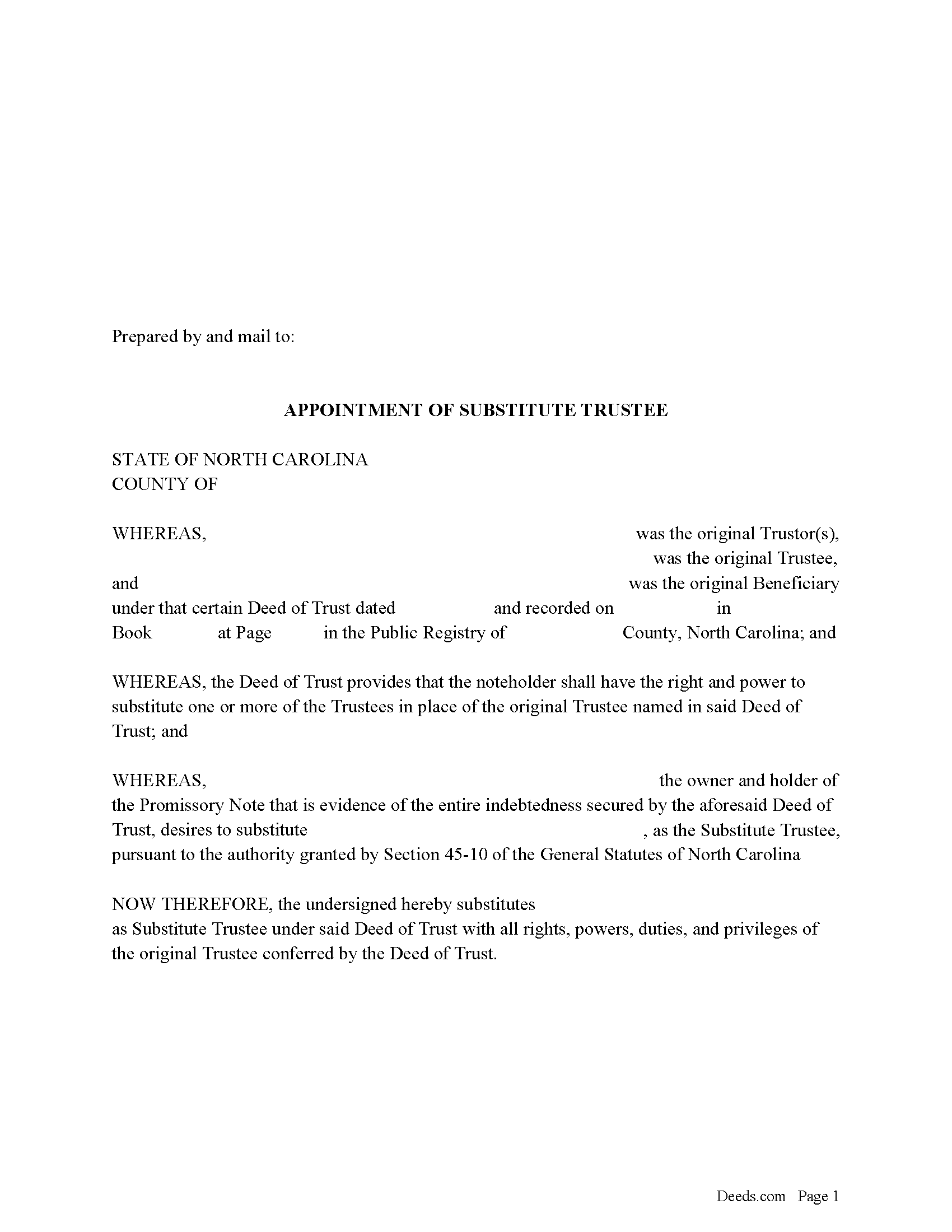
Davidson County Appointment of Substitute Trustee Form
Fill in the blank form formatted to comply with all recording and content requirements.
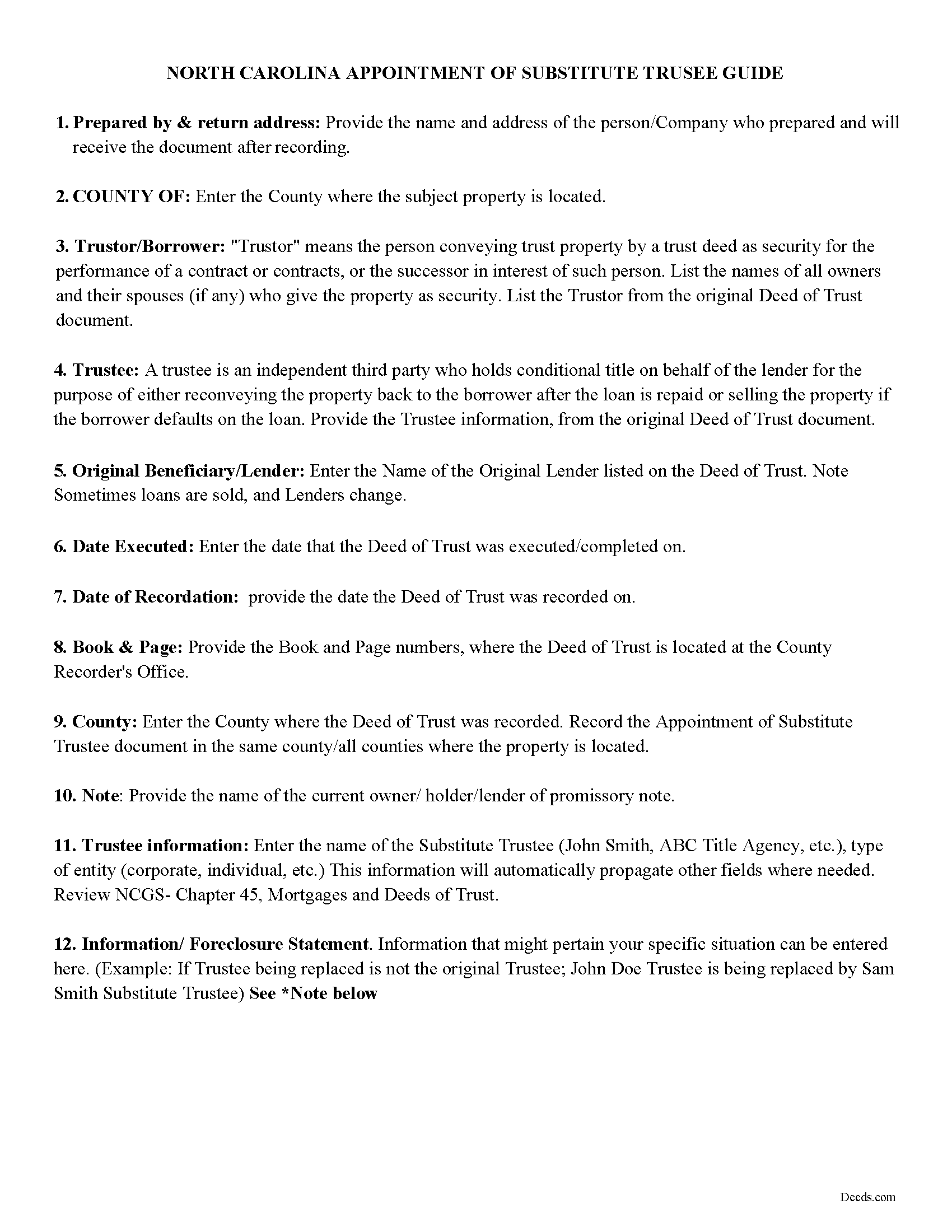
Davidson County Appointment of Substitute Trustee Guidelines
Line by line guide explaining every blank on the form.
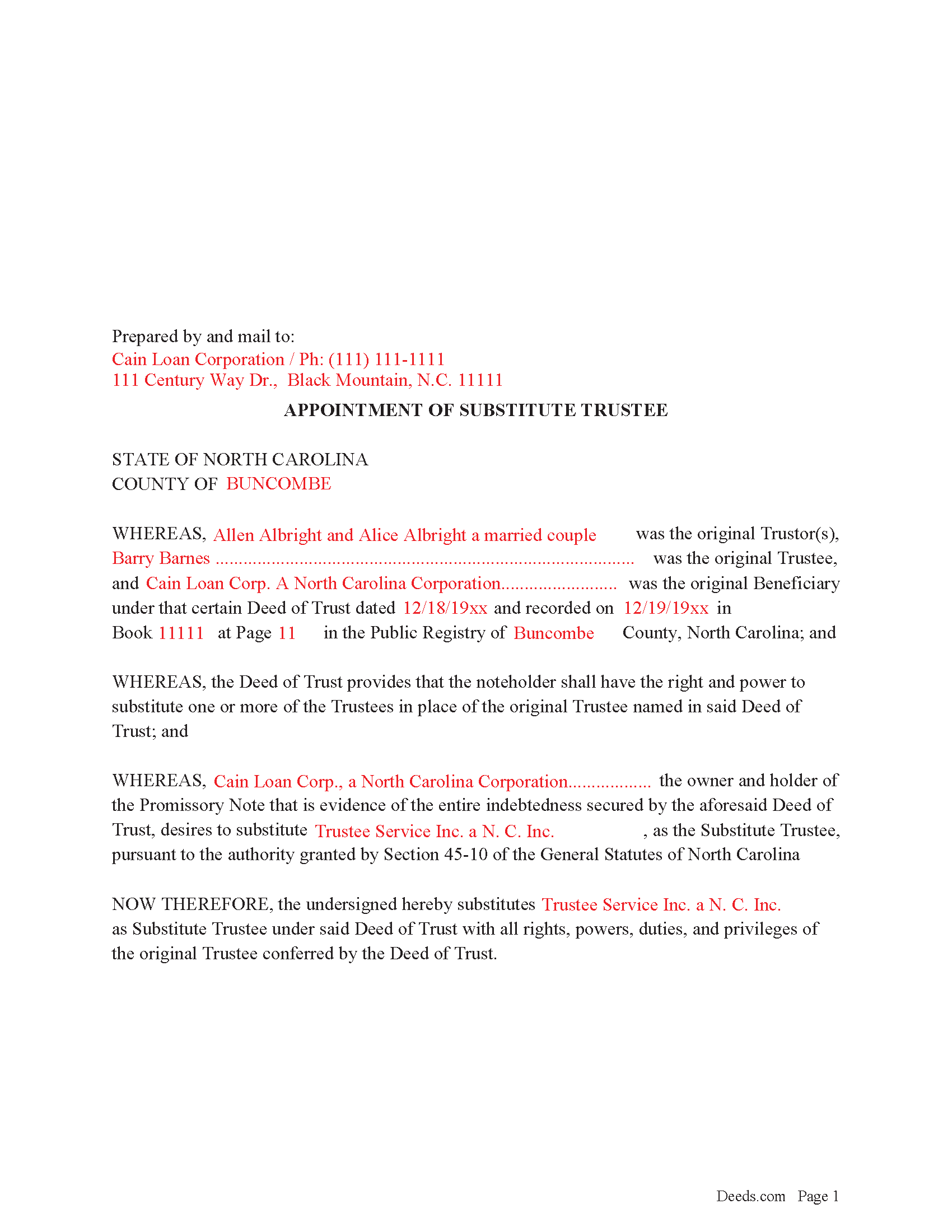
Davidson County Completed Example of the Appointment of Substitute Trustee Form
Example of a properly completed form for reference.
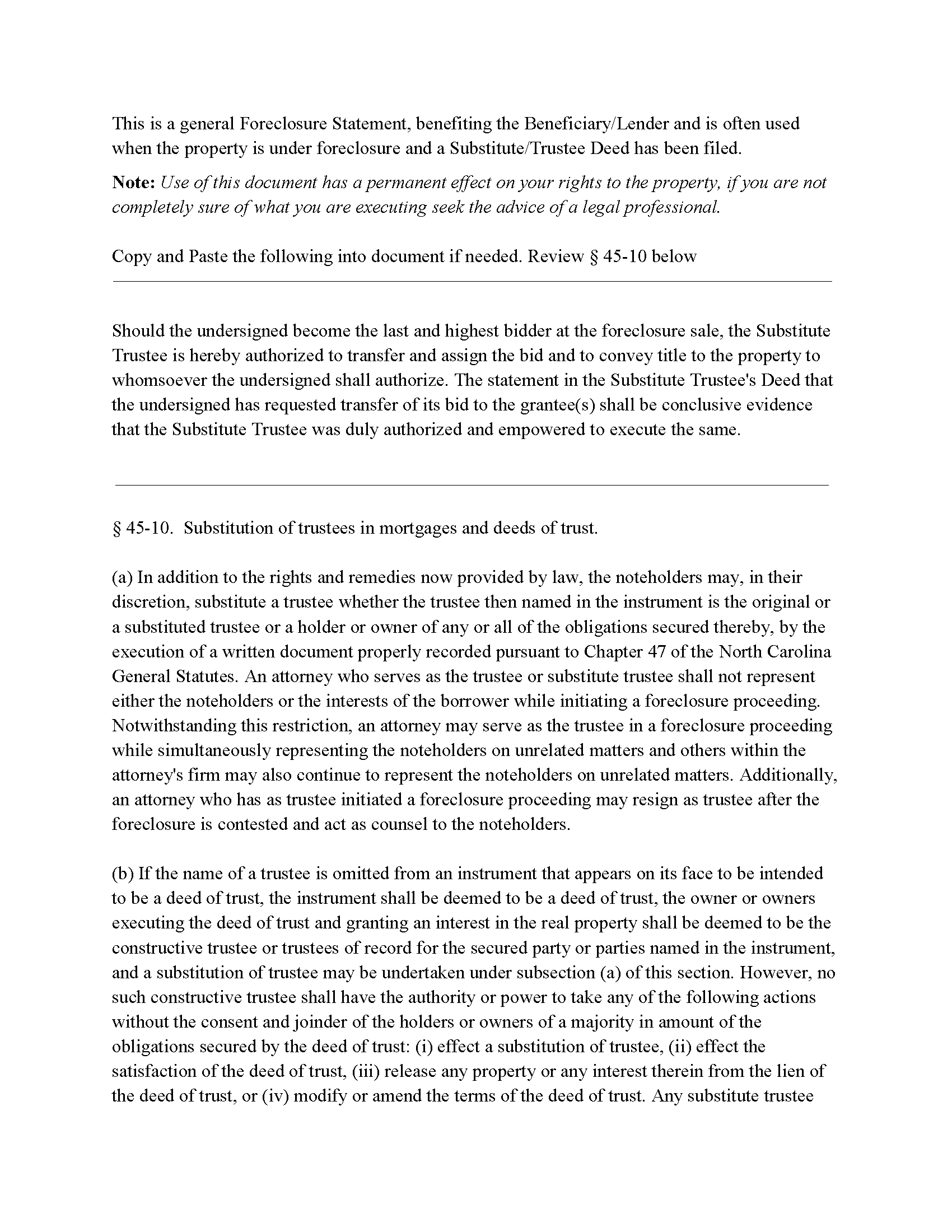
Davidson County Foreclosure Clause
Clause that can be added to the form, if foreclosure is involved.
All 4 documents above included • One-time purchase • No recurring fees
Immediate Download • Secure Checkout
Additional North Carolina and Davidson County documents included at no extra charge:
Where to Record Your Documents
Davidson County Register of Deeds
Lexington, North Carolina 27292 / 27293
Hours: 8:00 to 5:00 M-F
Phone: (336) 242-2150
Recording Tips for Davidson County:
- Bring your driver's license or state-issued photo ID
- Ensure all signatures are in blue or black ink
- Documents must be on 8.5 x 11 inch white paper
- Double-check legal descriptions match your existing deed
- Verify all names are spelled correctly before recording
Cities and Jurisdictions in Davidson County
Properties in any of these areas use Davidson County forms:
- Denton
- Lexington
- Linwood
- Southmont
- Thomasville
- Wallburg
- Welcome
Hours, fees, requirements, and more for Davidson County
How do I get my forms?
Forms are available for immediate download after payment. The Davidson County forms will be in your account ready to download to your computer. An account is created for you during checkout if you don't have one. Forms are NOT emailed.
Are these forms guaranteed to be recordable in Davidson County?
Yes. Our form blanks are guaranteed to meet or exceed the applicable formatting requirements used for recording in Davidson County, including margin requirements, font requirements, and other layout standards. This guarantee applies to formatting, not to the legal sufficiency of information entered by the user or the suitability of a form for a particular transaction.
Can I reuse these forms?
Yes. You can reuse the forms for your personal use. For example, if you have multiple properties in Davidson County you only need to order once.
What do I need to use these forms?
The forms are PDFs that you fill out on your computer. The free Adobe Acrobat Reader is recommended, and most PDF apps also work. You do NOT enter your property information online - you download the blank forms and complete them privately on your own computer.
Are there any recurring fees?
No. This is a one-time purchase. Nothing to cancel, no memberships, no recurring fees.
How much does it cost to record in Davidson County?
Recording fees in Davidson County vary. Contact the recorder's office at (336) 242-2150 for current fees.
Questions answered? Let's get started!
In a Deed of Trust, the trustee is an independent third party who holds conditional title on behalf of the lender for the purpose of either reconveying the property back to the borrower after the loan is repaid or selling the property if the borrower defaults on the loan. Trustee's can be replaced for many reasons, incapacity, incompetency, death, etc. Often a lender will substitute a trustee with a firm or corporation that will be conducting a foreclosure.
NCG 45-10. States:
In addition to the rights and remedies now provided by law, the noteholders may, in their discretion, substitute a trustee whether the trustee then named in the instrument is the original or a substituted trustee or a holder or owner of any or all of the obligations secured thereby, by the execution of a written document properly recorded pursuant to Chapter 47
This form is executed by the beneficiary/lender for the substitution of a trustee, it includes an optional foreclosure clause if needed for that purpose.
(North Carolina AOST Package includes form, guidelines, and completed example)
Important: Your property must be located in Davidson County to use these forms. Documents should be recorded at the county recording office listed above.
This Appointment of Substitute Trustee meets all recording requirements specific to Davidson County.
Our Promise
The documents you receive here are guaranteed to meet or exceed the applicable Davidson County recording format requirements. If there is a rejection caused by our formatting, we will correct the issue or refund your payment. This guarantee applies to document formatting only and does not extend to information entered by the user, the selection of the form, or the legal effect of the completed document.
Save Time and Money
Get your Davidson County Appointment of Substitute Trustee form done right the first time with Deeds.com Uniform Conveyancing Blanks. At Deeds.com, we understand that your time and money are valuable resources, and we don't want you to face a penalty fee or rejection imposed by a county recorder for submitting nonstandard documents. We constantly review and update our forms to meet rapidly changing state and county recording requirements for roughly 3,500 counties and local jurisdictions.
4.8 out of 5 - ( 4,828 Reviews )
Maria W. 5 out of 5 stars
Really, the best and easiest service given us to complete a process for recorder office! Thank you!!
Thank you!
irene a. 5 out of 5 stars
good forms thanks, irene
Thank you Irene.
Victoria T. 5 out of 5 stars
This is a great website!!! Easy to use and inexpensive. Thank you deeds.com!
We appreciate your business and value your feedback. Thank you. Have a wonderful day!
JoAnn L. 5 out of 5 stars
The process was easy, and efficient. There was a person available to help if needed. Very pleased, would use this again.
Thank you!
Brenda E. 5 out of 5 stars
This is a great tool to use. It makes recording documents so easy and convenient. The website is very user-friendly. The only suggestion I would have is if the website could email me directly when I have a message so I don't have to keep checking back to see if my document is ready.
Thank you for your feedback. We really appreciate it. Have a great day!
Luis C. 5 out of 5 stars
Excellent forms but the instructions are not to clear.
Thank you for your feedback. We really appreciate it. Have a great day!
DONALD S. 5 out of 5 stars
Using the Administrators Deed, pay attention to "Exhibit A". The blank will allow you to type a full legal description BUT it will not save it. Use "Exhibit A" to type the legal description. The form was great and I filed it this morning with no problems.
Thank you for your feedback. We really appreciate it. Have a great day!
Ernest E. 5 out of 5 stars
No problem whatsoever navigating the forms. I hope the filing is this easy.
Thanks, Ernest! We’re glad the forms were easy to navigate. Recording in Virginia Beach City is typically straightforward, but it’s always a good idea to confirm any local requirements with the clerk before filing.
Edwart D. 5 out of 5 stars
I tend to not pay attention to the details and then blame other people. Thankfully Deeds.com has my back when I make silly mistakes.
Thank you!
Jeremy C. 5 out of 5 stars
Really impressed with the speed and professionalism of the service. I would recommend putting a grey background on the form field inputs as I had trouble seeing them in the user interface, but otherwise I was really impressed and would happily return as a customer.
Thank you for your feedback. We really appreciate it. Have a great day!
Karen W. 5 out of 5 stars
Great experience. Easy.
We appreciate your business and value your feedback. Thank you. Have a wonderful day!
Thoreson P. 5 out of 5 stars
Top notch service.
Thank you!
ROBERT M. 5 out of 5 stars
Lots of Info. Forms seem straightforward. Easy to Fill out.
Thank you for your feedback. We really appreciate it. Have a great day!
J Samuel B. 4 out of 5 stars
Good, but make your PDFs convertible to Word or RTF.
Thank you for your feedback. It helps us continue improving.
Sally P. 5 out of 5 stars
I cannot thank the staff at Deeds.com enough for all of their assistance and their quick and their most pleasant responses. They were extremely quick and efficient to help me to file my documents. Thanks for everything and I will definitely be referring folks to your site.
Our team is deeply committed to providing efficient, reliable assistance and it's always rewarding to know we've made a difference for our customers. Your kind words about our quick and pleasant responses are much appreciated and will certainly serve as an extra boost of motivation for our team.
We also sincerely appreciate your intention to refer others to our site. Your trust and confidence in our service means a lot to us, and we're grateful to have you as part of the Deeds.com community.