Surry County Appointment of Substitute Trustee Form
Last validated October 23, 2026 by our Forms Development TeamFormatted for recording in Surry County, for property anywhere in the county: rural and unincorporated areas as well as Ararat, Dobson, Elkin, Lowgap, Mount Airy, Pilot Mountain, Siloam, State Road and 3 more.
- 4 documents included
- Immediate PDF download
- Formatting guarantee
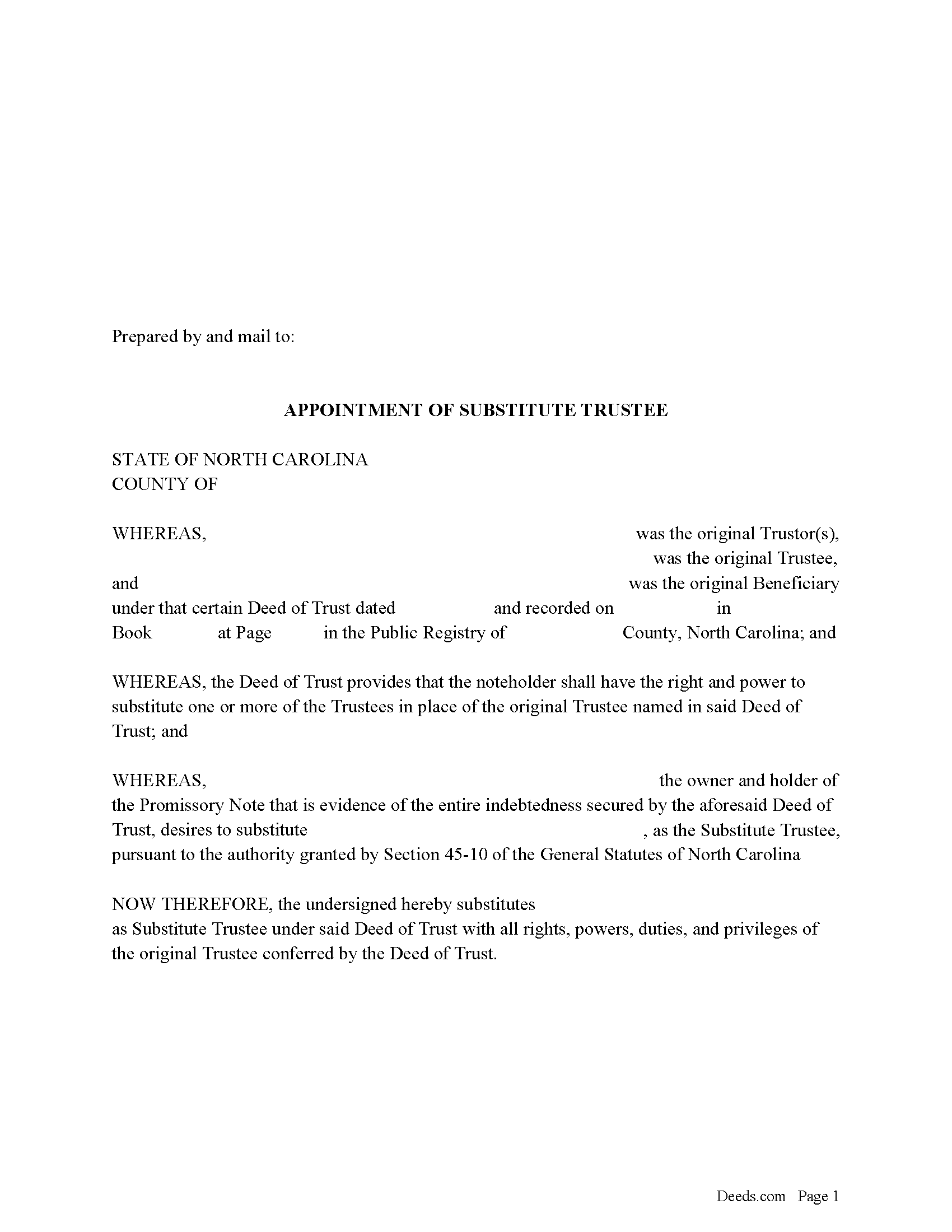
Surry County Appointment of Substitute Trustee Form
Fill in the blank form formatted to comply with all recording and content requirements.
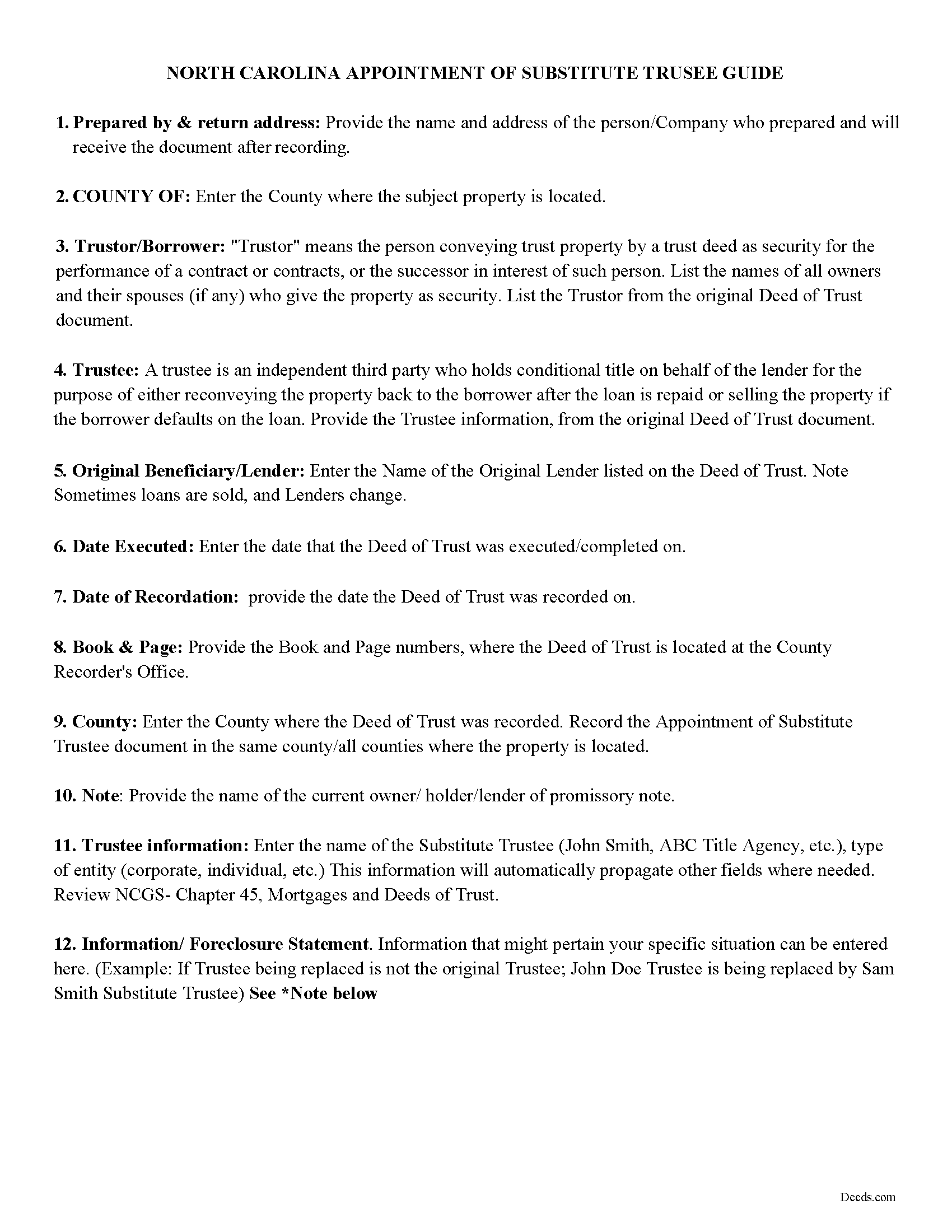
Surry County Appointment of Substitute Trustee Guidelines
Line by line guide explaining every blank on the form.
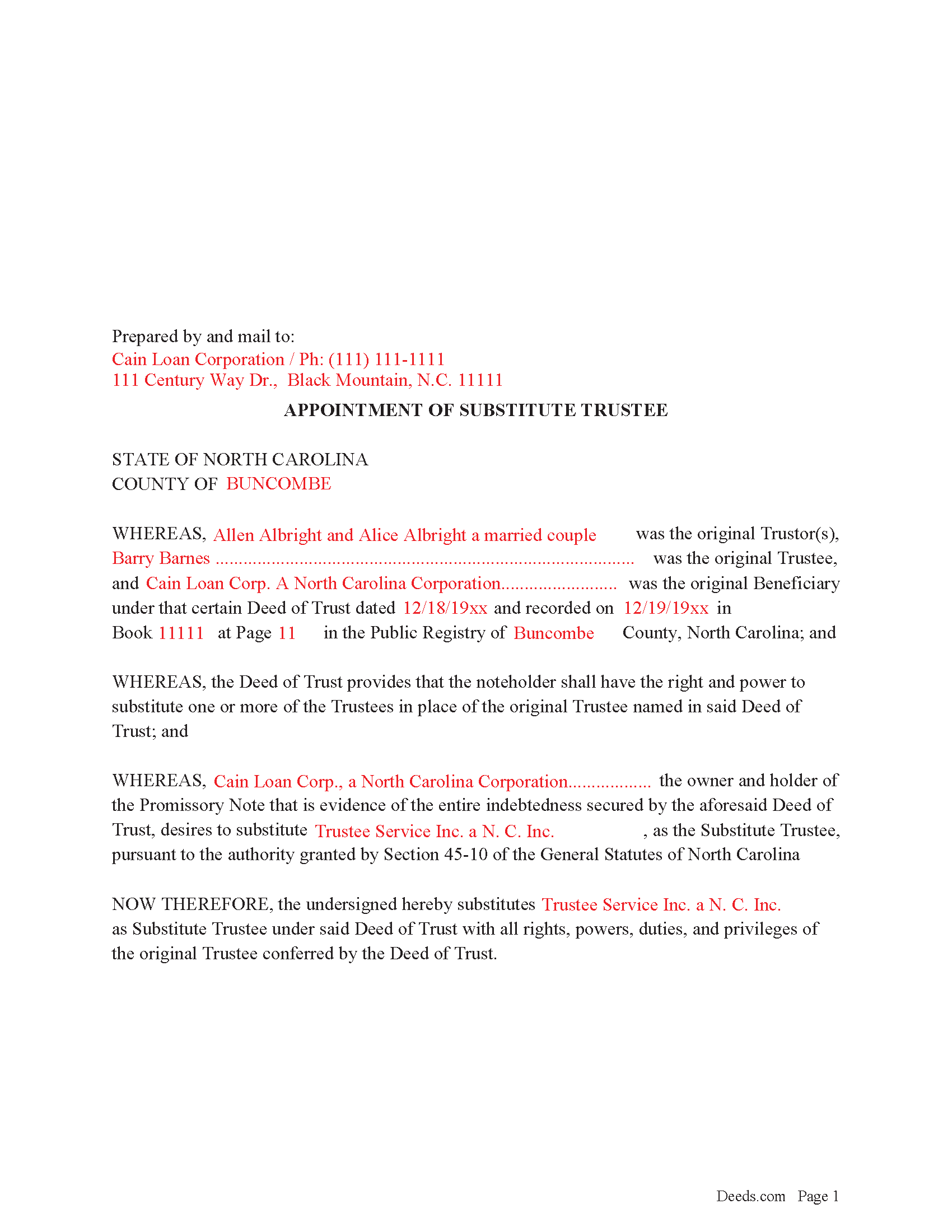
Surry County Completed Example of the Appointment of Substitute Trustee Form
Example of a properly completed form for reference.
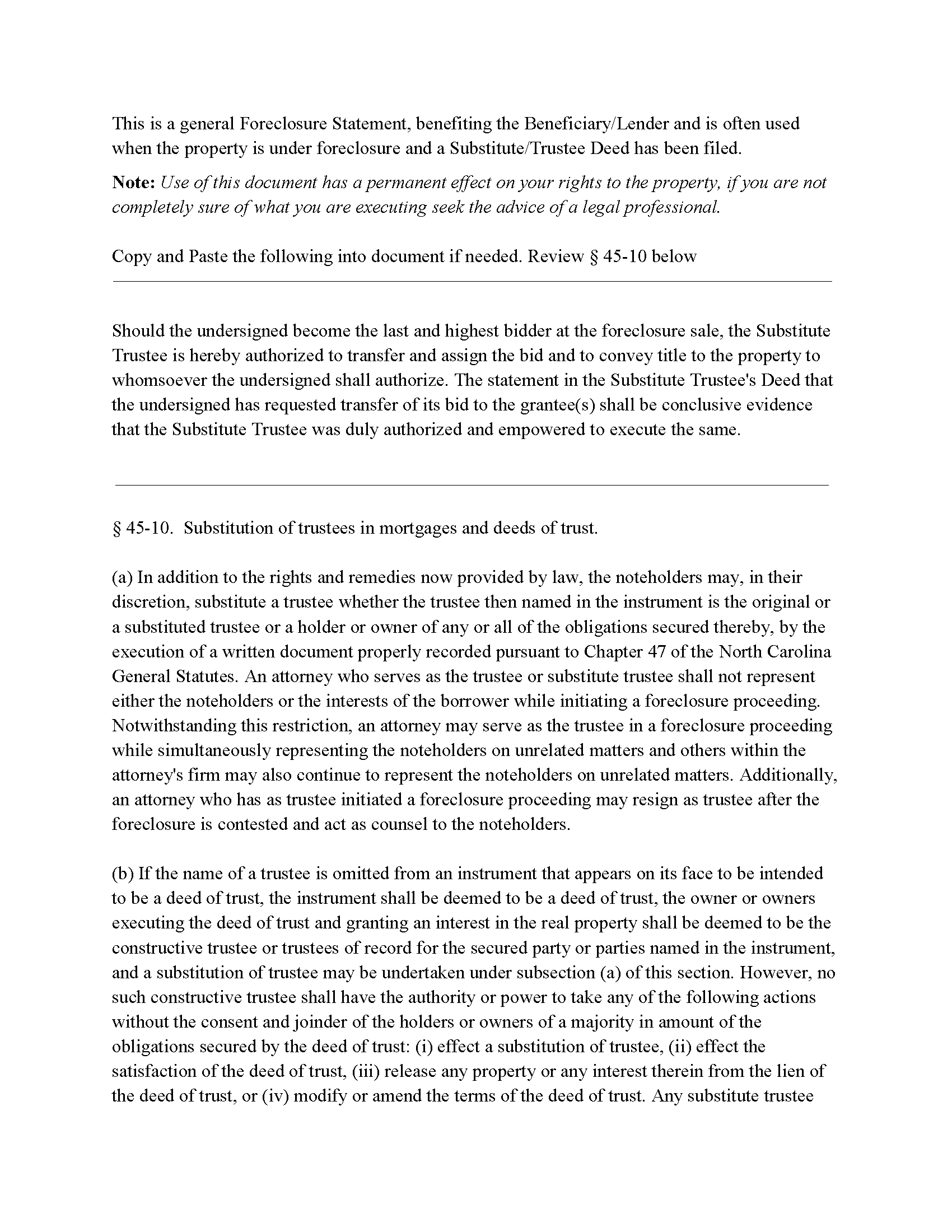
Surry County Foreclosure Clause
Clause that can be added to the form, if foreclosure is involved.
All 4 documents above included • One-time purchase • No recurring fees
Immediate Download • Secure Checkout
Additional North Carolina and Surry County documents included at no extra charge:
Where to Record Your Documents
Surry County Register of Deeds
Dobson, North Carolina 27017
Hours: Monday - Friday 8:15 - 5:00 / Recording until 4:30
Phone: (336) 401-8150
Recording Tips for Surry County:
- Bring your driver's license or state-issued photo ID
- Ensure all signatures are in blue or black ink
- Leave recording info boxes blank - the office fills these
- Make copies of your documents before recording - keep originals safe
- Recorded documents become public record - avoid including SSNs
Cities and Jurisdictions in Surry County
Properties in any of these areas use Surry County forms:
- Ararat
- Dobson
- Elkin
- Lowgap
- Mount Airy
- Pilot Mountain
- Siloam
- State Road
- Toast
- Westfield
- White Plains
Hours, fees, requirements, and more for Surry County
How do I get my forms?
Forms are available for immediate download after payment. The Surry County forms will be in your account ready to download to your computer. An account is created for you during checkout if you don't have one. Forms are NOT emailed.
Are these forms guaranteed to be recordable in Surry County?
Yes. Our form blanks are guaranteed to meet or exceed the applicable formatting requirements used for recording in Surry County, including margin requirements, font requirements, and other layout standards. This guarantee applies to formatting, not to the legal sufficiency of information entered by the user or the suitability of a form for a particular transaction.
Can I reuse these forms?
Yes. You can reuse the forms for your personal use. For example, if you have multiple properties in Surry County you only need to order once.
What do I need to use these forms?
The forms are PDFs that you fill out on your computer. The free Adobe Acrobat Reader is recommended, and most PDF apps also work. You do NOT enter your property information online - you download the blank forms and complete them privately on your own computer.
Are there any recurring fees?
No. This is a one-time purchase. Nothing to cancel, no memberships, no recurring fees.
How much does it cost to record in Surry County?
Recording fees in Surry County vary. Contact the recorder's office at (336) 401-8150 for current fees.
Questions answered? Let's get started!
In a Deed of Trust, the trustee is an independent third party who holds conditional title on behalf of the lender for the purpose of either reconveying the property back to the borrower after the loan is repaid or selling the property if the borrower defaults on the loan. Trustee's can be replaced for many reasons, incapacity, incompetency, death, etc. Often a lender will substitute a trustee with a firm or corporation that will be conducting a foreclosure.
NCG 45-10. States:
In addition to the rights and remedies now provided by law, the noteholders may, in their discretion, substitute a trustee whether the trustee then named in the instrument is the original or a substituted trustee or a holder or owner of any or all of the obligations secured thereby, by the execution of a written document properly recorded pursuant to Chapter 47
This form is executed by the beneficiary/lender for the substitution of a trustee, it includes an optional foreclosure clause if needed for that purpose.
(North Carolina AOST Package includes form, guidelines, and completed example)
Important: Your property must be located in Surry County to use these forms. Documents should be recorded at the county recording office listed above.
This Appointment of Substitute Trustee meets all recording requirements specific to Surry County.
Our Promise
The documents you receive here are guaranteed to meet or exceed the applicable Surry County recording format requirements. If there is a rejection caused by our formatting, we will correct the issue or refund your payment. This guarantee applies to document formatting only and does not extend to information entered by the user, the selection of the form, or the legal effect of the completed document.
Save Time and Money
Get your Surry County Appointment of Substitute Trustee form done right the first time with Deeds.com Uniform Conveyancing Blanks. At Deeds.com, we understand that your time and money are valuable resources, and we don't want you to face a penalty fee or rejection imposed by a county recorder for submitting nonstandard documents. We constantly review and update our forms to meet rapidly changing state and county recording requirements for roughly 3,500 counties and local jurisdictions.
4.8 out of 5 - ( 4,837 Reviews )
Maria M. 5 out of 5 stars
EASY, PAINLESS, LOVED THE USER FRIENDLY INSTRUCTIONS
Thank you for your feedback. We really appreciate it. Have a great day!
Elizabeth M. 5 out of 5 stars
Thanks for making the Quitclaim Mineral Deed easy to understand, and the process so affordable.
Thank you, Elizabeth. We're glad the Quitclaim Mineral Deed package made the process clear and accessible. Mineral rights conveyances can feel intimidating without the right tools, and we appreciate you taking the time to share your experience.
SHARON R. 5 out of 5 stars
Excellent Service! Please note that form Realty Transfer Tax Statement of Value does not print completely. Part of the pages are cut off. Otherwise, excellent service.
Thank you for your feedback. We really appreciate it. Have a great day!
Donna B. 5 out of 5 stars
Really liked the quick access to documents. Great service, thanks.
Thank you Donna, we appreciate you taken the time to leave your feedback. Have a great day!
Kimberly E. 2 out of 5 stars
It was very easy to order,download, and print. The only issue I have is that the guide that came with my form really did not help me filling it out. I feel the explanations could have been better and suited more for the standard person. I was still confused when filling it out and will probably have to get a lawyer to make sure it's filled out correctly
Thank you for your feedback. We really appreciate it. Have a great day!
Pamela W. 5 out of 5 stars
Signing up was easy and the form was amazing. The ability to type on it (I am on a MAC) was beyond my expectations, the ability to save a blank, save my two documents, save the instructions and sample was excellent. The documents are in the mail and we are hopefully they will be approved. Blessings,
Thank you for your feedback. We really appreciate it. Have a great day!
Jim B. 5 out of 5 stars
Would be great if you would just put all of these documents into ONE .pdf.
Thank you for your feedback. We really appreciate it. Have a great day!
David C. 2 out of 5 stars
My biggest complaint is I did not know when my document was ready until I got this survey. An email should be sent to say document is ready.
Sorry about that David. We will look into better email notifications. Hope you have a great day.
Amy R. 4 out of 5 stars
Great personal support via messaging. Website confusing and broken links in emails.
Thank you!
Michael W. 5 out of 5 stars
I thought it was fine, but I would like to have the option to download Word versions of each form, for easier preparation on my end.
We appreciate your business and value your feedback. Thank you. Have a wonderful day!
ZENOBIA D. 5 out of 5 stars
I Love Deeds.com. They have all of the documents you need to take care of your needs. IT is also safe and convenient way to send your documents safely and secure.
Thank you!
Dora O. 5 out of 5 stars
Best platform to buy forms. Simple and easy.
It was a pleasure serving you. Thank you for the positive feedback!
eduardo r. 5 out of 5 stars
Very easy to fill out forms thank you very much
Thank you!
Tammy B. 5 out of 5 stars
I am so happy that I was able to get these forms. So simple to get and seems like will be easy to fill out . Thank you
We appreciate your business and value your feedback. Thank you. Have a wonderful day!
Patricia G. 5 out of 5 stars
Very easy to order and download all the promised forms and instructions
We appreciate your business and value your feedback. Thank you. Have a wonderful day!