Caswell County Conditional Lien Waiver on Progress Payment Form
Last validated October 7, 2026 by our Forms Development TeamFormatted for recording in Caswell County, for property anywhere in the county: rural and unincorporated areas as well as Blanch, Leasburg, Milton, Pelham, Prospect Hill, Providence, Yanceyville.
- 3 documents included
- Immediate PDF download
- Formatting guarantee
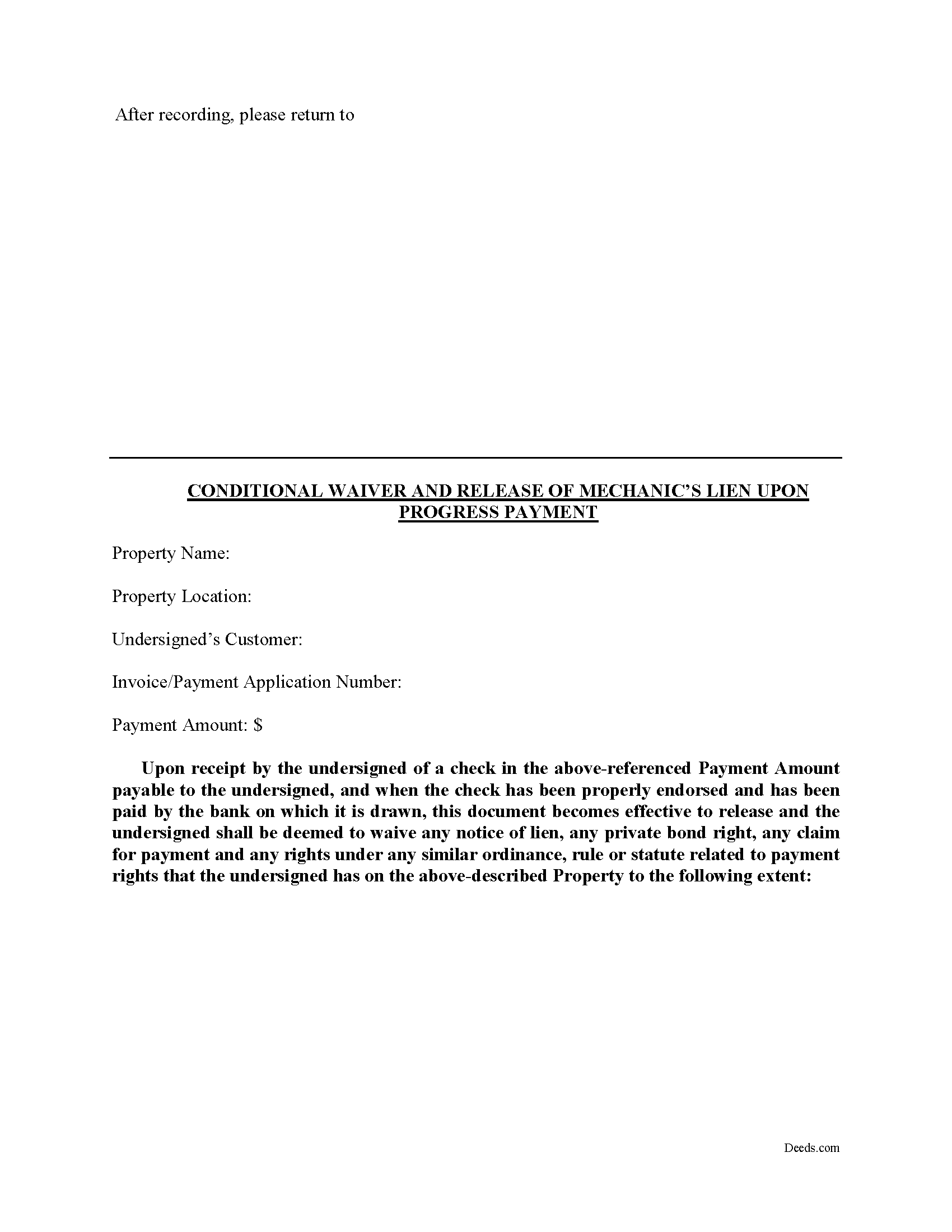
Caswell County Conditional Lien Waiver on Progress Payment Form
Fill in the blank Conditional Lien Waiver on Progress Payment form formatted to comply with all North Carolina recording and content requirements.
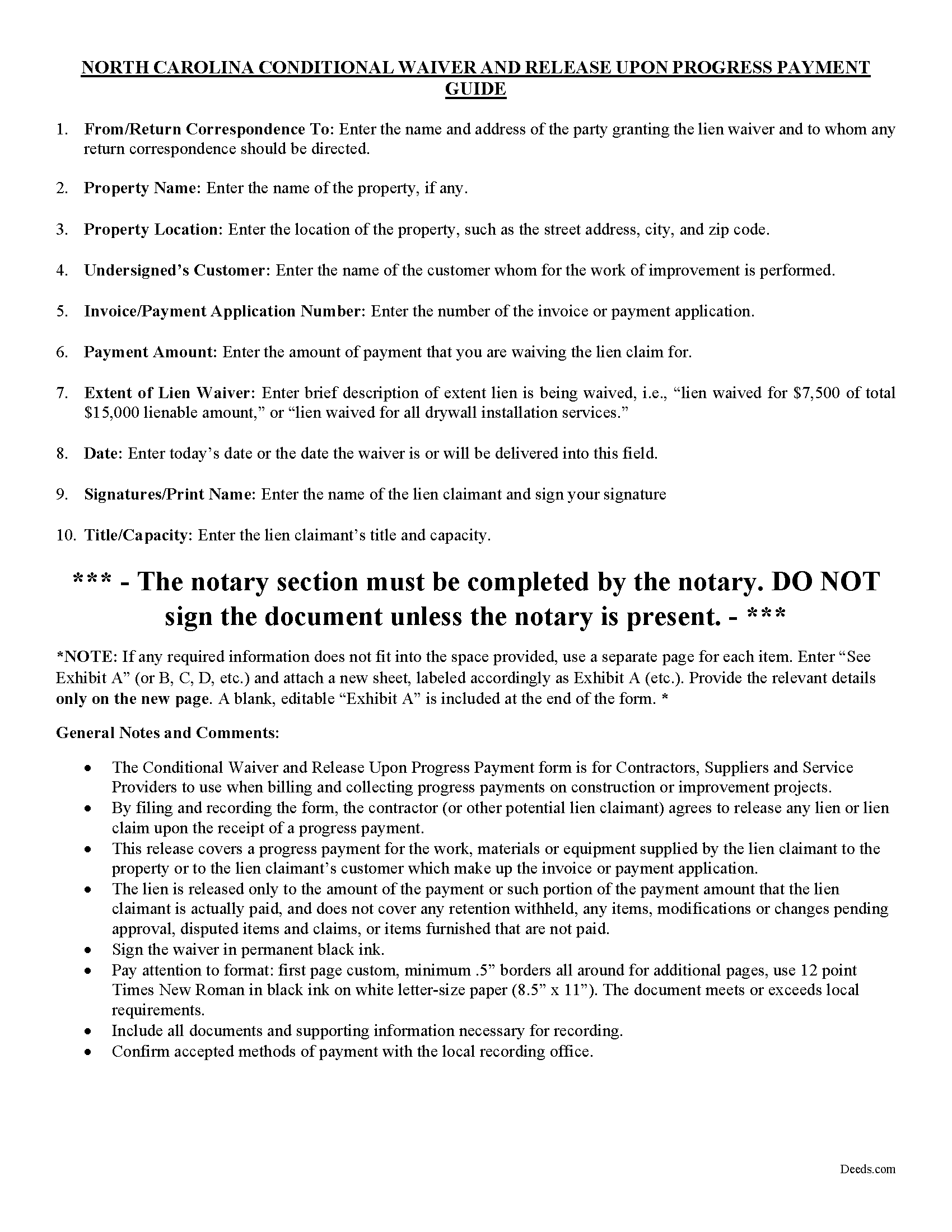
Caswell County Conditional Lien Waiver on Progress Payment Guide
Line by line guide explaining every blank on the form.
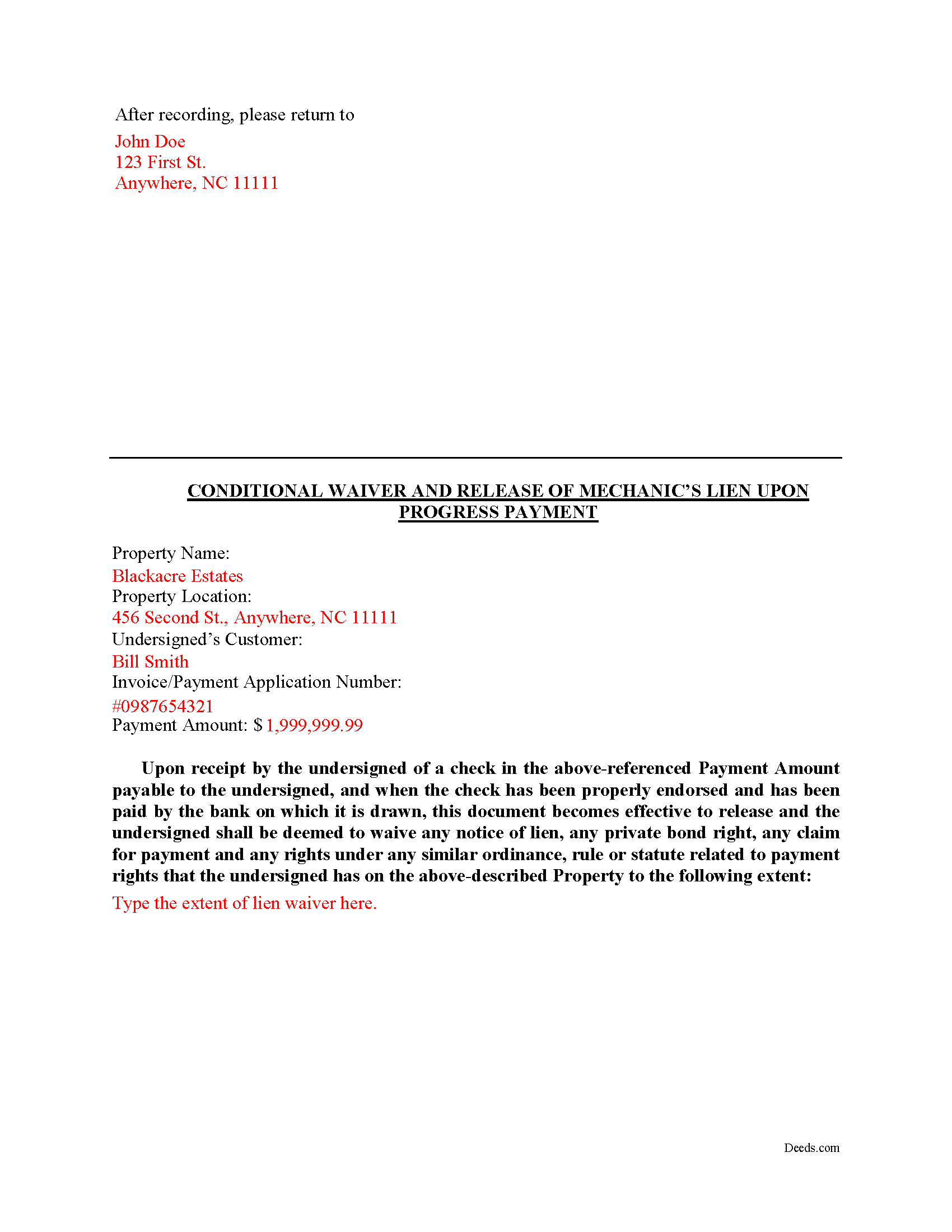
Caswell County Completed Example of the Conditional Lien Waiver on Progress Payment Document
Example of a properly completed form for reference.
All 3 documents above included • One-time purchase • No recurring fees
Immediate Download • Secure Checkout
Additional North Carolina and Caswell County documents included at no extra charge:
Where to Record Your Documents
Caswell County Register of Deeds
Yanceyville, North Carolina 27379
Hours: 8:00am-5:00pm Monday through Friday
Phone: (336) 694-4197
Recording Tips for Caswell County:
- Bring your driver's license or state-issued photo ID
- Ensure all signatures are in blue or black ink
- Check margin requirements - usually 1-2 inches at top
- Leave recording info boxes blank - the office fills these
- Make copies of your documents before recording - keep originals safe
Cities and Jurisdictions in Caswell County
Properties in any of these areas use Caswell County forms:
- Blanch
- Leasburg
- Milton
- Pelham
- Prospect Hill
- Providence
- Yanceyville
Hours, fees, requirements, and more for Caswell County
How do I get my forms?
Forms are available for immediate download after payment. The Caswell County forms will be in your account ready to download to your computer. An account is created for you during checkout if you don't have one. Forms are NOT emailed.
Are these forms guaranteed to be recordable in Caswell County?
Yes. Our form blanks are guaranteed to meet or exceed the applicable formatting requirements used for recording in Caswell County, including margin requirements, font requirements, and other layout standards. This guarantee applies to formatting, not to the legal sufficiency of information entered by the user or the suitability of a form for a particular transaction.
Can I reuse these forms?
Yes. You can reuse the forms for your personal use. For example, if you have multiple properties in Caswell County you only need to order once.
What do I need to use these forms?
The forms are PDFs that you fill out on your computer. The free Adobe Acrobat Reader is recommended, and most PDF apps also work. You do NOT enter your property information online - you download the blank forms and complete them privately on your own computer.
Are there any recurring fees?
No. This is a one-time purchase. Nothing to cancel, no memberships, no recurring fees.
How much does it cost to record in Caswell County?
Recording fees in Caswell County vary. Contact the recorder's office at (336) 694-4197 for current fees.
Questions answered? Let's get started!
A lien waiver is a document drafted by a potential lien claimant such as a contractor, subcontractor, materials provider, equipment lessor or other party to the construction project (the claimant) that states they have received payment and thereby waive any future lien rights to the owner's property. Simply put, waiving a lien means giving up the right to a future lien in exchange for the payment of the potential lien amount in full or part.
Lien waivers generally fall into two categories: conditional and unconditional. A conditional waiver is effective only upon the triggering of a specific event, such as the payment check clearing. An unconditional waiver is an absolute abandonment of the claimant's right to a future lien whether or not payment is ever made to the possible claimant. North Carolina does not provide for lien waivers by statute, although waivers are still permissible and will be recognized by a state court under the principles of contract law.
The Conditional Waiver upon Progress Payment offers the most protection for lien claimants because it states that if the claimant(s) have actually been paid to date (including no return or stopped payment checks) the waiver serves as effective proof against any lien claim on the property. The lien is "conditioned" on receiving payment and is only waived if the claimant actually receives the payment.
Waivers should identify the parties, location of the job or project, relevant dates, costs, and payments, and any other details as needed.
By filing the form, the lien claimant represents that he or she either has already paid or will use the money he or she receives from this progress payment in order to make prompt payment in full to all his or her laborers, subcontractors, materialmen and suppliers for all work, materials or equipment that are the subject of this waiver and release.
Lien waivers also allow property owners to shield the title to their property from the general contractor, material suppliers, and subcontractors involved with a project. With a lien release upon a progress payment, the property owner moves toward clear title and the ability to obtain financing or sell the property. Proper lien waivers can also protect the property owner from liens filed by the contractor's subcontractors, suppliers and laborers who might record a lien if they are not paid by the contractor.
This article is provided for informational purposes only and should not be relied upon as a substitute for the advice of a legal professional. Please contact an attorney with questions about using lien waivers, or for any other issues related to liens in North Carolina.
Important: Your property must be located in Caswell County to use these forms. Documents should be recorded at the county recording office listed above.
This Conditional Lien Waiver on Progress Payment meets all recording requirements specific to Caswell County.
Our Promise
The documents you receive here are guaranteed to meet or exceed the applicable Caswell County recording format requirements. If there is a rejection caused by our formatting, we will correct the issue or refund your payment. This guarantee applies to document formatting only and does not extend to information entered by the user, the selection of the form, or the legal effect of the completed document.
Save Time and Money
Get your Caswell County Conditional Lien Waiver on Progress Payment form done right the first time with Deeds.com Uniform Conveyancing Blanks. At Deeds.com, we understand that your time and money are valuable resources, and we don't want you to face a penalty fee or rejection imposed by a county recorder for submitting nonstandard documents. We constantly review and update our forms to meet rapidly changing state and county recording requirements for roughly 3,500 counties and local jurisdictions.
4.8 out of 5 - ( 4,829 Reviews )
Johannah H. 5 out of 5 stars
Deeds.com made my experience recording a Deed in Weld County, CO so easy! The representative went above and beyond by assisting me with the preparation of a high-quality digital document for recording. Highly Recommend!
We appreciate your business and value your feedback. Thank you. Have a wonderful day!
Cameron M. 5 out of 5 stars
This service is amazing. Always same day recording. Quick and easy. Thank you!
We appreciate your business and value your feedback. Thank you. Have a wonderful day!
Melody P. 5 out of 5 stars
Great service, as always!!
We appreciate your business and value your feedback. Thank you. Have a wonderful day!
Barbara C. 5 out of 5 stars
Excellent site; easy to use
Thank you!
Debbie M. 5 out of 5 stars
Everything that I needed was included. I appreciate that there was a sample as well as the step-by-step directions included in the download. I would definitely recommend this site to anyone that needs it.
We appreciate your business and value your feedback. Thank you. Have a wonderful day!
Peter N. 5 out of 5 stars
Your website was easy to use and I was able to accomplish my task. Thank You very much.
Thank you for your feedback. We really appreciate it. Have a great day!
Charlotte F. 5 out of 5 stars
Great follow up and consideration
Thank you for your feedback. We really appreciate it. Have a great day!
Nancy v. 5 out of 5 stars
Amazing! So easy to get all the forms. Very impressive!
Thank you!
David K. 3 out of 5 stars
Price seemed high (~$28) for just some forms (especially because we may not actually use the forms), but it beats navigating the Hawaii state and Honolulu county websites for forms. It would be better if a single button push would download all 7 or 8 forms.
Thank you for your feedback. We really appreciate it. Have a great day!
Michael S. 5 out of 5 stars
Recording a Warranty Deed with Mohave County AZ was easy and efficient by using Deeds.com. I will be using their service for all of my e-filing going forward. Thank you Deeds.com!!!!
We are delighted to have been of service. Thank you for the positive review!
Marci C. 5 out of 5 stars
Excellent Service! Quick and easy! Will definitely be using again!
Knowing our customers are happy is our top priority. Thank you for the wonderful feedback!
Michael W. 5 out of 5 stars
Excellent product. I am so happy I found Deeds.com!
Thank you for your feedback. We really appreciate it. Have a great day!
Linley S. 5 out of 5 stars
This website is extremely easy to use and provides exactly what is needed to record things. I am very appreciative of this service, especially when I can't get to the court right now due to them being closed due to COVID-19 right now. Thank you!
Thank you Linley, glad we are able to help.
Elma Jean B. 5 out of 5 stars
My experience was great! Thank you, ejb
We appreciate your business and value your feedback. Thank you. Have a wonderful day!
Timothy N. 5 out of 5 stars
Extremely easy and fast recording of real estate records. I was impressed that it was less than 6 hours from the time I uploaded the document to Deeds.com to receiving confirmation that it was recorded by the county clerk. I would highly recommend this service to save you time and quickly get documents recorded!
Thank you for your feedback. We really appreciate it. Have a great day!