Edgecombe County Deed of Partial Release Form
Last validated September 22, 2026 by our Forms Development TeamFormatted for recording in Edgecombe County, for property anywhere in the county: rural and unincorporated areas as well as Battleboro, Conetoe, Macclesfield, Pinetops, Rocky Mount, Speed, Tarboro.
- 3 documents included
- Immediate PDF download
- Formatting guarantee
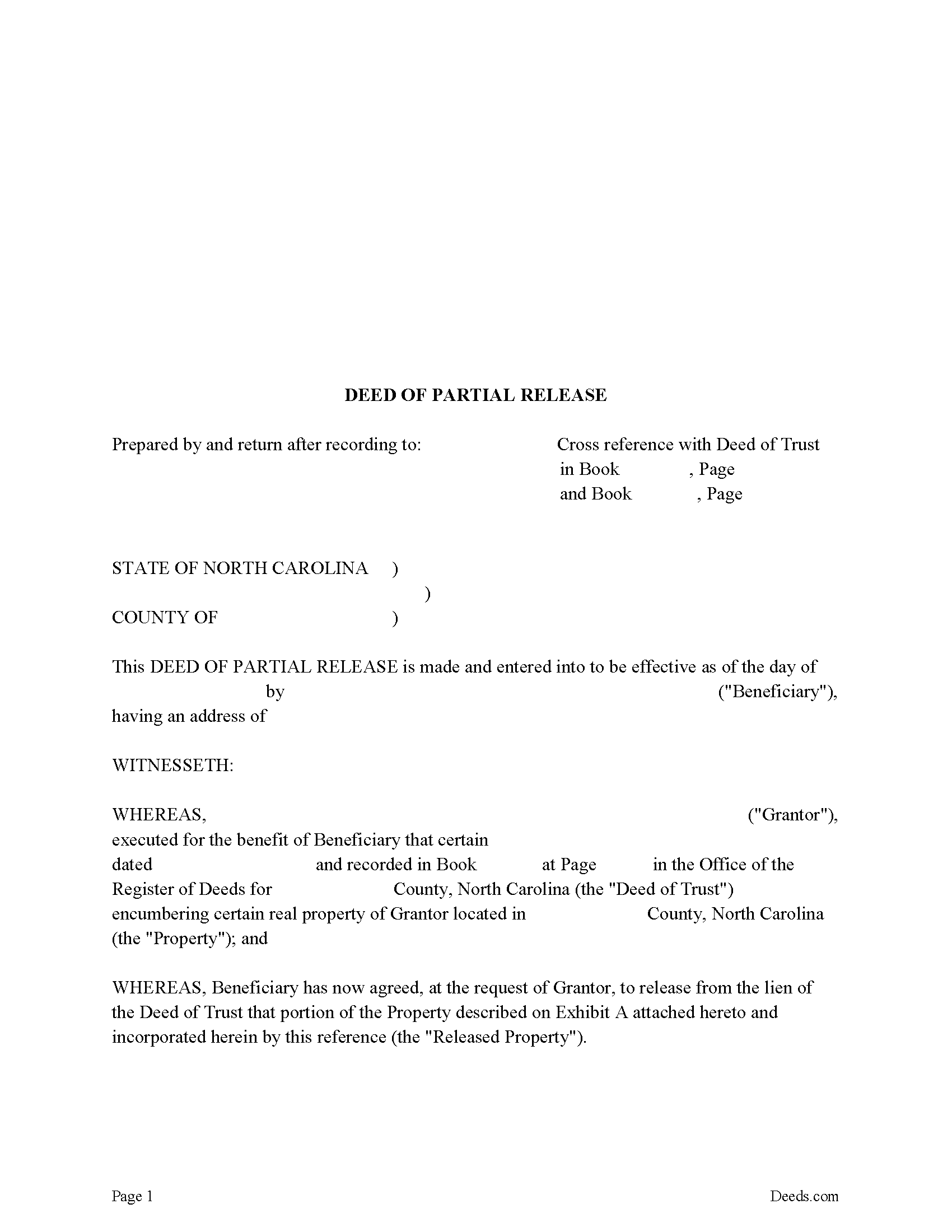
Edgecombe County Deed of Partial Release Form
Fill in the blank form formatted to comply with all recording and content requirements.
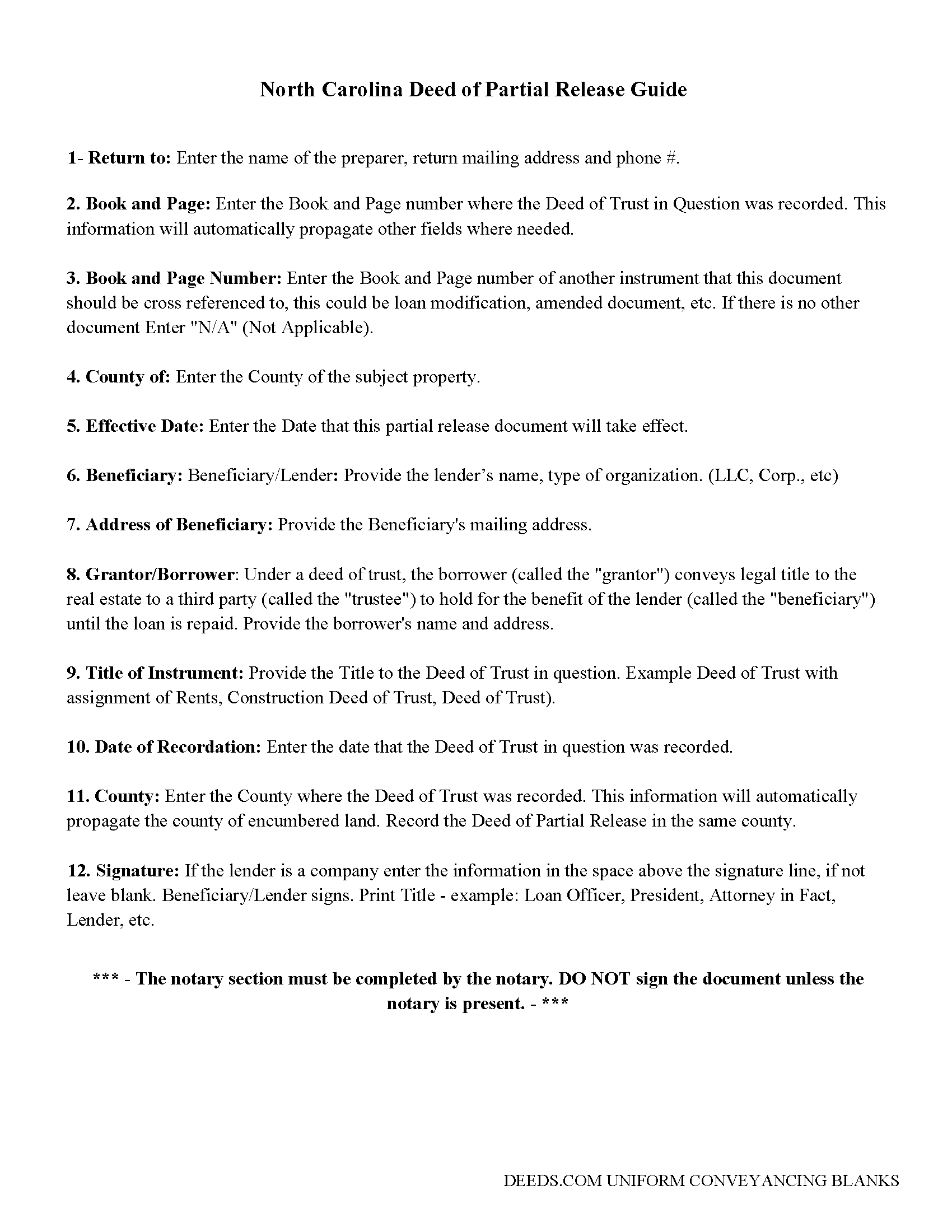
Edgecombe County Guidelines for Deed of Partial Release
Line by line guide explaining every blank on the form.
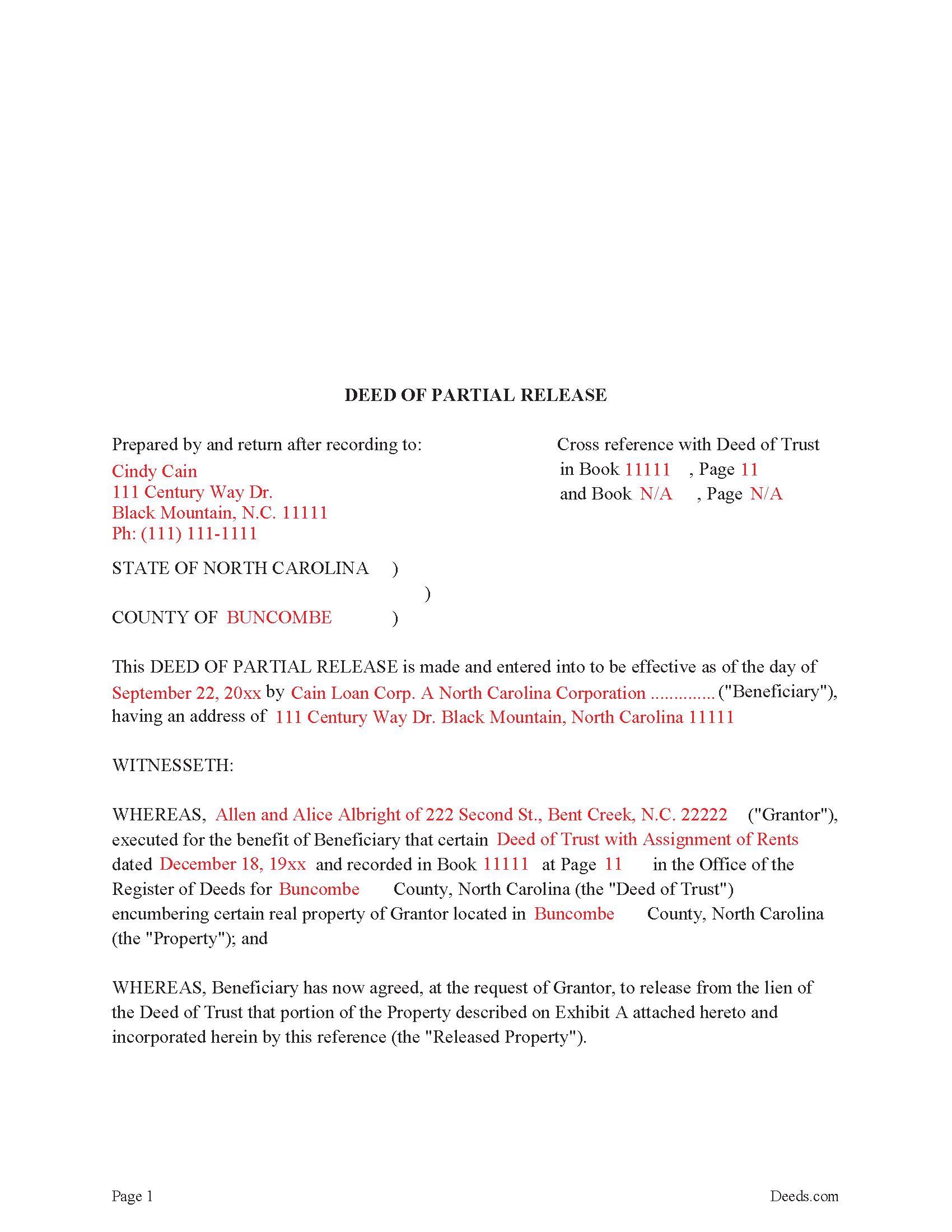
Edgecombe County Completed Example of the Deed of Partial Release
Example of a properly completed form for reference.
All 3 documents above included • One-time purchase • No recurring fees
Immediate Download • Secure Checkout
Additional North Carolina and Edgecombe County documents included at no extra charge:
Where to Record Your Documents
Edgecombe County Register of Deeds
Tarboro, North Carolina 27886
Hours: 7:30 to 5:00 Monday-Friday
Phone: (252) 641-7924
Recording Tips for Edgecombe County:
- Bring your driver's license or state-issued photo ID
- Ensure all signatures are in blue or black ink
- Recording fees may differ from what's posted online - verify current rates
- Request a receipt showing your recording numbers
- Ask about accepted payment methods when you call ahead
Cities and Jurisdictions in Edgecombe County
Properties in any of these areas use Edgecombe County forms:
- Battleboro
- Conetoe
- Macclesfield
- Pinetops
- Rocky Mount
- Speed
- Tarboro
Hours, fees, requirements, and more for Edgecombe County
How do I get my forms?
Forms are available for immediate download after payment. The Edgecombe County forms will be in your account ready to download to your computer. An account is created for you during checkout if you don't have one. Forms are NOT emailed.
Are these forms guaranteed to be recordable in Edgecombe County?
Yes. Our form blanks are guaranteed to meet or exceed the applicable formatting requirements used for recording in Edgecombe County, including margin requirements, font requirements, and other layout standards. This guarantee applies to formatting, not to the legal sufficiency of information entered by the user or the suitability of a form for a particular transaction.
Can I reuse these forms?
Yes. You can reuse the forms for your personal use. For example, if you have multiple properties in Edgecombe County you only need to order once.
What do I need to use these forms?
The forms are PDFs that you fill out on your computer. The free Adobe Acrobat Reader is recommended, and most PDF apps also work. You do NOT enter your property information online - you download the blank forms and complete them privately on your own computer.
Are there any recurring fees?
No. This is a one-time purchase. Nothing to cancel, no memberships, no recurring fees.
How much does it cost to record in Edgecombe County?
Recording fees in Edgecombe County vary. Contact the recorder's office at (252) 641-7924 for current fees.
Questions answered? Let's get started!
Partial Release documents are guided by North Carolina Statutes 45-36.22
A partial release document for a Deed of Trust must do all the following:
1. State the Deed of Trust it is releasing, original parties to the Deed of Trust, recording data for the Deed of Trust (Book and Page number) and the office in which the Deed of Trust was recorded.
2. That (if the security instrument is a deed of trust, that the person or persons signing the partial release is or are the secured creditor, the trustee, or both the secured creditor and the trustee.) 45-36.22(2)
This Deed of Partial Release is formatted to be used by the secured creditor only, meaning the lender signs the document without the trustee and states:
TO HAVE AND TO HOLD said Released Property, together with all privileges and appurtenances thereunto belonging, to the Owner, its successors and assigns, free and discharged from the lien and operation of the Deed of Trust But it is agreed that this Release shall apply only to Released Property and as to the remainder of the property described in the Deed of Trust (not heretofore released), the Deed of Trust shall remain in full force and effect.
(North Carolina DOPR Package includes form, guidelines, and completed example)
Important: Your property must be located in Edgecombe County to use these forms. Documents should be recorded at the county recording office listed above.
This Deed of Partial Release meets all recording requirements specific to Edgecombe County.
Our Promise
The documents you receive here are guaranteed to meet or exceed the applicable Edgecombe County recording format requirements. If there is a rejection caused by our formatting, we will correct the issue or refund your payment. This guarantee applies to document formatting only and does not extend to information entered by the user, the selection of the form, or the legal effect of the completed document.
Save Time and Money
Get your Edgecombe County Deed of Partial Release form done right the first time with Deeds.com Uniform Conveyancing Blanks. At Deeds.com, we understand that your time and money are valuable resources, and we don't want you to face a penalty fee or rejection imposed by a county recorder for submitting nonstandard documents. We constantly review and update our forms to meet rapidly changing state and county recording requirements for roughly 3,500 counties and local jurisdictions.
4.8 out of 5 - ( 4,823 Reviews )
NormaJean Q. 5 out of 5 stars
Thank you, thie was very helpful. I did find the forms I needed.Very easy to use.,
We appreciate your business and value your feedback. Thank you. Have a wonderful day!
Jean S. 5 out of 5 stars
Service was outstanding. I had the results very quickly. Definitely will use this service again
Thank you!
Christine W. 5 out of 5 stars
excellent
Thank you!
Monica M. 5 out of 5 stars
I was very impressed with the quick responses I received from my questions. Usually when forced to communicate via email, responses aren't received right away. Thank you for being on top of things.
Thank you!
Pamela B. 5 out of 5 stars
Fantastic system, so easy to use even for a simpleton like me.
Thank you!
David W. 5 out of 5 stars
Great examples on how to fill out the quitclaim deed, but no info on how to fill out the cover sheet.
Your feedback is valuable to us and helps us improve. Thank you for sharing your thoughts!
Terri E. 5 out of 5 stars
Quick Accurate experience will recommend this service to my friends
We appreciate your business and value your feedback. Thank you. Have a wonderful day!
SheRon F. 5 out of 5 stars
It was a quick and easy process and deeds.com was very helpful and dealt with a very stressful situation, painless.
We appreciate your business and value your feedback. Thank you. Have a wonderful day!
Kerianne B. 5 out of 5 stars
I would definitely recommend Deeds.com. It was so easy! I wish we knew about them a long time ago.
Thank you for your feedback. We really appreciate it. Have a great day!
gene h. 5 out of 5 stars
Had used website while working as Land Rep for major oil company (retired 2.5 years ago). Recently had need to do some online research and went back to Deeds.com to find needed documents. Same as before, website provides a great service at a great price.
Thank you for your feedback. We really appreciate it. Have a great day!
Robin G. 5 out of 5 stars
Very Pleased. Was so easy and No hidden cost. Second time I have used their services. Would not use any other deed website.
We appreciate your business and value your feedback. Thank you. Have a wonderful day!
Adam P. 5 out of 5 stars
So far so good I am happy with the service and the timeliness of the recordings. One of the only recording services that allows for the use of credit card.
Thank you for your feedback. We really appreciate it. Have a great day!
Kay Y. 5 out of 5 stars
Fast and easy service.
Your words of encouragement and feedback are greatly appreciated. They motivate us to maintain high standards in our service.
John v. 5 out of 5 stars
I don't have any experience with real estate legal forms and these were fairly easy to understand. The guide helped a bunch and the information provided on the site filled in any gaps. Overall I would definitely use again.
We appreciate your business and value your feedback. Thank you. Have a wonderful day!
Ivory J. 5 out of 5 stars
Haven't processed any deed documents so far. I do agree that Deed.com website browsing tool will be helpful.
Thank you!