Wilkes County Grant Deed Form
Last validated October 20, 2026 by our Forms Development TeamFormatted for recording in Wilkes County, for property anywhere in the county: rural and unincorporated areas as well as Boomer, Ferguson, Hays, Mc Grady, Millers Creek, Moravian Falls, North Wilkesboro, Purlear and 5 more.
- 3 documents included
- Immediate PDF download
- Formatting guarantee
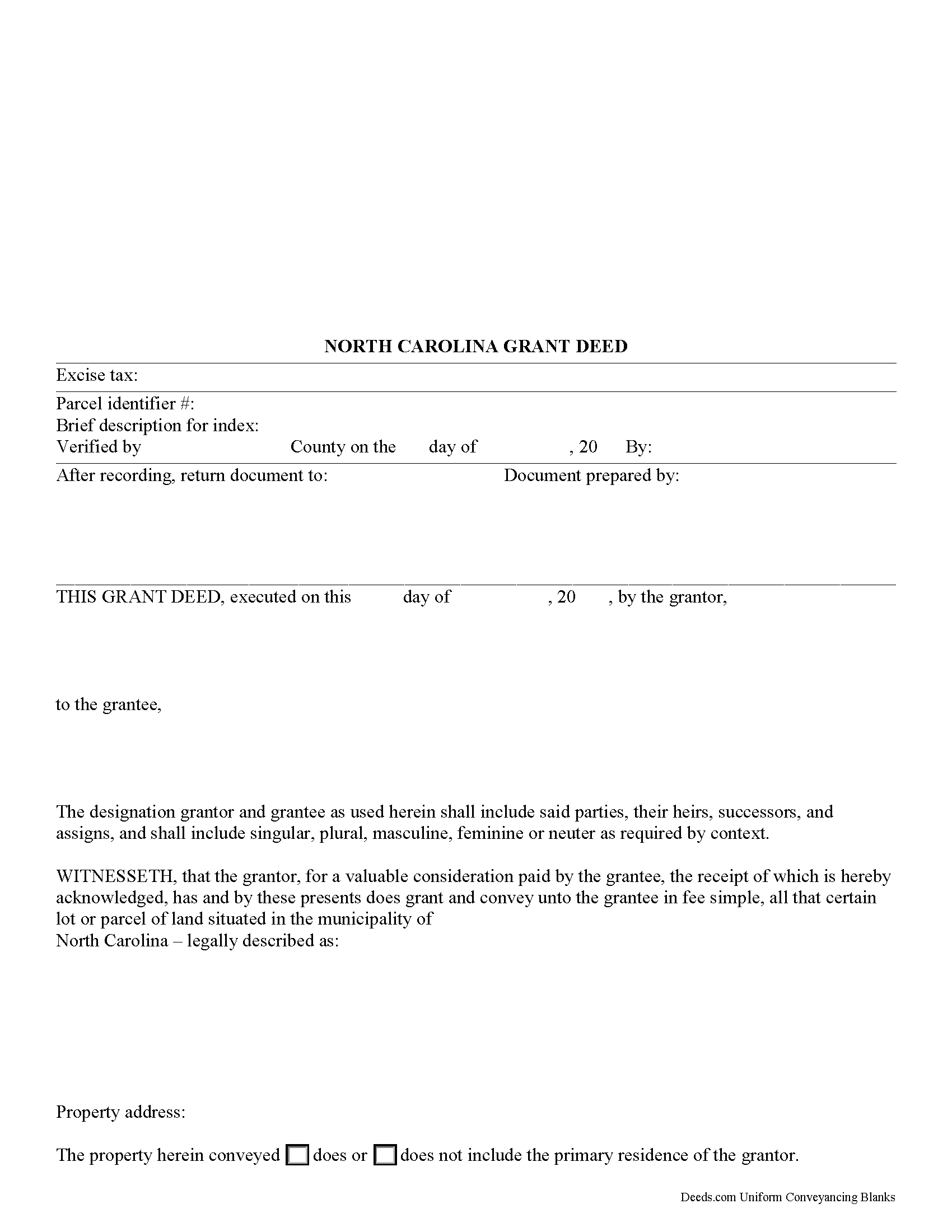
Wilkes County Grant Deed Form
Fill in the blank form formatted to comply with all recording and content requirements.
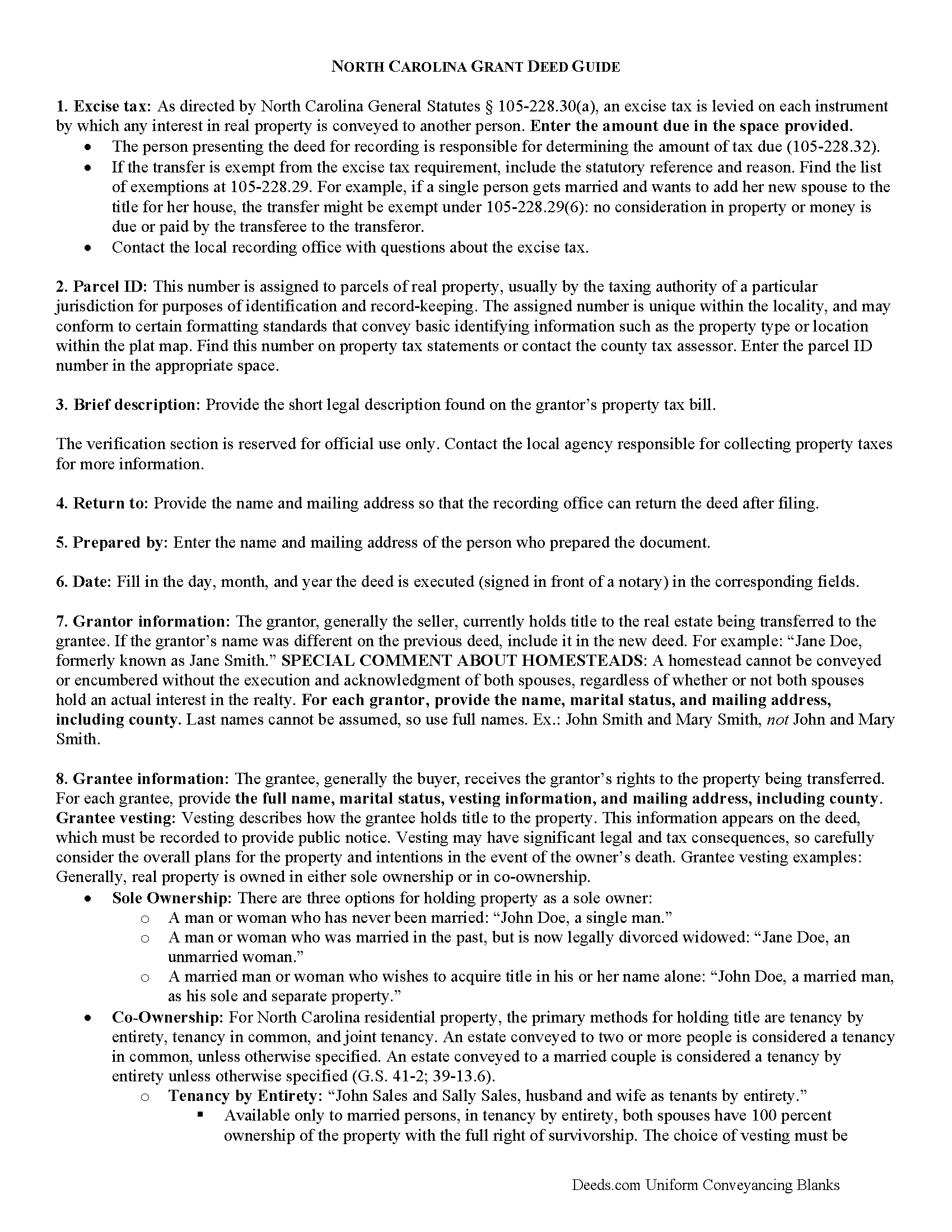
Wilkes County Grant Deed Guide
Line by line guide explaining every blank on the form.
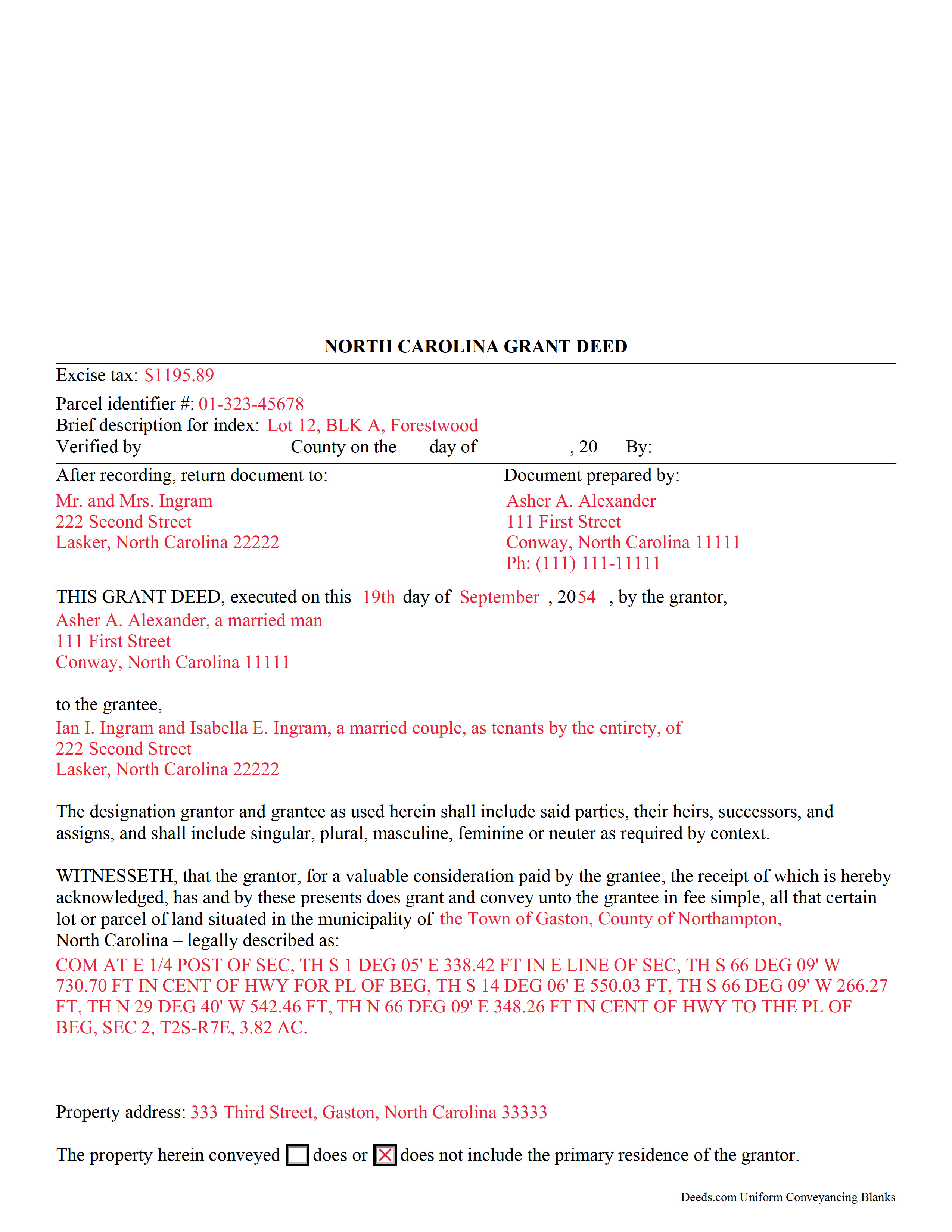
Wilkes County Completed Example of the Grant Deed Document
Example of a properly completed form for reference.
All 3 documents above included • One-time purchase • No recurring fees
Immediate Download • Secure Checkout
Additional North Carolina and Wilkes County documents included at no extra charge:
Where to Record Your Documents
Wilkes County Register of Deeds
Wilkesboro, North Carolina 28697
Hours: Monday - Friday 8:30am - 4:55pm
Phone: (336) 651-7351
Recording Tips for Wilkes County:
- Bring your driver's license or state-issued photo ID
- Ensure all signatures are in blue or black ink
- Leave recording info boxes blank - the office fills these
- Make copies of your documents before recording - keep originals safe
- Recorded documents become public record - avoid including SSNs
Cities and Jurisdictions in Wilkes County
Properties in any of these areas use Wilkes County forms:
- Boomer
- Ferguson
- Hays
- Mc Grady
- Millers Creek
- Moravian Falls
- North Wilkesboro
- Purlear
- Roaring River
- Ronda
- Thurmond
- Traphill
- Wilkesboro
Hours, fees, requirements, and more for Wilkes County
How do I get my forms?
Forms are available for immediate download after payment. The Wilkes County forms will be in your account ready to download to your computer. An account is created for you during checkout if you don't have one. Forms are NOT emailed.
Are these forms guaranteed to be recordable in Wilkes County?
Yes. Our form blanks are guaranteed to meet or exceed the applicable formatting requirements used for recording in Wilkes County, including margin requirements, font requirements, and other layout standards. This guarantee applies to formatting, not to the legal sufficiency of information entered by the user or the suitability of a form for a particular transaction.
Can I reuse these forms?
Yes. You can reuse the forms for your personal use. For example, if you have multiple properties in Wilkes County you only need to order once.
What do I need to use these forms?
The forms are PDFs that you fill out on your computer. The free Adobe Acrobat Reader is recommended, and most PDF apps also work. You do NOT enter your property information online - you download the blank forms and complete them privately on your own computer.
Are there any recurring fees?
No. This is a one-time purchase. Nothing to cancel, no memberships, no recurring fees.
How much does it cost to record in Wilkes County?
Recording fees in Wilkes County vary. Contact the recorder's office at (336) 651-7351 for current fees.
Questions answered? Let's get started!
A grant deed can be used in North Carolina to transfer title to real property. This type of deed falls between a warranty deed and a quitclaim deed.
In a grant deed, the seller (grantor) warrants that the property is free from any encumbrances except those that have been previously disclosed to the buyer (grantee). The seller also guarantees that he does in fact hold title to the property and has the right to convey it to the buyer.
A grant deed must be signed and properly acknowledged by the grantor before an officer authorized by the state to take acknowledgments of deeds. Section 47-38 of the North Carolina General Statutes provides an individual form for acknowledgement by a grantor. If a deed has been executed and acknowledged in a state other than North Carolina, the deed must conform to North Carolina law in order to be recorded in this state. Grant deeds must be executed and acknowledged in strict compliance with the North Carolina acknowledgment provisions in order to be recorded and to provide constructive notice.
North Carolina has a pure race recording statute. No conveyance of land in this state will be valid to pass any property interest as against lien creditors or purchasers for a valuable consideration from the donor, bargainer, or lesser but from the time it is registered in the county where the land lies, or if the land is in more than one county, until the conveyance is registered in each such county. Unless it is otherwise stated on the grant deed or on a separate registered instrument executed by the party whose priority interest is adversely affected, instruments registered in the office of the register of deeds will have priority based on the order of registration as determined by the time of registration. If instruments are registered simultaneously, then priority is determined by the earliest document number set forth on the registered instrument or the sequential book and page number (47 18).
(North Carolina Grant Deed Package includes form, guidelines, and completed example)
Important: Your property must be located in Wilkes County to use these forms. Documents should be recorded at the county recording office listed above.
This Grant Deed meets all recording requirements specific to Wilkes County.
Our Promise
The documents you receive here are guaranteed to meet or exceed the applicable Wilkes County recording format requirements. If there is a rejection caused by our formatting, we will correct the issue or refund your payment. This guarantee applies to document formatting only and does not extend to information entered by the user, the selection of the form, or the legal effect of the completed document.
Save Time and Money
Get your Wilkes County Grant Deed form done right the first time with Deeds.com Uniform Conveyancing Blanks. At Deeds.com, we understand that your time and money are valuable resources, and we don't want you to face a penalty fee or rejection imposed by a county recorder for submitting nonstandard documents. We constantly review and update our forms to meet rapidly changing state and county recording requirements for roughly 3,500 counties and local jurisdictions.
4.8 out of 5 - ( 4,829 Reviews )
Kateri S. 4 out of 5 stars
I had to add a section on the form to accomodate the former Grantor/Grantee informtion before it could be recorded
Your insights are invaluable to us and help us strive for better service. Thank you for taking the time to share your thoughts.
richard z. 5 out of 5 stars
Great service they had what i need easy to use on printing as soon as you pay you can print also as many copys as you need. i would use this service again
We appreciate your business and value your feedback. Thank you. Have a wonderful day!
Kimberly E. 5 out of 5 stars
This process could not have been made any easier!! Very easy instructions to follow and the response time was incredible! Thank you!
Thank you!
Steven b. 5 out of 5 stars
We used this document in 2018 and it was acceptable to Jackson County Missouri. It worked and is valid. Very happy with the product.
Thanks for the kind words, glad to see you back again. Have a great day!
Dr. Shenetta M. 5 out of 5 stars
The process was simple, and I am thankful for the turnaround time. Thank you for the help!
We are overjoyed to read your appreciative words regarding your experience with our eRecording service. It's rewarding to know that the simplicity of our process and the prompt turnaround time met your expectations.
Your acknowledgement is a great motivator for us to continue enhancing our services. Our goal is to always provide a seamless and efficient experience to our valued customers like you.
Thank you once again for your kind feedback. We are here to assist you anytime you need, and we look forward to serving you again in the near future!
Cynthia E. 5 out of 5 stars
my experience with this company: very responsive, communicative and gets the job done. Thank you
Thank you, Cynthia. We appreciate your kind words and are glad we could help get the job done.
Celeste G. 5 out of 5 stars
Very helpful!!! Thanks again.
Thank you Celeste.
Gary F. 5 out of 5 stars
A+
Thank you — we appreciate you taking the time to leave a review.
mark L. 4 out of 5 stars
i really liked that the information i received from Deed .com concerning deed and title transfer for representative made it so i was able to find the correct forms that i needed. It was a bonus that Deed.com had the forms and instructions that i required
Thank you for your feedback. We really appreciate it. Have a great day!
Maribel I. 5 out of 5 stars
It would be helpful to be able to edit verbiage on the form. I was preparing a Deed of Distribution; therefore, there was no consideration paid. I had to type the language into a Word document instead.
Thank you for your feedback. We really appreciate it. Have a great day!
Wanda W. 5 out of 5 stars
Terrific!!!
Thank you!
Kathleen S. 5 out of 5 stars
The process was easy and the Staff was very helpful. Document was recorded quickly.
We appreciate your business and value your feedback. Thank you. Have a wonderful day!
Neil W. 5 out of 5 stars
This looks easy enough. Thanks. Very simple and efficient navigating the site.
Thank you for your feedback. We really appreciate it. Have a great day!
MARY LACEY M. 5 out of 5 stars
Great service! Recording was smooth and swiftly performed. Deeds.com is an excellent service.
We are delighted to have been of service. Thank you for the positive review!
Michaela D. 1 out of 5 stars
I purchased this form to add my boyfriend to the deed of our home. He owns his own business so he cannot be on our mortgage. The guide doesn't clearly explain adding a person rather than focusing on transferring during a purchase or selling of a home. For future, I'd recommend make a few different examples for those who are trying to use this for the other options a Quit Claim Deed is needed for.
Thank you for your feedback. We really appreciate it. Have a great day!