Surry County Notice of Contract Form
Last validated October 29, 2026 by our Forms Development TeamFormatted for recording in Surry County, for property anywhere in the county: rural and unincorporated areas as well as Ararat, Dobson, Elkin, Lowgap, Mount Airy, Pilot Mountain, Siloam, State Road and 3 more.
- 3 documents included
- Immediate PDF download
- Formatting guarantee
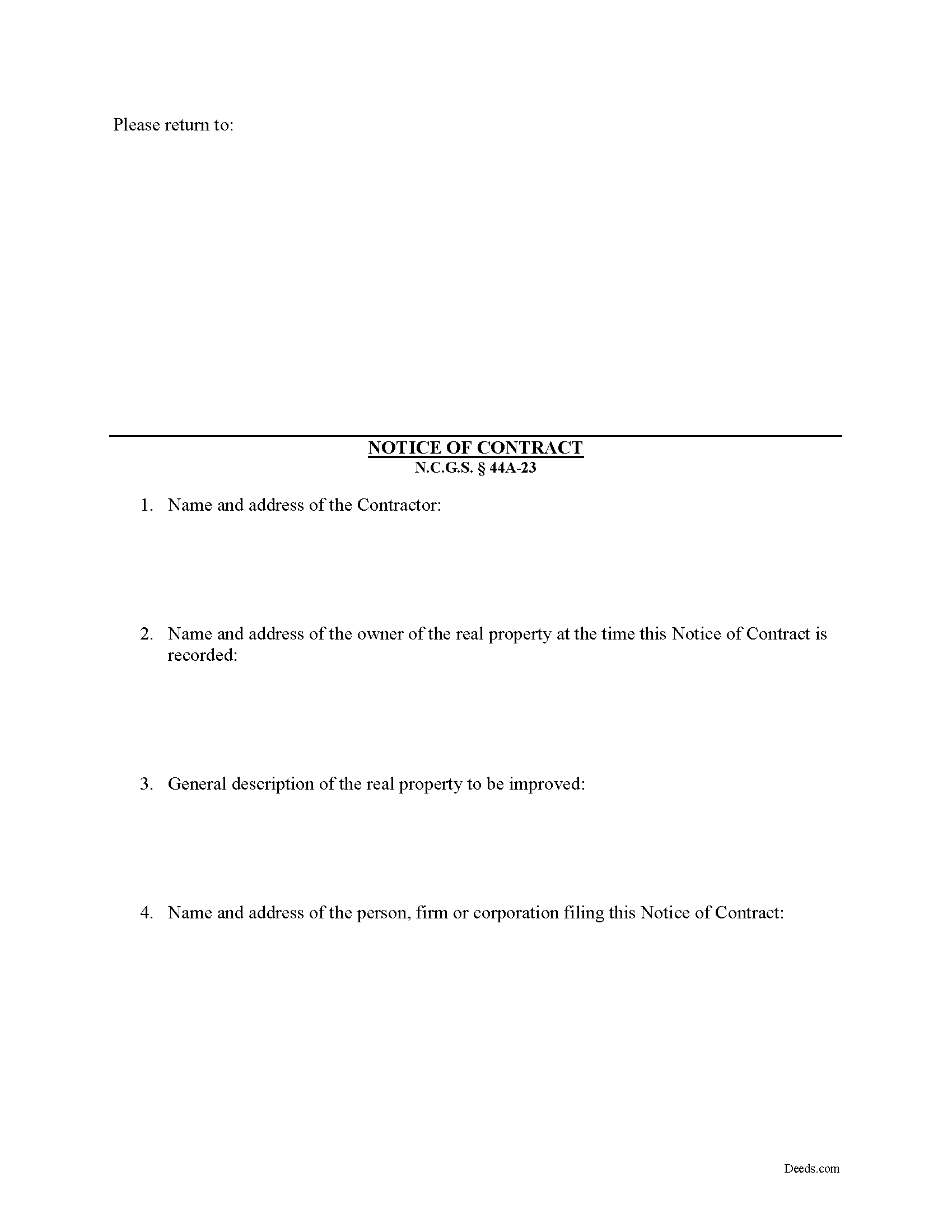
Surry County Notice of Contract Form
Fill in the blank Notice of Contract form formatted to comply with all North Carolina recording and content requirements.
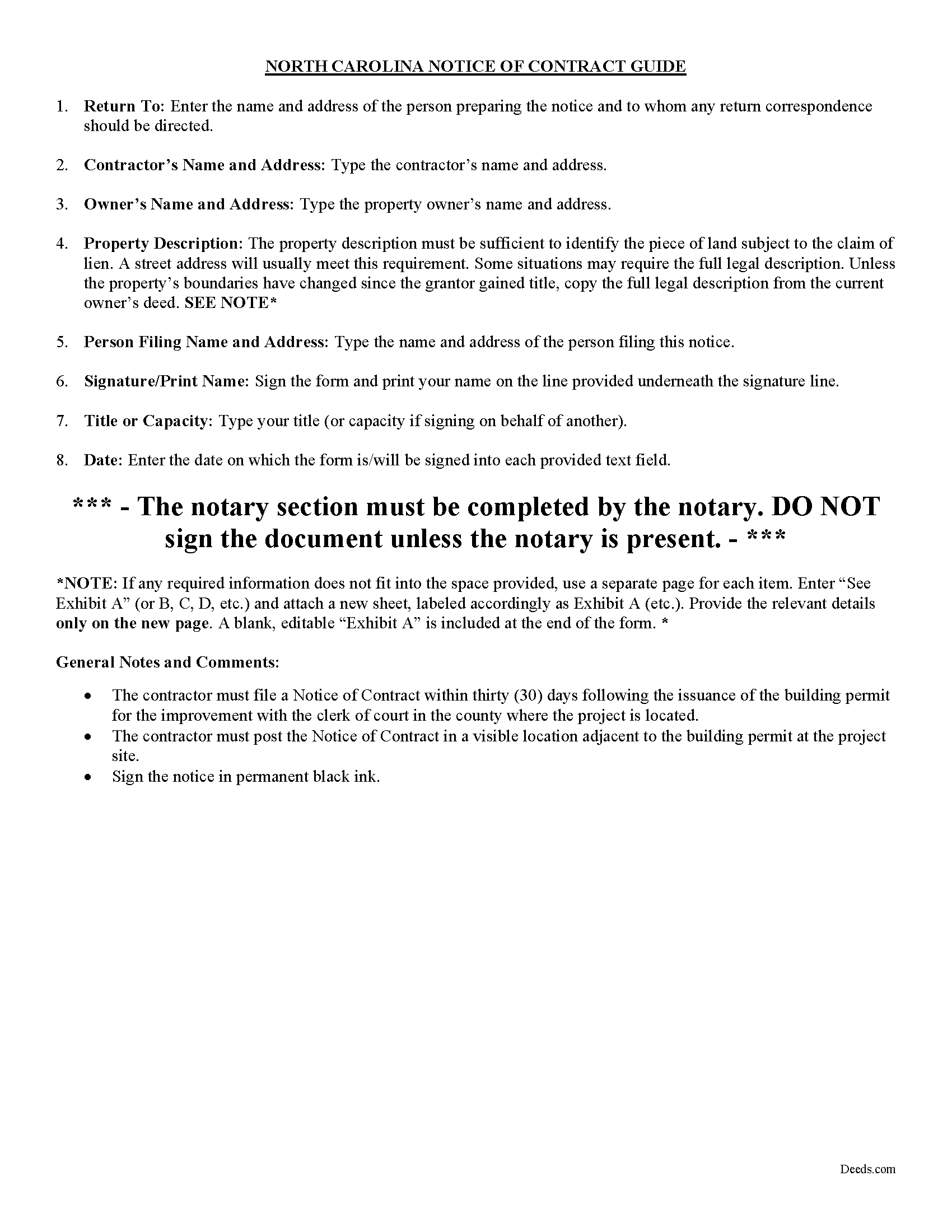
Surry County Notice of Contract Guide
Line by line guide explaining every blank on the form.
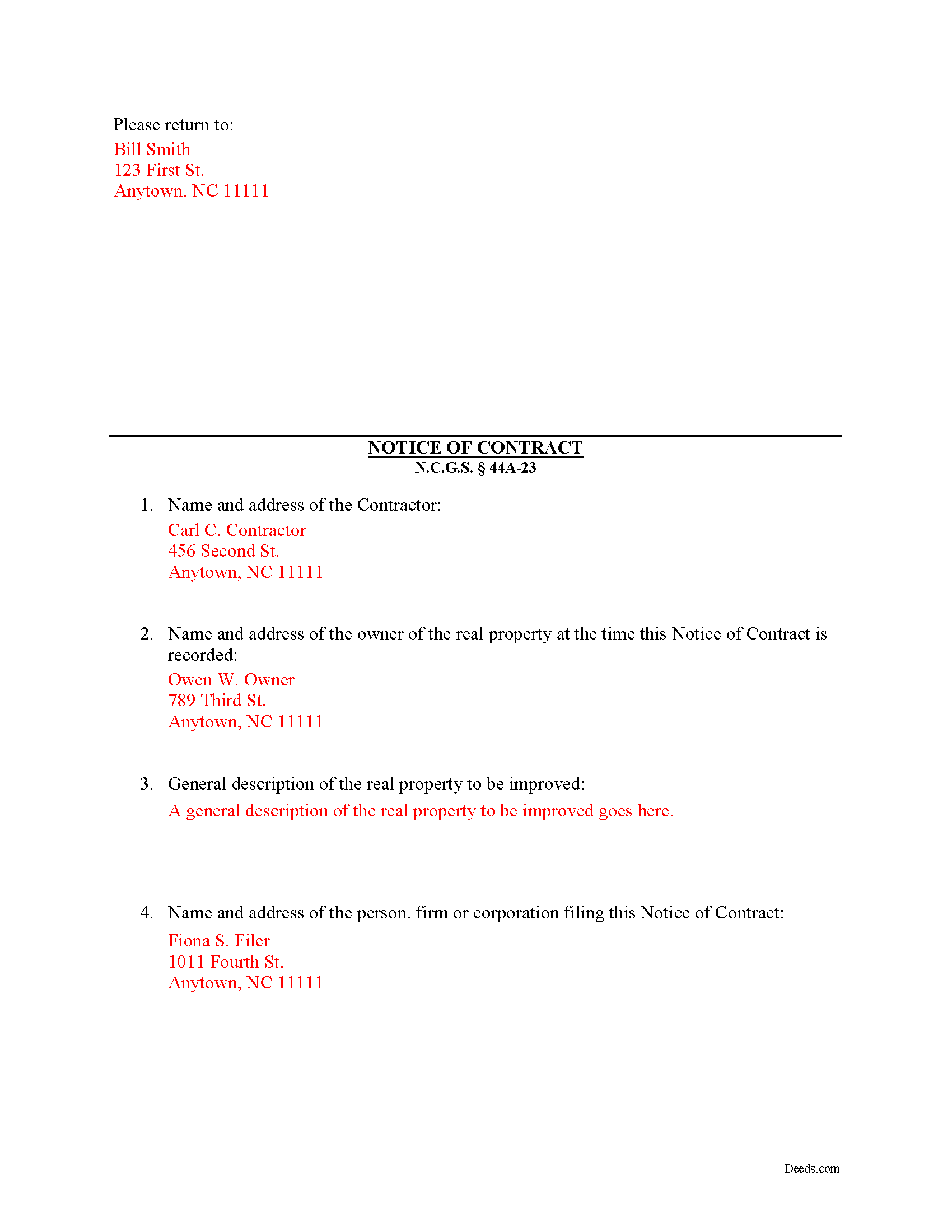
Surry County Completed Example of the Notice of Contract Document
Example of a properly completed form for reference.
All 3 documents above included • One-time purchase • No recurring fees
Immediate Download • Secure Checkout
Additional North Carolina and Surry County documents included at no extra charge:
Where to Record Your Documents
Surry County Register of Deeds
Dobson, North Carolina 27017
Hours: Monday - Friday 8:15 - 5:00 / Recording until 4:30
Phone: (336) 401-8150
Recording Tips for Surry County:
- Bring your driver's license or state-issued photo ID
- Ensure all signatures are in blue or black ink
- Recorded documents become public record - avoid including SSNs
- Recording fees may differ from what's posted online - verify current rates
- Request a receipt showing your recording numbers
Cities and Jurisdictions in Surry County
Properties in any of these areas use Surry County forms:
- Ararat
- Dobson
- Elkin
- Lowgap
- Mount Airy
- Pilot Mountain
- Siloam
- State Road
- Toast
- Westfield
- White Plains
Hours, fees, requirements, and more for Surry County
How do I get my forms?
Forms are available for immediate download after payment. The Surry County forms will be in your account ready to download to your computer. An account is created for you during checkout if you don't have one. Forms are NOT emailed.
Are these forms guaranteed to be recordable in Surry County?
Yes. Our form blanks are guaranteed to meet or exceed the applicable formatting requirements used for recording in Surry County, including margin requirements, font requirements, and other layout standards. This guarantee applies to formatting, not to the legal sufficiency of information entered by the user or the suitability of a form for a particular transaction.
Can I reuse these forms?
Yes. You can reuse the forms for your personal use. For example, if you have multiple properties in Surry County you only need to order once.
What do I need to use these forms?
The forms are PDFs that you fill out on your computer. The free Adobe Acrobat Reader is recommended, and most PDF apps also work. You do NOT enter your property information online - you download the blank forms and complete them privately on your own computer.
Are there any recurring fees?
No. This is a one-time purchase. Nothing to cancel, no memberships, no recurring fees.
How much does it cost to record in Surry County?
Recording fees in Surry County vary. Contact the recorder's office at (336) 401-8150 for current fees.
Questions answered? Let's get started!
A Notice of Contract is not mandated by the North Carolina lien code, although a prime contractor may want to file and post a Notice of Contract because it offers additional protection by reducing the possibility of double payment. The Notice must be filed and posted within 30 days from the issuance of the building permit. N.C.G.S. 44A-23.
A second or third tier subcontractor will be prohibited from enforcing a lien when a contractor when the Notice is posted on the property and filed with the Clerk of the Superior Court.
The Notice includes: (1) the name and address of the contractor; (2) the name and address of the owner of the real property at the time the Notice of Contract is recorded; (3) a general description of the real property to be improved (such as street address, tax map lot and block number, reference to recorded instrument, or any other description that reasonably identifies the real property); and (4) the name and address of the person, firm or corporation filing this Notice of Contract. N.C.G.S. 44A-23(b)(2).
This article us provided for informational purposes only and should not be relied upon as a substitute for the advice of a legal professional. Please contact an attorney with questions about using a Notice of Contract, or any other issues related to liens in North Carolina.
Important: Your property must be located in Surry County to use these forms. Documents should be recorded at the county recording office listed above.
This Notice of Contract meets all recording requirements specific to Surry County.
Our Promise
The documents you receive here are guaranteed to meet or exceed the applicable Surry County recording format requirements. If there is a rejection caused by our formatting, we will correct the issue or refund your payment. This guarantee applies to document formatting only and does not extend to information entered by the user, the selection of the form, or the legal effect of the completed document.
Save Time and Money
Get your Surry County Notice of Contract form done right the first time with Deeds.com Uniform Conveyancing Blanks. At Deeds.com, we understand that your time and money are valuable resources, and we don't want you to face a penalty fee or rejection imposed by a county recorder for submitting nonstandard documents. We constantly review and update our forms to meet rapidly changing state and county recording requirements for roughly 3,500 counties and local jurisdictions.
4.8 out of 5 - ( 4,857 Reviews )
Cynthia E. 5 out of 5 stars
good source
Thank you!
Sheldon L. 5 out of 5 stars
Made recording very simple. Opening an account and utilizing your efiling service is an efficient way to record a document. Reasonable price.
Thank you, Sheldon! We’re glad you found the account setup and eRecording process simple and efficient. Making recording easy and affordable is exactly what we aim for. We appreciate you choosing Deeds.com and look forward to helping with your next recording.
Bobette B. 5 out of 5 stars
Worked well with clear guide!
Thank you!
Gary F. 5 out of 5 stars
5 star review. Was able to order and download what I wanted in just a few minutes without any glitches.
Thank you for your feedback. We really appreciate it. Have a great day!
Todd W. 2 out of 5 stars
Communication is hard. The reps need to be empowered and encouraged to call the customers when necessary. They encourage 300 dpi resolution and under 2 MB PDF file, which is not even possible with our scanner. They made a vague comment about a legal description looking abbreviated but did not explain. They refused to call me. They said the county said "Image is light please darken", but the image looked fine to me. Maybe not their fault, but they refused to help work with the county on that for me. I followed their suggestion though and re-scanned at 300 dpi, but they misunderstood me and did not re-submit it right away. Over 48 hours later, it's still not recorded yet. I hope it will be today.
Thank you for your feedback Todd.
Diane G. 3 out of 5 stars
easy to use
Thank you!
YAZMIN M. 5 out of 5 stars
excellent
Thank you!
Donna W. 5 out of 5 stars
Answered all of my questions and was very easy to use. I will use Deeds.com to do all of my real estate forms from now on. Thanks.
Thank you!
Matilda B. 5 out of 5 stars
This was a good experience. I easily found the document I needed and easily downloaded it and its companion pages. I especially liked the explanations page and the sample document. Thanks!
Thank you for the kind review Matilda! We're glad you found the right document quickly and that the guide and sample document were helpful. They're there to make the process as clear as possible. We appreciate you choosing Deeds.com.
Alana G. 5 out of 5 stars
I was very pleased. It was the form I needed. I was getting discouraged by companies that wanted me to sign up for monthly payments just to get the one form I needed. I prefer your system of paying for what I get. Thank you so much!
Thank you for your feedback. We really appreciate it. Have a great day!
Don M. 5 out of 5 stars
The process was easy going. The process is one thing, the results another. I have attempting to resolve this matter, of claiming sole ownership of the property for several YEARS. I lost my Bride of 65 years in 2015. A lawyer I hired failed in his attempt, so I'm waiting to see the actual results. I also have two parcels in New Mexico under the same situation, so if this is successful, I'll gladly be back. Thank You so very much. Don Martin
We appreciate your business and value your feedback. Thank you. Have a wonderful day!
Anthony F. 5 out of 5 stars
quick, easy and simple. Also thank you for having the e-submission area particularly with the Covid-19 /Shelter in place things happening.
Thank you for your feedback. We really appreciate it. Have a great day!
Marcia D. 5 out of 5 stars
Excellent... This website was awesome. Exactly what I was looking for.
Thank you!
Jeannette C. 5 out of 5 stars
Very useful service! This was easy and quick. It guides you through each step and emails update you during the process. Will use again!
Thank you!
Karen F. 5 out of 5 stars
The documents' format contained information needed to complete the necessary paperwork for filing with Georgia. However, the fields were not large enough to put the legal description in, and there was no way to enlarge the area. These were only semi-helpful in providing what I needed per Georgia's filing requirement.
Thank you!