Scotland County Quitclaim Deed (Married Couple as Grantors) Form
Last validated September 30, 2026 by our Forms Development TeamFormatted for recording in Scotland County, for property anywhere in the county: rural and unincorporated areas as well as Gibson, Laurel Hill, Laurinburg, Wagram.
- 3 documents included
- Immediate PDF download
- Formatting guarantee
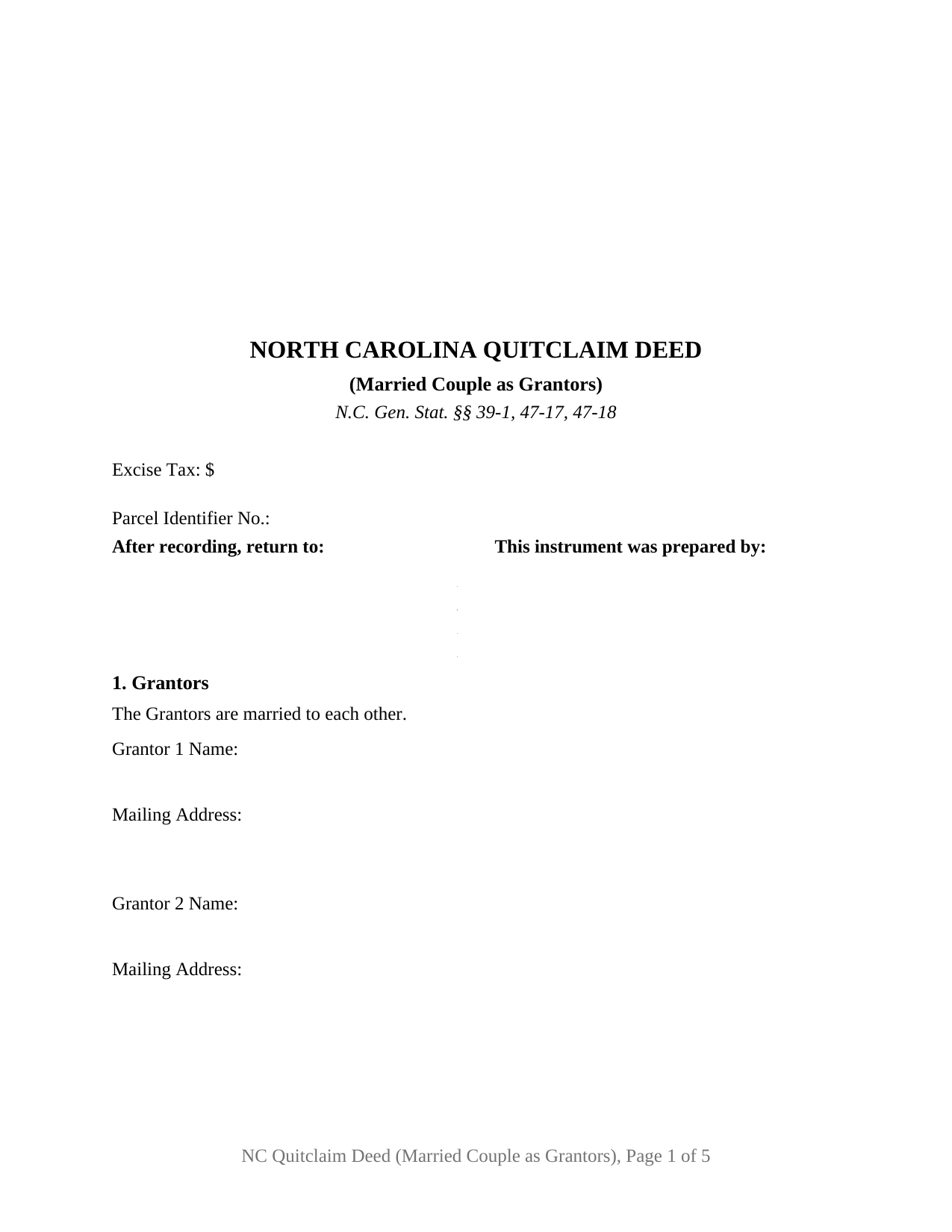
Scotland County Quitclaim Deed (Married Couple as Grantors) Form
Fill in the blank Quitclaim Deed (Married Couple as Grantors) form formatted to comply with all North Carolina recording and content requirements.
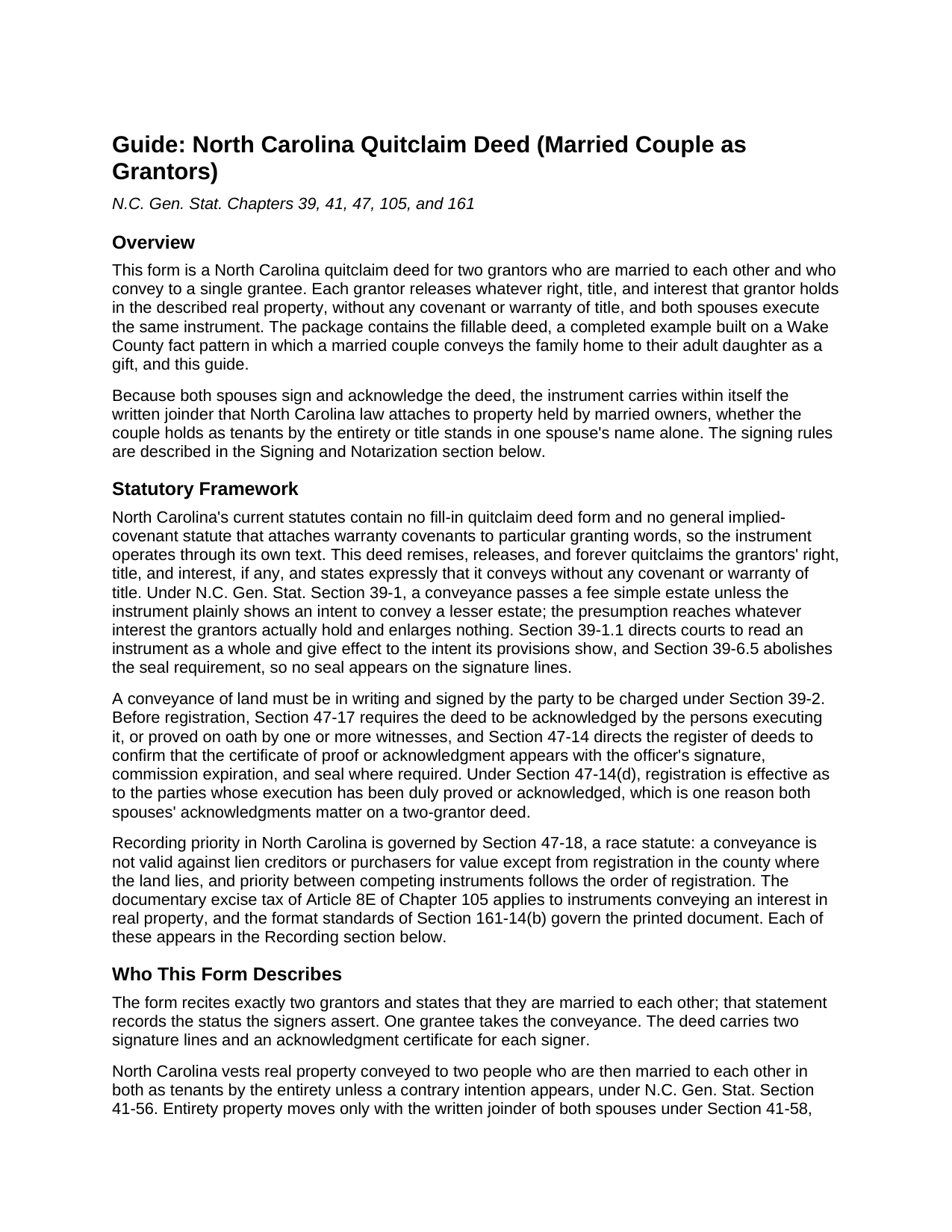
Scotland County Quitclaim Deed (Married Couple as Grantors) Guide
Line by line guide explaining every blank on the Quitclaim Deed (Married Couple as Grantors) form.
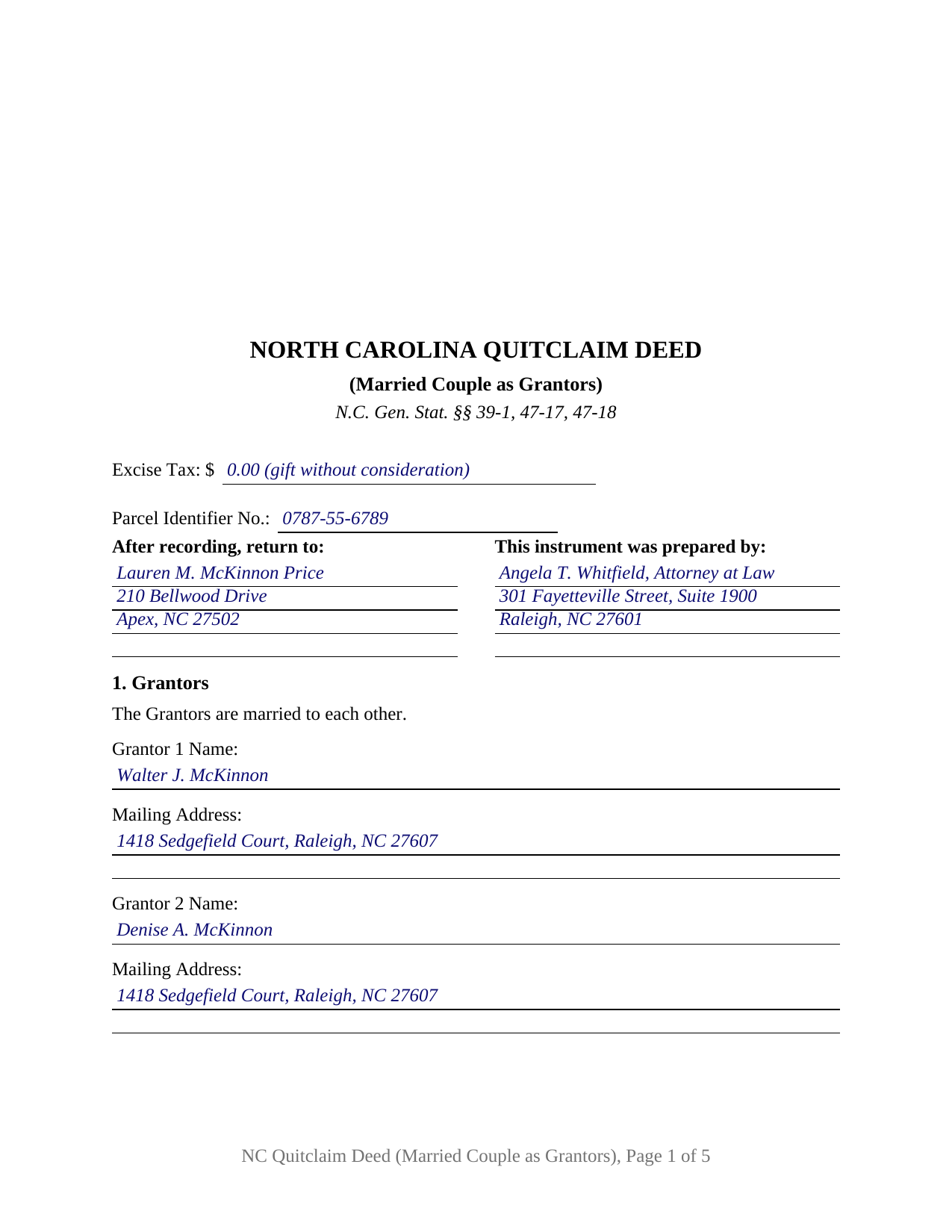
Scotland County Completed Example of the Quitclaim Deed (Married Couple as Grantors) Document
Example of a properly completed North Carolina Quitclaim Deed (Married Couple as Grantors) document for reference.
All 3 documents above included • One-time purchase • No recurring fees
Immediate Download • Secure Checkout
Additional North Carolina and Scotland County documents included at no extra charge:
Where to Record Your Documents
Scotland County Register of Deeds
Laurinburg, North Carolina 28352 / 28353
Hours: 8:00 to 5:00 M-F
Phone: (910) 277-2575
Recording Tips for Scotland County:
- Bring your driver's license or state-issued photo ID
- Ensure all signatures are in blue or black ink
- Avoid the last business day of the month when possible
- Both spouses typically need to sign if property is jointly owned
- Bring extra funds - fees can vary by document type and page count
Cities and Jurisdictions in Scotland County
Properties in any of these areas use Scotland County forms:
- Gibson
- Laurel Hill
- Laurinburg
- Wagram
Hours, fees, requirements, and more for Scotland County
How do I get my forms?
Forms are available for immediate download after payment. The Scotland County forms will be in your account ready to download to your computer. An account is created for you during checkout if you don't have one. Forms are NOT emailed.
Are these forms guaranteed to be recordable in Scotland County?
Yes. Our form blanks are guaranteed to meet or exceed the applicable formatting requirements used for recording in Scotland County, including margin requirements, font requirements, and other layout standards. This guarantee applies to formatting, not to the legal sufficiency of information entered by the user or the suitability of a form for a particular transaction.
Can I reuse these forms?
Yes. You can reuse the forms for your personal use. For example, if you have multiple properties in Scotland County you only need to order once.
What do I need to use these forms?
The forms are PDFs that you fill out on your computer. The free Adobe Acrobat Reader is recommended, and most PDF apps also work. You do NOT enter your property information online - you download the blank forms and complete them privately on your own computer.
Are there any recurring fees?
No. This is a one-time purchase. Nothing to cancel, no memberships, no recurring fees.
How much does it cost to record in Scotland County?
Recording fees in Scotland County vary. Contact the recorder's office at (910) 277-2575 for current fees.
Questions answered? Let's get started!
A deed out of a North Carolina marriage answers to more than one statute, and this fillable quitclaim deed is drafted around that fact: it names a married couple as its two grantors, states that they are married to each other, and carries a signature line and an acknowledgment certificate for each spouse, so the conveyance to a single grantee reaches the register of deeds with the marital signing rules already satisfied on its face.
Why the second signature carries its own statute
North Carolina gives a surviving spouse the right to elect a life estate in one third in value of the real property the deceased spouse held during the marriage, under G.S. 29-30. To cut that contingent right off as to land being conveyed, G.S. 39-7 looks for the owner's spouse to execute the instrument with acknowledgment or proof, apart from the statutory exceptions. A deed both spouses sign closes that question no matter which spouse the record names as owner. Where the couple holds as tenants by the entirety, the marriage's own form of co-ownership, the same two signatures supply the written joinder without which neither spouse alone may convey or encumber the property. Two names, two signatures, two certificates: the architecture is the compliance.
Built as a married-couple instrument
The form recites exactly two grantors, married to each other, with a name and mailing address for each; one grantee; the consideration; the statement G.S. 105-317.2 calls for on whether the property takes in the primary residence of a grantor; and an acknowledgment certificate for each signer, so the spouses may acknowledge on the same afternoon or weeks apart. Patterns that present this shape in the record include parents passing the home place to an adult child as a gift, a husband and wife releasing their interest in family land to a relative after an informal division, and a couple joining in a deed that settles a boundary with an adjoining owner. The form is not set up as a deed for one grantor acting alone, for co-owners who are not married to each other, or for three or more conveying parties; it is the married pair's instrument.
What a quitclaim moves
As a quitclaim, sometimes searched as a quit claim deed or a non-warranty deed, the instrument releases the grantors' right, title, and interest, if any, and promises nothing about what that interest is. The operative words remise, release, and forever quitclaim, paired with an express no-warranty sentence, put the risk of title where a quitclaim leaves it, on the grantee, while the fee simple presumption of G.S. 39-1 carries the whole of whatever the couple owns unless the deed says less.
From signing table to record book
The first page budgets for everything a North Carolina register reads before indexing: the three inch recording space of G.S. 161-14(b) with the instrument type stated beneath it, the drafter entry of G.S. 47-17.1, the excise tax report the register acts on under G.S. 105-228.32, the parcel identifier, and the return address. Registration in the county where the land lies is what makes the deed good against lien creditors and purchasers for value under the race rule of G.S. 47-18, so the trip to the courthouse is part of the conveyance, not an afterthought.
What the purchase delivers
The download holds the married-couple quitclaim deed as a fillable PDF, a completed example worked through a Wake County gift from parents to their daughter, and a plain language guide to each numbered section, the spousal signing statutes, the excise tax treatment of gifts, and the county recording steps. The materials describe North Carolina law generally and are not legal advice.
Important: Your property must be located in Scotland County to use these forms. Documents should be recorded at the county recording office listed above.
This Quitclaim Deed (Married Couple as Grantors) meets all recording requirements specific to Scotland County.
Our Promise
The documents you receive here are guaranteed to meet or exceed the applicable Scotland County recording format requirements. If there is a rejection caused by our formatting, we will correct the issue or refund your payment. This guarantee applies to document formatting only and does not extend to information entered by the user, the selection of the form, or the legal effect of the completed document.
Save Time and Money
Get your Scotland County Quitclaim Deed (Married Couple as Grantors) form done right the first time with Deeds.com Uniform Conveyancing Blanks. At Deeds.com, we understand that your time and money are valuable resources, and we don't want you to face a penalty fee or rejection imposed by a county recorder for submitting nonstandard documents. We constantly review and update our forms to meet rapidly changing state and county recording requirements for roughly 3,500 counties and local jurisdictions.
4.8 out of 5 - ( 4,828 Reviews )
Adriana V. 5 out of 5 stars
Excellent and a very fast way to release important documents. Thank you very much.
Thank you!
Mark R. 4 out of 5 stars
Easy and simple to understand, had no trouble with the transaction or the forms. Recorded on the first try, not something that happens very often.
Great to hear that Mark. have an awesome day!
Joseph F. 5 out of 5 stars
I Found Deeds.com to be fabulous. I had no idea how or where to start to get a quitclaim deed. deeds.com made it effortless and easy to complete the paperwork with great instructions and information. I highly recommend deeds.com
Thank you for your feedback. We really appreciate it. Have a great day!
Kim L. 5 out of 5 stars
Got the quit claim forms, amazing really. Easy to understand, looked great when completed, accepted without question for recording. Nice job!
Thank you!
Abby H. 5 out of 5 stars
Purchased the forms to make a deed. They were available immediately as promised. Easy to use. The guide and example was a big help. Will definitely use again if/when needed. Thanks.
Thank you Abby, we appreciate you. Have a great day!
Eric D. 5 out of 5 stars
Very helpful and informative. It has saved me time going to get the forms at county recorder / clerk (as my county and state websites dont offer forms on their sites) and also provided help understanding the uses of the specific deed I needed to use.
Thank you Eric. Have a great day!
Dorothy B. 5 out of 5 stars
Love your deed service. Simple and easy.
Thank you!
Donna R. 5 out of 5 stars
Hi! Is there a setting that I can click on that will make sure I'm notified via email when an update is made to my requests? Thank you!
Thanks for your feedback, we'll have someone look into it.
John H. 5 out of 5 stars
Response was timely, even though unsuccessful in locating a requested deed. Deeds very courteously and professionally cancelled my order and cancelled its charge to my credit card.
Thank you for your feedback. We really appreciate it. Have a great day!
Marolyn V. 3 out of 5 stars
The booklet is too wordy. Not concise enough for someone who is inexperienced at filling out your form. It would be nice to have a picture example of what you are talking about. When we got to the Registars office we found out they do not have a notary. Would have been nice to know before we went. The form asks for page and book which is no longer needed. So why have it on there?
Thank you, Marolyn, this is useful feedback. A completed sample is actually included with the form, and your note tells us we should make it easier to find and tie it more directly to the instructions, so we'll do that. We'll also add a "before you begin" checklist and a clearer note that the document needs to be notarized in advance, since recording offices don't provide notary service. On the book and page: that reference is required by the Utah statute this affidavit is filed under (§ 57-1-5.1) and still applies to older deeds recorded before counties moved to entry-number-only indexing around 2000. You enter whichever reference appears on your recorded deed and leave the rest blank. Appreciate you taking the time to write in.
John L B. 5 out of 5 stars
I ordered the Deed package for my state of NJ and the county I needed to prepare the documents. I was able to complete everything that is required to close on an investment property. Fast easy with step by step instructions no matter your situation. Definitely will recommend to family & friends. Save $ instead of paying others to do the same thing you can do yourself.
Thank you for your feedback. We really appreciate it. Have a great day!
John R. 5 out of 5 stars
5stars for prompt and fast! Website needs work. Hard to navigate for first time users and hard to find where to pay. Emails are more clear than the "message center". Not sure what happened to my other documents, lol
Thank you for your feedback. We really appreciate it. Have a great day!
JOHN M. 5 out of 5 stars
THANKS FROM A 92 YEAR OLD LADY
Thank you!
Audra P. 5 out of 5 stars
Deeds.com was so easy to use and understand. So fairly priced too in my opinion, worth every penny! Thank you deeds.com and I'm grateful my county uses and encourages using them.
We appreciate your business and value your feedback. Thank you. Have a wonderful day!
Tressa P. 5 out of 5 stars
This online service was very easy to use. I highly recommend Deeds.com. The quick response from the representative upon submitting your document is quick. If something needed to be adjusted they will send you message and you can in turn respond right away with a message. The pricing of this service is very reasonable.
Thank you!