Hoke County Quitclaim Deed Form
Last validated October 5, 2026 by our Forms Development TeamFormatted for recording in Hoke County, for property anywhere in the county: rural and unincorporated areas as well as Raeford.
- 3 documents included
- Immediate PDF download
- Formatting guarantee
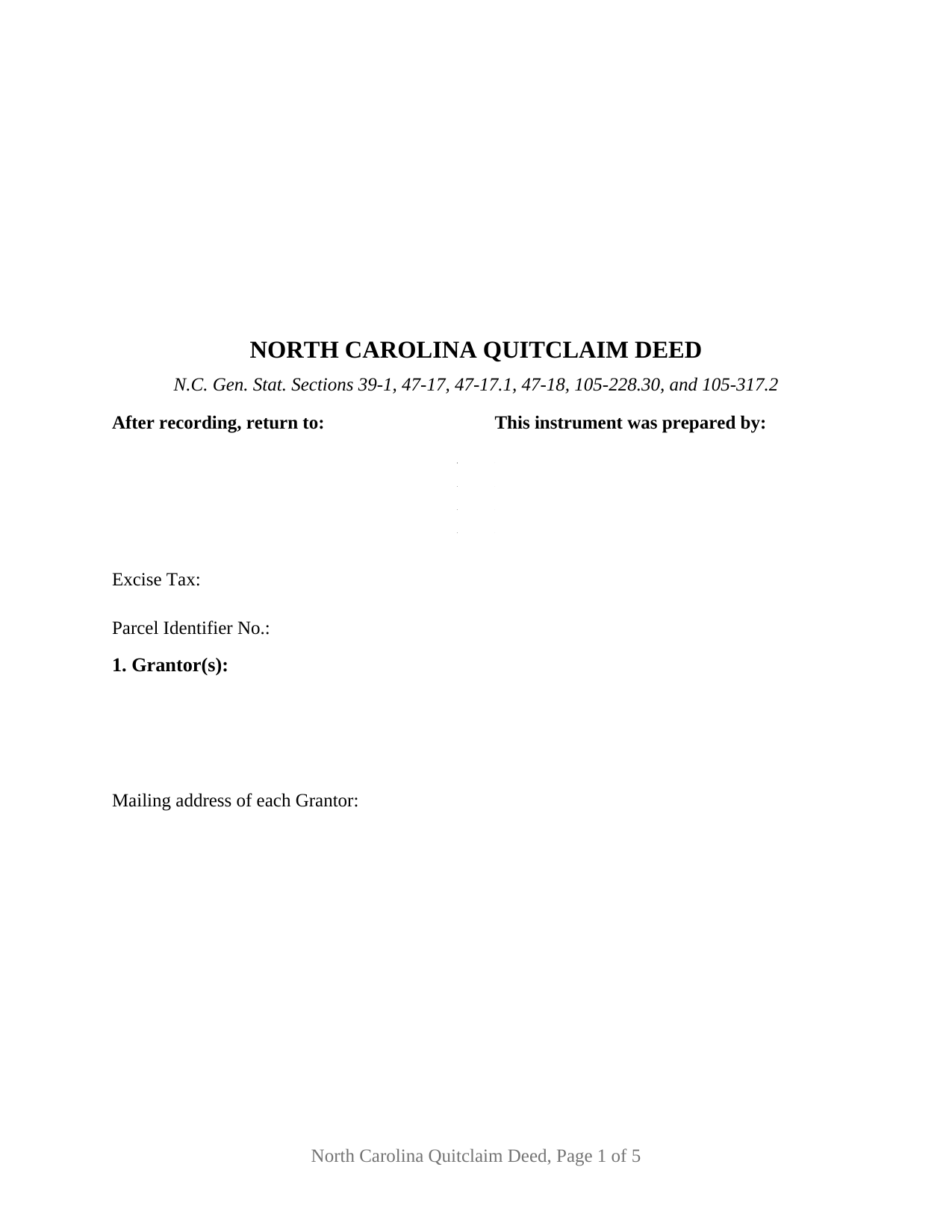
Hoke County Quitclaim Deed Form
Fill in the blank Quitclaim Deed form formatted to comply with all North Carolina recording and content requirements.
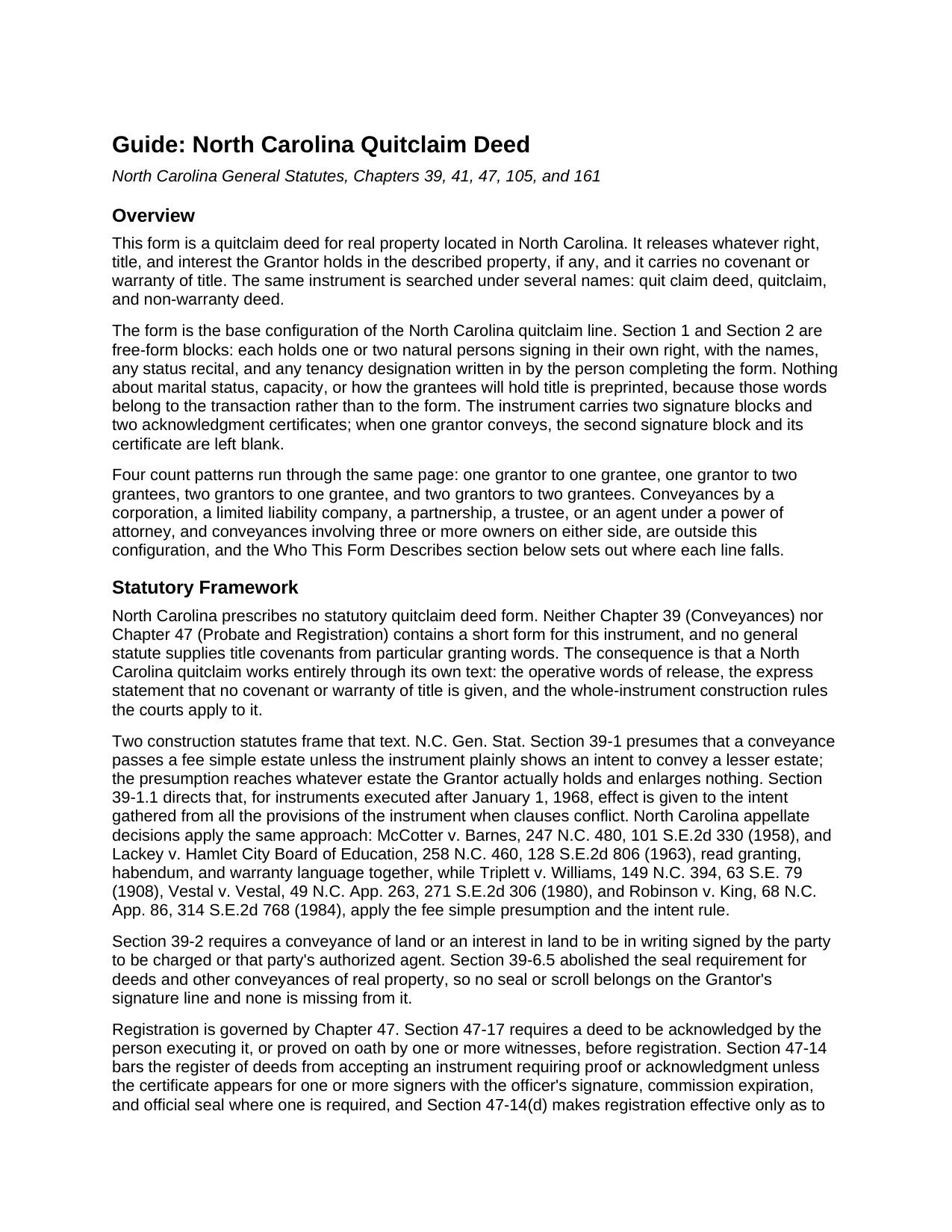
Hoke County Quitclaim Deed Guide
Line by line guide explaining every blank on the Quitclaim Deed form.
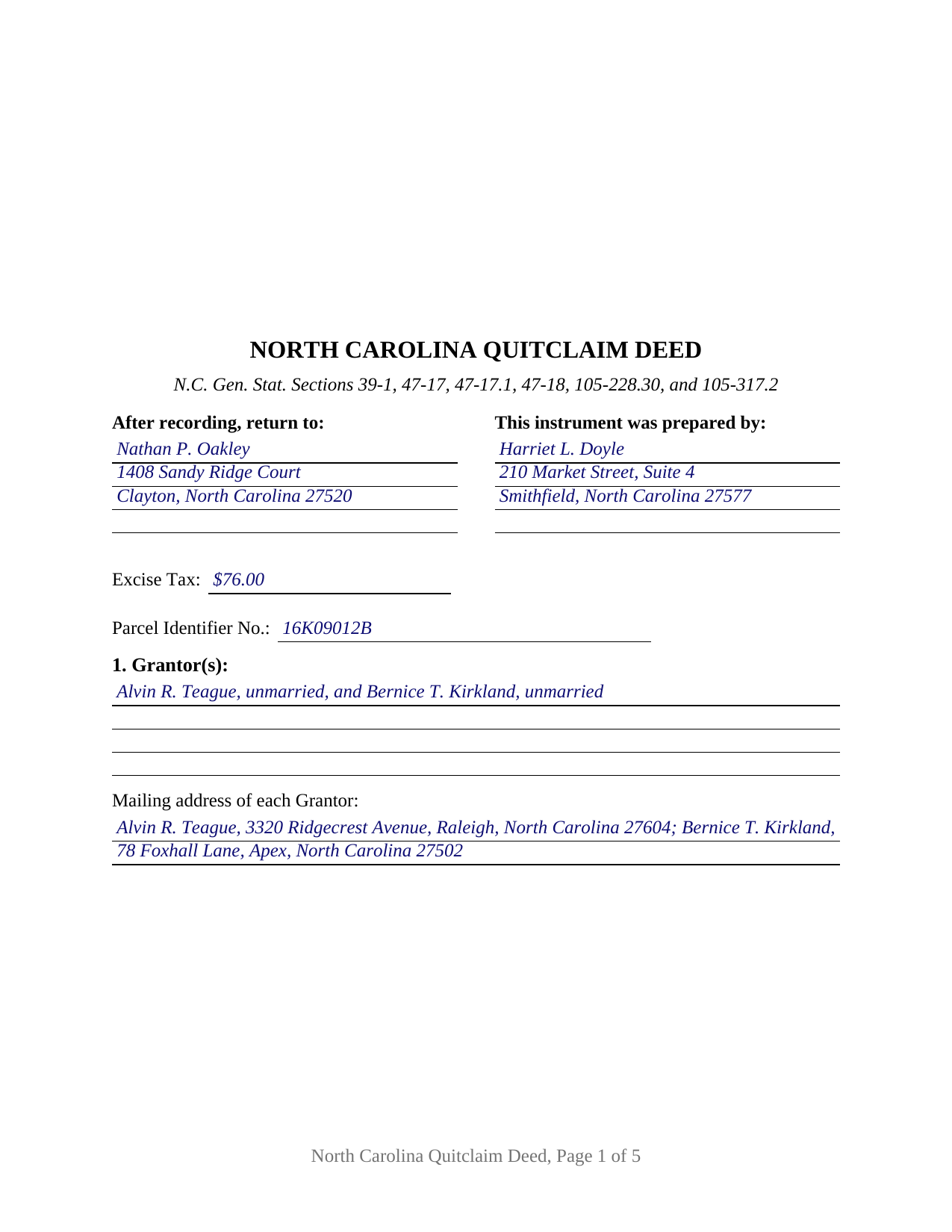
Hoke County Completed Example of the Quitclaim Deed Document
Example of a properly completed North Carolina Quitclaim Deed document for reference.
All 3 documents above included • One-time purchase • No recurring fees
Immediate Download • Secure Checkout
Additional North Carolina and Hoke County documents included at no extra charge:
Where to Record Your Documents
Hoke County Register of Deeds
Raeford, North Carolina 28376
Hours: 8:00am-5:00pm M-F
Phone: (910) 875-2035
Recording Tips for Hoke County:
- Bring your driver's license or state-issued photo ID
- Ensure all signatures are in blue or black ink
- Check that your notary's commission hasn't expired
- Documents must be on 8.5 x 11 inch white paper
- Double-check legal descriptions match your existing deed
Cities and Jurisdictions in Hoke County
Properties in any of these areas use Hoke County forms:
- Raeford
Hours, fees, requirements, and more for Hoke County
How do I get my forms?
Forms are available for immediate download after payment. The Hoke County forms will be in your account ready to download to your computer. An account is created for you during checkout if you don't have one. Forms are NOT emailed.
Are these forms guaranteed to be recordable in Hoke County?
Yes. Our form blanks are guaranteed to meet or exceed the applicable formatting requirements used for recording in Hoke County, including margin requirements, font requirements, and other layout standards. This guarantee applies to formatting, not to the legal sufficiency of information entered by the user or the suitability of a form for a particular transaction.
Can I reuse these forms?
Yes. You can reuse the forms for your personal use. For example, if you have multiple properties in Hoke County you only need to order once.
What do I need to use these forms?
The forms are PDFs that you fill out on your computer. The free Adobe Acrobat Reader is recommended, and most PDF apps also work. You do NOT enter your property information online - you download the blank forms and complete them privately on your own computer.
Are there any recurring fees?
No. This is a one-time purchase. Nothing to cancel, no memberships, no recurring fees.
How much does it cost to record in Hoke County?
Recording fees in Hoke County vary. Contact the recorder's office at (910) 875-2035 for current fees.
Questions answered? Let's get started!
Everything a North Carolina quitclaim deed accomplishes is decided by words someone writes onto it. The state prescribes no form for the instrument, supplies no covenants from particular granting words, and, since the 2024 rewrite of Chapter 41, spreads the language that fixes how two grantees hold across three separate Articles. This fillable deed is built for that reality: one or two individuals release whatever interest they hold in North Carolina land, to one or two named grantees, with no covenant of title and nothing about status, capacity, or co-ownership printed on the page in advance.
Three Articles behind one grantee blank
What the receiving side gets is settled by the words typed after the grantee names, and Session Law 2024-47 reorganized where those words come from. Article 7 of Chapter 41 supplies the fallback: co-ownership is a tenancy in common unless something else is created, and G.S. 41-90 lets each cotenant deal with that cotenant's own share alone. Article 6 supplies survivorship between individuals, but only where the intent is expressed, and it lists the phrases that express it, from joint tenants with right of survivorship down to with right of survivorship, subject to the 120 hour rule in G.S. 41-74. Article 5 supplies the marital estate, which under G.S. 41-56 arises by default where two grantees are then married to each other and no contrary intention appears.
A page that preprints nothing about the parties
The Grantor block and the Grantee block are open multi-line fields. Each holds one or two natural persons signing in their own right, with the names, status recitals, and any tenancy designation supplied by whoever completes the form, so four count patterns run through one instrument: one to one, one to two, two to one, and two to two. Section 9 makes that work in prose, defining Grantor and Grantee by reference to the numbered blocks and providing that the singular includes the plural. Execution follows, with two signature blocks and a certificate under each, the second pair left empty where a single owner conveys. Positions appearing in the records under this shape include co-owners consolidating a parcel into one name and two owners releasing land to a pair taking it together. The form does not recite an entity, a trustee, an agent under a power of attorney, three or more owners on a side, or a joinder line for a spouse holding no record title.
What the label does not decide
No statute defines a North Carolina quitclaim, so the operative sentence carries the load: the Grantor remises, releases, and forever quitclaims all right, title, claim, and interest, if any, and a sentence of its own states that the deed passes only what the Grantor holds at delivery, without covenant or warranty of title, express or implied. G.S. 39-1 sends the whole of that estate unless the deed plainly shows a smaller one, and G.S. 39-1.1 tells a court to read every provision together when clauses pull against each other, which is why the disclaimer sits in the text rather than in the title. Deeds of trust, easements, and restrictions ride through untouched. Searches reach the instrument as a quit claim deed, a quitclaim, and a non-warranty deed.
The entries a register reads before indexing
Page one keeps the three inch band G.S. 161-14(b) reserves, names the instrument type below it, then gathers what gets read at the counter: the drafter entry G.S. 47-17.1 makes a condition of acceptance, the excise figure the presenter reports under G.S. 105-228.32 at the G.S. 105-228.30 rate of a dollar for each five hundred dollars or fraction, a parcel identifier blank for the county systems of G.S. 161-30, and a return address. Inside, the deed states each party's mailing address and whether the land takes in a grantor's primary residence, as G.S. 105-317.2 directs. Then sequence decides the rest: under G.S. 47-18 a conveyance counts against lien creditors and later purchasers for value only once registered where the land sits, and competing instruments rank in the order they reach the record.
The download carries this deed as a fillable PDF, a completed example worked through a Johnston County release by two cotenants to a couple taking as joint tenants with right of survivorship, and a plain language guide covering each section, the signing and marital statutes, the vesting menu, excise treatment, and recording. These materials describe North Carolina law in general terms and are not legal advice.
Important: Your property must be located in Hoke County to use these forms. Documents should be recorded at the county recording office listed above.
This Quitclaim Deed meets all recording requirements specific to Hoke County.
Our Promise
The documents you receive here are guaranteed to meet or exceed the applicable Hoke County recording format requirements. If there is a rejection caused by our formatting, we will correct the issue or refund your payment. This guarantee applies to document formatting only and does not extend to information entered by the user, the selection of the form, or the legal effect of the completed document.
Save Time and Money
Get your Hoke County Quitclaim Deed form done right the first time with Deeds.com Uniform Conveyancing Blanks. At Deeds.com, we understand that your time and money are valuable resources, and we don't want you to face a penalty fee or rejection imposed by a county recorder for submitting nonstandard documents. We constantly review and update our forms to meet rapidly changing state and county recording requirements for roughly 3,500 counties and local jurisdictions.
4.8 out of 5 - ( 4,828 Reviews )
Helen M. 1 out of 5 stars
The forms are very confusing when there is so much to download! Trying to keep track and make sure you have everything needed is terrible! I think I have everything but I was under the impression I would be filling it out online and with instructions... I am very disappointed to say the least!
Sorry to hear of your disappointment Helen. We have gone ahead and canceled your order and payment. We do hope that you are able to find something more suitable to your needs elsewhere. Have a wonderful day.
Richard N. 5 out of 5 stars
It went well. The proof will be when I complete the forms and submit to the County Clerk.
We appreciate your business and value your feedback. Thank you. Have a wonderful day!
Margie H. 5 out of 5 stars
Great
Thank you!
Carl S. 5 out of 5 stars
Five Stars!
Thank you!
Carol D. 5 out of 5 stars
No review provided.
Thank you!
Evelynne H. 5 out of 5 stars
The service was quick and easy to use. Which is something I really appreciate.
We appreciate your business and value your feedback. Thank you. Have a wonderful day!
Jennifer L L. 5 out of 5 stars
So far this has been a great experience. Very easy to use the deeds.com website and download the forms. Very nice that they give example forms and guides to help you fill out the forms. I just have to wait to make sure that the forms are accepted and recorded with no issues.
Your insights are invaluable to us and help us strive for better service. Thank you for taking the time to share your thoughts.
Melody L. 3 out of 5 stars
Beware, you cannot save the information you typed and change it later. It will be a PDF upon saving. So if you need corrections...you have to start all over!
Thank you for your feedback. We really appreciate it. Have a great day!
Rita M. 5 out of 5 stars
I have not received the deed via email. That is what I was expecting. Let me know if I am incorrect in my thinking.
Thanks for reaching out. While we do send some email notifications, we do not email documents. All orders are available via your account. You can log into your account from the menu button at the top left of most pages on the website.
Shawn H. 5 out of 5 stars
The site provided exactly what I needed when I needed it.
Thank you for your feedback. We really appreciate it. Have a great day!
Nawal F. 5 out of 5 stars
Friendly user
Thank you!
Gerry H. 5 out of 5 stars
Very good instruction for filling out the forms!
We appreciate your business and value your feedback. Thank you. Have a wonderful day!
Alexis R. 5 out of 5 stars
Excellent service and reasonable fees. Highly recommend this company.
We appreciate your business and value your feedback. Thank you. Have a wonderful day!
SHASTA S. 3 out of 5 stars
Ordered quitclaim deed form for Knox county Illinois. It got the job done however it was not a very good format. I had to explain all to the county recorder & was worried she would reject it. I would not recommend this item.
Thank you!
Stanley S. 5 out of 5 stars
Extremely convenient and easy to execute the document. Instructions and example are very helpful. I have bookmarked the site and will surely use again. 5 stars!!
Thank you!