Rockingham County Release Deed for Deed of Trust Form
Last validated October 7, 2026 by our Forms Development TeamFormatted for recording in Rockingham County, for property anywhere in the county: rural and unincorporated areas as well as Eden, Madison, Mayodan, Reidsville, Ruffin, Stoneville, Wentworth.
- 3 documents included
- Immediate PDF download
- Formatting guarantee
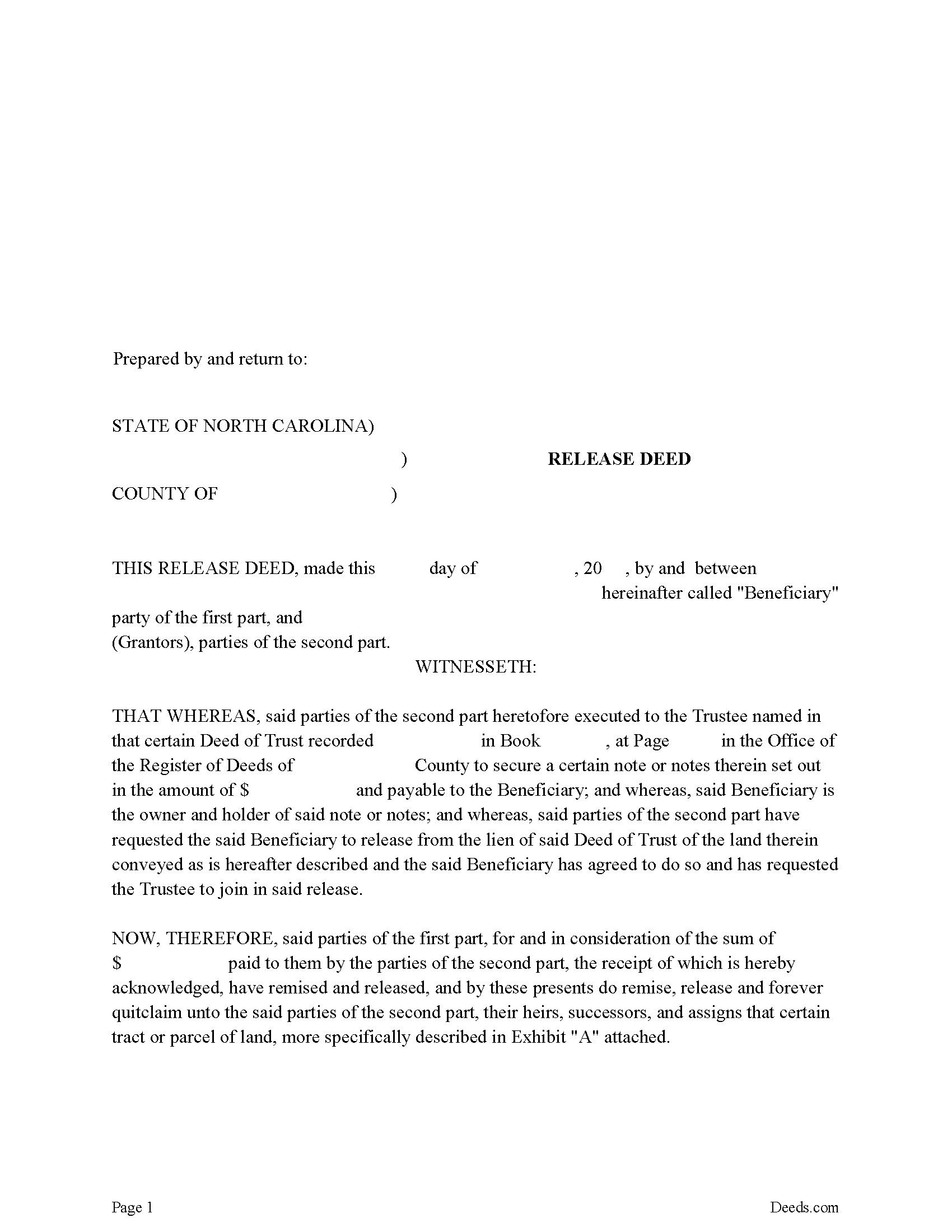
Rockingham County Release Deed Form
Fill in the blank form formatted to comply with all recording and content requirements.
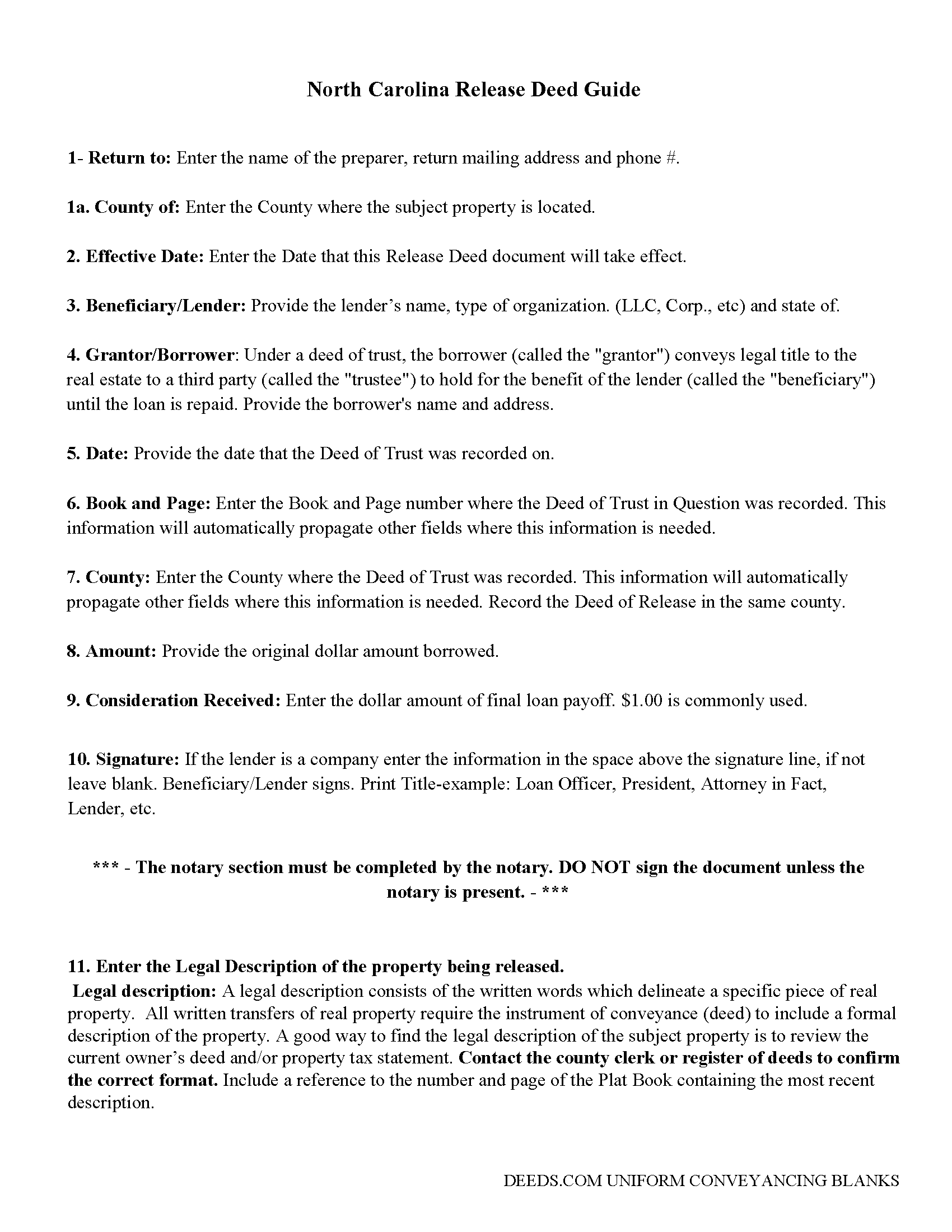
Rockingham County Guidelines for Release Deed
Line by line guide explaining every blank on the form.
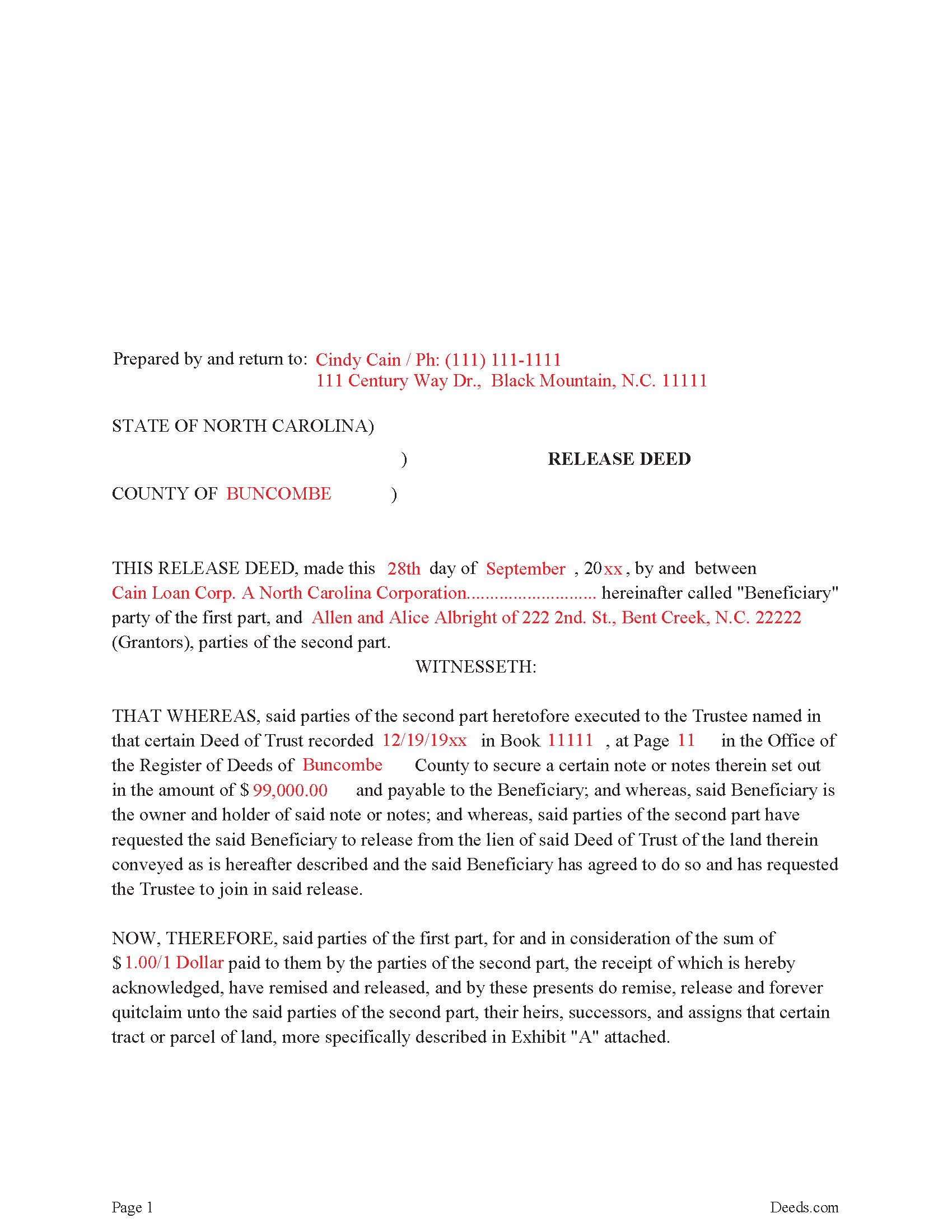
Rockingham County Completed Example Release Deed
Example of a properly completed form for reference.
All 3 documents above included • One-time purchase • No recurring fees
Immediate Download • Secure Checkout
Additional North Carolina and Rockingham County documents included at no extra charge:
Where to Record Your Documents
Rockingham County Register of Deeds
Reidsville, North Carolina 27320
Hours: 8:00 to 5:00 M-F / Recording until 4:30
Phone: (336) 342-8820
Mail: Rockingham Register of Deeds
Wentworth, North Carolina 27375
Hours: N/A
Phone: N/A
Recording Tips for Rockingham County:
- Bring your driver's license or state-issued photo ID
- Ensure all signatures are in blue or black ink
- Make copies of your documents before recording - keep originals safe
- Recorded documents become public record - avoid including SSNs
- Recording fees may differ from what's posted online - verify current rates
Cities and Jurisdictions in Rockingham County
Properties in any of these areas use Rockingham County forms:
- Eden
- Madison
- Mayodan
- Reidsville
- Ruffin
- Stoneville
- Wentworth
Hours, fees, requirements, and more for Rockingham County
How do I get my forms?
Forms are available for immediate download after payment. The Rockingham County forms will be in your account ready to download to your computer. An account is created for you during checkout if you don't have one. Forms are NOT emailed.
Are these forms guaranteed to be recordable in Rockingham County?
Yes. Our form blanks are guaranteed to meet or exceed the applicable formatting requirements used for recording in Rockingham County, including margin requirements, font requirements, and other layout standards. This guarantee applies to formatting, not to the legal sufficiency of information entered by the user or the suitability of a form for a particular transaction.
Can I reuse these forms?
Yes. You can reuse the forms for your personal use. For example, if you have multiple properties in Rockingham County you only need to order once.
What do I need to use these forms?
The forms are PDFs that you fill out on your computer. The free Adobe Acrobat Reader is recommended, and most PDF apps also work. You do NOT enter your property information online - you download the blank forms and complete them privately on your own computer.
Are there any recurring fees?
No. This is a one-time purchase. Nothing to cancel, no memberships, no recurring fees.
How much does it cost to record in Rockingham County?
Recording fees in Rockingham County vary. Contact the recorder's office at (336) 342-8820 for current fees.
Questions answered? Let's get started!
Executed by the lender, once the trustee is notified by the borrower. Signed by the lender, releasing any lien attached by the "Deed of Trust" that's assigned to the property. In general, a release is required to be recorded within 60 days of satisfaction.
(North Carolina Release of DOT Package includes form, guidelines, and completed example)
Important: Your property must be located in Rockingham County to use these forms. Documents should be recorded at the county recording office listed above.
This Release Deed for Deed of Trust meets all recording requirements specific to Rockingham County.
Our Promise
The documents you receive here are guaranteed to meet or exceed the applicable Rockingham County recording format requirements. If there is a rejection caused by our formatting, we will correct the issue or refund your payment. This guarantee applies to document formatting only and does not extend to information entered by the user, the selection of the form, or the legal effect of the completed document.
Save Time and Money
Get your Rockingham County Release Deed for Deed of Trust form done right the first time with Deeds.com Uniform Conveyancing Blanks. At Deeds.com, we understand that your time and money are valuable resources, and we don't want you to face a penalty fee or rejection imposed by a county recorder for submitting nonstandard documents. We constantly review and update our forms to meet rapidly changing state and county recording requirements for roughly 3,500 counties and local jurisdictions.
4.8 out of 5 - ( 4,850 Reviews )
Luz G. 5 out of 5 stars
very user friendly
Thank you for taking a moment to share your thoughts.
Thomas W. 5 out of 5 stars
easy to use, no problems except in beneficiary box. Need to make the box bigger because I have 4 beneficiaries to list. how do I enlarge the box.
Thanks for reaching out. All available space on the document is being used. As is noted in the guide, if you have information that does not fit in the available space the included exhibit page should be used.
Wendy B. 5 out of 5 stars
Really appreciate you he quick response and solution to my problem!! Thank you!!
Thank you for your feedback. We really appreciate it. Have a great day!
Jacinto A. 5 out of 5 stars
The forms are exactly what was needed. But wish I was able to click on the preview form to make sure it was the correct forms
Thank you for your feedback Jacinto.
John F. 5 out of 5 stars
The document I purchased was perfect for what I needed done. Very easy to obtain the document. Website very easy to navigate. Would use again and would recommend to anyone who needs the documents.
Thank you for your feedback. We really appreciate it. Have a great day!
Molly S. 5 out of 5 stars
I used deeds.com to record a deed because the recording office closed due to Covid 19. It was easy to sign up and upload the documents I needed recorded and within 24 hours possibly even less, the deeds were recorded. I am very happy with the service and the $15 fee was affordable and worth every penny to get it done so quickly.
We appreciate your business and value your feedback. Thank you. Have a wonderful day!
LeVivian H. 5 out of 5 stars
I loved the forms. One suggestion a large family msy need more space to type all sisters and brothers names. Very informative. Thanks.
Thank you for your feedback. We really appreciate it. Have a great day!
John C. 5 out of 5 stars
Great site and information. Very useful.
Thanks John, we appreciate your kind words.
Jubal T. 5 out of 5 stars
This is the most comprehensive, helpful real estate tool I have seen. I was at first worried because the 330# didn’t have live operators but I received messages in my account as quickly as a conversation had by text and was able to download a deed and record it the same day in a county 1,300 miles away. Highly recommended!
We are sincerely grateful for your feedback and are committed to providing the highest quality service. Thank you for your trust in us.
Charles B. 5 out of 5 stars
Excellent andeasy to navigate website for non-lawyers. Needed some forms for a specific county in a specific state, and Deeds.com took me right there, where I downloaded the forms and a guide on how to fill them out.
We appreciate your business and value your feedback. Thank you. Have a wonderful day!
Glenn W. 5 out of 5 stars
I love this tool and it is easy to work with. The interface is straight forward and notifications are consistently accurate.
Thank you for your feedback. We really appreciate it. Have a great day!
Keith L. 5 out of 5 stars
Great to have a downloadable form, rather than a cloud solution that gives no guarantee of privacy. Appreciated the sample.......but all of that still left me with open issues about how to tweak the form to serve my particular needs......for example: how to ensure that survivor rights were properly characterized; how far back I should go with the "Source" section + how I should layer my own additions to the chain of ownership, etc. Nonetheless, an overall happy experience. Thank you for your help
Thank you for your feedback. We really appreciate it. Have a great day!
Bill M. 3 out of 5 stars
I found the path from the home page to actually ordering the document I wanted extremely convoluted and non-intuitive. I went around in circles several times before I figured out how to actually buy the document.
Thank you for your feedback. We really appreciate it. Have a great day!
John W. 5 out of 5 stars
The Staff are very helpful if needed and the process is amazingly simple and efficient!
Thank you!
Thomas S. 1 out of 5 stars
Not good. The blanks on the form, supposedly especially tailored for the specific county, didn't have enough space for a document name or the doc #. I had to retype the whole doc myself.
Thank you for your feedback. We’re sorry the form did not provide enough room for the prior document information you needed to enter. We have canceled the order and reversed the payment. We are also reviewing the field spacing for the prior document title and recording number so we can improve the form. No further action is needed from you.