Ransom County Correction Deed Form
Last validated October 26, 2026 by our Forms Development TeamFormatted for recording in Ransom County, for property anywhere in the county: rural and unincorporated areas as well as Enderlin, Fort Ransom, Lisbon, Sheldon.
- 3 documents included
- Immediate PDF download
- Formatting guarantee
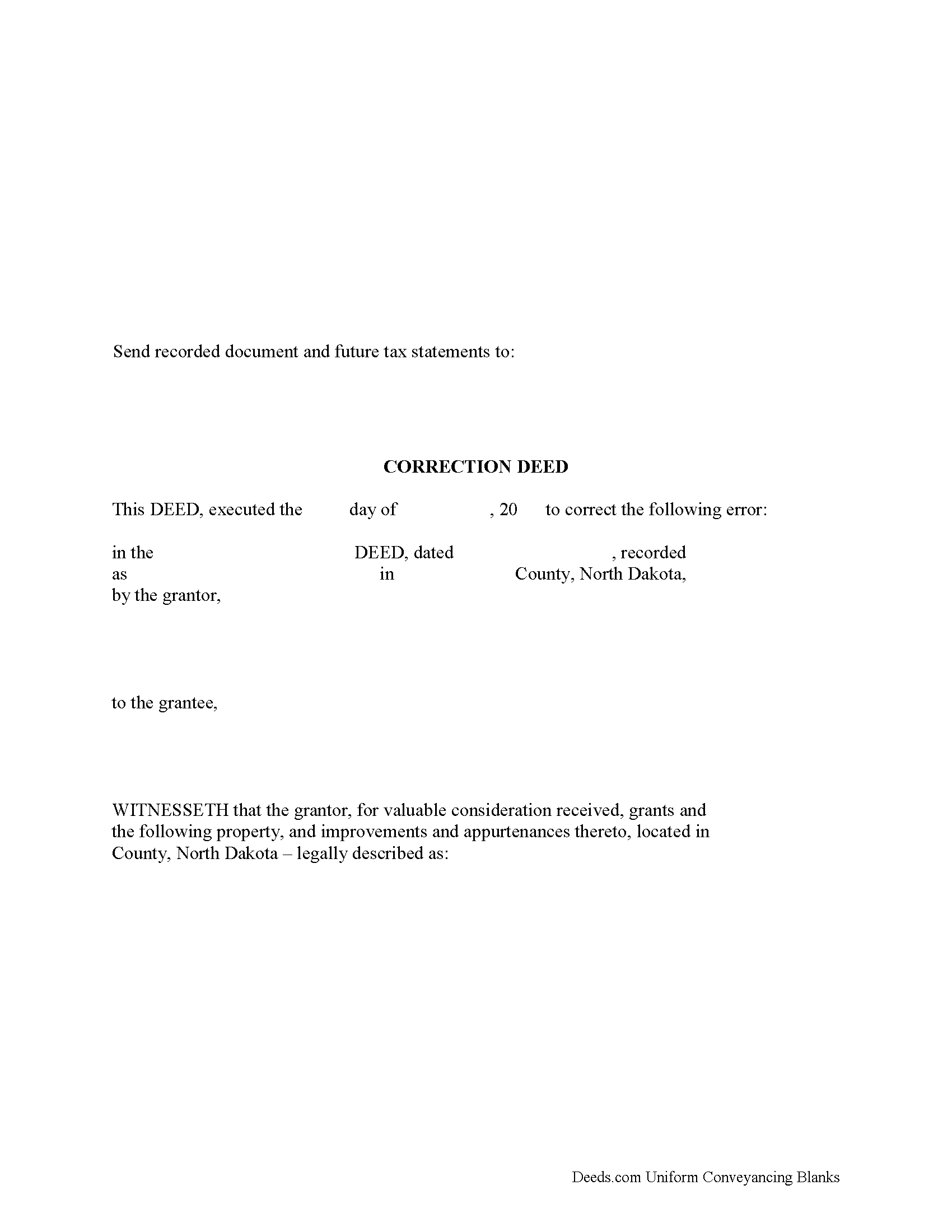
Ransom County Correction Deed Form
Fill in the blank form formatted to comply with all recording and content requirements.
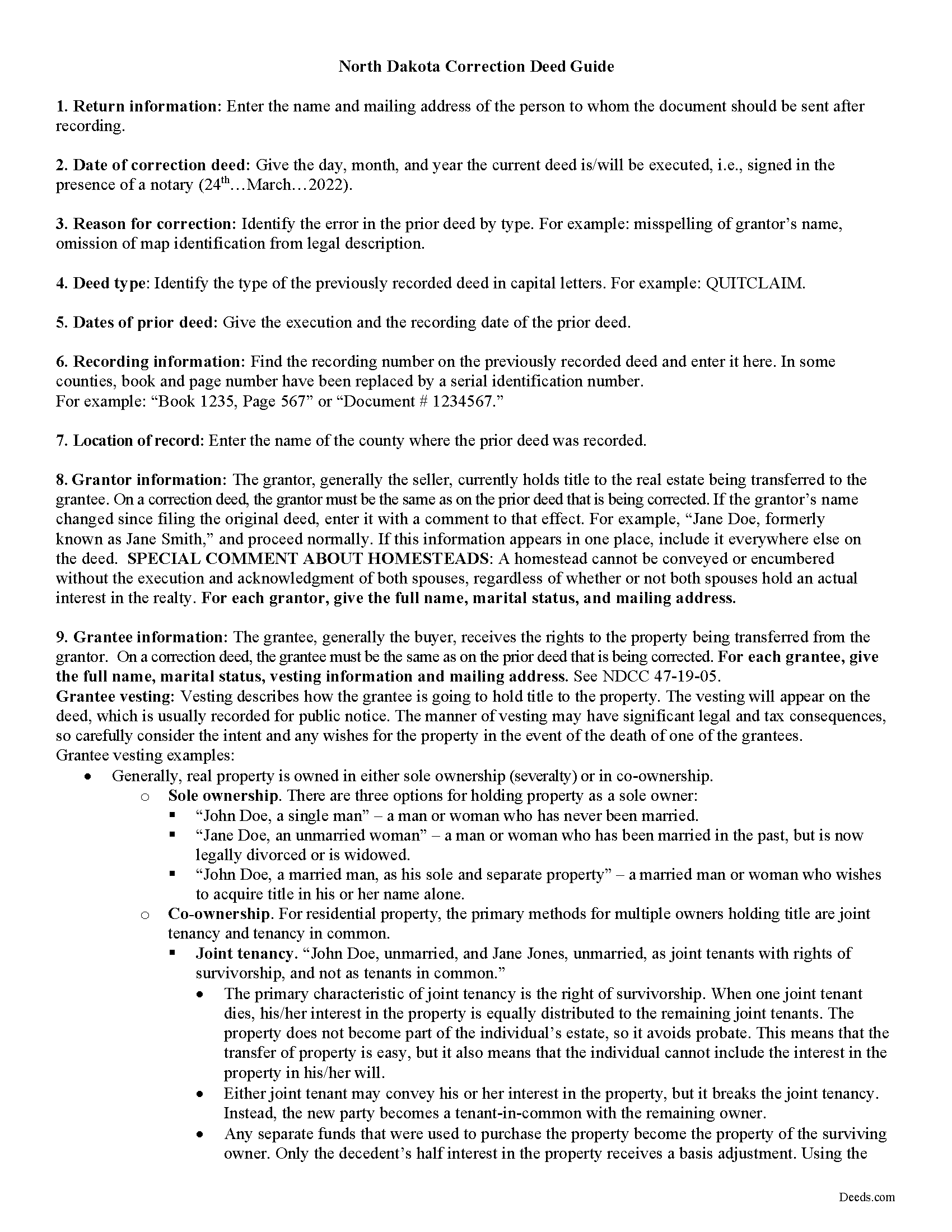
Ransom County Correction Deed Guide
Line by line guide explaining every blank on the form.
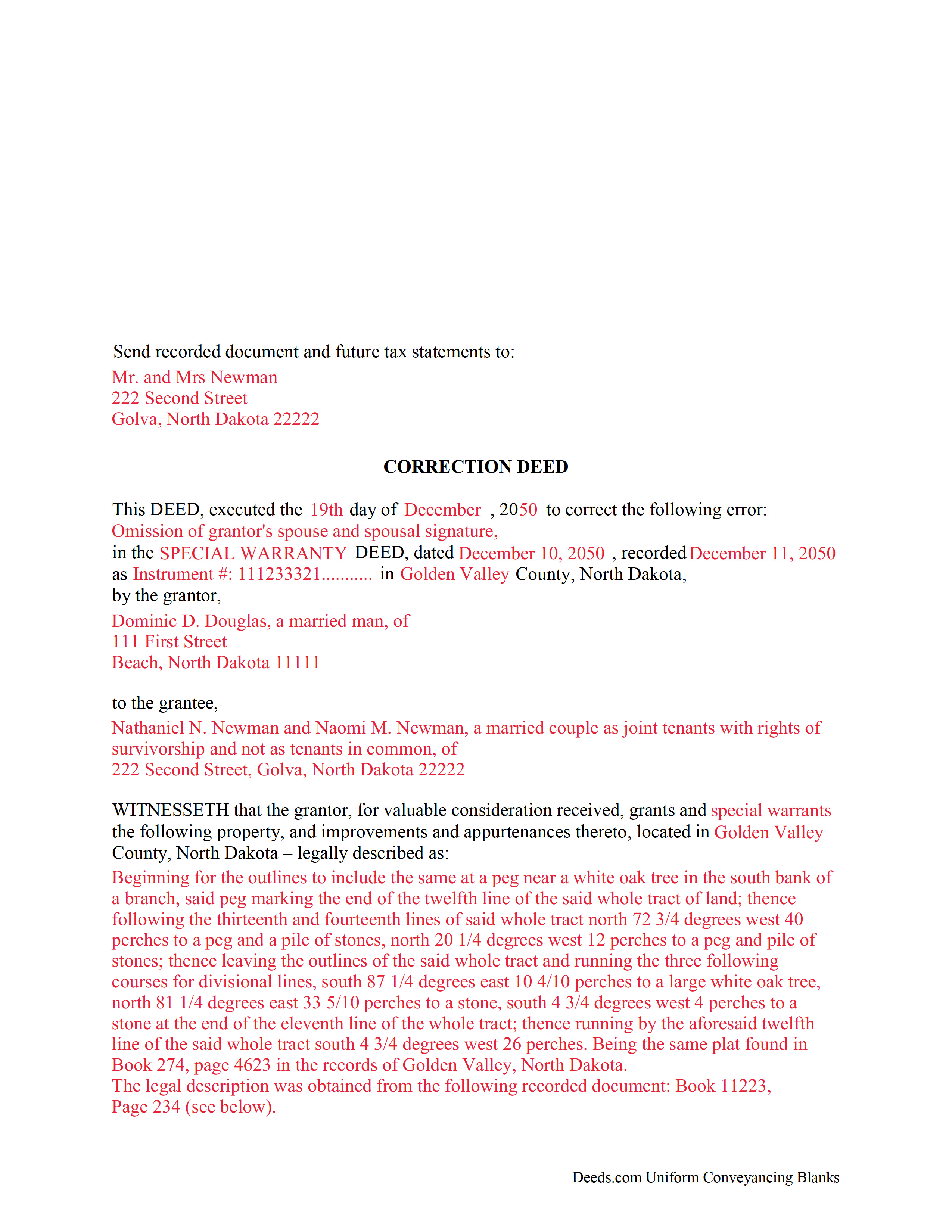
Ransom County Completed Example of the Correction Deed Document
Example of a properly completed form for reference.
All 3 documents above included • One-time purchase • No recurring fees
Immediate Download • Secure Checkout
Additional North Dakota and Ransom County documents included at no extra charge:
Where to Record Your Documents
Ransom County Recorder
Lisbon, North Dakota 58054
Hours: 8:30 to 12:00 & 1:00 to 5:00 M-F
Phone: (701) 683-6115
Recording Tips for Ransom County:
- Bring your driver's license or state-issued photo ID
- Ensure all signatures are in blue or black ink
- Ask about their eRecording option for future transactions
- Avoid the last business day of the month when possible
- Both spouses typically need to sign if property is jointly owned
Cities and Jurisdictions in Ransom County
Properties in any of these areas use Ransom County forms:
- Enderlin
- Fort Ransom
- Lisbon
- Sheldon
Hours, fees, requirements, and more for Ransom County
How do I get my forms?
Forms are available for immediate download after payment. The Ransom County forms will be in your account ready to download to your computer. An account is created for you during checkout if you don't have one. Forms are NOT emailed.
Are these forms guaranteed to be recordable in Ransom County?
Yes. Our form blanks are guaranteed to meet or exceed the applicable formatting requirements used for recording in Ransom County, including margin requirements, font requirements, and other layout standards. This guarantee applies to formatting, not to the legal sufficiency of information entered by the user or the suitability of a form for a particular transaction.
Can I reuse these forms?
Yes. You can reuse the forms for your personal use. For example, if you have multiple properties in Ransom County you only need to order once.
What do I need to use these forms?
The forms are PDFs that you fill out on your computer. The free Adobe Acrobat Reader is recommended, and most PDF apps also work. You do NOT enter your property information online - you download the blank forms and complete them privately on your own computer.
Are there any recurring fees?
No. This is a one-time purchase. Nothing to cancel, no memberships, no recurring fees.
How much does it cost to record in Ransom County?
Recording fees in Ransom County vary. Contact the recorder's office at (701) 683-6115 for current fees.
Questions answered? Let's get started!
Use the correction deed to correct an error in a previously recorded deed of conveyance in North Dakota.
Correcting an error in a recorded deed helps prevent problems that might arise when the current owner tries to sell the property. The best method for correction is to prepare and record a new document, a so-called correction deed. This document does not convey title; instead, it confirms the prior conveyance of the property.
Apart from supplying the correct information, the new deed must give the reason for the correction by identifying the error. It also must reference the prior deed by title, date, and recording number. The original grantor has to sign again, which confirms the property transfer to the grantee. Generally, corrective deeds are used to address minor errors in a deed, such as typos, accidentally omitted suffixes or middle initials of names, and other minor omissions. When in doubt about the gravity of an error and whether a correction deed is the appropriate vehicle to address it, consult with a lawyer.
For certain changes, a correction deed may not be appropriate. Adding or removing a grantee, for example, or making material changes to the legal description, especially deleting a portion of the originally transferred property, may all require a new deed of conveyance, instead of a correction deed. When correcting the legal description, both grantor and grantee should sign the corrective instrument to avoid doubt regarding any portions of the conveyed property.
(North Dakota CD Package includes form, guidelines, and completed example)
Important: Your property must be located in Ransom County to use these forms. Documents should be recorded at the county recording office listed above.
This Correction Deed meets all recording requirements specific to Ransom County.
Our Promise
The documents you receive here are guaranteed to meet or exceed the applicable Ransom County recording format requirements. If there is a rejection caused by our formatting, we will correct the issue or refund your payment. This guarantee applies to document formatting only and does not extend to information entered by the user, the selection of the form, or the legal effect of the completed document.
Save Time and Money
Get your Ransom County Correction Deed form done right the first time with Deeds.com Uniform Conveyancing Blanks. At Deeds.com, we understand that your time and money are valuable resources, and we don't want you to face a penalty fee or rejection imposed by a county recorder for submitting nonstandard documents. We constantly review and update our forms to meet rapidly changing state and county recording requirements for roughly 3,500 counties and local jurisdictions.
4.8 out of 5 - ( 4,836 Reviews )
Mark G. 5 out of 5 stars
I would recommend this product for little effort needed to complete any action you might require.
We appreciate your business and value your feedback. Thank you. Have a wonderful day!
Jacqueline S. 5 out of 5 stars
Outstanding service. The quit claim Deed form was great. Very easy to use and explained very clearly. Definitely recommend.
Thank you for your feedback. We really appreciate it. Have a great day!
Dwayne H. 5 out of 5 stars
The Oregon TODD transfer on death deed template worked great and was easy to use. They had instructions and a guide that had good pointers to filling everything out. It took about 2 weeks to mail in my filled TODD and receive it back from the county with their stamp. Would definitely use this service for other documents
We appreciate your business and value your feedback. Thank you. Have a wonderful day!
Betty S. 5 out of 5 stars
Thank you for the excellent and complete layout of all forms needed to complete the Affidavit of Death and Heirship, including the notarial officer and an example of how these forms should be completed. This method definitely saves time and money and an answer to my family's Prayers.
Thank you for your feedback. We really appreciate it. Have a great day!
katherine a. 5 out of 5 stars
loved the ease of use for the forms. went on line to find out about Adobe Reader, too. Had a test to see if I had it. Took few seconds. Then on to ordering and downloading which took only 5 minutes for the three forms I wanted. Thanks, Katie Anderson
Thank you for your feedback. We really appreciate it. Have a great day!
Lynn S. 5 out of 5 stars
Great service. I did not have to put much thought into the process!!! Worth the $15.00 extra!!
Thank you for your feedback. We really appreciate it. Have a great day!
Scott S. 5 out of 5 stars
Awesome service. I'm impressed.
We appreciate your business and value your feedback. Thank you. Have a wonderful day!
Kathryn C. 5 out of 5 stars
I truly appreciate you and you service for all you do to help me ThankYou kathrynchertock
Thank you for your feedback. We really appreciate it. Have a great day!
James W. 5 out of 5 stars
Easy access to forms saving lots of time researching reqmts from a State/Municipal Govt website. I saved 400-500 in lawyer fees but getting these forms, and coordinating with the Property recorders office in another state. Will use you again.
Thank you James. We really appreciate your feedback.
Elena R. 4 out of 5 stars
Very helpful forms and guide. Would use again if needed.
Thank you for your feedback. We really appreciate it. Have a great day!
DEBORAH H. 5 out of 5 stars
I found everything I needed
Your feedback is valuable to us and helps us improve. Thank you for sharing your thoughts!
Charles B. 5 out of 5 stars
The support received was far above expectations.
We are grateful for your feedback and looking forward to serving you again. Thank you!
Greg G. 5 out of 5 stars
Easiest Filing I've ever done, and filed in 24 hours.
Thank you!
Anitra C. 5 out of 5 stars
This was so easy and the instructions were great.
We appreciate your business and value your feedback. Thank you. Have a wonderful day!
Kimberly S. 5 out of 5 stars
Worked very well. Seamless process with helpful directions.
Thank you for your feedback. We really appreciate it. Have a great day!