Towner County Special Warranty Deed Form
Last validated October 30, 2026 by our Forms Development TeamFormatted for recording in Towner County, for property anywhere in the county: rural and unincorporated areas as well as Bisbee, Cando, Egeland, Hansboro, Perth, Rocklake.
- 3 documents included
- Immediate PDF download
- Formatting guarantee
Towner County Special Warranty Deed Form
Fill in the blank form formatted to comply with all recording and content requirements.
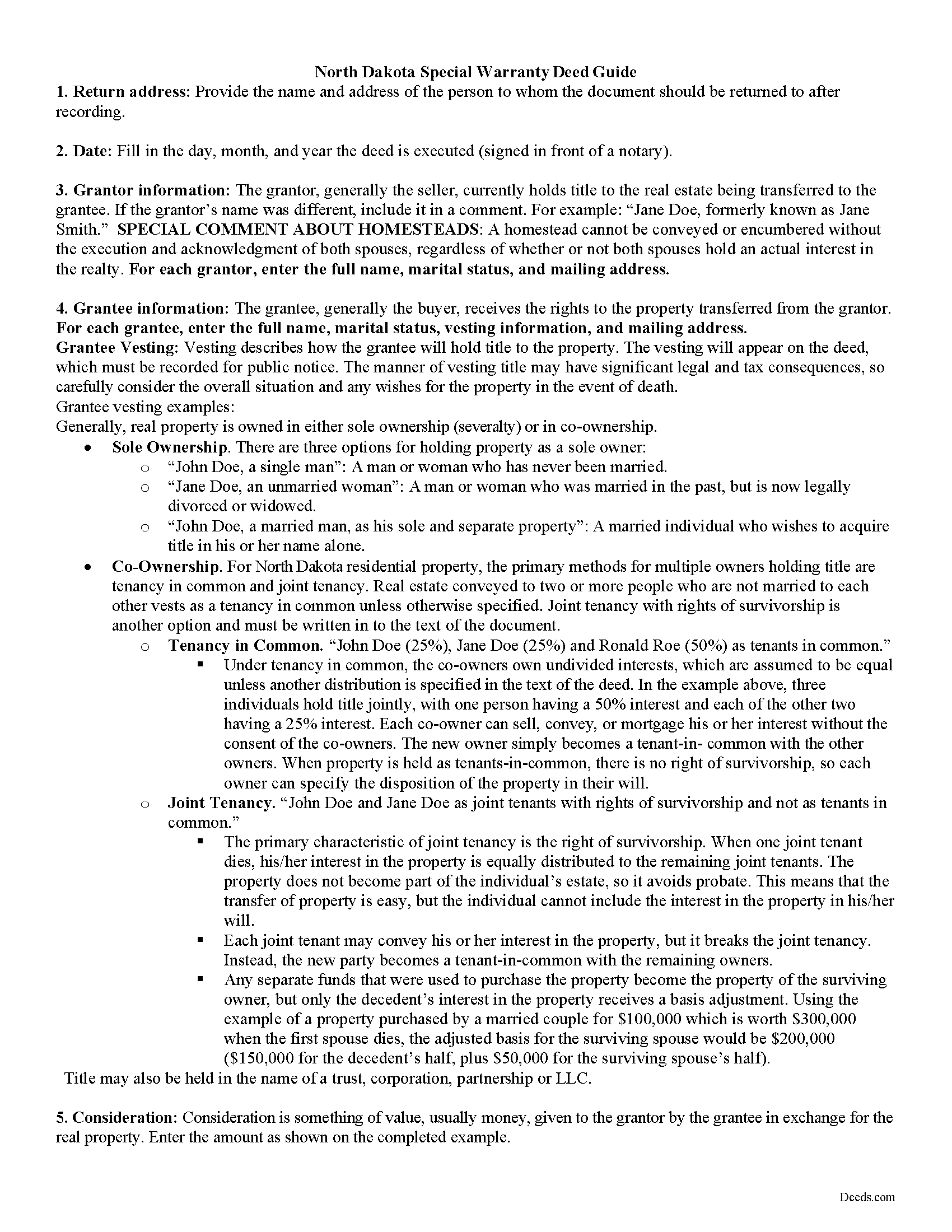
Towner County Special Warranty Deed Guide
Line by line guide explaining every blank on the form.
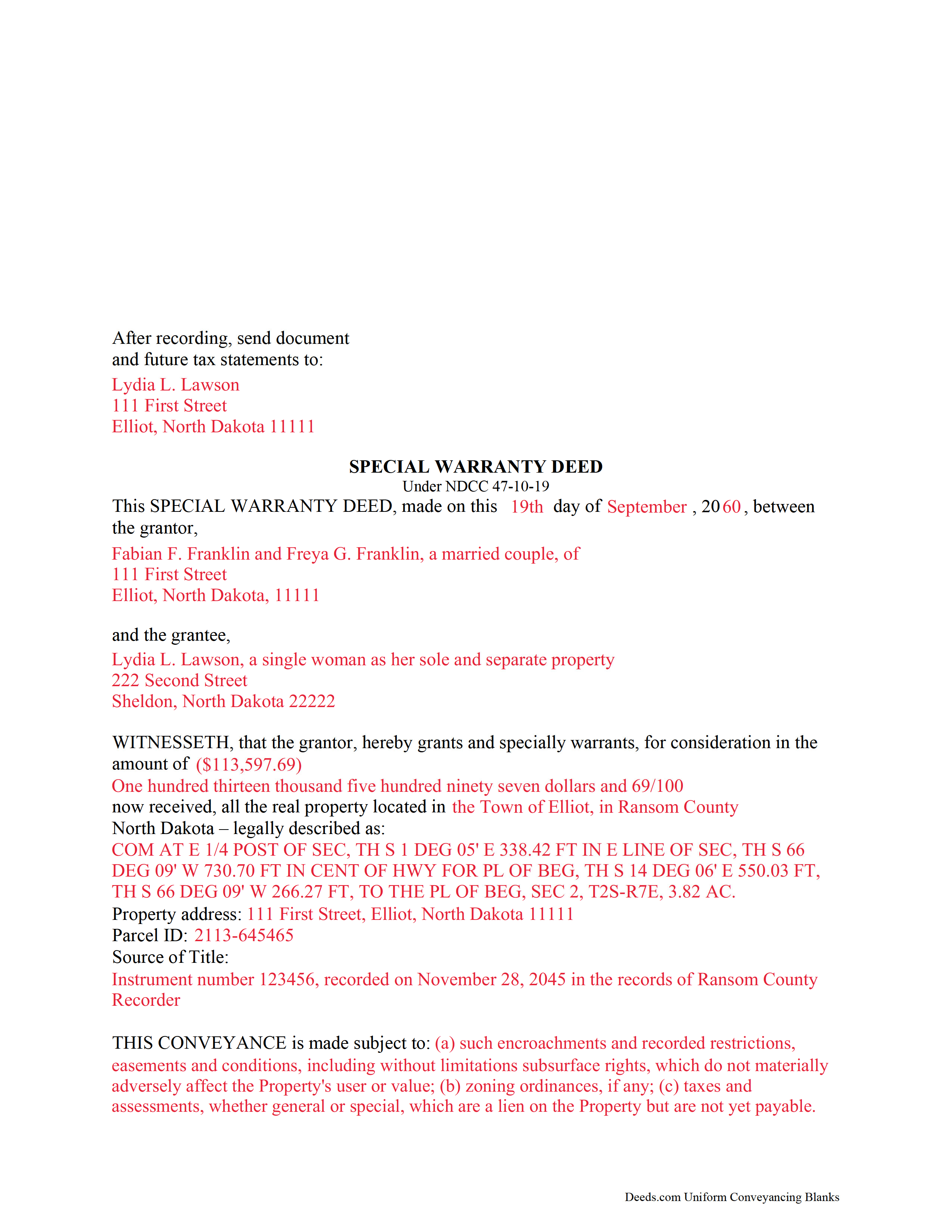
Towner County Completed Example of the Special Warranty Deed Document
Example of a properly completed form for reference.
All 3 documents above included • One-time purchase • No recurring fees
Immediate Download • Secure Checkout
Additional North Dakota and Towner County documents included at no extra charge:
Where to Record Your Documents
Towner County Recorder
Cando, North Dakota 58324
Hours: 8:30 to 12:00 & 1:00 to 5:00 M-F
Phone: (701) 968-4340
Recording Tips for Towner County:
- Bring your driver's license or state-issued photo ID
- Ensure all signatures are in blue or black ink
- Make copies of your documents before recording - keep originals safe
- Recorded documents become public record - avoid including SSNs
- Recording fees may differ from what's posted online - verify current rates
Cities and Jurisdictions in Towner County
Properties in any of these areas use Towner County forms:
- Bisbee
- Cando
- Egeland
- Hansboro
- Perth
- Rocklake
Hours, fees, requirements, and more for Towner County
How do I get my forms?
Forms are available for immediate download after payment. The Towner County forms will be in your account ready to download to your computer. An account is created for you during checkout if you don't have one. Forms are NOT emailed.
Are these forms guaranteed to be recordable in Towner County?
Yes. Our form blanks are guaranteed to meet or exceed the applicable formatting requirements used for recording in Towner County, including margin requirements, font requirements, and other layout standards. This guarantee applies to formatting, not to the legal sufficiency of information entered by the user or the suitability of a form for a particular transaction.
Can I reuse these forms?
Yes. You can reuse the forms for your personal use. For example, if you have multiple properties in Towner County you only need to order once.
What do I need to use these forms?
The forms are PDFs that you fill out on your computer. The free Adobe Acrobat Reader is recommended, and most PDF apps also work. You do NOT enter your property information online - you download the blank forms and complete them privately on your own computer.
Are there any recurring fees?
No. This is a one-time purchase. Nothing to cancel, no memberships, no recurring fees.
How much does it cost to record in Towner County?
Recording fees in Towner County vary. Contact the recorder's office at (701) 968-4340 for current fees.
Questions answered? Let's get started!
A special warranty deed can be used to transfer title to real property in North Dakota. The statutory form for a grant of real property, as presented in 47-10-06 of the North Dakota Century Code, can be used for a special warranty deed. From the use of the word "grant" in a real estate deed, the following covenants are implied, unless restrained by specific terms in the deed: (1) That previous to the execution of the conveyance, the grantor has not conveyed the same estate or any right, title, or interest therein to any person other than the grantee, and (2) That the estate is, at the time of execution of the conveyance, free from encumbrances done, made, or suffered by the grantor or any person claiming under the grantor (47-10-19.). A special warranty deed also includes a covenant from the grantor to defend the title against only the claims and demands of the grantor and those claiming by, through, or under the grantor.
In order to be recorded in North Dakota, a special warranty deed must be signed and acknowledged by the grantor, and must also contain original signatures (47-19-03). If the deed has not been acknowledged as required, it can be proved by a subscribing witness (47-10-05). A special warranty deed can be proved or acknowledged at any place in North Dakota before a judge or clerk of the Supreme Court or a notary public (47-19-13). Other authorized officers in North Dakota, such as a mayor of a city, a recorder, or a county auditor, are able to take acknowledgments or proof only within their district (47-19-14). An officer taking proof or acknowledgment must endorse or attach a certificate to the deed , which should be in substantially the form provided in 47-19-27 of the NDCC (47-19-25, 26). A deed acknowledged out-of-state and in accordance with the laws of such state will be accepted for recording in North Dakota (47-19-35). In order to be recorded, some special warranty deeds will need to have an auditor's certificate of transfer and a completed Statement of Full Consideration (11-18-02 and 11-18-02.2).
Once a special warranty deed has been duly signed and acknowledged, the act of recording will serve as constructive notice of the contents of the instrument, as it appears of record, to all persons (47-19-19). A special warranty deed should be recorded in the office of the county recorder in the county where the property is located. An unrecorded special warranty deed is void against any subsequent purchaser in good faith, and for a valuable consideration, of the same real estate or portion thereof, whose conveyance is first deposited with the recorder and subsequently recorded, whether it is entitled to be recorded or not, or as against any attachment levied thereon or any judgment lawfully obtained at the suit of any party, against the person in whose name the title to such land appears of record, prior to the recording of such conveyance (47-19-41). If a special warranty deed is not recorded, it will be valid between the parties thereto and those who have notice of the instrument (47-19-46).
(North Dakota SWD Package includes form, guidelines, and completed example)
Important: Your property must be located in Towner County to use these forms. Documents should be recorded at the county recording office listed above.
This Special Warranty Deed meets all recording requirements specific to Towner County.
Our Promise
The documents you receive here are guaranteed to meet or exceed the applicable Towner County recording format requirements. If there is a rejection caused by our formatting, we will correct the issue or refund your payment. This guarantee applies to document formatting only and does not extend to information entered by the user, the selection of the form, or the legal effect of the completed document.
Save Time and Money
Get your Towner County Special Warranty Deed form done right the first time with Deeds.com Uniform Conveyancing Blanks. At Deeds.com, we understand that your time and money are valuable resources, and we don't want you to face a penalty fee or rejection imposed by a county recorder for submitting nonstandard documents. We constantly review and update our forms to meet rapidly changing state and county recording requirements for roughly 3,500 counties and local jurisdictions.
4.8 out of 5 - ( 4,864 Reviews )
Bonnie V. 5 out of 5 stars
I was very pleased with Deeds.Com. It was easy to use.
Thank you!
Mike H. 5 out of 5 stars
Great
Thank you!
Janet M. 5 out of 5 stars
Deed.com is an amazing site. After calling many places and going on many websites to figure out what I needed to submit (most counties cannot help with questions and the place I needed to turn the documents into could not help either, they are not allowed to give legal advice) I came across Deeds.com. It has been so helpful and I was able to research what documents I needed. I purchased one document and after more research I realized I needed a different document. Deed.com refunded my first purchase. I then purchased an Affidavit of Death and a Deed for the county and state I needed them for. Both the example and guide were very helpful and I will be submitting my documents after I have them notarized. I give five stars
Your feedback is greatly appreciated. Thank you for taking the time to share your experience!
Martin M. 5 out of 5 stars
This site is great. Simple to use with excellent instructions. Will recommend to others.
Thank you!
Christopher B. 5 out of 5 stars
great
Thanks for your feedback. We’re glad we could help.
Herbert R. 5 out of 5 stars
Your website was very helpful. Hopefully, I will have it completed correctly prior to use.
Thank you for your feedback. We really appreciate it. Have a great day!
Eva S. 5 out of 5 stars
I was able to download the forms and I needed and fill out quickly. There were examples to review if I needed any assistance. I would recommend this site to anyone.
We are delighted to have been of service. Thank you for the positive review!
Neil S. 5 out of 5 stars
Very impressive. The only change I would suggest is a smaller font on the title.
Thank you for your feedback. We really appreciate it. Have a great day!
Leonard S. 5 out of 5 stars
OK service
Thank you!
Jane H. 5 out of 5 stars
So far, so good!
Thank you Jane. Have a great day!
Tamara B. 5 out of 5 stars
Simple and easy to use
Your feedback means a lot to us. Thank you.
MIMI T. 5 out of 5 stars
Awesome great service!
Fantastic! Thanks for the feedback Mimi.
Daniel C. 5 out of 5 stars
This is a wonderful service and your staff is very responsive through the chat. My one suggestion is that there be an added sentence to your instructions that sates that once you upload there is nothing more to do as in a "submit" or "Finished uploading" button. After uploading instinct says there is something to click to let you all know that we have finished with our uploads.
Your feedback is valuable to us and helps us improve. Thank you for sharing your thoughts!
arturo b d. 5 out of 5 stars
just what I needed...thanks
Thank you!
Brian S. 3 out of 5 stars
PDF fields change font sizes leading to an unprofessional-appearing printed page. The examples for "Convey to" section don't include how to specify just one person instead of a married couple. Maybe that is simple but it would help to spell it out in an example. Haven't submitted to County Recorder yet, so will find out if it is acceptable.
Thank you for the feedback Brian.
The font issue is caused by using a PDF viewer other than Adobe Acrobat Reader. Our form fields are set to a uniform 12-point font, but non-Adobe viewers often render form fields inconsistently. Opening and printing the form with the free Adobe Acrobat Reader will resolve that.
Regarding the examples, that's a fair point, we'll look at expanding them.