Walsh County Transfer on Death Deed Revocation Form
Last validated September 25, 2026 by our Forms Development TeamFormatted for recording in Walsh County, for property anywhere in the county: rural and unincorporated areas as well as Adams, Edinburg, Fairdale, Fordville, Forest River, Grafton, Hoople, Lankin and 3 more.
- 3 documents included
- Immediate PDF download
- Formatting guarantee
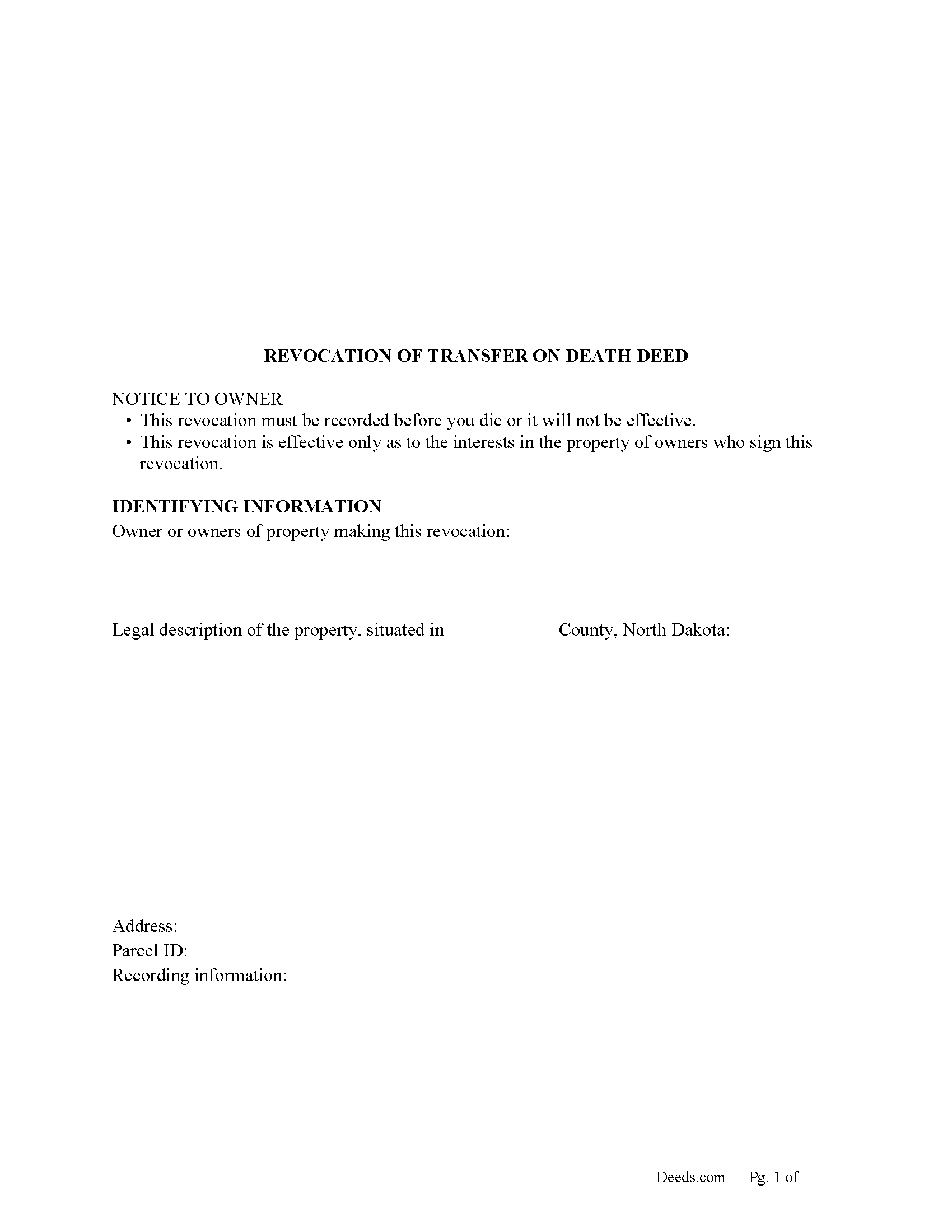
Walsh County Transfer on Death Revocation Form
Fill in the blank form formatted to comply with all recording and content requirements.
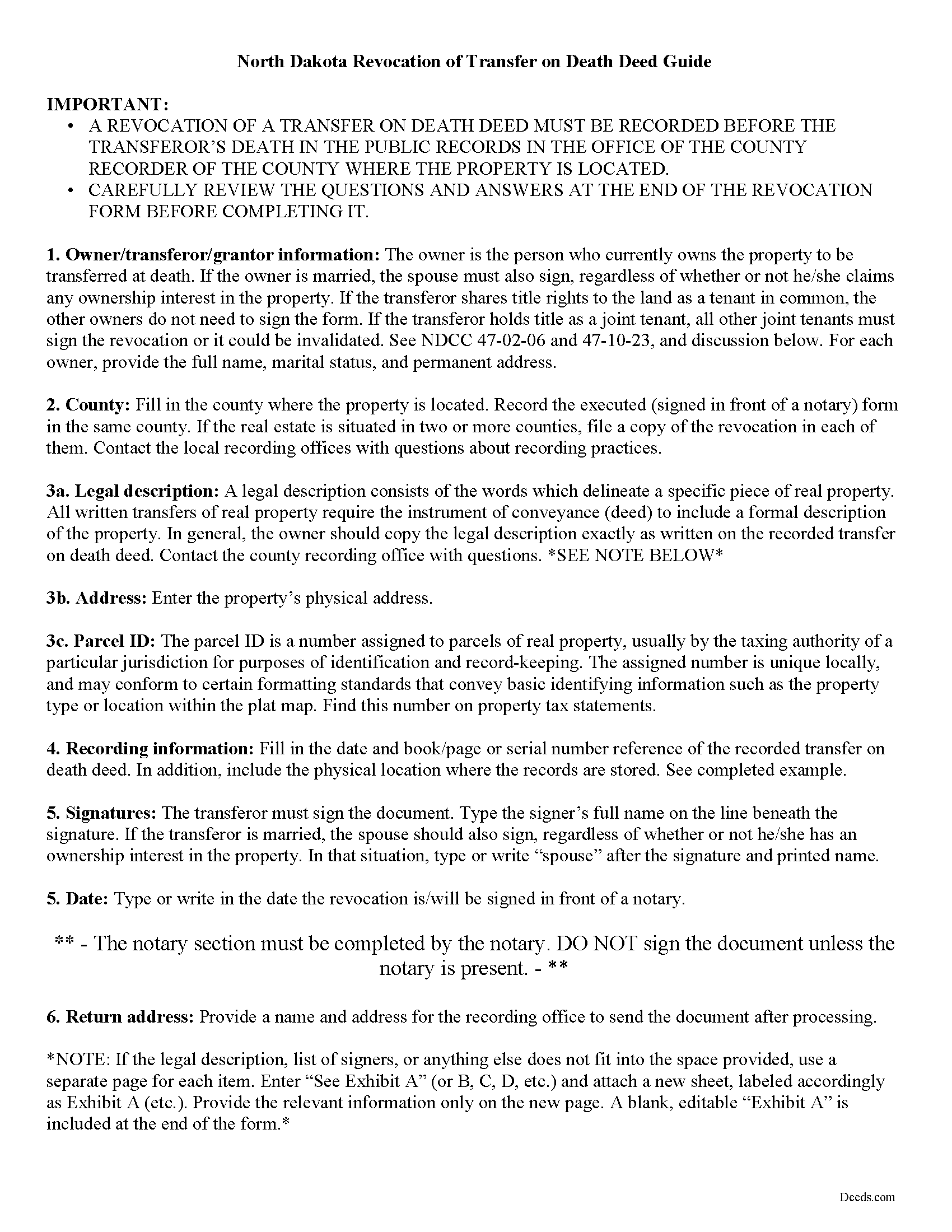
Walsh County Transfer of Death Revocation Guide
Line by line guide explaining every blank on the form.
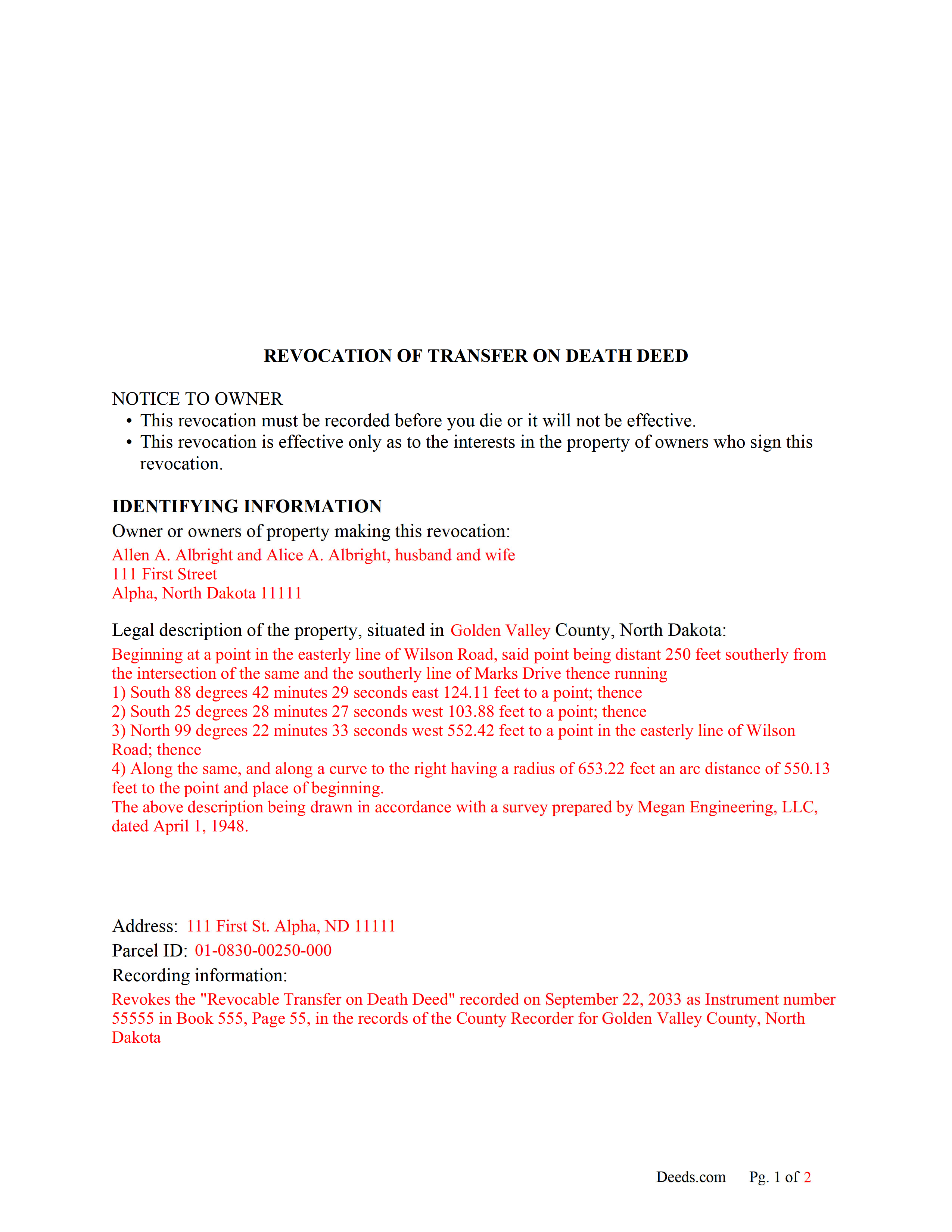
Walsh County Completed Example of the Transfer on Death Revocation Document
Example of a properly completed form for reference.
All 3 documents above included • One-time purchase • No recurring fees
Immediate Download • Secure Checkout
Additional North Dakota and Walsh County documents included at no extra charge:
Where to Record Your Documents
Walsh County Recorder
Grafton, North Dakota 58237
Hours: 8:00 to 12:00 & 12:30 to 4:30 M-F
Phone: (701) 352-2380
Recording Tips for Walsh County:
- Bring your driver's license or state-issued photo ID
- Ensure all signatures are in blue or black ink
- Leave recording info boxes blank - the office fills these
- Make copies of your documents before recording - keep originals safe
- Recorded documents become public record - avoid including SSNs
Cities and Jurisdictions in Walsh County
Properties in any of these areas use Walsh County forms:
- Adams
- Edinburg
- Fairdale
- Fordville
- Forest River
- Grafton
- Hoople
- Lankin
- Minto
- Park River
- Pisek
Hours, fees, requirements, and more for Walsh County
How do I get my forms?
Forms are available for immediate download after payment. The Walsh County forms will be in your account ready to download to your computer. An account is created for you during checkout if you don't have one. Forms are NOT emailed.
Are these forms guaranteed to be recordable in Walsh County?
Yes. Our form blanks are guaranteed to meet or exceed the applicable formatting requirements used for recording in Walsh County, including margin requirements, font requirements, and other layout standards. This guarantee applies to formatting, not to the legal sufficiency of information entered by the user or the suitability of a form for a particular transaction.
Can I reuse these forms?
Yes. You can reuse the forms for your personal use. For example, if you have multiple properties in Walsh County you only need to order once.
What do I need to use these forms?
The forms are PDFs that you fill out on your computer. The free Adobe Acrobat Reader is recommended, and most PDF apps also work. You do NOT enter your property information online - you download the blank forms and complete them privately on your own computer.
Are there any recurring fees?
No. This is a one-time purchase. Nothing to cancel, no memberships, no recurring fees.
How much does it cost to record in Walsh County?
Recording fees in Walsh County vary. Contact the recorder's office at (701) 352-2380 for current fees.
Questions answered? Let's get started!
Revoking North Dakota's Transfer on Death Deeds
Note that revocations of transfer on death deeds must be recorded during the owner's life or they have no effect.
In 2011, North Dakota enacted the Uniform Real Property Transfer on Death Act, found in the North Dakota Century Code (NDCC) at Chapter 30.1-32.1.
According to this statute, owners of North Dakota real property may transfer property to one or more beneficiaries effective, at the transferor's death, by lawfully executing and recording a transfer on death deed (TODD) in the county or counties where the property is located (NDCC 32.1-02). The instruments must contain all the information required for traditional deeds, as well as a statement that the transfer will occur at the owner's death (30.1-32.1-06).
This transfer is nontestamentary, meaning it is not included in the owner's will (30.1-32.1-04). As a result, it does not require probate distribution. Even so, best practices dictate that the will and any other transfers should not contain any conflicting instructions.
Deeds under this law allow the owners to retain absolute ownership of and control over the land until death, including the ability to cancel or change the beneficiary designation, and to sell the property outright to someone else (30.1-32.1-09). Because the transfer is revocable (30.1-32.1-03), there is no obligation to notify the beneficiary or to collect consideration (money) for the potential future interest (30.1-32.1-07).
Revocability is one of the unique features of TODDs. It gives property owners the flexibility to adapt to changing circumstances by modifying or cancelling future transfers with relative ease. In addition, if the owner decides to sell the real estate to someone else, executing and recording a revocation provides a firm end point for a recorded TODD. This action reduces the potential for confusion about the title, and contributes to the property's clear chain of title (ownership history).
Section 30.1-32.1-08 provides the rules for revoking a recorded TODD. There are three main options, all of which must be executed and recorded while the owner is still alive:
- a new transfer on death deed that revokes all or part of the earlier deed
- an instrument of revocation that specifically revokes the earlier deed
- a tradition deed, such as a warranty or quitclaim deed, that conveys all the owner's interest in the property.
(North Dakota TODD Revocation Package includes form, guidelines, and completed example)
Important: Your property must be located in Walsh County to use these forms. Documents should be recorded at the county recording office listed above.
This Transfer on Death Deed Revocation meets all recording requirements specific to Walsh County.
Our Promise
The documents you receive here are guaranteed to meet or exceed the applicable Walsh County recording format requirements. If there is a rejection caused by our formatting, we will correct the issue or refund your payment. This guarantee applies to document formatting only and does not extend to information entered by the user, the selection of the form, or the legal effect of the completed document.
Save Time and Money
Get your Walsh County Transfer on Death Deed Revocation form done right the first time with Deeds.com Uniform Conveyancing Blanks. At Deeds.com, we understand that your time and money are valuable resources, and we don't want you to face a penalty fee or rejection imposed by a county recorder for submitting nonstandard documents. We constantly review and update our forms to meet rapidly changing state and county recording requirements for roughly 3,500 counties and local jurisdictions.
4.8 out of 5 - ( 4,829 Reviews )
Rhonda D. 3 out of 5 stars
The boxes do not allow you to add the entire information. The after recording return to box would not let me add a zipcode.
Thanks for the feedback Rhonda, we’ll take a look at that input field.
Missie R. 5 out of 5 stars
Very fast and professionally handled.
Thank you!
Cynthia S. 5 out of 5 stars
I am an attorney assisting my son with some simple legal docs & this service saved me a lot of time and is user friendly!
We appreciate your business and value your feedback. Thank you. Have a wonderful day!
Paul S. 5 out of 5 stars
Directions were good. It was an easy process. Thank You.
We appreciate your business and value your feedback. Thank you. Have a wonderful day!
Joseph D. 5 out of 5 stars
Easy to use and a quick turnaround Deed was recorded and retuned within 24 hours
We are grateful for your engagement and feedback, which help us to serve you better. Thank you for being an integral part of our community.
Laurie R. 5 out of 5 stars
FIVE STARS !!! Clear instructions Easy to navigate Thanks for making this easy for those of us who are not tech savvy
We appreciate your business and value your feedback. Thank you. Have a wonderful day!
Daniel A. 5 out of 5 stars
First time using Deeds.com. Downloaded the PDF forms for creating an Illinois Mortgage and Promissory Note. Filled them out, saved them, and printed them out. Going to send them to my Title Company for closing on a property. Save a bunch of money on not have to pay lawyer fees for creating the same legal documents that Deeds.com provided.
We appreciate your business and value your feedback. Thank you. Have a wonderful day!
Lauren D. 5 out of 5 stars
Prompt and helpful
Thank you!
Jeffrey B. 5 out of 5 stars
Love Deeds.com! I was a little confused as to how to go about Quitclaiming, but you made it very easy! Thank you SO much!
We appreciate your business and value your feedback. Thank you. Have a wonderful day!
JOHNNY M. 5 out of 5 stars
The information provided is quite thorough.I recommend this Site to anyone, in need of Material for Quit Claim Deeds.
Thank you!
Roxanne C. 5 out of 5 stars
I love that this service is available. Uploading my document took no time at all. I love that we have an option of upload our documentsinsread of going in to file.
Thank you for your feedback. We really appreciate it. Have a great day!
Thomas M. 5 out of 5 stars
EXCELLENT resource for ALL state documents! The forms come with explanations and examples. A real Deal!!!
Thank you!
Liza B. 5 out of 5 stars
Fantastic forms and service, could not be happier, wish you girls did more than deed forms.
Thank you!
Kelly H. 5 out of 5 stars
This site was very fast and easy to use, highly recommend it.
Thank you for your feedback. We really appreciate it. Have a great day!
scott m. 5 out of 5 stars
thanks- easy as pie.
Thank you!