Beaver County Mineral Deed Form
Last validated September 7, 2026 by our Forms Development TeamFormatted for recording in Beaver County, for property anywhere in the county: rural and unincorporated areas as well as Balko, Beaver, Forgan, Gate, Turpin.
- 3 documents included
- Immediate PDF download
- Formatting guarantee
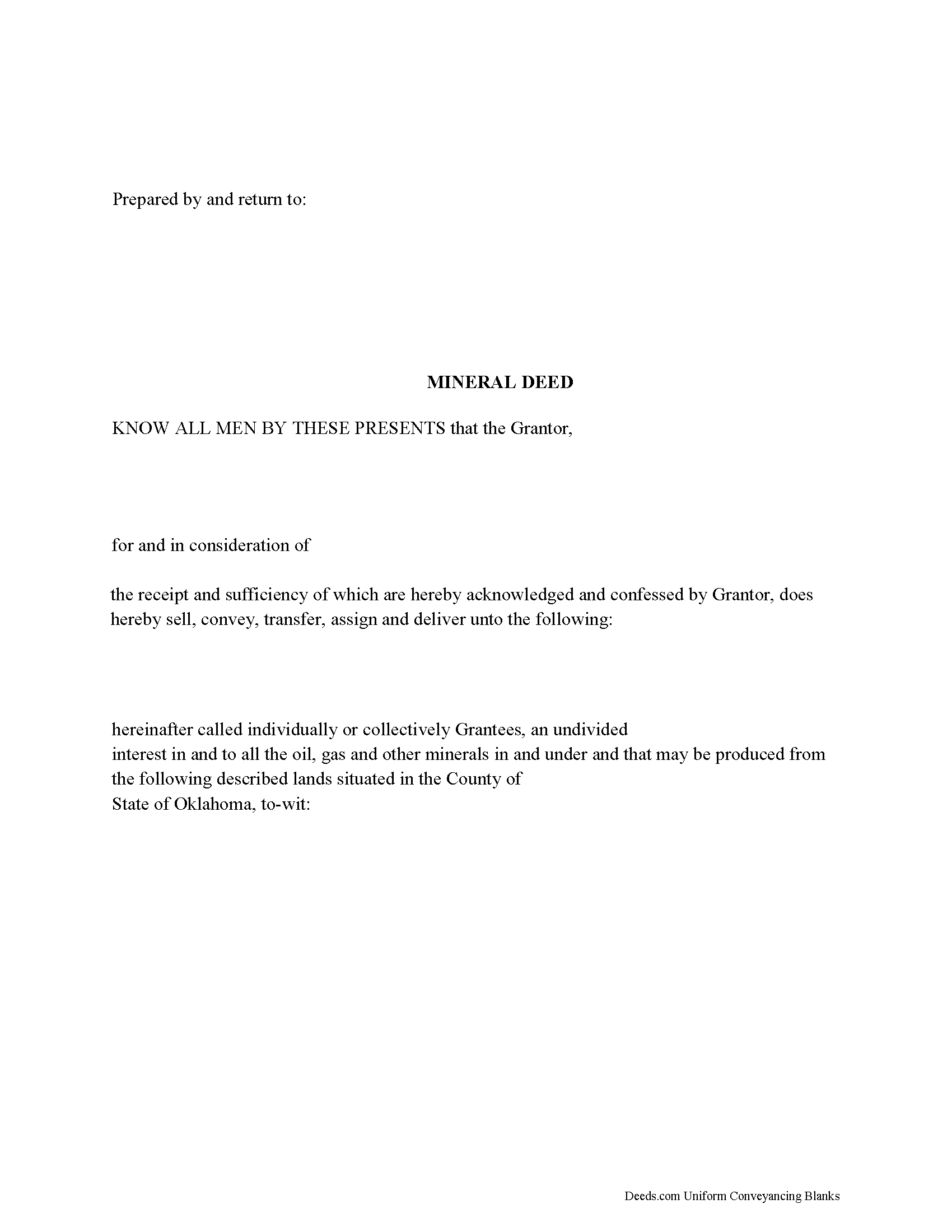
Beaver County Mineral Deed Form
Fill in the blank form formatted to comply with all recording and content requirements.
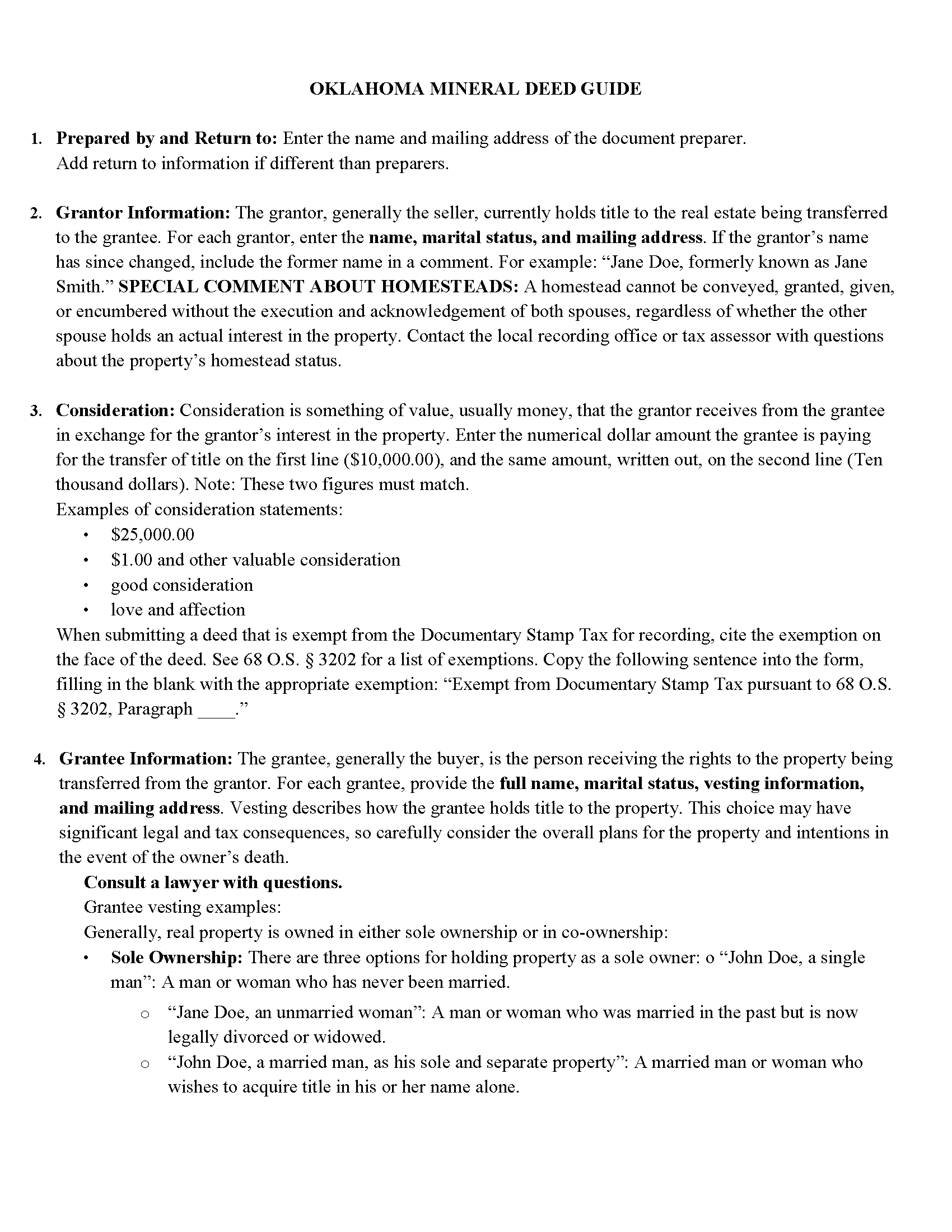
Beaver County Guidelines for Mineral Deed
Line by line guide explaining every blank on the form.
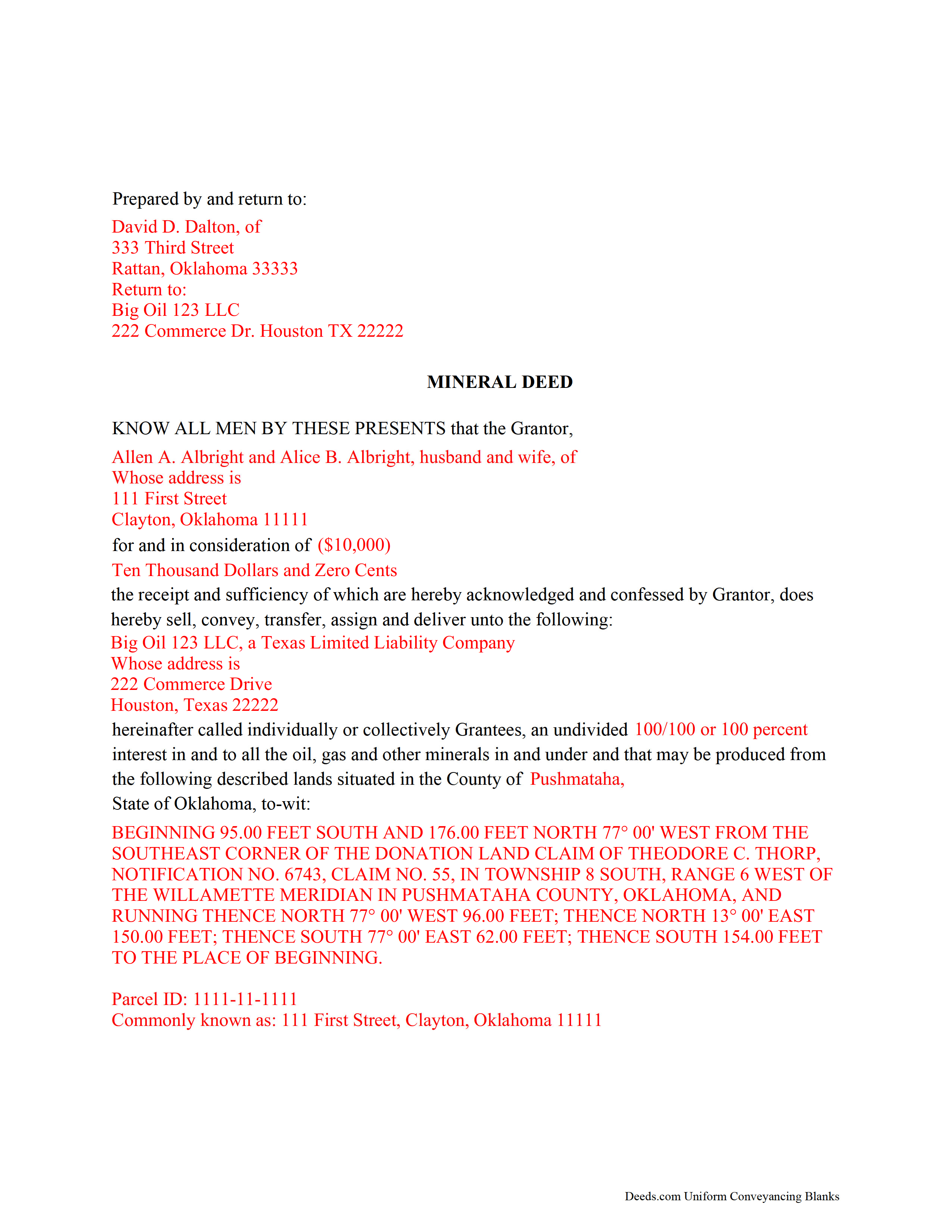
Beaver County Completed Example of the Mineral Deed Document
Example of a properly completed form for reference.
All 3 documents above included • One-time purchase • No recurring fees
Immediate Download • Secure Checkout
Additional Oklahoma and Beaver County documents included at no extra charge:
Where to Record Your Documents
Beaver County Clerk
Beaver, Oklahoma 73932
Hours: 8:00 to 5:00 M-F
Phone: (580) 625-3418
Recording Tips for Beaver County:
- Bring your driver's license or state-issued photo ID
- Ensure all signatures are in blue or black ink
- Bring extra funds - fees can vary by document type and page count
- Check margin requirements - usually 1-2 inches at top
- Leave recording info boxes blank - the office fills these
Cities and Jurisdictions in Beaver County
Properties in any of these areas use Beaver County forms:
- Balko
- Beaver
- Forgan
- Gate
- Turpin
Hours, fees, requirements, and more for Beaver County
How do I get my forms?
Forms are available for immediate download after payment. The Beaver County forms will be in your account ready to download to your computer. An account is created for you during checkout if you don't have one. Forms are NOT emailed.
Are these forms guaranteed to be recordable in Beaver County?
Yes. Our form blanks are guaranteed to meet or exceed the applicable formatting requirements used for recording in Beaver County, including margin requirements, font requirements, and other layout standards. This guarantee applies to formatting, not to the legal sufficiency of information entered by the user or the suitability of a form for a particular transaction.
Can I reuse these forms?
Yes. You can reuse the forms for your personal use. For example, if you have multiple properties in Beaver County you only need to order once.
What do I need to use these forms?
The forms are PDFs that you fill out on your computer. The free Adobe Acrobat Reader is recommended, and most PDF apps also work. You do NOT enter your property information online - you download the blank forms and complete them privately on your own computer.
Are there any recurring fees?
No. This is a one-time purchase. Nothing to cancel, no memberships, no recurring fees.
How much does it cost to record in Beaver County?
Recording fees in Beaver County vary. Contact the recorder's office at (580) 625-3418 for current fees.
Questions answered? Let's get started!
The General Mineral Deed in Oklahoma transfers oil, gas, and mineral rights from the grantor to the grantee. THIS IS NOT A LEASE. There are no Exceptions or Reservations included.
The transfer includes the oil, gas and other minerals of every kind and nature. It also transfers any and all rights to receive royalties, overriding royalties, net profits interests or other payments out of or with respect to those oil, gas and other minerals. The Grantor can stipulate the percentage of Mineral Rights the Grantee will receive and is made subject to any rights existing under any valid and subsisting oil and gas lease or leases of record.
This general mineral deed gives the grantee the right to access, for the purpose of mining, drilling, exploring, operating and developing said lands for oil, gas, and other minerals, and storing handling, transporting and marketing of such.
In this document the Grantor Warrants and will defend said Title to Grantee. Use of this document has a permanent effect on your rights to the property, if you are not completely sure of what you are executing seek the advice of a legal professional.
(Oklahoma MD Package includes form, guidelines, and completed example)
Important: Your property must be located in Beaver County to use these forms. Documents should be recorded at the county recording office listed above.
This Mineral Deed meets all recording requirements specific to Beaver County.
Our Promise
The documents you receive here are guaranteed to meet or exceed the applicable Beaver County recording format requirements. If there is a rejection caused by our formatting, we will correct the issue or refund your payment. This guarantee applies to document formatting only and does not extend to information entered by the user, the selection of the form, or the legal effect of the completed document.
Save Time and Money
Get your Beaver County Mineral Deed form done right the first time with Deeds.com Uniform Conveyancing Blanks. At Deeds.com, we understand that your time and money are valuable resources, and we don't want you to face a penalty fee or rejection imposed by a county recorder for submitting nonstandard documents. We constantly review and update our forms to meet rapidly changing state and county recording requirements for roughly 3,500 counties and local jurisdictions.
4.8 out of 5 - ( 4,825 Reviews )
Wilburn R. 5 out of 5 stars
absolutely great
Thank you!
Benjamin A. 4 out of 5 stars
This method seems simple for me to complete. Wish me luck.
Thank you for your feedback. We really appreciate it. Have a great day!
dill h. 5 out of 5 stars
easy-peasy
We appreciate your business and value your feedback. Thank you. Have a wonderful day!
Frank H. 5 out of 5 stars
All the forms downloaded are very comprehensive of Quit Claim transfers.
We appreciate your business and value your feedback. Thank you. Have a wonderful day!
Joe L. 5 out of 5 stars
Great service, and fast.
We appreciate your business and value your feedback. Thank you. Have a wonderful day!
Kathryn C. 5 out of 5 stars
descriptions for some areas were longer than what would print out on document - it showed and was visible on the form but would not print out - for example in the legal description. would be nice in fill in areas could be extended as needed
Thank you for your feedback. We really appreciate it. Have a great day!
Leonard S. 5 out of 5 stars
OK service
Thank you!
barbara m. 5 out of 5 stars
deeds.com is the most efficient, easy to use site for legal forms I've found! Thank You
We appreciate your business and value your feedback. Thank you. Have a wonderful day!
Tracey P. 5 out of 5 stars
As always, amazing forms and information. A must have for anyone doing it themselves. Everything is available to make it happen but if you need a lot of hand holding you might want to look into a more full service option.
Thank you for your feedback. We really appreciate it. Have a great day!
Jean T. 5 out of 5 stars
It's wonderful that these forms are easily accessible!
Thank you for your feedback. We really appreciate it. Have a great day!
Chrisona S. 5 out of 5 stars
Received the forms as promised. Very satisfied.
Thank you!
Janette C. 5 out of 5 stars
Love the service !!
Your appreciative words mean the world to us. Thank you.
Cyrus A. 5 out of 5 stars
Easy site to work with.
We are grateful for your feedback and looking forward to serving you again. Thank you!
Phyllis C. 3 out of 5 stars
So far So Good. Ill come back and re review after it is all finished. I have downloaded all the documents. next I need to fill them out.
Thank you!
RICK M. 5 out of 5 stars
great
Thank you!