Custer County Quitclaim Deed (Individual Grantor by Attorney-in-Fact) Form
Last validated October 16, 2026 by our Forms Development TeamFormatted for recording in Custer County, for property anywhere in the county: rural and unincorporated areas as well as Arapaho, Butler, Clinton, Custer City, Thomas, Weatherford.
- 3 documents included
- Immediate PDF download
- Formatting guarantee
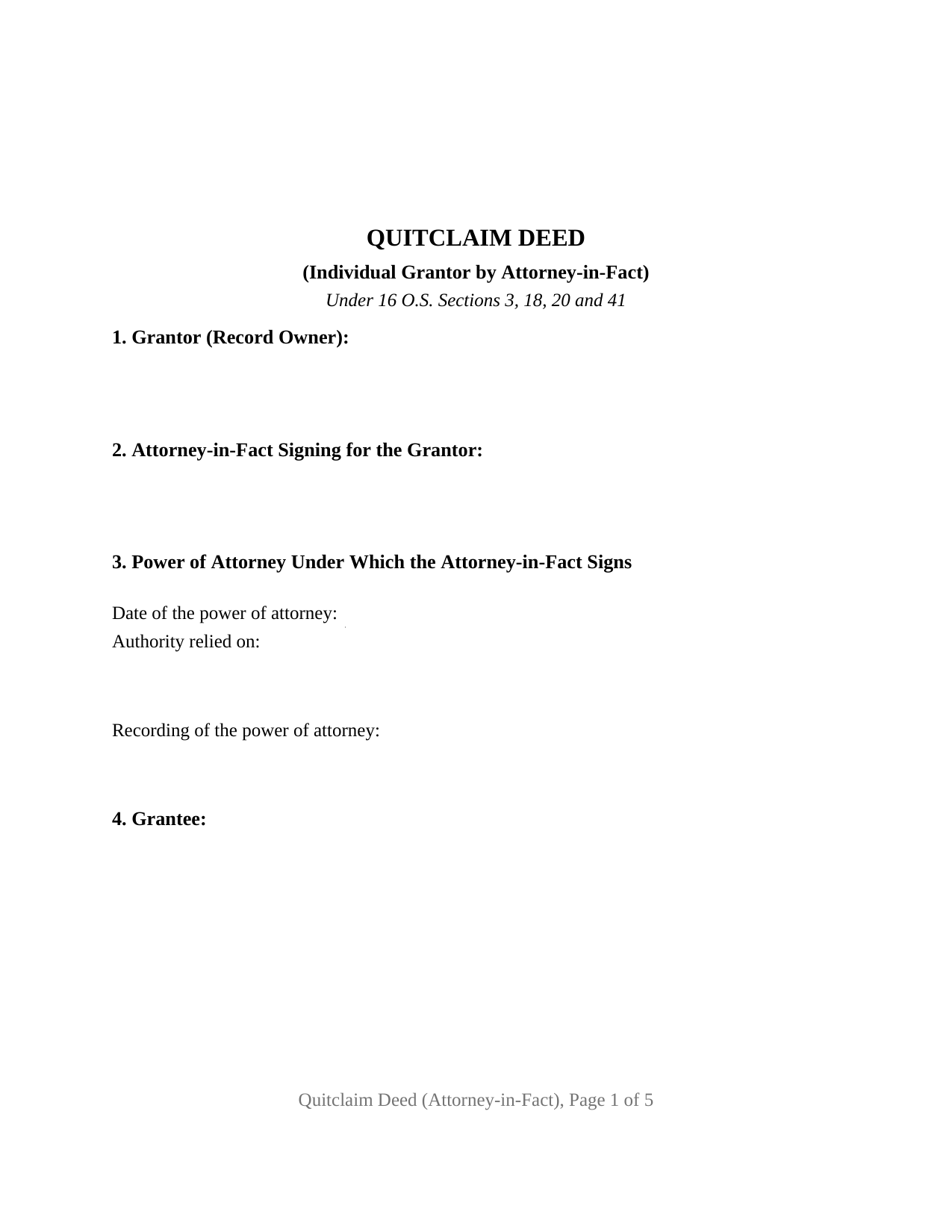
Custer County Quitclaim Deed (Individual Grantor by Attorney-in-Fact) Form
Fill in the blank Quitclaim Deed (Individual Grantor by Attorney-in-Fact) form formatted to comply with all Oklahoma recording and content requirements.
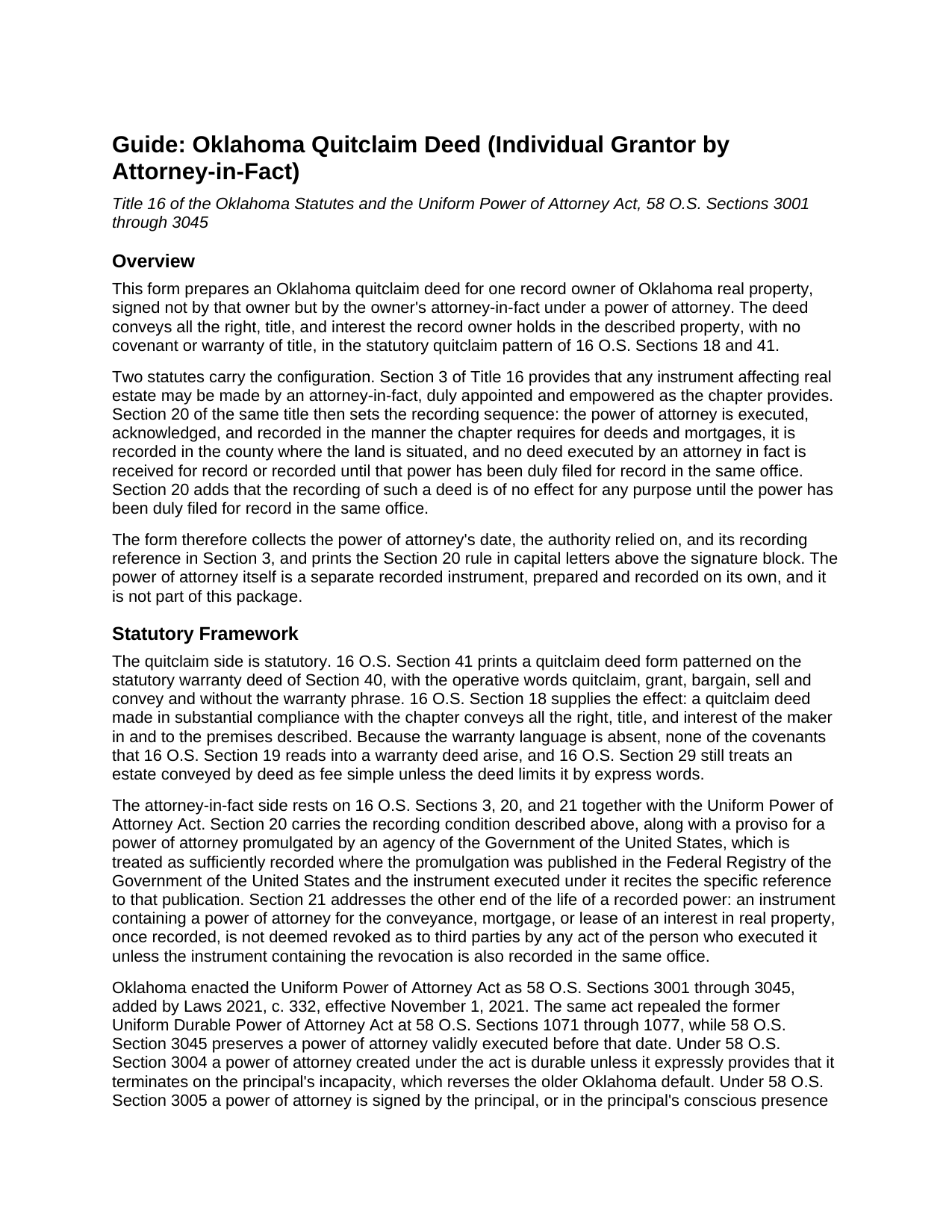
Custer County Quitclaim Deed (Individual Grantor by Attorney-in-Fact) Guide
Line by line guide explaining every blank on the Quitclaim Deed (Individual Grantor by Attorney-in-Fact) form.
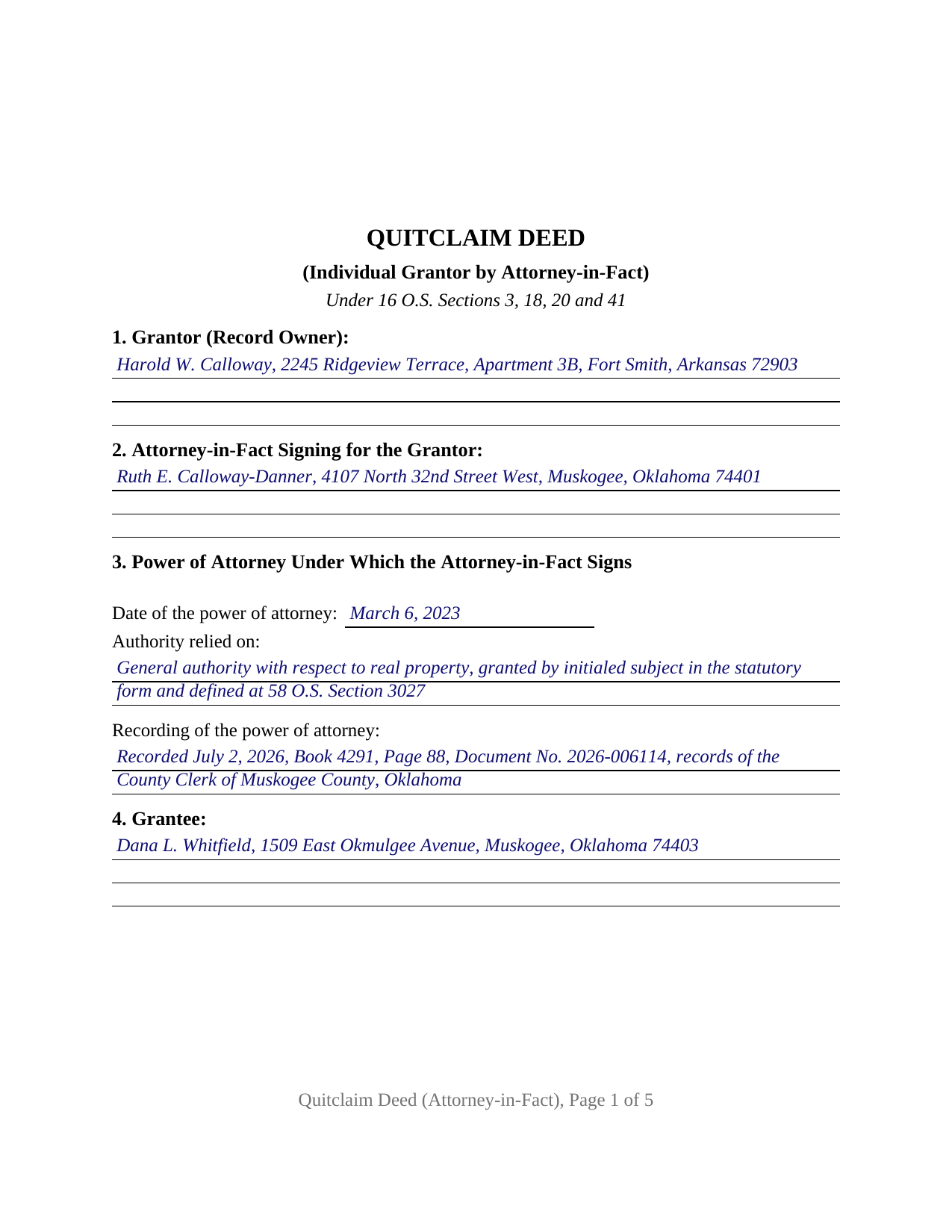
Custer County Completed Example of the Quitclaim Deed (Individual Grantor by Attorney-in-Fact) Document
Example of a properly completed Oklahoma Quitclaim Deed (Individual Grantor by Attorney-in-Fact) document for reference.
All 3 documents above included • One-time purchase • No recurring fees
Immediate Download • Secure Checkout
Additional Oklahoma and Custer County documents included at no extra charge:
Where to Record Your Documents
Custer County Clerk
Arapaho, Oklahoma 73620
Hours: 8:00 to 4:00 Monday through Friday
Phone: (580) 323-1221
Recording Tips for Custer County:
- Bring your driver's license or state-issued photo ID
- Ensure all signatures are in blue or black ink
- Double-check legal descriptions match your existing deed
- Verify all names are spelled correctly before recording
- White-out or correction fluid may cause rejection
Cities and Jurisdictions in Custer County
Properties in any of these areas use Custer County forms:
- Arapaho
- Butler
- Clinton
- Custer City
- Thomas
- Weatherford
Hours, fees, requirements, and more for Custer County
How do I get my forms?
Forms are available for immediate download after payment. The Custer County forms will be in your account ready to download to your computer. An account is created for you during checkout if you don't have one. Forms are NOT emailed.
Are these forms guaranteed to be recordable in Custer County?
Yes. Our form blanks are guaranteed to meet or exceed the applicable formatting requirements used for recording in Custer County, including margin requirements, font requirements, and other layout standards. This guarantee applies to formatting, not to the legal sufficiency of information entered by the user or the suitability of a form for a particular transaction.
Can I reuse these forms?
Yes. You can reuse the forms for your personal use. For example, if you have multiple properties in Custer County you only need to order once.
What do I need to use these forms?
The forms are PDFs that you fill out on your computer. The free Adobe Acrobat Reader is recommended, and most PDF apps also work. You do NOT enter your property information online - you download the blank forms and complete them privately on your own computer.
Are there any recurring fees?
No. This is a one-time purchase. Nothing to cancel, no memberships, no recurring fees.
How much does it cost to record in Custer County?
Recording fees in Custer County vary. Contact the recorder's office at (580) 323-1221 for current fees.
Questions answered? Let's get started!
An Oklahoma deed signed by an agent has to clear the counter twice. Section 3 of this quitclaim deed collects the date of the power of attorney, the authority the agent acts under, and where that power is filed, because 16 O.S. Section 20 keeps the county clerk from recording the deed until the power itself is on record in the same office. The record owner named in Section 1 signs nothing; the attorney-in-fact named in Section 2 signs, and whatever interest the owner holds moves to the grantee without covenant or warranty of title.
The power reaches the record first, or the deed does not count
Title 16 supplies the sequence. Section 3 opens the door: any instrument affecting real estate may be made by an attorney-in-fact, duly appointed and empowered as the chapter provides. Section 20 then orders the filings. A power of attorney for conveying real estate is executed, acknowledged, and recorded the way the chapter requires of deeds, it goes on record in the county where the land sits, and no deed an attorney in fact executes is received for record until that power has been duly filed in the same office. Section 20 does not stop at intake, adding that recording such a deed is of no effect for any purpose until the power has been filed, which is why the deed prints that rule in capital letters above the signature line.
The statute names the act by name
Oklahoma enacted the Uniform Power of Attorney Act at 58 O.S. Sections 3001 through 3045, effective November 1, 2021, and under Section 3004 a power written under it survives the principal's incapacity unless it says otherwise. Scope is defined by subject: Section 3027 provides that general authority over real property lets the agent sell, exchange, convey with or without covenants, quitclaim, release, encumber, or lease. The verb this deed performs sits in that list. Section 3024 holds other acts back for an express grant, making a gift among them, which is why the form asks which grant the agent relies on.
One signer, and a certificate built around a capacity
One person signs, so the document closes with a single signature block and a single notarial certificate, naming the person who appeared rather than the owner whose land moved. Under 49 O.S. Section 112 an acknowledgment made in a representative capacity carries the signer's declaration of proper authority and of execution as the act of the person represented, and that section's list of representative capacities reaches someone acting as an attorney in fact for a principal, so the by-line holds a name followed by the capacity in the short form 49 O.S. Section 119 prints. Homestead law speaks to agents directly: 16 O.S. Section 4(B) lets an attorney-in-fact execute a homestead instrument unless the power restricts it, and Section 4(C) conditions validity on recording the power where the property lies. An owner living out of state whose agent closes an Oklahoma sale, and an owner whose durable power is on record after a decline in health, present the arrangement this deed recites.
Released, never assured
The granting sentence carries the statutory words of 16 O.S. Section 41, quitclaim, grant, bargain, sell and convey, and omits the warranty phrase; 16 O.S. Section 18 measures what that delivers: the maker's whole right, title, and interest in the described premises. No covenant of 16 O.S. Section 19 arises, so the mortgage, the easements, and the severed minerals cross exactly as the record left them, and Section 13 states that the agent signs in that capacity alone and warrants nothing personally. Shoppers hunting a quit claim deed, a quick claim deed, or a power of attorney deed for Oklahoma land are reading about this instrument.
What the clerk collects
Documentary stamp tax under 68 O.S. Section 3201 attaches above one hundred dollars of consideration or value, at seventy-five cents for each five hundred. The land ownership statement of 60 O.S. Section 121 belongs to the party taking title, so here it answers for the grantee, not the owner or the agent. Pages follow 19 O.S. Section 298 as amended in 2024: two inch top margins throughout, one inch elsewhere, in twelve point type.
The package delivers this deed as a fillable PDF, a completed example worked through a Muskogee County sale closed by an agent, and a plain language guide covering its fourteen sections and the recording order. It describes Oklahoma law in general terms and is not legal advice.
Important: Your property must be located in Custer County to use these forms. Documents should be recorded at the county recording office listed above.
This Quitclaim Deed (Individual Grantor by Attorney-in-Fact) meets all recording requirements specific to Custer County.
Our Promise
The documents you receive here are guaranteed to meet or exceed the applicable Custer County recording format requirements. If there is a rejection caused by our formatting, we will correct the issue or refund your payment. This guarantee applies to document formatting only and does not extend to information entered by the user, the selection of the form, or the legal effect of the completed document.
Save Time and Money
Get your Custer County Quitclaim Deed (Individual Grantor by Attorney-in-Fact) form done right the first time with Deeds.com Uniform Conveyancing Blanks. At Deeds.com, we understand that your time and money are valuable resources, and we don't want you to face a penalty fee or rejection imposed by a county recorder for submitting nonstandard documents. We constantly review and update our forms to meet rapidly changing state and county recording requirements for roughly 3,500 counties and local jurisdictions.
4.8 out of 5 - ( 4,832 Reviews )
Tiffany W. 5 out of 5 stars
Exactly what I needed and with the help of ChatGPT who needs a damn lawyer for anything.
We’re glad to hear things went well. Thank you for the review.
Sylvia Y. 5 out of 5 stars
Fantastic forms! So nice to have them formatted correctly for our county, the recorder here can be very picky with the margins. No issues at all.
Thank you for your feedback. We really appreciate it. Have a great day!
GAYNELL G. 5 out of 5 stars
THANKS
Thank you!
Matt G. 4 out of 5 stars
The process went smoothly and gave me what I needed. As an improvement, I would recommend that deeds.com sends an email when there is a new message in the portal. I didn't get any updates and had to log in to track progress each time.
Thank you for your feedback. We really appreciate it. Have a great day!
Joan E S. 5 out of 5 stars
appreciate the ease of finding a group of forms without the need for a lawyer--the time and expense--for a basic transfer of joint tenancy following a death.
Thank you!
Melody P. 5 out of 5 stars
Thanks for such great service!
Thank you for your feedback. We really appreciate it. Have a great day!
Stephanie F. 5 out of 5 stars
Thorough, efficient, couldn't ask for better support. I refer everyone I know in real estate to use Deeds.com
Thank you for your positive words! We’re thrilled to hear about your experience.
Allan S. 5 out of 5 stars
Using this sofftware was a piece of cake! Donload was fast and simple. Using the guide supplied I did the Beneficiary Deed in no time. Would certainly use this service again without hesitation.
Your feedback is greatly appreciated. Thank you for taking the time to share your experience!
Steven H. 5 out of 5 stars
Great Product!!! Used the more commonly known websites before, but never again. It was easy, great examples to follow so that I was sure and confident that I completed the document correctly. Thank You!
Thank you for your feedback. We really appreciate it. Have a great day!
Mary Lou Z. 5 out of 5 stars
I was able to download the TOD deed form with no issues and it showed immediately. I appreciate that there is a sample provided on how to complete the form. Once downloaded this form is yours and can be changed ,if you make an error. This form is not complicated and is recognized by the County Court House where I filed the document. I am very pleased this form is available to process on my own and the fee is very reasonable. TY.
Thank you, Mary Lou. We are glad the transfer on death deed downloaded smoothly and that the completed sample made the process clear. It is great to hear your county recorded it without any trouble. We built these forms so property owners can handle the filing themselves with confidence, and at a fair one-time price. Thank you for choosing Deeds.com.
Alberta W. 5 out of 5 stars
Deeds.com was user-friendly, clear, specific and complete. I used the site to create and submit a Notice of Termination form, and was able to walk it to my local county court with no major issues. It worked out perfectly.
We appreciate your business and value your feedback. Thank you. Have a wonderful day!
Gina B. 5 out of 5 stars
Super easy to use! Thanks!
We appreciate your business and value your feedback. Thank you. Have a wonderful day!
Nancy O. 5 out of 5 stars
Outstanding forms and service. Liked that the main deed forms were PDF so I could fill them out on my laptop, in my own time, instead of some online Q/A auto populate system. Guide was helpful, as was the completed sample. Used the erecording service to file the deed, amazing.
Thank you for your wonderful review Nancy! Our team takes pride in providing helpful resources, and we are pleased that the guide and completed sample were beneficial to you throughout the process. Making the deed filing journey smoother for our users is always our top priority.
John B. 5 out of 5 stars
Forms are as advertised and easy to access.
Thank you for your feedback. We really appreciate it. Have a great day!
Kelli M. 5 out of 5 stars
It is easy to use but difficult to know when the document has been reviewed for recording and when the invoice is ready. It would be helpful for the website to send an email automatically once the document(s) are ready to be recorded to let you know what the time line is.....Thank you for your help.
Thank you for your feedback. We really appreciate it. Have a great day!