Choctaw County Quitclaim Deed (Interspousal) Form
Last validated October 19, 2026 by our Forms Development TeamFormatted for recording in Choctaw County, for property anywhere in the county: rural and unincorporated areas as well as Boswell, Fort Towson, Grant, Hugo, Sawyer, Soper, Spencerville, Swink.
- 3 documents included
- Immediate PDF download
- Formatting guarantee
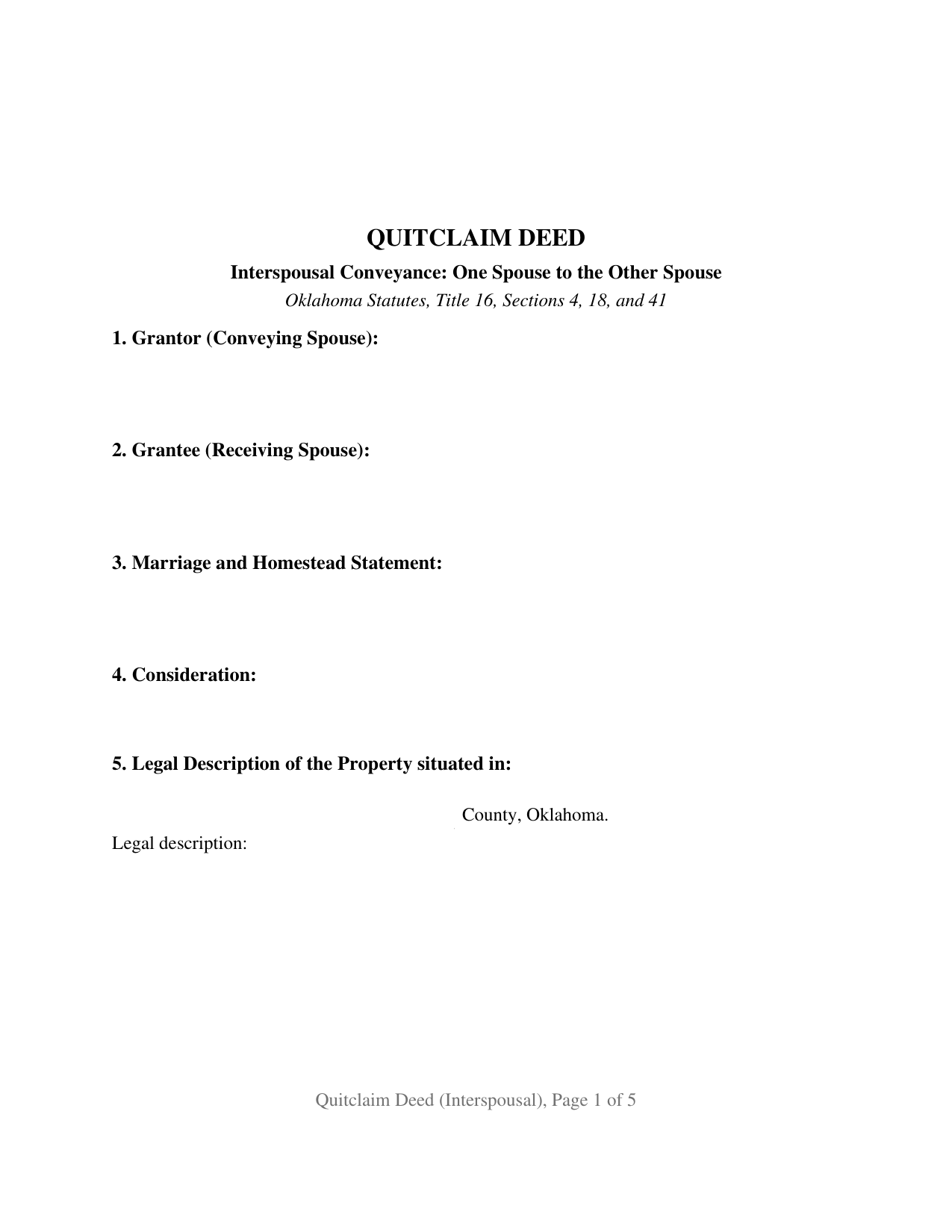
Choctaw County Quitclaim Deed (Interspousal) Form
Fill in the blank Quitclaim Deed (Interspousal) form formatted to comply with all Oklahoma recording and content requirements.
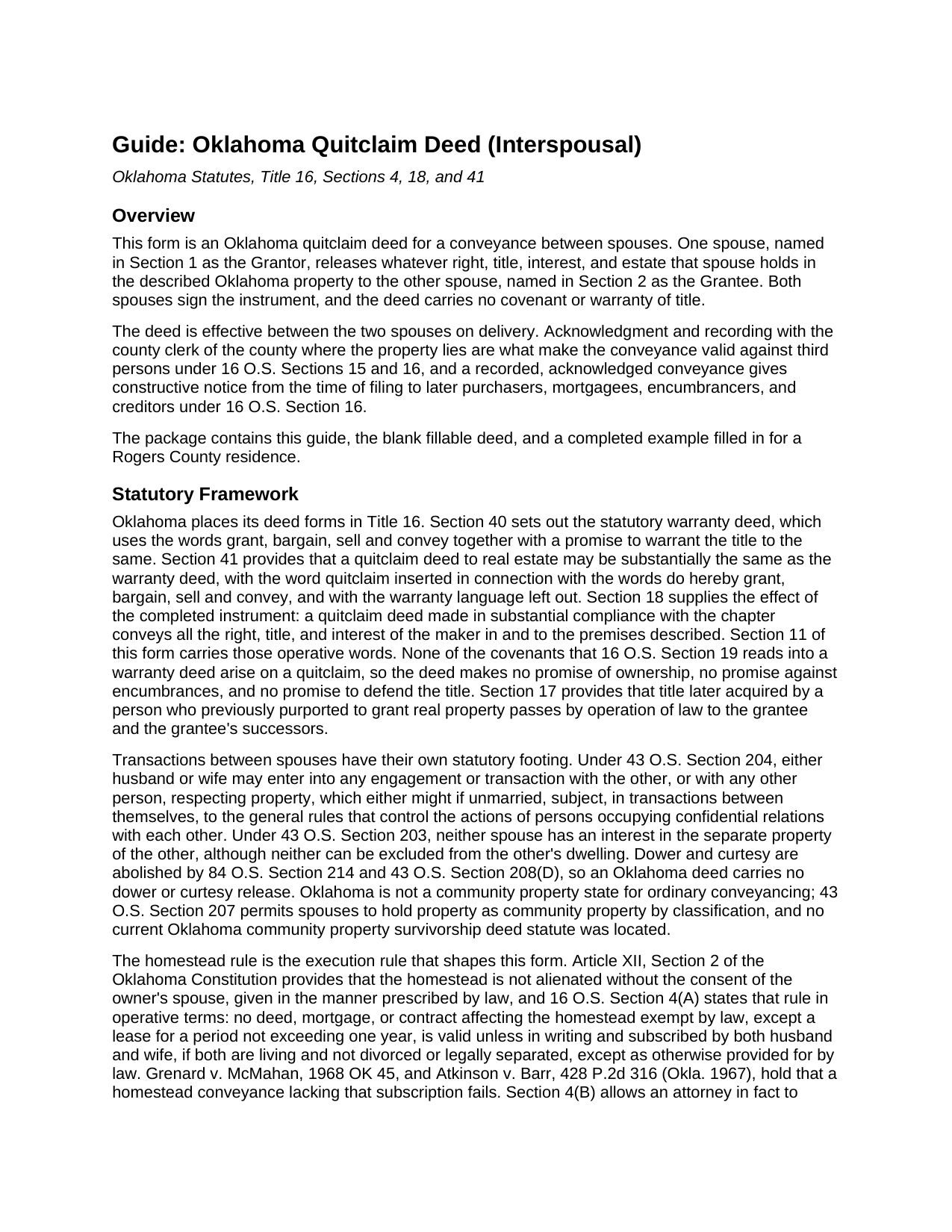
Choctaw County Quitclaim Deed (Interspousal) Guide
Line by line guide explaining every blank on the Quitclaim Deed (Interspousal) form.
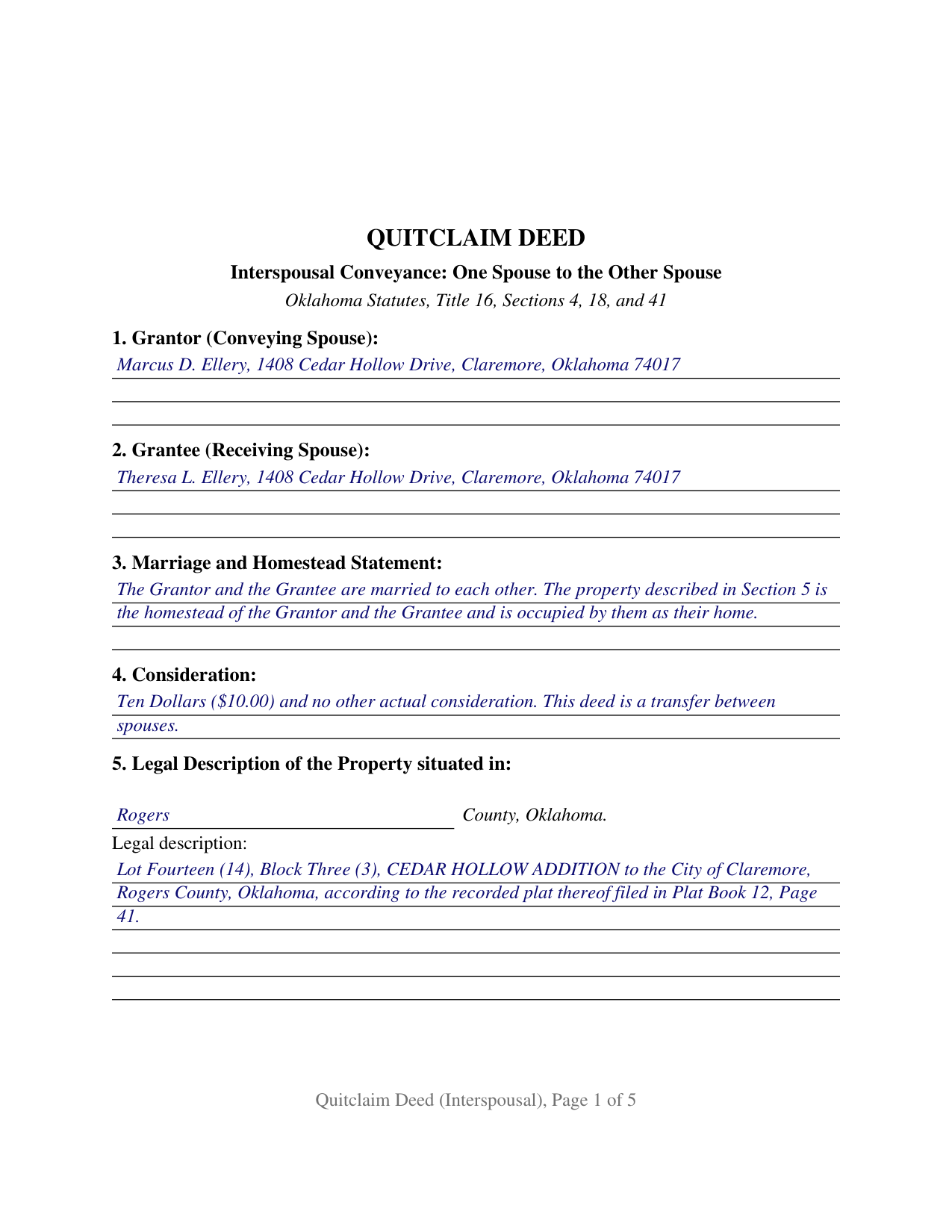
Choctaw County Completed Example of the Quitclaim Deed (Interspousal) Document
Example of a properly completed Oklahoma Quitclaim Deed (Interspousal) document for reference.
All 3 documents above included • One-time purchase • No recurring fees
Immediate Download • Secure Checkout
Additional Oklahoma and Choctaw County documents included at no extra charge:
Where to Record Your Documents
Choctaw County Clerk
Hugo, Oklahoma 74743
Hours: 8:00am to 4:30pm M-F
Phone: (580) 326-3778
Recording Tips for Choctaw County:
- Bring your driver's license or state-issued photo ID
- Ensure all signatures are in blue or black ink
- Make copies of your documents before recording - keep originals safe
- Recorded documents become public record - avoid including SSNs
- Recording fees may differ from what's posted online - verify current rates
Cities and Jurisdictions in Choctaw County
Properties in any of these areas use Choctaw County forms:
- Boswell
- Fort Towson
- Grant
- Hugo
- Sawyer
- Soper
- Spencerville
- Swink
Hours, fees, requirements, and more for Choctaw County
How do I get my forms?
Forms are available for immediate download after payment. The Choctaw County forms will be in your account ready to download to your computer. An account is created for you during checkout if you don't have one. Forms are NOT emailed.
Are these forms guaranteed to be recordable in Choctaw County?
Yes. Our form blanks are guaranteed to meet or exceed the applicable formatting requirements used for recording in Choctaw County, including margin requirements, font requirements, and other layout standards. This guarantee applies to formatting, not to the legal sufficiency of information entered by the user or the suitability of a form for a particular transaction.
Can I reuse these forms?
Yes. You can reuse the forms for your personal use. For example, if you have multiple properties in Choctaw County you only need to order once.
What do I need to use these forms?
The forms are PDFs that you fill out on your computer. The free Adobe Acrobat Reader is recommended, and most PDF apps also work. You do NOT enter your property information online - you download the blank forms and complete them privately on your own computer.
Are there any recurring fees?
No. This is a one-time purchase. Nothing to cancel, no memberships, no recurring fees.
How much does it cost to record in Choctaw County?
Recording fees in Choctaw County vary. Contact the recorder's office at (580) 326-3778 for current fees.
Questions answered? Let's get started!
Both signatures on this Oklahoma quitclaim deed come from the same marriage, and one of the two signers is the spouse receiving the property. Section 1 names the spouse who conveys, Section 2 names the spouse who takes, Section 3 puts the marriage and the homestead status on the face of the deed, and Section 12 closes with a signature block for each of them. Whatever the conveying spouse holds crosses over with no covenant or warranty of title, on the statutory quitclaim pattern of 16 O.S. Sections 18 and 41.
Why the receiving spouse signs as well
On most deeds the grantee signs nothing. Oklahoma changes that arithmetic where a married couple's homestead is in play: 16 O.S. Section 4(A), carrying Article XII, Section 2 of the Oklahoma Constitution, makes a deed affecting the homestead valid only when subscribed by both husband and wife while both are living and not divorced or legally separated. Where the person on the receiving end is the other spouse, the signature that answers that rule and the signature that accepts the conveyance are one and the same, and Section 11 of the form devotes a sentence to saying so: the receiving spouse subscribes as spouse, transfers nothing back, and makes no covenant or warranty. The recorded chain never shows whether a parcel was the family home on the day of signing, so a deed bearing both spouses' names answers that question in advance.
What one spouse may convey to the other
Oklahoma lets spouses deal with each other in property. Under 43 O.S. Section 204, either husband or wife may enter into any transaction with the other respecting property that either might if unmarried, subject, in transactions between themselves, to the rules that govern persons occupying confidential relations. Under 43 O.S. Section 203 neither spouse holds an interest in the separate property of the other, and 16 O.S. Section 13 lets a married person convey separate nonhomestead real estate without the other joining. Dower and curtesy are gone from Oklahoma law under 84 O.S. Section 214, so nothing in this deed releases them. A spouse moving a house inherited during the marriage into the other spouse's name, and a spouse releasing an undivided share so that record title stands alone for a refinance, present the interspousal pattern this deed recites.
A release, not a promise
Section 41 of Title 16 supplies the operative words, do hereby quitclaim, grant, bargain, sell and convey, and leaves the warranty phrase out; 16 O.S. Section 18 gives the finished instrument its reach, all the right, title, and interest of the maker in the premises. Between spouses that carries a practical edge: the mortgage, the judgment liens, the plat restrictions, and the severed minerals stay exactly where they were, and the spouse who signed the note still owes it. Section 8 lists encumbrances for information and states on the deed's face that a listing or an omission there creates no warranty. Searches for a quit claim deed, a quick claim deed, or a spousal transfer deed in Oklahoma land on this instrument; the statutes spell the word quitclaim.
The entries that get it recorded
Two Oklahoma gates decide whether the county clerk takes the deed. Documentary stamp tax attaches under 68 O.S. Section 3201 when consideration or value exceeds $100, and 68 O.S. Section 3202 exempts deeds between husband and wife where no actual consideration passes, an exemption Oklahoma clerks expect to see identified on the face of the deed by its paragraph number, which Section 9 of the form collects. Section 10 answers 60 O.S. Section 121, which since November 1, 2023 has kept a covered deed off the record unless the notarized land ownership affidavit of the party obtaining title rides along as an exhibit or an exemption appears on the face of the deed. The pages follow 19 O.S. Section 298 as amended in 2024, with two inch top margins throughout, and each signature carries its own certificate in the short form of 49 O.S. Section 119, so the spouses may appear before different officers on different days.
The download delivers the interspousal deed as a fillable PDF, a completed example worked through a Rogers County homestead conveyed from husband to wife, and a plain language guide covering the twelve sections, the homestead signature rule, the notarial certificates, and the trip to the county clerk. The materials describe Oklahoma law in general terms and are not legal advice.
Important: Your property must be located in Choctaw County to use these forms. Documents should be recorded at the county recording office listed above.
This Quitclaim Deed (Interspousal) meets all recording requirements specific to Choctaw County.
Our Promise
The documents you receive here are guaranteed to meet or exceed the applicable Choctaw County recording format requirements. If there is a rejection caused by our formatting, we will correct the issue or refund your payment. This guarantee applies to document formatting only and does not extend to information entered by the user, the selection of the form, or the legal effect of the completed document.
Save Time and Money
Get your Choctaw County Quitclaim Deed (Interspousal) form done right the first time with Deeds.com Uniform Conveyancing Blanks. At Deeds.com, we understand that your time and money are valuable resources, and we don't want you to face a penalty fee or rejection imposed by a county recorder for submitting nonstandard documents. We constantly review and update our forms to meet rapidly changing state and county recording requirements for roughly 3,500 counties and local jurisdictions.
4.8 out of 5 - ( 4,830 Reviews )
Steve F. 5 out of 5 stars
Fast Service, Easy to use. Highly Recommend!
Thank you!
candy h. 5 out of 5 stars
service was great!
Thank you!
Norma C. 5 out of 5 stars
Great service and process for recording deeds quickly and easily. Also impressed with prompt replies to messages providing clear and specific instructions/guidance.
We appreciate your business and value your feedback. Thank you. Have a wonderful day!
Priscilla Z. 5 out of 5 stars
Very user friendly and easy. I appreciated the sample deed that was provided. Definitely recommend!
Thank you!
Joyce S. 5 out of 5 stars
I am very pleased with Deeds.com. I have every form and information I need to meet Legal requirements. Thank You!
Thank you for your feedback. We really appreciate it. Have a great day!
Michael M. 5 out of 5 stars
THE PROCESS WENT VERY SMOOTH AND EASY
Thank you for your feedback. We really appreciate it. Have a great day!
ralph m. 5 out of 5 stars
Overall the experience was pleasant and the services were delivered In a timely fashion
Thank you Ralph. Have a great day!
GARY S. 5 out of 5 stars
The forms were just what i needed and for the county i needed thankyou so much
Thank you!
Sandra A. 5 out of 5 stars
This site couldn't be any easier to use. Very pleased.
Great to hear — thank you for taking the time to write a review.
Mary K. 5 out of 5 stars
Awesome site. Looking for a way to save hiring an attorney. Family doesn't have the money for that so this site is much appreciated.
Thank you for your feedback. We really appreciate it. Have a great day!
Catherine O. 5 out of 5 stars
Love the fact that you can buy a form instead of a subscription. I would highly recommend this site.
Thank you for your feedback. We really appreciate it. Have a great day!
Carmen C. 5 out of 5 stars
Hassle free, easy access to form and instructions include on how to complete.
We appreciate your business and value your feedback. Thank you. Have a wonderful day!
Kathy H. 5 out of 5 stars
Very accommodating and self explanatory.
It was a pleasure serving you. Thank you for the positive feedback!
Patricia H. 5 out of 5 stars
The process was so easy and result was excellent and expedient. I will definitely recommend your company for future recording needs.
Thank you!
Maree W. 5 out of 5 stars
I am so impress with the forms that is needed for your state. It makes your task so easy and no worries. This was a big help in taking care of business. Thank you so much.
We appreciate your business and value your feedback. Thank you. Have a wonderful day!