Hood River County Trust Deed and Promissory Note Form
Last validated October 23, 2026 by our Forms Development TeamFormatted for recording in Hood River County, for property anywhere in the county: rural and unincorporated areas as well as Cascade Locks, Hood River, Mount Hood Parkdale, Odell.
- 7 documents included
- Immediate PDF download
- Formatting guarantee
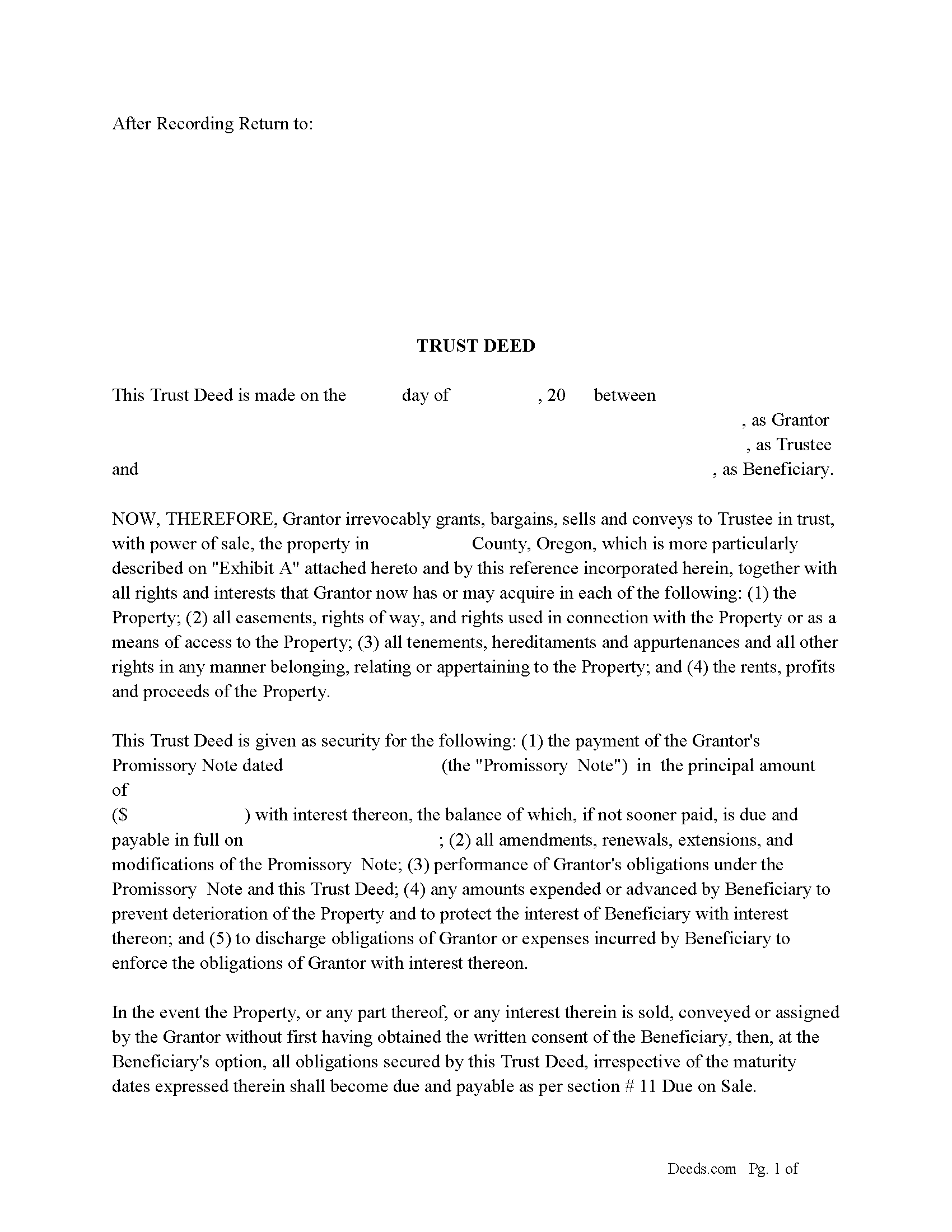
Hood River County Trust Deed Form
Fill in the blank form formatted to comply with all recording and content requirements.
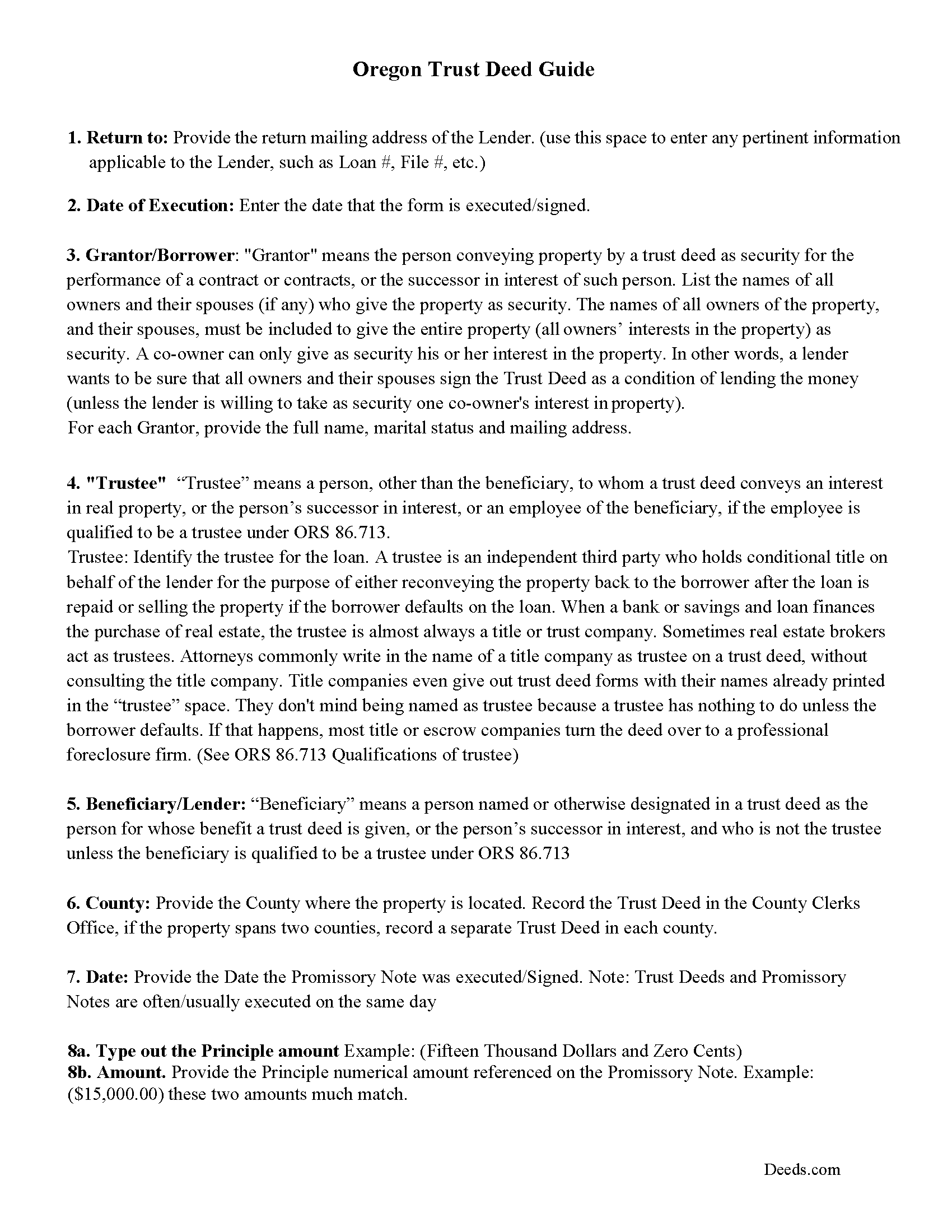
Hood River County Trust Deed Guidelines
Line by line guide explaining every blank on the form.
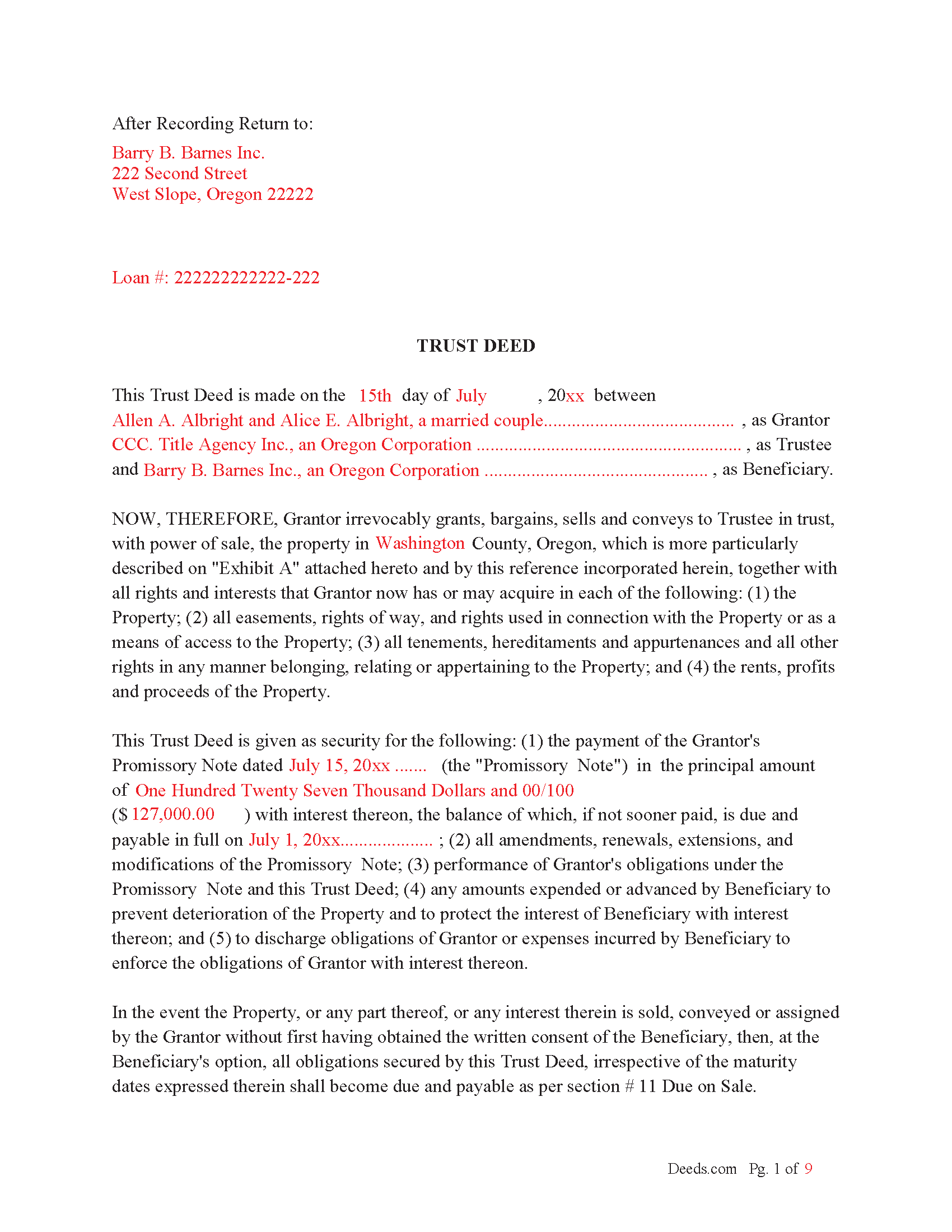
Hood River County Completed Example of the Trust Deed Document
Example of a properly completed form for reference.
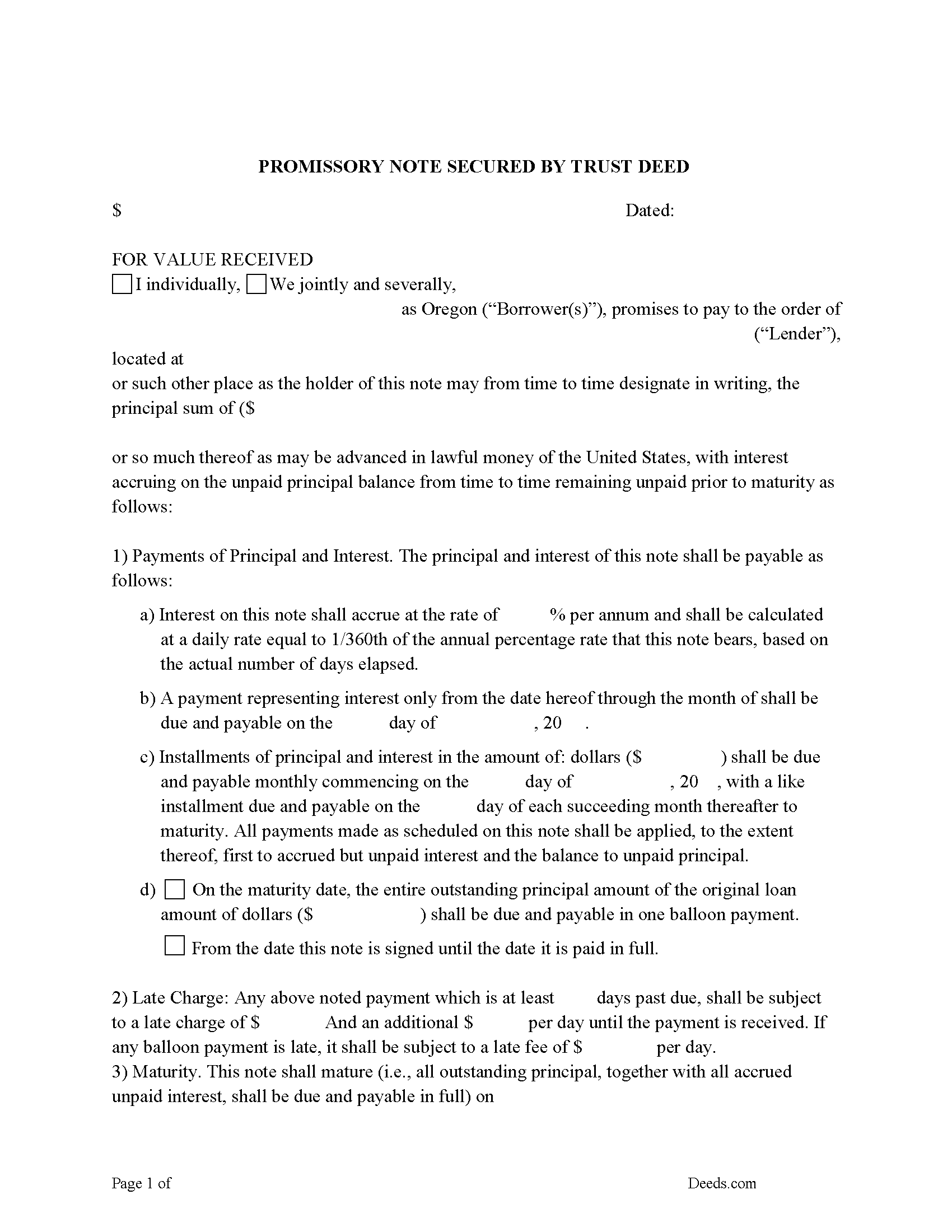
Hood River County Promissory Note Form
Promissory Note secured by Trust Deed.
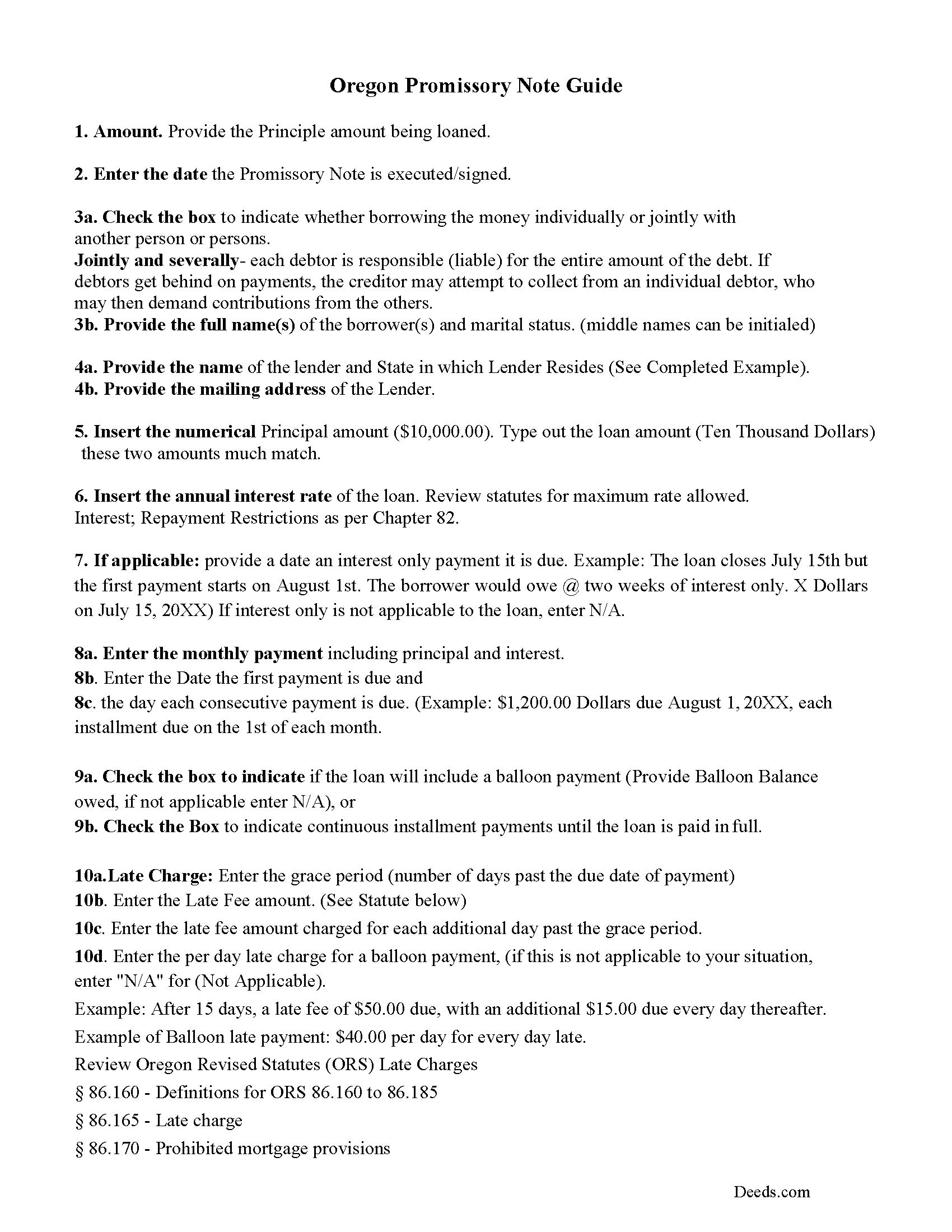
Hood River County Promissory Note Guidelines
Line by line guide explaining every blank on the form.
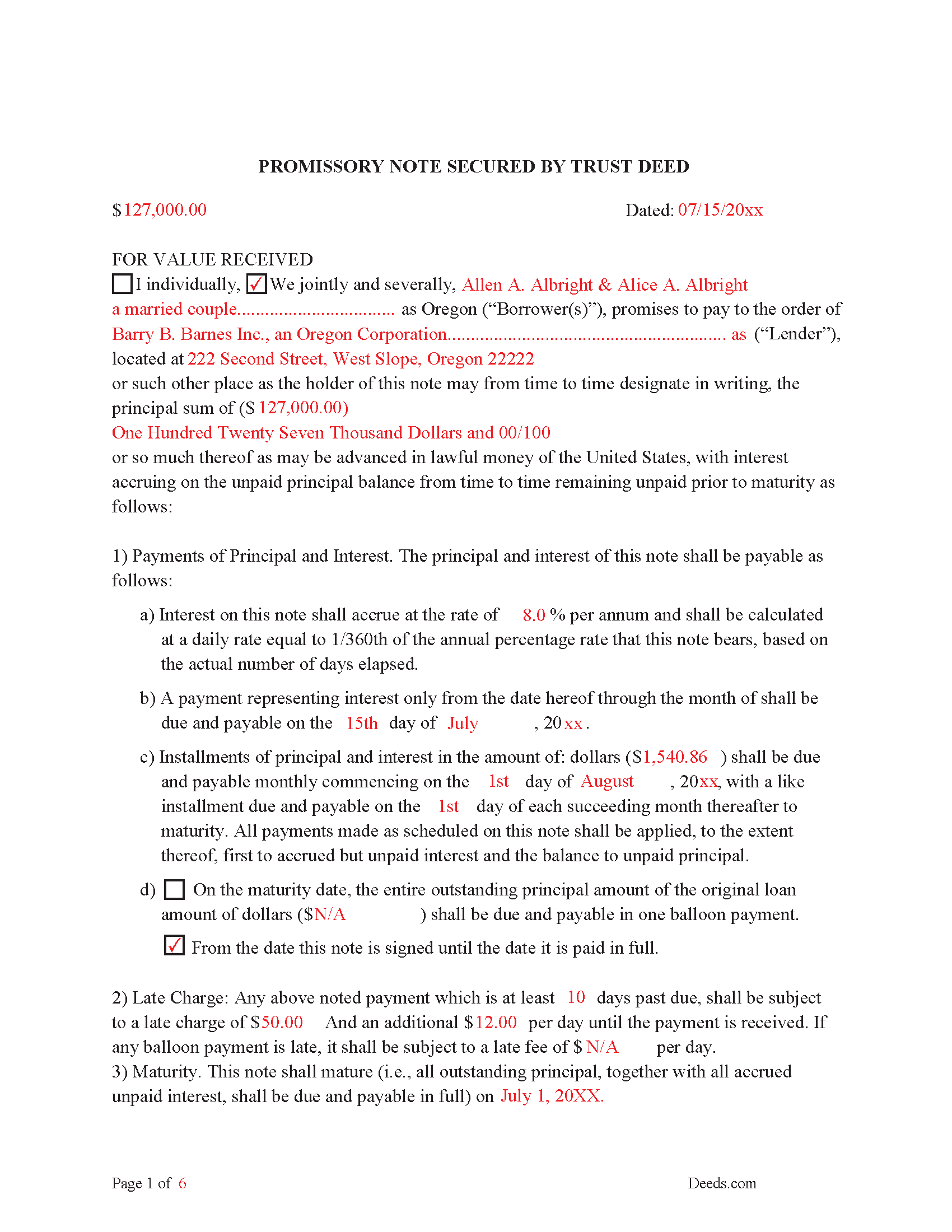
Hood River County Completed Example of the Promissory Note Document
Example of a properly completed form for reference.
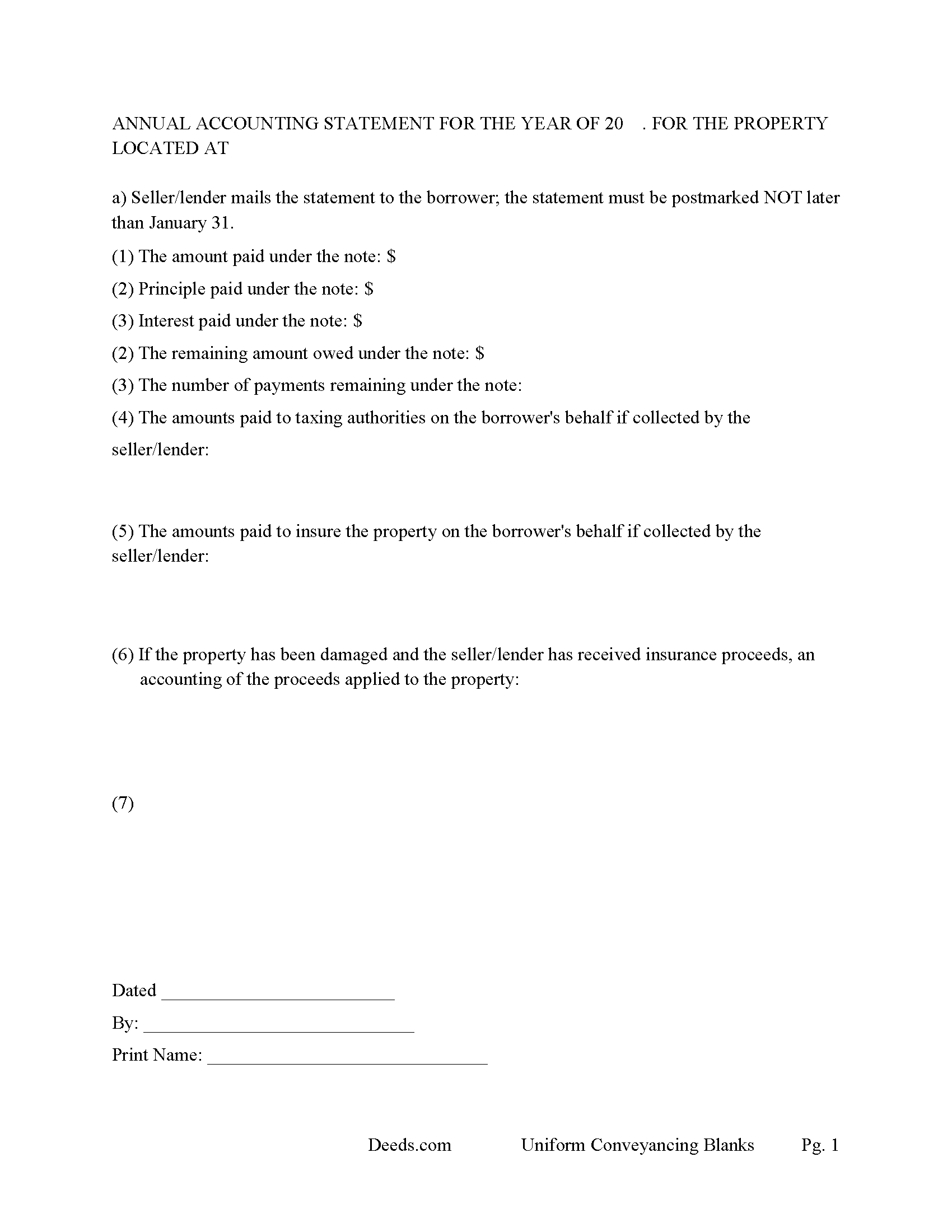
Hood River County Annual Accounting Statement Form
Lender sends to borrower for fiscal year reporting.
All 7 documents above included • One-time purchase • No recurring fees
Immediate Download • Secure Checkout
Additional Oregon and Hood River County documents included at no extra charge:
Where to Record Your Documents
County Department of Records
Hood River, Oregon 97031
Hours: 8:00 to 5:00 M-F / Recording: 9:00 to 4:00
Phone: (541) 386-1442
Recording Tips for Hood River County:
- Bring your driver's license or state-issued photo ID
- Ensure all signatures are in blue or black ink
- Avoid the last business day of the month when possible
- Both spouses typically need to sign if property is jointly owned
- Bring extra funds - fees can vary by document type and page count
Cities and Jurisdictions in Hood River County
Properties in any of these areas use Hood River County forms:
- Cascade Locks
- Hood River
- Mount Hood Parkdale
- Odell
Hours, fees, requirements, and more for Hood River County
How do I get my forms?
Forms are available for immediate download after payment. The Hood River County forms will be in your account ready to download to your computer. An account is created for you during checkout if you don't have one. Forms are NOT emailed.
Are these forms guaranteed to be recordable in Hood River County?
Yes. Our form blanks are guaranteed to meet or exceed the applicable formatting requirements used for recording in Hood River County, including margin requirements, font requirements, and other layout standards. This guarantee applies to formatting, not to the legal sufficiency of information entered by the user or the suitability of a form for a particular transaction.
Can I reuse these forms?
Yes. You can reuse the forms for your personal use. For example, if you have multiple properties in Hood River County you only need to order once.
What do I need to use these forms?
The forms are PDFs that you fill out on your computer. The free Adobe Acrobat Reader is recommended, and most PDF apps also work. You do NOT enter your property information online - you download the blank forms and complete them privately on your own computer.
Are there any recurring fees?
No. This is a one-time purchase. Nothing to cancel, no memberships, no recurring fees.
How much does it cost to record in Hood River County?
Recording fees in Hood River County vary. Contact the recorder's office at (541) 386-1442 for current fees.
Questions answered? Let's get started!
There are three parties in a Trust Deed in which the Grantor/Borrower (conveys an interest in real property to a trustee in trust to secure the performance of an obligation the grantor or other person named in the deed owes to a beneficiary.) (ORS 86.705(8))
("Grantor" means the person that conveys an interest in real property by a trust deed as security for the performance of an obligation.) ( ORS 86.705(4))
("Beneficiary")/ Lender (means a person named or otherwise designated in a trust deed as the person for whose benefit a trust deed is given, or the person's successor in interest, and who is not the trustee unless the beneficiary is qualified to be a trustee under ORS 86.713) ( ORS 86.705(2))
("Trustee" means a person, other than the beneficiary, to whom a trust deed conveys an interest in real property, or the person's successor in interest, or an employee of the beneficiary, if the employee is qualified to be a trustee under ORS 86.713) ( ORS 86.705(9)) The guidelines provided explain how to easily choose a trustee.
Trust Deeds are considered advantageous for lenders, foreclosure is done non-judicially (saving time and expense), the process is called "Foreclosure by Advertisement and Sale" defined in ORS 86.735. If the Grantor/Borrower defaults the Beneficiary/Lender can choose to have the Trustee foreclose on the Trust Deed.
This Trust Deed and Promissory Note contain strong default terms. Use these forms for residential property, rental property (up to 4 units), vacant land, condominiums, and planned unit developments.
(Oregon TD Package includes forms, guidelines, and completed examples) For use in Oregon only.
Important: Your property must be located in Hood River County to use these forms. Documents should be recorded at the county recording office listed above.
This Trust Deed and Promissory Note meets all recording requirements specific to Hood River County.
Our Promise
The documents you receive here are guaranteed to meet or exceed the applicable Hood River County recording format requirements. If there is a rejection caused by our formatting, we will correct the issue or refund your payment. This guarantee applies to document formatting only and does not extend to information entered by the user, the selection of the form, or the legal effect of the completed document.
Save Time and Money
Get your Hood River County Trust Deed and Promissory Note form done right the first time with Deeds.com Uniform Conveyancing Blanks. At Deeds.com, we understand that your time and money are valuable resources, and we don't want you to face a penalty fee or rejection imposed by a county recorder for submitting nonstandard documents. We constantly review and update our forms to meet rapidly changing state and county recording requirements for roughly 3,500 counties and local jurisdictions.
4.8 out of 5 - ( 4,844 Reviews )
Gwenevere J. 5 out of 5 stars
Website is very informative and user friendly!
Thank you!
Beverly D. 5 out of 5 stars
Thank You, Job well done. So nice not to have to leave house and drive all over to record these documents. Very satisfied.
Thank you for your feedback. We really appreciate it. Have a great day!
Robyn D. 5 out of 5 stars
Excellent service, knowledgeable and helpful representatives via the messaging service. Reliable information provided by reps, overall excellent experience.
We appreciate your business and value your feedback. Thank you. Have a wonderful day!
Charles C. 5 out of 5 stars
Easy to use, fast!
Thank you!
Andrew F. 5 out of 5 stars
Must admit, I have not really had the chance to search site. Seems to be able to provide good info.
Thank you!
Roger M. 5 out of 5 stars
Great package it was nice to be able to get everything required for recording this deed in one place.
Thanks Roger, we appreciate your feedback.
Susan N. 5 out of 5 stars
Hope to get form printed out Ok.
Thank you!
Melissa H. 5 out of 5 stars
Amazing forms! Order the quitclaim deed forms, got the form and lots of extra forms which is good because I needed a few of them and didn't even know it. Very happy, will be back if needed.
We appreciate your business and value your feedback. Thank you. Have a wonderful day!
Robert H. 5 out of 5 stars
I am very pleased with your service.
Thank you!
William G. 5 out of 5 stars
So far so good. I will be taking the report to the Marion County Clerks office this week to see if it meets their requirements. If so, I will definitely be able to recommend Deeds.com to others.
Thank you for your feedback. We really appreciate it. Have a great day!
Kevin M. 5 out of 5 stars
good so far. will wait to see what happens
Thank you!
Thomas D. 2 out of 5 stars
The documents themselves are fine and the information provided with them is helpful. I find the actual processing of the documents, however, to be difficult particularly once the document has been saved. First, I note that the box for the date only allows entry of the last 2 digits of the year. Unfortunately, my download only allows me to enter one of the 2 digits required. When I delete it repeatedly, it eventually allows both digits to be entered but puts them in extremely small text and in superscrypt. I have not found a solution to this problem and am not sure the deed can even be recorded with this problem. Another problem is that if you try to revise the document after you have saved it the curser goes to the end of the line after each key entry. This means that there basically is no way to efficiently save the document for reworking later since you will have to delete everything you have entered in the text box unless you only need to make a single keystroke change or are willing to replace the curser after each entry. Try that with a long property description! Please note that I am using a Mac to prepare my documents and perhaps this is part of an "incompatibility problem". However, I didn't see a disclaimer regarding Mac use and so would expect the documents to perform correctly. Overall, I give the program a "2 star" rating because I am experiencing significant difficulties in entering dates in the documents even before saving them and because saving your work for later revision appears to be basically unworkable.
Thank you for your feedback Thomas, we appreciate you being specific about the issues you encountered. Adobe and Mac have a fairly long history of issues working together.
Dr. Shenetta M. 5 out of 5 stars
The process was simple, and I am thankful for the turnaround time. Thank you for the help!
We are overjoyed to read your appreciative words regarding your experience with our eRecording service. It's rewarding to know that the simplicity of our process and the prompt turnaround time met your expectations.
Your acknowledgement is a great motivator for us to continue enhancing our services. Our goal is to always provide a seamless and efficient experience to our valued customers like you.
Thank you once again for your kind feedback. We are here to assist you anytime you need, and we look forward to serving you again in the near future!
Carolyn R. 5 out of 5 stars
Definitely 5 stars. Everything was taken care of well within 24 hours. If our law firm needs to record a single document in a different county again, we will use your service. Thanks!
Thank you for your feedback. We really appreciate it. Have a great day!
Barbara E. 5 out of 5 stars
Fast efficient, just what I needed.
Thank you so much Barbara. We appreciate your feedback.