Beaver County Correction Deed Form
Last validated September 29, 2026 by our Forms Development TeamFormatted for recording in Beaver County, for property anywhere in the county: rural and unincorporated areas as well as Aliquippa, Ambridge, Baden, Beaver, Beaver Falls, Clinton, Conway, Darlington and 13 more.
- 3 documents included
- Immediate PDF download
- Formatting guarantee
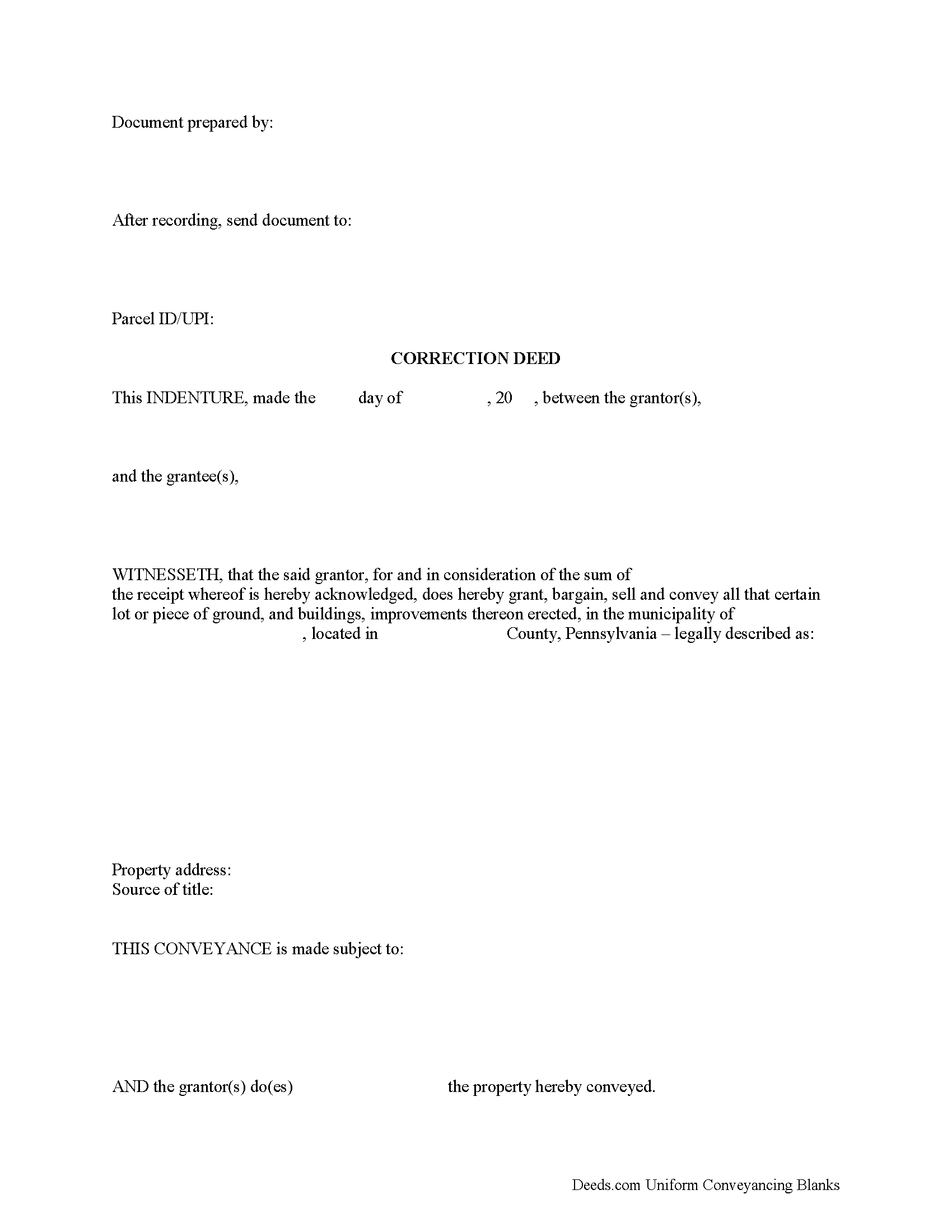
Beaver County Correction Deed Form
Fill in the blank form formatted to comply with all recording and content requirements.
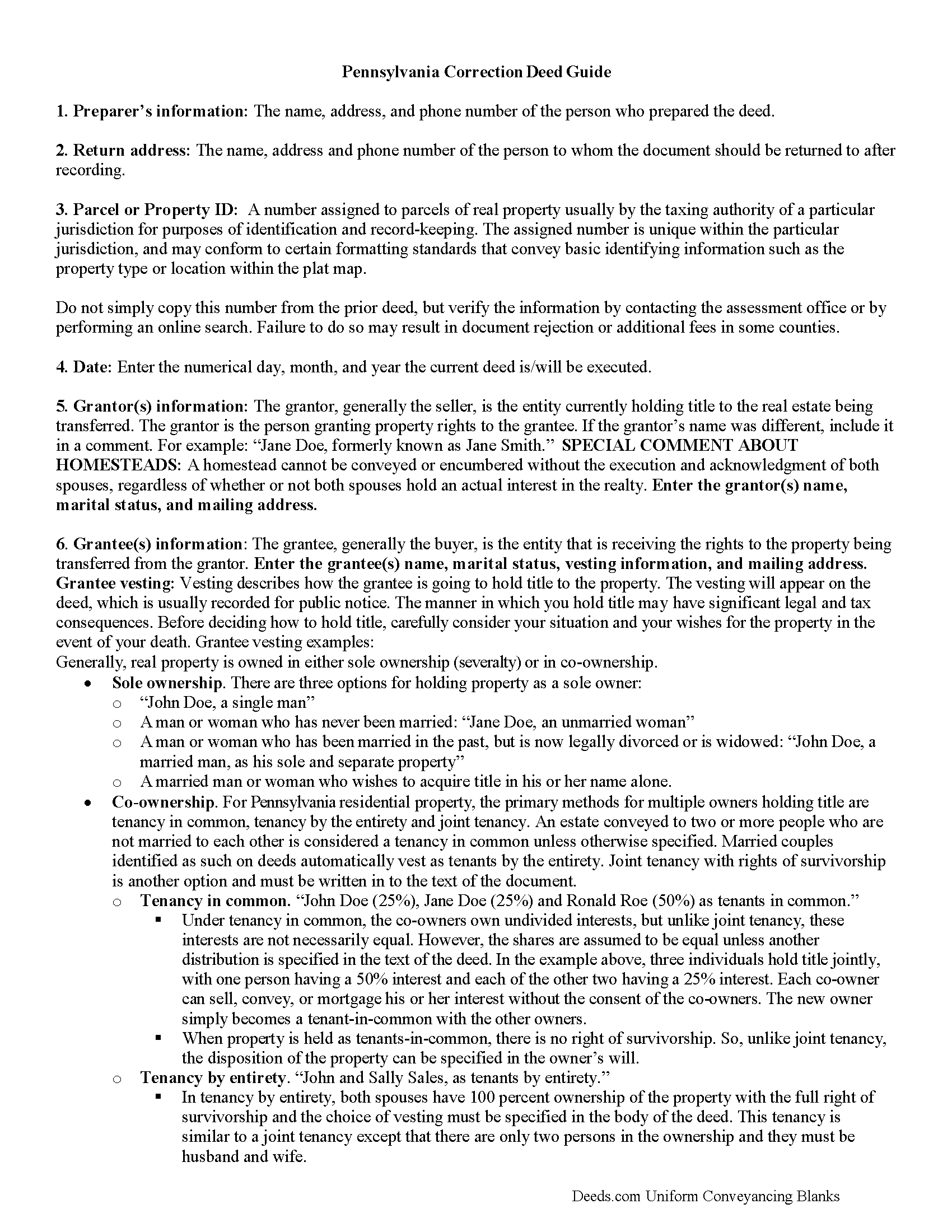
Beaver County Correction Deed Guide
Line by line guide explaining every blank on the form.
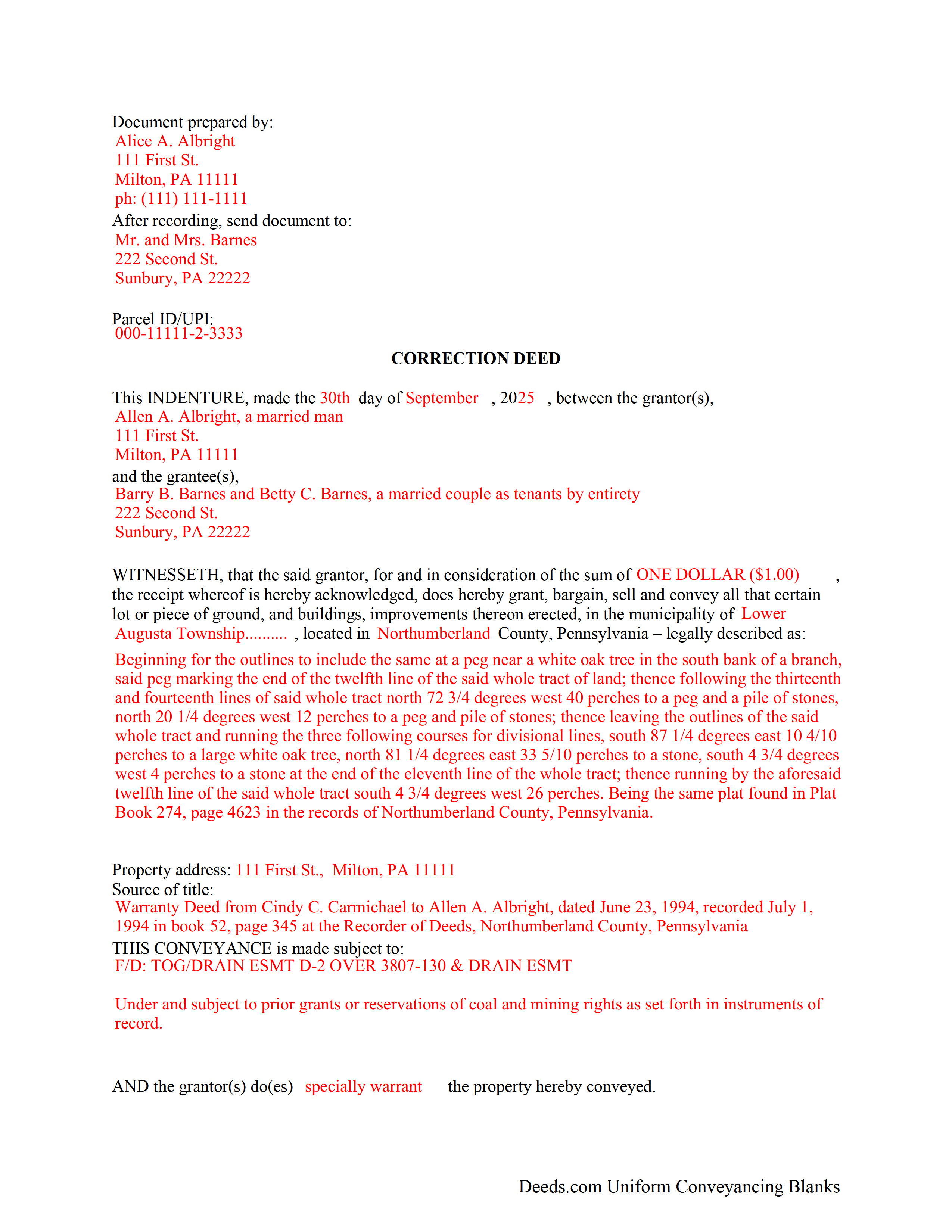
Beaver County Completed Example of the Correction Deed Document
Example of a properly completed form for reference.
All 3 documents above included • One-time purchase • No recurring fees
Immediate Download • Secure Checkout
Additional Pennsylvania and Beaver County documents included at no extra charge:
Where to Record Your Documents
Beaver County Recorder of Deeds - Courthouse
Beaver, Pennsylvania 15009
Hours: 8:30 to 4:30 M-F
Phone: (724) 770-4560
Recording Tips for Beaver County:
- Bring your driver's license or state-issued photo ID
- Ensure all signatures are in blue or black ink
- Documents must be on 8.5 x 11 inch white paper
- Double-check legal descriptions match your existing deed
- Verify all names are spelled correctly before recording
Cities and Jurisdictions in Beaver County
Properties in any of these areas use Beaver County forms:
- Aliquippa
- Ambridge
- Baden
- Beaver
- Beaver Falls
- Clinton
- Conway
- Darlington
- Fombell
- Freedom
- Georgetown
- Hookstown
- Industry
- Koppel
- Midland
- Monaca
- New Brighton
- New Galilee
- Rochester
- Shippingport
- South Heights
Hours, fees, requirements, and more for Beaver County
How do I get my forms?
Forms are available for immediate download after payment. The Beaver County forms will be in your account ready to download to your computer. An account is created for you during checkout if you don't have one. Forms are NOT emailed.
Are these forms guaranteed to be recordable in Beaver County?
Yes. Our form blanks are guaranteed to meet or exceed the applicable formatting requirements used for recording in Beaver County, including margin requirements, font requirements, and other layout standards. This guarantee applies to formatting, not to the legal sufficiency of information entered by the user or the suitability of a form for a particular transaction.
Can I reuse these forms?
Yes. You can reuse the forms for your personal use. For example, if you have multiple properties in Beaver County you only need to order once.
What do I need to use these forms?
The forms are PDFs that you fill out on your computer. The free Adobe Acrobat Reader is recommended, and most PDF apps also work. You do NOT enter your property information online - you download the blank forms and complete them privately on your own computer.
Are there any recurring fees?
No. This is a one-time purchase. Nothing to cancel, no memberships, no recurring fees.
How much does it cost to record in Beaver County?
Recording fees in Beaver County vary. Contact the recorder's office at (724) 770-4560 for current fees.
Questions answered? Let's get started!
Correct common errors in a deed, such as typographical mistakes or omissions in various sections of the original deed, by using a corrective deed, which must be signed by the grantor or the grantee and re-acknowledged.
When correcting a deed in Pennsylvania, there are options: re-record the same document with corrections or record a corrective/confirmative deed. However, some counties insist on a new correction deed, others at least prefer one option over the other. So check with the local recorder to be sure. In either case, whether re-recording or recording, new recording fees are due.
In Pennsylvania, the new correction deed can also be issued from the grantee to him- or herself, who after all is the current title holder for the property. This may be more convenient and is especially advisable in the case of a minor error. However, if the correction affects the legal description of the property, have the grantor re-acknowledge the new deed. Some counties require the grantor's signature regardless of the mistake in question. So check with the local office before issuing the correction deed.
Whether re-recording the old deed or recording a new correction instrument, both are required to make specific reference to the first recording by date as well as by book/page number or by instrument number and identify the reason for the correction, e.g., error in the grantee's name. Re-recorded documents need to be re-signed and re-acknowledged with a current date and the reason for the correction, which can be stated on the signature/notary page.
Generally, the Statement of Value (SOV), in duplicate, must accompany all deeds that do not state the full and complete value of the conveyed property, except in the case of a family exemption, which needs to be identified in the document. Include common level ratio factors, which change every July 1st. State the reason for the correction on the SOV form as well.
(Pennsylvania CD Package includes form, guidelines, and completed example)
Important: Your property must be located in Beaver County to use these forms. Documents should be recorded at the county recording office listed above.
This Correction Deed meets all recording requirements specific to Beaver County.
Our Promise
The documents you receive here are guaranteed to meet or exceed the applicable Beaver County recording format requirements. If there is a rejection caused by our formatting, we will correct the issue or refund your payment. This guarantee applies to document formatting only and does not extend to information entered by the user, the selection of the form, or the legal effect of the completed document.
Save Time and Money
Get your Beaver County Correction Deed form done right the first time with Deeds.com Uniform Conveyancing Blanks. At Deeds.com, we understand that your time and money are valuable resources, and we don't want you to face a penalty fee or rejection imposed by a county recorder for submitting nonstandard documents. We constantly review and update our forms to meet rapidly changing state and county recording requirements for roughly 3,500 counties and local jurisdictions.
4.8 out of 5 - ( 4,817 Reviews )
Peter V. 5 out of 5 stars
Great set of forms. Downloaded in a min and Used immediately. Good sample as it easy to read And fill out yours. Overall good experience
We appreciate your business and value your feedback. Thank you. Have a wonderful day!
Roger M. 5 out of 5 stars
EASY. WORKED WITH PROBLEMS.
Thank you!
Felice T. 5 out of 5 stars
Very easy to use and responsive.
Thank you for your feedback. We really appreciate it. Have a great day!
Missy J. 5 out of 5 stars
as always, perfect!
Thank you!
Lynda D S. 5 out of 5 stars
Sorry, I did not see that I was in the wrong review and just sent a review of a "product" I ordered online. As for Deeds.com I was very happy with the process and speed of getting the forms. I have used this site before. Highly recommend.
We appreciate your business and value your feedback. Thank you. Have a wonderful day!
Michelle I. 5 out of 5 stars
I'm happy to have found your service. Very pleased.
We appreciate your business and value your feedback. Thank you. Have a wonderful day!
Judith S. 4 out of 5 stars
Very prompt and good resource. Unfortunately, I am unable to find a form for the Quitclaim Deed for an individual to a UNA, so I do not know how to proceed.
Thank you for the kind words, Judith — we’re glad you found the site helpful. Quitclaim deed forms are offered for common ownership scenarios, and some arrangements are not available as pre-made templates. If you have questions about the forms currently offered on the site, our support team can help clarify what is and isn’t available.
CYNTHIA Z. 5 out of 5 stars
So easy to use and fast.
Thank you!
EILEEN K. 5 out of 5 stars
I received my product in great condition and it works ok. Thankyou!!!
Thank you!
Jonathan F. 5 out of 5 stars
An excellent service. Makes filing deeds so much easier than having to go to the courthouse or use FedEx. I will be a customer for the rest of my legal career.
Thank you!
Michael J. 5 out of 5 stars
Great site, very easy to use. Thanks
Thank you for your feedback. We really appreciate it. Have a great day!
Maurice C. 5 out of 5 stars
This is a great service! Very much needed.
Thank you!
Sylvia H. 5 out of 5 stars
Thank you so much for making it easy and professionally trustworthy. You are the best!!!
Thank you!
Cheryl B. 5 out of 5 stars
I did this on a desktop using a scanned .pdf file. Simple, straight-forward, excellent instructions, easy, fast, and well documented for each step. From account creation to proof of recording: 4 hours... from the comfort of my home. I would highly recommend this service to anyone, including - and maybe especially - those who are looking for fast recording who aren't well versed in computers and on-line processes. Well done in all ways.
We appreciate your business and value your feedback. Thank you. Have a wonderful day!
Randy R. 5 out of 5 stars
Thank you So far everything worked great. Got my downloads so I'm off and running. I hope the rest of the paperwork goes this easy.
Thank you Randy, we appreciate your feedback.