Elk County Correction Deed Form
Last validated October 20, 2026 by our Forms Development TeamFormatted for recording in Elk County, for property anywhere in the county: rural and unincorporated areas as well as Benezett, Brandy Camp, Brockport, Byrnedale, Dagus Mines, De Young, Force, James City and 6 more.
- 3 documents included
- Immediate PDF download
- Formatting guarantee
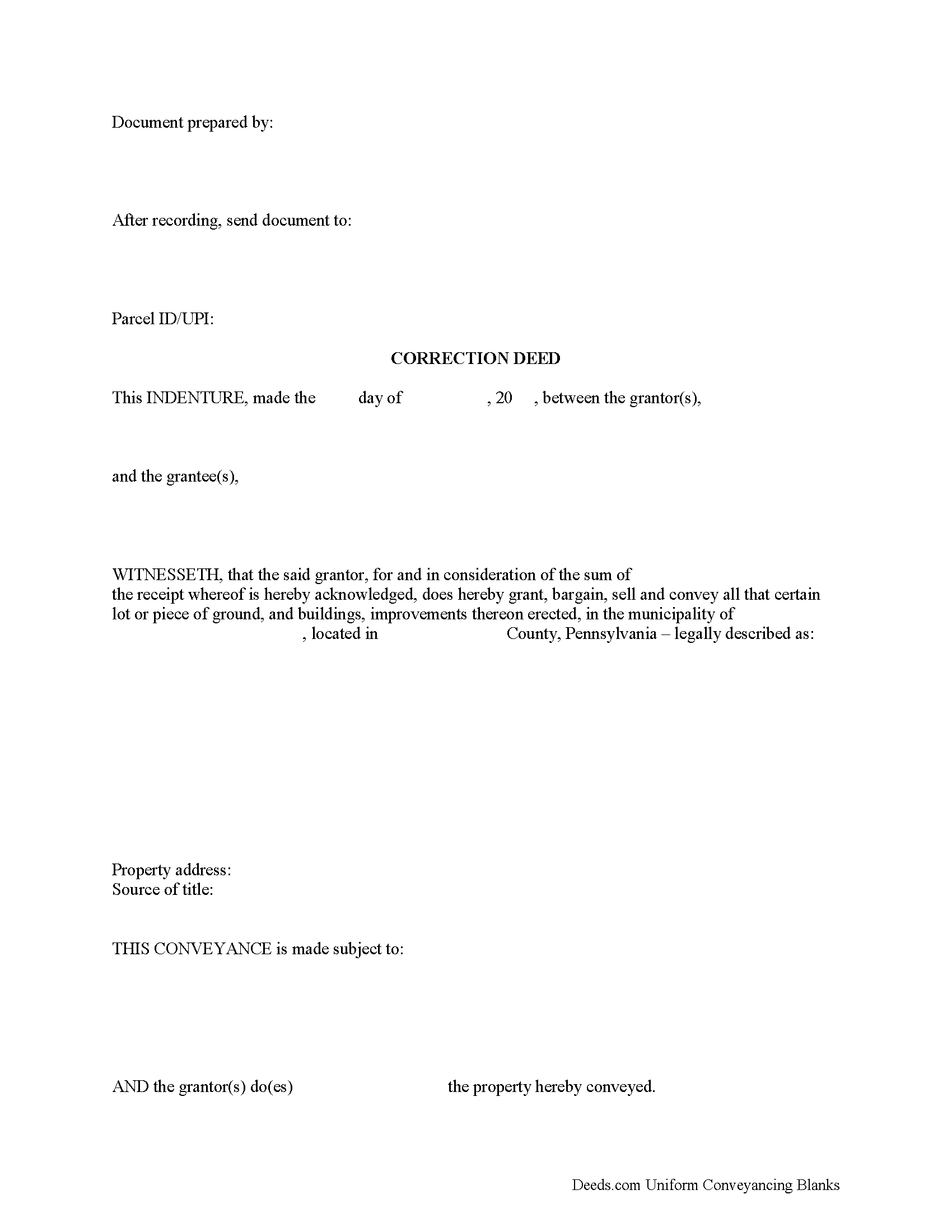
Elk County Correction Deed Form
Fill in the blank form formatted to comply with all recording and content requirements.
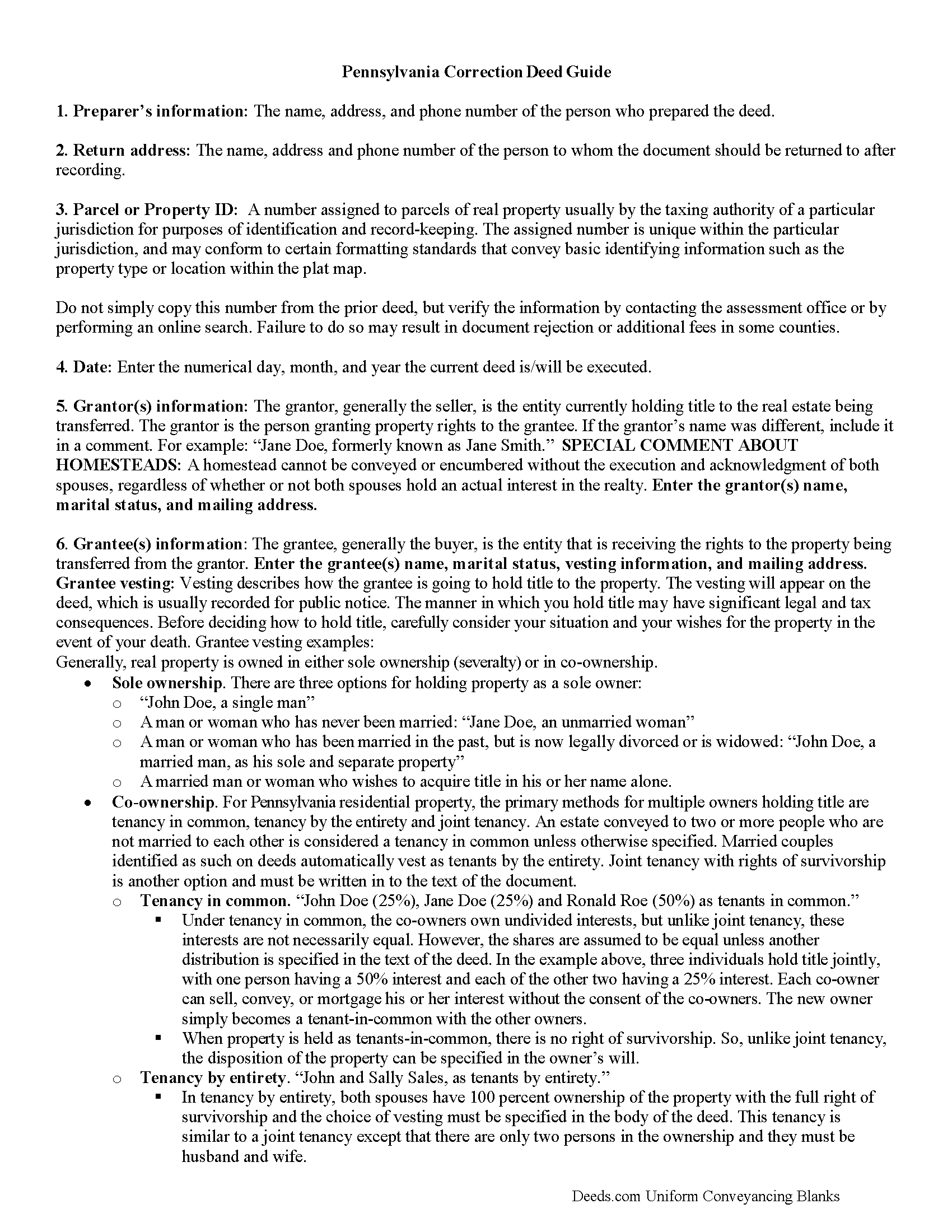
Elk County Correction Deed Guide
Line by line guide explaining every blank on the form.
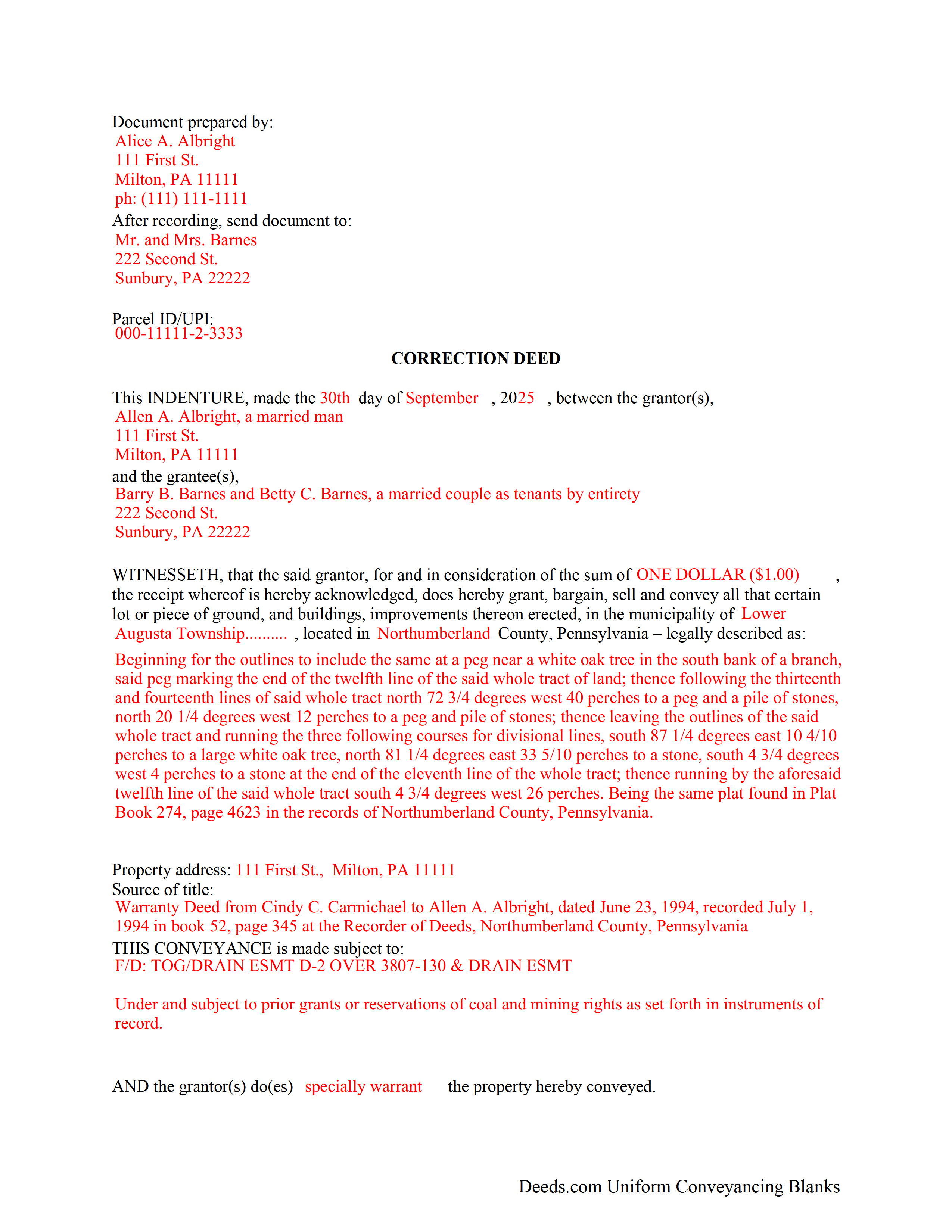
Elk County Completed Example of the Correction Deed Document
Example of a properly completed form for reference.
All 3 documents above included • One-time purchase • No recurring fees
Immediate Download • Secure Checkout
Additional Pennsylvania and Elk County documents included at no extra charge:
Where to Record Your Documents
Elk County Recorder of Deeds
Ridgway, Pennsylvania 15853
Hours: 8:30am to 4:00pm Monday through Friday
Phone: (814) 776-5349
Recording Tips for Elk County:
- Bring your driver's license or state-issued photo ID
- Ensure all signatures are in blue or black ink
- Recorded documents become public record - avoid including SSNs
- Recording fees may differ from what's posted online - verify current rates
- Request a receipt showing your recording numbers
Cities and Jurisdictions in Elk County
Properties in any of these areas use Elk County forms:
- Benezett
- Brandy Camp
- Brockport
- Byrnedale
- Dagus Mines
- De Young
- Force
- James City
- Johnsonburg
- Kersey
- Ridgway
- Saint Marys
- Weedville
- Wilcox
Hours, fees, requirements, and more for Elk County
How do I get my forms?
Forms are available for immediate download after payment. The Elk County forms will be in your account ready to download to your computer. An account is created for you during checkout if you don't have one. Forms are NOT emailed.
Are these forms guaranteed to be recordable in Elk County?
Yes. Our form blanks are guaranteed to meet or exceed the applicable formatting requirements used for recording in Elk County, including margin requirements, font requirements, and other layout standards. This guarantee applies to formatting, not to the legal sufficiency of information entered by the user or the suitability of a form for a particular transaction.
Can I reuse these forms?
Yes. You can reuse the forms for your personal use. For example, if you have multiple properties in Elk County you only need to order once.
What do I need to use these forms?
The forms are PDFs that you fill out on your computer. The free Adobe Acrobat Reader is recommended, and most PDF apps also work. You do NOT enter your property information online - you download the blank forms and complete them privately on your own computer.
Are there any recurring fees?
No. This is a one-time purchase. Nothing to cancel, no memberships, no recurring fees.
How much does it cost to record in Elk County?
Recording fees in Elk County vary. Contact the recorder's office at (814) 776-5349 for current fees.
Questions answered? Let's get started!
Correct common errors in a deed, such as typographical mistakes or omissions in various sections of the original deed, by using a corrective deed, which must be signed by the grantor or the grantee and re-acknowledged.
When correcting a deed in Pennsylvania, there are options: re-record the same document with corrections or record a corrective/confirmative deed. However, some counties insist on a new correction deed, others at least prefer one option over the other. So check with the local recorder to be sure. In either case, whether re-recording or recording, new recording fees are due.
In Pennsylvania, the new correction deed can also be issued from the grantee to him- or herself, who after all is the current title holder for the property. This may be more convenient and is especially advisable in the case of a minor error. However, if the correction affects the legal description of the property, have the grantor re-acknowledge the new deed. Some counties require the grantor's signature regardless of the mistake in question. So check with the local office before issuing the correction deed.
Whether re-recording the old deed or recording a new correction instrument, both are required to make specific reference to the first recording by date as well as by book/page number or by instrument number and identify the reason for the correction, e.g., error in the grantee's name. Re-recorded documents need to be re-signed and re-acknowledged with a current date and the reason for the correction, which can be stated on the signature/notary page.
Generally, the Statement of Value (SOV), in duplicate, must accompany all deeds that do not state the full and complete value of the conveyed property, except in the case of a family exemption, which needs to be identified in the document. Include common level ratio factors, which change every July 1st. State the reason for the correction on the SOV form as well.
(Pennsylvania CD Package includes form, guidelines, and completed example)
Important: Your property must be located in Elk County to use these forms. Documents should be recorded at the county recording office listed above.
This Correction Deed meets all recording requirements specific to Elk County.
Our Promise
The documents you receive here are guaranteed to meet or exceed the applicable Elk County recording format requirements. If there is a rejection caused by our formatting, we will correct the issue or refund your payment. This guarantee applies to document formatting only and does not extend to information entered by the user, the selection of the form, or the legal effect of the completed document.
Save Time and Money
Get your Elk County Correction Deed form done right the first time with Deeds.com Uniform Conveyancing Blanks. At Deeds.com, we understand that your time and money are valuable resources, and we don't want you to face a penalty fee or rejection imposed by a county recorder for submitting nonstandard documents. We constantly review and update our forms to meet rapidly changing state and county recording requirements for roughly 3,500 counties and local jurisdictions.
4.8 out of 5 - ( 4,843 Reviews )
Ruthea M. 4 out of 5 stars
It was easy to download, but you need to open an account before doing so. That was not clear.
Your insights are invaluable to us and help us strive for better service. Thank you for taking the time to share your thoughts.
John H. 5 out of 5 stars
Response was timely, even though unsuccessful in locating a requested deed. Deeds very courteously and professionally cancelled my order and cancelled its charge to my credit card.
Thank you for your feedback. We really appreciate it. Have a great day!
Susan C. 5 out of 5 stars
easy to use to get copy of documents. given your website by recorder in the country offices.
Thank you Susan, we appreciate your feedback.
Robyn R. 5 out of 5 stars
Deeds.com was so simple and easy to use! My local recorders office is closed due to COVID-19 and their recording said to use Deeds.com. I thought it was going to either be very complicated or very expensive and it was neither!!! The site walked me through step by step and the price of their service was very fair and affordable. They were very timely and efficient and my documents were recorded almost immediately! Thank you Deeds.com!!!
Thank you Robyn, glad we could help.
Carol S. 5 out of 5 stars
Needed a Quit Claim Deed and am so happy I went to Deeds.com. Completed my forms - they looked professional and had no problem submitting them to Assessor's office. PERFECT!
We appreciate your business and value your feedback. Thank you. Have a wonderful day!
Christopher B. 5 out of 5 stars
Process went smoothly and will use for my next recording. Only area for improvement would be to provide the ability for the user to delete and replace uploaded documents.
Thank you for your feedback. We really appreciate it. Have a great day!
MARC G. 5 out of 5 stars
Very easy. Very helpful.
Thank you!
Carolyn S. 5 out of 5 stars
This website was very helpful in explaining what a "gift" deed is and how to execute it. I didn't want to incur legal fees for a simple transaction and this website helped me avoid that.
Thank you for your feedback. We really appreciate it. Have a great day!
Larry T. 5 out of 5 stars
Ordered a 'Gift Deed' form The 'Example' form was most helpful. The actual form was very detailed, and seemed to 'cover all the bases'
We appreciate your business and value your feedback. Thank you. Have a wonderful day!
Gary B. 5 out of 5 stars
Great service. Comprehensive. Reasonably priced.
Thank you for your feedback. We really appreciate it. Have a great day!
suzanne m. 5 out of 5 stars
Finding what I needed was quick and easy.
Thank you!
Florentes P. 2 out of 5 stars
The form is so limited in space that I can not fit the vesting information as well as the real property information. The property information, I could put it as Exhibit A. which is not the usual way. Not happy.
Sorry to hear that you are not happy with the available space on the document you received. Per your request we have canceled your order. We do hope you are able to find a solution that meets your needs and the recording/statutory requirements of the document. Have a great day!
Rohini L. 5 out of 5 stars
This is the first time I am filling out a legal form downloaded from a website. Throughly impressed with the detailed explanation along with sample forms to help a novice like me to fill out the actual form. I will remember to go to your site if I need in the future and have already recommended your site to others. Thanks for an excellent job.
Your feedback is valuable to us and helps us improve. Thank you for sharing your thoughts!
Heidi G. 5 out of 5 stars
Very happy with the service that you offer. My office will use you again.
Great to hear Heidi, glad we could help. Have an amazing day!
Patrick K. 5 out of 5 stars
Fast and easy to use. Great update communications
We appreciate your business and value your feedback. Thank you. Have a wonderful day!