Wyoming County Mortgage Instrument and Promissory Note Form
Last validated October 14, 2026 by our Forms Development TeamFormatted for recording in Wyoming County, for property anywhere in the county: rural and unincorporated areas as well as Factoryville, Falls, Laceyville, Lake Winola, Mehoopany, Meshoppen, Nicholson, Noxen and 1 more.
- 7 documents included
- Immediate PDF download
- Formatting guarantee
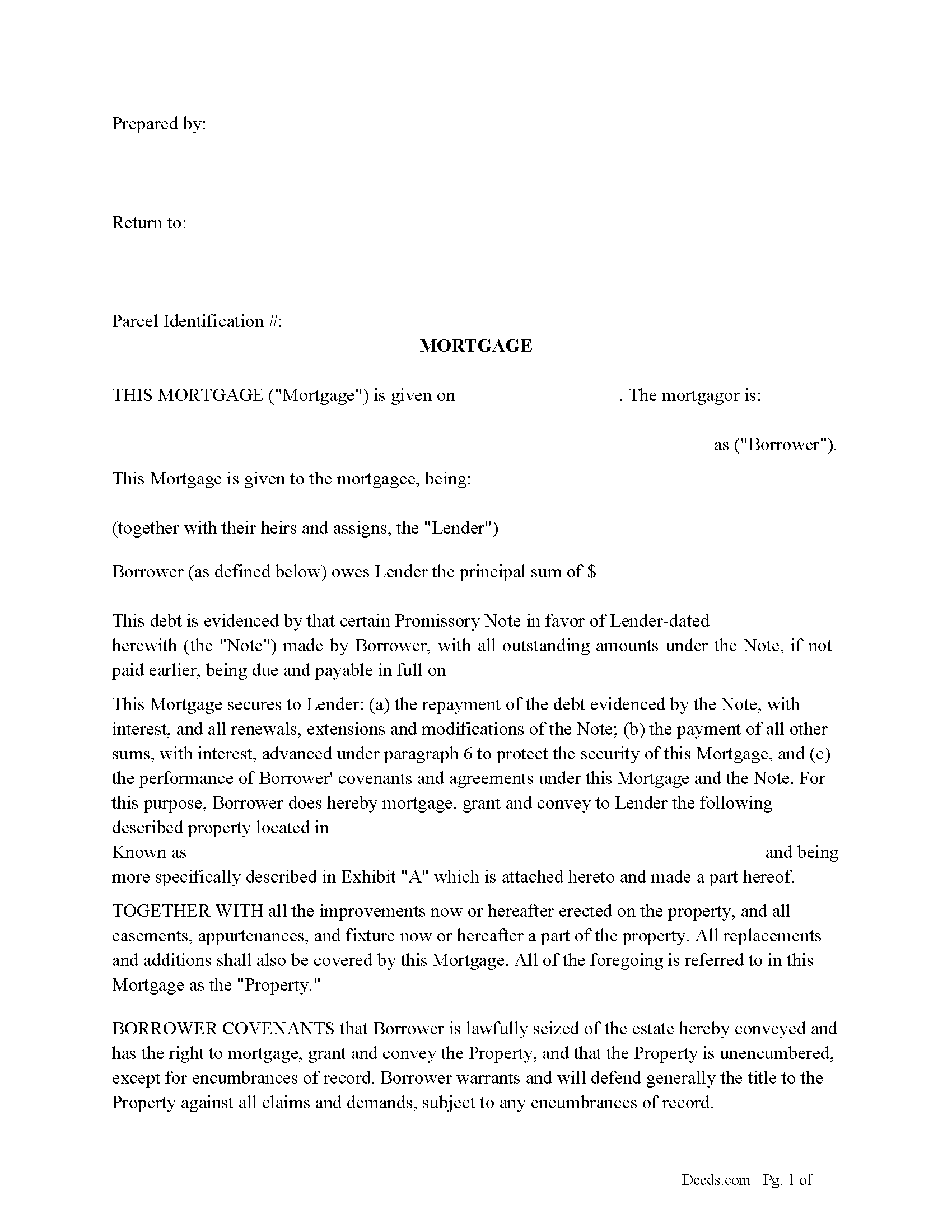
Wyoming County Mortgage Form
Fill in the blank form formatted to comply with all recording and content requirements.
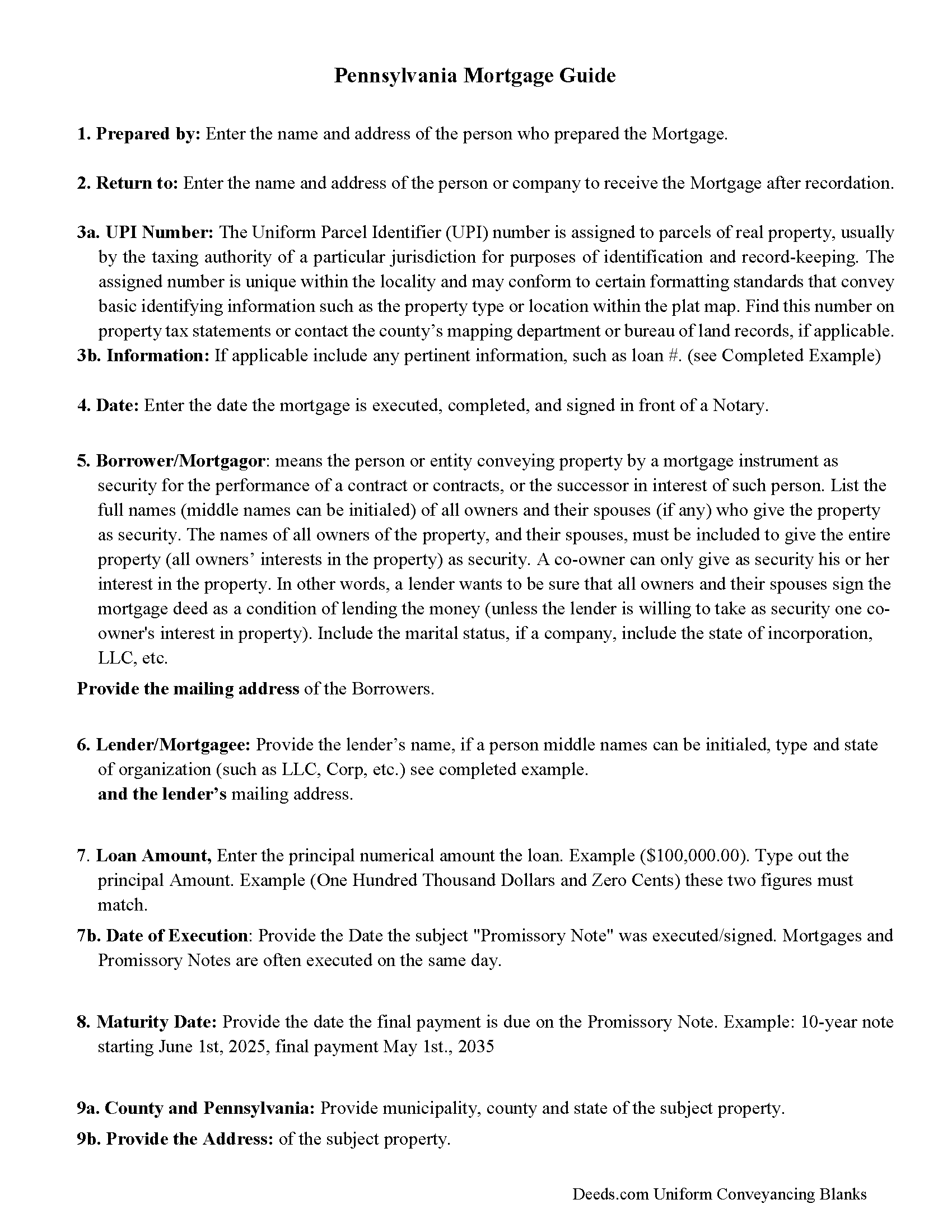
Wyoming County Mortgage Guidelines
Line by line guide explaining every blank on the form.
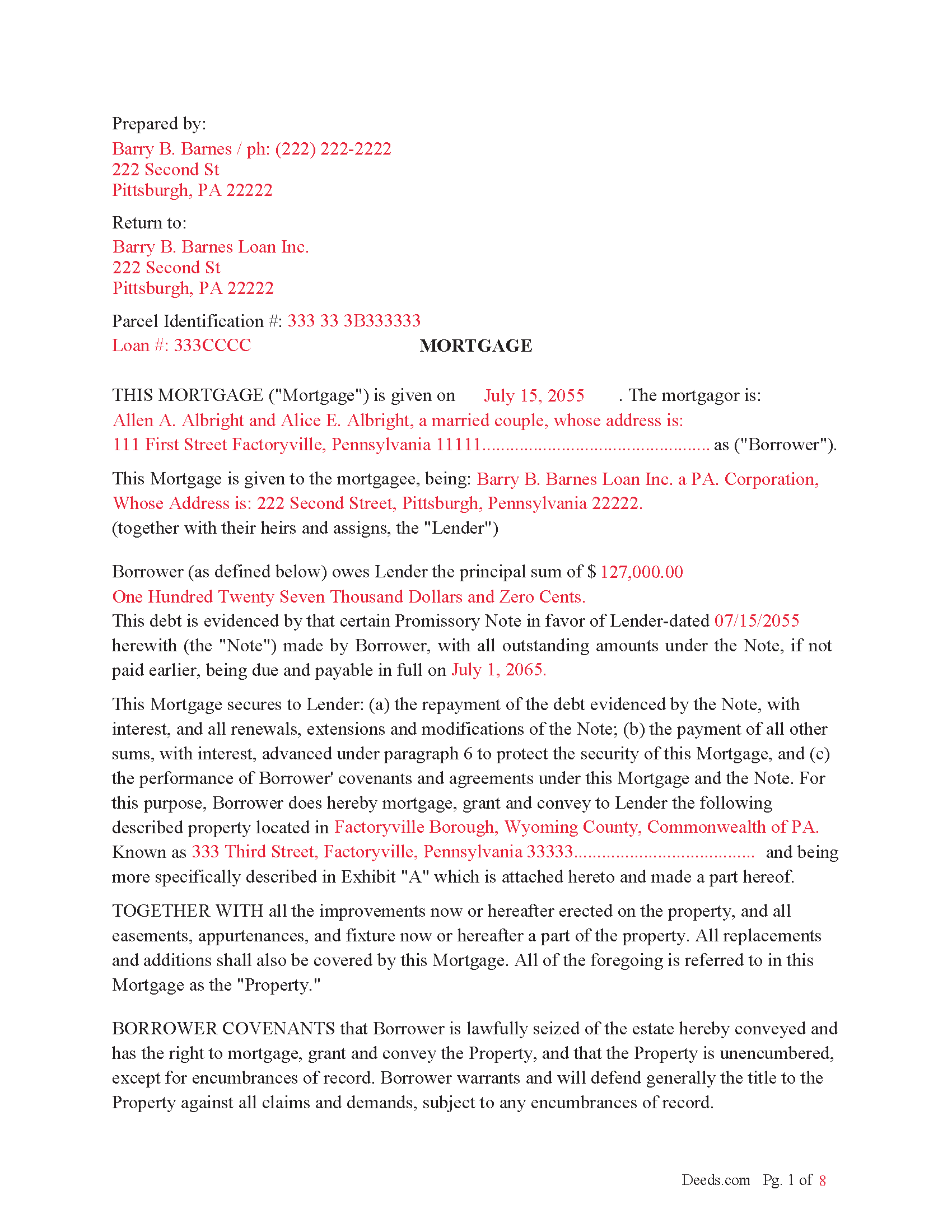
Wyoming County Completed Example of the Mortgage Document
Example of a properly completed form for reference.
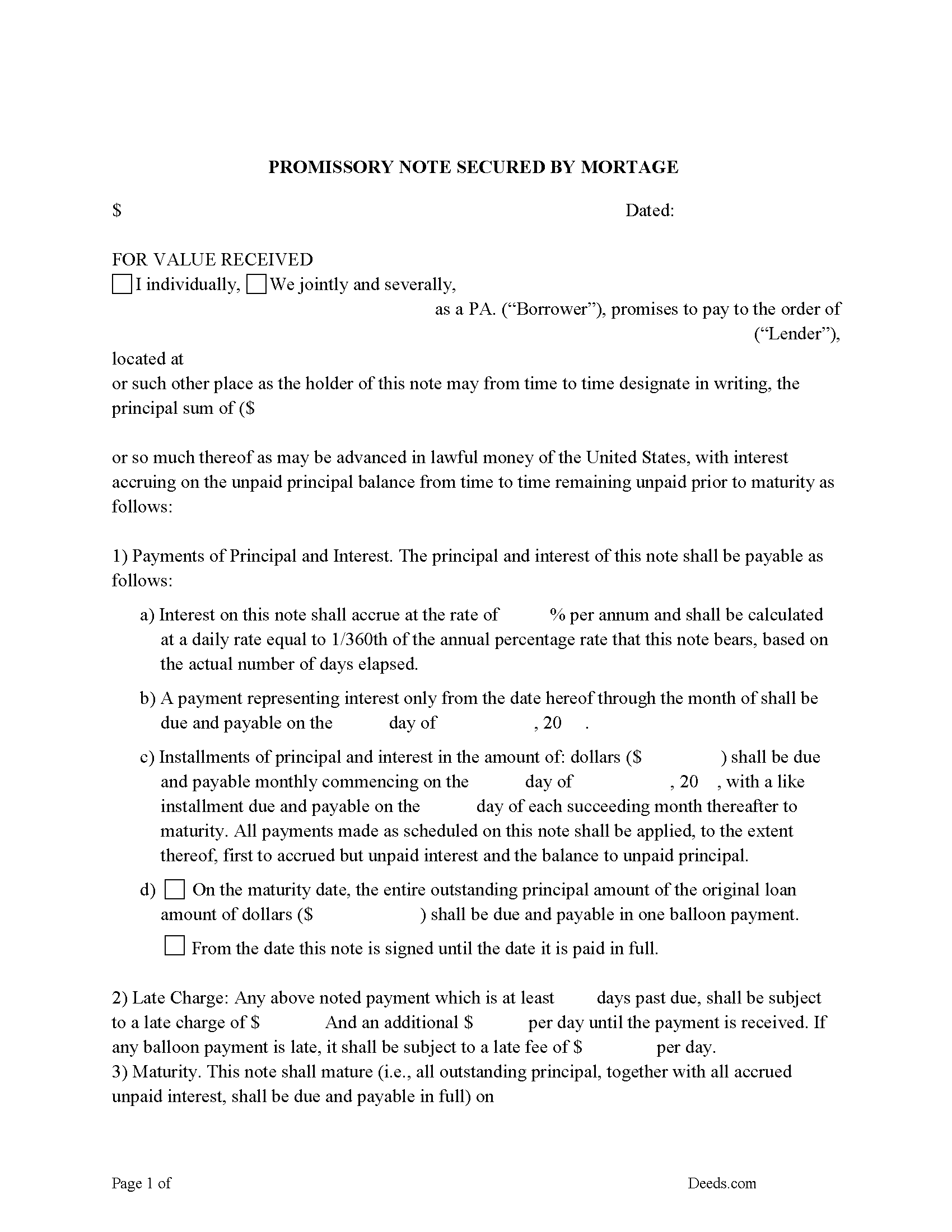
Wyoming County Promissory Note Form
Promissory Note secured by Mortgage.
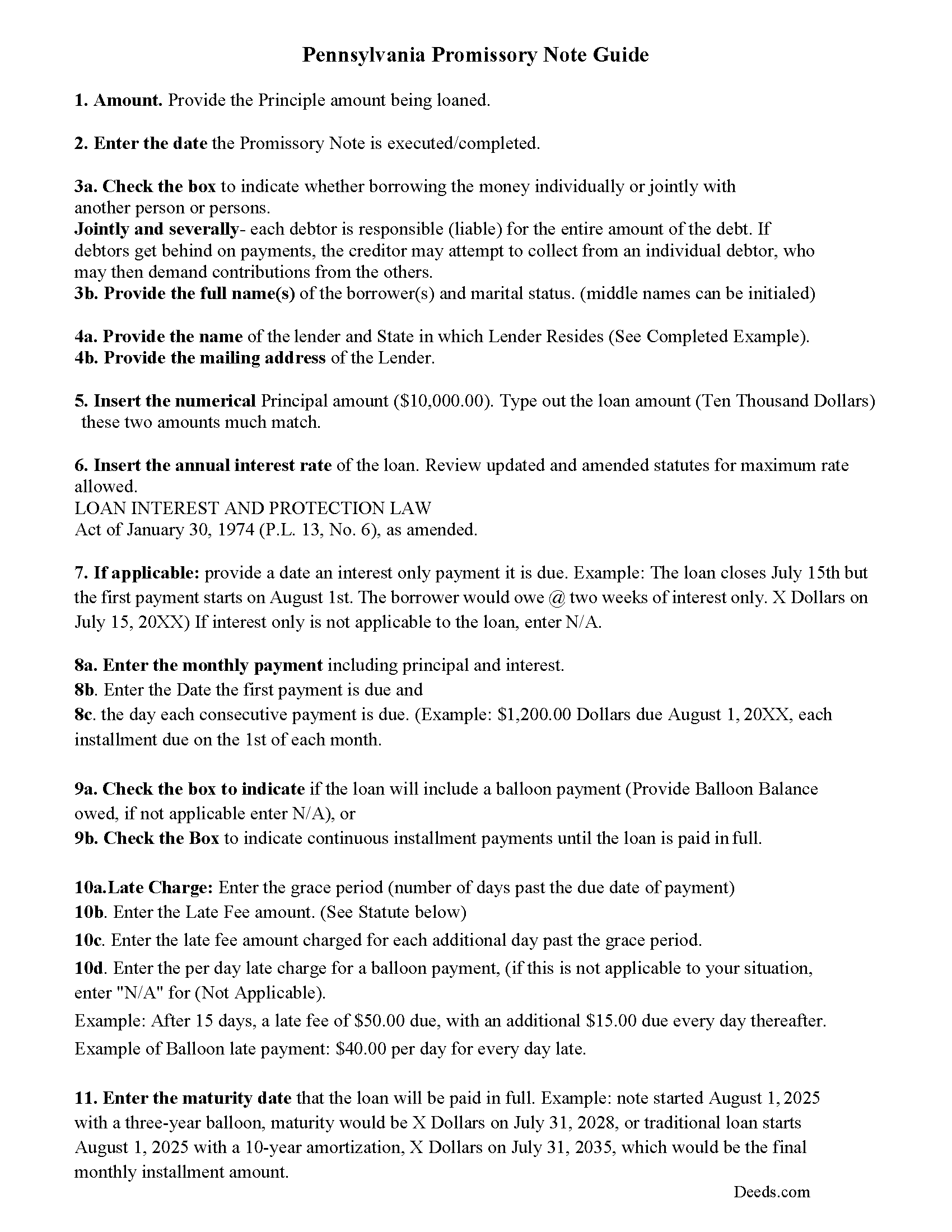
Wyoming County Promissory Note Guidelines
Line by line guide explaining every blank on the form.
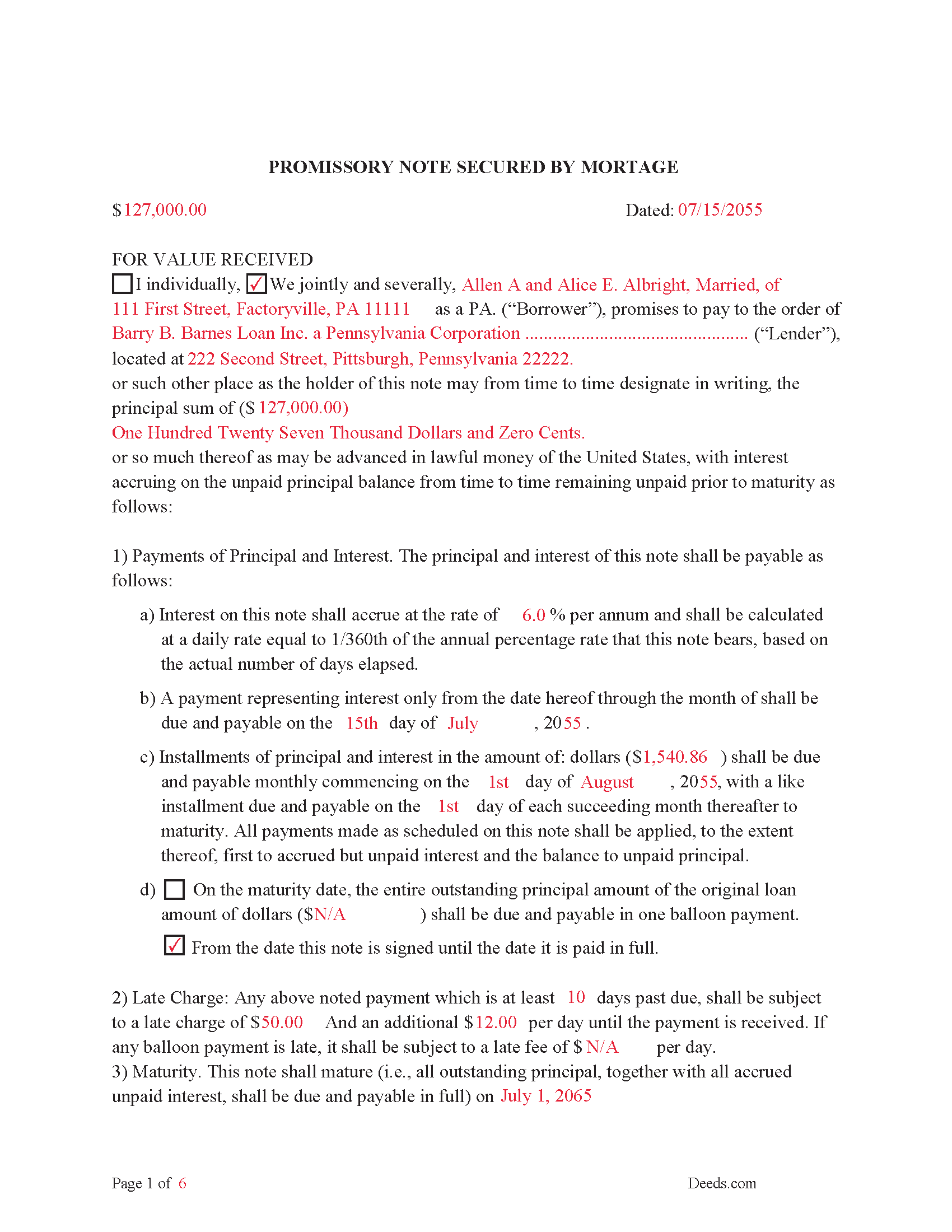
Wyoming County Completed Example of the Promissory Note Document
This Promissory Note is filled in and highlighted, showing how the guideline information, can be interpreted into the document.
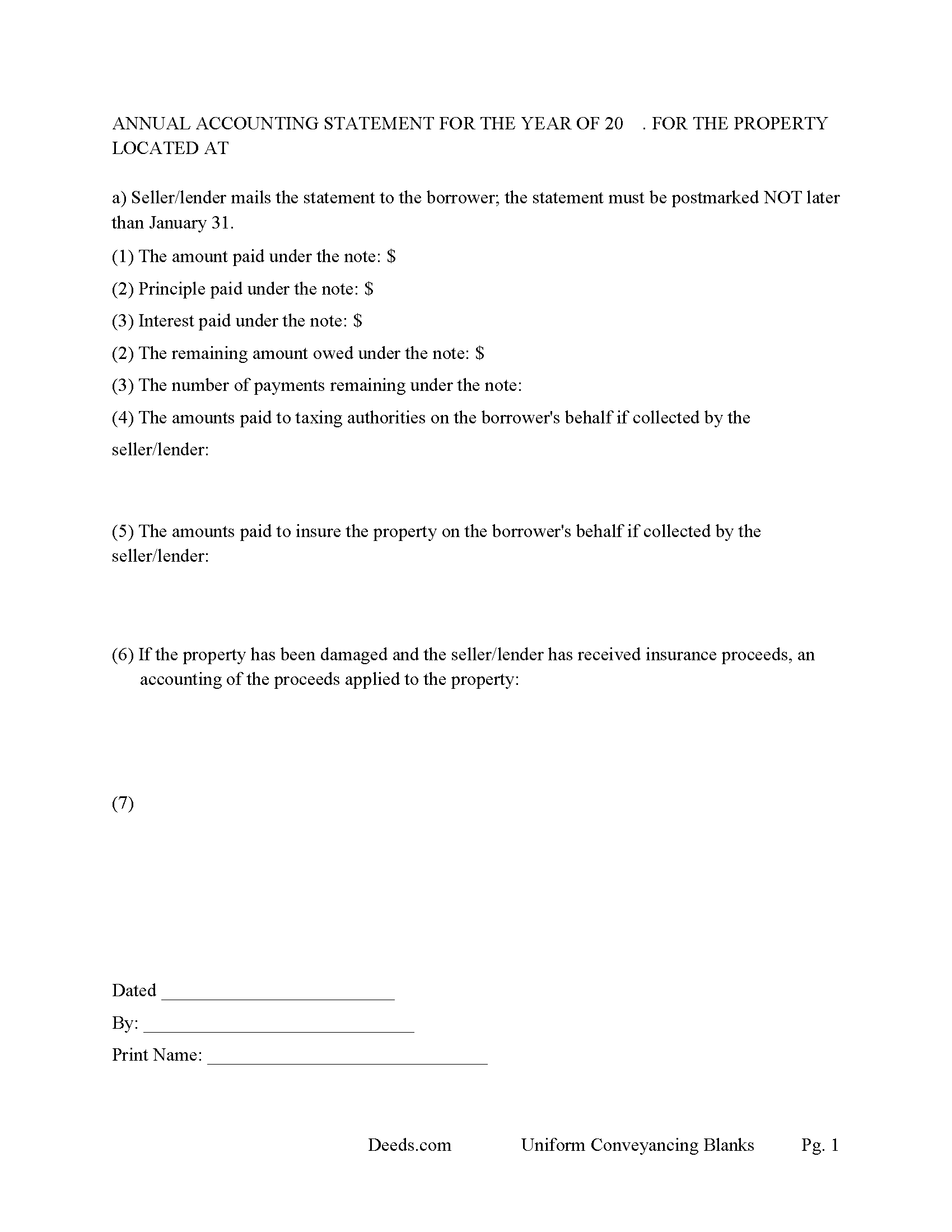
Wyoming County Annual Accounting Statement Form
Mail to borrower for fiscal year reporting.
All 7 documents above included • One-time purchase • No recurring fees
Immediate Download • Secure Checkout
Additional Pennsylvania and Wyoming County documents included at no extra charge:
Where to Record Your Documents
Register and Recorder
Tunkhannock, Pennsylvania 18657
Hours: 8:30 to 4:00 Monday through Friday / Recording until 3:45
Phone: (570) 836-3200 Ext. 237
Recording Tips for Wyoming County:
- Bring your driver's license or state-issued photo ID
- Ensure all signatures are in blue or black ink
- Avoid the last business day of the month when possible
- Both spouses typically need to sign if property is jointly owned
- Bring extra funds - fees can vary by document type and page count
Cities and Jurisdictions in Wyoming County
Properties in any of these areas use Wyoming County forms:
- Factoryville
- Falls
- Laceyville
- Lake Winola
- Mehoopany
- Meshoppen
- Nicholson
- Noxen
- Tunkhannock
Hours, fees, requirements, and more for Wyoming County
How do I get my forms?
Forms are available for immediate download after payment. The Wyoming County forms will be in your account ready to download to your computer. An account is created for you during checkout if you don't have one. Forms are NOT emailed.
Are these forms guaranteed to be recordable in Wyoming County?
Yes. Our form blanks are guaranteed to meet or exceed the applicable formatting requirements used for recording in Wyoming County, including margin requirements, font requirements, and other layout standards. This guarantee applies to formatting, not to the legal sufficiency of information entered by the user or the suitability of a form for a particular transaction.
Can I reuse these forms?
Yes. You can reuse the forms for your personal use. For example, if you have multiple properties in Wyoming County you only need to order once.
What do I need to use these forms?
The forms are PDFs that you fill out on your computer. The free Adobe Acrobat Reader is recommended, and most PDF apps also work. You do NOT enter your property information online - you download the blank forms and complete them privately on your own computer.
Are there any recurring fees?
No. This is a one-time purchase. Nothing to cancel, no memberships, no recurring fees.
How much does it cost to record in Wyoming County?
Recording fees in Wyoming County vary. Contact the recorder's office at (570) 836-3200 Ext. 237 for current fees.
Questions answered? Let's get started!
This is a recordable Mortgage secured by a Promissory Note, used to finance real property - residential, small commercial, rental, vacant land, condominiums and planned unit developments. In general, a Pennsylvania mortgage must be recorded within six months, see Section 621 Mortgages to be recorded within six months.
(All mortgages or defeasible deeds in the nature of mortgages shall have priority according to the date of recording the same, without regard to the time of making or executing such deeds; and it shall be the duty of the recorder to endorse the time upon the mortgages.) (Section 622 - Priority according to date of recording)
Included is the required Certificate of Residence. (For the purpose of obtaining with accuracy the precise residence of all mortgagees, assignees, and persons to whom interest is payable on articles of agreement, it shall be the duty of the recorder of deeds in each county, whenever a mortgage, assignment, or agreement given to secure the payment of money, shall be presented to him for record, to refuse the same, unless the said mortgage, assignment, or agreement has attached thereto, and made part of said mortgage, assignment, or agreement, a certificate signed by said mortgagee, assignee, or person entitled to interest, or his, her or their duly authorized attorney or agent, setting forth the precise residence of such mortgagee, assignee, or person entitled to interest; said certificate to be recorded with said mortgage,) (Section 625 - Certificate of residence of mortgagee).
(Pennsylvania Mortgage Package includes forms, guidelines, and completed examples) For use in Pennsylvania only.
Important: Your property must be located in Wyoming County to use these forms. Documents should be recorded at the county recording office listed above.
This Mortgage Instrument and Promissory Note meets all recording requirements specific to Wyoming County.
Our Promise
The documents you receive here are guaranteed to meet or exceed the applicable Wyoming County recording format requirements. If there is a rejection caused by our formatting, we will correct the issue or refund your payment. This guarantee applies to document formatting only and does not extend to information entered by the user, the selection of the form, or the legal effect of the completed document.
Save Time and Money
Get your Wyoming County Mortgage Instrument and Promissory Note form done right the first time with Deeds.com Uniform Conveyancing Blanks. At Deeds.com, we understand that your time and money are valuable resources, and we don't want you to face a penalty fee or rejection imposed by a county recorder for submitting nonstandard documents. We constantly review and update our forms to meet rapidly changing state and county recording requirements for roughly 3,500 counties and local jurisdictions.
4.8 out of 5 - ( 4,830 Reviews )
Jean C. 5 out of 5 stars
I created an account for one particular document. It was very easy to find what I needed for my state and my county. The directions were easy to follow, the cost was reasonable and I was able to download the documents immediately. I recommend this site to anyone who needs legal documents and I will use it again when needed.
Thank you, Jean! We're so glad you had a great experience. We truly appreciate your recommendation and look forward to helping you again whenever you need us!
Lori M. 5 out of 5 stars
So easy to use. The directions are very clear.
Thank you!
Phuoc M. 5 out of 5 stars
Deeds.com is helpful to help me finish my forms and submit my forms to the County successfully. Very nice to do business with your company! Thanks!
We’re glad to hear things went well. Thank you for the review.
Stan B. 5 out of 5 stars
Very satisfied with the PDF documents that I purchased. Will be able to transfer property without hiring an attorney. Well worth the price I paid. Stan
Thank you for your feedback. We really appreciate it. Have a great day!
wayne s. 5 out of 5 stars
Wonderful forms! Thanks for making this available.
Thank you Wayne, have a great day!
Jeri M. 5 out of 5 stars
Very happy with the site and the deed document I received.
We appreciate your business and value your feedback. Thank you. Have a wonderful day!
Crystal P. 5 out of 5 stars
This service is amazing! We have tried several other online recording services which all disappointed. Deeds.com got all three of our documents recorded same day as invoice payment. Thank you for the quick turn around! We will be using this service often.
We are sincerely grateful for your feedback and are committed to providing the highest quality service. Thank you for your trust in us.
Lana J. 5 out of 5 stars
Very easy to use and the forms were perfectly formatted. Great value and service!!
We appreciate your business and value your feedback. Thank you. Have a wonderful day!
Jamie P. 5 out of 5 stars
The forms are easy to download. Easy to fill out. The information on the site and on the web provided by Deeds.com have been immensely helpful.
Thank you!
Jo Anne C. 5 out of 5 stars
Excellent documentation. Thank you.
Thank you for your feedback. We really appreciate it. Have a great day!
Jeffry C. 5 out of 5 stars
Deeds.com has been a lifesaver for my house buying business. Excellent support!
Thank you Jeffry, glad we could help.
Herbert L. 5 out of 5 stars
Creating my enhanced lifde estate deed was rather easy but I am not happy. After buying the 3 form package for about $29 and crating my legal form... was not happy with your disclaimer than you cannot guarantee the form will meet required legal standards. I was convinced you all knew what you're doing since the forms are supposedly specific to Polk county, Florida.
Herbert, thank you for your feedback.
Our deed forms are prepared to meet the statutory and recording requirements for the state listed, including common formatting and content requirements used by county recorders.
The disclaimer exists because we are not acting as your attorney and cannot evaluate each customer’s specific facts, property history, or intended use of the document. For that reason, we cannot guarantee that a document will meet every possible legal need or circumstance.
Many customers successfully prepare and record their deeds using these materials, but anyone needing legal advice about their particular situation should consult a licensed attorney.
LeAnn B. 5 out of 5 stars
Excellent service. Very helpful staff that guided me through the process since this was my first time e-recording. We were so surprised to get the recorded deeds within an hour. Thank you very much. LeAnn
We appreciate your business and value your feedback. Thank you. Have a wonderful day!
Barbara B. 5 out of 5 stars
A great help! Thank you.
Thank you!
Karen K. 5 out of 5 stars
Deeds was very easy to use. I thought it might take weeks to complete, but the whole process was completed in just a few hours. I am very satisfied with my experience and would use them again
Thank you for your feedback. We really appreciate it. Have a great day!