Montour County Notice to Contractor Form
Last validated October 15, 2026 by our Forms Development TeamFormatted for recording in Montour County, for property anywhere in the county: rural and unincorporated areas as well as Danville, Washingtonville.
- 3 documents included
- Immediate PDF download
- Formatting guarantee
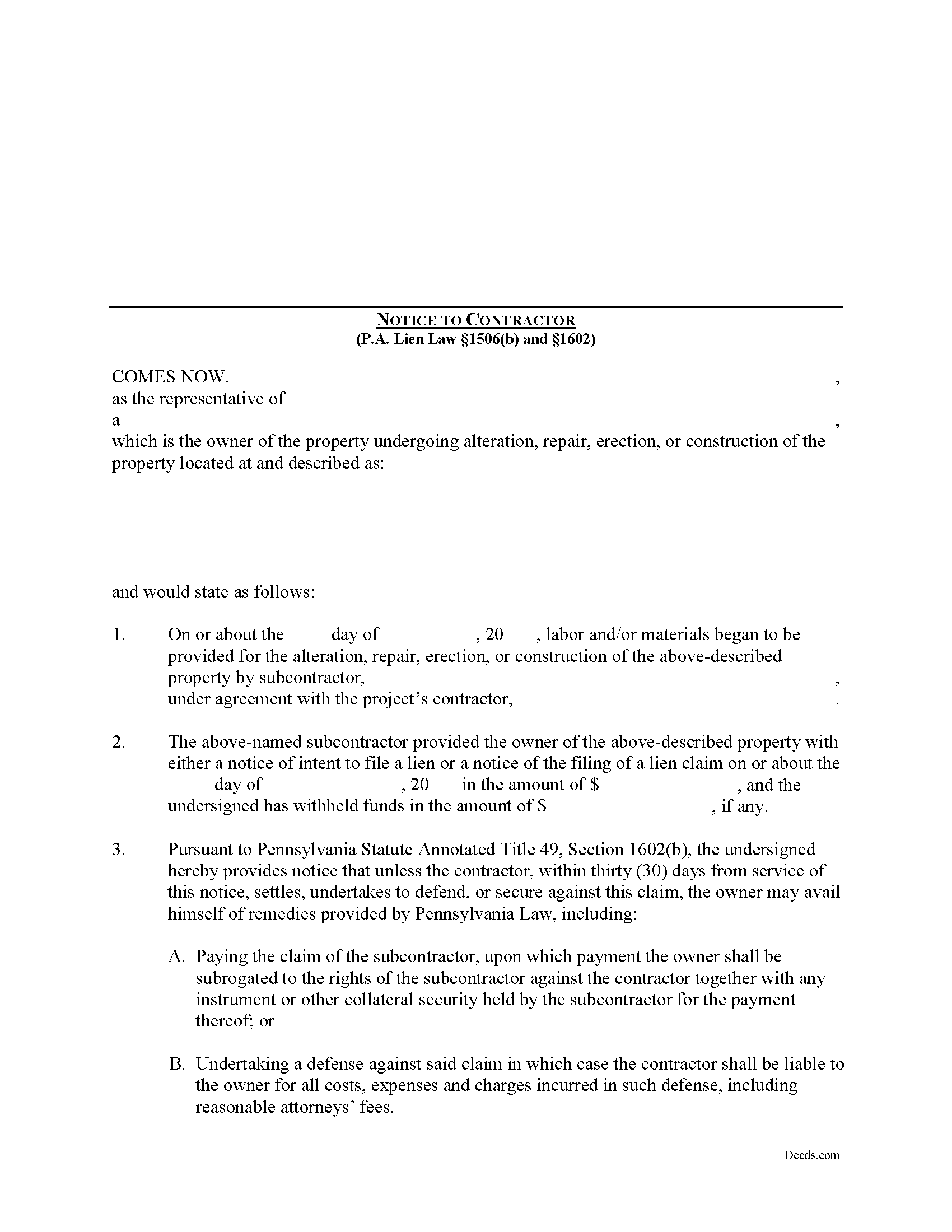
Montour County Notice to Contractor Form
Fill in the blank Notice to Contractor form formatted to comply with all Pennsylvania recording and content requirements.
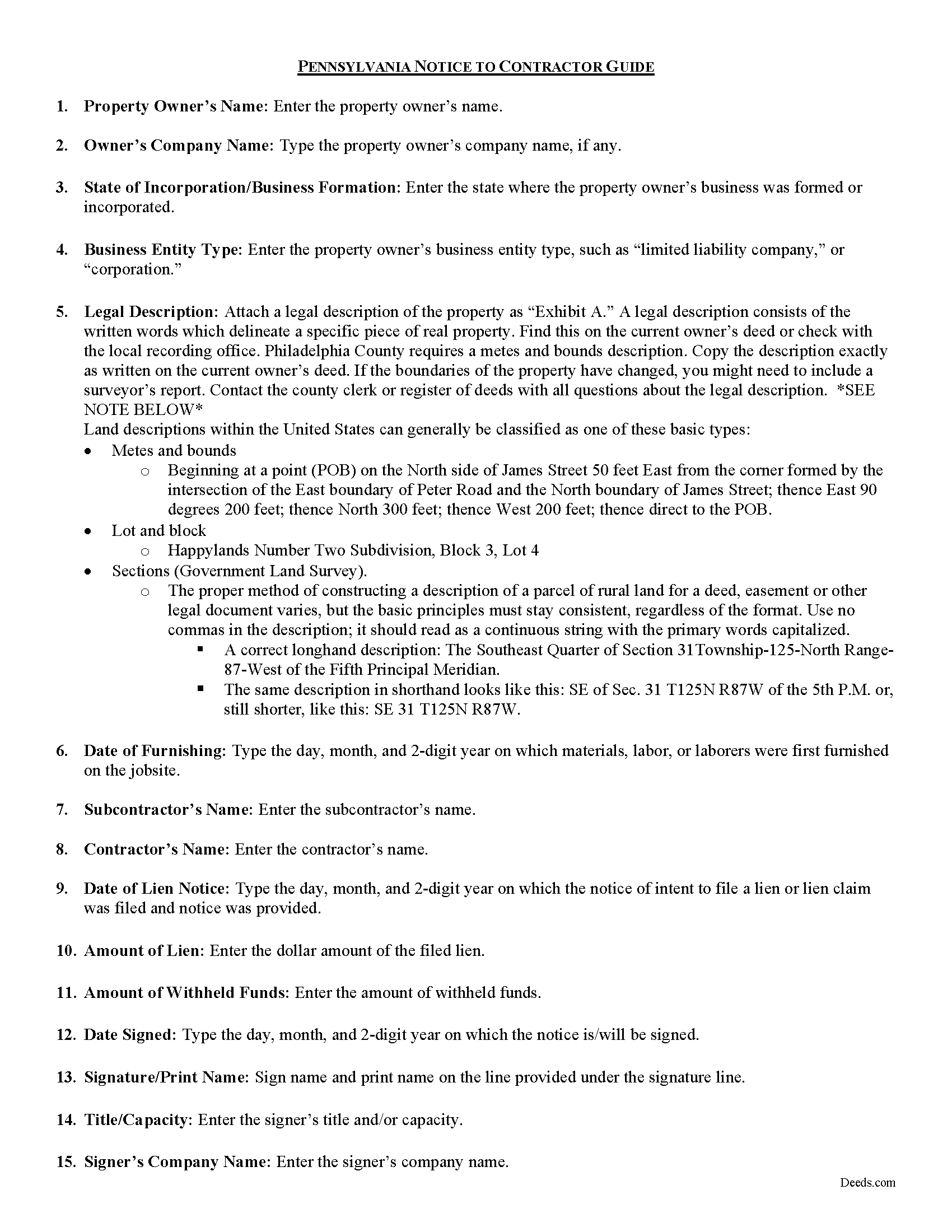
Montour County Notice to Contractor Guide
Line by line guide explaining every blank on the form.
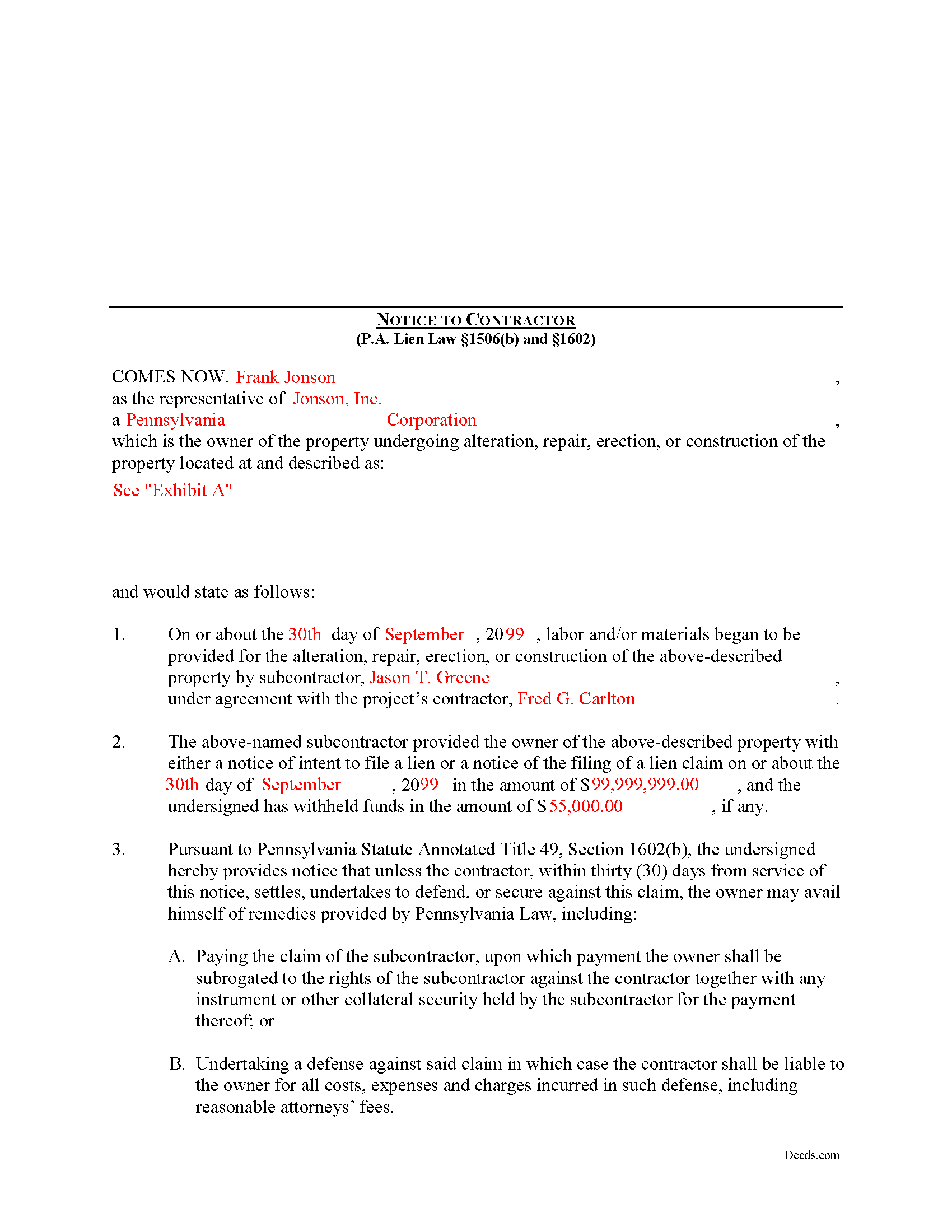
Montour County Completed Example of the Notice to Contractor Document
Example of a properly completed form for reference.
All 3 documents above included • One-time purchase • No recurring fees
Immediate Download • Secure Checkout
Additional Pennsylvania and Montour County documents included at no extra charge:
Where to Record Your Documents
Recorder of Deeds - County Courthouse
Danville, Pennsylvania 17821
Hours: 9:00am to 4:00pm Monday through Friday
Phone: (570) 271-3012
Recording Tips for Montour County:
- Bring your driver's license or state-issued photo ID
- Ensure all signatures are in blue or black ink
- Request a receipt showing your recording numbers
- Ask about accepted payment methods when you call ahead
- Ask for certified copies if you need them for other transactions
Cities and Jurisdictions in Montour County
Properties in any of these areas use Montour County forms:
- Danville
- Washingtonville
Hours, fees, requirements, and more for Montour County
How do I get my forms?
Forms are available for immediate download after payment. The Montour County forms will be in your account ready to download to your computer. An account is created for you during checkout if you don't have one. Forms are NOT emailed.
Are these forms guaranteed to be recordable in Montour County?
Yes. Our form blanks are guaranteed to meet or exceed the applicable formatting requirements used for recording in Montour County, including margin requirements, font requirements, and other layout standards. This guarantee applies to formatting, not to the legal sufficiency of information entered by the user or the suitability of a form for a particular transaction.
Can I reuse these forms?
Yes. You can reuse the forms for your personal use. For example, if you have multiple properties in Montour County you only need to order once.
What do I need to use these forms?
The forms are PDFs that you fill out on your computer. The free Adobe Acrobat Reader is recommended, and most PDF apps also work. You do NOT enter your property information online - you download the blank forms and complete them privately on your own computer.
Are there any recurring fees?
No. This is a one-time purchase. Nothing to cancel, no memberships, no recurring fees.
How much does it cost to record in Montour County?
Recording fees in Montour County vary. Contact the recorder's office at (570) 271-3012 for current fees.
Questions answered? Let's get started!
In Pennsylvania, the Notice to Contractor is used by property owners to defend against lien claims. The notice is especially useful when dealing with lien claims filed by a subcontractor working under a general contractor, because the owner may have no knowledge of their agreements.
Where a lien claim is filed by a subcontractor, the owner may give a written notice thereof to the contractor in the manner, and upon the giving of such notice the owner may avail himself of the remedies provided under the law. 49 P.S. 1506(b).
When the notice is served on the contractor, the undersigned is providing notice that unless the contractor, within thirty (30) days from service of the notice, settles, undertakes to defend, or secures against this claim, the owner may avail himself of remedies provided by Pennsylvania Law, including: 1) Paying the claim of the subcontractor, upon which payment the owner shall be subrogated to the rights of the subcontractor against the contractor together with any instrument or other collateral security held by the subcontractor for the payment thereof; or 2) Undertaking a defense against said claim in which case the contractor shall be liable to the owner for all costs, expenses and charges incurred in such defense, including reasonable attorneys' fees. 49 P.S. 1602.
The notice shall state: (1) the name of the subcontractor, the amount of the claim and the amount withheld, if any, by the owner; that unless the contractor within thirty (30) days from service of the notice settles, undertakes to defend, or secures against the claim as provided by section 603, and (2) the owner may avail himself of the remedies provided by section 604.3. 49 P.S. 1602(b).
The owner or his agent may deliver the notice to the contractor personally, or to the contractor's manager, executive or principal officer or other agent, or if none of these persons can be found, by sending a copy of the notice by first class, registered or certified mail to the contractor at his last known office address. 49 P.S. 1602(c).
Mechanic's Liens are governed by Title 49 of the Pennsylvania Consolidated Statutes.
This article is provided for informational purposes only and does not constitute legal advice. Contact an attorney with questions about the Notice to Contractor, or for any other issues related to mechanic's liens in Pennsylvania.
Important: Your property must be located in Montour County to use these forms. Documents should be recorded at the county recording office listed above.
This Notice to Contractor meets all recording requirements specific to Montour County.
Our Promise
The documents you receive here are guaranteed to meet or exceed the applicable Montour County recording format requirements. If there is a rejection caused by our formatting, we will correct the issue or refund your payment. This guarantee applies to document formatting only and does not extend to information entered by the user, the selection of the form, or the legal effect of the completed document.
Save Time and Money
Get your Montour County Notice to Contractor form done right the first time with Deeds.com Uniform Conveyancing Blanks. At Deeds.com, we understand that your time and money are valuable resources, and we don't want you to face a penalty fee or rejection imposed by a county recorder for submitting nonstandard documents. We constantly review and update our forms to meet rapidly changing state and county recording requirements for roughly 3,500 counties and local jurisdictions.
4.8 out of 5 - ( 4,839 Reviews )
Martha R. 5 out of 5 stars
Provided all the info that I needed.
We appreciate your business and value your feedback. Thank you. Have a wonderful day!
MARILEE S. 5 out of 5 stars
A very easy website....consumer friendly, which is what is so important to me. I will be using your service again. Thank you
Thank you!
David M. 5 out of 5 stars
Holy cow. I was told by several people that getting a deed recorded would take 7-10 days. So I thought I'd give deeds.com a try with their e-filing service. I created my account and submitted my deed around 4:00 p.m. and it was recorded before I woke up the next morning. Awesome service! Totally worth the $19 service fee.
We appreciate your business and value your feedback. Thank you. Have a wonderful day!
RUSSELL E. 5 out of 5 stars
The process sure was easy and fast. Not sure why a rep would question why I am requesting an exhibit page on the Deed when that's a common practice here in AZ. They recorded it the way I sent it so all good.
Thank you!
Crystal P. 5 out of 5 stars
This service is amazing! We have tried several other online recording services which all disappointed. Deeds.com got all three of our documents recorded same day as invoice payment. Thank you for the quick turn around! We will be using this service often.
We are sincerely grateful for your feedback and are committed to providing the highest quality service. Thank you for your trust in us.
Will O. 5 out of 5 stars
Saved me so much time and $!!
Thank you!
Rosa D. 5 out of 5 stars
Obtaining a quick claim deed from this website was easy and friendly I must say. Thank you so much.
Thank you for your feedback. We really appreciate it. Have a great day!
Ricardo C. 5 out of 5 stars
I was pleased with the process. Easy and secure. Great customer service. I will use again for sure
Thank you!
Richard H. 5 out of 5 stars
Excellent service, very user friendly
Thank you!
Jennifer M P. 5 out of 5 stars
Locating the deed I needed was not too hard. I love that you can download and complete it on your time frame.
Thank you!
Lisa W. 5 out of 5 stars
Great E-Service Provider!
Thank you!
Stephanie F. 5 out of 5 stars
Thorough, efficient, couldn't ask for better support. I refer everyone I know in real estate to use Deeds.com
Thank you for your positive words! We’re thrilled to hear about your experience.
Linda Munguia N. 5 out of 5 stars
Easy process. Appreciated the detailed instructions for filing.
Thank you!
Darlene P. 5 out of 5 stars
Deeds.com was a money saver for me. It made a daunting task of preparing a Quit Claim Deed a very simple task. I was happy that my documentation was accepted by my state and County first round. Thank you Deeds.com
We appreciate your business and value your feedback. Thank you. Have a wonderful day!
Regina S. 4 out of 5 stars
Delivered as promised but the explanation of how to complete the form is very basic. I'd like to see a few broader explanations such as if the spouse isn't the affiant, etc.
Thank you, Regina. We’re glad the forms were delivered as promised, and we appreciate the suggestion. We’ll keep that feedback in mind as we continue improving our guides and examples.