Barnwell County Mortgage Secured by Promissory Note Form
Last validated October 22, 2026 by our Forms Development TeamFormatted for recording in Barnwell County, for property anywhere in the county: rural and unincorporated areas as well as Barnwell, Blackville, Elko, Hilda, Williston.
- 7 documents included
- Immediate PDF download
- Formatting guarantee
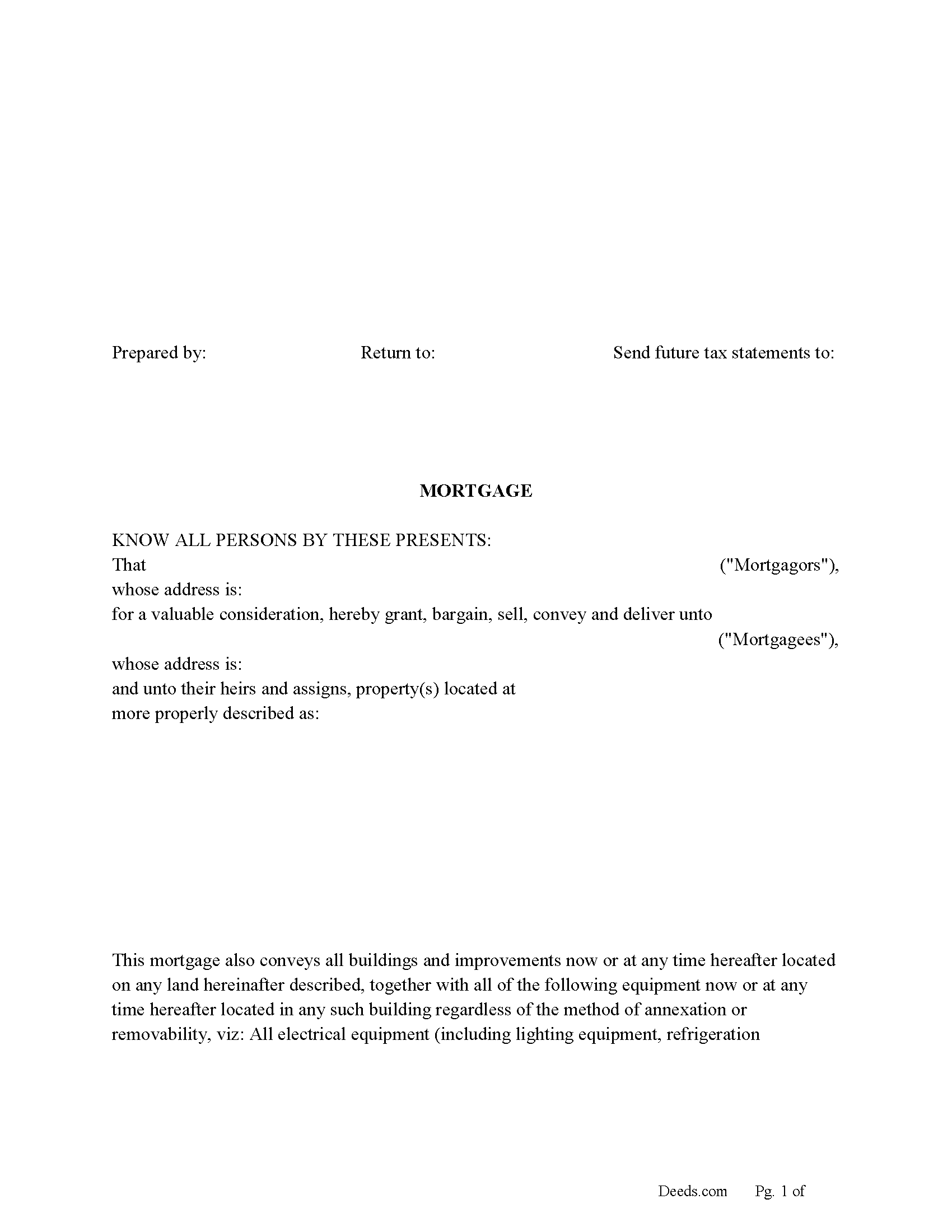
Barnwell County Mortgage Form
Fill in the blank form formatted to comply with all recording and content requirements.
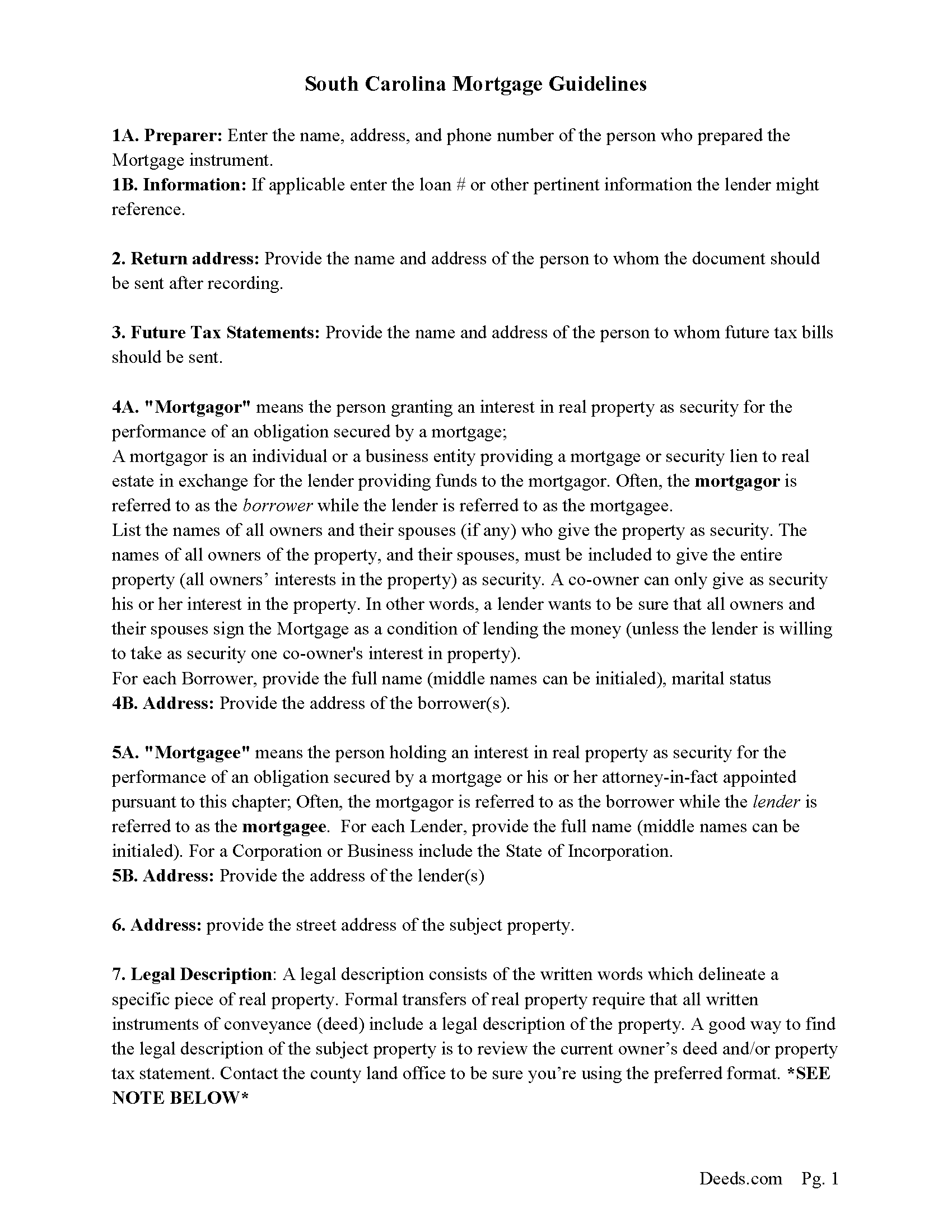
Barnwell County Mortgage Guidelines
Line by line guide explaining every blank on the form.
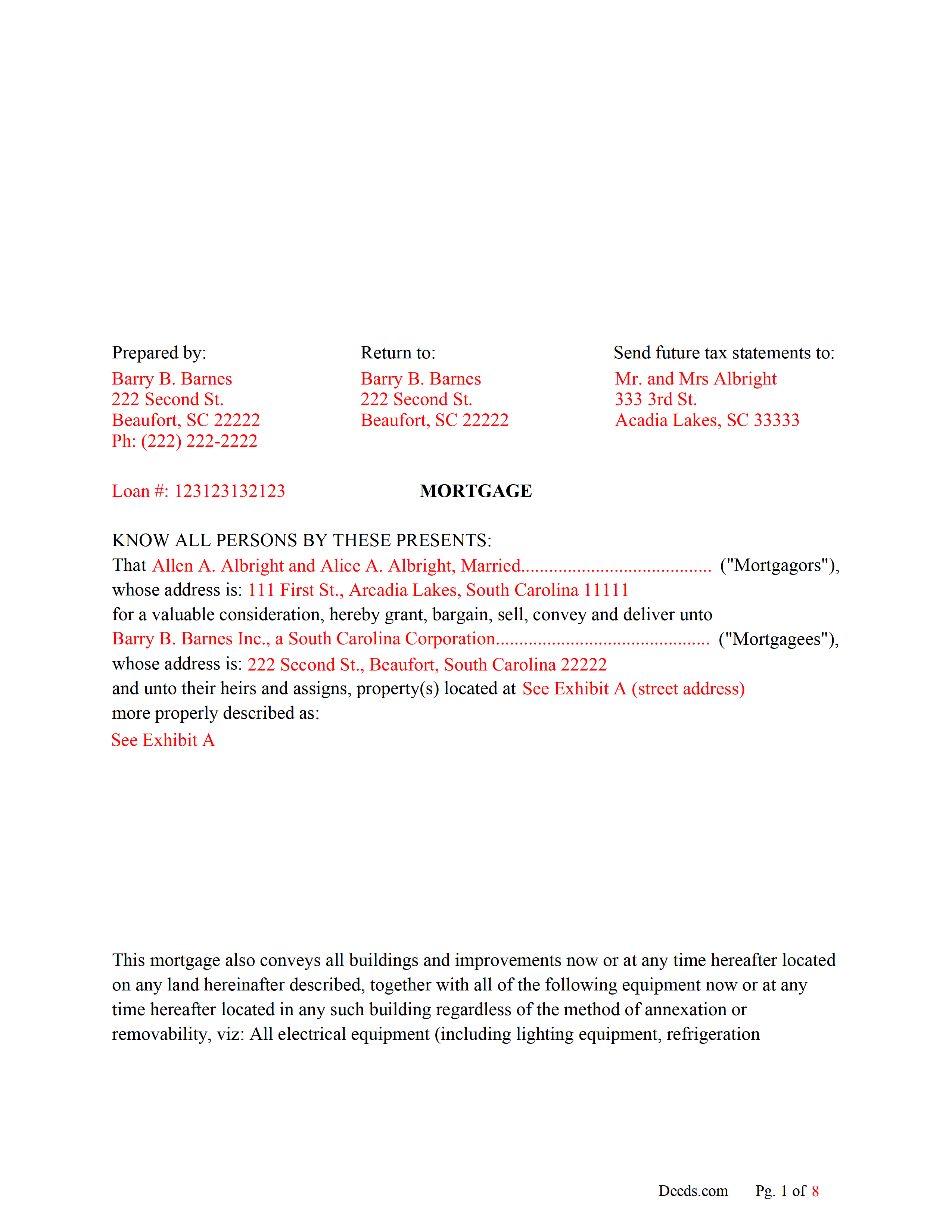
Barnwell County Completed Example of the Mortgage Document
Line by line guide explaining every blank on the form.
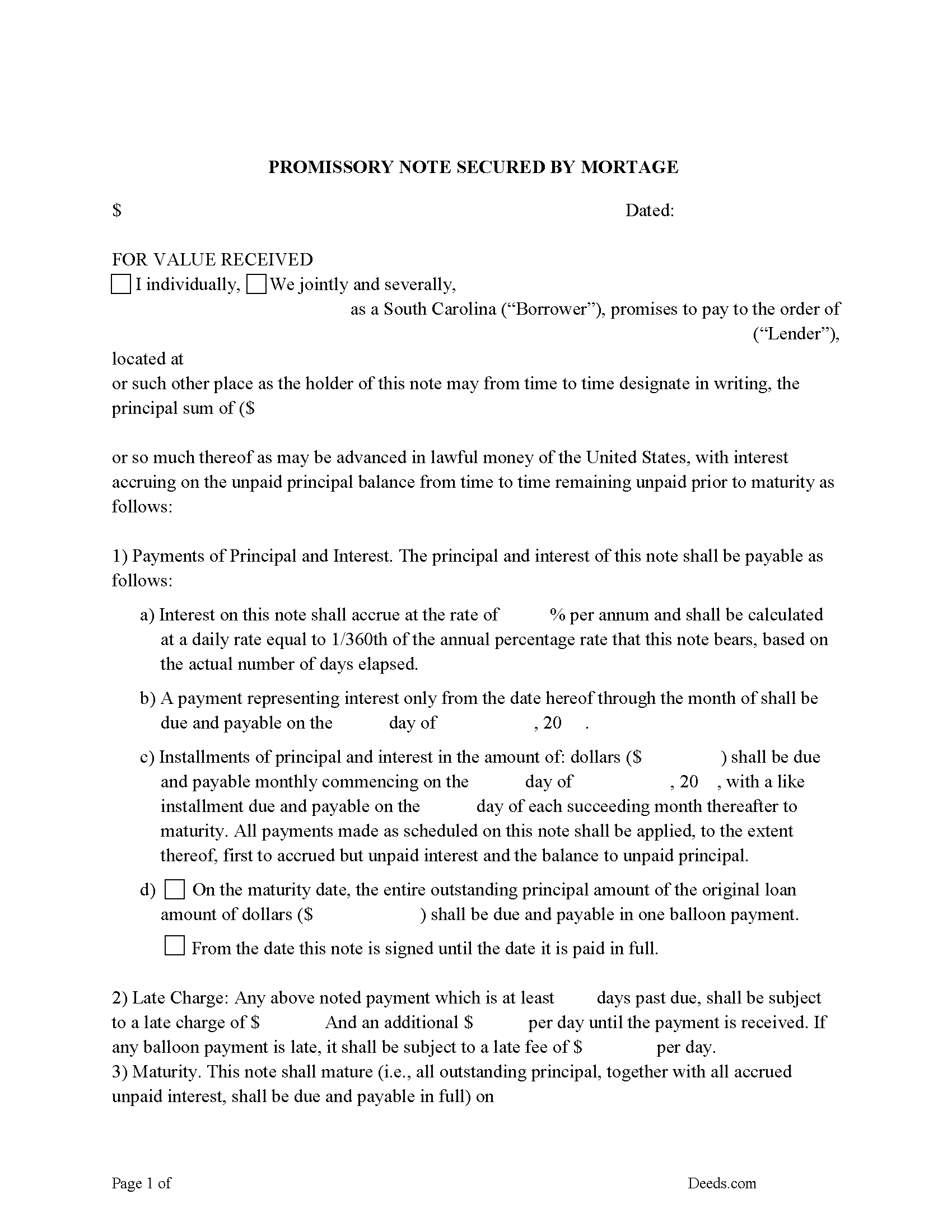
Barnwell County Promissory Note Form
P/N can be used for installment or balloon payment(s).
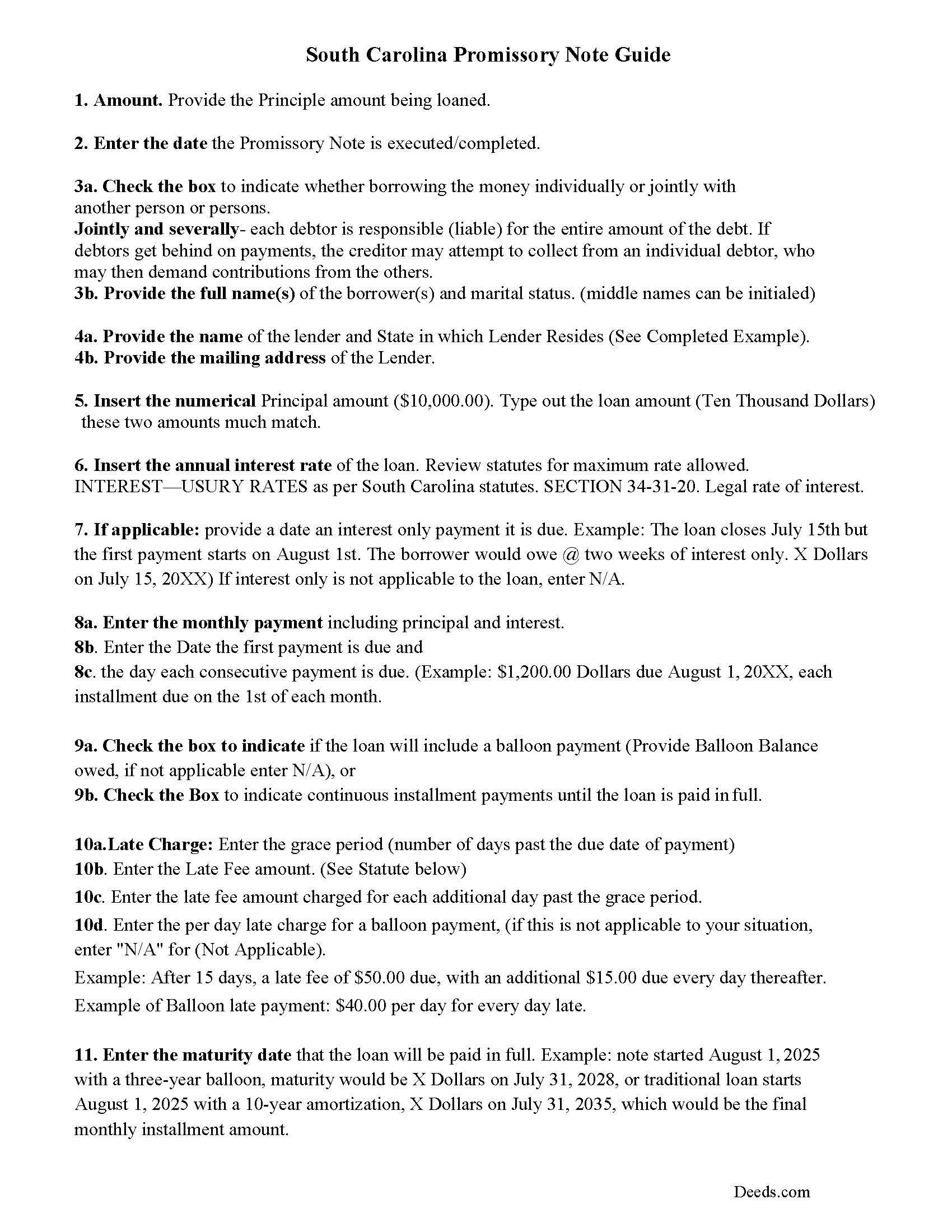
Barnwell County Promissory Note Guidelines
Line by line guide explaining every blank on the form.
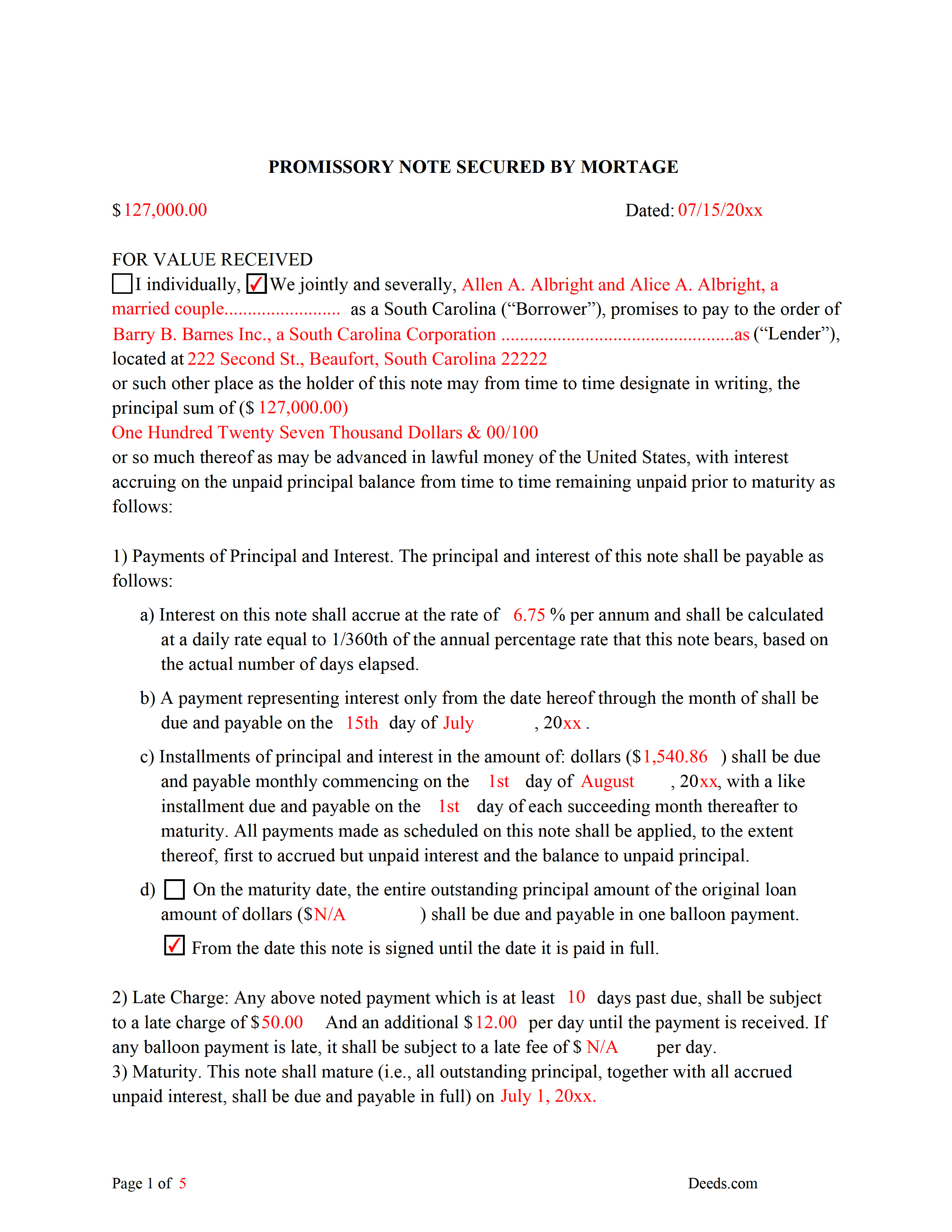
Barnwell County Completed Example of the Promissory Note Document
This Promissory Note is filled in and highlighted, showing how the guideline information, can be interpreted into the document.
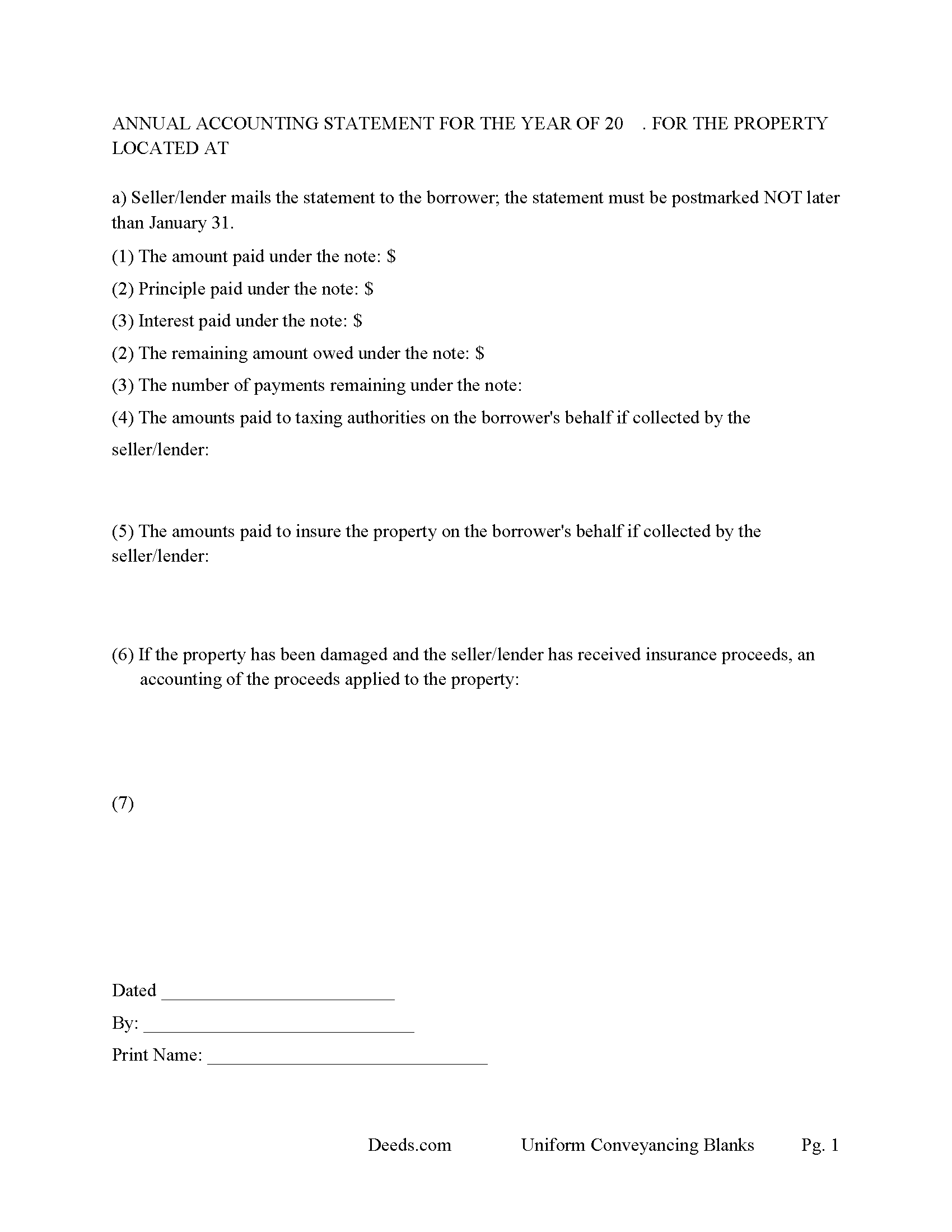
Barnwell County Annual Accounting Statement Form
Mail to borrower for fiscal year reporting.
All 7 documents above included • One-time purchase • No recurring fees
Immediate Download • Secure Checkout
Additional South Carolina and Barnwell County documents included at no extra charge:
Where to Record Your Documents
Barnwell County Clerk of Court
Barnwell, South Carolina 29812-0723
Hours: 9:00 to 5:00 M-F
Phone: (803) 541-1020
Recording Tips for Barnwell County:
- Bring your driver's license or state-issued photo ID
- Ensure all signatures are in blue or black ink
- Ask for certified copies if you need them for other transactions
- Ask if they accept credit cards - many offices are cash/check only
- Check that your notary's commission hasn't expired
Cities and Jurisdictions in Barnwell County
Properties in any of these areas use Barnwell County forms:
- Barnwell
- Blackville
- Elko
- Hilda
- Williston
Hours, fees, requirements, and more for Barnwell County
How do I get my forms?
Forms are available for immediate download after payment. The Barnwell County forms will be in your account ready to download to your computer. An account is created for you during checkout if you don't have one. Forms are NOT emailed.
Are these forms guaranteed to be recordable in Barnwell County?
Yes. Our form blanks are guaranteed to meet or exceed the applicable formatting requirements used for recording in Barnwell County, including margin requirements, font requirements, and other layout standards. This guarantee applies to formatting, not to the legal sufficiency of information entered by the user or the suitability of a form for a particular transaction.
Can I reuse these forms?
Yes. You can reuse the forms for your personal use. For example, if you have multiple properties in Barnwell County you only need to order once.
What do I need to use these forms?
The forms are PDFs that you fill out on your computer. The free Adobe Acrobat Reader is recommended, and most PDF apps also work. You do NOT enter your property information online - you download the blank forms and complete them privately on your own computer.
Are there any recurring fees?
No. This is a one-time purchase. Nothing to cancel, no memberships, no recurring fees.
How much does it cost to record in Barnwell County?
Recording fees in Barnwell County vary. Contact the recorder's office at (803) 541-1020 for current fees.
Questions answered? Let's get started!
Use this form to mortgage residential property, rental property (up to 4 units), small commercial, condominiums and planned unit developments. A mortgagor is often referred to as the borrower and the mortgagee as the lender. (The mortgagor shall be deemed the owner of the land and the mortgagee as owner of the money lent or due and the mortgagee shall be entitled to recover satisfaction for such money out of the land by foreclosure and sale according to law. But notwithstanding the foregoing provision all releases of the equity of redemption shall be binding and effectual in law.) (SECTION 29-3-10. Rights and title of mortgagor and mortgagee.) This form meets recording requirements for a South Carolina Mortgage:
- Signature of mortgagor (borrower)
- Name and address of mortgagee (lender)
- Two witnesses
- SC Probate or Acknowledgement
- Property description
- Derivation Clause
A mortgage and promissory note with stringent default terms can be advantageous to the lender in the case of a default. Compatible with investor/owner financing.
(South Carolina Mortgage Package includes forms, guidelines, and completed examples) For use in South Carolina only.
Important: Your property must be located in Barnwell County to use these forms. Documents should be recorded at the county recording office listed above.
This Mortgage Secured by Promissory Note meets all recording requirements specific to Barnwell County.
Our Promise
The documents you receive here are guaranteed to meet or exceed the applicable Barnwell County recording format requirements. If there is a rejection caused by our formatting, we will correct the issue or refund your payment. This guarantee applies to document formatting only and does not extend to information entered by the user, the selection of the form, or the legal effect of the completed document.
Save Time and Money
Get your Barnwell County Mortgage Secured by Promissory Note form done right the first time with Deeds.com Uniform Conveyancing Blanks. At Deeds.com, we understand that your time and money are valuable resources, and we don't want you to face a penalty fee or rejection imposed by a county recorder for submitting nonstandard documents. We constantly review and update our forms to meet rapidly changing state and county recording requirements for roughly 3,500 counties and local jurisdictions.
4.8 out of 5 - ( 4,847 Reviews )
Mallah B. 5 out of 5 stars
I think this company offers a great service that is non-discriminatory and allows me to save time going downtown and hassle dealing with different personalities.
Thank you for your feedback. We really appreciate it. Have a great day!
Larry C. 5 out of 5 stars
Very easy and convenient, thank you so much.
Thank you!
Marina M. 4 out of 5 stars
Very easy to choose template and download. The price seems fair. Not sure the section on the deed for 6 witnesses is necessary....
Thank you for your feedback. We really appreciate it. Have a great day!
Ben F. 5 out of 5 stars
My initial review during download and before reading the guide and forms looks promising.
Thank you!
RONNIE C. 5 out of 5 stars
Excellent service and the time the documents send back to me was also excellent
Thank you!
Melody P. 5 out of 5 stars
Thanks once again for such great service!
Thank you!
Kelli B. 5 out of 5 stars
Amazingly simple and fast. A great service.
Thank you!
Michael L. 5 out of 5 stars
Very helpful and efficient
Thank you!
Donald S. 2 out of 5 stars
Guidelines somewhat helpful. Forms fillable but not editable unless you buy an Adobe conversion service subscription. End product looks crude and amateurish. Fields can't be reduced or enlarged to accommodate unique data. Very disappointing.
Thank you for your feedback. We really appreciate it. Have a great day!
Glenda M. 5 out of 5 stars
I am very pleased with my purchase of the Affidavit Death of Joint Tenant form. I previously purchased this form from the leading providing of DIY legal forms and it was rejected by the Registrar in my state. I then had to start over. Plus I needed a form that would show me a completed example and give me line-by-line instructions. Deeds.com filled the bill perfectly. Their website also let me know the last date the form was updated.
We appreciate your business and value your feedback. Thank you. Have a wonderful day!
Elvira N. 5 out of 5 stars
Very useful, it even includes a guide on filling out the deed form!
Thank you!
Randy B. 5 out of 5 stars
The form was exactly what we needed and the directions were spot on and perfectly clear. Filling out government forms can be an experience filled with anxiety but deeds.com made it easy and practically worry free.
Thanks Randy, we really appreciate your feedback.
Dean L. 3 out of 5 stars
The template isn't that easy to work with, with you have to type out large amounts of text. Also copy and paste doesn't seem to work. Furthermore, the code listed on the guide is out of date. However, the DQC is decent in that it has all the required fields you need.
Thank you for your feedback. We really appreciate it. Have a great day!
lisa c. 1 out of 5 stars
I didn't like your website. It was complicated for an elderly person to use.
Sorry to hear that we failed you Lisa. We do hope that you found something more suitable to your needs elsewhere. Have a wonderful day.
Cathleen H. 5 out of 5 stars
The pdf form is good; however, the input boxes merge into the line above so the text is hard to read when complete. I added a return before entering my data and this solved the problem.
Thank you for your feedback Cathleen. We will have staff take a look at the document for issues with the text fields. Have a great day!