Laurens County Mortgage Secured by Promissory Note Form
Last validated October 2, 2026 by our Forms Development TeamFormatted for recording in Laurens County, for property anywhere in the county: rural and unincorporated areas as well as Clinton, Cross Hill, Gray Court, Joanna, Laurens, Mountville, Waterloo.
- 7 documents included
- Immediate PDF download
- Formatting guarantee
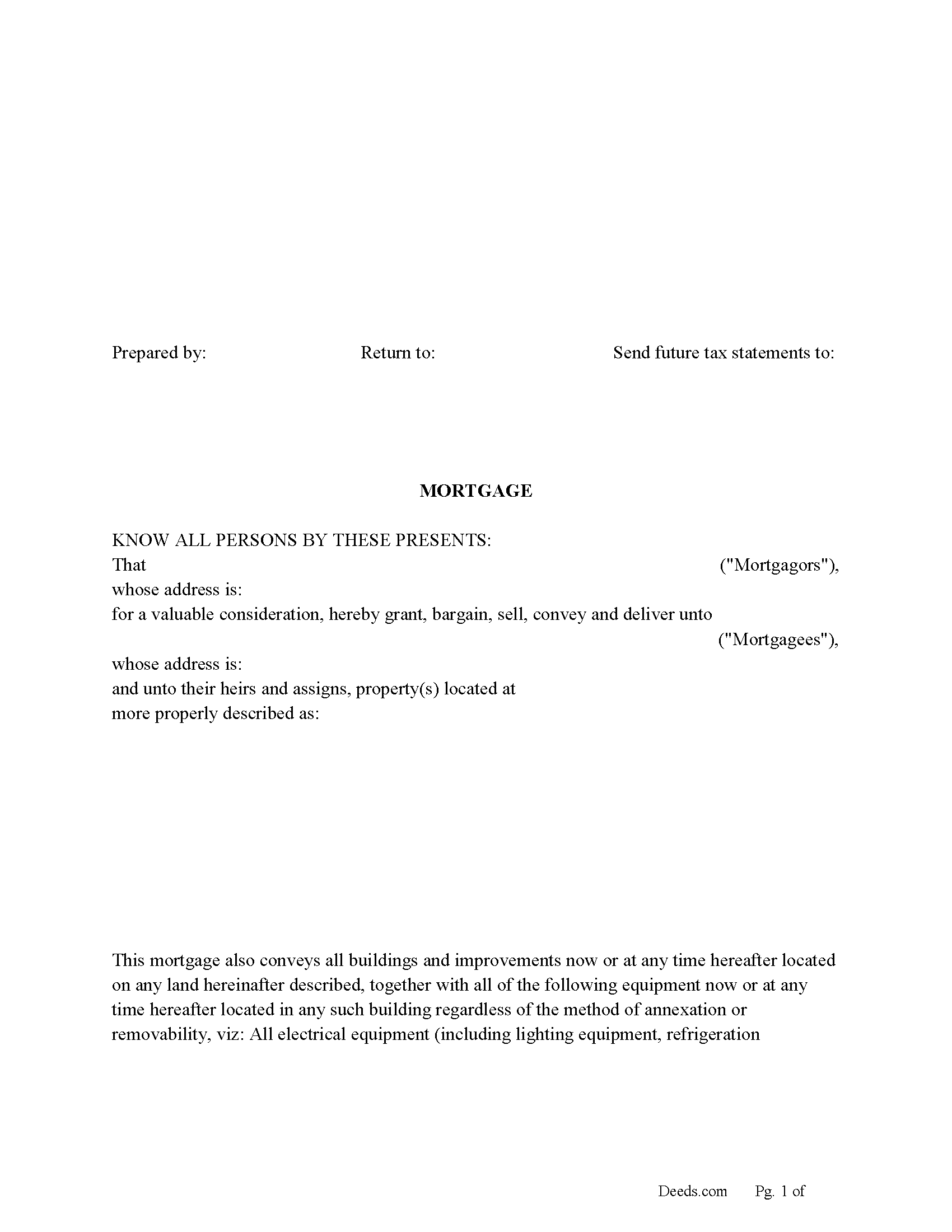
Laurens County Mortgage Form
Fill in the blank form formatted to comply with all recording and content requirements.
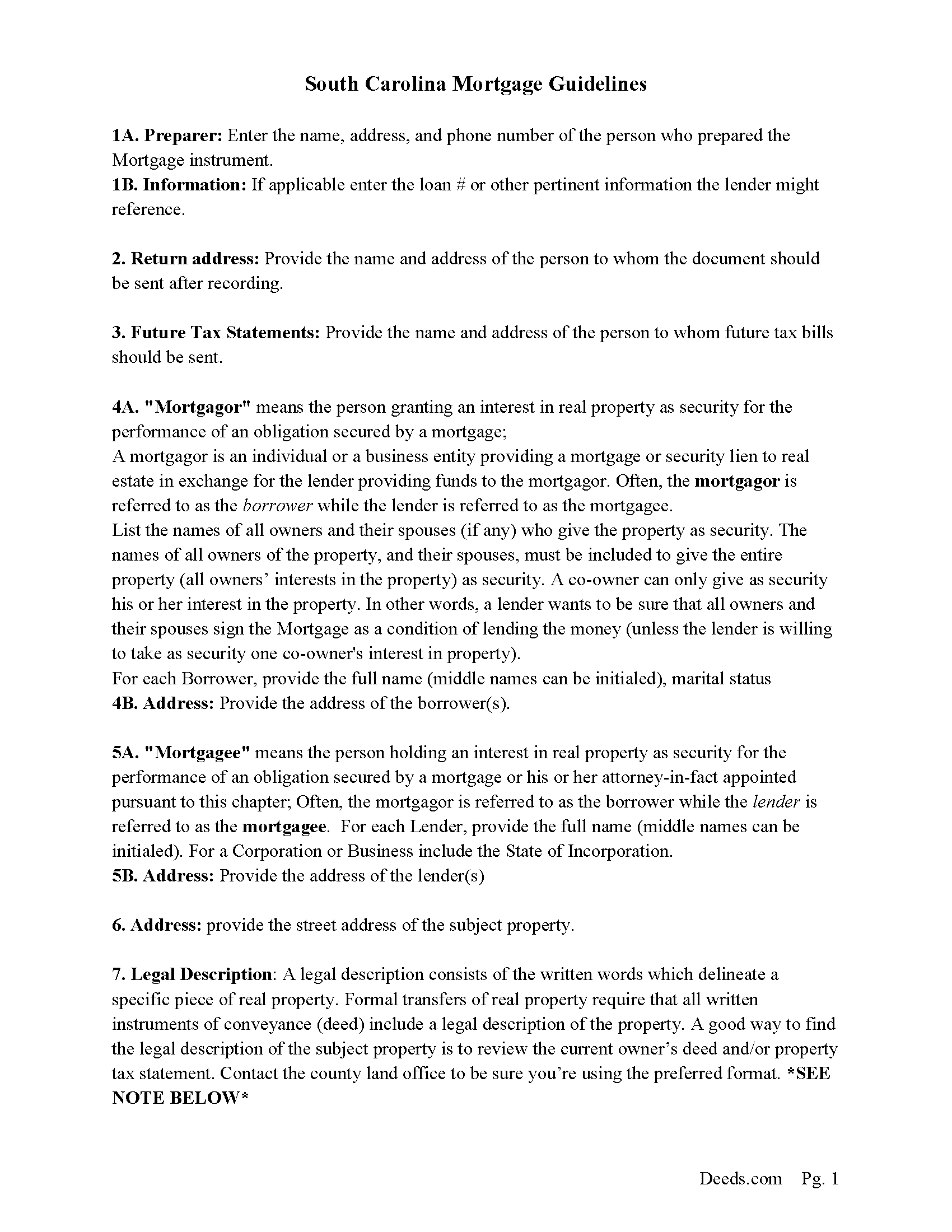
Laurens County Mortgage Guidelines
Line by line guide explaining every blank on the form.
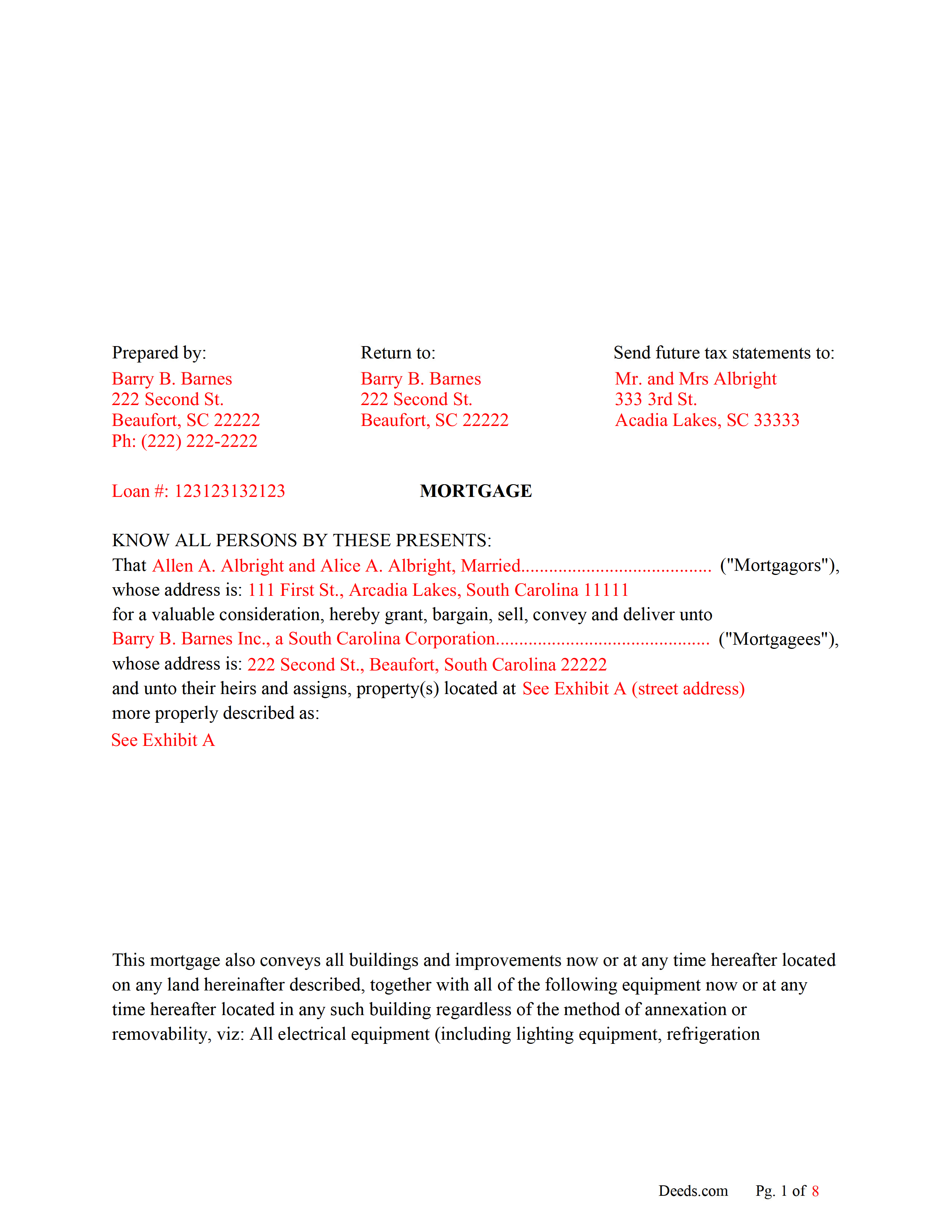
Laurens County Completed Example of the Mortgage Document
Line by line guide explaining every blank on the form.
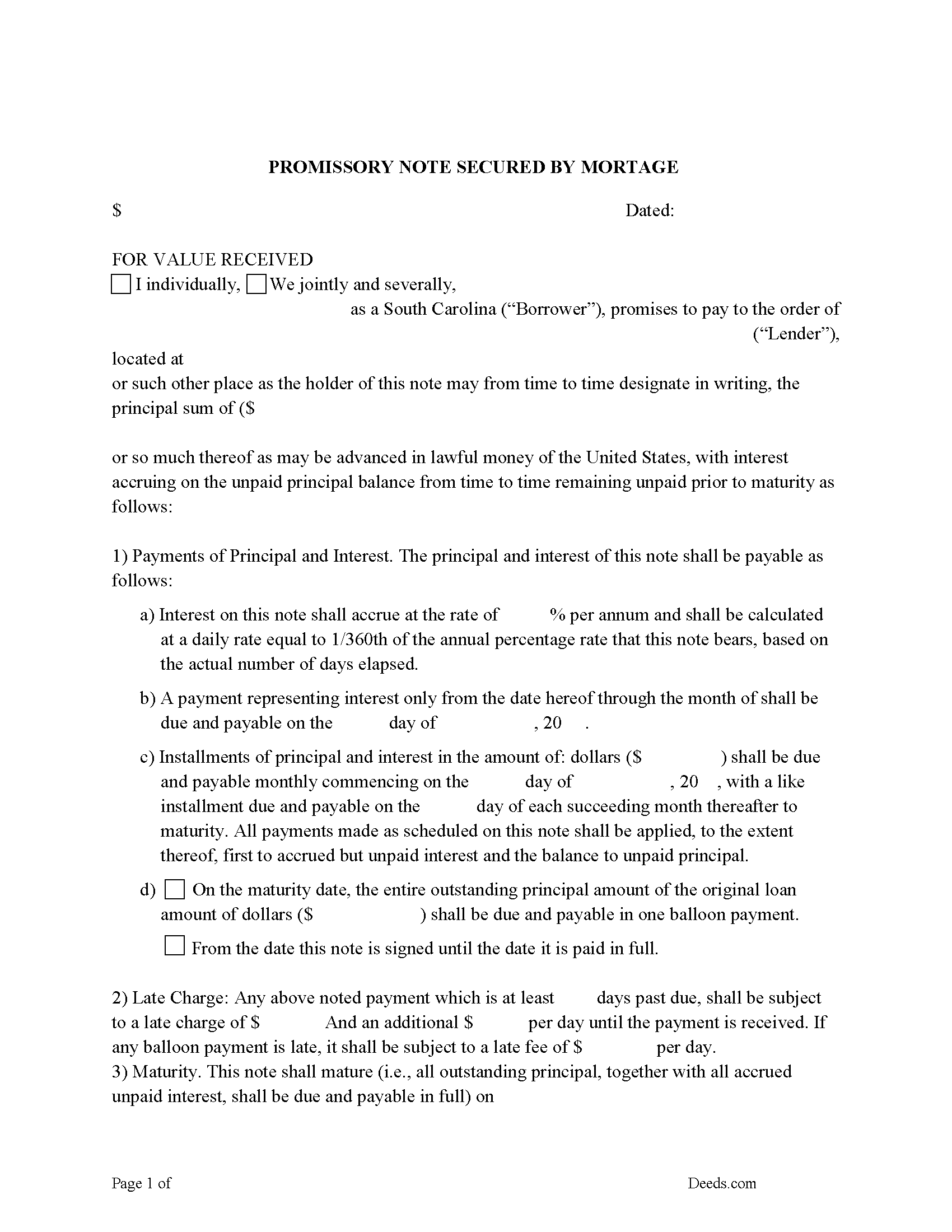
Laurens County Promissory Note Form
P/N can be used for installment or balloon payment(s).
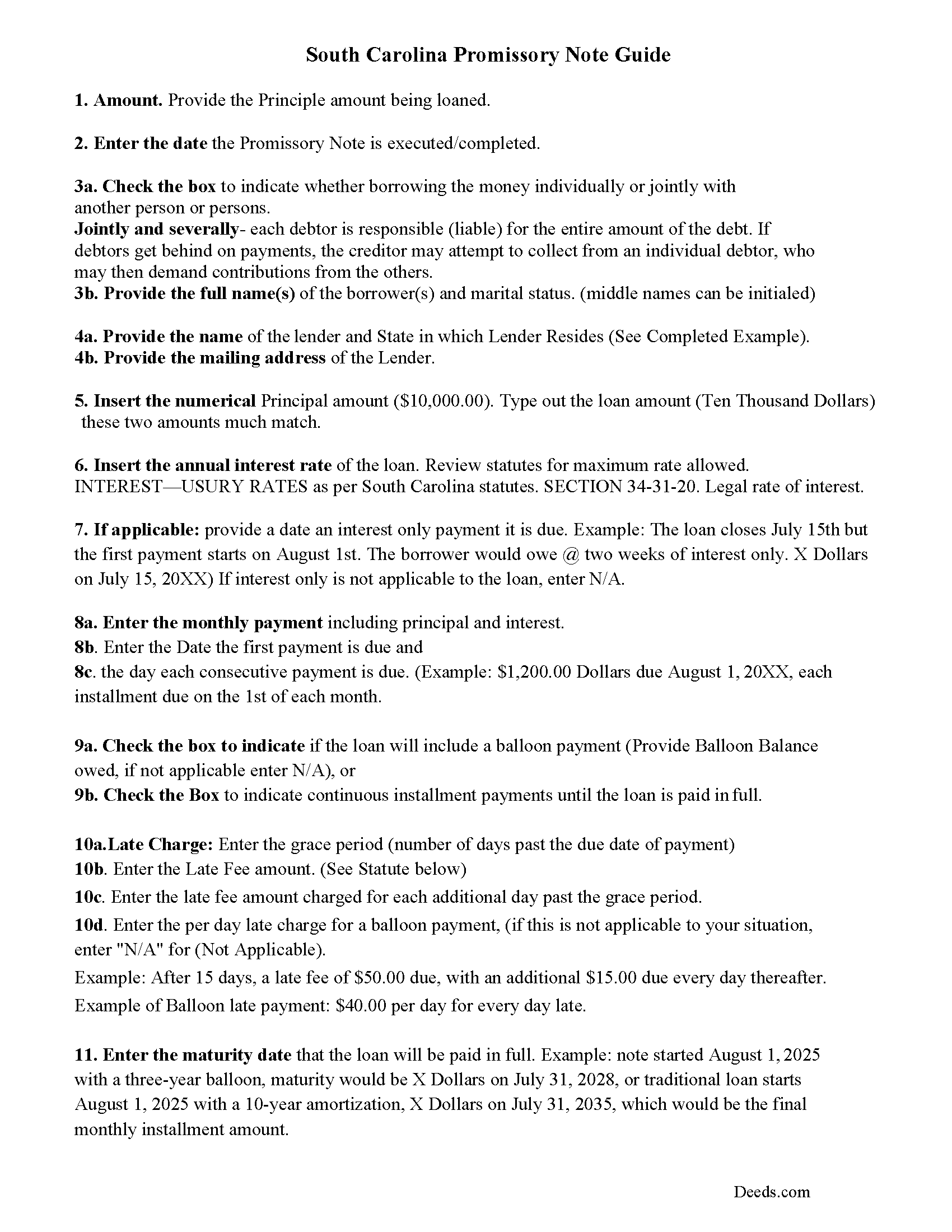
Laurens County Promissory Note Guidelines
Line by line guide explaining every blank on the form.
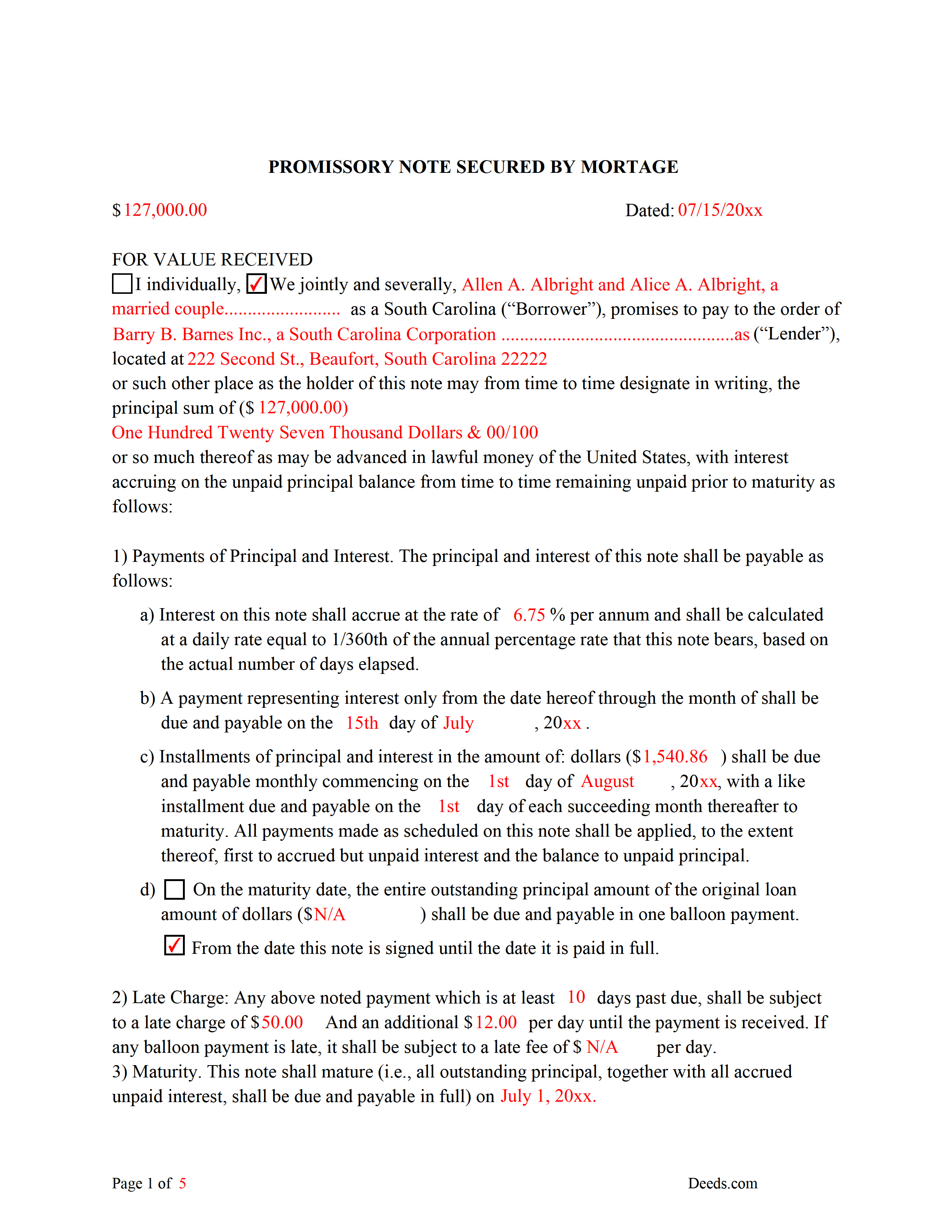
Laurens County Completed Example of the Promissory Note Document
This Promissory Note is filled in and highlighted, showing how the guideline information, can be interpreted into the document.
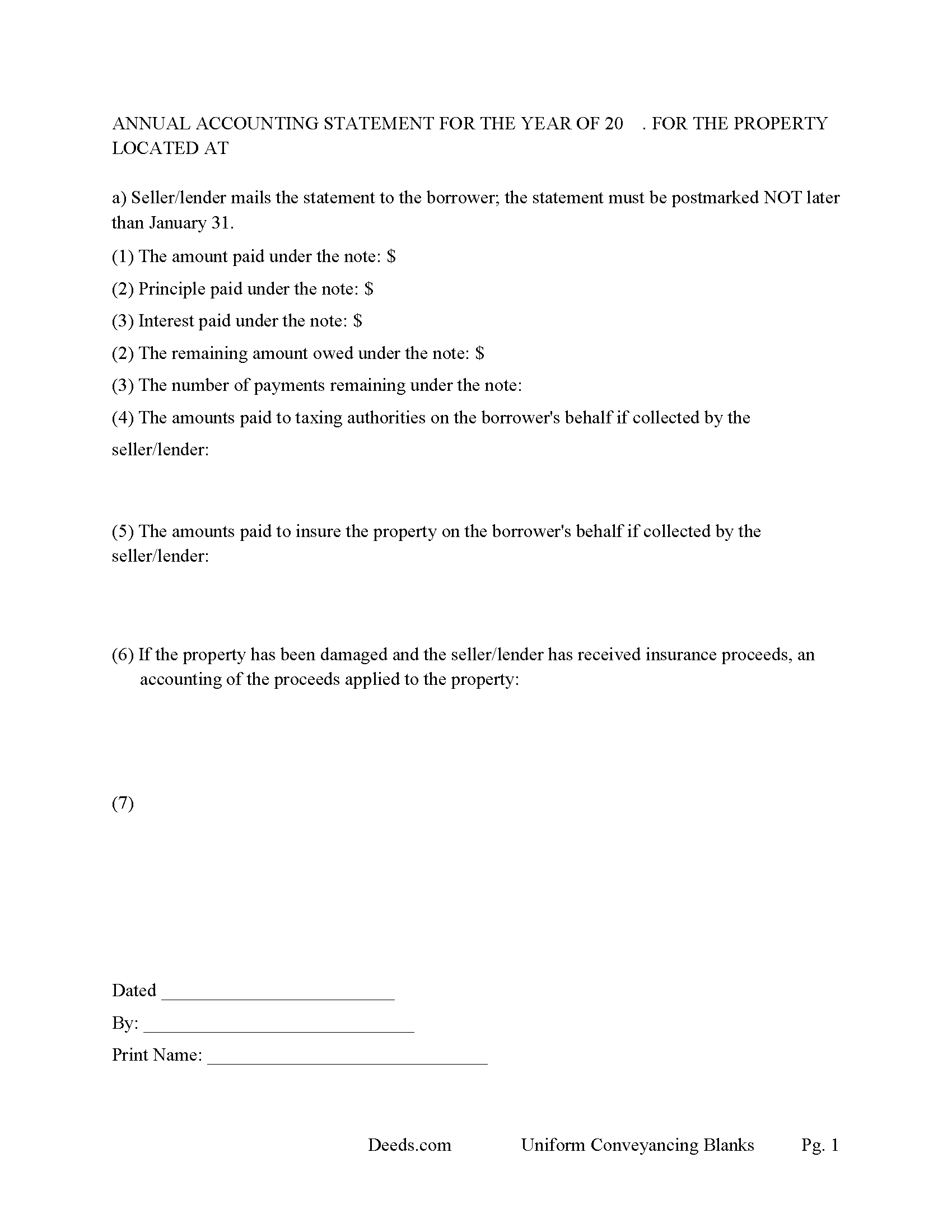
Laurens County Annual Accounting Statement Form
Mail to borrower for fiscal year reporting.
All 7 documents above included • One-time purchase • No recurring fees
Immediate Download • Secure Checkout
Additional South Carolina and Laurens County documents included at no extra charge:
Where to Record Your Documents
Laurens County Clerk of Court
Laurens, South Carolina 29360
Hours: 9:00am - 5:00pm Monday - Friday / Recording until 4:30pm
Phone: (864) 984-3538
Recording Tips for Laurens County:
- Bring your driver's license or state-issued photo ID
- Ensure all signatures are in blue or black ink
- Ask for certified copies if you need them for other transactions
- Ask if they accept credit cards - many offices are cash/check only
- Check that your notary's commission hasn't expired
Cities and Jurisdictions in Laurens County
Properties in any of these areas use Laurens County forms:
- Clinton
- Cross Hill
- Gray Court
- Joanna
- Laurens
- Mountville
- Waterloo
Hours, fees, requirements, and more for Laurens County
How do I get my forms?
Forms are available for immediate download after payment. The Laurens County forms will be in your account ready to download to your computer. An account is created for you during checkout if you don't have one. Forms are NOT emailed.
Are these forms guaranteed to be recordable in Laurens County?
Yes. Our form blanks are guaranteed to meet or exceed the applicable formatting requirements used for recording in Laurens County, including margin requirements, font requirements, and other layout standards. This guarantee applies to formatting, not to the legal sufficiency of information entered by the user or the suitability of a form for a particular transaction.
Can I reuse these forms?
Yes. You can reuse the forms for your personal use. For example, if you have multiple properties in Laurens County you only need to order once.
What do I need to use these forms?
The forms are PDFs that you fill out on your computer. The free Adobe Acrobat Reader is recommended, and most PDF apps also work. You do NOT enter your property information online - you download the blank forms and complete them privately on your own computer.
Are there any recurring fees?
No. This is a one-time purchase. Nothing to cancel, no memberships, no recurring fees.
How much does it cost to record in Laurens County?
Recording fees in Laurens County vary. Contact the recorder's office at (864) 984-3538 for current fees.
Questions answered? Let's get started!
Use this form to mortgage residential property, rental property (up to 4 units), small commercial, condominiums and planned unit developments. A mortgagor is often referred to as the borrower and the mortgagee as the lender. (The mortgagor shall be deemed the owner of the land and the mortgagee as owner of the money lent or due and the mortgagee shall be entitled to recover satisfaction for such money out of the land by foreclosure and sale according to law. But notwithstanding the foregoing provision all releases of the equity of redemption shall be binding and effectual in law.) (SECTION 29-3-10. Rights and title of mortgagor and mortgagee.) This form meets recording requirements for a South Carolina Mortgage:
- Signature of mortgagor (borrower)
- Name and address of mortgagee (lender)
- Two witnesses
- SC Probate or Acknowledgement
- Property description
- Derivation Clause
A mortgage and promissory note with stringent default terms can be advantageous to the lender in the case of a default. Compatible with investor/owner financing.
(South Carolina Mortgage Package includes forms, guidelines, and completed examples) For use in South Carolina only.
Important: Your property must be located in Laurens County to use these forms. Documents should be recorded at the county recording office listed above.
This Mortgage Secured by Promissory Note meets all recording requirements specific to Laurens County.
Our Promise
The documents you receive here are guaranteed to meet or exceed the applicable Laurens County recording format requirements. If there is a rejection caused by our formatting, we will correct the issue or refund your payment. This guarantee applies to document formatting only and does not extend to information entered by the user, the selection of the form, or the legal effect of the completed document.
Save Time and Money
Get your Laurens County Mortgage Secured by Promissory Note form done right the first time with Deeds.com Uniform Conveyancing Blanks. At Deeds.com, we understand that your time and money are valuable resources, and we don't want you to face a penalty fee or rejection imposed by a county recorder for submitting nonstandard documents. We constantly review and update our forms to meet rapidly changing state and county recording requirements for roughly 3,500 counties and local jurisdictions.
4.8 out of 5 - ( 4,829 Reviews )
Sally P. 5 out of 5 stars
I cannot thank the staff at Deeds.com enough for all of their assistance and their quick and their most pleasant responses. They were extremely quick and efficient to help me to file my documents. Thanks for everything and I will definitely be referring folks to your site.
Our team is deeply committed to providing efficient, reliable assistance and it's always rewarding to know we've made a difference for our customers. Your kind words about our quick and pleasant responses are much appreciated and will certainly serve as an extra boost of motivation for our team.
We also sincerely appreciate your intention to refer others to our site. Your trust and confidence in our service means a lot to us, and we're grateful to have you as part of the Deeds.com community.
Jeremiah W. 5 out of 5 stars
Very helpful information and great forms.
Thank you for your feedback. We really appreciate it. Have a great day!
sean m. 5 out of 5 stars
Wow everything I need in one place... what a concept. thanks Deeds.com for the deeds, the guides and the transfer certificate all included for a great price
We appreciate your business and value your feedback. Thank you. Have a wonderful day!
Catherine M. 5 out of 5 stars
Easy to use, loved the format, will use again
Thank you, Catherine! We’re so glad you found the process easy and liked the format. We appreciate your support and look forward to helping you again soon!
Sandra K. 5 out of 5 stars
Seems fairly simple with forms and instructions
Thank you for your feedback. We really appreciate it. Have a great day!
Joyce M. 5 out of 5 stars
Great website, but not helpful in locating my deed dated 1747.
Thank you for your feedback. We really appreciate it. Have a great day!
Janis H. 5 out of 5 stars
Amazing! Great forms - created the quitclaim fairly easy, recorded with no issues. Thanks!
Thank you for your feedback. We really appreciate it. Have a great day!
John R. 5 out of 5 stars
All the material included made preparing the quit claim deed very easy. Good product.
Thank you for your feedback. We really appreciate it. Have a great day!
JoAnn T. 5 out of 5 stars
Very happy! This was a very easy to use web site, the form came with directions and an example, both were very helpful. I will absolutely use Deeds.com in the future.
Thank you for your feedback. We really appreciate it. Have a great day!
Robert H. 5 out of 5 stars
Excellent service and site. Easy to use. Finding the required forms was easy.
We appreciate your business and value your feedback. Thank you. Have a wonderful day!
Donaldo C. 5 out of 5 stars
Deeds.com is very helpful when filling a Deed. I appreciate that. Thank you.
Thank you!
CYNTHIA Z. 5 out of 5 stars
So easy to use and fast.
Thank you!
Michael S. 1 out of 5 stars
I'll give you a review. YOur deeds are way, way, TOO EXPENSIVE Michael Spinks, Attorney
Thank you for your feedback. We're sorry to hear that you're dissatisfied with our pricing.
We take pride in the quality of our products, and our prices reflect the costs involved in sourcing, producing, and ensuring the high standards we've set. It's a balancing act between affordability and maintaining these standards.
We're aware that everyone has a budget to consider, and we're constantly working on optimizing our pricing. However, we won't compromise the quality of our products for the sake of cutting costs. We believe in fair value, and we hope our customers do too.
Virginia W. 5 out of 5 stars
Easy instructions and a example on how to fill out the form.
Thank you for your feedback. We really appreciate it. Have a great day!
THOMAS P. 5 out of 5 stars
This site is excellent and makes everything so much easier. 5 star platform.
We appreciate your business and value your feedback. Thank you. Have a wonderful day!