Georgetown County Special Power of Attorney for Real Property Form
Last validated September 11, 2026 by our Forms Development TeamFormatted for recording in Georgetown County, for property anywhere in the county: rural and unincorporated areas as well as Andrews, Georgetown, Pawleys Island.
- 3 documents included
- Immediate PDF download
- Formatting guarantee
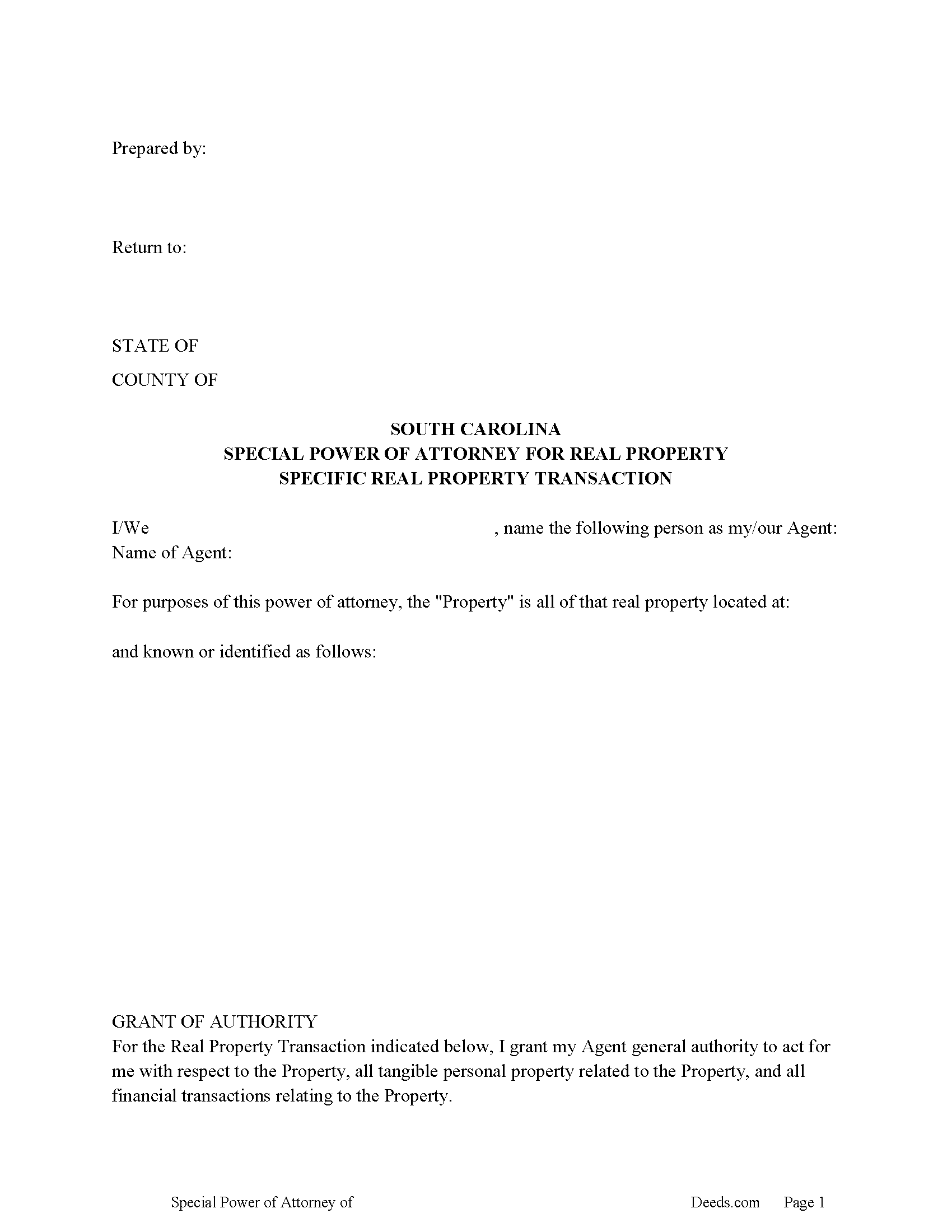
Georgetown County Special Power of Attorney Form
Fill in the blank form formatted to comply with all recording and content requirements.
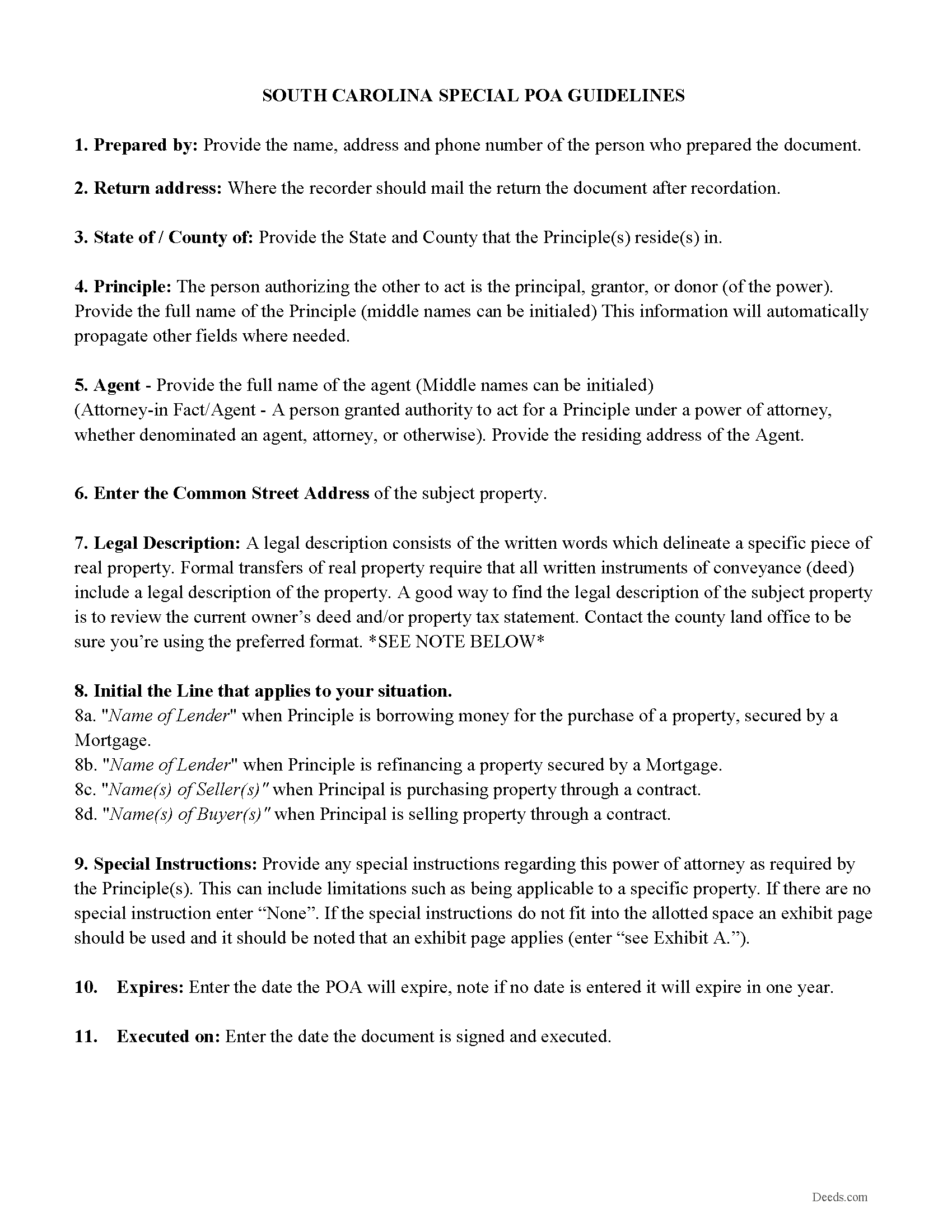
Georgetown County Power of Attorney Guidelines
Line by line guide explaining every blank on the form.
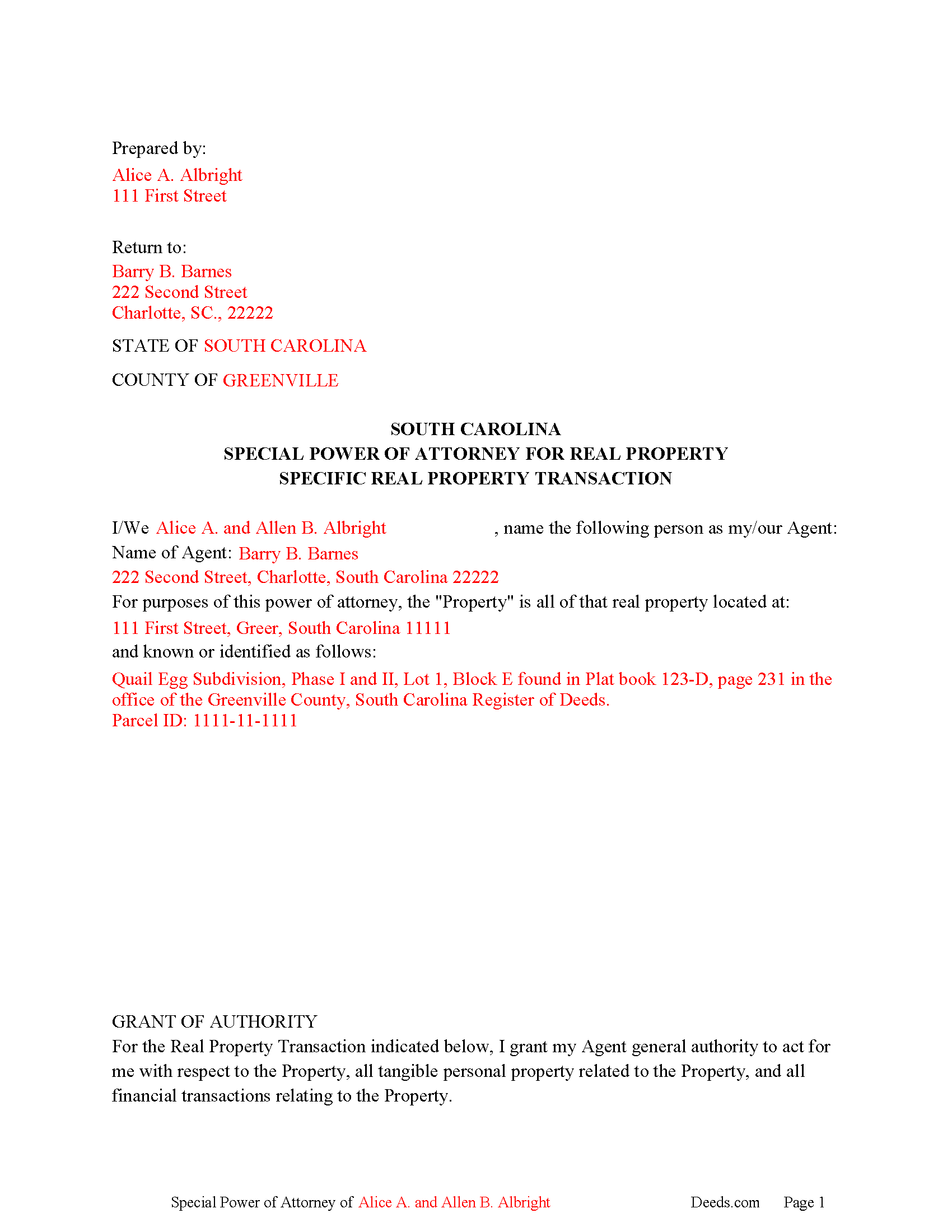
Georgetown County Completed Example of the Special Power of Attorney
Example of a properly completed form for reference.
All 3 documents above included • One-time purchase • No recurring fees
Immediate Download • Secure Checkout
Additional South Carolina and Georgetown County documents included at no extra charge:
Where to Record Your Documents
Georgetown County Registrar of Deeds
Georgetown, South Carolina 29440 / 29442-4200
Hours: 8:30am-5:00pm M-F / Recording until 4:45pm
Phone: (843) 545-3088
Recording Tips for Georgetown County:
- Bring your driver's license or state-issued photo ID
- Ensure all signatures are in blue or black ink
- Make copies of your documents before recording - keep originals safe
- Recorded documents become public record - avoid including SSNs
- Recording fees may differ from what's posted online - verify current rates
Cities and Jurisdictions in Georgetown County
Properties in any of these areas use Georgetown County forms:
- Andrews
- Georgetown
- Pawleys Island
Hours, fees, requirements, and more for Georgetown County
How do I get my forms?
Forms are available for immediate download after payment. The Georgetown County forms will be in your account ready to download to your computer. An account is created for you during checkout if you don't have one. Forms are NOT emailed.
Are these forms guaranteed to be recordable in Georgetown County?
Yes. Our form blanks are guaranteed to meet or exceed the applicable formatting requirements used for recording in Georgetown County, including margin requirements, font requirements, and other layout standards. This guarantee applies to formatting, not to the legal sufficiency of information entered by the user or the suitability of a form for a particular transaction.
Can I reuse these forms?
Yes. You can reuse the forms for your personal use. For example, if you have multiple properties in Georgetown County you only need to order once.
What do I need to use these forms?
The forms are PDFs that you fill out on your computer. The free Adobe Acrobat Reader is recommended, and most PDF apps also work. You do NOT enter your property information online - you download the blank forms and complete them privately on your own computer.
Are there any recurring fees?
No. This is a one-time purchase. Nothing to cancel, no memberships, no recurring fees.
How much does it cost to record in Georgetown County?
Recording fees in Georgetown County vary. Contact the recorder's office at (843) 545-3088 for current fees.
Questions answered? Let's get started!
In this power of attorney, the principal nominates an agent to perform one of these four (4) actions relating to a specific real property.
________ to finance the purchase of real property
________ to refinance a Property
________ purchase of the Property when principal(s) are buyers
________ sale of the Property when principal(s) are sellers
Then your agent is authorized to perform the chosen task to his/her fullest extent under these statutes.
(1) The authority to act with respect to real property as set forth in Section 62-8-204 of the South Carolina General Statutes;
(2) The authority to act with respect to tangible personal property as set forth in Section
62-8-205 of the South Carolina General Statutes; and
(3) The authority to act with respect to banks and other financial institutions as set forth in Section 62-8-208 of the South Carolina General Statutes
Included is a "Special Instructions" section, where you can further limit or define your Agent's powers.
The meaning and effect of this power of attorney shall for all purposes be determined by the law of the State of South Carolina.
(South Carolina SPOA Package includes form, guidelines, and completed example)
Important: Your property must be located in Georgetown County to use these forms. Documents should be recorded at the county recording office listed above.
This Special Power of Attorney for Real Property meets all recording requirements specific to Georgetown County.
Our Promise
The documents you receive here are guaranteed to meet or exceed the applicable Georgetown County recording format requirements. If there is a rejection caused by our formatting, we will correct the issue or refund your payment. This guarantee applies to document formatting only and does not extend to information entered by the user, the selection of the form, or the legal effect of the completed document.
Save Time and Money
Get your Georgetown County Special Power of Attorney for Real Property form done right the first time with Deeds.com Uniform Conveyancing Blanks. At Deeds.com, we understand that your time and money are valuable resources, and we don't want you to face a penalty fee or rejection imposed by a county recorder for submitting nonstandard documents. We constantly review and update our forms to meet rapidly changing state and county recording requirements for roughly 3,500 counties and local jurisdictions.
4.8 out of 5 - ( 4,829 Reviews )
SAMANTHA P. 5 out of 5 stars
Very easy very clear very informative of direct information stating the obvious and the underlining of both contexts. Right place for the right Tools to establish ,verify ,correct then guidance for not only myself, but for our legacy that should and will be live on to be know. Thank you deeds.com!
Thank you!
JANET D. 5 out of 5 stars
was good choice for me but did not realize notary had to witness all 3 signatures at the same luckily had extra copy to be signed in her presence
Thank you!
Marcus W. 5 out of 5 stars
The Service was excellent the county recorder’s can sometimes cause issues and or delays because of certain filing requirements , but overall I am more than satisfied with DEEDS.com fast friendly services.
Thank you Marcus, we appreciate you.
Ann K. 5 out of 5 stars
I ordered a Quit Claim Deed for my county. Once I read the detailed instructions and filled it out I submitted it to the local Register of Deeds and it was filed on the spot while I waited! Thank you, you made a difficult and expensive task easy (for a laymen with no knowledge) at little expense. Highly recommend your site!!!
Thank you for your feedback. We really appreciate it. Have a great day!
Larry H. 5 out of 5 stars
Nice
Thank you!
Nick J. 4 out of 5 stars
We aimed to handle a survivorship affidavit (deed change) without a lawyer following my dad's death. After some searching, deeds.com seemed to have the most comprehensive and "correct looking" form we could find for our locale, so we went with it, and it was accepted by our recorder's office. I'm not sure why our local government office doesn't offer a standard form, but they don't, and deeds.com came through for us in a pinch.
We appreciate your business and value your feedback. Thank you. Have a wonderful day!
DAVID S. 5 out of 5 stars
I was very impressed with the speed at which information was retrieved on my very first search. Unfortunately, the county we were looking for is behind times and has not digitized its information. I will be using Deeds.Com again and appreciate that I was not charged for no information being returned back. Thank You David S
Thank you for your feedback. We really appreciate it. Have a great day!
Susan M. 5 out of 5 stars
Simple and straightforward
Thank you for your feedback. We really appreciate it. Have a great day!
David P. 5 out of 5 stars
Easy to use, all the information I wanted. Took about a minute to get it.
Thank you for your feedback. We really appreciate it. Have a great day!
Jill R. 5 out of 5 stars
So helpful and extremely responsive. Such a convenient way to record deeds.
We appreciate your business and value your feedback. Thank you. Have a wonderful day!
carol g. 5 out of 5 stars
very good. got my info in minuetes. thank you
Thank you for your feedback Carol, have a great day!
cosmin B. 5 out of 5 stars
It's all good!!!!
Thank you!
Shanna B. 5 out of 5 stars
So quick and easy
We’re glad you had a positive experience. Thank you.
Kathryn C. 5 out of 5 stars
The process to get my needed documents worked easily. I was pleased how quickly I was able to access the documents.
Your positive feedback is a testament to our efforts, and it truly made our day. We are committed to keeping up this level of service and making your future interactions with us equally, if not more, pleasing.
Thank you once again for taking the time to share your positive experience. We look forward to serving you again soon!
Jesse B. 5 out of 5 stars
Bought a quit claim deed form. Came with great instructions that were easy to follow and allowed me to do it over a couple of times until I got it right. Was also cheaper than most other options I found online.
Thank you for your feedback. We really appreciate it. Have a great day!