Georgetown County Special Warranty Deed Form
Last validated October 15, 2026 by our Forms Development TeamFormatted for recording in Georgetown County, for property anywhere in the county: rural and unincorporated areas as well as Andrews, Georgetown, Pawleys Island.
- 3 documents included
- Immediate PDF download
- Formatting guarantee
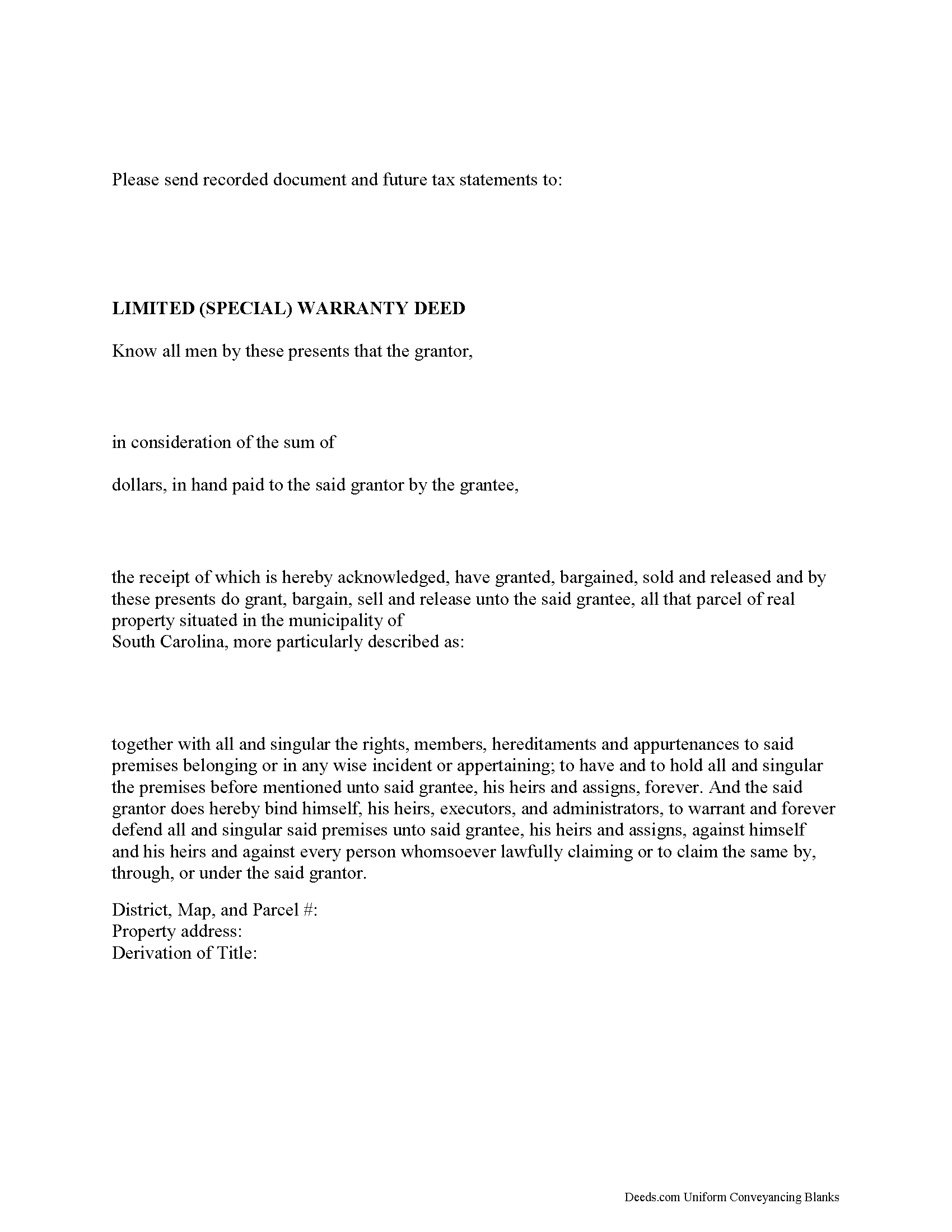
Georgetown County Special Warranty Deed Form
Fill in the blank form formatted to comply with all recording and content requirements.
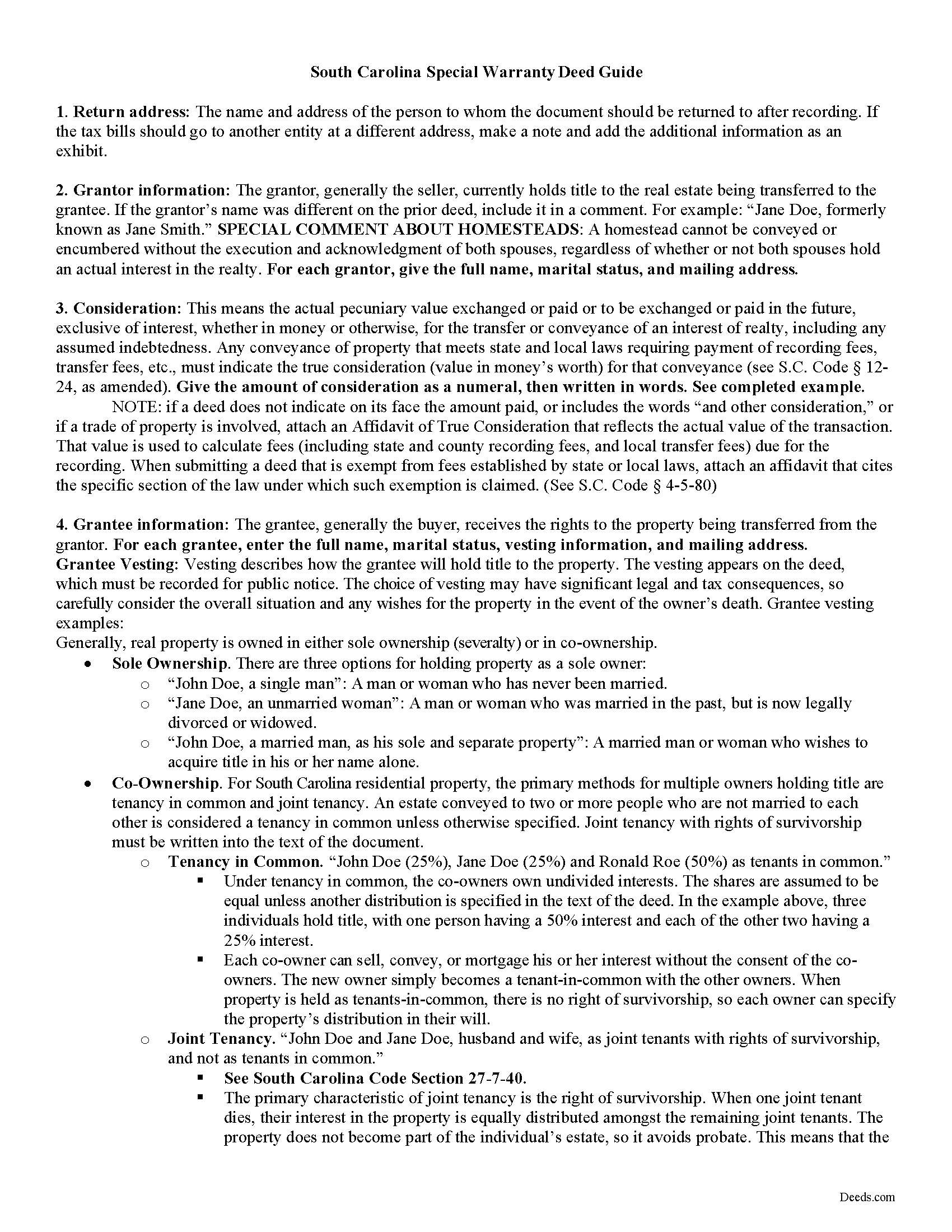
Georgetown County Special Warranty Deed Guide
Line by line guide explaining every blank on the form.
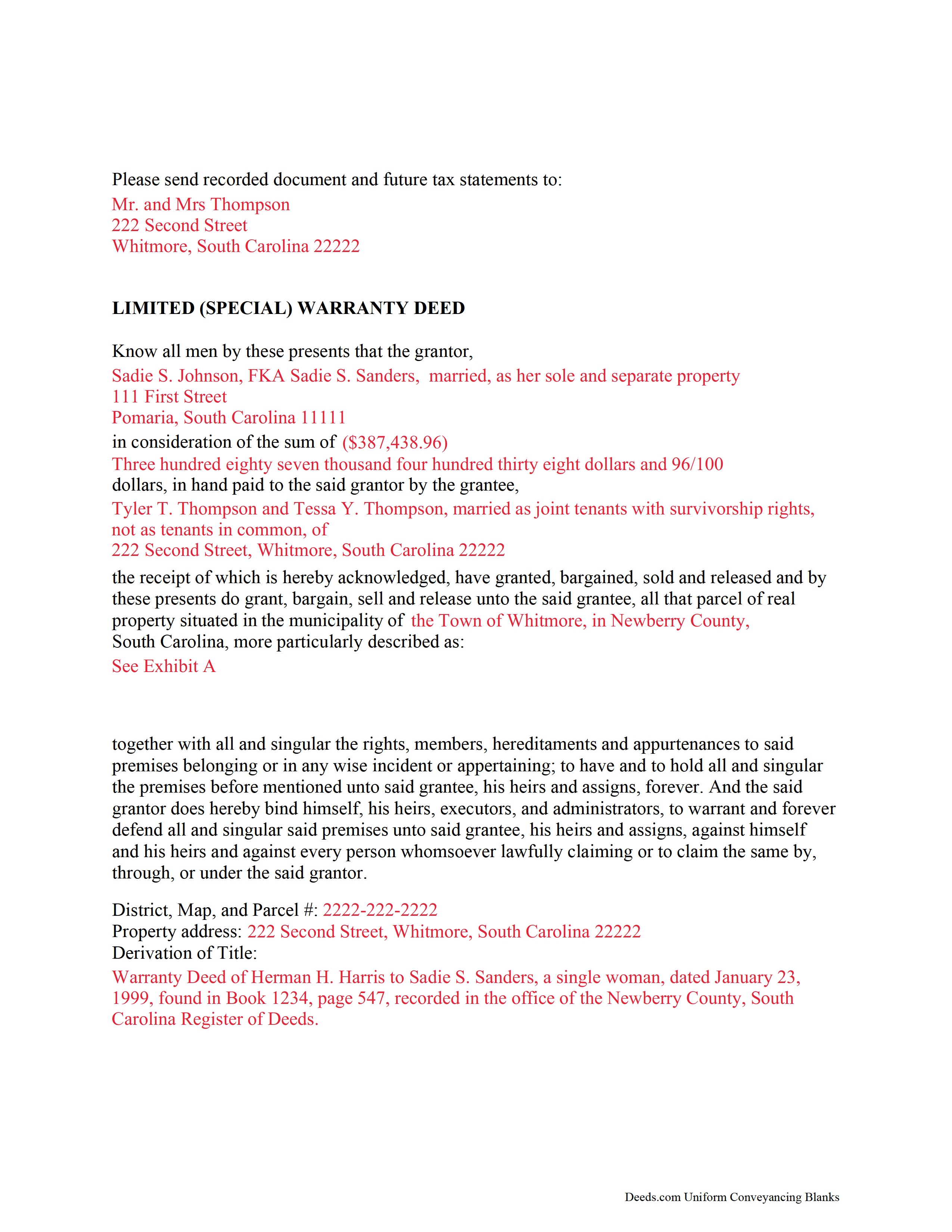
Georgetown County Completed Example of the Special Warranty Deed Document
Example of a properly completed form for reference.
All 3 documents above included • One-time purchase • No recurring fees
Immediate Download • Secure Checkout
Additional South Carolina and Georgetown County documents included at no extra charge:
Where to Record Your Documents
Georgetown County Registrar of Deeds
Georgetown, South Carolina 29440 / 29442-4200
Hours: 8:30am-5:00pm M-F / Recording until 4:45pm
Phone: (843) 545-3088
Recording Tips for Georgetown County:
- Bring your driver's license or state-issued photo ID
- Ensure all signatures are in blue or black ink
- Avoid the last business day of the month when possible
- Both spouses typically need to sign if property is jointly owned
- Bring extra funds - fees can vary by document type and page count
Cities and Jurisdictions in Georgetown County
Properties in any of these areas use Georgetown County forms:
- Andrews
- Georgetown
- Pawleys Island
Hours, fees, requirements, and more for Georgetown County
How do I get my forms?
Forms are available for immediate download after payment. The Georgetown County forms will be in your account ready to download to your computer. An account is created for you during checkout if you don't have one. Forms are NOT emailed.
Are these forms guaranteed to be recordable in Georgetown County?
Yes. Our form blanks are guaranteed to meet or exceed the applicable formatting requirements used for recording in Georgetown County, including margin requirements, font requirements, and other layout standards. This guarantee applies to formatting, not to the legal sufficiency of information entered by the user or the suitability of a form for a particular transaction.
Can I reuse these forms?
Yes. You can reuse the forms for your personal use. For example, if you have multiple properties in Georgetown County you only need to order once.
What do I need to use these forms?
The forms are PDFs that you fill out on your computer. The free Adobe Acrobat Reader is recommended, and most PDF apps also work. You do NOT enter your property information online - you download the blank forms and complete them privately on your own computer.
Are there any recurring fees?
No. This is a one-time purchase. Nothing to cancel, no memberships, no recurring fees.
How much does it cost to record in Georgetown County?
Recording fees in Georgetown County vary. Contact the recorder's office at (843) 545-3088 for current fees.
Questions answered? Let's get started!
A limited warranty deed can be used to transfer title to real estate in South Carolina. A limited warranty deed may also be called a special warranty deed. This type of deed is commonly used in commercial real estate transactions in this state. A conveyance of real estate in South Carolina will pass the entire interest of the grantor in the property described to the grantee, unless a different intention is clearly expressed in the deed (27-5-130). A statutory form for a conveyance of real property in fee simple is presented in 27-7-10 of the South Carolina General Code. This form can be used for a limited warranty deed, as section 27-7-20 of the South Carolina General Code provides that the statutory form does not force anyone to insert the clause of warranty and also does not prevent a person from inserting any other clause. In a limited warranty deed, the grantor will warrant and defend the title to the property to the grantee, the grantee's heirs, successors, and assigns against the said grantor and his successors and assigns.
A limited warranty deed must be signed and acknowledged or proved in accordance with South Carolina law in order for the deed to be recorded with the register of deeds. Two witnesses are required for a limited warranty deed in this state, one of whom may be the notary public. Proof of a limited warranty deed can be evidenced by the affidavit of a subscribing witness to the instrument, taken before an officer in the state authorized to administer oaths (30-5-30A). Alternatively, the deed can be acknowledged by the grantor. The signing must be acknowledged by the grantor in the presence of two witnesses, taken before an officer in the state competent to administer oaths. Acknowledgments can also be taken out of state before any of the officers listed in 30-5-30B. A limited warranty deed is required to contain a derivation clause (30-5-35).
From the time a limited warranty deed is recorded in the register of deeds office in the county where the property is located, it will be valid so as to affect the rights of subsequent creditors or purchasers for valuable consideration without notice. Until the limited warranty deed is signed, acknowledged or proved, and recorded, it will not be valid against third parties. In the case of a subsequent purchaser or a subsequent lien creditor on real estate for valuable consideration without notice, the instrument evidencing the subsequent conveyance or lien must be filed for record in order for its holder to claim under this section of the law as a subsequent creditor or purchaser for value without notice. The priority of instruments is determined by the time they are filed for record (30-7-10). The proper recording of documents establishes a priority of claims against a specific property.
(South Carolina SWD Package includes form, guidelines, and completed example)
Important: Your property must be located in Georgetown County to use these forms. Documents should be recorded at the county recording office listed above.
This Special Warranty Deed meets all recording requirements specific to Georgetown County.
Our Promise
The documents you receive here are guaranteed to meet or exceed the applicable Georgetown County recording format requirements. If there is a rejection caused by our formatting, we will correct the issue or refund your payment. This guarantee applies to document formatting only and does not extend to information entered by the user, the selection of the form, or the legal effect of the completed document.
Save Time and Money
Get your Georgetown County Special Warranty Deed form done right the first time with Deeds.com Uniform Conveyancing Blanks. At Deeds.com, we understand that your time and money are valuable resources, and we don't want you to face a penalty fee or rejection imposed by a county recorder for submitting nonstandard documents. We constantly review and update our forms to meet rapidly changing state and county recording requirements for roughly 3,500 counties and local jurisdictions.
4.8 out of 5 - ( 4,828 Reviews )
michael n. 5 out of 5 stars
Very easy to use and with all the documents that I needed.
Thank you!
Neira S. 5 out of 5 stars
No problem with Recorders Office using your document. It is now completed and recorded.
Thank you Neira, have a wonderful day!
William H. 5 out of 5 stars
Was easy to find forms I needed and download was quick.
Thank you for your positive words! We’re thrilled to hear about your experience.
Bill S. 5 out of 5 stars
Very convenient and reasonably priced service. Excellent. A++
Thank you for your feedback. We really appreciate it. Have a great day!
Keyuna C. 5 out of 5 stars
Speedy process, they provided me with the exact documents that I needed.
Thank you!
Barbara G. 5 out of 5 stars
Thank you everything was as expected very good service
Thank you Barbara, we really appreciate you.
Mark R. 4 out of 5 stars
Easy and simple to understand, had no trouble with the transaction or the forms. Recorded on the first try, not something that happens very often.
Great to hear that Mark. have an awesome day!
Charles D. 5 out of 5 stars
Very easy to download, very easy to use. Good examples to answer questions.
Thank you!
Sara M. 5 out of 5 stars
Efficient, well written documents
Thank you for your feedback. We really appreciate it. Have a great day!
Jacqueline C. 5 out of 5 stars
Easy Access
Thank you!
Carol A. 5 out of 5 stars
great
Thank you!
Karen F. 5 out of 5 stars
The documents' format contained information needed to complete the necessary paperwork for filing with Georgia. However, the fields were not large enough to put the legal description in, and there was no way to enlarge the area. These were only semi-helpful in providing what I needed per Georgia's filing requirement.
Thank you!
ALEX A. 5 out of 5 stars
Yes I appreciate your services everything so far looking good this shows the facts the reasons most of all format I enjoy it I hopefully I can use it for some other legal forms also for Fry's Baker's fraud title fraud I'm interested in a lot of services that will provide me with a preferences of a fraud situations on mortgage security loans but other than that the services are awesome and I appreciate it appreciate your services and I'll keep on using it and thanks again thumbs up
Thank you!
Jennifer B. 3 out of 5 stars
I didn't care for it because I was having to do other things in between filling it out and all of a sudden it would not allow me back in it to make changes. Luckily I had saved it and then had to do FILL/SIGN option which looks ugly but that was the only way I could add what I needed.
We appreciate your business and value your feedback. Thank you. Have a wonderful day!
Rebecca M. 5 out of 5 stars
I found the process of uploading documentation / deeds simple and easy. Will use this service again!
Thank you for your positive words! We’re thrilled to hear about your experience.