Colleton County Trustee Deed Form
Last validated October 7, 2026 by our Forms Development TeamFormatted for recording in Colleton County, for property anywhere in the county: rural and unincorporated areas as well as Canadys, Cottageville, Edisto Island, Green Pond, Islandton, Jacksonboro, Lodge, Round O and 4 more.
- 3 documents included
- Immediate PDF download
- Formatting guarantee
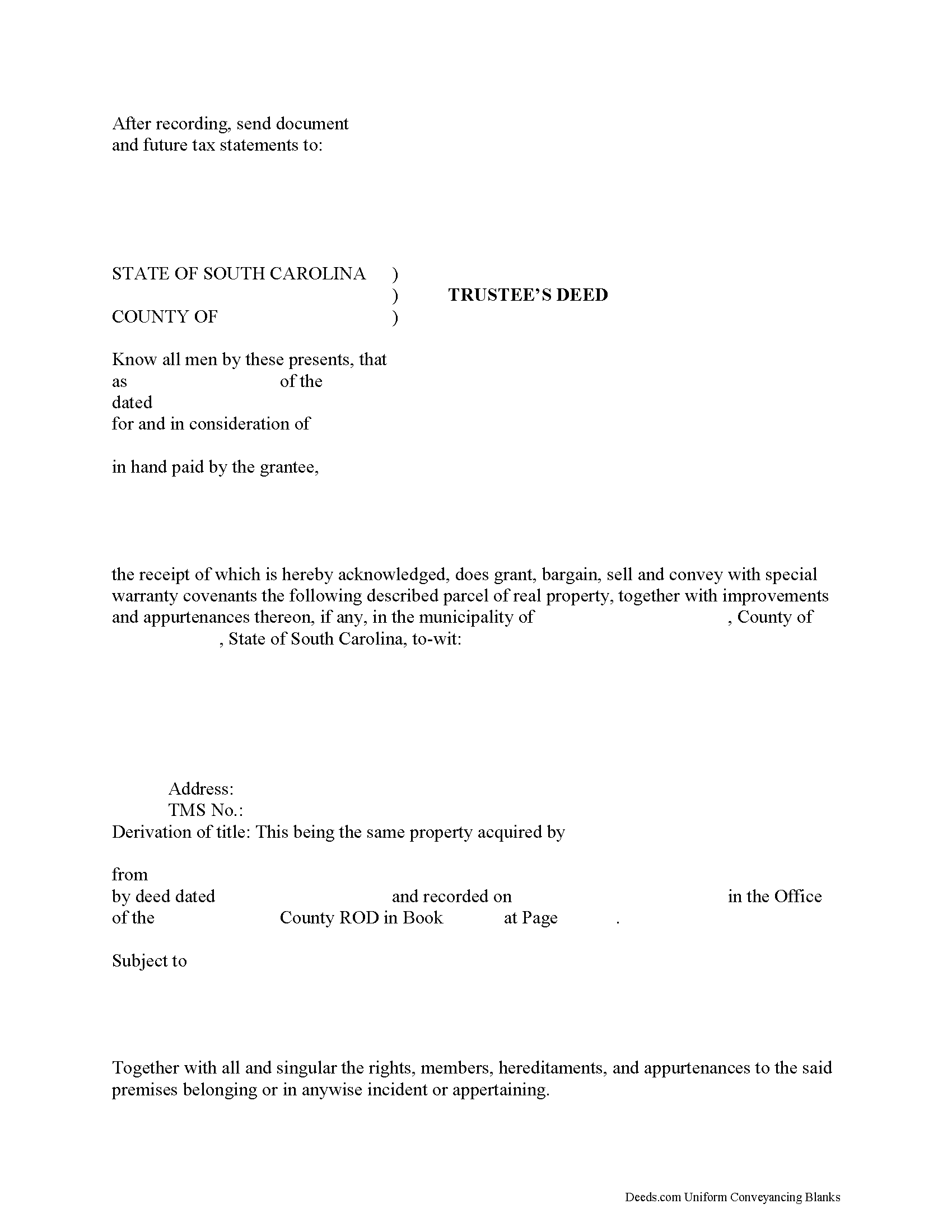
Colleton County Trustee Deed Form
Fill in the blank form formatted to comply with all recording and content requirements.
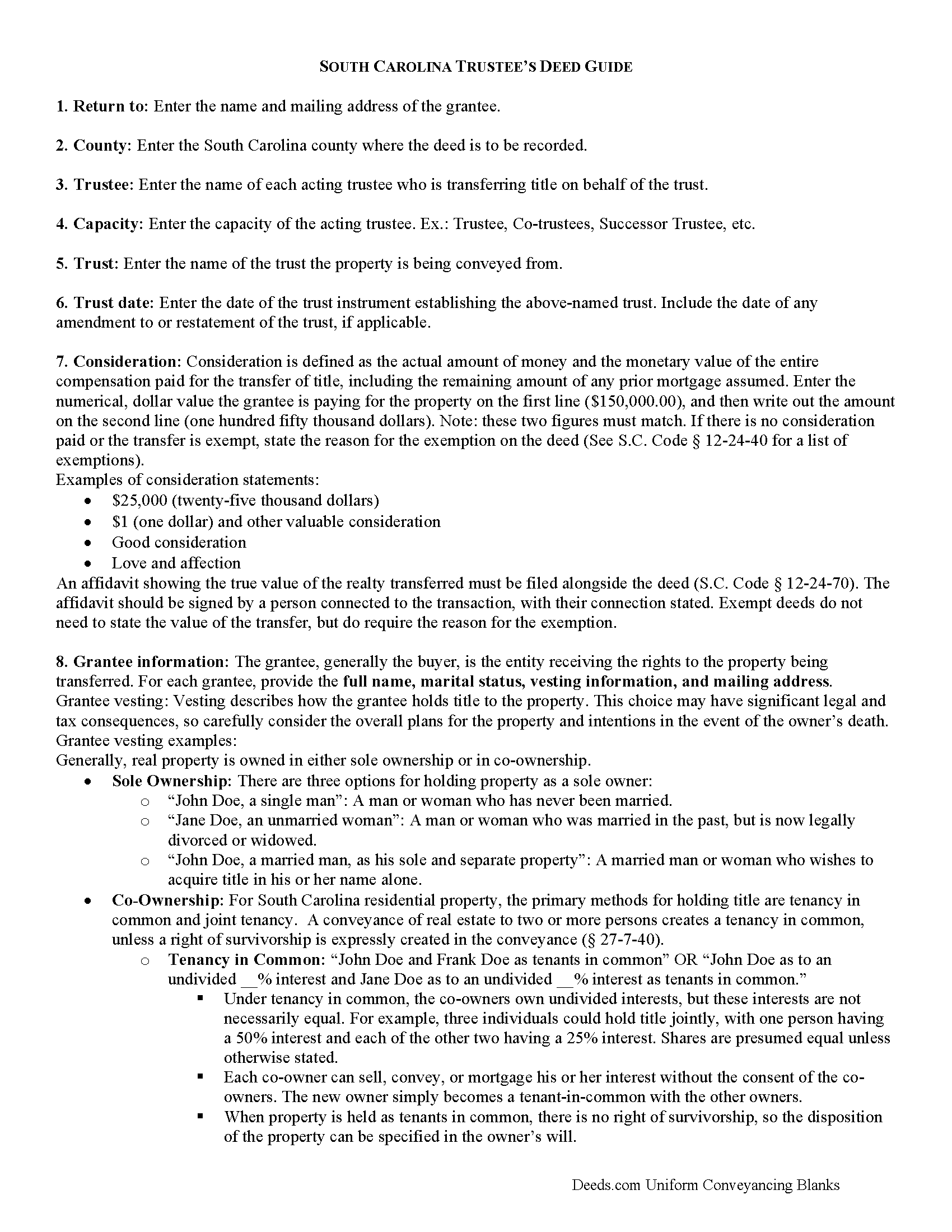
Colleton County Trustee Deed Guide
Line by line guide explaining every blank on the form.
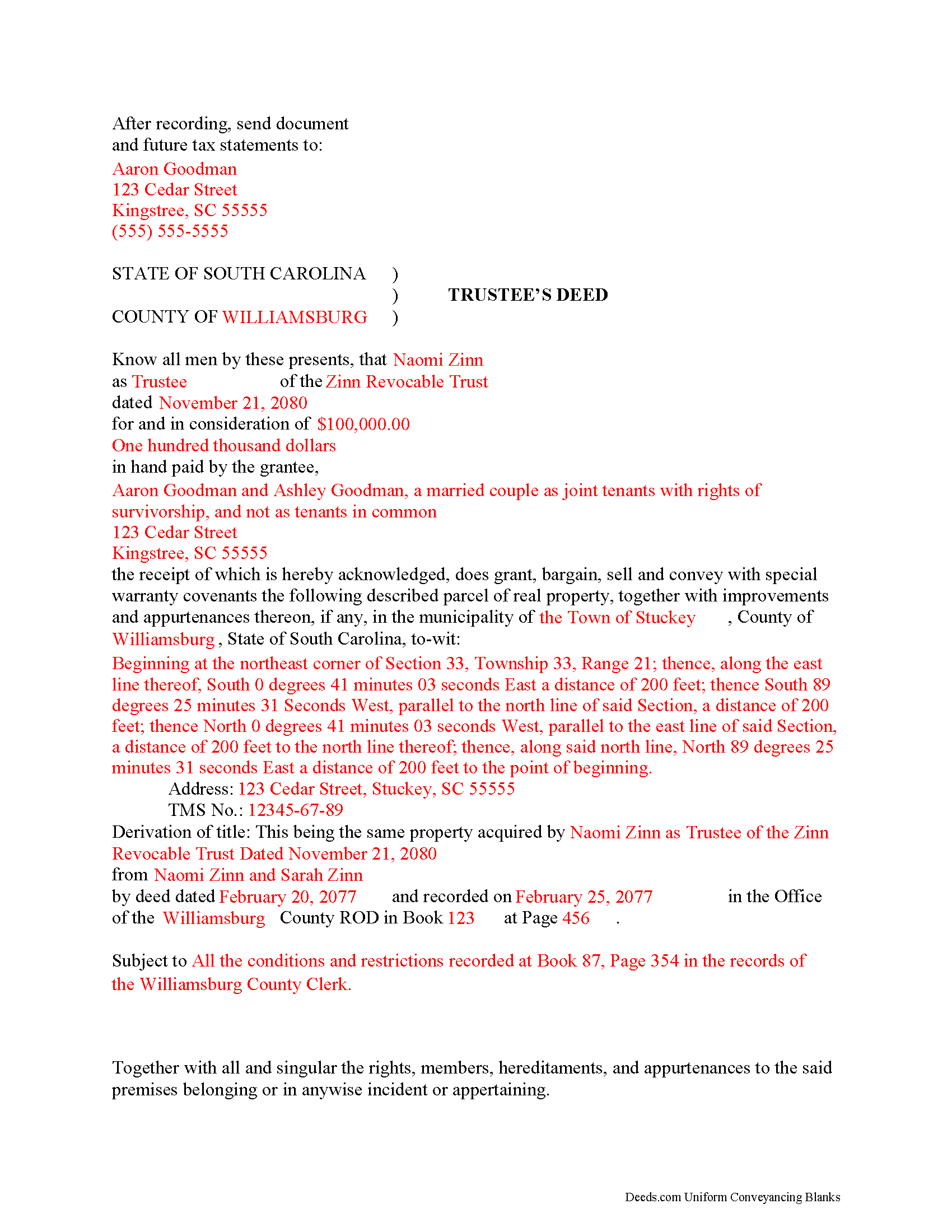
Colleton County Completed Example of the Trustee Deed Document
Example of a properly completed form for reference.
All 3 documents above included • One-time purchase • No recurring fees
Immediate Download • Secure Checkout
Additional South Carolina and Colleton County documents included at no extra charge:
Where to Record Your Documents
Colleton County Register of Deeds
Walterboro, South Carolina 29488
Hours: Monday - Friday 8AM - 5PM
Phone: (843) 542-2745
Recording Tips for Colleton County:
- Bring your driver's license or state-issued photo ID
- Ensure all signatures are in blue or black ink
- Leave recording info boxes blank - the office fills these
- Make copies of your documents before recording - keep originals safe
- Recorded documents become public record - avoid including SSNs
Cities and Jurisdictions in Colleton County
Properties in any of these areas use Colleton County forms:
- Canadys
- Cottageville
- Edisto Island
- Green Pond
- Islandton
- Jacksonboro
- Lodge
- Round O
- Ruffin
- Smoaks
- Walterboro
- Williams
Hours, fees, requirements, and more for Colleton County
How do I get my forms?
Forms are available for immediate download after payment. The Colleton County forms will be in your account ready to download to your computer. An account is created for you during checkout if you don't have one. Forms are NOT emailed.
Are these forms guaranteed to be recordable in Colleton County?
Yes. Our form blanks are guaranteed to meet or exceed the applicable formatting requirements used for recording in Colleton County, including margin requirements, font requirements, and other layout standards. This guarantee applies to formatting, not to the legal sufficiency of information entered by the user or the suitability of a form for a particular transaction.
Can I reuse these forms?
Yes. You can reuse the forms for your personal use. For example, if you have multiple properties in Colleton County you only need to order once.
What do I need to use these forms?
The forms are PDFs that you fill out on your computer. The free Adobe Acrobat Reader is recommended, and most PDF apps also work. You do NOT enter your property information online - you download the blank forms and complete them privately on your own computer.
Are there any recurring fees?
No. This is a one-time purchase. Nothing to cancel, no memberships, no recurring fees.
How much does it cost to record in Colleton County?
Recording fees in Colleton County vary. Contact the recorder's office at (843) 542-2745 for current fees.
Questions answered? Let's get started!
A trustee's deed transfers interest in real property held in a living trust.
A living (inter vivos) trust is an estate planning tool whereby a settlor transfers property to another (the trustee) for the benefit of a third (the beneficiary). The terms of a living trust are set forth in an unrecorded document executed by the settlor called the trust instrument (for testamentary trusts, the terms are established in the decedent's will). The trust's provisions establish the nature of the trust, designate a trustee, enumerate the trustee's powers, and identify the trust's beneficiaries, among other things.
Real property is transferred into trust when the settlor executes a deed conveying title to the trustee. In order to convey the property out of trust, as through sale, the trustee must execute a trustee's deed. Named after the executing party, the trustee's deed in South Carolina is generally a special warranty deed, which carries special warranty covenants that the grantor will warrant and defend the title against any lawful claims arising under, by, or through the grantor. This type of deed is particularly appropriate for trustees, who may have no knowledge of the standing of title prior to their trusteeship (and therefore cannot offer a broader warranty).
The trustee's deed names each acting trustee as the grantor and cites the name and date of trust. It should make a reference to the previous deed conveying the parcel into the trust (or the derivation of title), in addition to meeting all other requirements of form and content for instruments affecting interest in real property in the State of South Carolina.
The trustee's deed must be executed by all each trustee and acknowledged by two witnesses. Depending on the circumstances, the trustee may also execute a certification of trust and provide it alongside the instrument of transfer.
Consult a lawyer with questions about living trusts and trustee's deeds in South Carolina.
(South Carolina TD Package includes form, guidelines, and completed example)
Important: Your property must be located in Colleton County to use these forms. Documents should be recorded at the county recording office listed above.
This Trustee Deed meets all recording requirements specific to Colleton County.
Our Promise
The documents you receive here are guaranteed to meet or exceed the applicable Colleton County recording format requirements. If there is a rejection caused by our formatting, we will correct the issue or refund your payment. This guarantee applies to document formatting only and does not extend to information entered by the user, the selection of the form, or the legal effect of the completed document.
Save Time and Money
Get your Colleton County Trustee Deed form done right the first time with Deeds.com Uniform Conveyancing Blanks. At Deeds.com, we understand that your time and money are valuable resources, and we don't want you to face a penalty fee or rejection imposed by a county recorder for submitting nonstandard documents. We constantly review and update our forms to meet rapidly changing state and county recording requirements for roughly 3,500 counties and local jurisdictions.
4.8 out of 5 - ( 4,836 Reviews )
Steven C. 5 out of 5 stars
Easy but a little overpriced
We appreciate your business and value your feedback. Thank you. Have a wonderful day!
Ardys A. 5 out of 5 stars
Very pleased with all the info I received and not just a blank form.
We appreciate your business and value your feedback. Thank you. Have a wonderful day!
Jose S. 5 out of 5 stars
Thank you so very much I live in Texas but I Owned a home in Indiana with your help I could never get those paper that I need to change the ownership in Indiana. You have a great site.
Thank you!
Barbara G. 5 out of 5 stars
Easy to use. I especially am thankful for the guide.
Your feedback is greatly appreciated. Thank you for taking the time to share your experience!
Johnny H. 5 out of 5 stars
The format presented is exactly what is needed to produce a perfect listing in the registry of The Maricopa County Office of the Recorder. Thanks for an effective solution to a very important document.
Thank you!
Terrence L. 5 out of 5 stars
Awesome service! 4 services wouldn't handle a 1-time filing, but Deeds.com got the job done in less than 21 hours, for only $15 (plus filing fees). This saved me days of difficulty and aggravation, esp. during COVID-19 lockdown!
Thank you for your feedback. We really appreciate it. Have a great day!
Stephen M. 5 out of 5 stars
Easy to sign up and create an account. Lots of options.
Thank you!
sara g. 5 out of 5 stars
THIS WAS A USER FRIENDLY FORM, WAS ABLE TO COMPLETE WITHIN A SHORT TIME. THANK YOU
We appreciate your business and value your feedback. Thank you. Have a wonderful day!
randall a. 4 out of 5 stars
As advertised. good value.
Thank you for your feedback. We really appreciate it. Have a great day!
Robert W. 5 out of 5 stars
Perfect timing. Everything was consistent and timely.
Thank you Robert, we appreciate your feedback.
Terry C. 4 out of 5 stars
It is a difficult challenge -- trying to take the needless jargon out of legal transactions so ordinary citizens can manage their affairs. Deeds.com hasn't solved all the problems, but has made a super effort to help us achieve self-sufficiency.
We appreciate your business and value your feedback. Thank you. Have a wonderful day!
julie S. 5 out of 5 stars
I love this company!! Excellent customer service and quick!! Thank you
We appreciate your business and value your feedback. Thank you. Have a wonderful day!
David M. 5 out of 5 stars
Holy cow. I was told by several people that getting a deed recorded would take 7-10 days. So I thought I'd give deeds.com a try with their e-filing service. I created my account and submitted my deed around 4:00 p.m. and it was recorded before I woke up the next morning. Awesome service! Totally worth the $19 service fee.
We appreciate your business and value your feedback. Thank you. Have a wonderful day!
Gregory G. 5 out of 5 stars
Quick and Easy/Immediate Access after payment. Now seeking other forms needed ASAP! Thanks!
Thank you!
June G. 5 out of 5 stars
AMAZING! Easy to use, reasonable fee - and get MUCH MORE than just a deed form. I ordered a "deed" and received a whole "package," including a guide and the jurisdiction's costs schedule and cover page that would be needed to record the deed - even included a Certificate of Transfer that is not required for a deed but something I needed for a different transaction. The website was extremely easy to use and the cautions about not disclosing personal information were so clear and personal, they made me feel secure in knowing this site was not trying to rip me off. Very professional. Well done.
Thank you for your feedback. We really appreciate it. Have a great day!