Saluda County Trustee Deed Form
Last validated October 7, 2026 by our Forms Development TeamFormatted for recording in Saluda County, for property anywhere in the county: rural and unincorporated areas as well as Ridge Spring, Saluda, Ward.
- 3 documents included
- Immediate PDF download
- Formatting guarantee
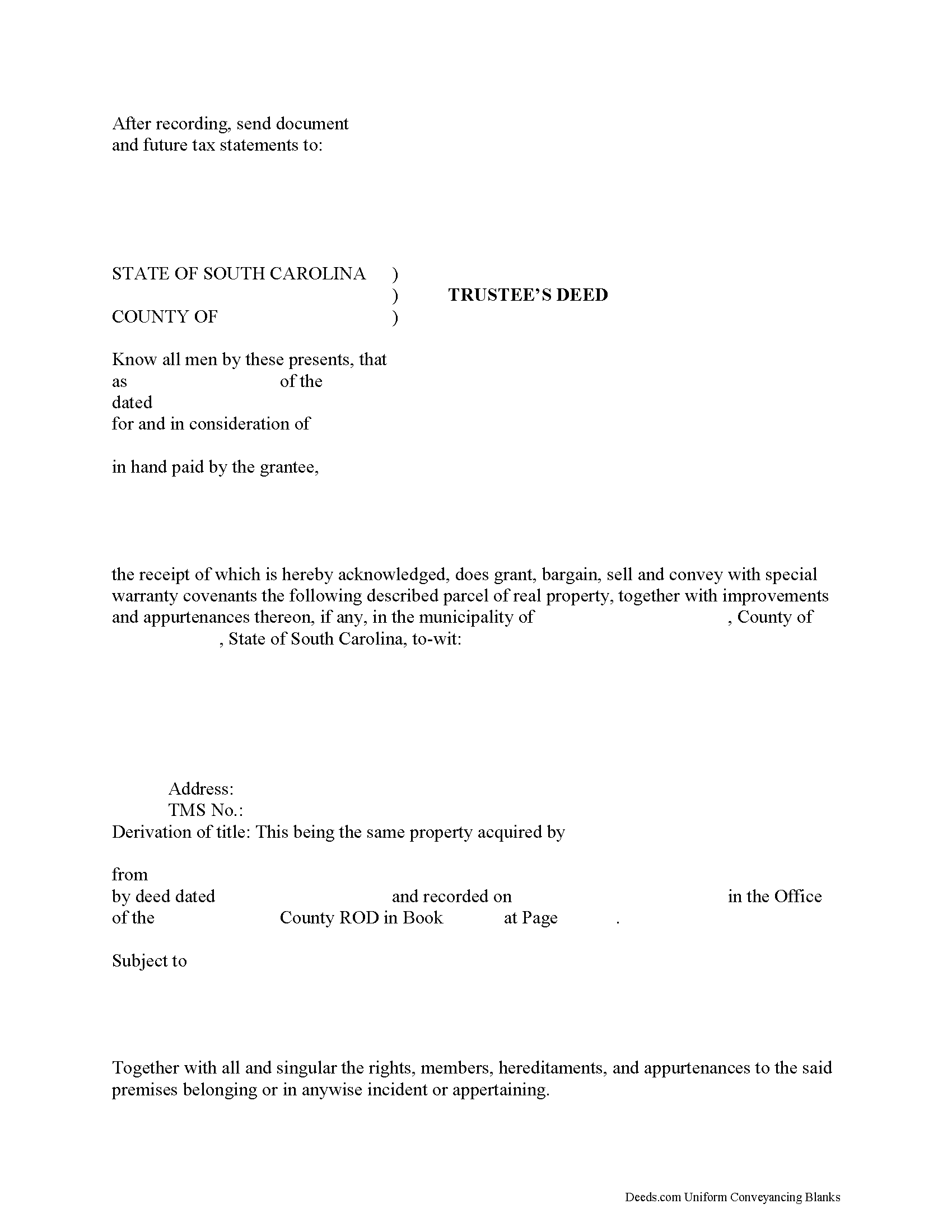
Saluda County Trustee Deed Form
Fill in the blank form formatted to comply with all recording and content requirements.
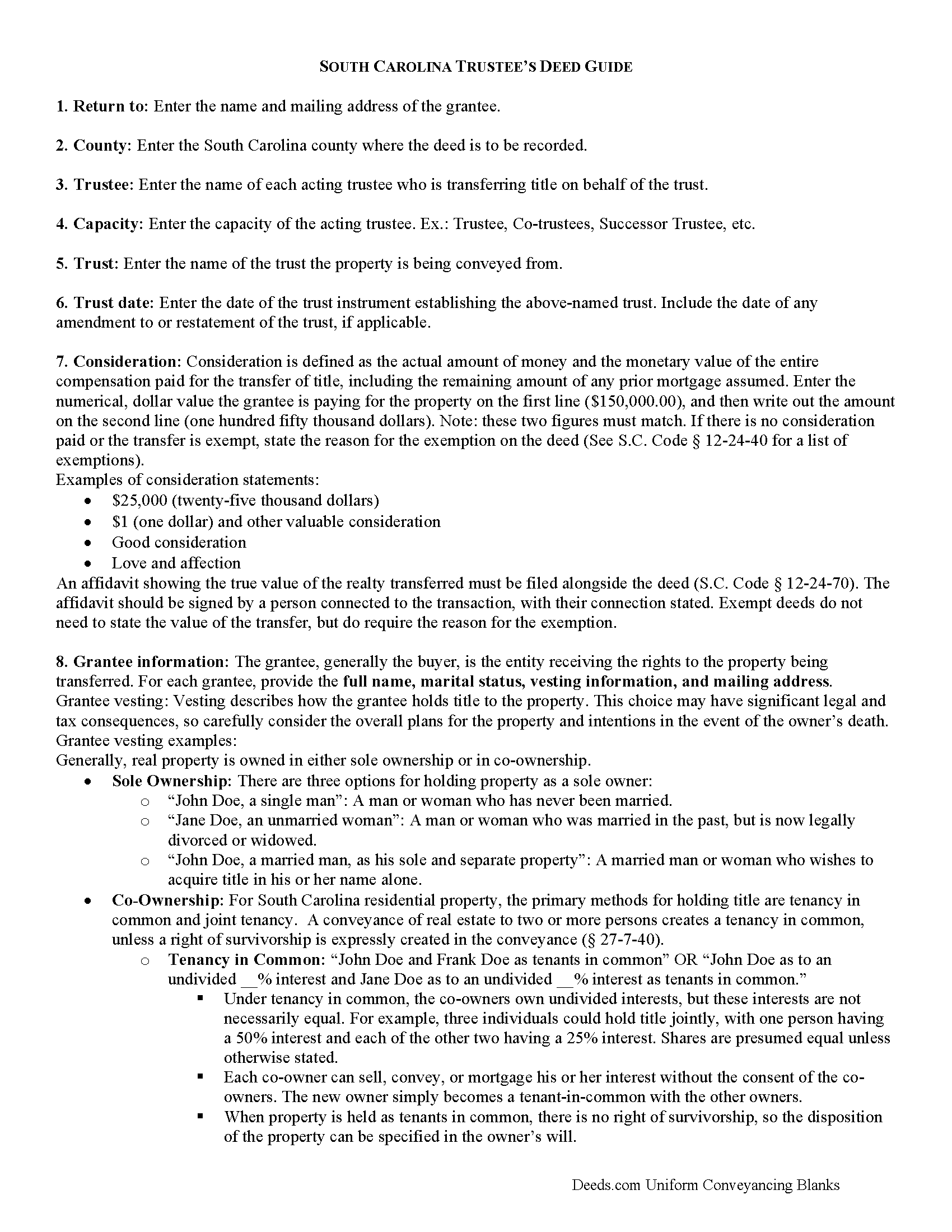
Saluda County Trustee Deed Guide
Line by line guide explaining every blank on the form.
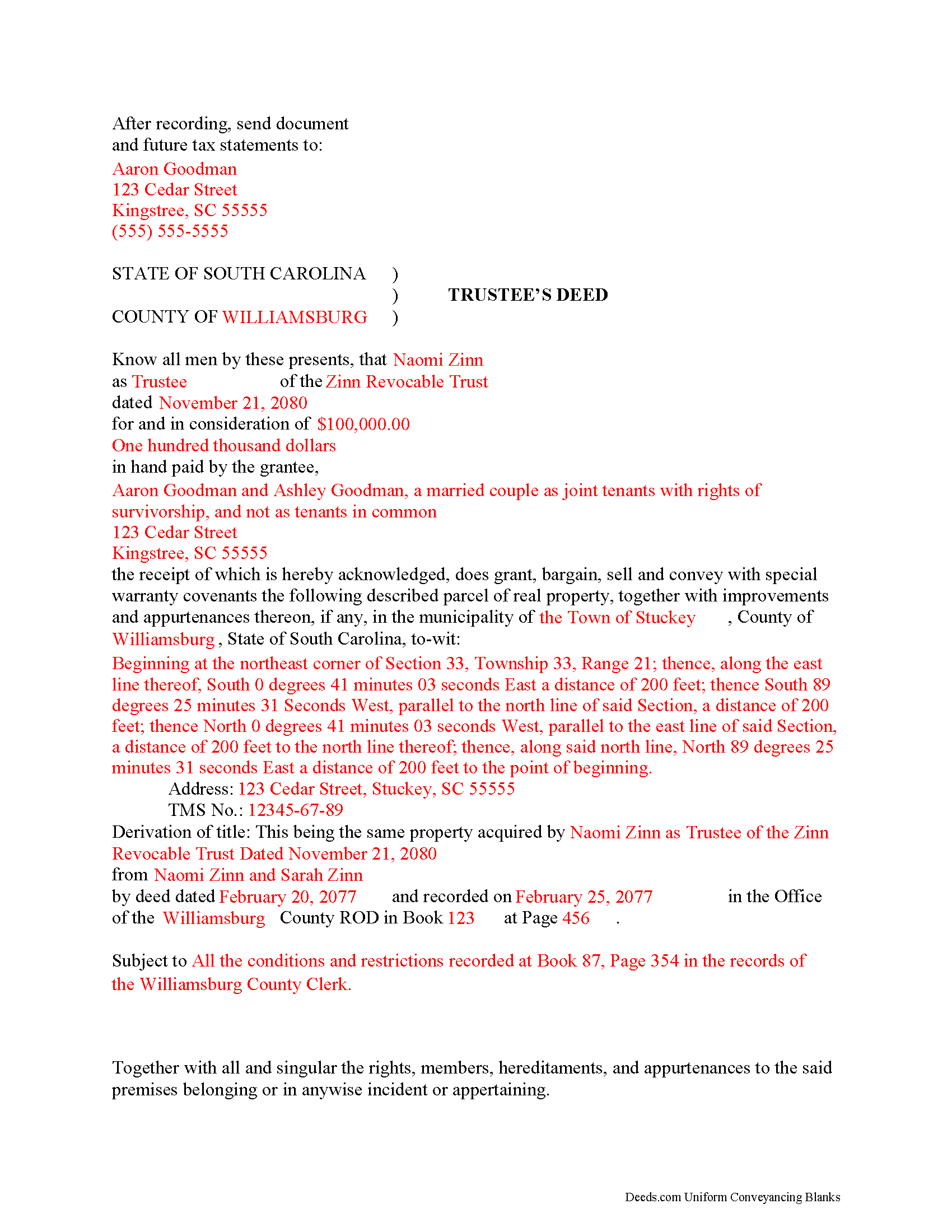
Saluda County Completed Example of the Trustee Deed Document
Example of a properly completed form for reference.
All 3 documents above included • One-time purchase • No recurring fees
Immediate Download • Secure Checkout
Additional South Carolina and Saluda County documents included at no extra charge:
Where to Record Your Documents
Saluda County Clerk of Court
Saluda, South Carolina 29138
Hours: 8:30am - 5:00pm M-F
Phone: (864) 445-4500 Ext 2216
Recording Tips for Saluda County:
- Bring your driver's license or state-issued photo ID
- Ensure all signatures are in blue or black ink
- Ask if they accept credit cards - many offices are cash/check only
- Check that your notary's commission hasn't expired
- Documents must be on 8.5 x 11 inch white paper
Cities and Jurisdictions in Saluda County
Properties in any of these areas use Saluda County forms:
- Ridge Spring
- Saluda
- Ward
Hours, fees, requirements, and more for Saluda County
How do I get my forms?
Forms are available for immediate download after payment. The Saluda County forms will be in your account ready to download to your computer. An account is created for you during checkout if you don't have one. Forms are NOT emailed.
Are these forms guaranteed to be recordable in Saluda County?
Yes. Our form blanks are guaranteed to meet or exceed the applicable formatting requirements used for recording in Saluda County, including margin requirements, font requirements, and other layout standards. This guarantee applies to formatting, not to the legal sufficiency of information entered by the user or the suitability of a form for a particular transaction.
Can I reuse these forms?
Yes. You can reuse the forms for your personal use. For example, if you have multiple properties in Saluda County you only need to order once.
What do I need to use these forms?
The forms are PDFs that you fill out on your computer. The free Adobe Acrobat Reader is recommended, and most PDF apps also work. You do NOT enter your property information online - you download the blank forms and complete them privately on your own computer.
Are there any recurring fees?
No. This is a one-time purchase. Nothing to cancel, no memberships, no recurring fees.
How much does it cost to record in Saluda County?
Recording fees in Saluda County vary. Contact the recorder's office at (864) 445-4500 Ext 2216 for current fees.
Questions answered? Let's get started!
A trustee's deed transfers interest in real property held in a living trust.
A living (inter vivos) trust is an estate planning tool whereby a settlor transfers property to another (the trustee) for the benefit of a third (the beneficiary). The terms of a living trust are set forth in an unrecorded document executed by the settlor called the trust instrument (for testamentary trusts, the terms are established in the decedent's will). The trust's provisions establish the nature of the trust, designate a trustee, enumerate the trustee's powers, and identify the trust's beneficiaries, among other things.
Real property is transferred into trust when the settlor executes a deed conveying title to the trustee. In order to convey the property out of trust, as through sale, the trustee must execute a trustee's deed. Named after the executing party, the trustee's deed in South Carolina is generally a special warranty deed, which carries special warranty covenants that the grantor will warrant and defend the title against any lawful claims arising under, by, or through the grantor. This type of deed is particularly appropriate for trustees, who may have no knowledge of the standing of title prior to their trusteeship (and therefore cannot offer a broader warranty).
The trustee's deed names each acting trustee as the grantor and cites the name and date of trust. It should make a reference to the previous deed conveying the parcel into the trust (or the derivation of title), in addition to meeting all other requirements of form and content for instruments affecting interest in real property in the State of South Carolina.
The trustee's deed must be executed by all each trustee and acknowledged by two witnesses. Depending on the circumstances, the trustee may also execute a certification of trust and provide it alongside the instrument of transfer.
Consult a lawyer with questions about living trusts and trustee's deeds in South Carolina.
(South Carolina TD Package includes form, guidelines, and completed example)
Important: Your property must be located in Saluda County to use these forms. Documents should be recorded at the county recording office listed above.
This Trustee Deed meets all recording requirements specific to Saluda County.
Our Promise
The documents you receive here are guaranteed to meet or exceed the applicable Saluda County recording format requirements. If there is a rejection caused by our formatting, we will correct the issue or refund your payment. This guarantee applies to document formatting only and does not extend to information entered by the user, the selection of the form, or the legal effect of the completed document.
Save Time and Money
Get your Saluda County Trustee Deed form done right the first time with Deeds.com Uniform Conveyancing Blanks. At Deeds.com, we understand that your time and money are valuable resources, and we don't want you to face a penalty fee or rejection imposed by a county recorder for submitting nonstandard documents. We constantly review and update our forms to meet rapidly changing state and county recording requirements for roughly 3,500 counties and local jurisdictions.
4.8 out of 5 - ( 4,823 Reviews )
Robert E B. 5 out of 5 stars
Easy to use!
Thank you!
DUINA F. 5 out of 5 stars
Fast and Easy
Thank you for your feedback. We really appreciate it. Have a great day!
Haydee P. 5 out of 5 stars
Thanks for advertising the forms and sharing to the public for easy access. I have been looking for a lawyer to process the papers but did not realize that I can do it myself until I googled the information. I found your website. Thanks again
Thank you for your feedback. We really appreciate it. Have a great day!
TIFFANY C. 5 out of 5 stars
It would be nice if the notary State was fillable, we are having to notarize in another State. Also, need more room to add 2 beneficiaries with two different addresses.
Thank you for your feedback. We really appreciate it. Have a great day!
Barbara P. 5 out of 5 stars
Easy and fast!
We appreciate your business and value your feedback. Thank you. Have a wonderful day!
Paul N. 5 out of 5 stars
Had what I needed, service was excellent.
We appreciate your business and value your feedback. Thank you. Have a wonderful day!
Mary Ann G. 2 out of 5 stars
Couldn't find the deed form that I needed. Needs to have a short summary to determine the correct form.
Sorry to hear that Mary Ann, we appreciate your feedback.
Fernando C. 5 out of 5 stars
I was able to get what I needed!! Easy and fast!
We appreciate your business and value your feedback. Thank you. Have a wonderful day!
Douglas D. 5 out of 5 stars
WOW! What a great service! Incredibly fast (just under 3 hours from creating the package to getting a receipt from the county recorder!) Will definitely use this service again!
We appreciate your business and value your feedback. Thank you. Have a wonderful day!
Adelola O. 5 out of 5 stars
I called the county clerk office yesterday that i wanted to get a deed e-filed and recorded. I was told they are not accepting documents in person because of the COVID 19 pandemic that I have to mail it. I found Deeds.com online and in less than 24hrs i have my document. Thank you!!!!! $15....Totally worth it.
Thanks Adelola, glad we could help.
Katherine D. 5 out of 5 stars
Once I found your site it was very easy to understand, order and copy the forms. It is very helpful that you included an example of a completed form. Thank you. This form helps hundreds of seniors avoid lawyers, probate and the fear of losing their homes.
We appreciate your business and value your feedback. Thank you. Have a wonderful day!
Walter P. 5 out of 5 stars
Quick and easy!
We appreciate your business and value your feedback. Thank you. Have a wonderful day!
Geoffrey M. 5 out of 5 stars
Very convenient online document recording with great and quick service. Thank you!
Thank you!
Nancy H. 5 out of 5 stars
Site was excellent and saved a trip to the County office to pick up forms.
Thank you Nancy. Glad we could help. Have a great day!
Javoura G. 5 out of 5 stars
Great was not hard at all to do and process only wished it told how much it cost to actually submit the forms
Thank you for your feedback. We really appreciate it. Have a great day!