Miner County Assignment of Mortgage Form
Last validated November 5, 2026 by our Forms Development TeamFormatted for recording in Miner County, for property anywhere in the county: rural and unincorporated areas as well as Canova, Carthage, Fedora, Howard.
- 6 documents included
- Immediate PDF download
- Formatting guarantee
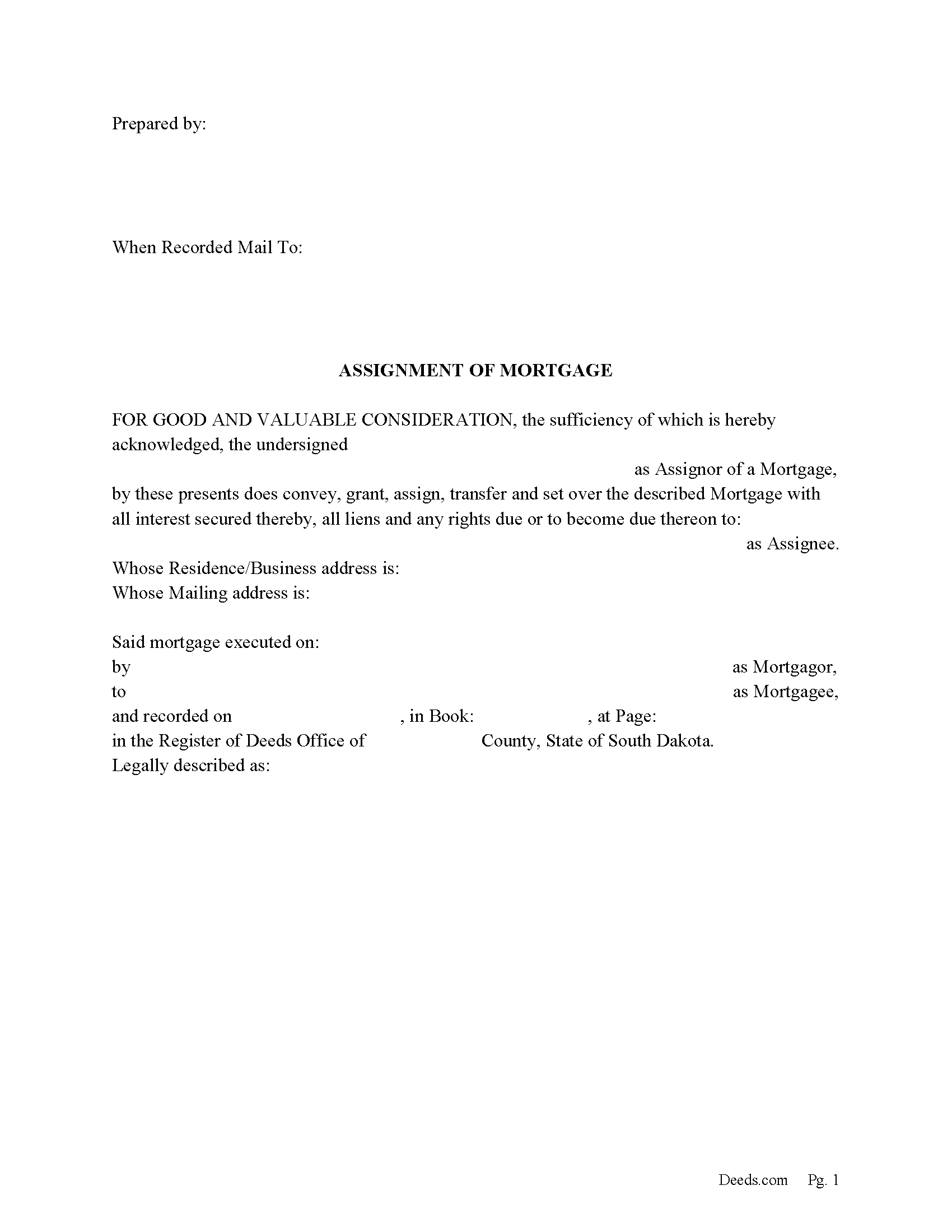
Miner County Assignment of Mortgage Form
Fill in the blank form formatted to comply with all recording and content requirements.
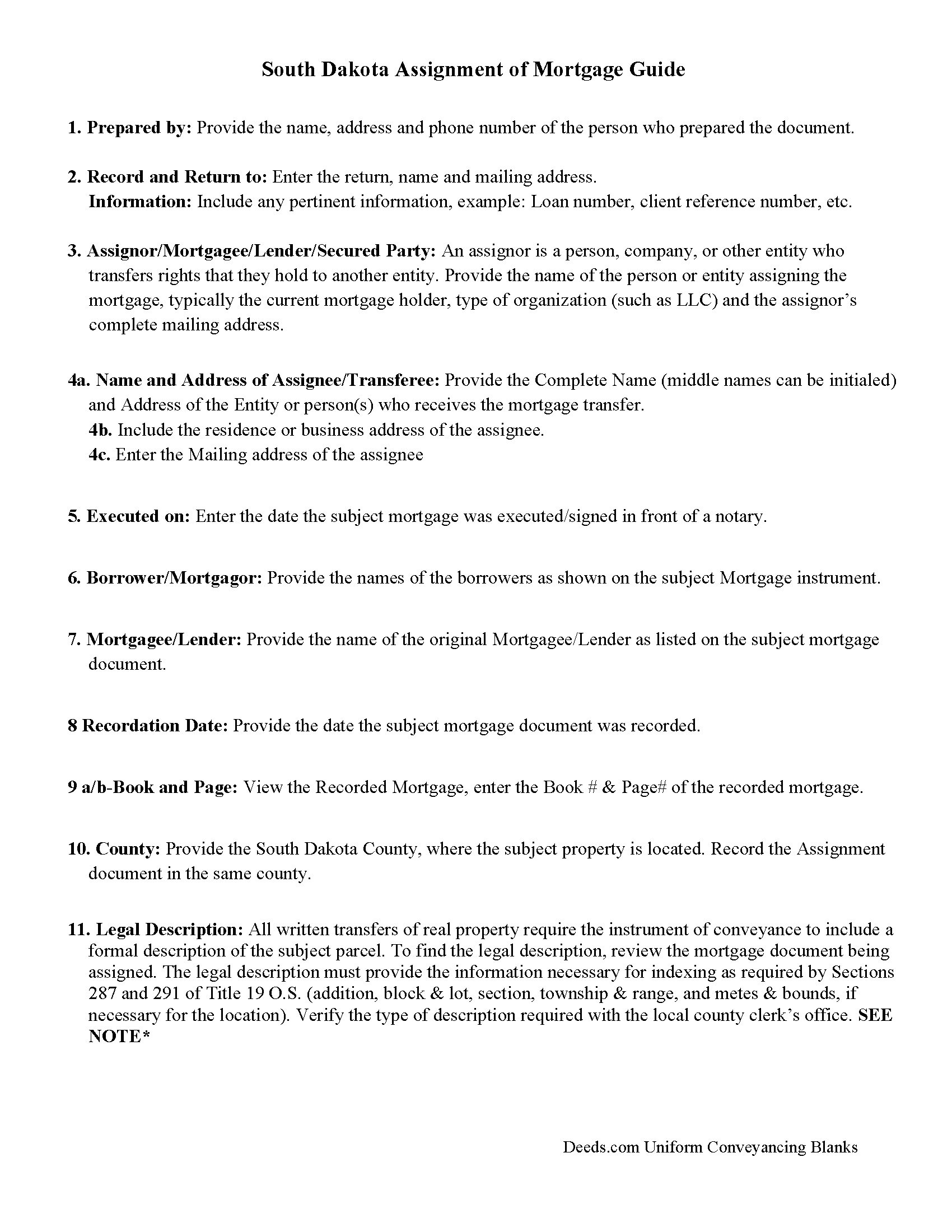
Miner County Assignment of Mortgage Guidelines
Line by line guide explaining every blank on the form.
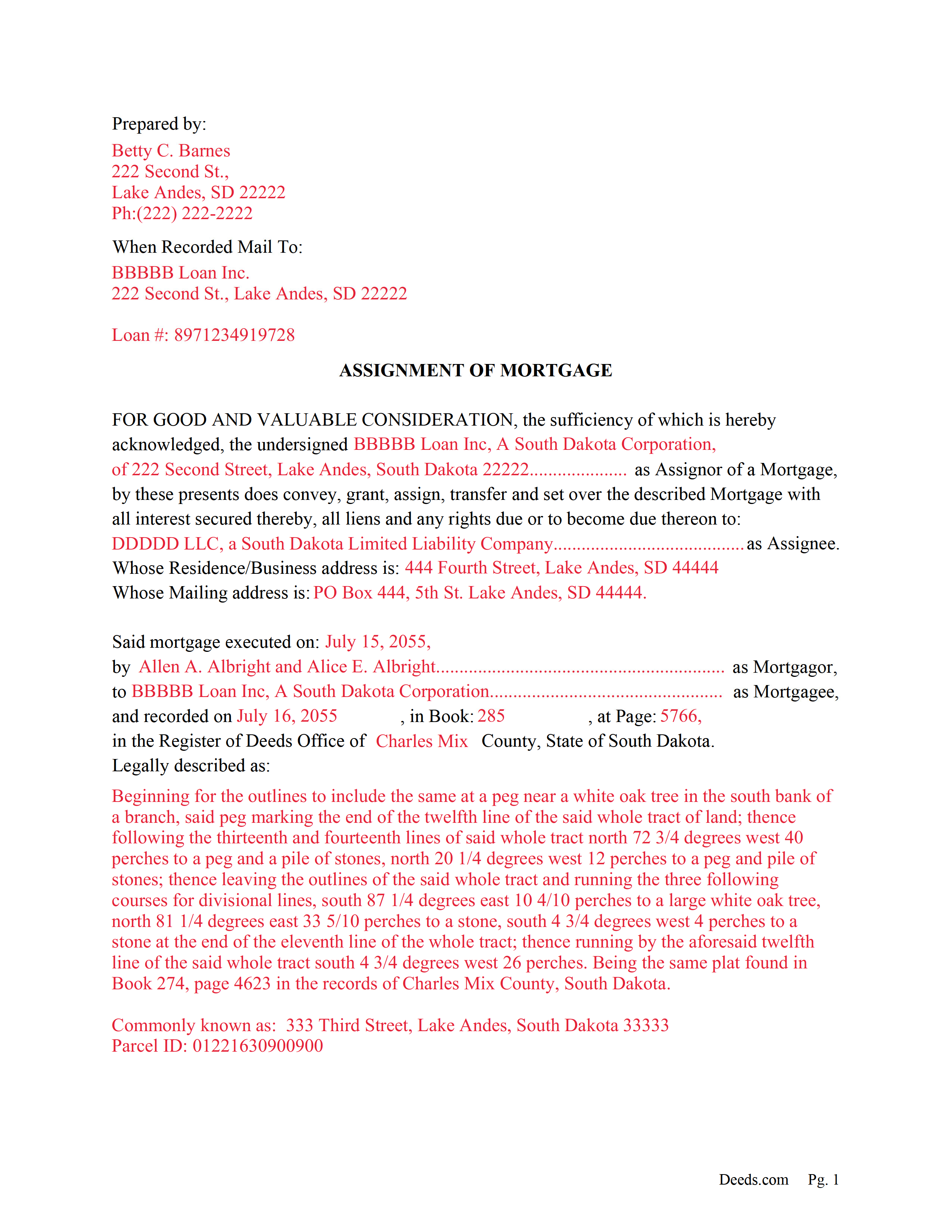
Miner County Completed Example of the Assignment of Mortgage Document
Example of a properly completed form for reference.
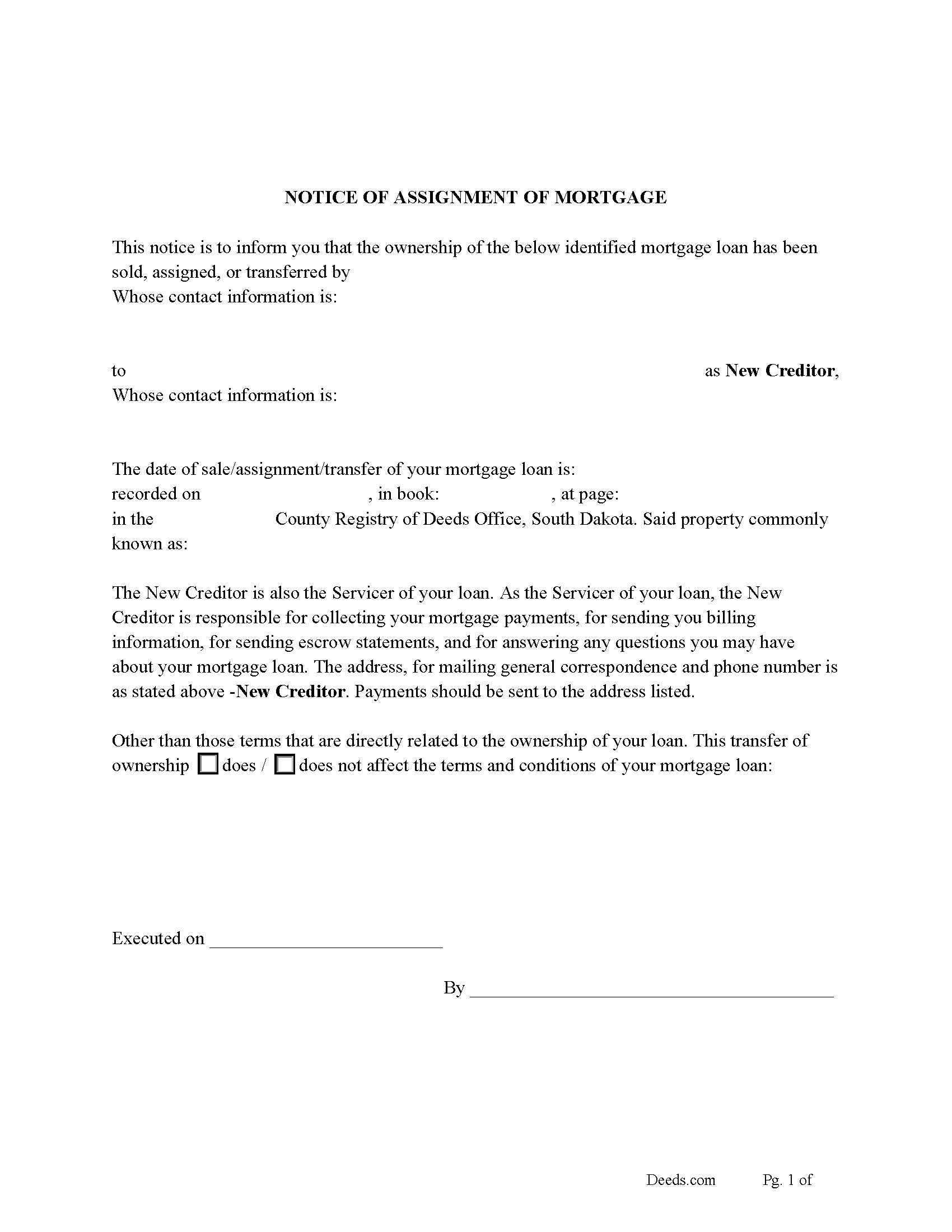
Miner County Notice of Assignment of Mortgage Form
Fill in the blank form formatted to comply with content requirements.
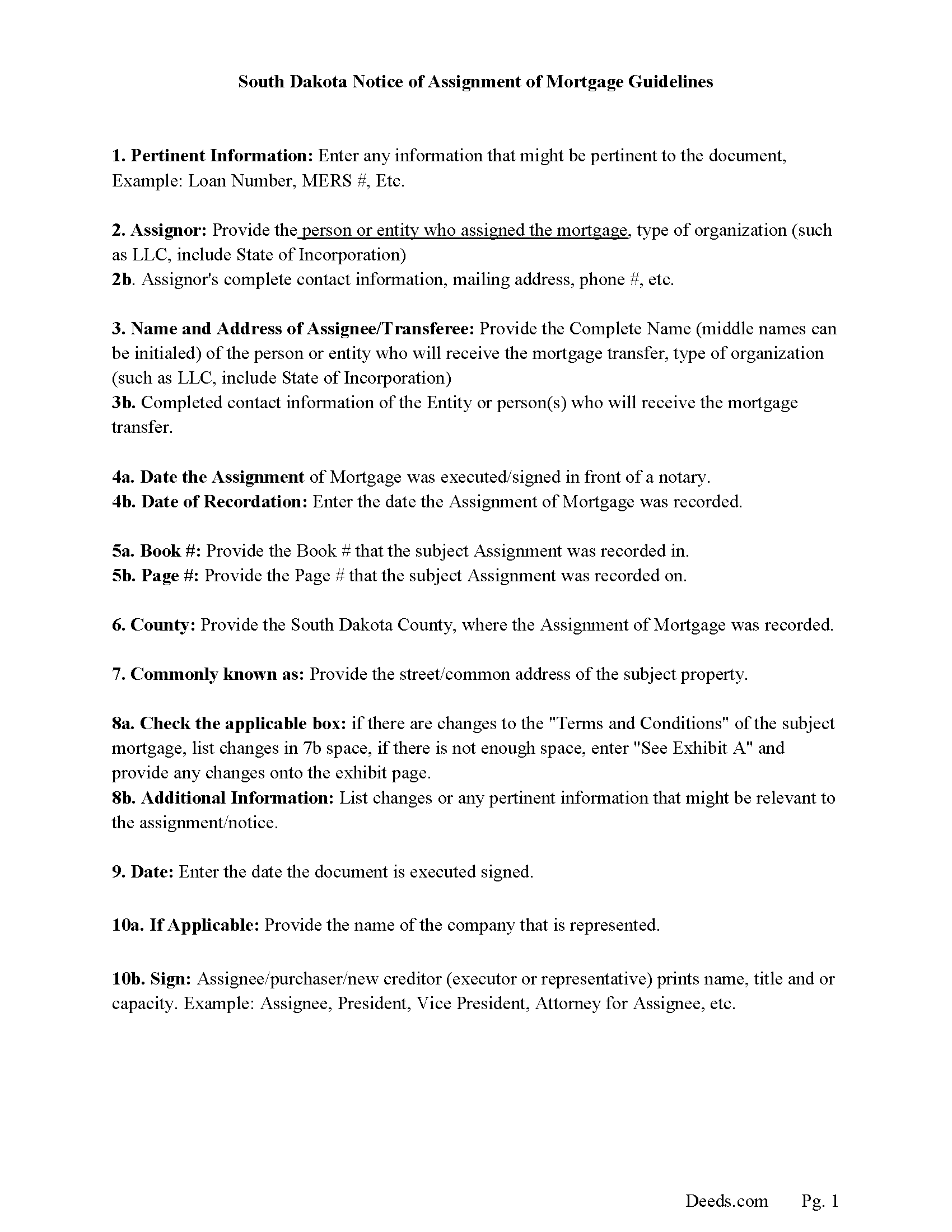
Miner County Notice of Assignment Guidelines
Line by line guide explaining every blank on the form.
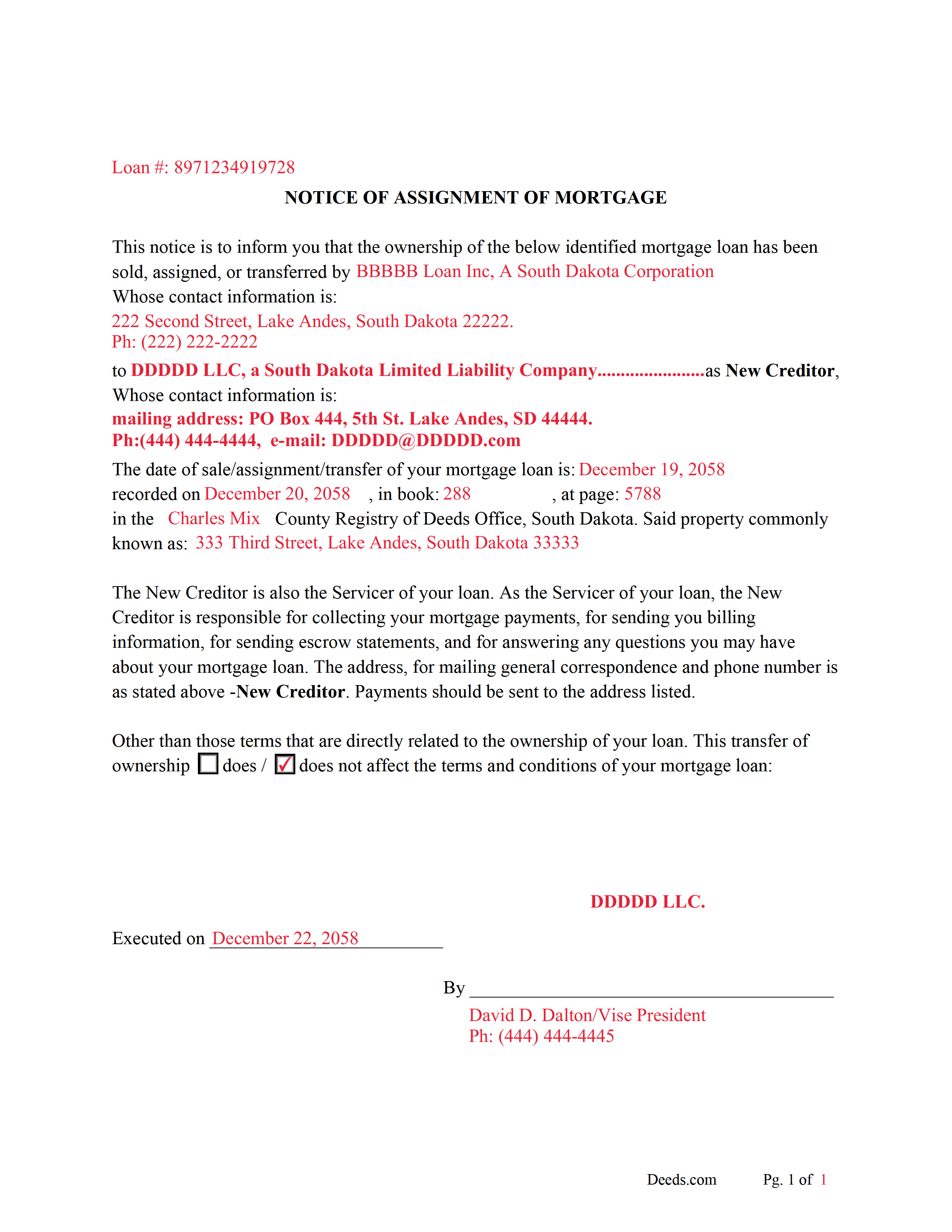
Miner County Completed Example of Notice of Assignment Document
Example of a properly completed form for reference.
All 6 documents above included • One-time purchase • No recurring fees
Immediate Download • Secure Checkout
Additional South Dakota and Miner County documents included at no extra charge:
Where to Record Your Documents
Miner County Register of Deeds
Howard, South Dakota 57349
Hours: 8:00 to 12:00 & 1:00 to 5:00 M-F
Phone: (605) 772-5621
Recording Tips for Miner County:
- Bring your driver's license or state-issued photo ID
- Ensure all signatures are in blue or black ink
- Make copies of your documents before recording - keep originals safe
- Recorded documents become public record - avoid including SSNs
- Recording fees may differ from what's posted online - verify current rates
Cities and Jurisdictions in Miner County
Properties in any of these areas use Miner County forms:
- Canova
- Carthage
- Fedora
- Howard
Hours, fees, requirements, and more for Miner County
How do I get my forms?
Forms are available for immediate download after payment. The Miner County forms will be in your account ready to download to your computer. An account is created for you during checkout if you don't have one. Forms are NOT emailed.
Are these forms guaranteed to be recordable in Miner County?
Yes. Our form blanks are guaranteed to meet or exceed the applicable formatting requirements used for recording in Miner County, including margin requirements, font requirements, and other layout standards. This guarantee applies to formatting, not to the legal sufficiency of information entered by the user or the suitability of a form for a particular transaction.
Can I reuse these forms?
Yes. You can reuse the forms for your personal use. For example, if you have multiple properties in Miner County you only need to order once.
What do I need to use these forms?
The forms are PDFs that you fill out on your computer. The free Adobe Acrobat Reader is recommended, and most PDF apps also work. You do NOT enter your property information online - you download the blank forms and complete them privately on your own computer.
Are there any recurring fees?
No. This is a one-time purchase. Nothing to cancel, no memberships, no recurring fees.
How much does it cost to record in Miner County?
Recording fees in Miner County vary. Contact the recorder's office at (605) 772-5621 for current fees.
Questions answered? Let's get started!
Use this form to assign a previously recorded mortgage to another person or entity.
Assignment of Mortgages-must include the following:
(1) the name of mortgagor
(2) the name of mortgagee
(3) the name of the assignee and its post office address
(4) the date, and book and page of recorded mortgage
(5) county and state
(6) the legal description
(7) execution and acknowledgment in front of a notary,
(8) corporate seal, especially if assignor is a bank, if no seal, state on the assignment "NO SEAL".
44-8-13 Assignment of mortgage on real property--Recording--Acknowledgment or proof--Contents--Record as notice. An assignment of a mortgage on real property may be recorded in like manner as a mortgage when it is acknowledged or proved according to the statutes relating to proof of instruments for record and contains the name of the mortgagor, the mortgagee, the assignee and the assignee's post-office address, the date of the mortgage, the date, county, state, book, and page of record of the mortgage and full description of the premises as described in the mortgage. This record serves as notice to all parties in interest or parties subsequently dealing with the property. No more than one assignment may be listed on the instrument.
Current Borrowers must be notified of the assignment. Notification consists of contact information of the new creditor, recording dates, recording instrument numbers, changes in loan, etc. Included are "Notice of Assignment of Mortgage" forms.
The Truth and lending act requires that borrowers be notified when their Mortgage has been sold, transferred, or assigned to a new creditor. Generally, within 30 days to avoid up to $2,000.00 in statutory damages, plus reasonable attorney's fees. Systematic violations can reach up $500,000.00.
(South Dakota AOM Package includes form, guidelines, and completed example) For use in South Dakota only.
Important: Your property must be located in Miner County to use these forms. Documents should be recorded at the county recording office listed above.
This Assignment of Mortgage meets all recording requirements specific to Miner County.
Our Promise
The documents you receive here are guaranteed to meet or exceed the applicable Miner County recording format requirements. If there is a rejection caused by our formatting, we will correct the issue or refund your payment. This guarantee applies to document formatting only and does not extend to information entered by the user, the selection of the form, or the legal effect of the completed document.
Save Time and Money
Get your Miner County Assignment of Mortgage form done right the first time with Deeds.com Uniform Conveyancing Blanks. At Deeds.com, we understand that your time and money are valuable resources, and we don't want you to face a penalty fee or rejection imposed by a county recorder for submitting nonstandard documents. We constantly review and update our forms to meet rapidly changing state and county recording requirements for roughly 3,500 counties and local jurisdictions.
4.8 out of 5 - ( 4,850 Reviews )
Sun H. 5 out of 5 stars
It was great working with deeds.com. I needed to record quickclaim deed and the staff was very responsive and communicative throughout the process where I needed to modify the documents repeated. Thank you for making the recording much easy by setting up the e-recording service!
Your feedback is greatly appreciated. Thank you for taking the time to share your experience!
Michael T. 5 out of 5 stars
This site was recommended to me. The deed worked just fine for recording a property transfer (Warranty Deed). What I like is that there is a 1 time fee, not a subscription. I would highly recommend. It saved us $2000 in closing costs and fees.
Thank you!
Pamela B. 5 out of 5 stars
The process was not difficult but I don't think that it suited my needs. There were several fields that were not applicable to me but I had to enter something to proceed. I also filled out the other form and mailed it in with some documentation that the electronic service did not ask for. Questions of my attempt are still unanswered. I hope I didn't waste time with this process. We shall see. Thank you.
Thank you!
Lloyd S. 5 out of 5 stars
What a great website. It does Pasco County PROUD !!
Thank you!
Jason James H. 5 out of 5 stars
Th forms were correct, exactly what I needed.
Thanks Jason, we appreciate the feedback.
Judy F. 5 out of 5 stars
I thought your site was focused on my specific county, but it wasn't. Therefore, I did not complete a transaction.
Thank you for your feedback Judy. Our site is national, we focus on all jurisdictions. Have a great day.
Marcus W. 5 out of 5 stars
The Service was excellent the county recorder’s can sometimes cause issues and or delays because of certain filing requirements , but overall I am more than satisfied with DEEDS.com fast friendly services.
Thank you Marcus, we appreciate you.
Lawrence W. 5 out of 5 stars
Great so Far!
We appreciate your business and value your feedback. Thank you. Have a wonderful day!
Bethany F. 5 out of 5 stars
quick and easy to use
Thank you!
Audra M. 5 out of 5 stars
It was easy to e-record and will/would recommend it to everyone.
Thank you for your feedback. We really appreciate it. Have a great day!
Kevin C. 2 out of 5 stars
I like your service, but the error message I received yesterday was confusing. It said that Utah County does not record cover pages, so I should either remove the cover page or change the “order“ of the documents being submitted. This is ambiguous. I examined my package and it looked like the cover page was already being submitted separately, as a supporting document at the end, and there was no way to explicitly change the ordering of the submitted documents, that is up to your service. So I removed the cover page. But that makes me nervous, how will they know where to route it when it is done? So now I’m not sure if it was submitted correctly.
Thank you for the review, Kevin, and for laying out exactly what you saw.
The message you received ("Utah County does not accept cover pages for recording. Please remove or reorder to the back. Thank you.") came directly from the Utah County Recorder. We pass recorder rejection notes along as written, and we agree it was ambiguous. Rejection notes from recording offices often are, since they are written for people who file in that county every day.
Supporting documents always travel behind the main document they belong to, so there was nothing for you to reorder, and by your description the cover page was already at the back. With the cover page removed, the package matched what the recorder's note asked for.
On routing: nothing is mailed back with e-recording. The recorder records the document image, adds the recording information, and returns the recorded copy electronically through the e-recording system to us. It then appears on your package in your account and you get a message from us. A cover page plays no part in that, so leaving it out did not affect where your document goes.
Linda R. 5 out of 5 stars
I was happy to have my payment cancelled when no information was found. And I was given a link to contact the deed office directly.
Thank you!
Curley B. 5 out of 5 stars
So far, I'm pleased. I am a first-time user, as most of my clients are in California. I look forward to working with you more in the future.
Thank you for your feedback. We really appreciate it. Have a great day!
Gordon J. 5 out of 5 stars
The experience was generally very satisfactory. I was able to fill out the Trust Deed and send it via email no problem. However, I was not able to send the filled out form of the Note. It always erased my fill-ins when it was sent. I found that very frustrating.
Thank you, Gordon. Glad the Trust Deed worked well. Issues like the one you reported with the Note can sometimes be related to how the file is opened or sent. Using Adobe Reader to fill, save, and send the form is recommended. We also pass along all feedback like this to our team to confirm there are no issues.
Marcell E. 1 out of 5 stars
I am not very happy about the fact that I paid 27.00 to not even have the forms filled out. I thought that it was going to be all done for me and I was told that I need a lawyer to have the form filled out properly.
The order you placed for the do it yourself forms has been canceled. We do hope that you find the $27 attorney you deserve. Have a wonderful day.