Day County Certificate of Discharge of Notice of Lis Pendens Form
Last validated September 28, 2026 by our Forms Development TeamFormatted for recording in Day County, for property anywhere in the county: rural and unincorporated areas as well as Andover, Bristol, Grenville, Pierpont, Roslyn, Waubay, Webster.
- 4 documents included
- Immediate PDF download
- Formatting guarantee
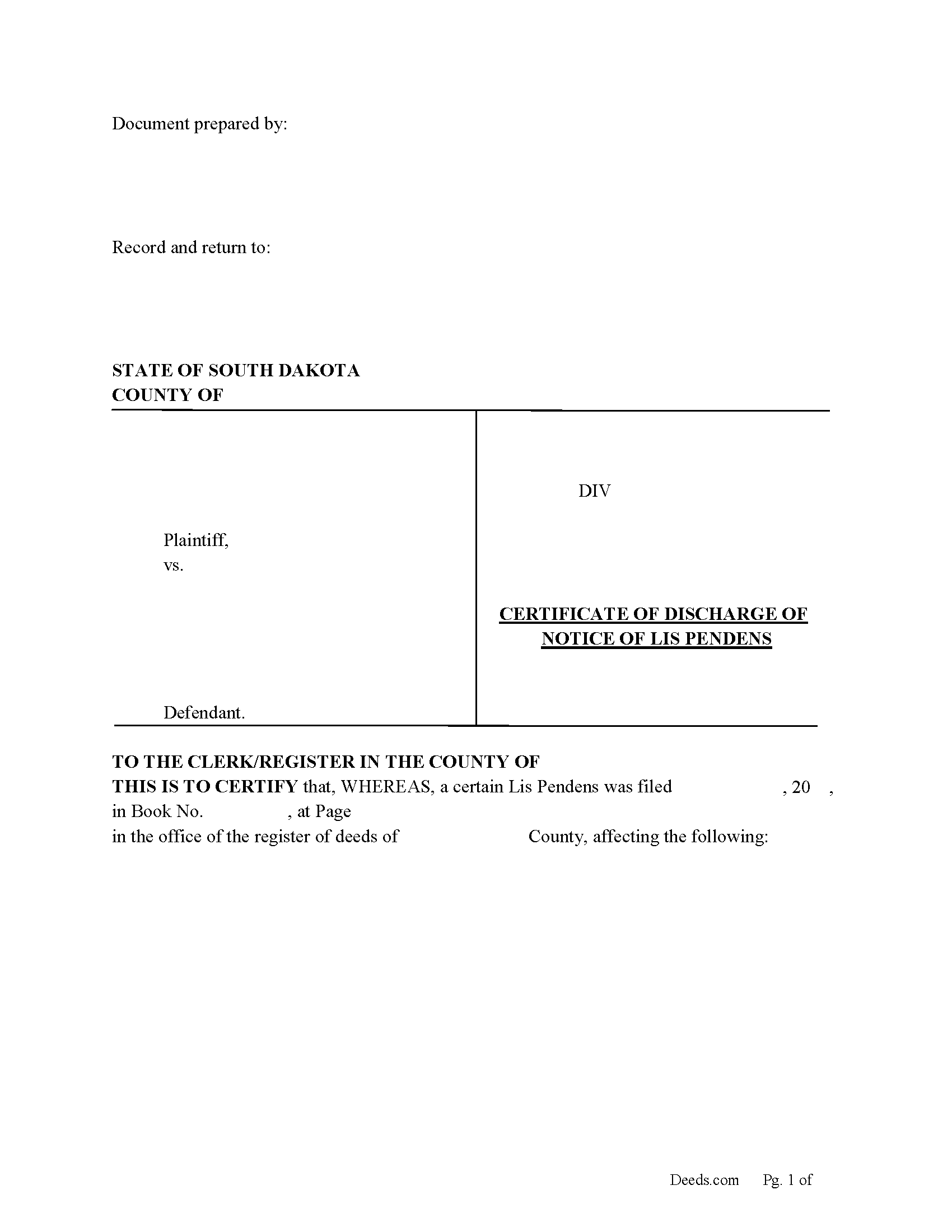
Day County Certificate of Discharge of Notice of Lis Pendens Form
Fill in the blank form formatted to comply with all content requirements.
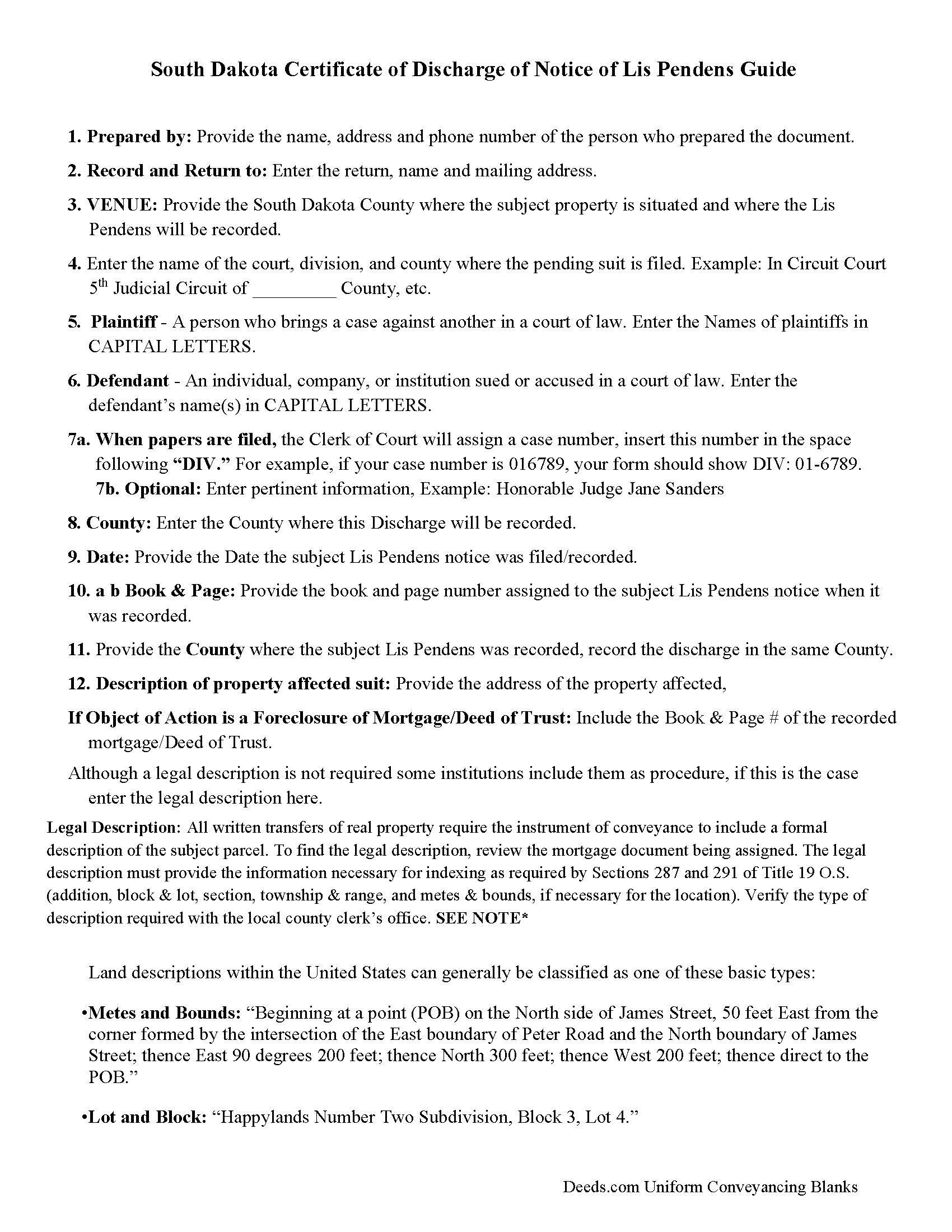
Day County Guidelines for Discharge of Lis Pendens
Line by line guide explaining every blank on the form.
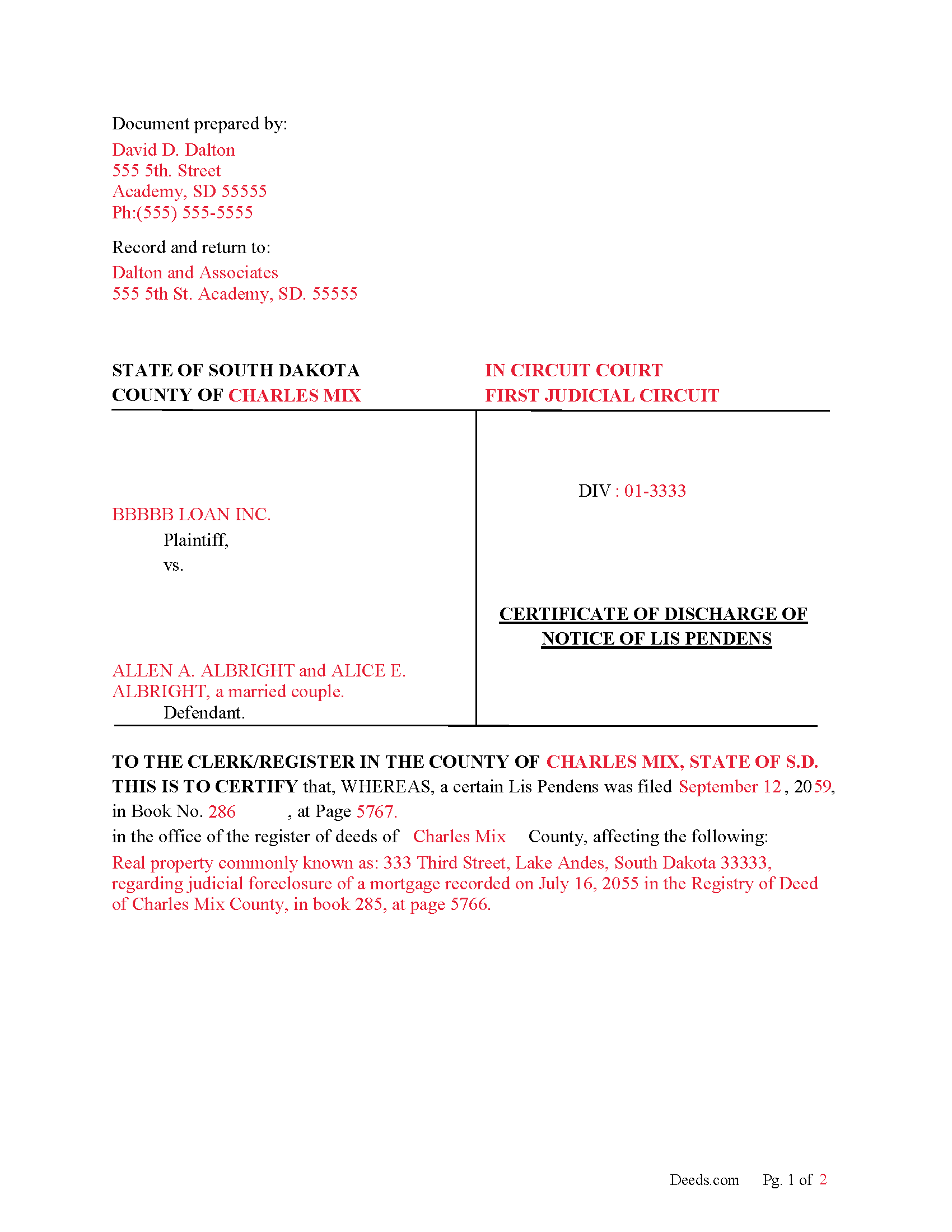
Day County Completed Example of Discharge of Lis Pendens Document
Example of a properly completed form for reference.
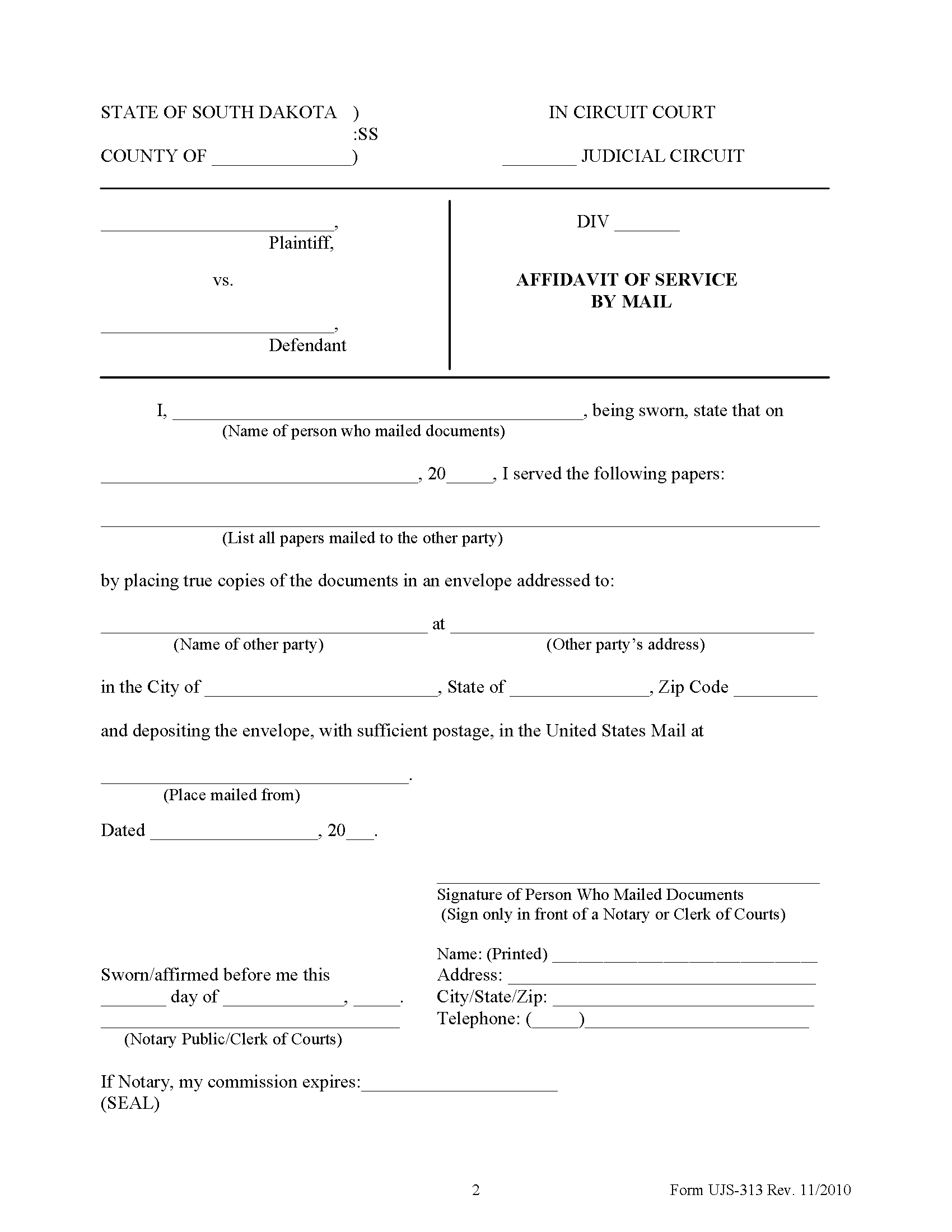
Day County Affidavit of Service Form
Form notifying interested parties that a Notice of Lis Pendens has been filed.
All 4 documents above included • One-time purchase • No recurring fees
Immediate Download • Secure Checkout
Additional South Dakota and Day County documents included at no extra charge:
Where to Record Your Documents
Day County Register of Deeds
Webster, South Dakota 57274-1396
Hours: 8:00 to 5:00 M-F / some days closed 12:00 to 1:00
Phone: (605) 345-9506
Recording Tips for Day County:
- Bring your driver's license or state-issued photo ID
- Ensure all signatures are in blue or black ink
- White-out or correction fluid may cause rejection
- Ask about their eRecording option for future transactions
- Avoid the last business day of the month when possible
Cities and Jurisdictions in Day County
Properties in any of these areas use Day County forms:
- Andover
- Bristol
- Grenville
- Pierpont
- Roslyn
- Waubay
- Webster
Hours, fees, requirements, and more for Day County
How do I get my forms?
Forms are available for immediate download after payment. The Day County forms will be in your account ready to download to your computer. An account is created for you during checkout if you don't have one. Forms are NOT emailed.
Are these forms guaranteed to be recordable in Day County?
Yes. Our form blanks are guaranteed to meet or exceed the applicable formatting requirements used for recording in Day County, including margin requirements, font requirements, and other layout standards. This guarantee applies to formatting, not to the legal sufficiency of information entered by the user or the suitability of a form for a particular transaction.
Can I reuse these forms?
Yes. You can reuse the forms for your personal use. For example, if you have multiple properties in Day County you only need to order once.
What do I need to use these forms?
The forms are PDFs that you fill out on your computer. The free Adobe Acrobat Reader is recommended, and most PDF apps also work. You do NOT enter your property information online - you download the blank forms and complete them privately on your own computer.
Are there any recurring fees?
No. This is a one-time purchase. Nothing to cancel, no memberships, no recurring fees.
How much does it cost to record in Day County?
Recording fees in Day County vary. Contact the recorder's office at (605) 345-9506 for current fees.
Questions answered? Let's get started!
Use this form to Discharge a previously recorded "Notice of Lis Pendens" that was filed in county's registry of deeds office.
15-10-4. Discharge of notice of pendency of action--Contents, acknowledgment and recording.
Whenever notice of the pendency of any action has been filed or recorded in the office of the register of deeds in any county, the party plaintiff or defendant filing the same or at whose instance the same was filed, or his attorney or attorneys, in whose name or names the notice is subscribed, may discharge the same of record by filing with the register of deeds in whose office the notice is filed, a certificate of the discharge of said notice, executed and acknowledged by the same persons as above provided for certificates of discharge thereof. Such certificates of discharge, when filed with the register of deeds shall be acknowledged in the same form as is provided by law for the acknowledgment of conveyances of real estate and may be recorded in like manner.
(South Dakota Discharge of LP Package includes form, guidelines, and completed example) For use in South Dakota only.
Important: Your property must be located in Day County to use these forms. Documents should be recorded at the county recording office listed above.
This Certificate of Discharge of Notice of Lis Pendens meets all recording requirements specific to Day County.
Our Promise
The documents you receive here are guaranteed to meet or exceed the applicable Day County recording format requirements. If there is a rejection caused by our formatting, we will correct the issue or refund your payment. This guarantee applies to document formatting only and does not extend to information entered by the user, the selection of the form, or the legal effect of the completed document.
Save Time and Money
Get your Day County Certificate of Discharge of Notice of Lis Pendens form done right the first time with Deeds.com Uniform Conveyancing Blanks. At Deeds.com, we understand that your time and money are valuable resources, and we don't want you to face a penalty fee or rejection imposed by a county recorder for submitting nonstandard documents. We constantly review and update our forms to meet rapidly changing state and county recording requirements for roughly 3,500 counties and local jurisdictions.
4.8 out of 5 - ( 4,824 Reviews )
James M. 5 out of 5 stars
Very good experience.
Thank you!
Jim A. 5 out of 5 stars
Your website is user friendly and when I brought up issues they were quickly addressed. thank you so much! jim atkinson
Thank you!
Rico J. 5 out of 5 stars
Plenty of great information.
Thank you!
Curtis T. 5 out of 5 stars
Deeds support was awesome and constant. Thank you.
Thank you!
Stephen G. 5 out of 5 stars
Well, we are 10 days from leaving the country for months and needed to notarize and record deed changes to our rental properties. We worried about USPS, UPS, DHL, etc. and hardcopies in the County's bureaucrats' hands. Soooo, we learned of Deeds.com from the County web site via one of the bulk digital recorders telling me about Deeds.com. Hit their site, read their instructions, concluded my tiny brain and decrepit abilities could handle the chore. WITHIN AN HOUR OF UPLOADING EVERYTHING INCLUDING C.C. FOR PMT IT WAS RECORDED AND I printed out copies. WORTH the $$ in speed, convenience and PEACE of mind. Pardon the loud trumpeting.
We appreciate your business and value your feedback. Thank you. Have a wonderful day!
Gerald G. 5 out of 5 stars
I am researching forms required to change deed from joint owners to individual. Subsequently, forms required when/after a trust is established for real property.
Thank you!
RHONDA G. 4 out of 5 stars
Was driven to this site by the county website. It took a bit of work having to create an account, etc. The example was useful; however the example only showed both parties in the same county, nor did the instructions mention anything about differing counties. This caused an oversight on my part.
Your insights are invaluable to us and help us strive for better service. Thank you for taking the time to share your thoughts.
Sara S. 5 out of 5 stars
Deed.com was very user friendly, made recording convenient and fast responses. I do recommend.
Thank you for your feedback. We really appreciate it. Have a great day!
Roger S. 1 out of 5 stars
status was canceled. said i needed to record directly. would be 5 stars if it worked.
Sorry for the inconvenience Roger. Unfortunately, not all jurisdictions in the country have progressed to the point of being able to accept all document types for e-recording.
Michelle M. 5 out of 5 stars
The website was easy to navigate and great communication on every step of the process.
Thank you for your feedback. We really appreciate it. Have a great day!
Roger G. 5 out of 5 stars
Straight to the point and easy to use site.
Thank you!
JoAnn T. 5 out of 5 stars
Very happy! This was a very easy to use web site, the form came with directions and an example, both were very helpful. I will absolutely use Deeds.com in the future.
Thank you for your feedback. We really appreciate it. Have a great day!
Melody P. 5 out of 5 stars
Thanks again for such great service!
Thank you!
Georgiana I. 5 out of 5 stars
The deed itself was easy. I did notice that although the website says that the deed would exempt the house from probate, the deed clearly states that it might not. I hope that "might " is the operative word here.
Thank you for your feedback. We really appreciate it. Have a great day!
michele d. 4 out of 5 stars
It was easy to download, received it quickly, the sample really helped. I would like if some of the text was editable. for instance - the addresses were defaulted with the state of filing while we lived in another one.
Thank you for your feedback. We really appreciate it. Have a great day!