Minnehaha County Certificate of Trust Form
Last validated September 9, 2026 by our Forms Development TeamFormatted for recording in Minnehaha County, for property anywhere in the county: rural and unincorporated areas as well as Baltic, Brandon, Colton, Crooks, Dell Rapids, Garretson, Hartford, Humboldt and 4 more.
- 3 documents included
- Immediate PDF download
- Formatting guarantee
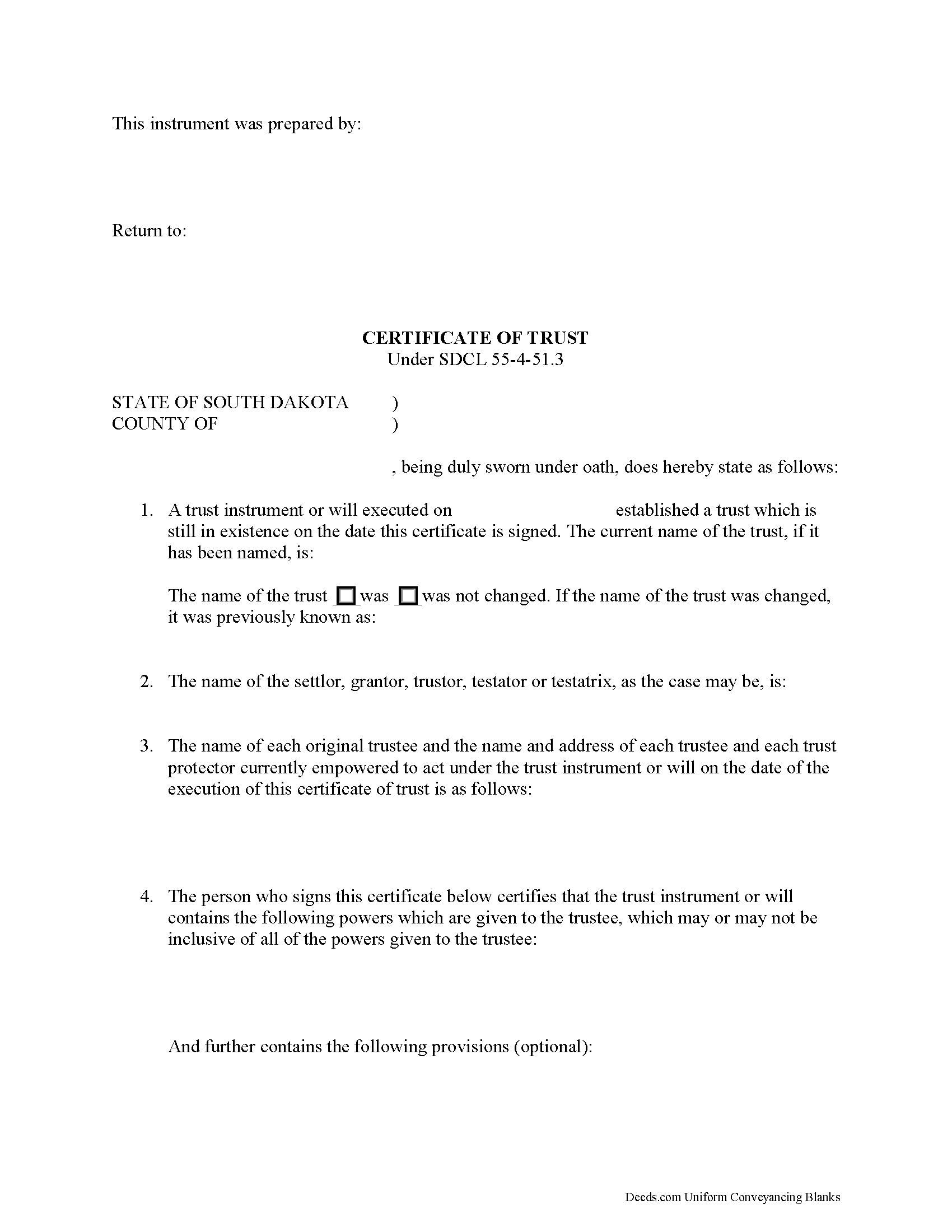
Minnehaha County Certificate of Trust Form
Fill in the blank form formatted to comply with all recording and content requirements.
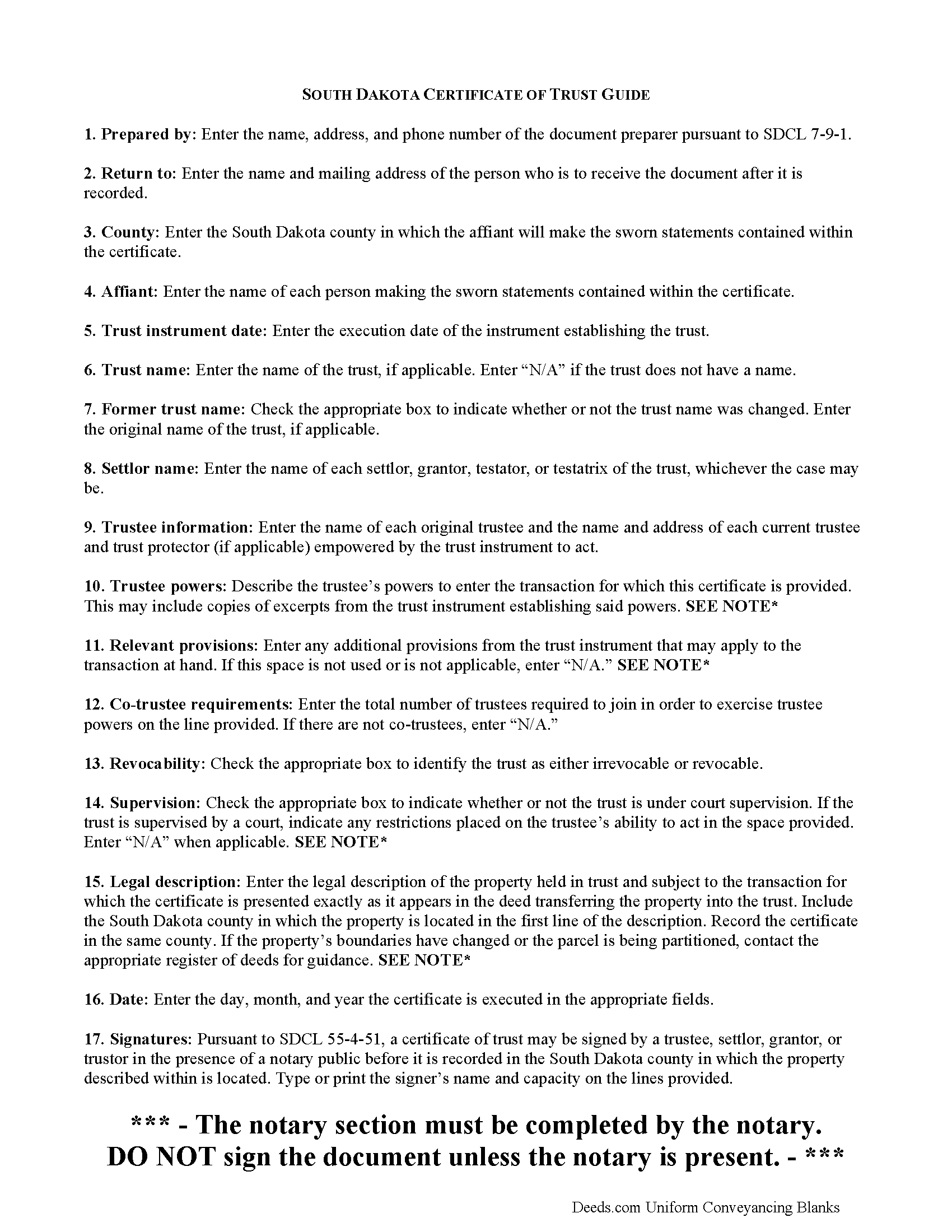
Minnehaha County Certificate of Trust Guide
Line by line guide explaining every blank on the form.
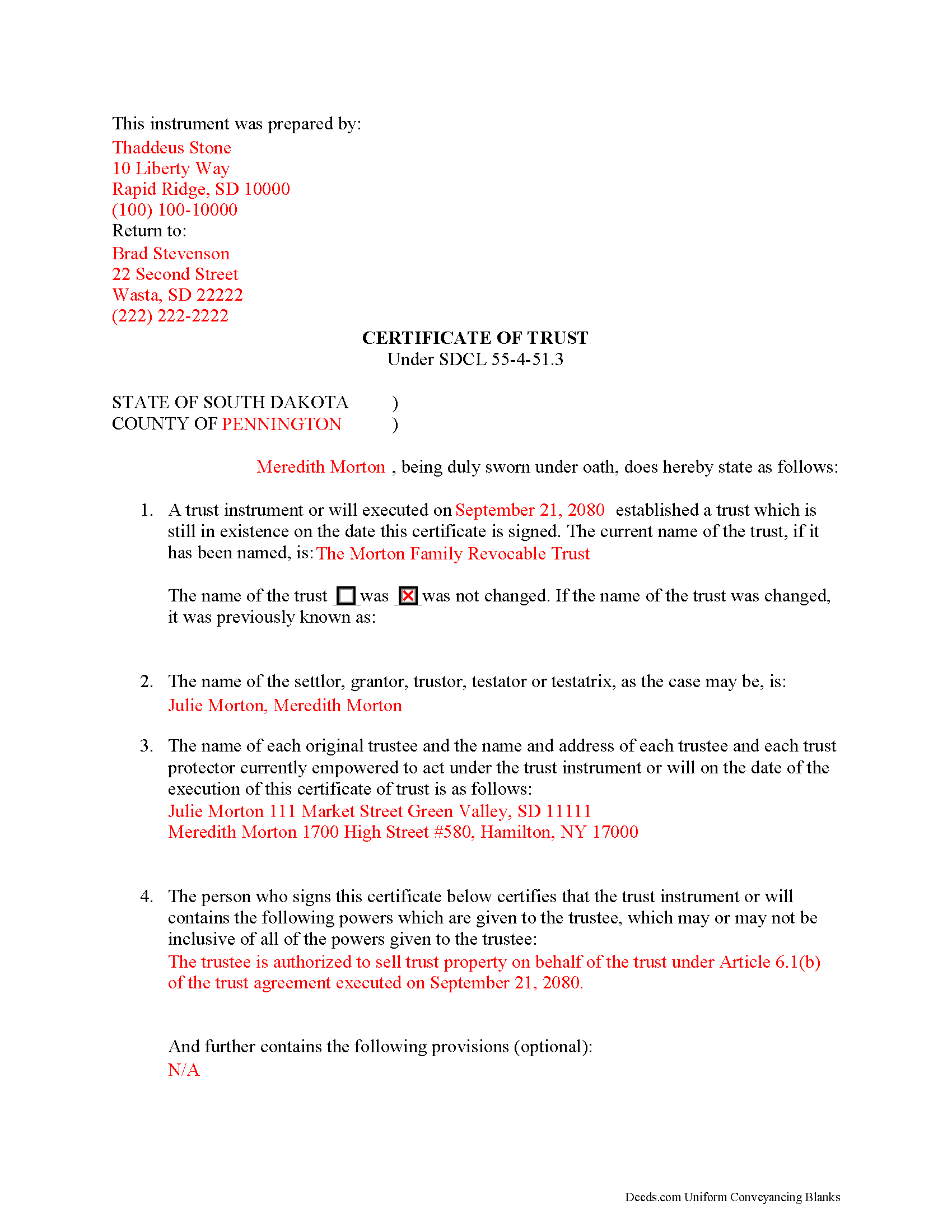
Minnehaha County Completed Example of the Certificate of Trust Document
Example of a properly completed form for reference.
All 3 documents above included • One-time purchase • No recurring fees
Immediate Download • Secure Checkout
Additional South Dakota and Minnehaha County documents included at no extra charge:
Where to Record Your Documents
Minnehaha County Register of Deeds
Sioux Falls, South Dakota 57104-2465
Hours: 8:00am-5:00pm M-F
Phone: (605) 367-4223
Recording Tips for Minnehaha County:
- Bring your driver's license or state-issued photo ID
- Ensure all signatures are in blue or black ink
- Ask about accepted payment methods when you call ahead
- Ask for certified copies if you need them for other transactions
- Ask if they accept credit cards - many offices are cash/check only
Cities and Jurisdictions in Minnehaha County
Properties in any of these areas use Minnehaha County forms:
- Baltic
- Brandon
- Colton
- Crooks
- Dell Rapids
- Garretson
- Hartford
- Humboldt
- Lyons
- Renner
- Sioux Falls
- Valley Springs
Hours, fees, requirements, and more for Minnehaha County
How do I get my forms?
Forms are available for immediate download after payment. The Minnehaha County forms will be in your account ready to download to your computer. An account is created for you during checkout if you don't have one. Forms are NOT emailed.
Are these forms guaranteed to be recordable in Minnehaha County?
Yes. Our form blanks are guaranteed to meet or exceed the applicable formatting requirements used for recording in Minnehaha County, including margin requirements, font requirements, and other layout standards. This guarantee applies to formatting, not to the legal sufficiency of information entered by the user or the suitability of a form for a particular transaction.
Can I reuse these forms?
Yes. You can reuse the forms for your personal use. For example, if you have multiple properties in Minnehaha County you only need to order once.
What do I need to use these forms?
The forms are PDFs that you fill out on your computer. The free Adobe Acrobat Reader is recommended, and most PDF apps also work. You do NOT enter your property information online - you download the blank forms and complete them privately on your own computer.
Are there any recurring fees?
No. This is a one-time purchase. Nothing to cancel, no memberships, no recurring fees.
How much does it cost to record in Minnehaha County?
Recording fees in Minnehaha County vary. Contact the recorder's office at (605) 367-4223 for current fees.
Questions answered? Let's get started!
Codified at SDCL 55-4-51.3 as part of the Uniform Trusts Act, the certificate of trust "in support of a real property transaction" is recorded in the South Dakota county where the subject property is located and "serves to document the existence of the trust...and other matters...as though the full trust instrument had been recorded" (SDCL 55-4-51.3, 55-4-51.1).
In a trust relationship, a settlor transfers property to another person (trustee), who holds it for the benefit of a third (beneficiary). In the course of their fiduciary duties, trustees may present a certificate to parties who are not beneficiaries of the trust in lieu of providing the entire trust instrument. The trust instrument, executed by the settlor, establishes the trust and sets forth directions for its administration, including designating the trustee, the trustee's powers, and identifying a trust beneficiary. The certificate of trust allows the settlor's estate plan to remain off-record by providing only the information about the trust relevant to the transaction at hand.
The document names the trust, its settlor, and each trustee empowered to act for the trust. Aside from certifying the existence of the trust and confirming it has not been revoked or modified in a way that would invalidate the statements contained within, the certificate also confirms the trustee's role and authority to act on behalf of the trust by identifying powers relevant to the transaction, how many trustees are required to carry out those powers (if there are multiple trustees) and any restrictions imposed by a court on those powers (if applicable).
When used in transactions involving real property, the certificate requires a legal description of the subject property. The document must be recorded in the South Dakota county where the subject property is located and in compliance with the recording requirements established at SDCL 43-28-23.
Pursuant to SDCL 55-4-51, the document should be signed by a trustee or settlor (grantor or trustor, as the case may be) in the presence of the notary public witnessing the sworn statements made in the certificate. Recipients may request parts of the trust instrument establishing the trustee and the relevant powers (55-4-52). Persons entering transactions may rely on the statements within the certificate without further inquiry (55-4-53).
Consult a lawyer with questions about South Dakota trusts and certificates of trust, as each situation is unique.
(South Dakota COT Package includes form, guidelines, and completed example)
Important: Your property must be located in Minnehaha County to use these forms. Documents should be recorded at the county recording office listed above.
This Certificate of Trust meets all recording requirements specific to Minnehaha County.
Our Promise
The documents you receive here are guaranteed to meet or exceed the applicable Minnehaha County recording format requirements. If there is a rejection caused by our formatting, we will correct the issue or refund your payment. This guarantee applies to document formatting only and does not extend to information entered by the user, the selection of the form, or the legal effect of the completed document.
Save Time and Money
Get your Minnehaha County Certificate of Trust form done right the first time with Deeds.com Uniform Conveyancing Blanks. At Deeds.com, we understand that your time and money are valuable resources, and we don't want you to face a penalty fee or rejection imposed by a county recorder for submitting nonstandard documents. We constantly review and update our forms to meet rapidly changing state and county recording requirements for roughly 3,500 counties and local jurisdictions.
4.8 out of 5 - ( 4,839 Reviews )
Lucille F. 5 out of 5 stars
Instructions very detailed and clear.
We appreciate your business and value your feedback. Thank you. Have a wonderful day!
Tricia M. 5 out of 5 stars
The document I purchased (QuitClaim Deed) had detailed directions explaining how to complete the form. This made it easy to complete without any doubt that it was completed incorrectly (which was my fear). I also used the E-File service and it was processed very quickly without any issues. Thank you for making this process simple! I will definitely use this service again.
We appreciate your business and value your feedback. Thank you. Have a wonderful day!
Nancy S. 5 out of 5 stars
Outstanding forms, thanks for making this easy.
Thank you!
Robert H. 5 out of 5 stars
Easy to use and understand. I am glad to have found this resource.
Your appreciative words mean the world to us. Thank you and we look forward to serving you again!
John S. 5 out of 5 stars
Your service is refreshingly clear, simple, and free of superfluous claims or unnecessary marketing. And, more affordable than other online legal document providers I've looked at. So nice! I forgot I had used it some years ago for another deed so glad you are still around for this time.
Thank you for the kind words John. Have a fantastic day!
marshall w. 5 out of 5 stars
was not ready to pay for much needed forms but very important
Thank you for your feedback. We really appreciate it. Have a great day!
John W. 5 out of 5 stars
I wish that I had known about Deed.com years ago! Very easy and time saving!
Thank you!
Maria F. 5 out of 5 stars
Easy forms to follow. Thank you for this service. You can even file them through e-filing. Great service. Thanks. Maria F.
Thank you!
HAMIDREZA M. 5 out of 5 stars
excellent service
Thank you!
Charles F. 5 out of 5 stars
Quick and Easy
Thank you for your feedback. We really appreciate it. Have a great day!
Tiffany J. 5 out of 5 stars
Easy steps to create an account, will recommend to anyone.
Thank you for your feedback. We really appreciate it. Have a great day!
shelley m. 5 out of 5 stars
I thought the service was good
Thank you Shelley. Have a fantastic day!
Roman F. 5 out of 5 stars
You form was good the only thing that did not work was the download to fill it out !!! I use a Mac system and maybe that's what the issue was. I filled it out by hand and it worked for the purpose .
Thanks for the kind words, Roman. Glad the form worked for you. For the fillable fields, the PDF opens best in a dedicated reader like Preview or Adobe Acrobat rather than inside a browser window, which can sometimes flatten them out. We appreciate your business.
Alma S. 5 out of 5 stars
I like the service very much, it's easy and fast, I'm really happy with the service.
Thank you!
ROBERT M. 5 out of 5 stars
Lots of Info. Forms seem straightforward. Easy to Fill out.
Thank you for your feedback. We really appreciate it. Have a great day!