Oglala Lakota County Certificate of Trust Form
Last validated September 9, 2026 by our Forms Development TeamFormatted for recording in Oglala Lakota County, for property anywhere in the county: rural and unincorporated areas as well as Batesland, Kyle, Manderson, Oglala, Pine Ridge, Porcupine, Wounded Knee.
- 3 documents included
- Immediate PDF download
- Formatting guarantee
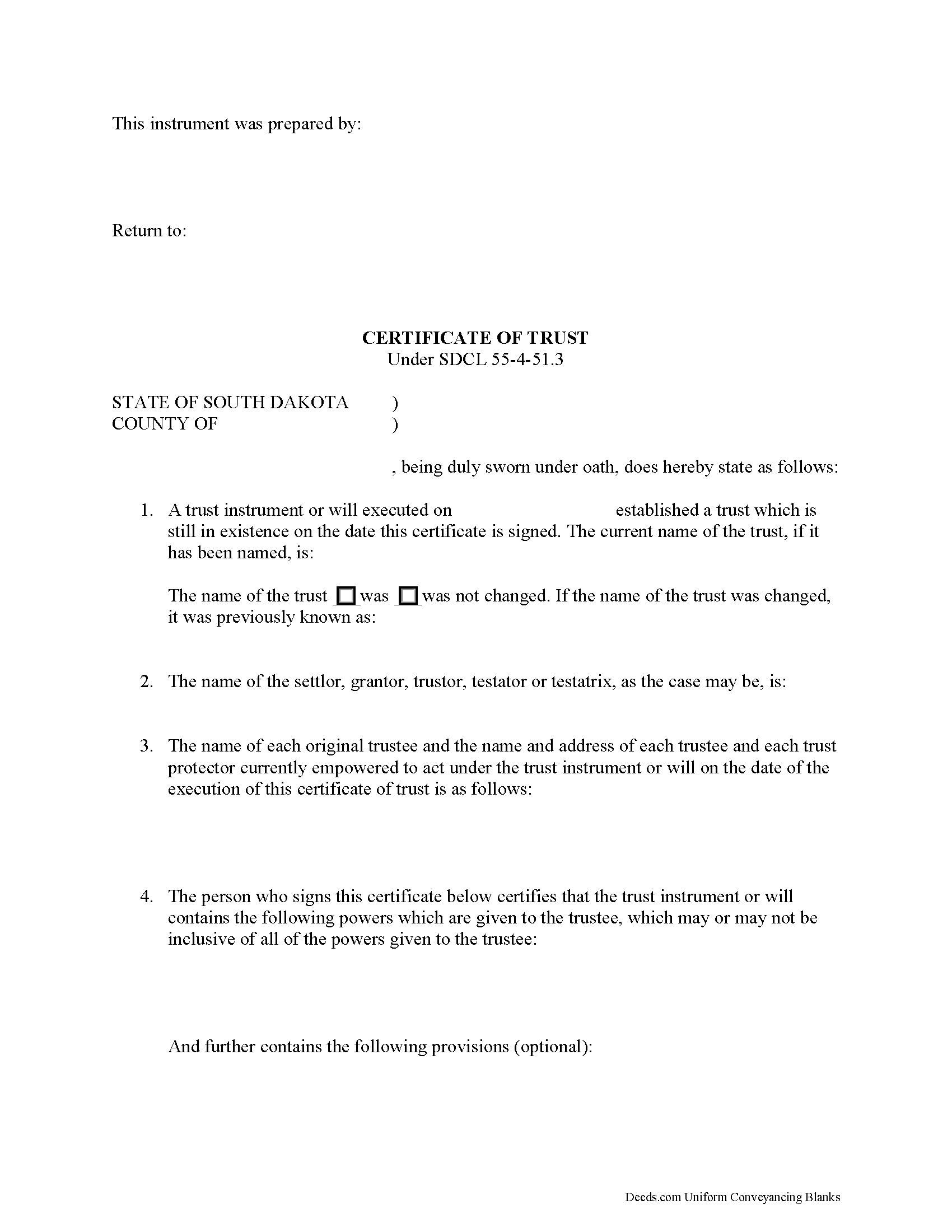
Oglala Lakota County Certificate of Trust Form
Fill in the blank form formatted to comply with all recording and content requirements.
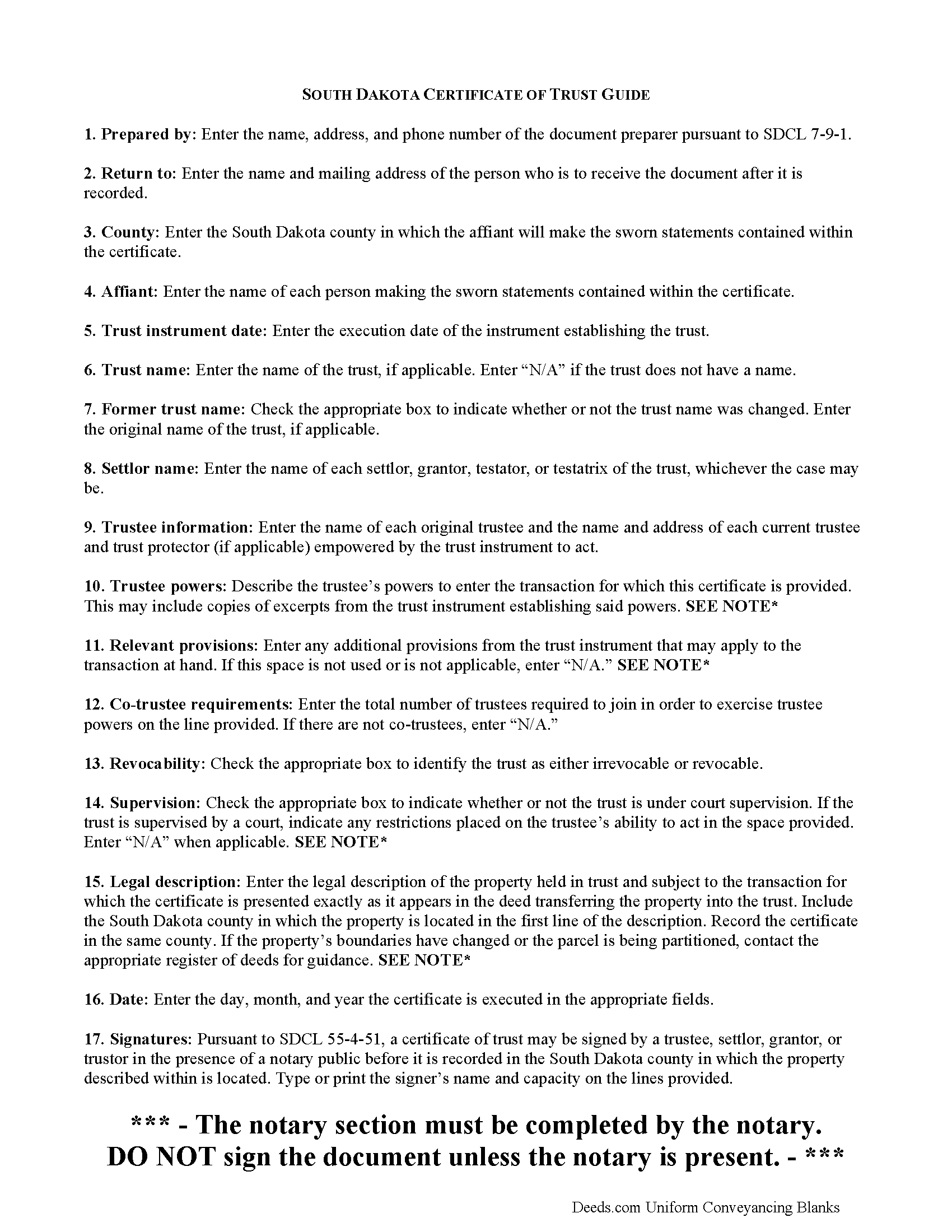
Oglala Lakota County Certificate of Trust Guide
Line by line guide explaining every blank on the form.
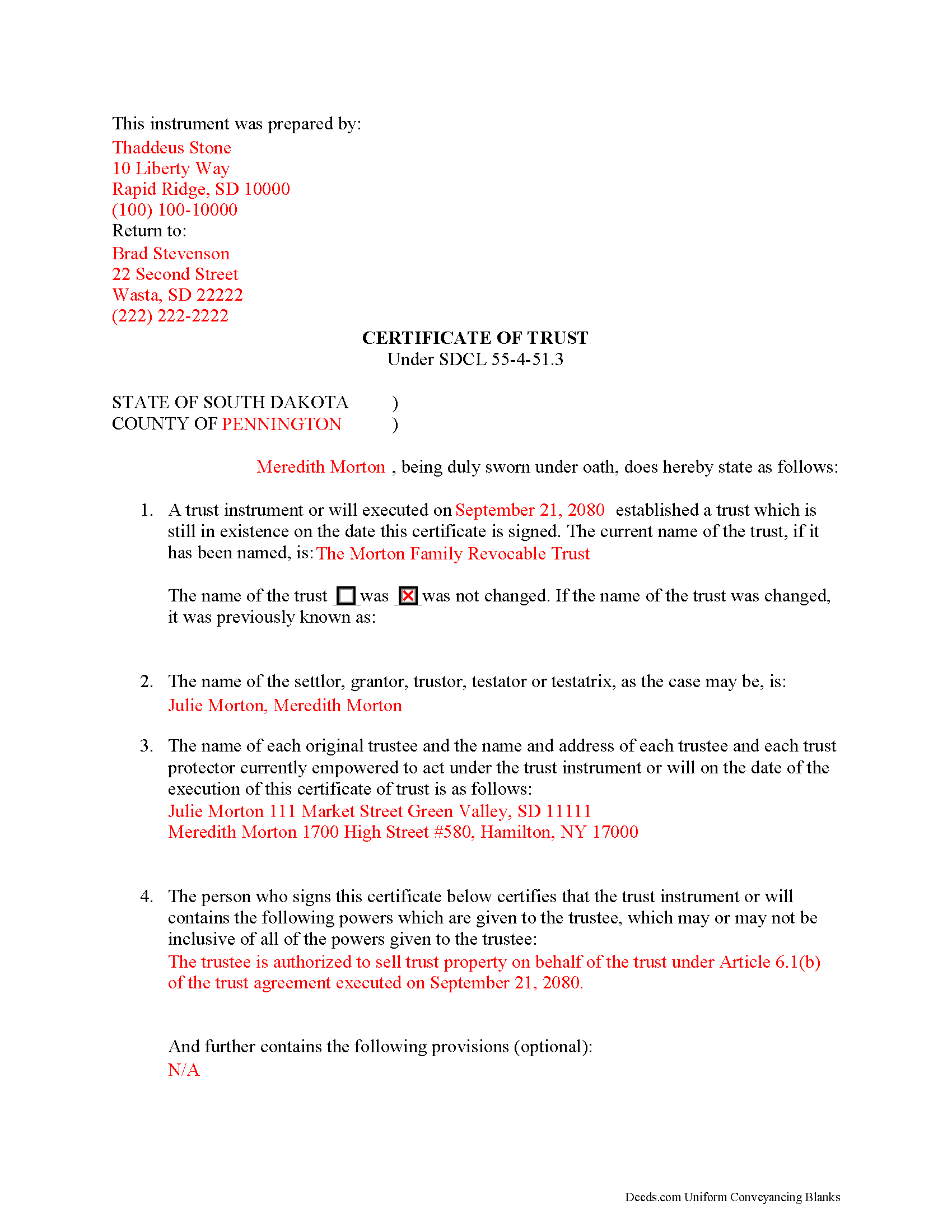
Oglala Lakota County Completed Example of the Certificate of Trust Document
Example of a properly completed form for reference.
All 3 documents above included • One-time purchase • No recurring fees
Immediate Download • Secure Checkout
Additional South Dakota and Oglala Lakota County documents included at no extra charge:
Where to Record Your Documents
Oglala Lakota / Fall River County Register of Deeds
Hot Springs, South Dakota 57747
Hours: 8:00 to 5:00 M-F
Phone: (605) 745-5139
Recording Tips for Oglala Lakota County:
- Bring your driver's license or state-issued photo ID
- Ensure all signatures are in blue or black ink
- Ask if they accept credit cards - many offices are cash/check only
- Check that your notary's commission hasn't expired
- Documents must be on 8.5 x 11 inch white paper
Cities and Jurisdictions in Oglala Lakota County
Properties in any of these areas use Oglala Lakota County forms:
- Batesland
- Kyle
- Manderson
- Oglala
- Pine Ridge
- Porcupine
- Wounded Knee
Hours, fees, requirements, and more for Oglala Lakota County
How do I get my forms?
Forms are available for immediate download after payment. The Oglala Lakota County forms will be in your account ready to download to your computer. An account is created for you during checkout if you don't have one. Forms are NOT emailed.
Are these forms guaranteed to be recordable in Oglala Lakota County?
Yes. Our form blanks are guaranteed to meet or exceed the applicable formatting requirements used for recording in Oglala Lakota County, including margin requirements, font requirements, and other layout standards. This guarantee applies to formatting, not to the legal sufficiency of information entered by the user or the suitability of a form for a particular transaction.
Can I reuse these forms?
Yes. You can reuse the forms for your personal use. For example, if you have multiple properties in Oglala Lakota County you only need to order once.
What do I need to use these forms?
The forms are PDFs that you fill out on your computer. The free Adobe Acrobat Reader is recommended, and most PDF apps also work. You do NOT enter your property information online - you download the blank forms and complete them privately on your own computer.
Are there any recurring fees?
No. This is a one-time purchase. Nothing to cancel, no memberships, no recurring fees.
How much does it cost to record in Oglala Lakota County?
Recording fees in Oglala Lakota County vary. Contact the recorder's office at (605) 745-5139 for current fees.
Questions answered? Let's get started!
Codified at SDCL 55-4-51.3 as part of the Uniform Trusts Act, the certificate of trust "in support of a real property transaction" is recorded in the South Dakota county where the subject property is located and "serves to document the existence of the trust...and other matters...as though the full trust instrument had been recorded" (SDCL 55-4-51.3, 55-4-51.1).
In a trust relationship, a settlor transfers property to another person (trustee), who holds it for the benefit of a third (beneficiary). In the course of their fiduciary duties, trustees may present a certificate to parties who are not beneficiaries of the trust in lieu of providing the entire trust instrument. The trust instrument, executed by the settlor, establishes the trust and sets forth directions for its administration, including designating the trustee, the trustee's powers, and identifying a trust beneficiary. The certificate of trust allows the settlor's estate plan to remain off-record by providing only the information about the trust relevant to the transaction at hand.
The document names the trust, its settlor, and each trustee empowered to act for the trust. Aside from certifying the existence of the trust and confirming it has not been revoked or modified in a way that would invalidate the statements contained within, the certificate also confirms the trustee's role and authority to act on behalf of the trust by identifying powers relevant to the transaction, how many trustees are required to carry out those powers (if there are multiple trustees) and any restrictions imposed by a court on those powers (if applicable).
When used in transactions involving real property, the certificate requires a legal description of the subject property. The document must be recorded in the South Dakota county where the subject property is located and in compliance with the recording requirements established at SDCL 43-28-23.
Pursuant to SDCL 55-4-51, the document should be signed by a trustee or settlor (grantor or trustor, as the case may be) in the presence of the notary public witnessing the sworn statements made in the certificate. Recipients may request parts of the trust instrument establishing the trustee and the relevant powers (55-4-52). Persons entering transactions may rely on the statements within the certificate without further inquiry (55-4-53).
Consult a lawyer with questions about South Dakota trusts and certificates of trust, as each situation is unique.
(South Dakota COT Package includes form, guidelines, and completed example)
Important: Your property must be located in Oglala Lakota County to use these forms. Documents should be recorded at the county recording office listed above.
This Certificate of Trust meets all recording requirements specific to Oglala Lakota County.
Our Promise
The documents you receive here are guaranteed to meet or exceed the applicable Oglala Lakota County recording format requirements. If there is a rejection caused by our formatting, we will correct the issue or refund your payment. This guarantee applies to document formatting only and does not extend to information entered by the user, the selection of the form, or the legal effect of the completed document.
Save Time and Money
Get your Oglala Lakota County Certificate of Trust form done right the first time with Deeds.com Uniform Conveyancing Blanks. At Deeds.com, we understand that your time and money are valuable resources, and we don't want you to face a penalty fee or rejection imposed by a county recorder for submitting nonstandard documents. We constantly review and update our forms to meet rapidly changing state and county recording requirements for roughly 3,500 counties and local jurisdictions.
4.8 out of 5 - ( 4,823 Reviews )
Thomas D. 2 out of 5 stars
The documents themselves are fine and the information provided with them is helpful. I find the actual processing of the documents, however, to be difficult particularly once the document has been saved. First, I note that the box for the date only allows entry of the last 2 digits of the year. Unfortunately, my download only allows me to enter one of the 2 digits required. When I delete it repeatedly, it eventually allows both digits to be entered but puts them in extremely small text and in superscrypt. I have not found a solution to this problem and am not sure the deed can even be recorded with this problem. Another problem is that if you try to revise the document after you have saved it the curser goes to the end of the line after each key entry. This means that there basically is no way to efficiently save the document for reworking later since you will have to delete everything you have entered in the text box unless you only need to make a single keystroke change or are willing to replace the curser after each entry. Try that with a long property description! Please note that I am using a Mac to prepare my documents and perhaps this is part of an "incompatibility problem". However, I didn't see a disclaimer regarding Mac use and so would expect the documents to perform correctly. Overall, I give the program a "2 star" rating because I am experiencing significant difficulties in entering dates in the documents even before saving them and because saving your work for later revision appears to be basically unworkable.
Thank you for your feedback Thomas, we appreciate you being specific about the issues you encountered. Adobe and Mac have a fairly long history of issues working together.
Randy T. 5 out of 5 stars
I gave your site and forms 5 stars because it is very easy to use and included all the information needed to complete the form without having had a legal background.
Thank you Randy. Have a great day!
Daniel C. 5 out of 5 stars
This is a wonderful service and your staff is very responsive through the chat. My one suggestion is that there be an added sentence to your instructions that sates that once you upload there is nothing more to do as in a "submit" or "Finished uploading" button. After uploading instinct says there is something to click to let you all know that we have finished with our uploads.
Your feedback is valuable to us and helps us improve. Thank you for sharing your thoughts!
Robert W. 5 out of 5 stars
very good forms and easy to print and read. I need a notary form from a different state. We are both from the state of Michigan. This would make it easier to complete out of the State of Utah. Thanks Robert W.
Thank you for your feedback. We really appreciate it. Have a great day!
Stephen D. 5 out of 5 stars
Very good hope to use in the future.
Thank you for your feedback. We really appreciate it. Have a great day!
Dianne J. 5 out of 5 stars
Happy to give you a 5 star rating. We have never been a position to get changes on and record our own deed. You made the process very easy. Submitted my forms on a Friday, made one correction that was requested of me, paid our fees and the received notification of deed being recorded the next Tuesday. Wonderful work on your part and super easy for me. Thanks!
Thank you for your feedback. We really appreciate it. Have a great day!
Tracy M. 3 out of 5 stars
The form is easy to use. However, the quit claim deed form seems to be for parcel of land, because the word "real property" is not in the form.
Thank you for your feedback. We really appreciate it. Have a great day!
Maureen F. 5 out of 5 stars
Forms were delivered quickly and were easily filled out. State specific!
Thank you!
John G. 5 out of 5 stars
Fast turn-around, very efficient!!
We appreciate your business and value your feedback. Thank you. Have a wonderful day!
Kathy P. 4 out of 5 stars
Can you also make a search that includes the parcel number because that is all I had to go with and regular name searches didn't come up with anything I needed.
Your insights are invaluable to us and help us strive for better service. Thank you for taking the time to share your thoughts.
Richard E. 4 out of 5 stars
Very easy. I copied each doc separately. Is there a way to copy the all docs at once into a folder? Thanks for being there. Rich
Thank you for the feedback Richard. Currently there is no way to download all of the documents at once but we'll definitely look into it. Have a great day!
NormaJean Q. 5 out of 5 stars
Thank you, thie was very helpful. I did find the forms I needed.Very easy to use.,
We appreciate your business and value your feedback. Thank you. Have a wonderful day!
Andrew B. 5 out of 5 stars
Very easy to use and I appreciate the fees being charged after the submission.
Thank you!
Holly M. 5 out of 5 stars
This was the simplest method of filing a document that I've ever encountered. I've already recommended it my colleagues, and would highly encourage anyone to use it. Fast, easy, simple.
We appreciate your business and value your feedback. Thank you. Have a wonderful day!
Jim L. 5 out of 5 stars
Very easy to use - the completed sample was super useful
We appreciate your business and value your feedback. Thank you. Have a wonderful day!