Lawrence County Correction Deed Form
Last validated October 6, 2026 by our Forms Development TeamFormatted for recording in Lawrence County, for property anywhere in the county: rural and unincorporated areas as well as Deadwood, Lead, Nemo, Saint Onge, Spearfish, Whitewood.
- 3 documents included
- Immediate PDF download
- Formatting guarantee
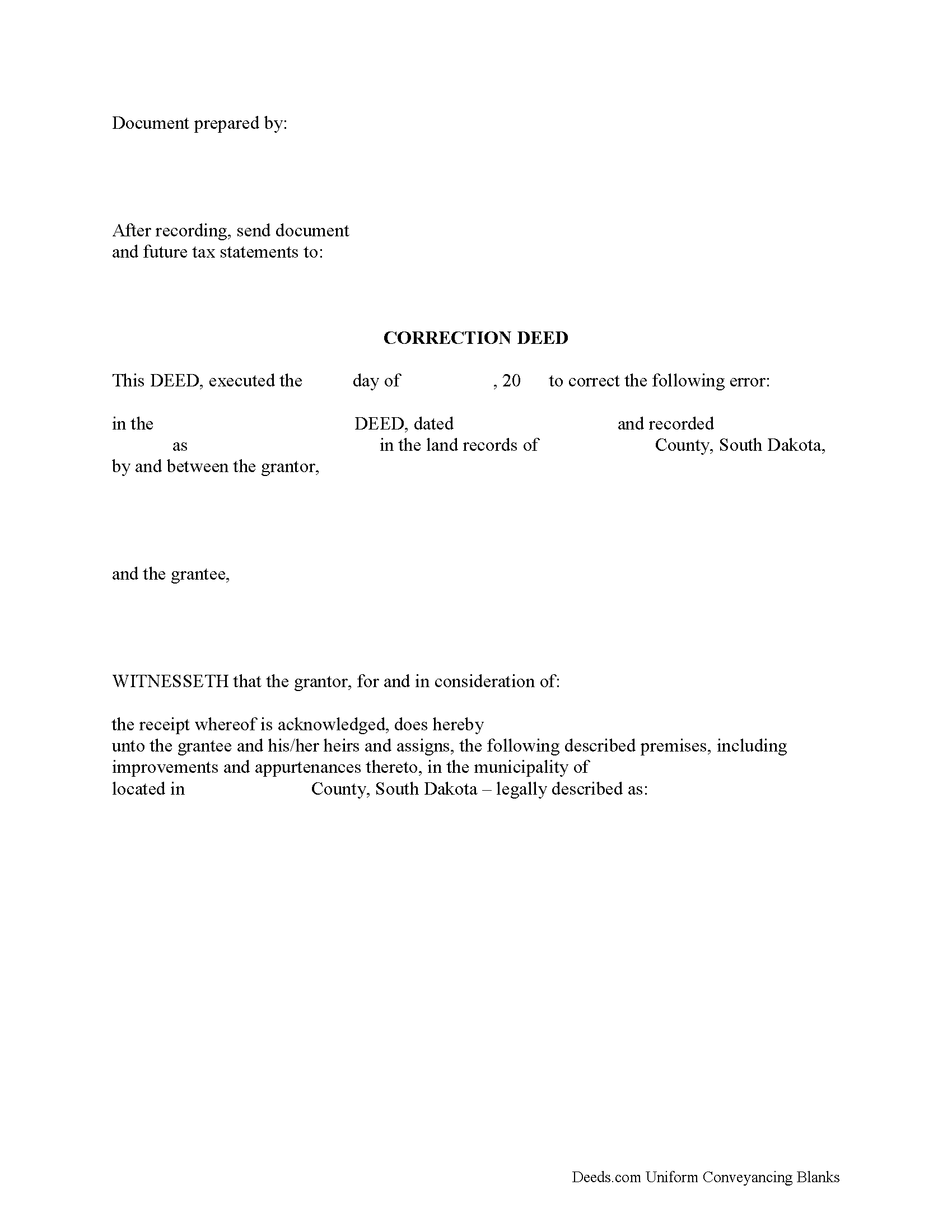
Lawrence County Correction Deed Form
Fill in the blank form formatted to comply with all recording and content requirements.
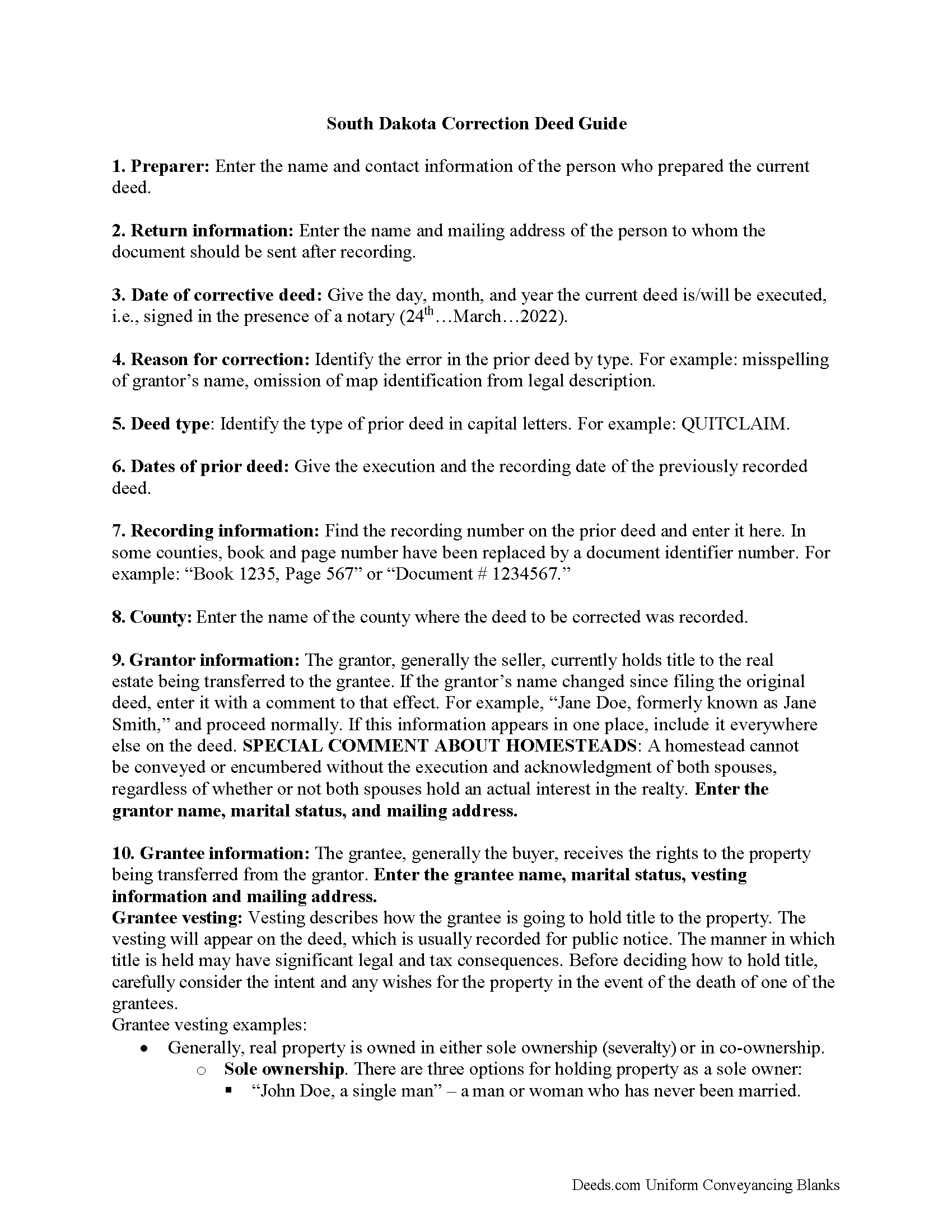
Lawrence County Correction Deed Guide
Line by line guide explaining every blank on the form.
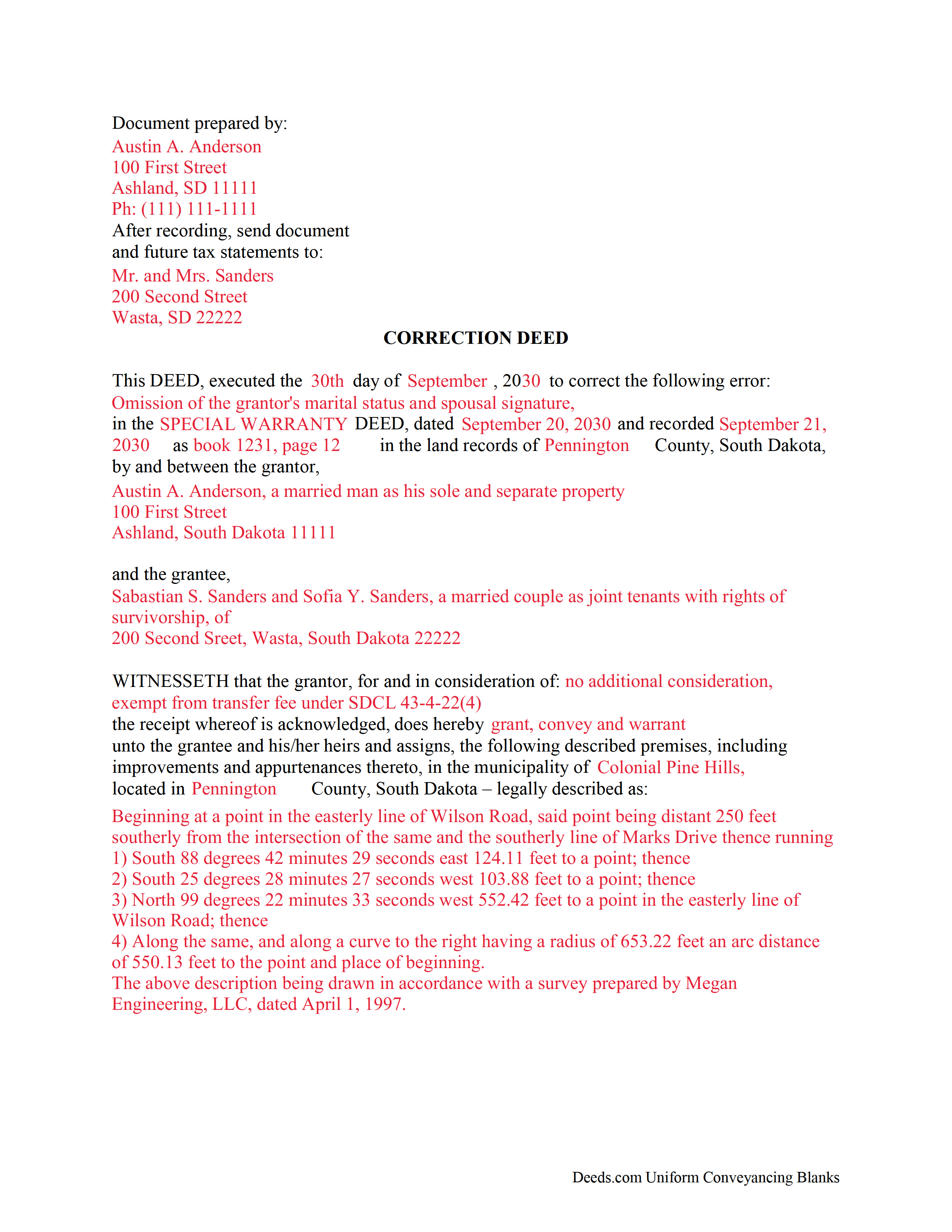
Lawrence County Completed Example of the Correction Deed Document
Example of a properly completed form for reference.
All 3 documents above included • One-time purchase • No recurring fees
Immediate Download • Secure Checkout
Additional South Dakota and Lawrence County documents included at no extra charge:
Where to Record Your Documents
Lawrence County Register of Deeds
Deadwood, South Dakota 57732-0565
Hours: 8:00 to 5:00 M-F
Phone: (605) 578-3930
Recording Tips for Lawrence County:
- Bring your driver's license or state-issued photo ID
- Ensure all signatures are in blue or black ink
- Ask about accepted payment methods when you call ahead
- Ask for certified copies if you need them for other transactions
- Ask if they accept credit cards - many offices are cash/check only
Cities and Jurisdictions in Lawrence County
Properties in any of these areas use Lawrence County forms:
- Deadwood
- Lead
- Nemo
- Saint Onge
- Spearfish
- Whitewood
Hours, fees, requirements, and more for Lawrence County
How do I get my forms?
Forms are available for immediate download after payment. The Lawrence County forms will be in your account ready to download to your computer. An account is created for you during checkout if you don't have one. Forms are NOT emailed.
Are these forms guaranteed to be recordable in Lawrence County?
Yes. Our form blanks are guaranteed to meet or exceed the applicable formatting requirements used for recording in Lawrence County, including margin requirements, font requirements, and other layout standards. This guarantee applies to formatting, not to the legal sufficiency of information entered by the user or the suitability of a form for a particular transaction.
Can I reuse these forms?
Yes. You can reuse the forms for your personal use. For example, if you have multiple properties in Lawrence County you only need to order once.
What do I need to use these forms?
The forms are PDFs that you fill out on your computer. The free Adobe Acrobat Reader is recommended, and most PDF apps also work. You do NOT enter your property information online - you download the blank forms and complete them privately on your own computer.
Are there any recurring fees?
No. This is a one-time purchase. Nothing to cancel, no memberships, no recurring fees.
How much does it cost to record in Lawrence County?
Recording fees in Lawrence County vary. Contact the recorder's office at (605) 578-3930 for current fees.
Questions answered? Let's get started!
Use the correction deed to correct an error in a previously recorded deed of conveyance in South Dakota.
Correcting an error in a recorded deed helps prevent problems that might arise when the current owner tries to sell the property. The best method for correction is to prepare and record a new document, a so-called correction deed. This document does not convey title; instead, it re-enacts and confirms the prior conveyance of the property.
Apart from supplying the correct information, the new deed must give the reason for correcting, and it must reference the prior deed by title, date, and recording number. The original grantor must sign again, thus confirming the property transfer to the same grantee. Generally, corrective deeds are used to address minor errors in a deed, such as typos, accidentally omitted suffixes or middle initials in names, and other minor omissions. When in doubt about the gravity of an error and whether a correction deed is the appropriate vehicle to address it, consult with a lawyer.
For certain changes, a correction deed may not be appropriate. Adding or removing a grantee, for example, or making material changes to the legal description, especially deleting a portion of the originally transferred property, may all require a new deed of conveyance, instead of a correction deed. When correcting the legal description, both grantor and grantee should sign the corrective instrument to avoid any doubt regarding the conveyed property.
(South Dakota CD Package includes form, guidelines, and completed example)
Important: Your property must be located in Lawrence County to use these forms. Documents should be recorded at the county recording office listed above.
This Correction Deed meets all recording requirements specific to Lawrence County.
Our Promise
The documents you receive here are guaranteed to meet or exceed the applicable Lawrence County recording format requirements. If there is a rejection caused by our formatting, we will correct the issue or refund your payment. This guarantee applies to document formatting only and does not extend to information entered by the user, the selection of the form, or the legal effect of the completed document.
Save Time and Money
Get your Lawrence County Correction Deed form done right the first time with Deeds.com Uniform Conveyancing Blanks. At Deeds.com, we understand that your time and money are valuable resources, and we don't want you to face a penalty fee or rejection imposed by a county recorder for submitting nonstandard documents. We constantly review and update our forms to meet rapidly changing state and county recording requirements for roughly 3,500 counties and local jurisdictions.
4.8 out of 5 - ( 4,824 Reviews )
Billie W. 5 out of 5 stars
Excellent way to do this kind of transaction.
Thank you!
Stephen W. 5 out of 5 stars
It provided the forms I could not find elsewhere. Thank you.
Thank you!
Anthony G. 5 out of 5 stars
I have only used the service on one occasion but so far it has been great. Extremely simple to use.
We appreciate your business and value your feedback. Thank you. Have a wonderful day!
Martha G. 5 out of 5 stars
Well-designed site. Incredibly easy to find what I needed, very reasonable cost.
Thank you for your feedback. We really appreciate it. Have a great day!
Dennis D. 5 out of 5 stars
Heard about this service from a lawyer who said their offic used it quite a bit.
Thank you for your feedback. We really appreciate it. Have a great day!
Margaret S. 5 out of 5 stars
Your service is second to none. Your website is user-friendly, easy to navigate and within minutes I had the forms I needed. Keep up the good work!
We appreciate your business and value your feedback. Thank you. Have a wonderful day!
Jo Ann P. 3 out of 5 stars
Was hoping I would be sent copies on paper so I can fill them out without a desk computer
We appreciate your feedback. Our forms are delivered instantly as digital files, so customers can download and print as many copies as they need. This way, you have the flexibility to complete them by hand if you prefer.
Cheryl L. 5 out of 5 stars
So very easy to deal with and purchase. It was exactly what I was looking for. Thank you
Thank you, Cheryl! Glad the form was exactly what you needed and the process was straightforward. We appreciate you taking the time to share your experience.
Kari G. 5 out of 5 stars
The service was prompt and attentive to my questions. I would've just appreciated a heads up that I also needed to contact the county directly (and provide contact info) to receive a certified copy of the document (Notice of Commencement) in order to submit the certified copy to the Building Department. This was an extra step that I haven't had to complete before using another eRecording service. Even if this extra step is a result of the county's system. I would still have expected a head's up (since there wasn't any info regarding this on the county's site for eRecording).
Thank you for your feedback. We really appreciate it. Have a great day!
Marilyn C. 5 out of 5 stars
Fillable documents, after a download, would be helpful. Very good to have all these forms online and accessible for an overall fee.
Thank you!
MARY LACEY M. 5 out of 5 stars
Great service! Recording was smooth and swiftly performed. Deeds.com is an excellent service.
We are delighted to have been of service. Thank you for the positive review!
STANLEY K. 5 out of 5 stars
I AM DELIGHTED TO BE PARTY TO DEEDS.COM. THE PROCESS IS DOWN-TO-EARTH AND VERY USER FRIENDLY. I MUST SAY THAT JUST THE SAVINGS IN TRAVEL TIME AND MONEY IS IN ITSELF VERY REFRESHING. THIS ON LINE PROCESS IS SO CONVENIENT FOR MY OVERALL EFFORT AND OF COURSE FOR OUR CLIENTS AS WELL. I GOT BACKED UP IN RECORDING WHEN THE VIRUS BEGAN RAGING AND PERSONAL VISITS TO LAND RECORDS BECAME A THING OF THE PAST.I FOUND THE SITE WITH A SUGGESTION FROM DC LAND RECORDS' ASSISTANT BY PHONE. I ONLY WISH I'D KNOWN ABOUT THIS AWESOME SERVICE BEFORE 2020. HATS OFF TO DEEDS.COM!
Thank you for your feedback. We really appreciate it. Have a great day!
Hanne R. 5 out of 5 stars
excellent
Thank you!
charles b. 5 out of 5 stars
The product I needed was available, easy to download, access and complete. The instructions were very helpful. I had previously purchased another product which was terrible. I highly recommend Deeds.com
We appreciate your business and value your feedback. Thank you. Have a wonderful day!
Roxanne C. 5 out of 5 stars
I love that this service is available. Uploading my document took no time at all. I love that we have an option of upload our documentsinsread of going in to file.
Thank you for your feedback. We really appreciate it. Have a great day!