Pickett County Contractor Notice of All Liens Paid Form
Last validated October 2, 2026 by our Forms Development TeamFormatted for recording in Pickett County, for property anywhere in the county: rural and unincorporated areas as well as Byrdstown.
- 3 documents included
- Immediate PDF download
- Formatting guarantee
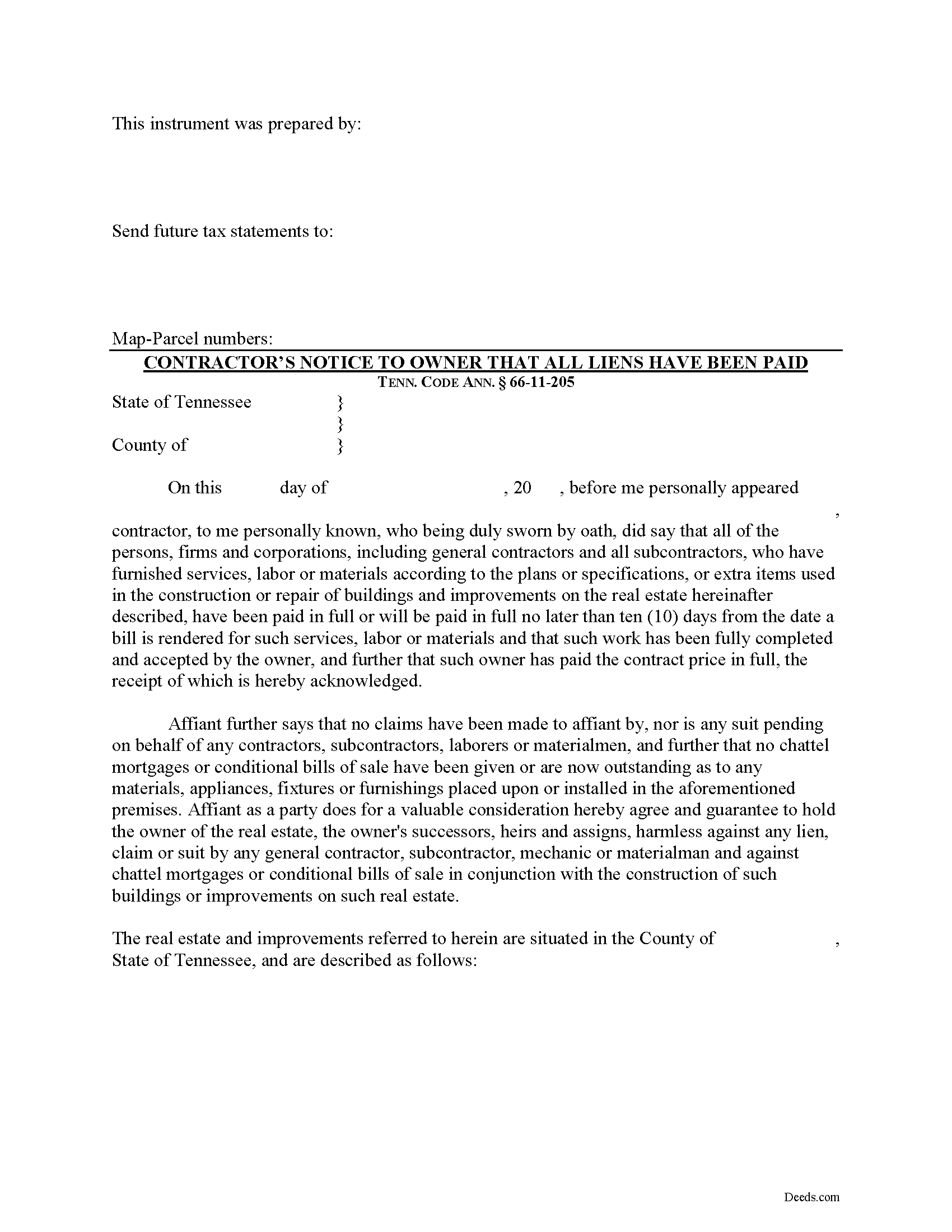
Pickett County Contractor Notice of All Liens Paid Form
Fill in the blank Contractor Notice of All Liens Paid form formatted to comply with all Tennessee recording and content requirements.
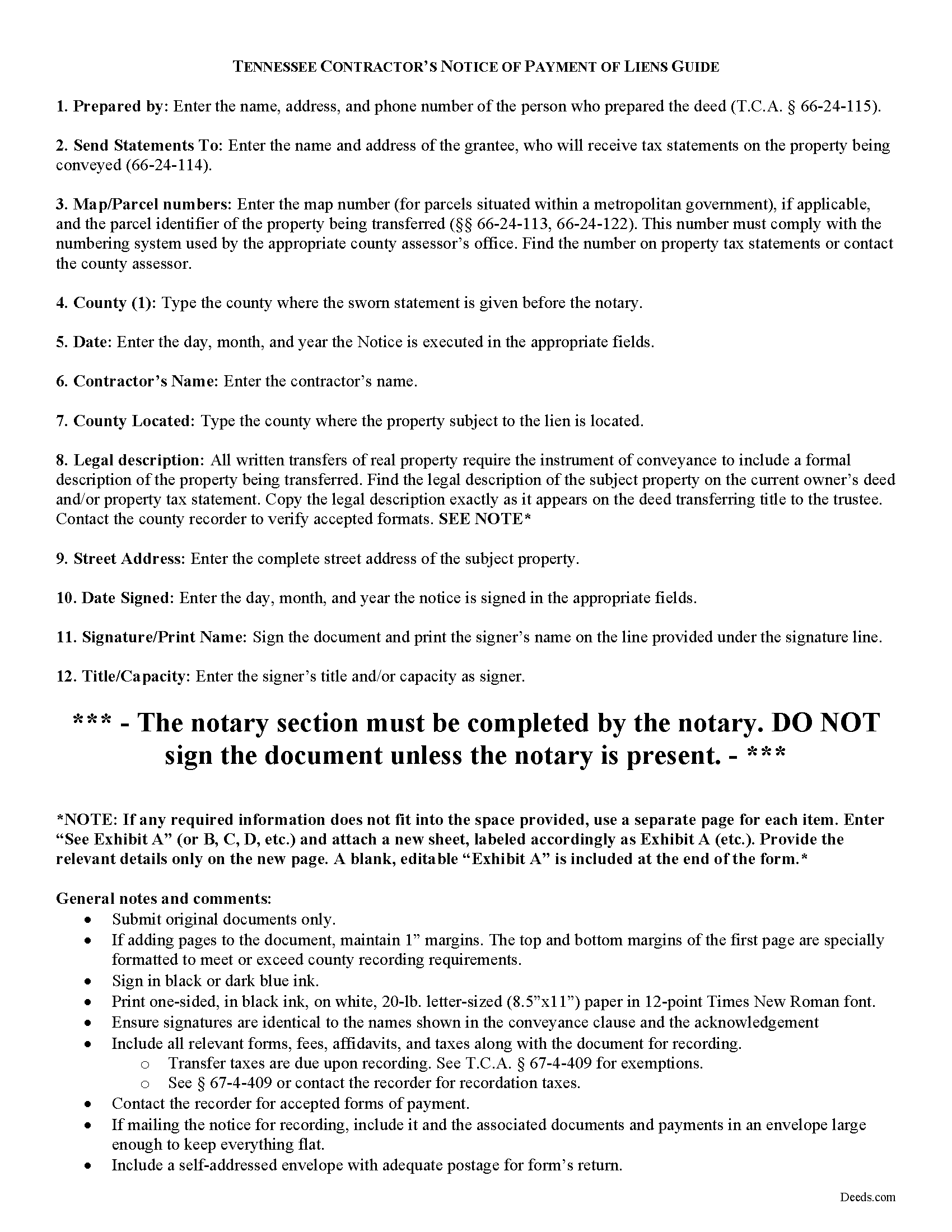
Pickett County Contractor Notice of All Liens Paid Guide
Line by line guide explaining every blank on the form.
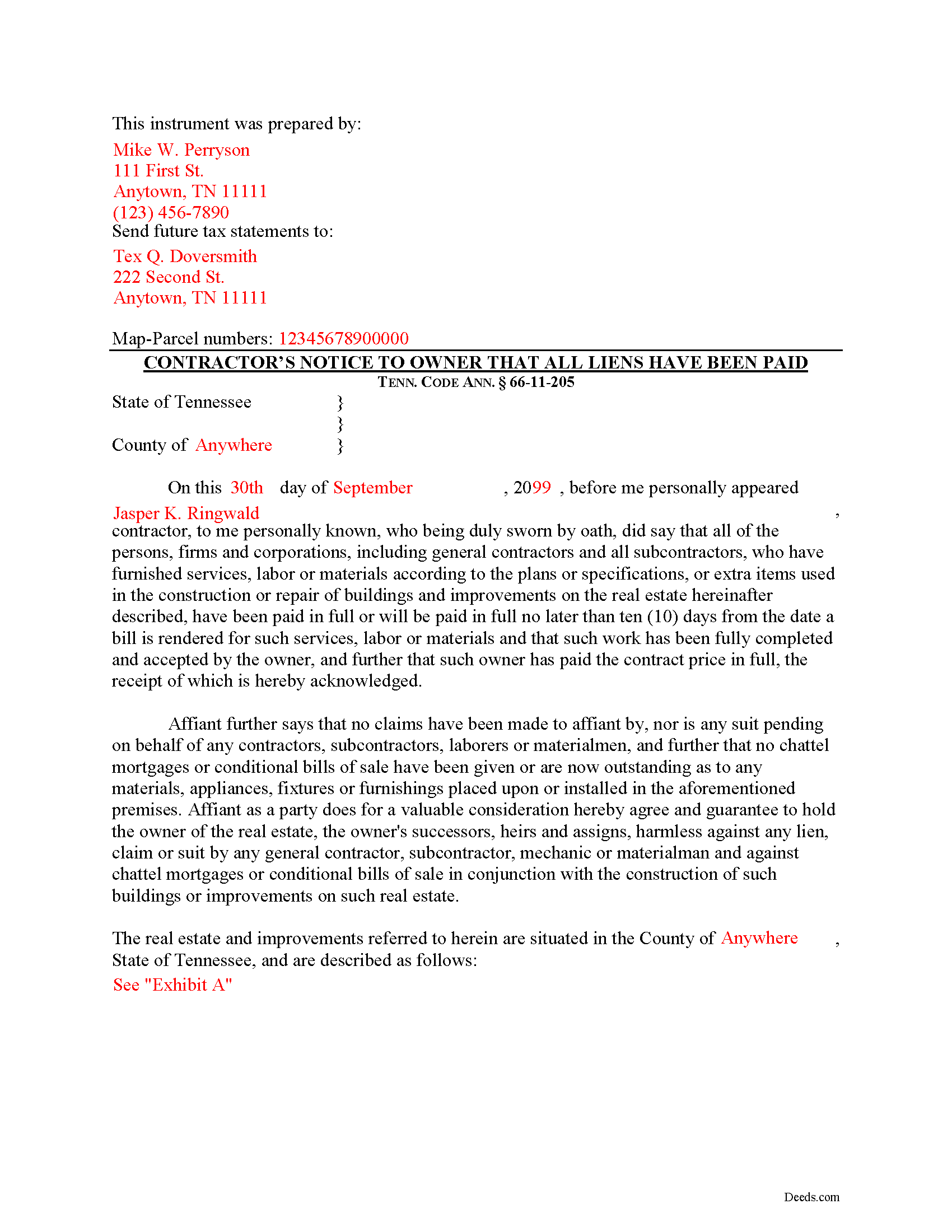
Pickett County Completed Example of the Contractor Notice of All Liens Paid Document
Example of a properly completed form for reference.
All 3 documents above included • One-time purchase • No recurring fees
Immediate Download • Secure Checkout
Additional Tennessee and Pickett County documents included at no extra charge:
Where to Record Your Documents
Pickett County Register of Deeds
Byrdstown, Tennessee 38549
Hours: 8:00am to 4:30pm.M-F
Phone: (931) 864-3316
Recording Tips for Pickett County:
- Bring your driver's license or state-issued photo ID
- Ensure all signatures are in blue or black ink
- Avoid the last business day of the month when possible
- Both spouses typically need to sign if property is jointly owned
- Bring extra funds - fees can vary by document type and page count
Cities and Jurisdictions in Pickett County
Properties in any of these areas use Pickett County forms:
- Byrdstown
Hours, fees, requirements, and more for Pickett County
How do I get my forms?
Forms are available for immediate download after payment. The Pickett County forms will be in your account ready to download to your computer. An account is created for you during checkout if you don't have one. Forms are NOT emailed.
Are these forms guaranteed to be recordable in Pickett County?
Yes. Our form blanks are guaranteed to meet or exceed the applicable formatting requirements used for recording in Pickett County, including margin requirements, font requirements, and other layout standards. This guarantee applies to formatting, not to the legal sufficiency of information entered by the user or the suitability of a form for a particular transaction.
Can I reuse these forms?
Yes. You can reuse the forms for your personal use. For example, if you have multiple properties in Pickett County you only need to order once.
What do I need to use these forms?
The forms are PDFs that you fill out on your computer. The free Adobe Acrobat Reader is recommended, and most PDF apps also work. You do NOT enter your property information online - you download the blank forms and complete them privately on your own computer.
Are there any recurring fees?
No. This is a one-time purchase. Nothing to cancel, no memberships, no recurring fees.
How much does it cost to record in Pickett County?
Recording fees in Pickett County vary. Contact the recorder's office at (931) 864-3316 for current fees.
Questions answered? Let's get started!
Upon completion of the contract or improvement and upon receipt of the contract price, the contractor must deliver by registered mail or otherwise to the owner or owners of the real property a sworn affidavit stating that all liens have been paid in full or will be paid in full no later than ten (10) days from the date a bill is rendered for such services. Tenn. Prop. Code 66-11-205. The sworn affidavit must be executed and signed in the presence of a notary public.
The notice identifies the parties, the location and nature of the work or improvements, relevant dates, and anything else necessary for the specific situation.
This article is provided for informational purposes only and should not be considered legal advice or relied upon as any substitute for speaking with an attorney. Please consult a Tennessee attorney familiar with construction law for any questions about the notice of payment of all liens or for any other issues regarding mechanic's liens.
Important: Your property must be located in Pickett County to use these forms. Documents should be recorded at the county recording office listed above.
This Contractor Notice of All Liens Paid meets all recording requirements specific to Pickett County.
Our Promise
The documents you receive here are guaranteed to meet or exceed the applicable Pickett County recording format requirements. If there is a rejection caused by our formatting, we will correct the issue or refund your payment. This guarantee applies to document formatting only and does not extend to information entered by the user, the selection of the form, or the legal effect of the completed document.
Save Time and Money
Get your Pickett County Contractor Notice of All Liens Paid form done right the first time with Deeds.com Uniform Conveyancing Blanks. At Deeds.com, we understand that your time and money are valuable resources, and we don't want you to face a penalty fee or rejection imposed by a county recorder for submitting nonstandard documents. We constantly review and update our forms to meet rapidly changing state and county recording requirements for roughly 3,500 counties and local jurisdictions.
4.8 out of 5 - ( 4,832 Reviews )
Cathleen H. 5 out of 5 stars
The pdf form is good; however, the input boxes merge into the line above so the text is hard to read when complete. I added a return before entering my data and this solved the problem.
Thank you for your feedback Cathleen. We will have staff take a look at the document for issues with the text fields. Have a great day!
Michael R. 5 out of 5 stars
A suggestion: Include instructions on how to add your spouse to the deed, rather than transferring completely to a third party
Thank you for your thoughtful feedback. Adding a spouse to a deed is a common need, and suggestions like yours help us identify where additional guidance would be useful. We’ll take this into consideration as we continue improving our resources.
AARON D. 5 out of 5 stars
Forms were great ! Cancelled my lawyer's appointment & utilized your forms.
We are grateful for your feedback and looking forward to serving you again. Thank you!
Thomas W. 5 out of 5 stars
Found what I needed, thanks.
Thank you!
Angelique A. 5 out of 5 stars
Very helpful and quick customer service. Highly recommended
Thank you for your feedback Angelique, we appreciate you. Have a great day!
ROBERT B. 5 out of 5 stars
The staff of DEEDS.COM is in a class of excellence all by themselves! From my own personal experience, I had multiple problems with some documents I was submitting. DEEDS.COM stayed with me and held my hand through the project until it was completed! I have never met the staff at DEEDS, but their personal service & professionalism make me feel like part of the DEEDS Family! If I ever need legal documents submitted to government agencies nationwide ever again, THE ONLY STOP ONLINE I WILL MAKE WILL BE DEEDS.COM!
Thank you for your feedback. We really appreciate it. Have a great day!
Daniel A. 5 out of 5 stars
First time using Deeds.com. Downloaded the PDF forms for creating an Illinois Mortgage and Promissory Note. Filled them out, saved them, and printed them out. Going to send them to my Title Company for closing on a property. Save a bunch of money on not have to pay lawyer fees for creating the same legal documents that Deeds.com provided.
We appreciate your business and value your feedback. Thank you. Have a wonderful day!
Robert B. 5 out of 5 stars
The forms were easy to download and fill.
Thank you!
james B. 5 out of 5 stars
Downloaded quickly and saved to hard drive easily. I then opened in Adobe Acrobat Reader DC then was able to enter and save data in appropriate blanks. Yes, worth $22.
We appreciate your business and value your feedback. Thank you. Have a wonderful day!
Virginia S. 5 out of 5 stars
It was simple and I appreciate the site.
Thank you for your kind words and for choosing us.
Tim R. 5 out of 5 stars
Quick and efficient
Thank you Tim, we appreciate your feedback.
Linda H. 5 out of 5 stars
This was so easy to download, open the files and then complete the document on the computer then printing out. I waited to review this until we took it to Courthouse for the Recorder of Deeds and the legal task is now done. An attorney would probably have charge $300. This is a real deal packet!
Thanks for sharing your experience, Linda. It’s great to hear the documents were easy to complete and accepted by the recorder with no issues.
Karen L. 5 out of 5 stars
My card was charged twice in error, I contacted deeds.com and within minutes, the error was corrected! Fast service, thank you deed.com
Thank you!
Cynthia R. 5 out of 5 stars
Fantastic efiling service! The transaction went very smoothly. Thanks!
Thank you!
KAREN S. 5 out of 5 stars
Easy to use this app and I was able to print my forms immediately! Great service and I would use it again.
Thank you for your feedback. We really appreciate it. Have a great day!