Sequatchie County Notice to Owner Form
Last validated October 9, 2026 by our Forms Development TeamFormatted for recording in Sequatchie County, for property anywhere in the county: rural and unincorporated areas as well as Dunlap, Whitwell.
- 3 documents included
- Immediate PDF download
- Formatting guarantee
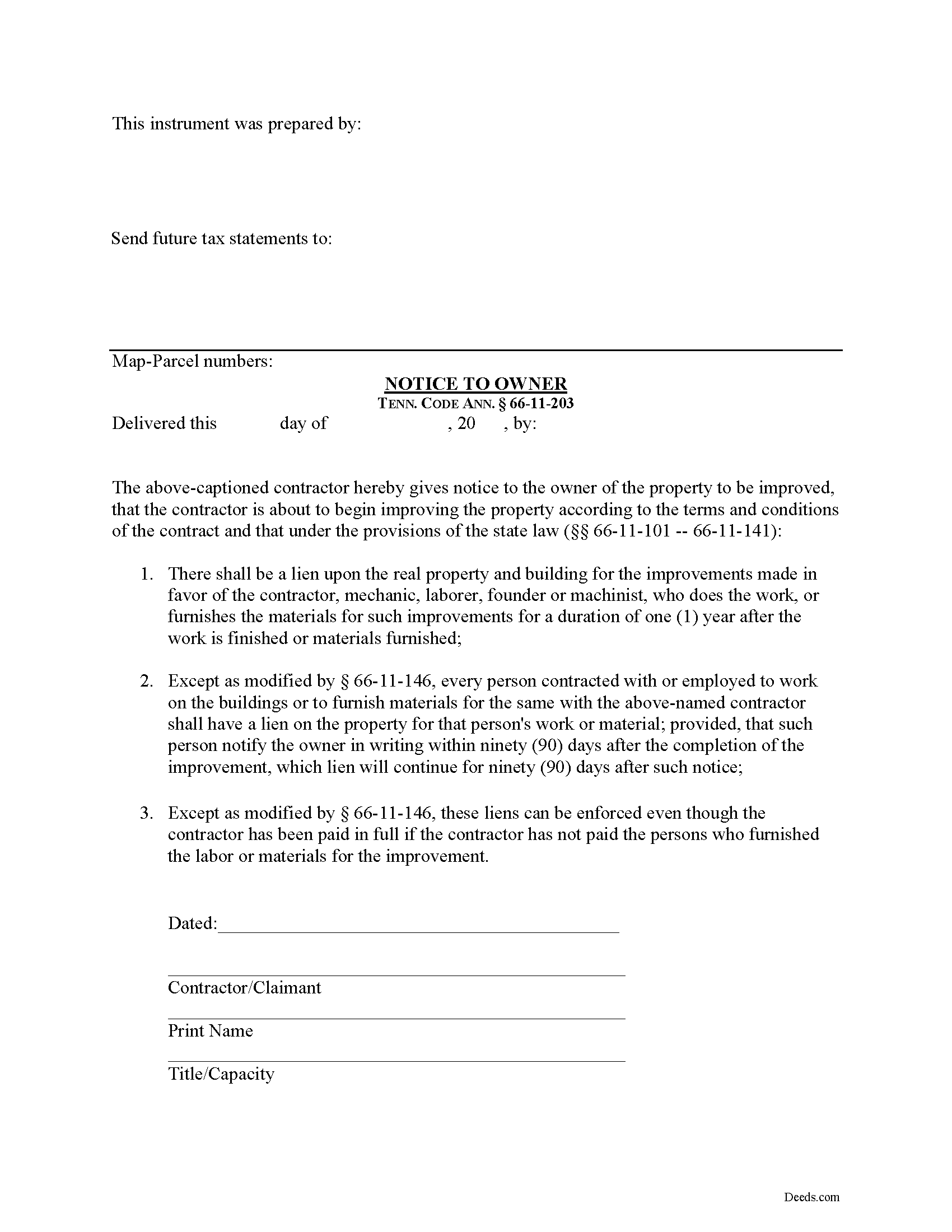
Sequatchie County Notice to Owner Form
Fill in the blank Notice to Owner form formatted to comply with all Tennessee recording and content requirements.
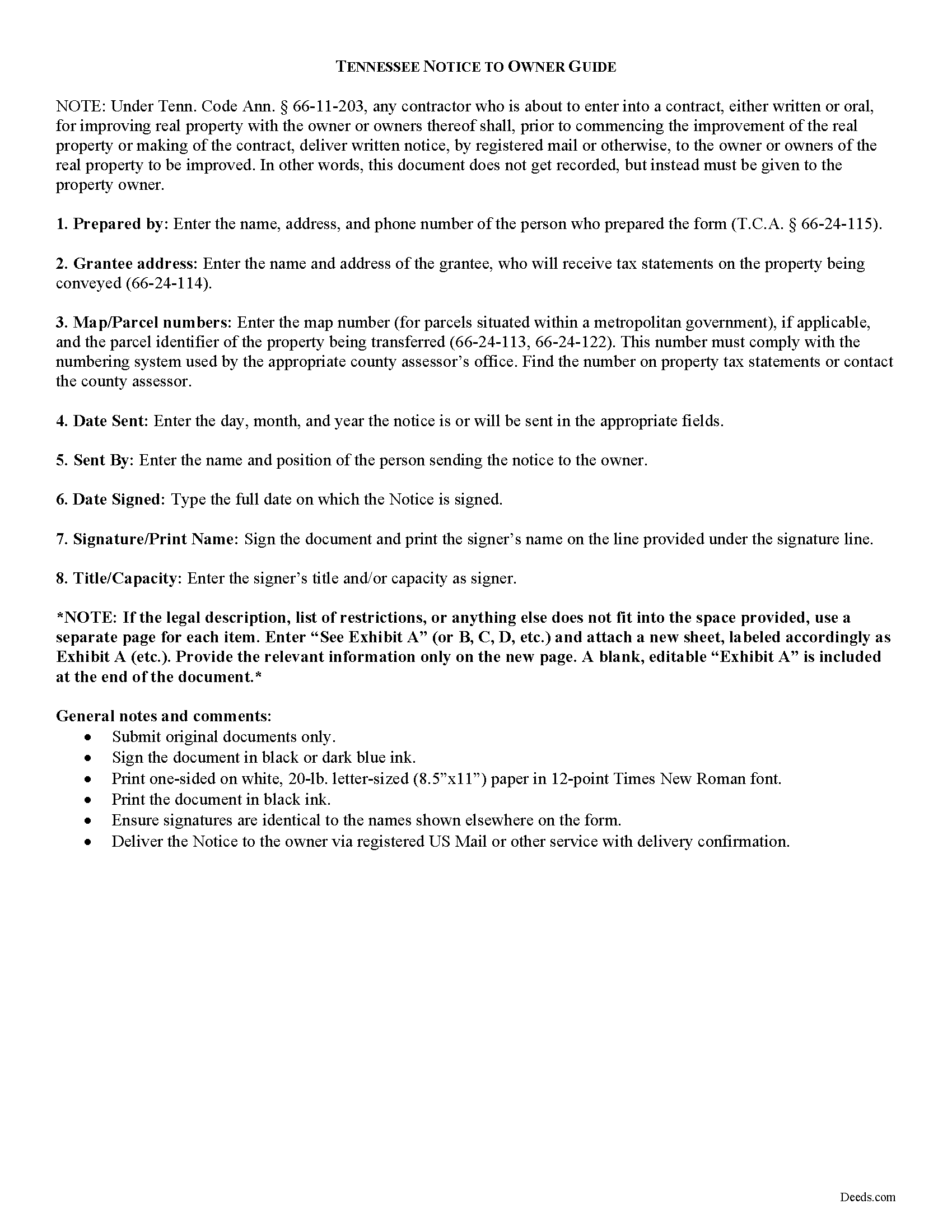
Sequatchie County Notice to Owner Guide
Line by line guide explaining every blank on the form.
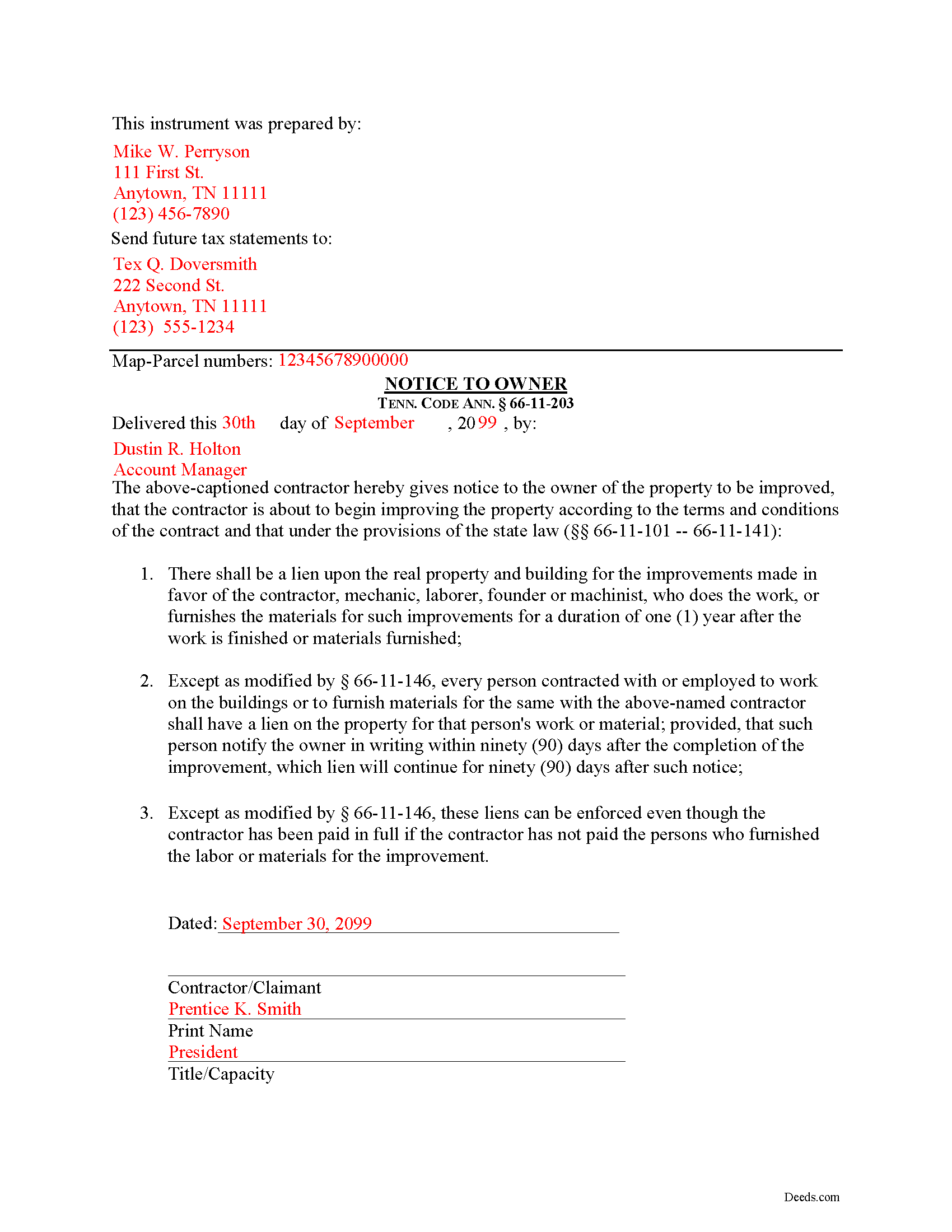
Sequatchie County Completed Example of the Notice to Owner Document
Example of a properly completed form for reference.
All 3 documents above included • One-time purchase • No recurring fees
Immediate Download • Secure Checkout
Additional Tennessee and Sequatchie County documents included at no extra charge:
Where to Record Your Documents
Sequatchie County Register of Deeds
Dunlap, Tennessee 37327
Hours: 8:00am to 4:00pm M-F
Phone: (423) 949-2512
Recording Tips for Sequatchie County:
- Bring your driver's license or state-issued photo ID
- Ensure all signatures are in blue or black ink
- Recording fees may differ from what's posted online - verify current rates
- Request a receipt showing your recording numbers
- Ask about accepted payment methods when you call ahead
Cities and Jurisdictions in Sequatchie County
Properties in any of these areas use Sequatchie County forms:
- Dunlap
- Whitwell
Hours, fees, requirements, and more for Sequatchie County
How do I get my forms?
Forms are available for immediate download after payment. The Sequatchie County forms will be in your account ready to download to your computer. An account is created for you during checkout if you don't have one. Forms are NOT emailed.
Are these forms guaranteed to be recordable in Sequatchie County?
Yes. Our form blanks are guaranteed to meet or exceed the applicable formatting requirements used for recording in Sequatchie County, including margin requirements, font requirements, and other layout standards. This guarantee applies to formatting, not to the legal sufficiency of information entered by the user or the suitability of a form for a particular transaction.
Can I reuse these forms?
Yes. You can reuse the forms for your personal use. For example, if you have multiple properties in Sequatchie County you only need to order once.
What do I need to use these forms?
The forms are PDFs that you fill out on your computer. The free Adobe Acrobat Reader is recommended, and most PDF apps also work. You do NOT enter your property information online - you download the blank forms and complete them privately on your own computer.
Are there any recurring fees?
No. This is a one-time purchase. Nothing to cancel, no memberships, no recurring fees.
How much does it cost to record in Sequatchie County?
Recording fees in Sequatchie County vary. Contact the recorder's office at (423) 949-2512 for current fees.
Questions answered? Let's get started!
Most states require contractors and other workers to provide a written notice to a property owner that lets he or she know that a project is about to commence. Sending the notice is necessary to protect any later mechanic's lien rights. In Tennessee, the form of notice is called a "Notice to Owner."
Any contractor who is about to enter into a contract, either written or oral, for improving real property with the owner or owners thereof shall, prior to commencing the improvement of the real property or making of the contract, deliver, by registered mail or otherwise, to the owner or owners of the real property to be improved a written notice. Tenn. Prop. Code 66-11-203.
The purpose of the Notice is to identify who the contractor is and inform the owner that the contractor is about to commence work and will have a right to claim a lien under State law. Id.
The notice identifies the parties, the delivery date, and the intended location and start date for the work or improvement. It must be sent before the work begins or else the person sending the notice may only be able to claim a lien for work arising after the notice is sent (if sent late). This document does not need to be recorded, but the potential claimant should either deliver it by hand or via USPS Registered mail or another delivery service that offers confirmation.
This article is provided for informational purposes only and should not be considered legal advice or relied upon as any substitute for speaking with an attorney. Please consult a Tennessee attorney familiar with construction law for any issues regarding mechanic's liens or sending notice to an owner.
Important: Your property must be located in Sequatchie County to use these forms. Documents should be recorded at the county recording office listed above.
This Notice to Owner meets all recording requirements specific to Sequatchie County.
Our Promise
The documents you receive here are guaranteed to meet or exceed the applicable Sequatchie County recording format requirements. If there is a rejection caused by our formatting, we will correct the issue or refund your payment. This guarantee applies to document formatting only and does not extend to information entered by the user, the selection of the form, or the legal effect of the completed document.
Save Time and Money
Get your Sequatchie County Notice to Owner form done right the first time with Deeds.com Uniform Conveyancing Blanks. At Deeds.com, we understand that your time and money are valuable resources, and we don't want you to face a penalty fee or rejection imposed by a county recorder for submitting nonstandard documents. We constantly review and update our forms to meet rapidly changing state and county recording requirements for roughly 3,500 counties and local jurisdictions.
4.8 out of 5 - ( 4,828 Reviews )
Warren R. 4 out of 5 stars
Nice service at a fair price. Website is not very user oriented. Messages accumulate in the messages area but are not emailed to the client. If you used the service regularly, it would be more understandable but for a first time or occasional user, the site can be time consuming.
Thank you!
Victoria L. 5 out of 5 stars
This is a fantastic website and financial savings to many. Being able to download and complete the document I needed vs having my attorney complete saved me $800. I would highly recommend this website.
Thank you for the kind words Victoria. Have a great day!
Terry M. 4 out of 5 stars
Application is not well laid out. I guess it does the job but leaves a lot to be desired. Hard to follow
Thank you for your feedback. We really appreciate it. Have a great day!
Gregory J. 5 out of 5 stars
Ordered two separate forms for two separate states at two differnt times and couldn't be happier with my purchase. When compared to the cost of having two different attorneys prepare the forms I needed, the value of deeds.com couldn't be beat!
Thank you Gregory. We appreciate you taking the time to leave your feedback. Have a great day!
Alexander M. 5 out of 5 stars
Great recording service ! Very professional and easy to navigate !!!!
It was a pleasure serving you. Thank you for the positive feedback!
Ernest S. 5 out of 5 stars
Took it to the Courthouse and the Register of Deeds said,"well Done" Thanks you so much.
We appreciate your business and value your feedback. Thank you. Have a wonderful day!
Arthur H. 5 out of 5 stars
Deeds.com was informative, quick, and complete. Found everything I needed complete with instructions and examples. Easy to use and understand. And VERY reasonably priced.
We appreciate your business and value your feedback. Thank you. Have a wonderful day!
Michael S. 4 out of 5 stars
So far, I'm happy with my experience. I'm still reviewing the guide for the docs I downloaded. Including the guide for the docs is indeed a plus.
Thank you Michael, we really appreciate your feedback.
Lenore H. 5 out of 5 stars
I was very pleased with the service I received yesterday at the recorders office. no complaints at all. Served promptly and efficiently.
Thank you!
Jon I. 5 out of 5 stars
I liked the information I download. Just what I was looking for.
We appreciate your business and value your feedback. Thank you. Have a wonderful day!
Martha D. 5 out of 5 stars
Excellent website. I found exactly what I was looking for!
Thank you!
Denise L. 5 out of 5 stars
It was very easy to get the forms I needed which makes its so much easier than running back and forth. I shall be getting more forms very shortly
Thank you for your feedback. We really appreciate it. Have a great day!
THOMAS P. 5 out of 5 stars
This site is excellent and makes everything so much easier. 5 star platform.
We appreciate your business and value your feedback. Thank you. Have a wonderful day!
ANA I p. 5 out of 5 stars
Wow this was nice that I could used the service . Love it
We appreciate your business and value your feedback. Thank you. Have a wonderful day!
Stephen D. 5 out of 5 stars
Excellent service!
Thank you!