Blount County Partial Release of Deed of Trust Form
Last validated November 16, 2026 by our Forms Development TeamFormatted for recording in Blount County, for property anywhere in the county: rural and unincorporated areas as well as Alcoa, Friendsville, Louisville, Maryville, Rockford, Tallassee, Townsend, Walland.
- 3 documents included
- Immediate PDF download
- Formatting guarantee
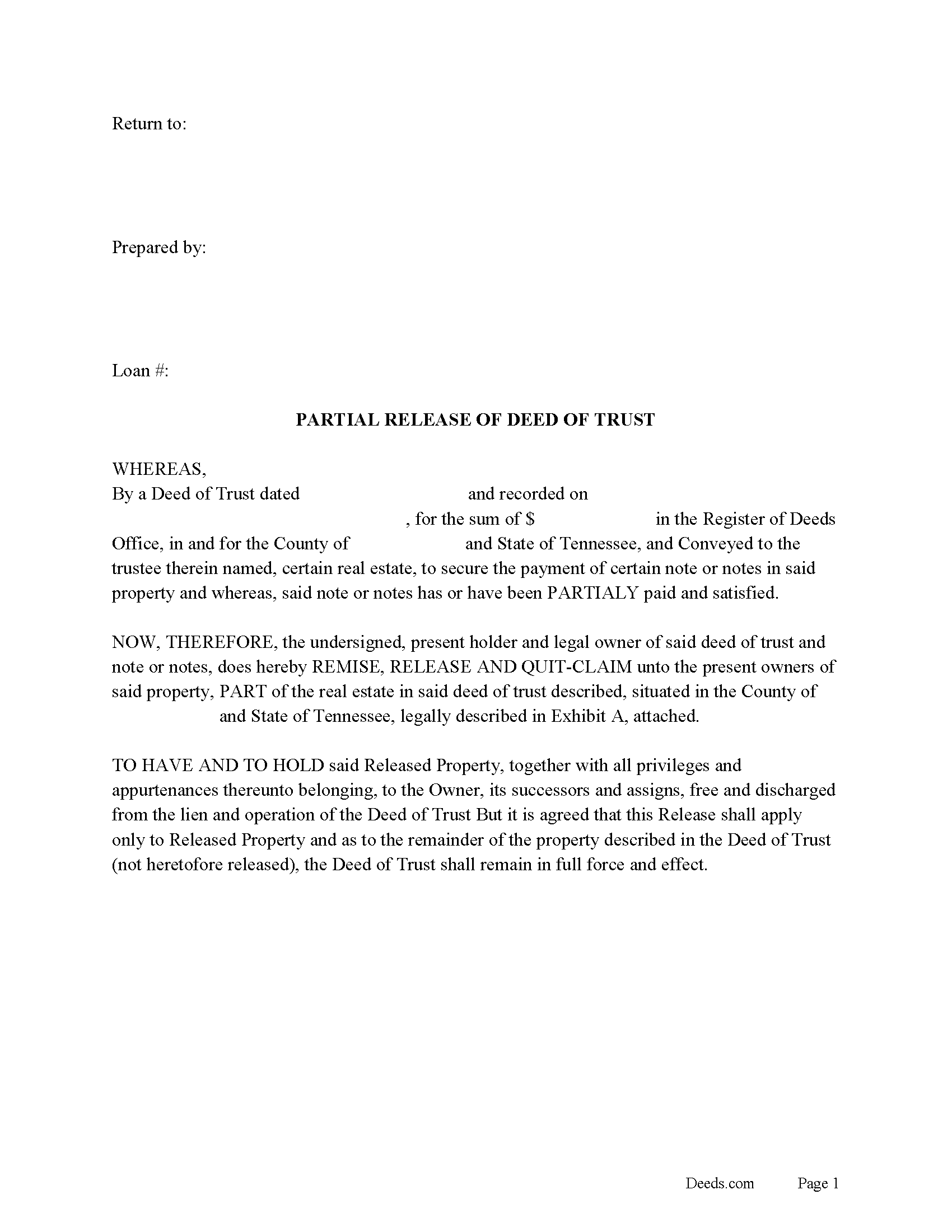
Blount County Partial Release of Deed of Trust Form
Fill in the blank form formatted to comply with all recording and content requirements.
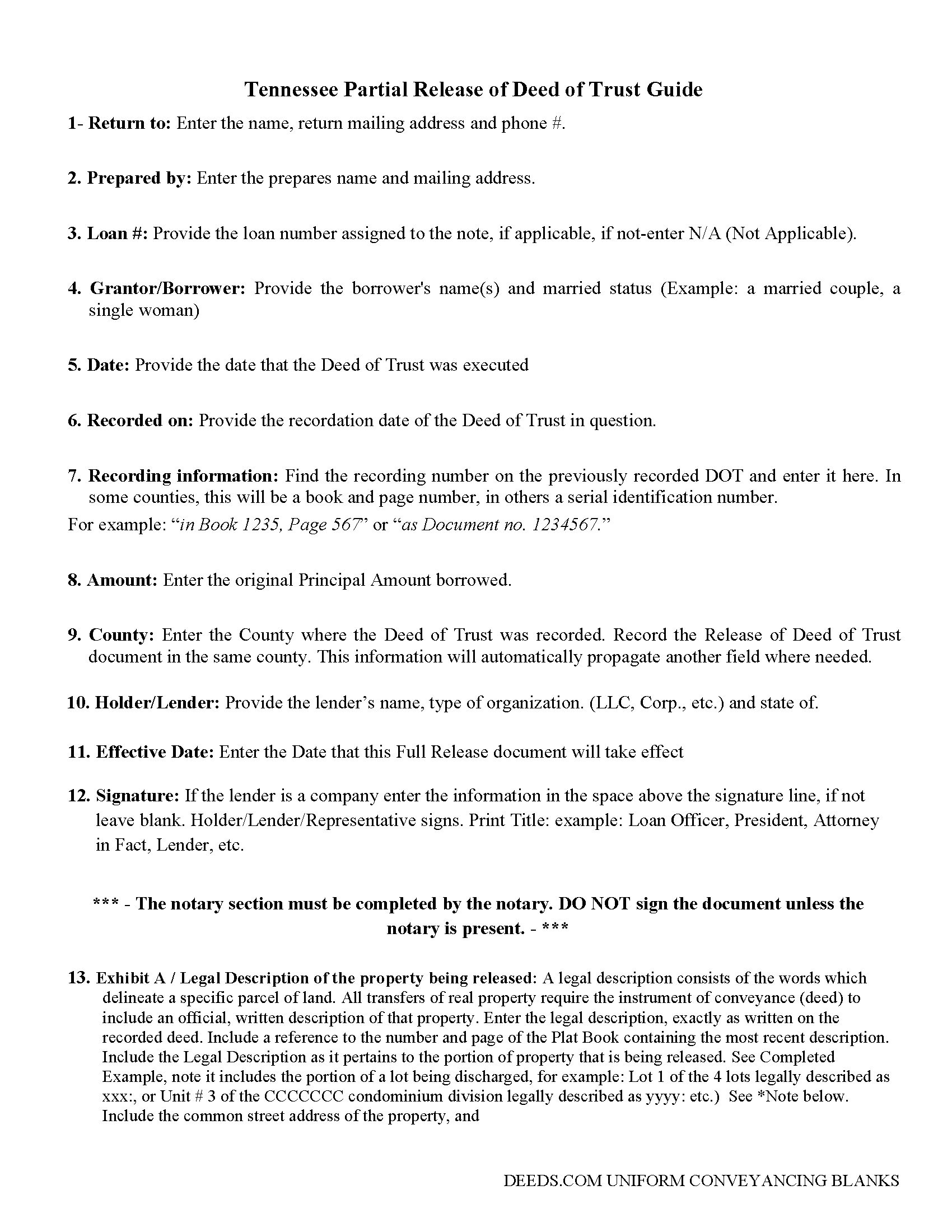
Blount County Partial Release of Deed of Trust Guide
Line by line guide explaining every blank on the form.
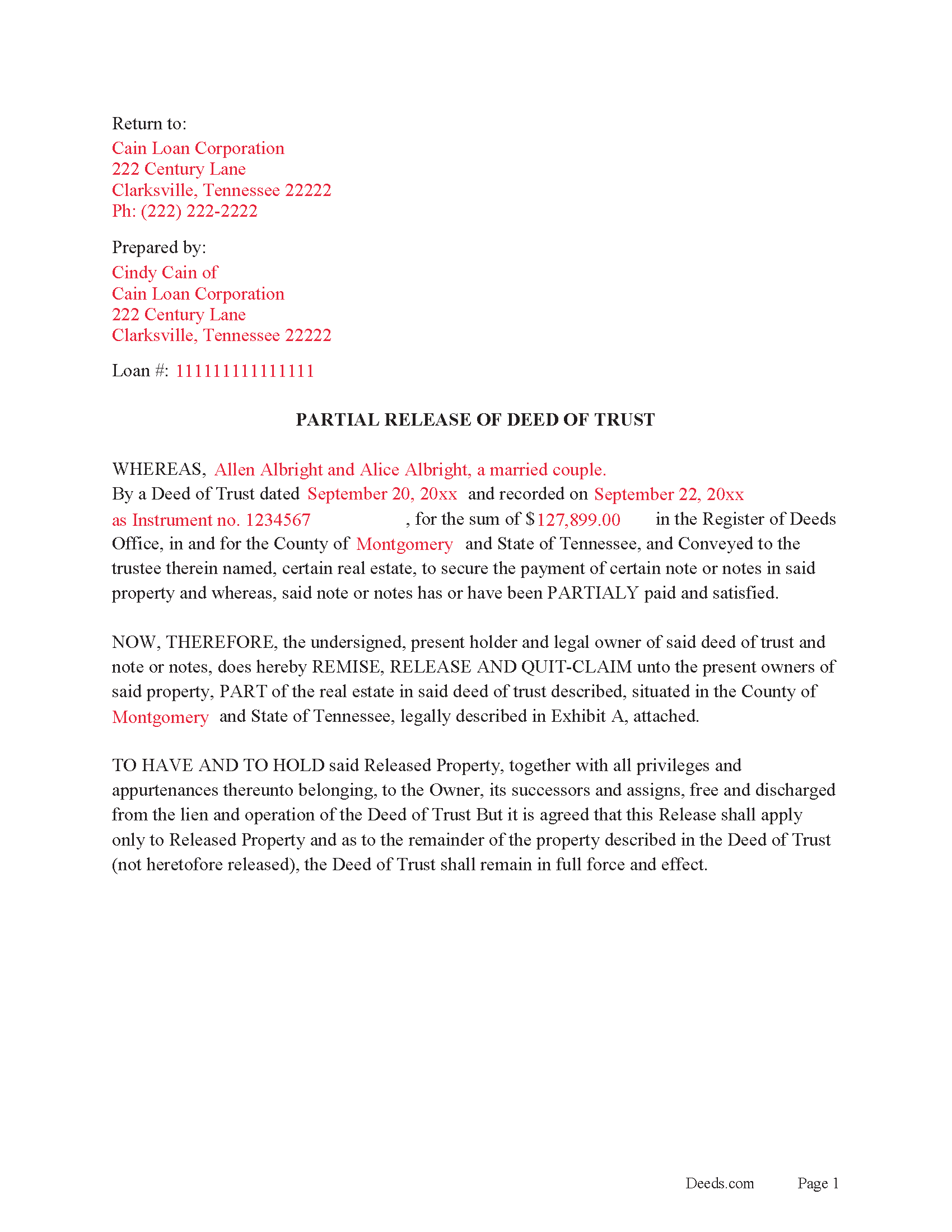
Blount County Completed Example of a Partial Release of DOT Document
Example of a properly completed form for reference.
All 3 documents above included • One-time purchase • No recurring fees
Immediate Download • Secure Checkout
Additional Tennessee and Blount County documents included at no extra charge:
Where to Record Your Documents
Register of Deeds
Maryville, Tennessee 37804-5906
Hours: 8:00am to 4:30pm M-F
Phone: (865) 273-5880
Recording Tips for Blount County:
- Bring your driver's license or state-issued photo ID
- Ensure all signatures are in blue or black ink
- Recording fees may differ from what's posted online - verify current rates
- Request a receipt showing your recording numbers
- Ask about accepted payment methods when you call ahead
Cities and Jurisdictions in Blount County
Properties in any of these areas use Blount County forms:
- Alcoa
- Friendsville
- Louisville
- Maryville
- Rockford
- Tallassee
- Townsend
- Walland
Hours, fees, requirements, and more for Blount County
How do I get my forms?
Forms are available for immediate download after payment. The Blount County forms will be in your account ready to download to your computer. An account is created for you during checkout if you don't have one. Forms are NOT emailed.
Are these forms guaranteed to be recordable in Blount County?
Yes. Our form blanks are guaranteed to meet or exceed the applicable formatting requirements used for recording in Blount County, including margin requirements, font requirements, and other layout standards. This guarantee applies to formatting, not to the legal sufficiency of information entered by the user or the suitability of a form for a particular transaction.
Can I reuse these forms?
Yes. You can reuse the forms for your personal use. For example, if you have multiple properties in Blount County you only need to order once.
What do I need to use these forms?
The forms are PDFs that you fill out on your computer. The free Adobe Acrobat Reader is recommended, and most PDF apps also work. You do NOT enter your property information online - you download the blank forms and complete them privately on your own computer.
Are there any recurring fees?
No. This is a one-time purchase. Nothing to cancel, no memberships, no recurring fees.
How much does it cost to record in Blount County?
Recording fees in Blount County vary. Contact the recorder's office at (865) 273-5880 for current fees.
Questions answered? Let's get started!
This form is executed by the lender to release only a portion of the real property from a Deed of Trust. This form states: That this Release shall apply only to Released Property and as to the remainder of the property described in the Deed of Trust (not heretofore released), the Deed of Trust shall remain in full force and effect.
(Tennessee Partial Release of DOT Package includes form, guidelines, and completed example)
Important: Your property must be located in Blount County to use these forms. Documents should be recorded at the county recording office listed above.
This Partial Release of Deed of Trust meets all recording requirements specific to Blount County.
Our Promise
The documents you receive here are guaranteed to meet or exceed the applicable Blount County recording format requirements. If there is a rejection caused by our formatting, we will correct the issue or refund your payment. This guarantee applies to document formatting only and does not extend to information entered by the user, the selection of the form, or the legal effect of the completed document.
Save Time and Money
Get your Blount County Partial Release of Deed of Trust form done right the first time with Deeds.com Uniform Conveyancing Blanks. At Deeds.com, we understand that your time and money are valuable resources, and we don't want you to face a penalty fee or rejection imposed by a county recorder for submitting nonstandard documents. We constantly review and update our forms to meet rapidly changing state and county recording requirements for roughly 3,500 counties and local jurisdictions.
4.8 out of 5 - ( 4,864 Reviews )
Ronald C. 1 out of 5 stars
Waste of money. The deed form was not printable after completion. Had to create a new form in word on my own.
Sorry to hear that you had printing issues. If you had contacted us we might have been able to help troubleshoot your issue. We certainly do not want you to have to pay for something you could not use. We have canceled your order and refunded your payment.
Cindi S. 5 out of 5 stars
I asked for a letter of testamentary form and this is what I got. Not at all what I was hoping for. Just spent $20 for nothing. Very disappointed.
Thank your or your feedback. We are sorry to hear of the disappointment caused when you ordered our Colorado Personal Representative Deed of Distribution hoping you would receive something entirely different. We have corrected your mistake by canceling your order and payment. Have a wonderful day.
Caroline E. 5 out of 5 stars
Very easy!
Thank you for your feedback. We really appreciate it. Have a great day!
Katherine N. 5 out of 5 stars
Very easy to understand and complete.
We appreciate your business and value your feedback. Thank you. Have a wonderful day!
Carol H. 5 out of 5 stars
Easy to understand, quick access, inexpensive, and I took it to my registrar's office and he said the warranty deed was good to go. Thanks for saving me a bundle in lawyer's fees.
We appreciate your business and value your feedback. Thank you. Have a wonderful day!
patricia w. 5 out of 5 stars
Fast, easy download of forms needed. Thank you, Deeds.com
Thank you!
Adriane L. 5 out of 5 stars
great experience. Great communication and very fast turn around ty Adriane
Your feedback is valuable to us and helps us improve. Thank you for sharing your thoughts!
LeRoy E. 5 out of 5 stars
So thankful I found this. I was feeling stressed out and reluctant about doing this on my own.
Thank you!
Susan L. 5 out of 5 stars
Instructions easy to follow, example form was a big help.
We appreciate your business and value your feedback. Thank you. Have a wonderful day!
Scott W. 5 out of 5 stars
Quick and simple.
Thank you!
Charmaine D. 5 out of 5 stars
Very easy to use.
Thank you!
Denise G. 5 out of 5 stars
It would be helpful if an email was sent to notify you of any additional invoices needed, documents were accepted and/or recorded. It is not always convenient to check your website on a daily basis to determine the status of the requesting recordings.
Thank you for your feedback. We really appreciate it. Have a great day!
Kathryn C. 2 out of 5 stars
The transfer deed documents are laid out the way county offices need, but I don't like the requirements so I'm going to leave a bad review.
Well, thanks we guess.
Rhonda D. 3 out of 5 stars
The boxes do not allow you to add the entire information. The after recording return to box would not let me add a zipcode.
Thanks for the feedback Rhonda, we’ll take a look at that input field.
Resa J. 5 out of 5 stars
Seamless. Excellent.
Thank you for your feedback Resa. Have a wonderful day!