Fayette County Quitclaim Deed (Divorce) Form
Last validated September 17, 2026 by our Forms Development TeamFormatted for recording in Fayette County, for property anywhere in the county: rural and unincorporated areas as well as Braden, Gallaway, La Grange, Laconia, Macon, Moscow, Oakland, Rossville and 2 more.
- 3 documents included
- Immediate PDF download
- Formatting guarantee
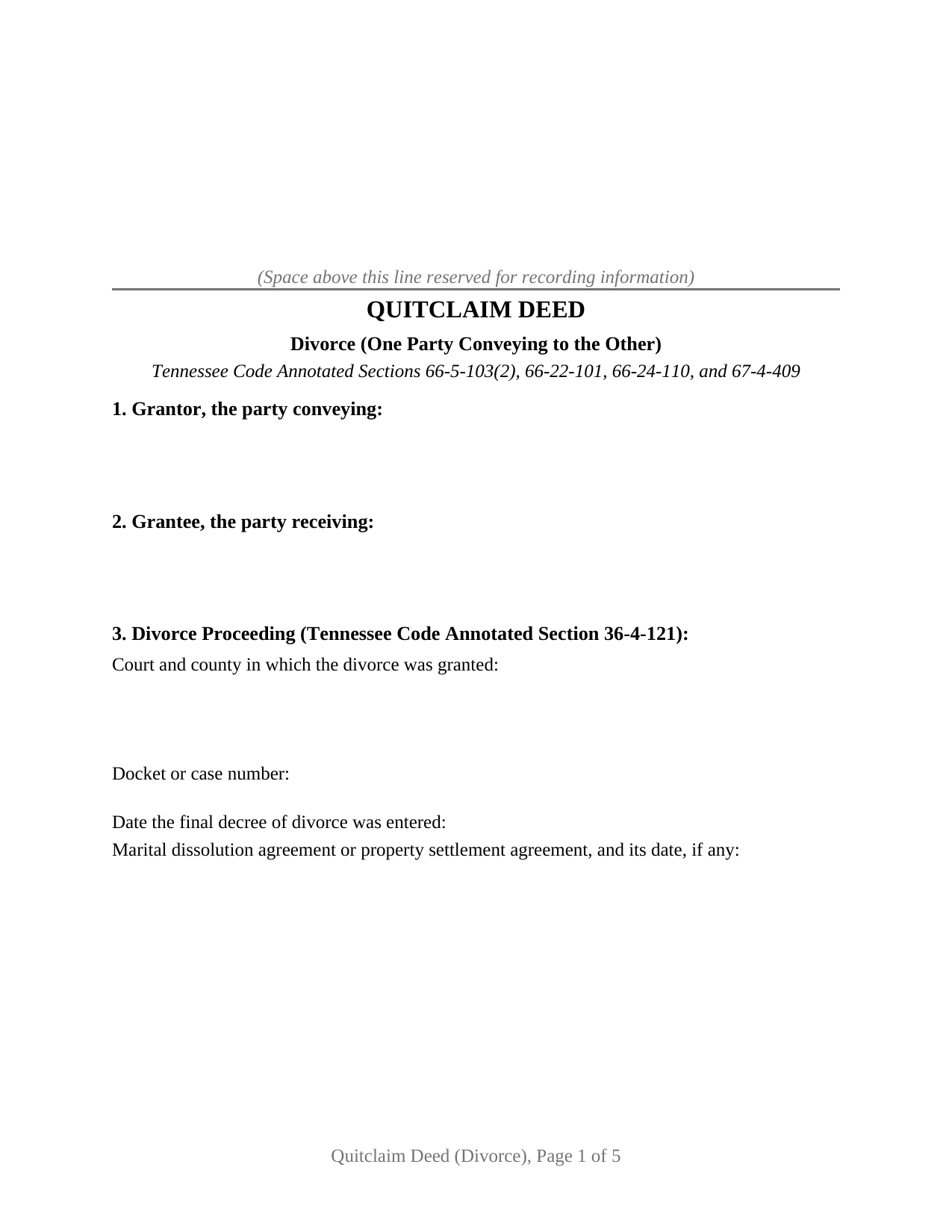
Fayette County Quitclaim Deed (Divorce) Form
Fill in the blank Quitclaim Deed (Divorce) form formatted to comply with all Tennessee recording and content requirements.
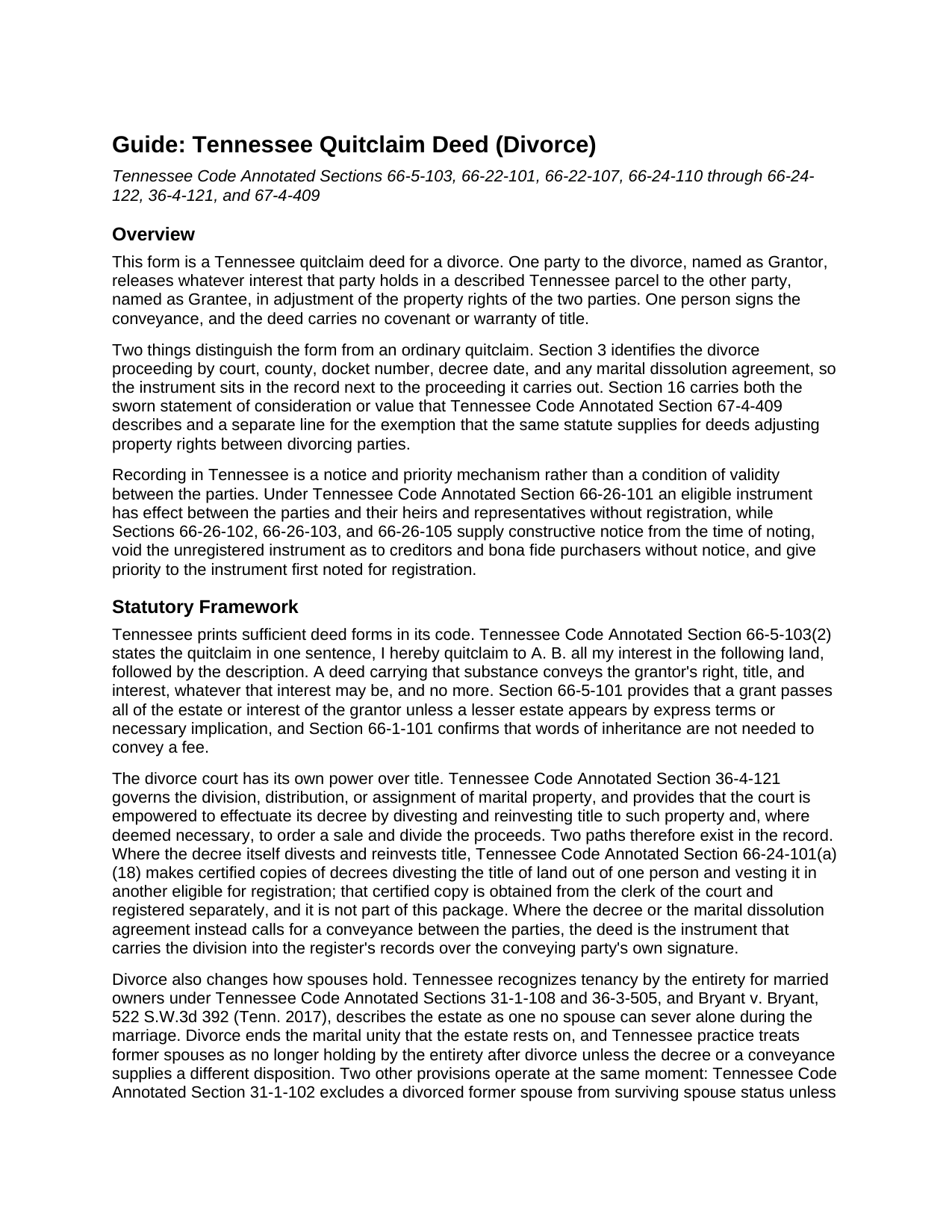
Fayette County Quitclaim Deed (Divorce) Guide
Line by line guide explaining every blank on the Quitclaim Deed (Divorce) form.
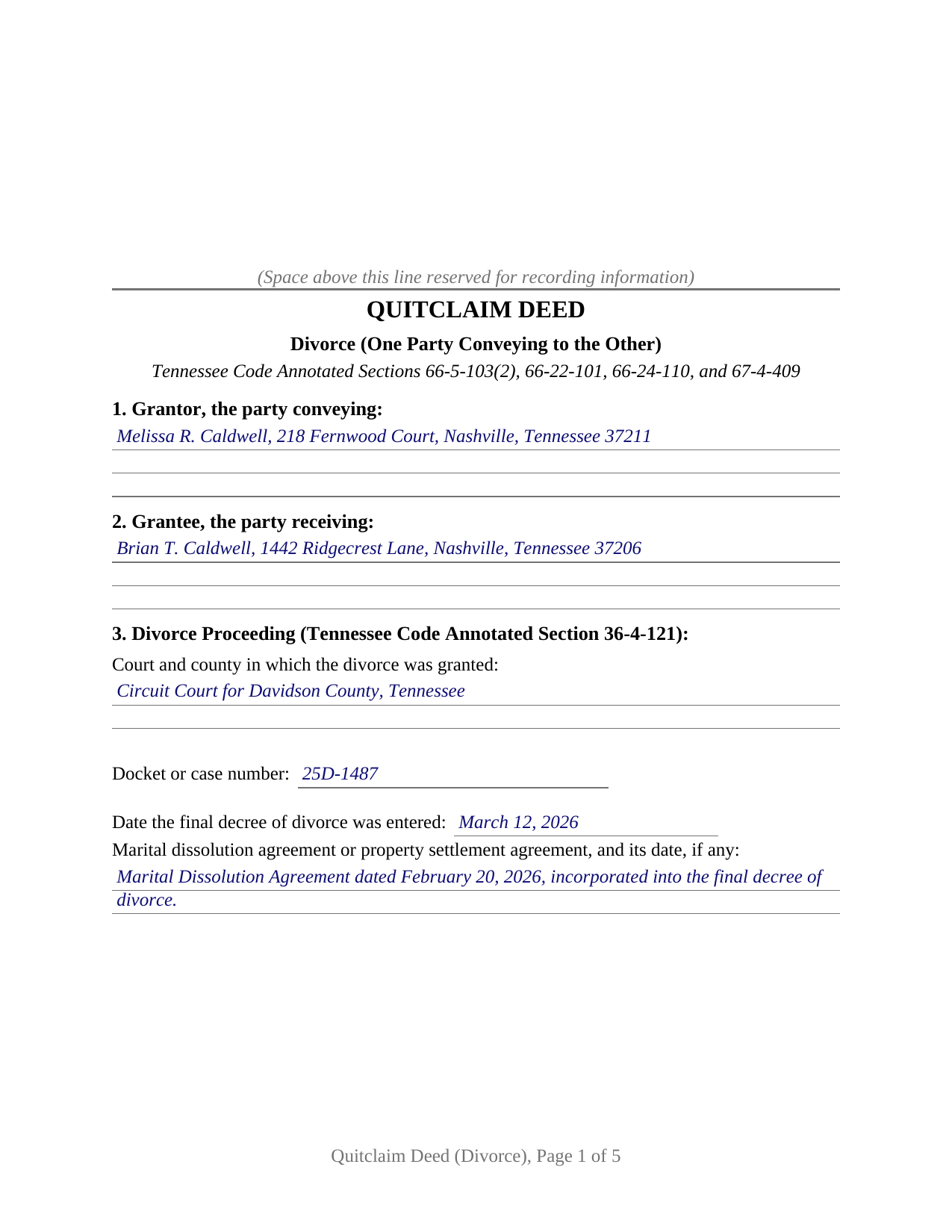
Fayette County Completed Example of the Quitclaim Deed (Divorce) Document
Example of a properly completed Tennessee Quitclaim Deed (Divorce) document for reference.
All 3 documents above included • One-time purchase • No recurring fees
Immediate Download • Secure Checkout
Additional Tennessee and Fayette County documents included at no extra charge:
Where to Record Your Documents
Fayette County Register of Deeds
Somerville, Tennessee 38068
Hours: 9:00 to 5:00 M-F
Phone: (901) 465-5251
Recording Tips for Fayette County:
- Bring your driver's license or state-issued photo ID
- Ensure all signatures are in blue or black ink
- Verify all names are spelled correctly before recording
- White-out or correction fluid may cause rejection
- Ask about their eRecording option for future transactions
Cities and Jurisdictions in Fayette County
Properties in any of these areas use Fayette County forms:
- Braden
- Gallaway
- La Grange
- Laconia
- Macon
- Moscow
- Oakland
- Rossville
- Somerville
- Williston
Hours, fees, requirements, and more for Fayette County
How do I get my forms?
Forms are available for immediate download after payment. The Fayette County forms will be in your account ready to download to your computer. An account is created for you during checkout if you don't have one. Forms are NOT emailed.
Are these forms guaranteed to be recordable in Fayette County?
Yes. Our form blanks are guaranteed to meet or exceed the applicable formatting requirements used for recording in Fayette County, including margin requirements, font requirements, and other layout standards. This guarantee applies to formatting, not to the legal sufficiency of information entered by the user or the suitability of a form for a particular transaction.
Can I reuse these forms?
Yes. You can reuse the forms for your personal use. For example, if you have multiple properties in Fayette County you only need to order once.
What do I need to use these forms?
The forms are PDFs that you fill out on your computer. The free Adobe Acrobat Reader is recommended, and most PDF apps also work. You do NOT enter your property information online - you download the blank forms and complete them privately on your own computer.
Are there any recurring fees?
No. This is a one-time purchase. Nothing to cancel, no memberships, no recurring fees.
How much does it cost to record in Fayette County?
Recording fees in Fayette County vary. Contact the recorder's office at (901) 465-5251 for current fees.
Questions answered? Let's get started!
A docket number sits on the face of this Tennessee quitclaim deed. Section 3 names the court, the case number, the date the decree was entered, and the marital dissolution agreement behind it, so one party's release of an interest to the other reaches the register's books already tied to the proceeding that called for it.
Two ways title leaves a Tennessee divorce
Tennessee gives a divorce court direct power over land. T.C.A. Section 36-4-121 empowers the court to effectuate its decree by divesting and reinvesting title to marital property, and where that happens the record instrument is the decree: Section 66-24-101(a)(18) makes certified copies of decrees divesting the title of land out of one person and vesting it in another eligible for registration, obtained from the clerk and registered separately. The other path runs through the parties. A decree or a marital dissolution agreement that calls for a conveyance leaves that transfer to be signed, and this deed carries it into the records over that party's own signature, with the derivation of title recital of Section 66-24-110 and the parcel and tax party entries a Tennessee register reads at intake.
What the marital estate becomes when the marriage ends
Spouses who took Tennessee title together ordinarily held it by the entirety, an estate Bryant v. Bryant, 522 S.W.3d 392 (Tenn. 2017), describes as one no spouse can sever alone while the marriage lasts. Divorce ends the unity that estate stands on, and Tennessee practice treats former spouses as tenants in common afterward unless the decree supplies something else. T.C.A. Section 31-1-102 drops a divorced former spouse out of surviving spouse status at the same moment, and Section 32-1-202 revokes will provisions in favor of a former spouse. Section 4 of the form records where the parties stand on the day of signing, which tells a later reader whether the joint consent sentence of Section 26-2-301(b), a rule that runs while a marital relationship exists, still reached the conveyance.
One party conveying, one party receiving
The form recites exactly one Grantor, a party to the divorce signing personally, and one Grantee, the other party to that same proceeding. It carries a single signature block, one acknowledgment certificate in the substance of T.C.A. Section 66-22-107, and, beneath Section 16, a separate signature line and jurat for the person who swears the consideration figure, since acknowledging a signature and administering an oath are different notarial acts. A decree awarding the marital residence to one party while the other releases an undivided one-half interest, and a party signing while the case is still pending under a property settlement agreement, present the movements this deed recites. It is not drawn for two record owners releasing together, for an entity or a trustee signing in a representative capacity, or for a signer acting under a power of attorney.
The exemption Tennessee wrote for divorcing parties
Recording carries the deed past a tax counter, at thirty seven cents per one hundred dollars of consideration or value, whichever is greater. Divorce has its own line in that statute: T.C.A. Section 67-4-409(a) exempts domestic settlement decrees, domestic decrees, and deeds that are an adjustment of property rights between divorcing parties, and adds that no oath of value is required in a transaction exempt from the tax. The Department of Revenue publishes it as notice REC-14. Where tax is owed, a deed keeping the statutory quitclaim substance of Section 66-5-103(2) is measured on actual consideration rather than appraised value, under Section 67-4-409(a)(4). Section 16 holds a line for the sworn figure and a line for the exemption claimed.
What a release does not settle
What passes is the conveying party's interest exactly as it stands, with no covenant of title behind it. Deeds of trust, judgment liens, easements, and unpaid taxes stay attached to the land, and moving title does not move the debt: a party who signed the note remains liable until a lender's release, a refinance, or an approved assumption says otherwise. Searchers reach this instrument as a divorce quitclaim deed, a quit claim deed after divorce, or a deed transferring a house in a divorce settlement.
The purchase delivers the deed as a blank fillable PDF, a completed Davidson County example carried from the docket line through to the jurat beneath the oath, and a plain language guide walking the sixteen sections, the notarial acts, and the register's counter. All of it describes Tennessee law generally, for information, and none of it is legal advice.
Important: Your property must be located in Fayette County to use these forms. Documents should be recorded at the county recording office listed above.
This Quitclaim Deed (Divorce) meets all recording requirements specific to Fayette County.
Our Promise
The documents you receive here are guaranteed to meet or exceed the applicable Fayette County recording format requirements. If there is a rejection caused by our formatting, we will correct the issue or refund your payment. This guarantee applies to document formatting only and does not extend to information entered by the user, the selection of the form, or the legal effect of the completed document.
Save Time and Money
Get your Fayette County Quitclaim Deed (Divorce) form done right the first time with Deeds.com Uniform Conveyancing Blanks. At Deeds.com, we understand that your time and money are valuable resources, and we don't want you to face a penalty fee or rejection imposed by a county recorder for submitting nonstandard documents. We constantly review and update our forms to meet rapidly changing state and county recording requirements for roughly 3,500 counties and local jurisdictions.
4.8 out of 5 - ( 4,819 Reviews )
Steve W. 5 out of 5 stars
Simple and easy transaction
Thank you for your feedback. We really appreciate it. Have a great day!
Monica D. N. 5 out of 5 stars
The Web site is very intuitive, organized well and forms are easily found. The instructions provided are very helpful. Value in terms of price is very good.
We appreciate your business and value your feedback. Thank you. Have a wonderful day!
FRANK D. 5 out of 5 stars
Excellent software along with my other Will/Trust programs. I always use your program regarding deeds.
Thank you!
Kolette S. 3 out of 5 stars
The forms are nice; however, they do not display the "th" after the day or the second digit of the year. You can type them in, but they will not print out. I just left them blank and will handwrite.
Thank you for your feedback. We really appreciate it. Have a great day!
Diyang W. 5 out of 5 stars
Very Good Product. Provided a lot of good info to assist people to DIY various Deed
We are grateful for your engagement and feedback, which help us to serve you better. Thank you for being an integral part of our community.
Shirley T. 4 out of 5 stars
Quit Claim deed for North Carolina did not include all of the information I needed (two separate notary sections), but I was able to re-create another notary section in Word, and then insert it in the appropriate place after printing both documents. Otherwise, the document worked as described.
Thank you for your feedback. We really appreciate it. Have a great day!
Richard C. 5 out of 5 stars
There was not much info available but what you produced confirmed what I needed to know.
Thank you for your feedback. We really appreciate it. Have a great day!
Jeffrey W. 5 out of 5 stars
You should add a button to cancel a package. I uploaded a document for e-recording, but wanted to cancel because I got a more clear copy.
Thank you!
Eva L. 5 out of 5 stars
So far so good! I haven't had an opportunity to populate the forms but they seem to be very easy to do. The sample deed serves very well. Ordering the forms were very easy, I was impressed with the ease of doing so.
Thank you!
Carl T. 5 out of 5 stars
Great site with good information and pricing. Let me know when you are able to record documents in California.
Thank you for your feedback. We really appreciate it. Have a great day!
Garrison T. 5 out of 5 stars
Excellent service & very easy to use.
Thank you!
Keli A. 5 out of 5 stars
Excellent site, super fast responses to messages, and great patience with a newbie user. Couldn't be more pleased. Thank you!
Thank you for your feedback. We really appreciate it. Have a great day!
PEGGY D. 5 out of 5 stars
Very easy to find what I needed. Really liked the instructions included with the forms and also the suggestion of other forms that I might need.
We appreciate your business and value your feedback. Thank you. Have a wonderful day!
Adriana V. 5 out of 5 stars
Excellent and a very fast way to release important documents. Thank you very much.
Thank you!
Paul R. 5 out of 5 stars
Worked very quickly and smoothly. Helps if you know what documents you need. Thanks.
Thank you for your feedback. We really appreciate it. Have a great day!