Crockett County Release of Mechanic Lien Form
Last validated October 30, 2026 by our Forms Development TeamFormatted for recording in Crockett County, for property anywhere in the county: rural and unincorporated areas as well as Alamo, Bells, Crockett Mills, Friendship, Fruitvale, Gadsden, Maury City.
- 3 documents included
- Immediate PDF download
- Formatting guarantee
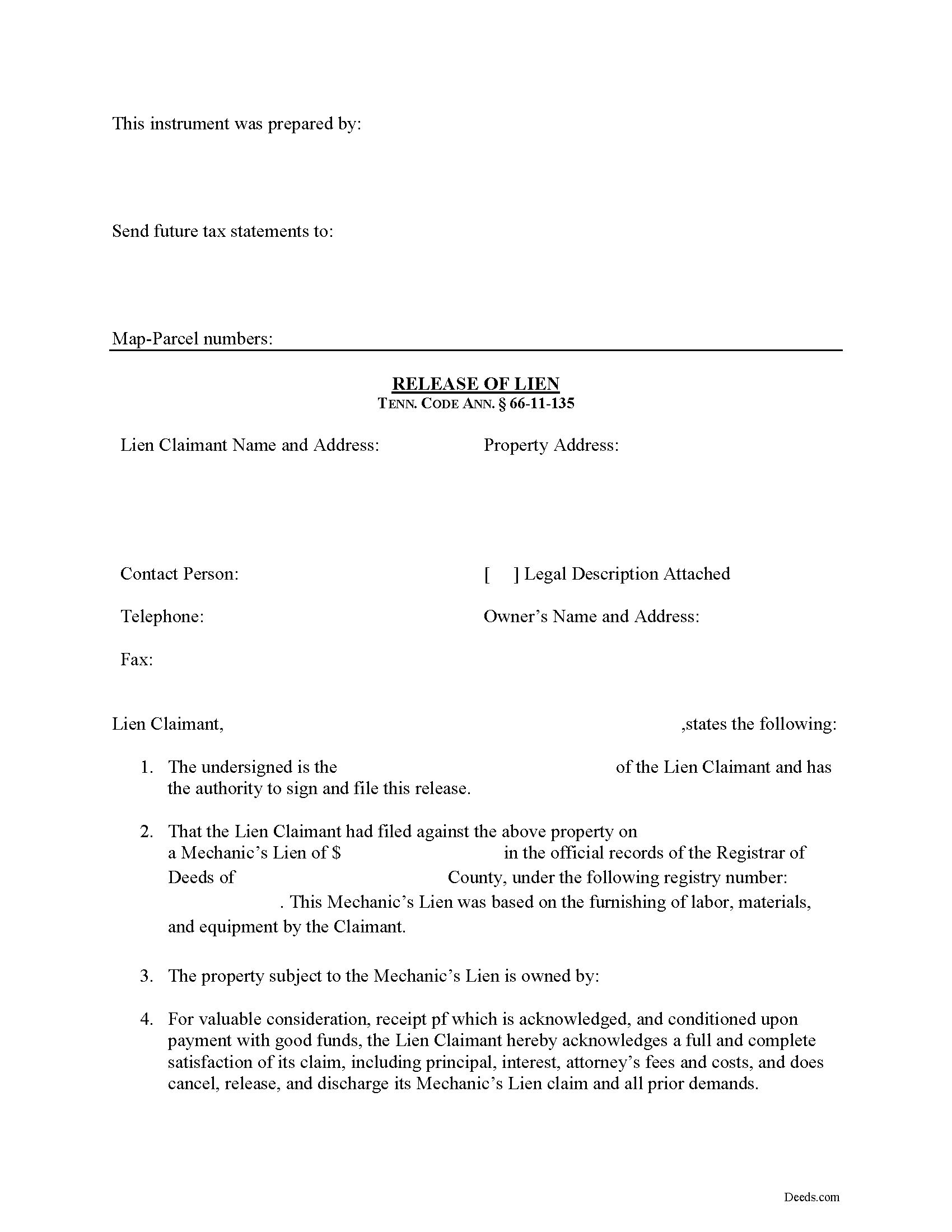
Crockett County Release of Mechanic Lien Form
Fill in the blank Release of Mechanic Lien form formatted to comply with all Tennessee recording and content requirements.
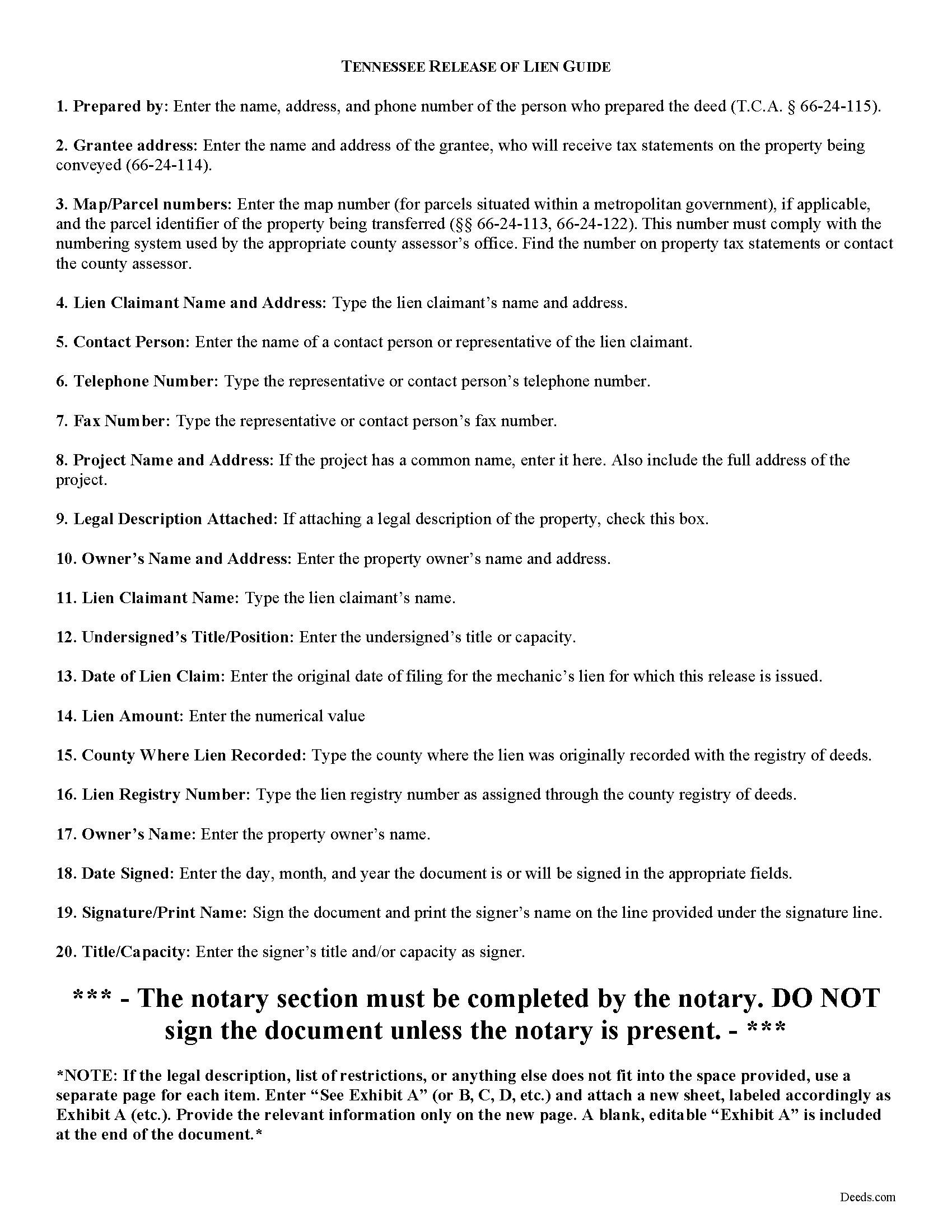
Crockett County Release of Mechanic Lien Guide
Line by line guide explaining every blank on the form.
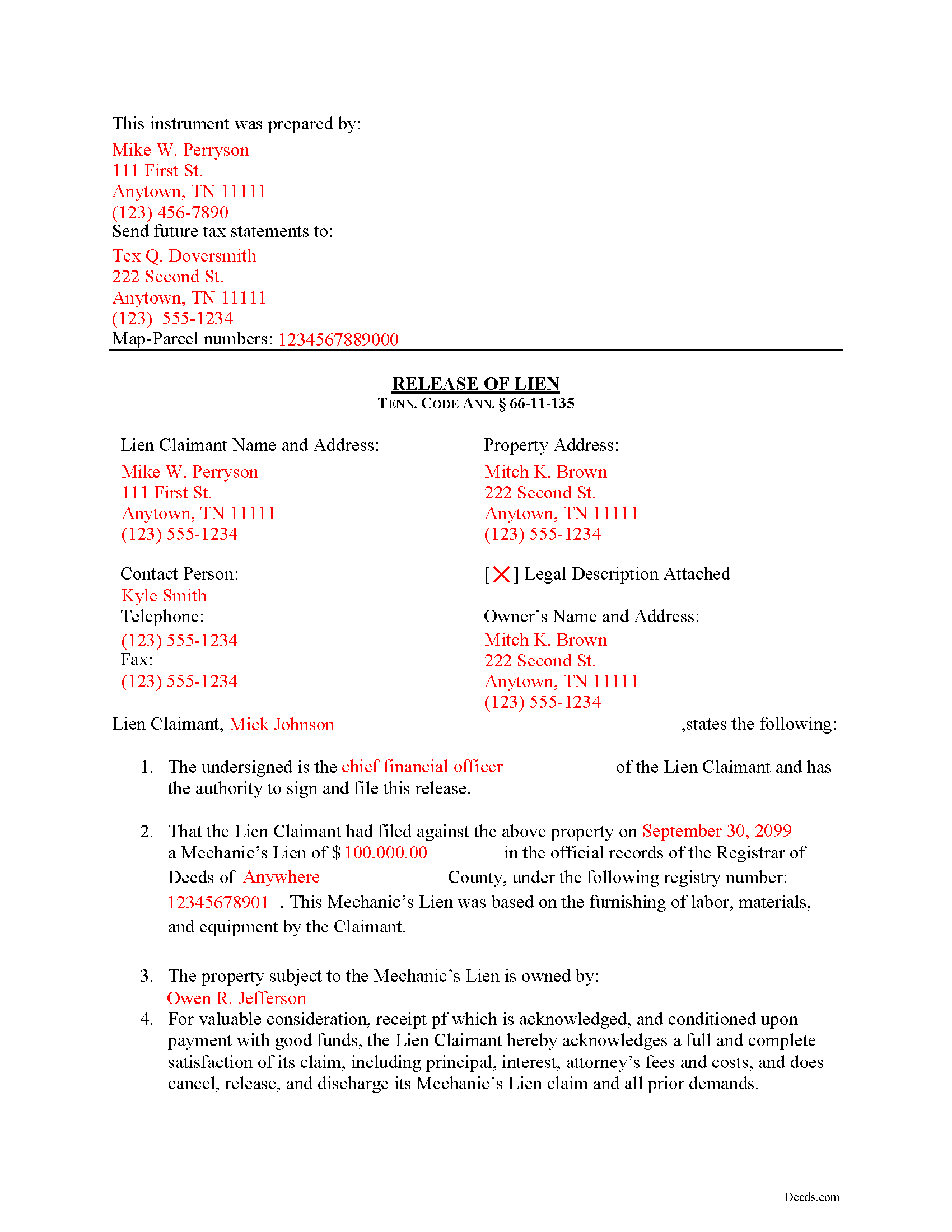
Crockett County Completed Example of the Release of Mechanic Lien Document
Example of a properly completed form for reference.
All 3 documents above included • One-time purchase • No recurring fees
Immediate Download • Secure Checkout
Additional Tennessee and Crockett County documents included at no extra charge:
Where to Record Your Documents
Crockett County Register of Deeds
Alamo, Tennessee 38001
Hours: 8:30 to 4:30 M-F
Phone: (731) 696-5455
Recording Tips for Crockett County:
- Bring your driver's license or state-issued photo ID
- Ensure all signatures are in blue or black ink
- Double-check legal descriptions match your existing deed
- Verify all names are spelled correctly before recording
- White-out or correction fluid may cause rejection
Cities and Jurisdictions in Crockett County
Properties in any of these areas use Crockett County forms:
- Alamo
- Bells
- Crockett Mills
- Friendship
- Fruitvale
- Gadsden
- Maury City
Hours, fees, requirements, and more for Crockett County
How do I get my forms?
Forms are available for immediate download after payment. The Crockett County forms will be in your account ready to download to your computer. An account is created for you during checkout if you don't have one. Forms are NOT emailed.
Are these forms guaranteed to be recordable in Crockett County?
Yes. Our form blanks are guaranteed to meet or exceed the applicable formatting requirements used for recording in Crockett County, including margin requirements, font requirements, and other layout standards. This guarantee applies to formatting, not to the legal sufficiency of information entered by the user or the suitability of a form for a particular transaction.
Can I reuse these forms?
Yes. You can reuse the forms for your personal use. For example, if you have multiple properties in Crockett County you only need to order once.
What do I need to use these forms?
The forms are PDFs that you fill out on your computer. The free Adobe Acrobat Reader is recommended, and most PDF apps also work. You do NOT enter your property information online - you download the blank forms and complete them privately on your own computer.
Are there any recurring fees?
No. This is a one-time purchase. Nothing to cancel, no memberships, no recurring fees.
How much does it cost to record in Crockett County?
Recording fees in Crockett County vary. Contact the recorder's office at (731) 696-5455 for current fees.
Questions answered? Let's get started!
Releasing a Mechanic's Lien in Tennessee
Lien claimants must grant releases when the lien is no longer effective because it has been paid off or for any other reason.
If a lienor whose lien has been forfeited, expired, satisfied or adjudged against the lienor in an action on the lien, fails to cause the lien provided by this chapter to be released within thirty (30) days after service of written notice demanding release, the lienor shall be liable to the owner for all damages arising therefrom, and costs, including reasonable attorneys' fees, incurred by the owner. Tenn. Prop. Code 66-11-135(a).
A valid release form under this section identifies the parties, the location of the work or improvement, a reference to the recorded notice of lien, relevant dates and payments, and any other information necessary for the specific situation.
The lienor must file the release in the office where the notice of lien was recorded. Tenn. Prop. Code 66-11-135(b). The fee for recording shall be the fee required for the recording of a release or satisfaction of a mortgage as provided by law. Id. The lien shall be deemed released on the day on which the release of the lien is recorded in the proper office. Tenn. Prop. Code 66-11-135(c).
This article is provided for informational purposes only and should not be considered legal advice or relied upon as any substitute for speaking with an attorney. Please consult a Tennessee attorney familiar with construction law for any issues regarding mechanic's liens.
Important: Your property must be located in Crockett County to use these forms. Documents should be recorded at the county recording office listed above.
This Release of Mechanic Lien meets all recording requirements specific to Crockett County.
Our Promise
The documents you receive here are guaranteed to meet or exceed the applicable Crockett County recording format requirements. If there is a rejection caused by our formatting, we will correct the issue or refund your payment. This guarantee applies to document formatting only and does not extend to information entered by the user, the selection of the form, or the legal effect of the completed document.
Save Time and Money
Get your Crockett County Release of Mechanic Lien form done right the first time with Deeds.com Uniform Conveyancing Blanks. At Deeds.com, we understand that your time and money are valuable resources, and we don't want you to face a penalty fee or rejection imposed by a county recorder for submitting nonstandard documents. We constantly review and update our forms to meet rapidly changing state and county recording requirements for roughly 3,500 counties and local jurisdictions.
4.8 out of 5 - ( 4,863 Reviews )
Andrew B. 5 out of 5 stars
Very easy to use and I appreciate the fees being charged after the submission.
Thank you!
Andrew M. 5 out of 5 stars
Awesome service, I don’t know how much it saved me but I know it was a lot cheaper than going to a lawyer.
We are delighted to have been of service. Thank you for the positive review!
Adriana B. 5 out of 5 stars
The explanations about the processes and descriptions of the forms makes it easy to understand which forms to use.
Your feedback is greatly appreciated. Thank you for taking the time to share your experience!
Tamica D. 5 out of 5 stars
Exceptional service. Thank you for your assistance.
Thank you!
Walter K. 5 out of 5 stars
Works ok but could have more specific information. My wife and I both own the Quit Claim property, should we both sign as Grantors?
Thank you!
Michael H. 4 out of 5 stars
Found documents I needed quickly and at a reasonable price. MH
Thank you for your feedback. We really appreciate it. Have a great day!
Kevin C. 2 out of 5 stars
I like your service, but the error message I received yesterday was confusing. It said that Utah County does not record cover pages, so I should either remove the cover page or change the “order“ of the documents being submitted. This is ambiguous. I examined my package and it looked like the cover page was already being submitted separately, as a supporting document at the end, and there was no way to explicitly change the ordering of the submitted documents, that is up to your service. So I removed the cover page. But that makes me nervous, how will they know where to route it when it is done? So now I’m not sure if it was submitted correctly.
Thank you for the review, Kevin, and for laying out exactly what you saw.
The message you received ("Utah County does not accept cover pages for recording. Please remove or reorder to the back. Thank you.") came directly from the Utah County Recorder. We pass recorder rejection notes along as written, and we agree it was ambiguous. Rejection notes from recording offices often are, since they are written for people who file in that county every day.
Supporting documents always travel behind the main document they belong to, so there was nothing for you to reorder, and by your description the cover page was already at the back. With the cover page removed, the package matched what the recorder's note asked for.
On routing: nothing is mailed back with e-recording. The recorder records the document image, adds the recording information, and returns the recorded copy electronically through the e-recording system to us. It then appears on your package in your account and you get a message from us. A cover page plays no part in that, so leaving it out did not affect where your document goes.
Esfir K. 5 out of 5 stars
I had to call 3 times, two calls were hanged up on me. Thank you to 3rd representative, who helped me with my question. Unfortunately, I do not know her name. She was very patient, kind, professional. I am very thankful for her help.
Thank you!
Westcliffe C. 5 out of 5 stars
Like the setup Good idea on forms that help at a great price
Thank you for your feedback. We really appreciate it. Have a great day!
Sam A. 5 out of 5 stars
User friendly website and deeds are very easy to maneuver. I'm very happy with everything Deeds.com has to offer. It truly helped me with the business that I had to take care of.
Thank you!
mary c. 5 out of 5 stars
Really good product, included guide to filling out forms. Totally pleased with that part. Customer service however was terrible. Did not hear back after I sent two emails. The site signed me up but after I was accepted they would not allow me to download a form, with the notation my account was closed. Had to use another email. Had problems with that. Finally got off of site and went to a login site that allowed me to download the forms. If you can get past setting up your account, it is fantastic site. Nice price compared to alternatives. Also I recieved two validation codes. Have no idea why they were sent.
Thank you!
Joseph M. 5 out of 5 stars
Very easy to use the service and responses came very quickly.
Thank you!
Stephanie G. 5 out of 5 stars
Wonderful. Easier to fill out this form than I thought it would be.
Thank you for your feedback. We really appreciate it. Have a great day!
Philip C. 5 out of 5 stars
The product I purchased looks great and I added Adobe to be able to copy it, but for some reason I can't,so I will delete Adobe and then try again to copy what i paid for. I have all the PDFS' and my computer and printer are fairly new (windows 10),I should have tried to copy it first, I'll get it! Thanks
Thank you for your feedback. We really appreciate it. Have a great day!
Becky O. 5 out of 5 stars
Super easy and quick. Love the service-
Thank you!