Goliad County Administrator Deed (Independent Administrator) Form
Last validated October 12, 2026 by our Forms Development TeamFormatted for recording in Goliad County, for property anywhere in the county: rural and unincorporated areas as well as Berclair, Fannin, Goliad, Weesatche.
- 3 documents included
- Immediate PDF download
- Formatting guarantee
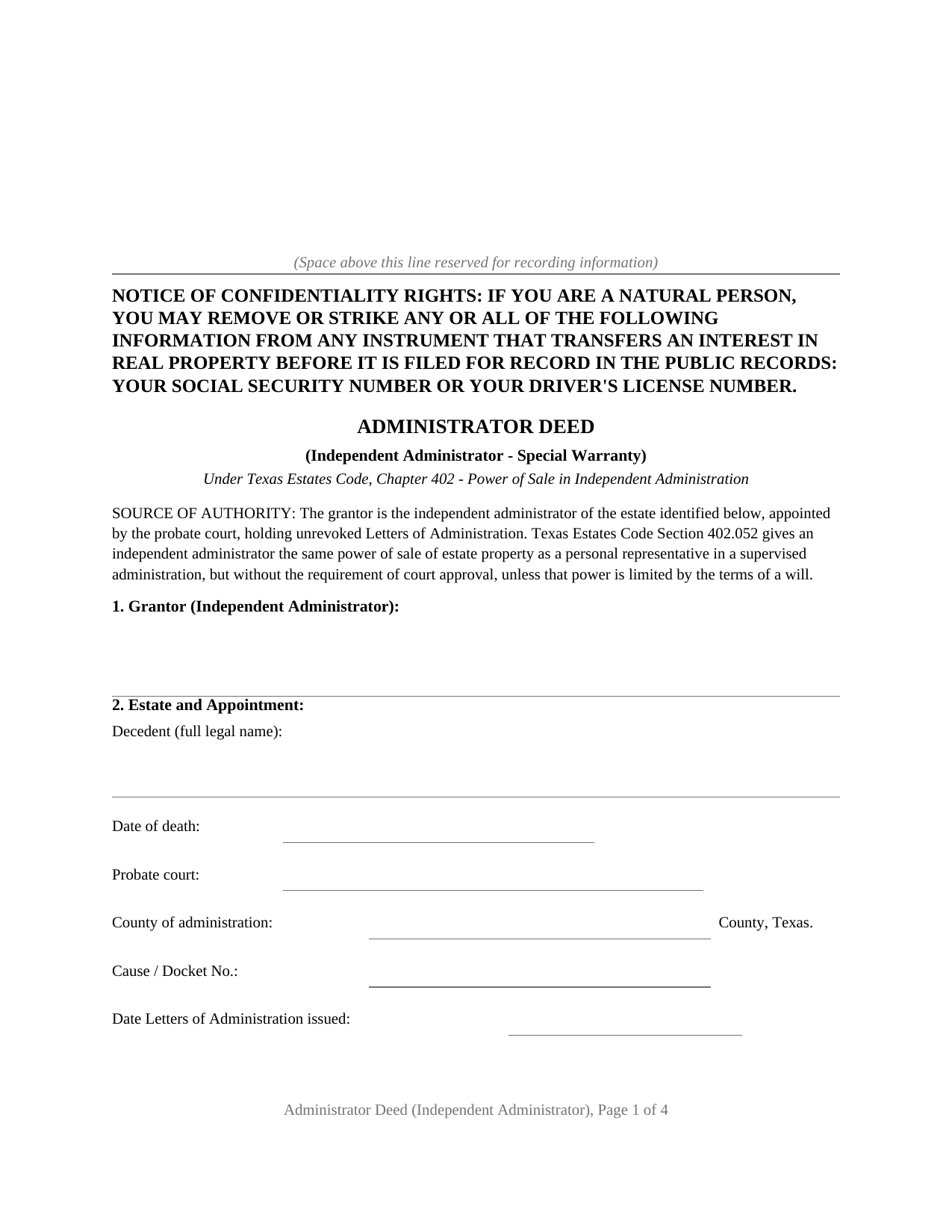
Goliad County Administrator Deed (Independent Administrator) Form
Fill in the blank Administrator Deed (Independent Administrator) form formatted to comply with all Texas recording and content requirements.
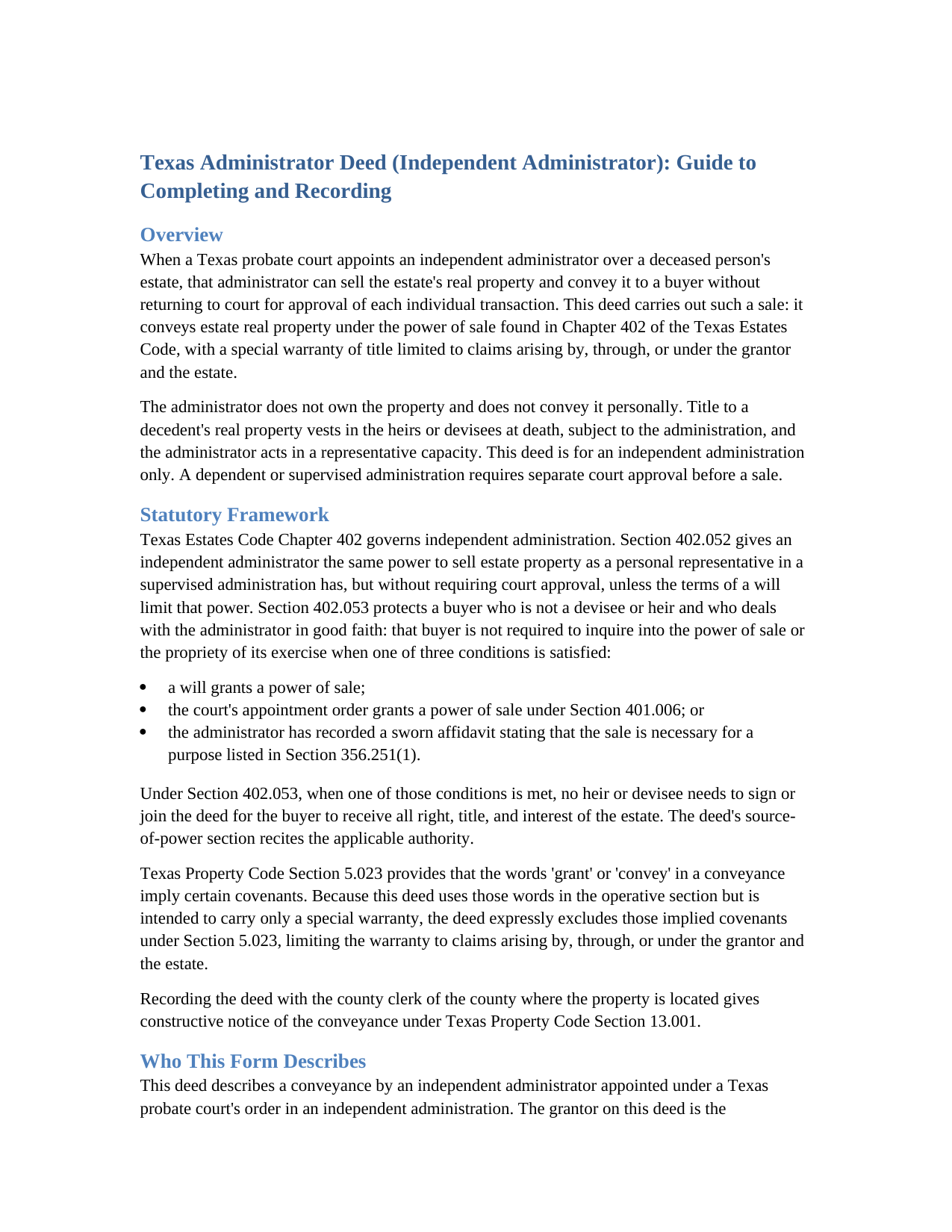
Goliad County Administrator Deed (Independent Administrator) Guide
Line by line guide explaining every blank on the Administrator Deed (Independent Administrator) form.
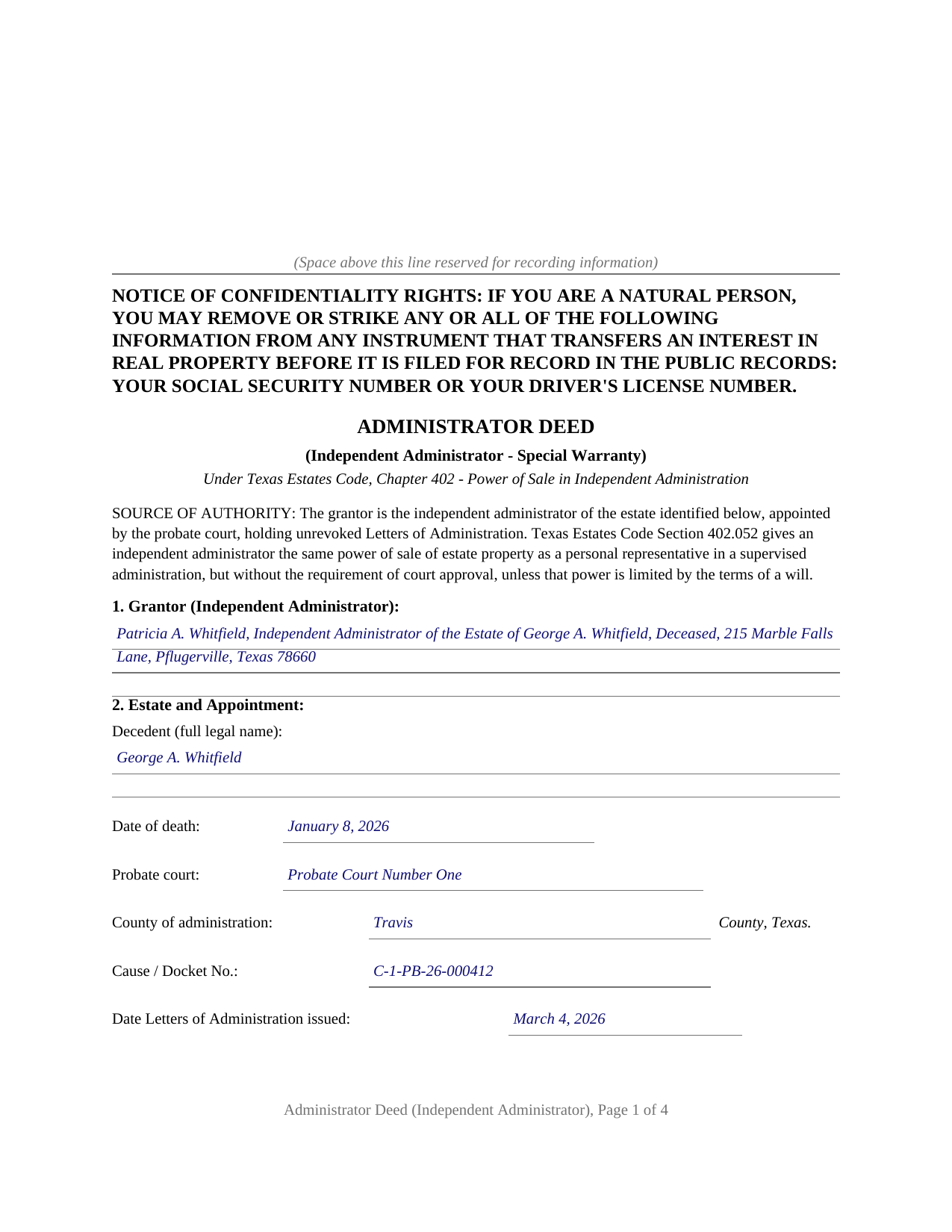
Goliad County Completed Example of the Administrator Deed (Independent Administrator) Document
Example of a properly completed Texas Administrator Deed (Independent Administrator) document for reference.
All 3 documents above included • One-time purchase • No recurring fees
Immediate Download • Secure Checkout
Additional Texas and Goliad County documents included at no extra charge:
Where to Record Your Documents
Goliad County Clerk
Goliad, Texas 77963
Hours: Monday - Friday 8:00am - 12:00 & 1:00 - 5:00pm
Phone: (361) 645-3294
Recording Tips for Goliad County:
- Bring your driver's license or state-issued photo ID
- Ensure all signatures are in blue or black ink
- Check margin requirements - usually 1-2 inches at top
- Leave recording info boxes blank - the office fills these
- Make copies of your documents before recording - keep originals safe
Cities and Jurisdictions in Goliad County
Properties in any of these areas use Goliad County forms:
- Berclair
- Fannin
- Goliad
- Weesatche
Hours, fees, requirements, and more for Goliad County
How do I get my forms?
Forms are available for immediate download after payment. The Goliad County forms will be in your account ready to download to your computer. An account is created for you during checkout if you don't have one. Forms are NOT emailed.
Are these forms guaranteed to be recordable in Goliad County?
Yes. Our form blanks are guaranteed to meet or exceed the applicable formatting requirements used for recording in Goliad County, including margin requirements, font requirements, and other layout standards. This guarantee applies to formatting, not to the legal sufficiency of information entered by the user or the suitability of a form for a particular transaction.
Can I reuse these forms?
Yes. You can reuse the forms for your personal use. For example, if you have multiple properties in Goliad County you only need to order once.
What do I need to use these forms?
The forms are PDFs that you fill out on your computer. The free Adobe Acrobat Reader is recommended, and most PDF apps also work. You do NOT enter your property information online - you download the blank forms and complete them privately on your own computer.
Are there any recurring fees?
No. This is a one-time purchase. Nothing to cancel, no memberships, no recurring fees.
How much does it cost to record in Goliad County?
Recording fees in Goliad County vary. Contact the recorder's office at (361) 645-3294 for current fees.
Questions answered? Let's get started!
When a Texas probate court appoints an independent administrator over a deceased person's estate, that administrator can sell the estate's real property and convey it to a buyer without returning to court for approval of each sale. This form prepares the deed that carries out such a sale: an administrator deed conveying estate property under the power of sale in Chapter 402 of the Texas Estates Code, with a special warranty of title.
Authority That Comes From the Court, Not From Ownership
The administrator does not own the property and does not convey it personally. Title to a decedent's real property vests in the heirs or devisees at death, subject to administration, and the administrator conveys the estate's interest in a representative capacity. The authority rests on the probate court's appointment and the Letters of Administration the court issues. Section 402.052 of the Estates Code gives an independent administrator the same power of sale a supervised personal representative has, for the same purposes, but without the requirement of court approval, unless a will limits it.
How a Buyer Is Protected
Section 402.053 lets a buyer who is not a devisee or heir, and who deals with the administrator in good faith, rely on the sale without investigating the power of sale when one of three things is true: a will grants a power of sale, the appointment order grants one under Section 401.006, or the administrator records a sworn affidavit that the sale is necessary for a purpose listed in Section 356.251(1). The same section provides that no heir or devisee needs to sign or join the deed for the buyer to receive all right, title, and interest of the estate. Because an intestate estate has no will, the appointment-order power of sale and the recorded affidavit are the practical sources of recordable authority, and the form's source-of-power section recites them.
Why the Warranty Is a Special Warranty
The deed conveys with a special warranty: the administrator warrants title against claims arising by, through, or under the grantor and the estate, but not against earlier links in the chain of title that the administrator never controlled. This is the established posture for a fiduciary conveyance out of an estate. The operative language uses words of grant on the Property itself and then expressly excludes the covenants Texas Property Code Section 5.023 would otherwise imply from the words grant or convey, so the deed limits its covenant rather than leaving a court to imply a broader one.
A Fiduciary Deed in One Operative Section
The form gathers the administrator and the estate, the appointment details from the Letters of Administration, the source of the power to convey, the grantee, the consideration, the property, the decedent's vesting instrument, and the reservations and exceptions, then performs the conveyance in a single operative section. The administrator signs once, in the representative capacity, and acknowledges the deed before a notary, where the certificate names the signer as independent administrator of the named estate. A long legal description or any entry that outgrows its space continues on the Exhibit A page at the end of the deed, recorded with the instrument. The guide walks through every section and the statutory framework, and the completed example fills in the whole deed for a realistic Travis County estate. The deed carries the confidentiality notice required by Property Code Section 11.008 at the top of the first page and is recorded with the county clerk of the county where the property is located. The materials are informational and are not legal advice.
Important: Your property must be located in Goliad County to use these forms. Documents should be recorded at the county recording office listed above.
This Administrator Deed (Independent Administrator) meets all recording requirements specific to Goliad County.
Our Promise
The documents you receive here are guaranteed to meet or exceed the applicable Goliad County recording format requirements. If there is a rejection caused by our formatting, we will correct the issue or refund your payment. This guarantee applies to document formatting only and does not extend to information entered by the user, the selection of the form, or the legal effect of the completed document.
Save Time and Money
Get your Goliad County Administrator Deed (Independent Administrator) form done right the first time with Deeds.com Uniform Conveyancing Blanks. At Deeds.com, we understand that your time and money are valuable resources, and we don't want you to face a penalty fee or rejection imposed by a county recorder for submitting nonstandard documents. We constantly review and update our forms to meet rapidly changing state and county recording requirements for roughly 3,500 counties and local jurisdictions.
4.8 out of 5 - ( 4,836 Reviews )
Sallie S. 5 out of 5 stars
Great speedy service with access to areas beyond my reach.
Thank you Sallie, have a great day!
Robert B. 5 out of 5 stars
Found this sight on the internet looking for information to add my fiance' to the house deed. Looks like the right place to be. Looking forward to getting the forms I need.
Thank you!
Gretchen N. 5 out of 5 stars
The filled out form could have been placed on the real form then deleted with current info. Form quite simplified but example & help good.
Thank you for your feedback Gretchen.
Pamela S. 5 out of 5 stars
I love the convenience and professionalism!
Your satisfaction with our services is of utmost importance to us. Thank you for letting us know how we did!
Trace A. 5 out of 5 stars
Deeds.com had much better and fuller information than any other help i found (90% complete vs 60 % complete); they tout how up-to-date they are on all the counties in the country and the idiosyncrasies of each county's forms and procedures; but some minor points of the info i needed were missing or confusing. Including that they sold me on e-Recording my deed through them, only to find out after i had done all the prep for that, that they had failed to tell me upfront (or i missed it somehow) that the county i was dealing with did not yet accept online recording. So, they were by far the best i found, but not 100%.
Thank you for your honest and thorough feedback Trace. We will review your concerns carefully in an effort to improve our services. Hope you have an amazing day.
Michael T. 5 out of 5 stars
This site was recommended to me. The deed worked just fine for recording a property transfer (Warranty Deed). What I like is that there is a 1 time fee, not a subscription. I would highly recommend. It saved us $2000 in closing costs and fees.
Thank you!
Gerald M. 5 out of 5 stars
So easy to do. The examples and guides are well worth the few $$ this cost. Highly recommend!!
We appreciate your business and value your feedback. Thank you. Have a wonderful day!
Evelyn B. 5 out of 5 stars
Wow! Deeds.com provided proficient eRecording with great response time and great service... and it was super easy, super fast, and very reasonably priced. What more could you possibly want?! Highly recommended!
We appreciate your business and value your feedback. Thank you. Have a wonderful day!
Rodney S. 5 out of 5 stars
Good service; thank you.
Thank you!
ROBERT W. 5 out of 5 stars
Very good service .I recommend it if you need your documentation on a weekend or when offices are closed.Very fast service
We appreciate your business and value your feedback. Thank you. Have a wonderful day!
Roxanne B. 5 out of 5 stars
This is an excellent service during a pandemic! Recording documents can be challenging with changing hours and rules. Yesterday I was able to file an important document from the comfort of my home.
Thank you for your feedback. We really appreciate it. Have a great day!
Anne M H. 5 out of 5 stars
Appears to be just what I need. Quick and easy to download. Thank you
We appreciate your business and value your feedback. Thank you. Have a wonderful day!
David M. 5 out of 5 stars
Very easy to use and modify if necessary. Spot on with each county requirement for recording and Notarizing
Thank you for your feedback. We really appreciate it. Have a great day!
Jesse K. 5 out of 5 stars
Very simple to use website for remote recording of documents. I will definately use this platform for future recordings.
Thank you for your feedback. We really appreciate it. Have a great day!
David L. 4 out of 5 stars
It was a very easy to use application. I can only give it four stars because I have yet to receive confirmation from the county that my application was acceptable, ie., format, font, etc. I believe it will be fine.
Thank you for your feedback. We really appreciate it. Have a great day!