Dickens County Appointment and Acceptance of Successor Trustee (Recordable) Form
Last validated September 23, 2026 by our Forms Development TeamFormatted for recording in Dickens County, for property anywhere in the county: rural and unincorporated areas as well as Afton, Dickens, Mcadoo, Spur.
- 3 documents included
- Immediate PDF download
- Formatting guarantee
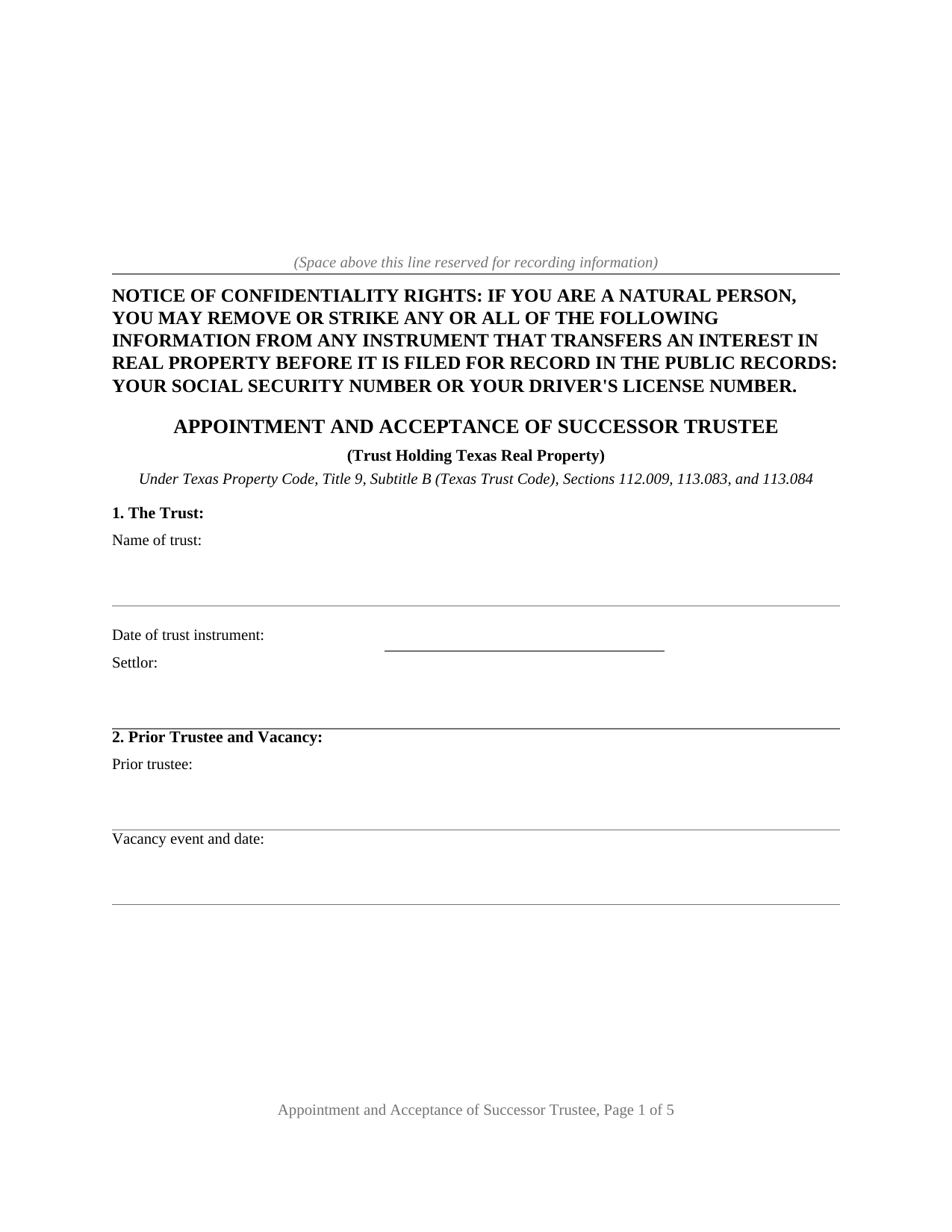
Dickens County Appointment and Acceptance of Successor Trustee (Recordable) Form
Fill in the blank Appointment and Acceptance of Successor Trustee (Recordable) form formatted to comply with all Texas recording and content requirements.
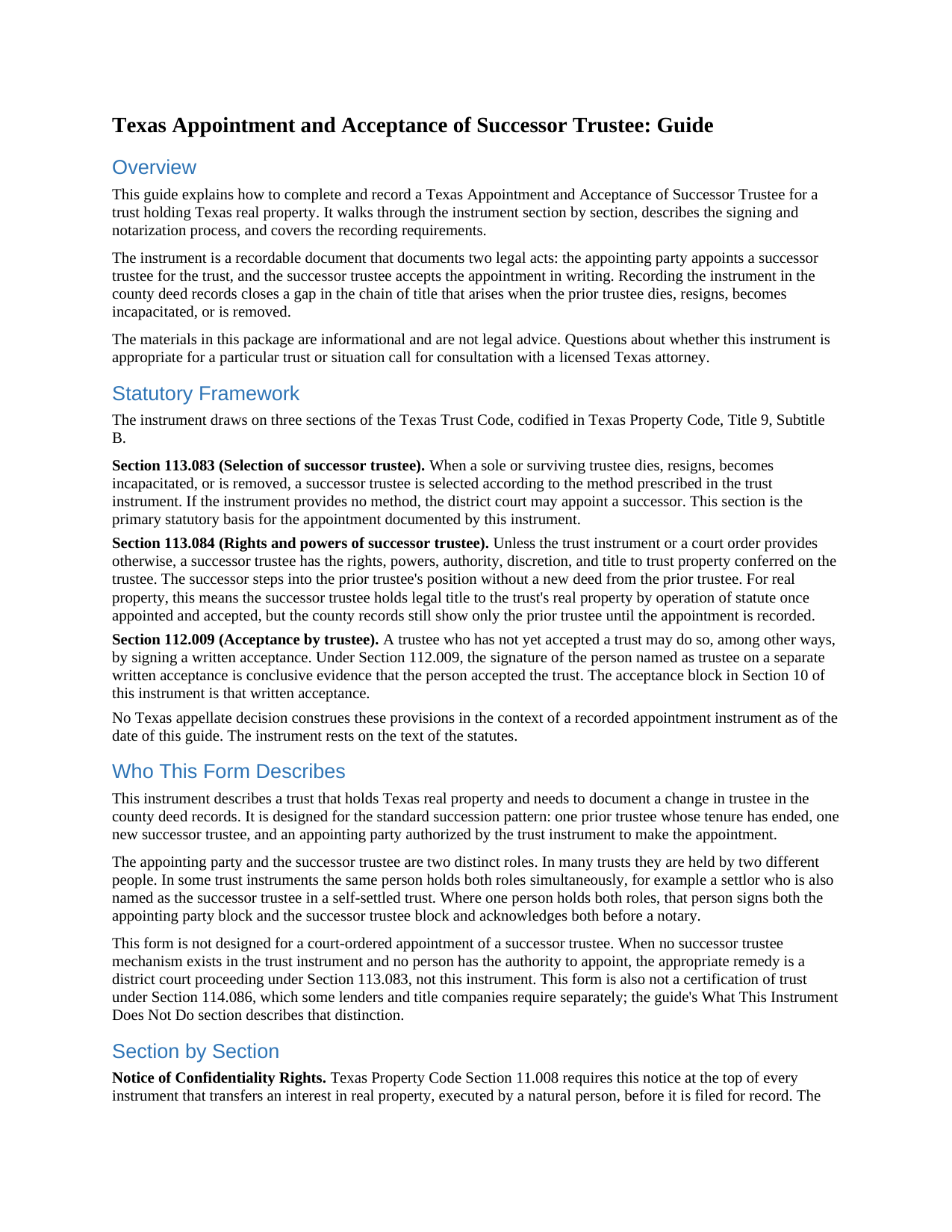
Dickens County Appointment and Acceptance of Successor Trustee (Recordable) Guide
Line by line guide explaining every blank on the Appointment and Acceptance of Successor Trustee (Recordable) form.
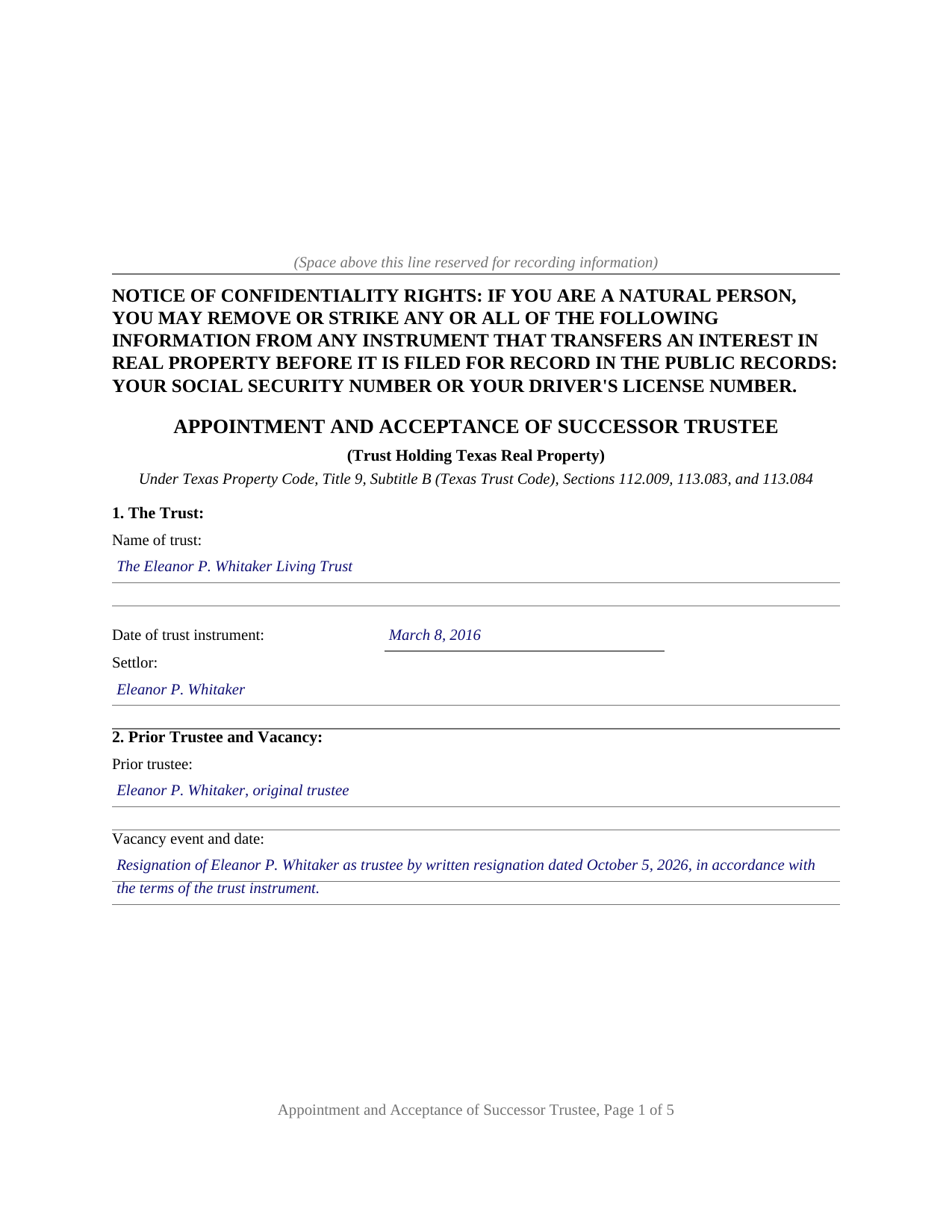
Dickens County Completed Example of the Appointment and Acceptance of Successor Trustee (Recordable) Document
Example of a properly completed Texas Appointment and Acceptance of Successor Trustee (Recordable) document for reference.
All 3 documents above included • One-time purchase • No recurring fees
Immediate Download • Secure Checkout
Additional Texas and Dickens County documents included at no extra charge:
Where to Record Your Documents
County Clerk's Office
Dickens, Texas 79229
Hours: Monday - Friday 8:00am - 12:00 & 1:00 - 5:00pm
Phone: (806) 623-5531
Recording Tips for Dickens County:
- Bring your driver's license or state-issued photo ID
- Ensure all signatures are in blue or black ink
- Avoid the last business day of the month when possible
- Both spouses typically need to sign if property is jointly owned
- Bring extra funds - fees can vary by document type and page count
Cities and Jurisdictions in Dickens County
Properties in any of these areas use Dickens County forms:
- Afton
- Dickens
- Mcadoo
- Spur
Hours, fees, requirements, and more for Dickens County
How do I get my forms?
Forms are available for immediate download after payment. The Dickens County forms will be in your account ready to download to your computer. An account is created for you during checkout if you don't have one. Forms are NOT emailed.
Are these forms guaranteed to be recordable in Dickens County?
Yes. Our form blanks are guaranteed to meet or exceed the applicable formatting requirements used for recording in Dickens County, including margin requirements, font requirements, and other layout standards. This guarantee applies to formatting, not to the legal sufficiency of information entered by the user or the suitability of a form for a particular transaction.
Can I reuse these forms?
Yes. You can reuse the forms for your personal use. For example, if you have multiple properties in Dickens County you only need to order once.
What do I need to use these forms?
The forms are PDFs that you fill out on your computer. The free Adobe Acrobat Reader is recommended, and most PDF apps also work. You do NOT enter your property information online - you download the blank forms and complete them privately on your own computer.
Are there any recurring fees?
No. This is a one-time purchase. Nothing to cancel, no memberships, no recurring fees.
How much does it cost to record in Dickens County?
Recording fees in Dickens County vary. Contact the recorder's office at (806) 623-5531 for current fees.
Questions answered? Let's get started!
Legal title to real property held in a Texas trust stands in the name of the trustee. The deed that moved the property into the trust names the trustee of record, and every later search of the county records starts from that name. When that trustee dies, resigns, becomes incapacitated, or is removed, the trust continues and a successor steps in, but the county records still show only the prior trustee. This form prepares the instrument Texas title practice uses to close that gap: a recordable appointment and acceptance of successor trustee for a trust holding Texas real property.
Title Follows the Trustee
Under Section 113.083 of the Texas Trust Code, a successor trustee is selected according to the method, if any, prescribed in the trust instrument, with court appointment available where the instrument supplies none. Section 113.084 then does the quiet work that matters for real estate: unless the trust instrument or a court order provides otherwise, the successor trustee has the rights, powers, authority, discretion, and title to trust property conferred on the trustee. The succession takes effect under the trust instrument and the statute, with no new deed from the old trustee to the new one. What the succession does not do on its own is appear in the county records.
One Instrument, Two Legal Acts
The form performs two acts in a single recordable document. The appointing party, the person the trust instrument authorizes to select a successor, appoints the successor trustee, reciting the trust, the prior trustee, the vacancy event, and the provision relied on. The successor trustee then accepts the trust in writing; under Section 112.009, a signature on a separate written acceptance is conclusive evidence that the person accepted the trust. Each signer acknowledges before a notary, and the acknowledgments are what make the instrument recordable: Property Code Section 12.001 provides that an instrument concerning real property may be recorded once acknowledged.
Recording as Notice, Not Effectiveness
No Texas statute requires an appointment of successor trustee to be recorded, and recording is not what makes it effective. Recording serves the title record. A title company examining the trust property years later, a purchaser tracing the chain of title, and the appraisal district adjusting its rolls all find the succession documented in the same records that hold the vesting deed. The instrument identifies the property by county, legal description, street address, and vesting instrument, so the clerk indexes it where examiners look. The confidentiality notice required by Property Code Section 11.008 appears at the top of the first page, and the layout reserves the customary space on page one for the clerk's recording stamp.
What the Package Prepares
The download includes the blank instrument as a fillable PDF, a completed example showing a realistic Travis County succession from written resignation through acceptance, and a plain language guide that walks through every numbered section: the trust, the prior trustee and the vacancy, the authority for the appointment, the parties, the property, and the operative appointment and acceptance language. The instrument does not convey the property and does not modify the trust; the guide describes those limits, along with the certification of trust that banks and title companies separately request under Property Code Section 114.086. The materials are informational and are not legal advice.
Important: Your property must be located in Dickens County to use these forms. Documents should be recorded at the county recording office listed above.
This Appointment and Acceptance of Successor Trustee (Recordable) meets all recording requirements specific to Dickens County.
Our Promise
The documents you receive here are guaranteed to meet or exceed the applicable Dickens County recording format requirements. If there is a rejection caused by our formatting, we will correct the issue or refund your payment. This guarantee applies to document formatting only and does not extend to information entered by the user, the selection of the form, or the legal effect of the completed document.
Save Time and Money
Get your Dickens County Appointment and Acceptance of Successor Trustee (Recordable) form done right the first time with Deeds.com Uniform Conveyancing Blanks. At Deeds.com, we understand that your time and money are valuable resources, and we don't want you to face a penalty fee or rejection imposed by a county recorder for submitting nonstandard documents. We constantly review and update our forms to meet rapidly changing state and county recording requirements for roughly 3,500 counties and local jurisdictions.
4.8 out of 5 - ( 4,842 Reviews )
tim r. 5 out of 5 stars
easy sight and extra forms that I can use any time
We appreciate your business and value your feedback. Thank you. Have a wonderful day!
Nancy J M. 5 out of 5 stars
Site is easy to navigate and forms are as described. Too bad there is no secure payment link service (PayPal, Apple Pay, etc. So after I verify charge has hit my credit card I will delete my Deeds.com account.
Thank you!
CHERI I. 5 out of 5 stars
I was so pleased with how easy this form was to download and print! Thank you and I am sure we will use you again in the future!
We appreciate your business and value your feedback. Thank you. Have a wonderful day!
Jan M. 5 out of 5 stars
Fantastic company. They are the absolute best and helped me get the information I needed.
We appreciate your business and value your feedback. Thank you. Have a wonderful day!
Karen D. 5 out of 5 stars
Very easy to use and understand. Thank you.
Thank you!
Carol M. 5 out of 5 stars
Very user friendly. Glad I found your site.
Thank you!
Berle B. 5 out of 5 stars
I am very impressed with Deeds.com. They provided the form with instructions that I needed. Also, they provided an example form that was filled out which really helped me with the process. The price seemed high, but in comparison to other sites it is very reasonable. Thank you Deeds, I would recommend you to anyone need your services. Berle Bigelow
Thank you, Berle. Glad the completed example did its job. We appreciate the recommendation.
Christopher M. 5 out of 5 stars
This was so painless and fast!
Thank you Christopher, that means a lot to us.
Nancy W. 5 out of 5 stars
This was very easy to use to record my NOC. With the new COVID restrictions, I can't record my NOC in person and I'm working from home. This was a huge convenience and easy to use. I submitted the NOC late in the day and had the recorded NOC the next day.
Thank you!
William M. 5 out of 5 stars
I got what I needed and did exactly what I needed. All legal and no hassle. Thanks Deeds.com, you made the job much easier.
Thank you!
Michelle N. 5 out of 5 stars
Great experience
Thank you Michelle.
Carla F. 5 out of 5 stars
Forms were easily accessible along with guides. Great resource. Thank you.
We appreciate your business and value your feedback. Thank you. Have a wonderful day!
Magdy G. 5 out of 5 stars
Very fast and efficient service. Everything was done online. Did not need any help.
Thank you!
Rick L. 5 out of 5 stars
I love it! Very convenience.
Thank you!
Debra M. 5 out of 5 stars
Easy Peasy. Great experience.
Thank you for your feedback. We really appreciate it. Have a great day!