Gonzales County Assignment of Deed of Trust Form
Last validated October 16, 2026 by our Forms Development TeamFormatted for recording in Gonzales County, for property anywhere in the county: rural and unincorporated areas as well as Belmont, Cost, Gonzales, Harwood, Leesville, Nixon, Ottine, Smiley and 2 more.
- 3 documents included
- Immediate PDF download
- Formatting guarantee
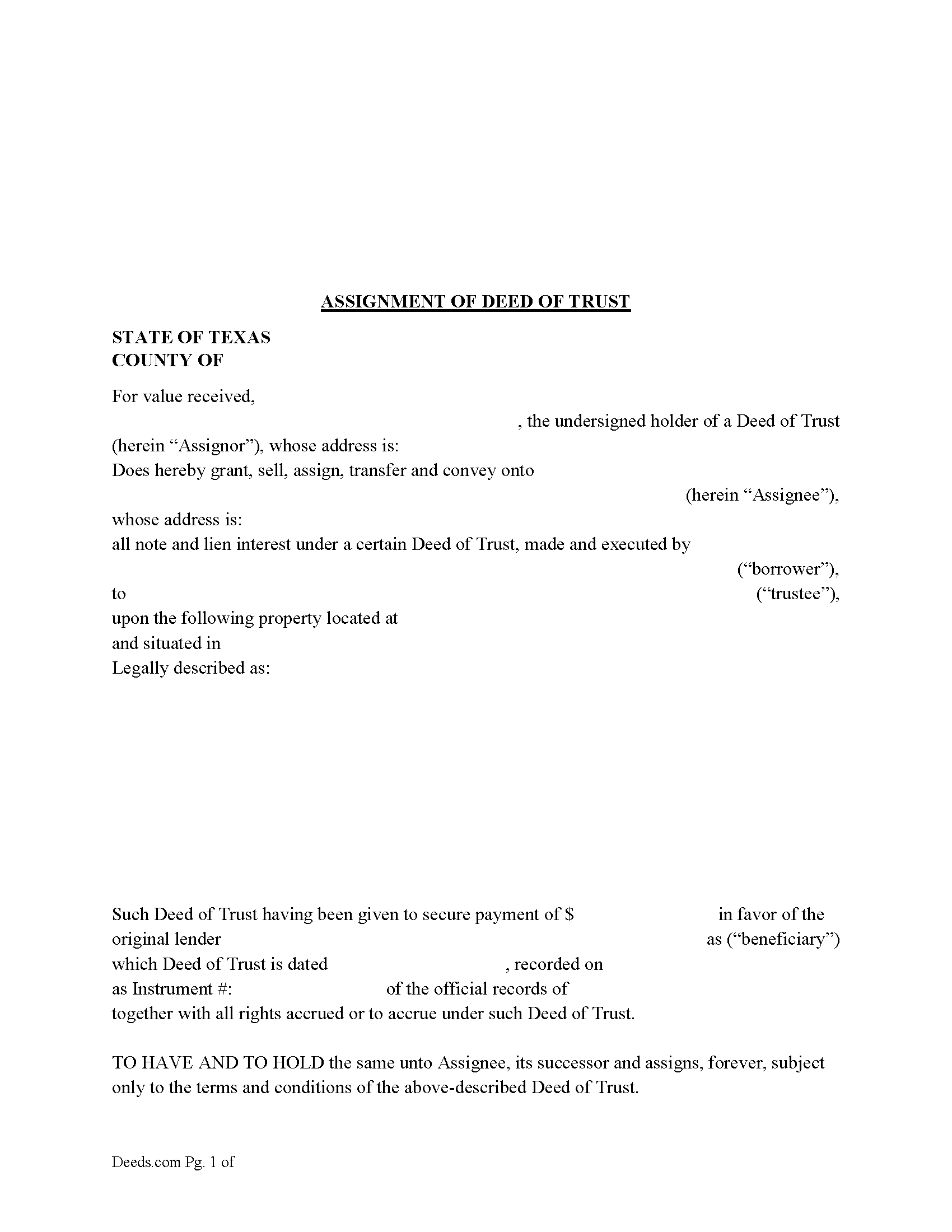
Gonzales County Assignment of Deed of Trust Form
Fill in the blank form formatted to comply with all recording and content requirements.
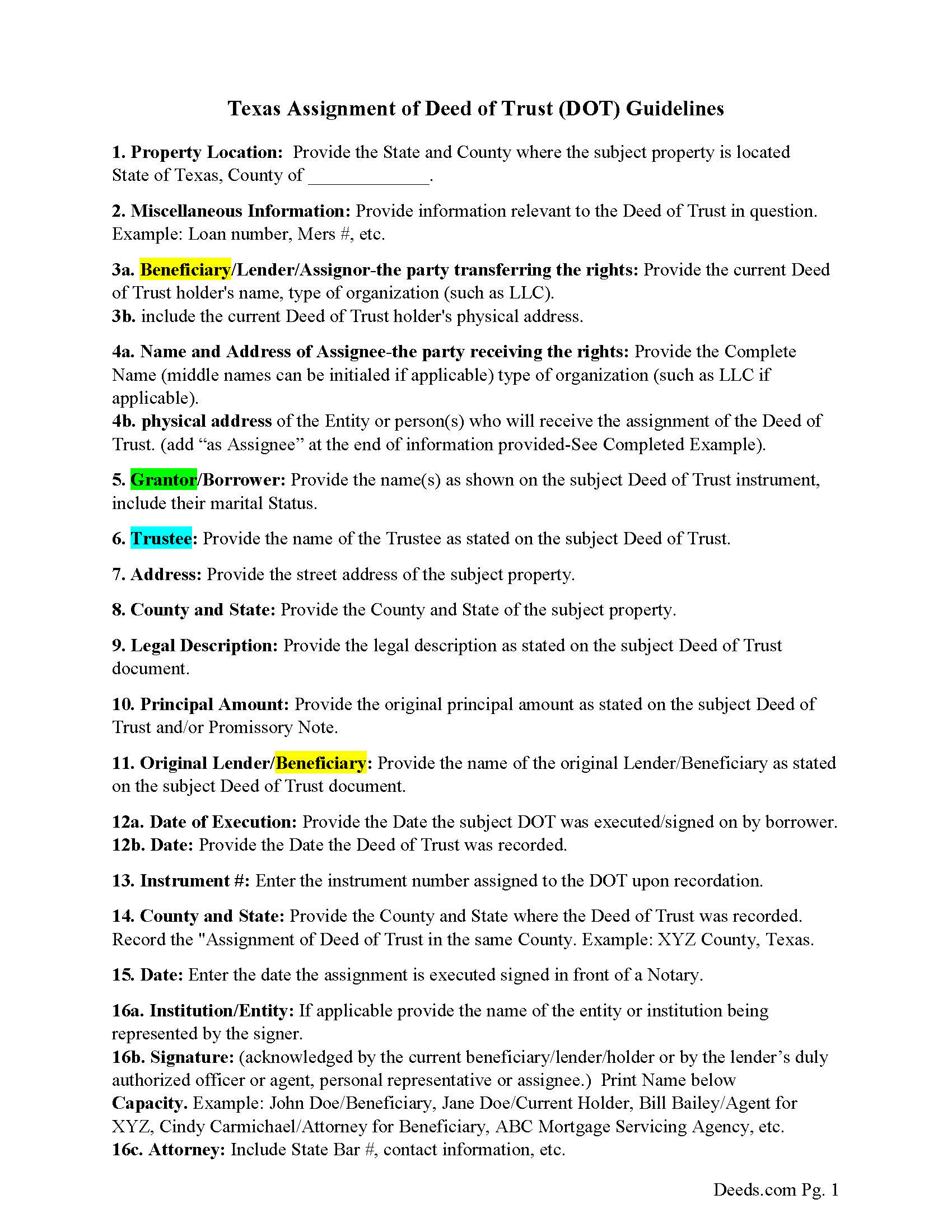
Gonzales County Guidelines-Assignment of Deed of Trust
Line by line guide explaining every blank on the form.
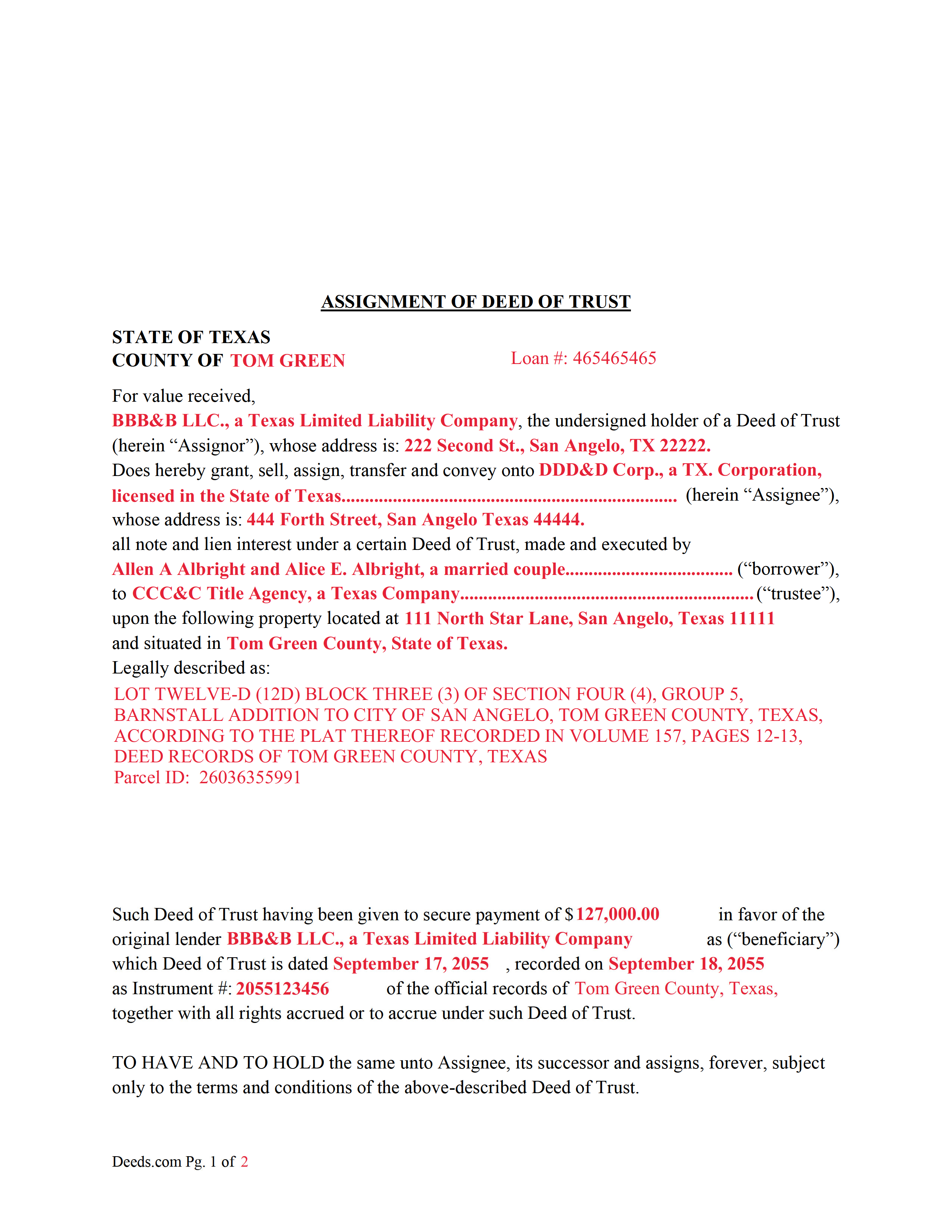
Gonzales County Completed Example of an Assignment of Deed of Trust Document
Example of a properly completed form for reference.
All 3 documents above included • One-time purchase • No recurring fees
Immediate Download • Secure Checkout
Additional Texas and Gonzales County documents included at no extra charge:
Where to Record Your Documents
Clerk Office - Randle Rather Building Annex
Gonzales, Texas 78629
Hours: Monday-Friday 8:00am-4:30pm
Phone: (830) 672-2801
Recording Tips for Gonzales County:
- Bring your driver's license or state-issued photo ID
- Ensure all signatures are in blue or black ink
- Leave recording info boxes blank - the office fills these
- Make copies of your documents before recording - keep originals safe
- Recorded documents become public record - avoid including SSNs
Cities and Jurisdictions in Gonzales County
Properties in any of these areas use Gonzales County forms:
- Belmont
- Cost
- Gonzales
- Harwood
- Leesville
- Nixon
- Ottine
- Smiley
- Waelder
- Wrightsboro
Hours, fees, requirements, and more for Gonzales County
How do I get my forms?
Forms are available for immediate download after payment. The Gonzales County forms will be in your account ready to download to your computer. An account is created for you during checkout if you don't have one. Forms are NOT emailed.
Are these forms guaranteed to be recordable in Gonzales County?
Yes. Our form blanks are guaranteed to meet or exceed the applicable formatting requirements used for recording in Gonzales County, including margin requirements, font requirements, and other layout standards. This guarantee applies to formatting, not to the legal sufficiency of information entered by the user or the suitability of a form for a particular transaction.
Can I reuse these forms?
Yes. You can reuse the forms for your personal use. For example, if you have multiple properties in Gonzales County you only need to order once.
What do I need to use these forms?
The forms are PDFs that you fill out on your computer. The free Adobe Acrobat Reader is recommended, and most PDF apps also work. You do NOT enter your property information online - you download the blank forms and complete them privately on your own computer.
Are there any recurring fees?
No. This is a one-time purchase. Nothing to cancel, no memberships, no recurring fees.
How much does it cost to record in Gonzales County?
Recording fees in Gonzales County vary. Contact the recorder's office at (830) 672-2801 for current fees.
Questions answered? Let's get started!
This form is used by the current holder/lender or representative to assign a recorded Deed of Trust and Promissory Note to another entity. This is common when a Deed of Trust has been sold.
(Texas Assignment of Deed of Trust Package includes form, guidelines, and completed example) For use in Texas only.
Important: Your property must be located in Gonzales County to use these forms. Documents should be recorded at the county recording office listed above.
This Assignment of Deed of Trust meets all recording requirements specific to Gonzales County.
Our Promise
The documents you receive here are guaranteed to meet or exceed the applicable Gonzales County recording format requirements. If there is a rejection caused by our formatting, we will correct the issue or refund your payment. This guarantee applies to document formatting only and does not extend to information entered by the user, the selection of the form, or the legal effect of the completed document.
Save Time and Money
Get your Gonzales County Assignment of Deed of Trust form done right the first time with Deeds.com Uniform Conveyancing Blanks. At Deeds.com, we understand that your time and money are valuable resources, and we don't want you to face a penalty fee or rejection imposed by a county recorder for submitting nonstandard documents. We constantly review and update our forms to meet rapidly changing state and county recording requirements for roughly 3,500 counties and local jurisdictions.
4.8 out of 5 - ( 4,832 Reviews )
Don R. 3 out of 5 stars
From Pennsylvania here. Documents are great and easy to fill out however you are lacking a couple of things. You only provide the option for a Grant Deed when you purchase by your county which is Mercer County for me. Why not give the ability to get a Warranty Deed that better protects the Grantee? Also, being from Pennsylvania and in a county that mined Buituminous Coal we are required to include the Coal Severance Notice and Bituminous Mine Subsidence and Land Conservation Act Notice. You can check the box on your Deed form that they are required and attached but you do not provide the verbiage or form for this. You state that you know what each county requires and include everything required but you do not include these two required Notices. This has been a requirement for years and the wording never changes. I had to look for these Notices and hand type this information and include it on another seperate page after the Notary section on the Deed. The Grantor has to sign the Coal Severance Notice and be witnessed by a Notary so I had to add another place for the Notary and will have to pay twice for witnessed signatures when it could have been included in your document. My Deed from 2003 was done that way and then the Notary statement after that so it was only one notarized witness of signature.
Thank you for your feedback. We really appreciate it. Have a great day!
Gloria R. 5 out of 5 stars
Great system
Thank you!
steven L. 5 out of 5 stars
download was fast and easy. if no problems with county recorder i will give 5 stars
We appreciate your business and value your feedback. Thank you. Have a wonderful day!
George R. 5 out of 5 stars
One of the most satisfactory and easy to use websites I have come across. Being able to record documents in the court records without having to pay an atty $500 per hour and accomplish the recording in about 24 hours instead of days and even weeks i s invaluable. Worked perfectly.
Thank you!
Wilburn R. 5 out of 5 stars
absolutely great
Thank you!
Jana H. 5 out of 5 stars
I love this recording service! They are so fast and let me know in advance if they think something is wrong and will be rejected! They are reasonably priced too!
We appreciate your business and value your feedback. Thank you. Have a wonderful day!
George A. 5 out of 5 stars
Excellent Service.
Thank you for your feedback. We really appreciate it. Have a great day!
JOHN M. 5 out of 5 stars
THANKS FROM A 92 YEAR OLD LADY
Thank you!
Tawnya P. 5 out of 5 stars
I can't believe I haven't found Deeds.com sooner. They made my job so much easier!! They make recording documents effortless. I'm so grateful.
Thank you for your feedback. We really appreciate it. Have a great day!
Joshua W. 5 out of 5 stars
Very efficient and easy to use, worth the price.
Thank you for your feedback. We really appreciate it. Have a great day!
Dawn M. 5 out of 5 stars
So helpful and quick! The response time and kindness was amazing! The steps were easy to follow as well. We will definitely be using Deeds.com in the future!
Thank you for your feedback. We really appreciate it. Have a great day!
Mary Ann H V. 5 out of 5 stars
I'm very happy with your service! It saved me, at least, hundreds of dollars vs. going through a lawyer in a different state.
We appreciate your business and value your feedback. Thank you. Have a wonderful day!
Ardith S. 5 out of 5 stars
Very informative and user friendly. Was able to get all information and forms needed without any problems.
We appreciate your business and value your feedback. Thank you. Have a wonderful day!
GARY K. 5 out of 5 stars
I AM THRILLED THAT I FOUND YOU. I HAVE BOOKMARKED YOU FOR THE FUTURE. I USED YOU FOR A LIS PENDENS AND IT WAS EASY TO FOLLOW AND FILL IN.I WILL HIGHLY RECOMMEND YOU TO MY ASSOCIATES. THANK YOU
Thank you!
Donald P. 5 out of 5 stars
I wish the quick claim dead would have had letterhead that said, State South Carolina.
Thank you for your feedback. We really appreciate it. Have a great day!