Palo Pinto County Assignment of Deed of Trust Form
Last validated November 17, 2026 by our Forms Development TeamFormatted for recording in Palo Pinto County, for property anywhere in the county: rural and unincorporated areas as well as Gordon, Graford, Mineral Wells, Mingus, Palo Pinto, Santo, Strawn.
- 3 documents included
- Immediate PDF download
- Formatting guarantee
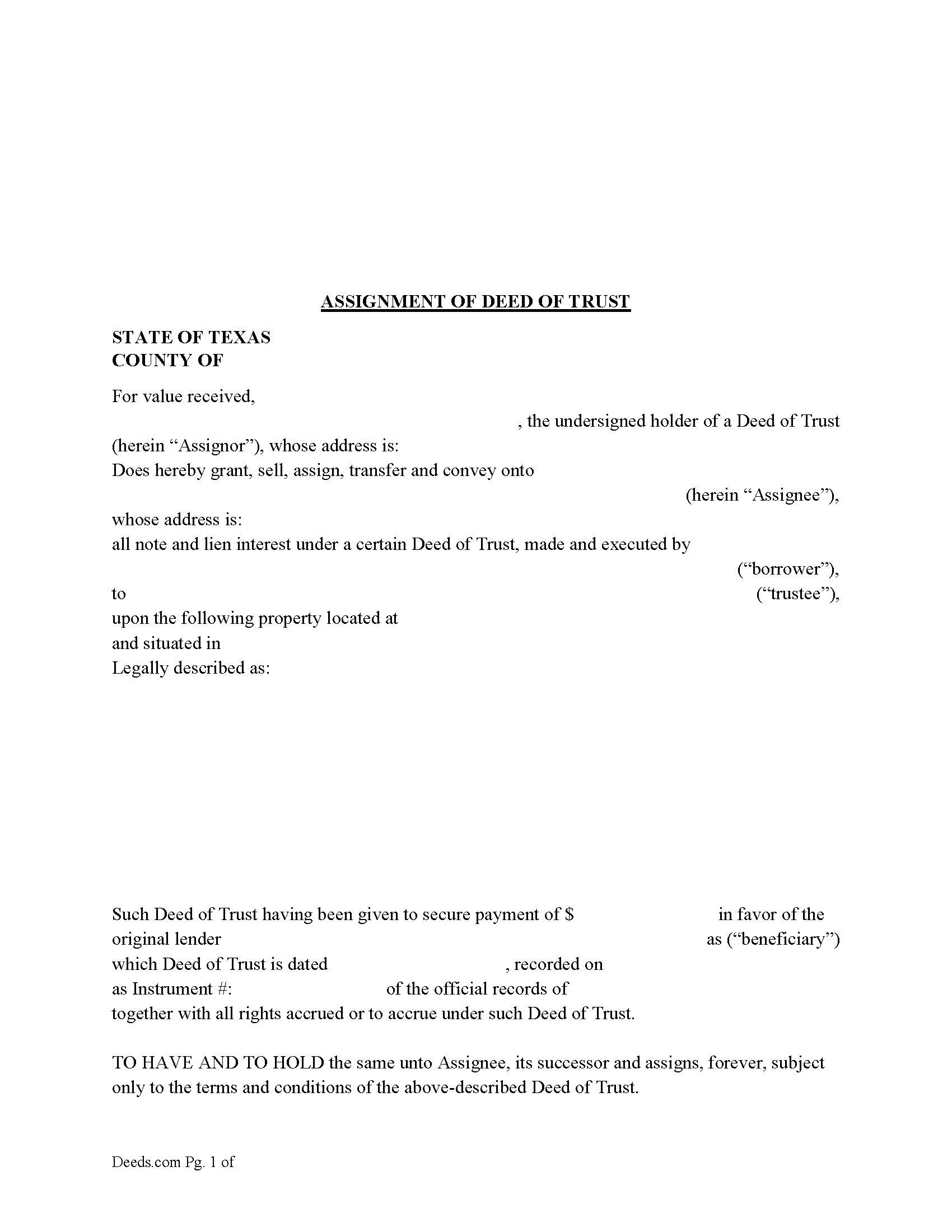
Palo Pinto County Assignment of Deed of Trust Form
Fill in the blank form formatted to comply with all recording and content requirements.
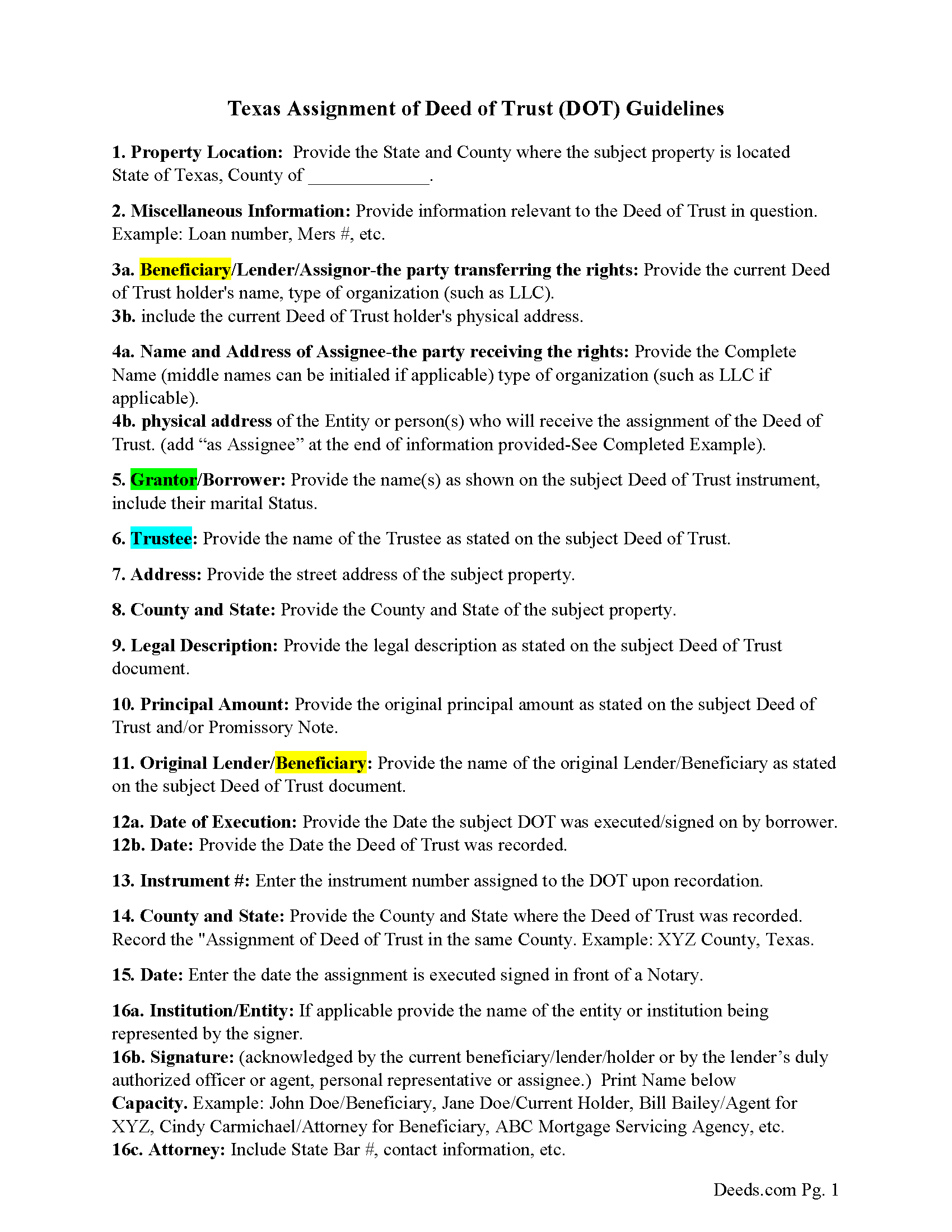
Palo Pinto County Guidelines-Assignment of Deed of Trust
Line by line guide explaining every blank on the form.
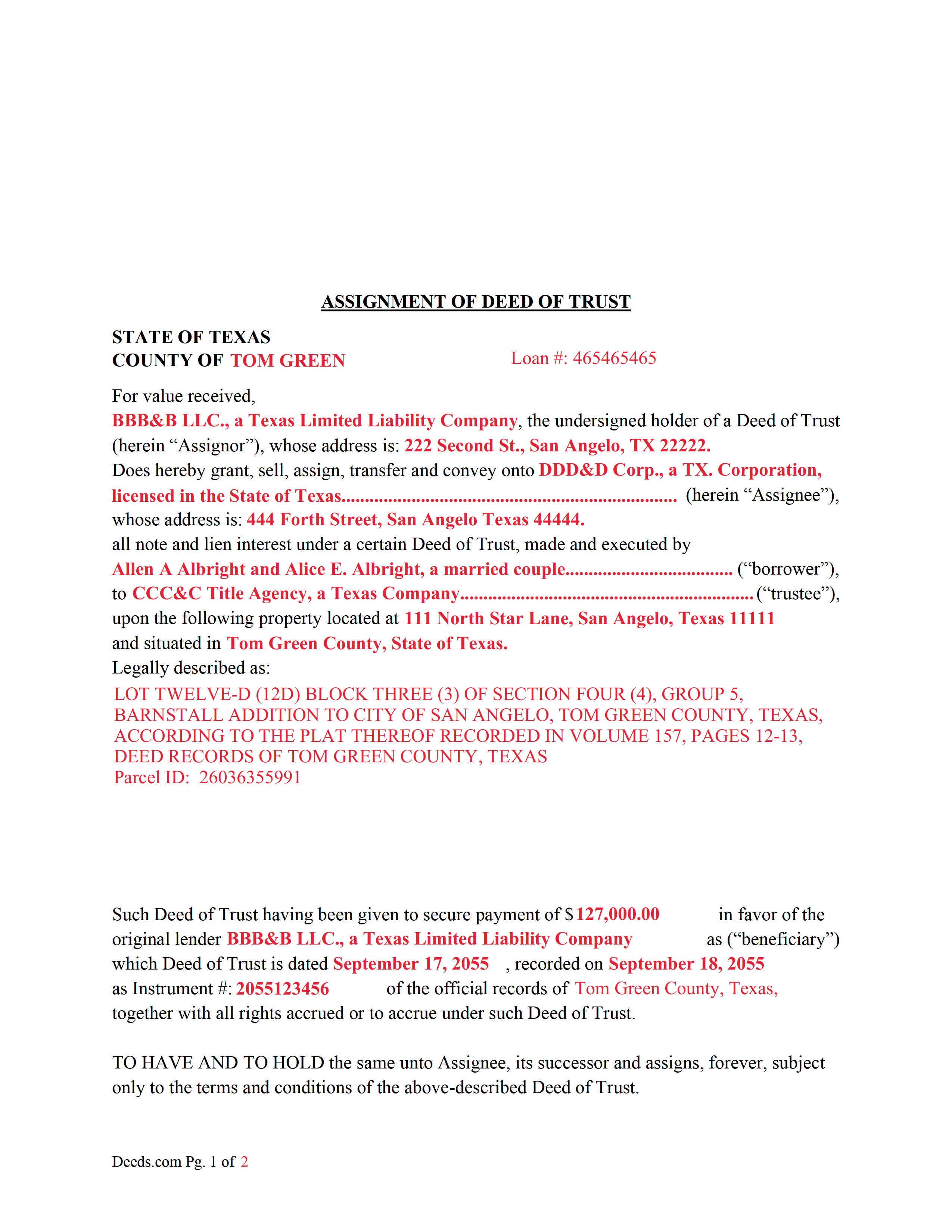
Palo Pinto County Completed Example of an Assignment of Deed of Trust Document
Example of a properly completed form for reference.
All 3 documents above included • One-time purchase • No recurring fees
Immediate Download • Secure Checkout
Additional Texas and Palo Pinto County documents included at no extra charge:
Where to Record Your Documents
Palo Pinto County
Palo Pinto, Texas 76484
Hours: Monday - Friday 8:30 am - 4:30 pm
Phone: (940) 659-1277
Recording Tips for Palo Pinto County:
- Bring your driver's license or state-issued photo ID
- Ensure all signatures are in blue or black ink
- Ask about accepted payment methods when you call ahead
- Ask for certified copies if you need them for other transactions
- Ask if they accept credit cards - many offices are cash/check only
Cities and Jurisdictions in Palo Pinto County
Properties in any of these areas use Palo Pinto County forms:
- Gordon
- Graford
- Mineral Wells
- Mingus
- Palo Pinto
- Santo
- Strawn
Hours, fees, requirements, and more for Palo Pinto County
How do I get my forms?
Forms are available for immediate download after payment. The Palo Pinto County forms will be in your account ready to download to your computer. An account is created for you during checkout if you don't have one. Forms are NOT emailed.
Are these forms guaranteed to be recordable in Palo Pinto County?
Yes. Our form blanks are guaranteed to meet or exceed the applicable formatting requirements used for recording in Palo Pinto County, including margin requirements, font requirements, and other layout standards. This guarantee applies to formatting, not to the legal sufficiency of information entered by the user or the suitability of a form for a particular transaction.
Can I reuse these forms?
Yes. You can reuse the forms for your personal use. For example, if you have multiple properties in Palo Pinto County you only need to order once.
What do I need to use these forms?
The forms are PDFs that you fill out on your computer. The free Adobe Acrobat Reader is recommended, and most PDF apps also work. You do NOT enter your property information online - you download the blank forms and complete them privately on your own computer.
Are there any recurring fees?
No. This is a one-time purchase. Nothing to cancel, no memberships, no recurring fees.
How much does it cost to record in Palo Pinto County?
Recording fees in Palo Pinto County vary. Contact the recorder's office at (940) 659-1277 for current fees.
Questions answered? Let's get started!
This form is used by the current holder/lender or representative to assign a recorded Deed of Trust and Promissory Note to another entity. This is common when a Deed of Trust has been sold.
(Texas Assignment of Deed of Trust Package includes form, guidelines, and completed example) For use in Texas only.
Important: Your property must be located in Palo Pinto County to use these forms. Documents should be recorded at the county recording office listed above.
This Assignment of Deed of Trust meets all recording requirements specific to Palo Pinto County.
Our Promise
The documents you receive here are guaranteed to meet or exceed the applicable Palo Pinto County recording format requirements. If there is a rejection caused by our formatting, we will correct the issue or refund your payment. This guarantee applies to document formatting only and does not extend to information entered by the user, the selection of the form, or the legal effect of the completed document.
Save Time and Money
Get your Palo Pinto County Assignment of Deed of Trust form done right the first time with Deeds.com Uniform Conveyancing Blanks. At Deeds.com, we understand that your time and money are valuable resources, and we don't want you to face a penalty fee or rejection imposed by a county recorder for submitting nonstandard documents. We constantly review and update our forms to meet rapidly changing state and county recording requirements for roughly 3,500 counties and local jurisdictions.
4.8 out of 5 - ( 4,863 Reviews )
Barbara C. 5 out of 5 stars
Excellent site; easy to use
Thank you!
Kathryn L. 5 out of 5 stars
I went to the recorders office. Had no problem was finished in about 10 minutes .The forms was excellent . With the instructions it was easy for me to fill out. Thank you, Kathryn L
Thank you for your feedback. We really appreciate it. Have a great day!
gene h. 5 out of 5 stars
Had used website while working as Land Rep for major oil company (retired 2.5 years ago). Recently had need to do some online research and went back to Deeds.com to find needed documents. Same as before, website provides a great service at a great price.
Thank you for your feedback. We really appreciate it. Have a great day!
Linda T. 5 out of 5 stars
The application was extremely easy to use with good instructions. Will definitely use a again.
We appreciate your business and value your feedback. Thank you. Have a wonderful day!
Rut P M. 5 out of 5 stars
I was very pleased with the document I downloaded. I was able to edit it easily and save a copy both as a permanent copy or one that could still be edited. I also liked being able to cut and paste longer paragraphs. It cost a little more than I expected; however, it was worth it be cause I didn't have to fill it out by hand. Great job!
Thank you for your feedback. We really appreciate it. Have a great day!
Theadore L. 5 out of 5 stars
Bought a transfer on death deed form and it worked great. Easy to fill out and record with the County. Got some helpful information from the county recorders office before filling out the form. I found out that I could use one deed for 2 properties. Saved me money not having to pay fees for 2 deeds.
We are delighted to have been of service. Thank you for the positive review!
Dennis M. 1 out of 5 stars
Of little use to me. I did not feel this really help me to do a Quick Claim Deed here in Minnesota on my own. All it showed me is what a complex mess it is to fill out this deed. That, unfortunately, I am going to have to hire a professional to make sure it is done right.
Glad to hear that you are seeking assistance Dennis, that's always best when one is not completely sure of what they are doing. Have a wonderful day.
Natasha M. 5 out of 5 stars
Your forms, guides, sample deeds and submission process were accessible, easy to understand and simple. I also was pleasantly surprised by the efficiency, professionalism and ease of staff communicating with me after I uploaded the document to ensure the county accepted it. I will continue to use this website to record deeds. Thank you!
Thank you for your feedback. We really appreciate it. Have a great day!
Jamie F. 4 out of 5 stars
I purchased he Alabama Correction Warranty Deed Form to correct a mistake in the legal description. However, this form says it must be signed by all who previously signed the deed. One of these people is now deceased. Can I use this form? How would it be different? I would give you 5 stars but wish this issue had been addressed. Thanks.
Thank you for your feedback. From the product description: All parties who signed the prior deed must sign the correction deed in the presence of a notary.
Cheryl C. 5 out of 5 stars
Very pleased. I spent a fair amount of time chasing a blank form only to be told it couldn't be given to me - I had to go through my attorney. Going thru the deeds.com was a breeze; the blank form looked exactly like one I had filed before :-)
We appreciate your business and value your feedback. Thank you. Have a wonderful day!
Emmy M. 5 out of 5 stars
I loved using this process to record my deeds. it was fast and everytime I sent a message I received a response very quickly. I am so glad they have this option. for the extra $15 to have the convenience to do it from home and not worry about finding parking, etc. so well worth it!
We appreciate your business and value your feedback. Thank you. Have a wonderful day!
Shirley T. 4 out of 5 stars
Quit Claim deed for North Carolina did not include all of the information I needed (two separate notary sections), but I was able to re-create another notary section in Word, and then insert it in the appropriate place after printing both documents. Otherwise, the document worked as described.
Thank you for your feedback. We really appreciate it. Have a great day!
John B. 5 out of 5 stars
Helpful, timely service. Overall, an excellent transaction. Would definitely use Deeds.com again if the need arises.
Thank you!
Johanna R. 5 out of 5 stars
As soon as payment was received the forms were downloaded, printed and were useable. The guide was helpful and I was able to get my forms filled out and filed with no problem here in Linn County Oregon. I would recommend the site to anyone.
Thank you for your feedback. We really appreciate it. Have a great day!
Jeri M. 5 out of 5 stars
Your form was accepted by my county. The form I downloaded from eforms was not.
Thanks for sharing your experience, Jeri. We’re glad your county accepted your form. Local recording requirements are why we prepare our deed forms county by county.