Baylor County Certificate of Trust Form
Last validated June 17, 2026 by our Forms Development Team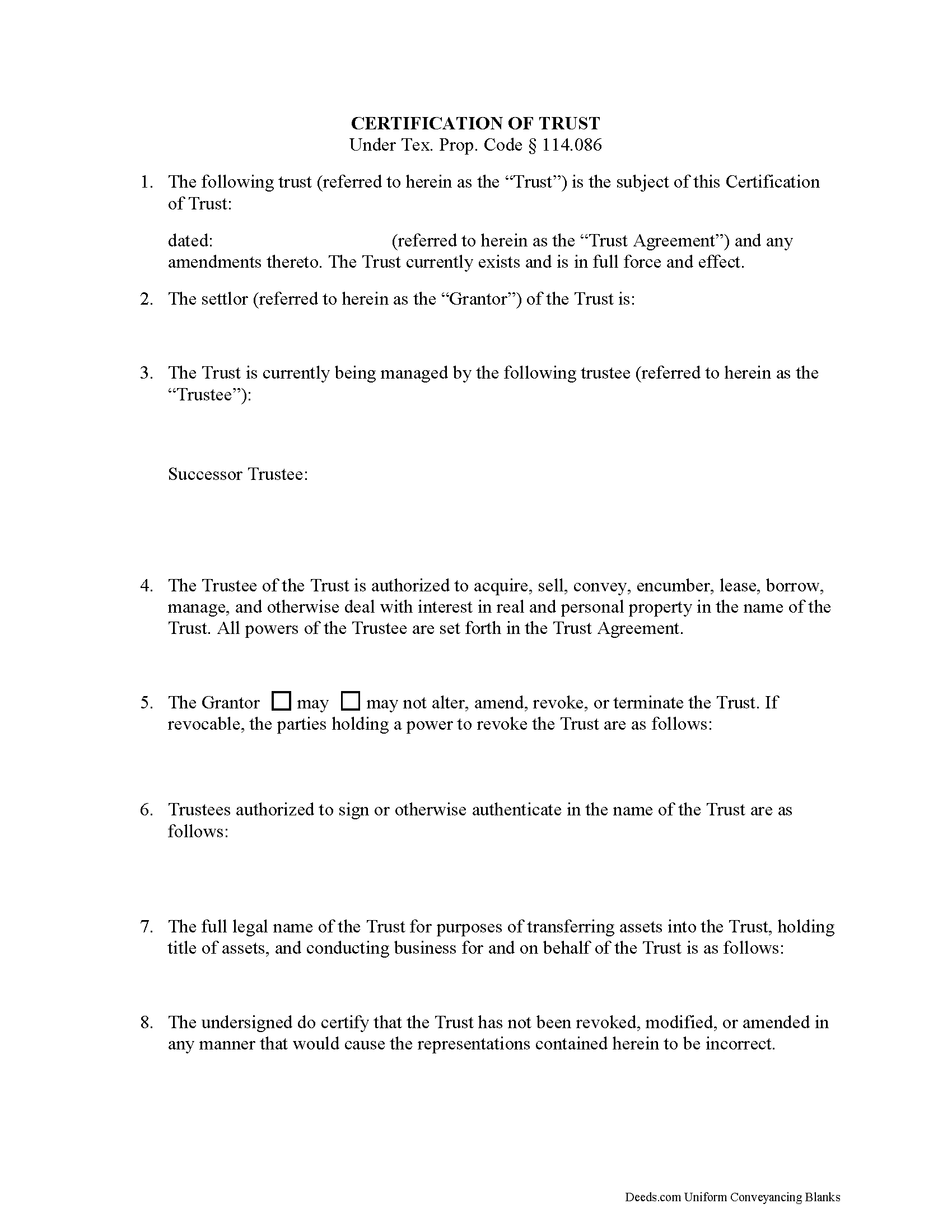
Baylor County Certificate of Trust Form
Fill in the blank form formatted to comply with all recording and content requirements.
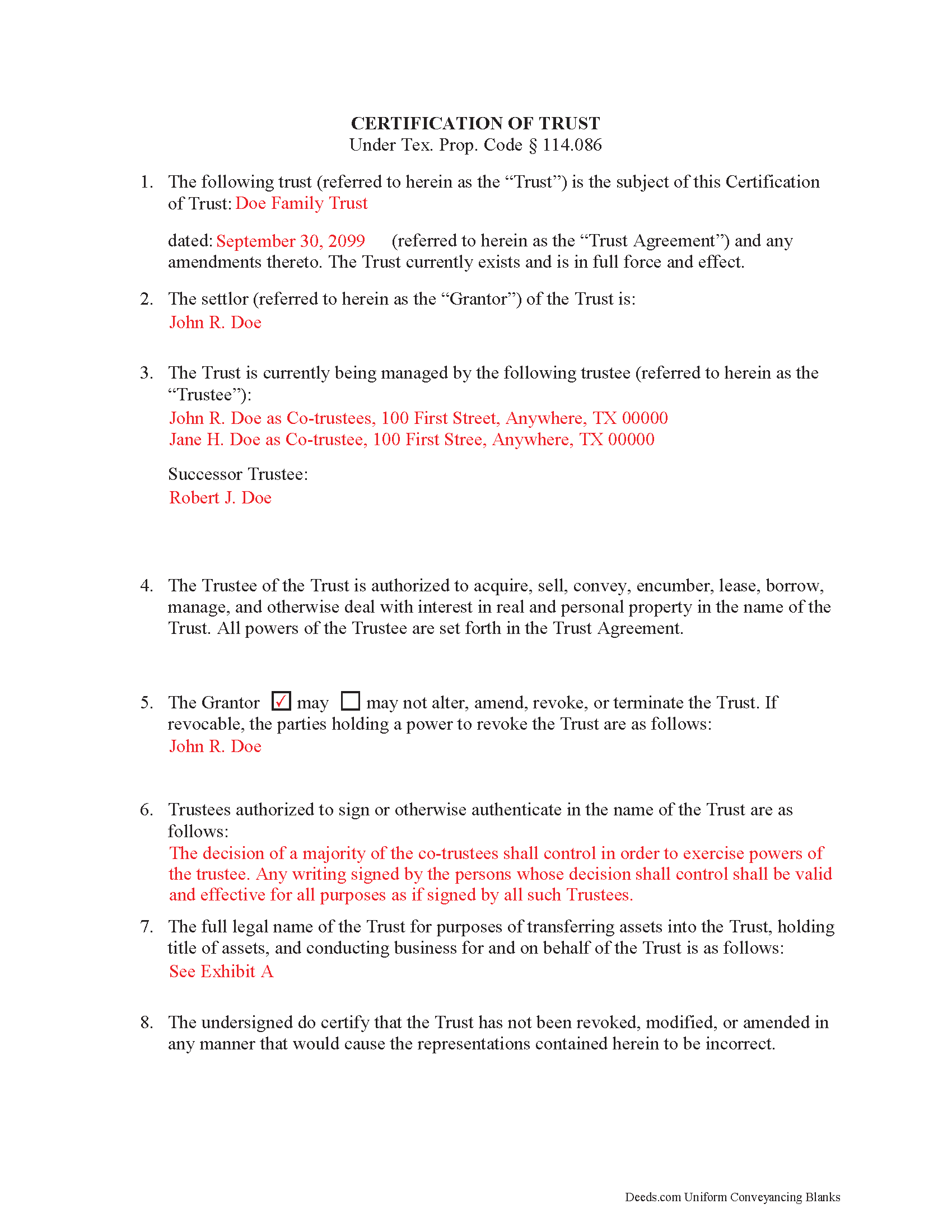
Baylor County Completed Example of the Certificate of Trust Document
Example of a properly completed form for reference.
All 2 documents above included • One-time purchase • No recurring fees
Immediate Download • Secure Checkout
Additional Texas and Baylor County documents included at no extra charge:
Where to Record Your Documents
Baylor County Clerk
Seymour, Texas 76380
Hours: 8:30am to 12:00 & 1:00 to 5:00pm Monday through Friday
Phone: (940) 889-3322
Recording Tips for Baylor County:
- Make copies of your documents before recording - keep originals safe
- Recorded documents become public record - avoid including SSNs
- Some documents require witnesses in addition to notarization
Cities and Jurisdictions in Baylor County
Properties in any of these areas use Baylor County forms:
- Seymour
Hours, fees, requirements, and more for Baylor County
How do I get my forms?
Forms are available for immediate download after payment. The Baylor County forms will be in your account ready to download to your computer. An account is created for you during checkout if you don't have one. Forms are NOT emailed.
Are these forms guaranteed to be recordable in Baylor County?
Yes. Our form blanks are guaranteed to meet or exceed the applicable formatting requirements used for recording in Baylor County, including margin requirements, font requirements, and other layout standards. This guarantee applies to formatting, not to the legal sufficiency of information entered by the user or the suitability of a form for a particular transaction.
Can I reuse these forms?
Yes. You can reuse the forms for your personal use. For example, if you have multiple properties in Baylor County you only need to order once.
What do I need to use these forms?
The forms are PDFs that you fill out on your computer. You'll need Adobe Reader (free software that most computers already have). You do NOT enter your property information online - you download the blank forms and complete them privately on your own computer.
Are there any recurring fees?
No. This is a one-time purchase. Nothing to cancel, no memberships, no recurring fees.
How much does it cost to record in Baylor County?
Recording fees in Baylor County vary. Contact the recorder's office at (940) 889-3322 for current fees.
Questions answered? Let's get started!
A certification of trust is a document that contains relevant details about an established trust containing real property. It is governed by Texas Property Code Sec. 114.086. A certification of trust validates the existence of the trust by identifying its full name, the date it was established, the names of the settlor (grantor) and trustees, the trustees' powers, and other details as needed. This is important because it allows the actual trust agreement, which is generally not recorded, to remain private.
The form is executed by the trustee and signed by the trustee and grantor (who can be the same person) and recorded in the office of the county recorder in any Texas county in which all or a portion of the real property is located. In order to facilitate a transfer of real property into a trust, financial institutions may require the trustee to furnish a certification of trust. In addition, third parties may request a certification of trust to confirm the trustee has the authority to transfer real property out of the trust.
(Texas Certificate of Trust Package includes form, guidelines, and completed example)
Important: Your property must be located in Baylor County to use these forms. Documents should be recorded at the office below.
This Certificate of Trust meets all recording requirements specific to Baylor County.
Our Promise
The documents you receive here are guaranteed to meet or exceed the applicable Baylor County recording format requirements. If there is a rejection caused by our formatting, we will correct the issue or refund your payment. This guarantee applies to document formatting only and does not extend to information entered by the user, the selection of the form, or the legal effect of the completed document.
Save Time and Money
Get your Baylor County Certificate of Trust form done right the first time with Deeds.com Uniform Conveyancing Blanks. At Deeds.com, we understand that your time and money are valuable resources, and we don't want you to face a penalty fee or rejection imposed by a county recorder for submitting nonstandard documents. We constantly review and update our forms to meet rapidly changing state and county recording requirements for roughly 3,500 counties and local jurisdictions.
4.8 out of 5 - ( 4740 Reviews )
Vanessa W.
April 7th, 2019
This site is very useful and reasonable. Comes in handy when you need a deed in other states.
We appreciate your business and value your feedback. Thank you. Have a wonderful day!
Lisa C.
October 7th, 2020
Please change on the example for the warranty deed the portion that says Source of Title: They don't use book and pages anymore They only use recording numbers. Please show an example with that for Maricopa County AZ Plus your Notary certificates should have a blank part for if it is signed in another state.
Thank you for your feedback. We really appreciate it. Have a great day!
Harry W B.
January 11th, 2021
This is a very valuable resource. It was user friendly and made transfer happen in a day!
We appreciate your business and value your feedback. Thank you. Have a wonderful day!
Jianxing L.
March 26th, 2026
This is my first time using this website and was impressed for the simple and clear web design and exploring. Now I am anxiously waiting for the e-recording up running to start my deed process.
Thank you for taking a moment to share your thoughts.
Susan S.
May 19th, 2020
Ordered the forms, completed them, had them notarized, then erecorded all in under 2 hours. Would have been faster but had to wait for the bank to open for notary. Might try the online notary next time. Fantastic experience.
We appreciate your business and value your feedback. Thank you. Have a wonderful day!
KIMTIEN L.
April 5th, 2022
VERY GOOD INFORMATION ESPECIALLY FOR ME WHO IS IN CALIFORNIA AND OWN PROPERTY IN FLORIDA.
We appreciate your business and value your feedback. Thank you. Have a wonderful day!
Brady D.
October 17th, 2023
I would give you a zero if possible. The webpage is as cumbersome has all get out. I am on web pages all day every day and this one is by far the hardest one to get around in.
Thank you for sharing your feedback regarding your experience with our website. We are truly sorry to hear that navigating our site proved to be a challenge for you. Your insights are invaluable, and we will definitely take your comments into consideration as we work towards improving our online platform.
We wish you all the best in your future endeavors.
David R.
January 11th, 2019
Great source of all required legal documents and supplements.
We appreciate your business and value your feedback. Thank you. Have a wonderful day!
ROBERT W.
June 30th, 2019
Very good service .I recommend it if you need your documentation on a weekend or when offices are closed.Very fast service
We appreciate your business and value your feedback. Thank you. Have a wonderful day!
Marilyn S.
January 7th, 2021
I was fine. But I don't like surveys.
Thank you!
Colleen K.
September 15th, 2022
This product was easy to use and instructions were helpful.
We appreciate your business and value your feedback. Thank you. Have a wonderful day!
Audrey T.
August 18th, 2020
The info was good for the money, but not all that I needed.
Thank you for your feedback. We really appreciate it. Have a great day!
Rachel F.
April 14th, 2022
Wonderful forms as long as you know what you need. Do some research ahead of time so you can avoid looking like an idiot ordering the incorrect form for your situation.
Thank you!
Robin G.
June 2nd, 2020
Very Pleased. Was so easy and No hidden cost. Second time I have used their services. Would not use any other deed website.
We appreciate your business and value your feedback. Thank you. Have a wonderful day!
Joe F.
January 11th, 2021
TOOK ME SEVERAL DAYS TO FIND A SITE THAT DIDNT CHARGE $100 JUST TO USE ONE FORM. THANKS
Thank you for your feedback. We really appreciate it. Have a great day!