Yoakum County Certification of Trust Form
Last validated October 28, 2026 by our Forms Development TeamFormatted for recording in Yoakum County, for property anywhere in the county: rural and unincorporated areas as well as Denver City, Plains, Tokio.
- 3 documents included
- Immediate PDF download
- Formatting guarantee
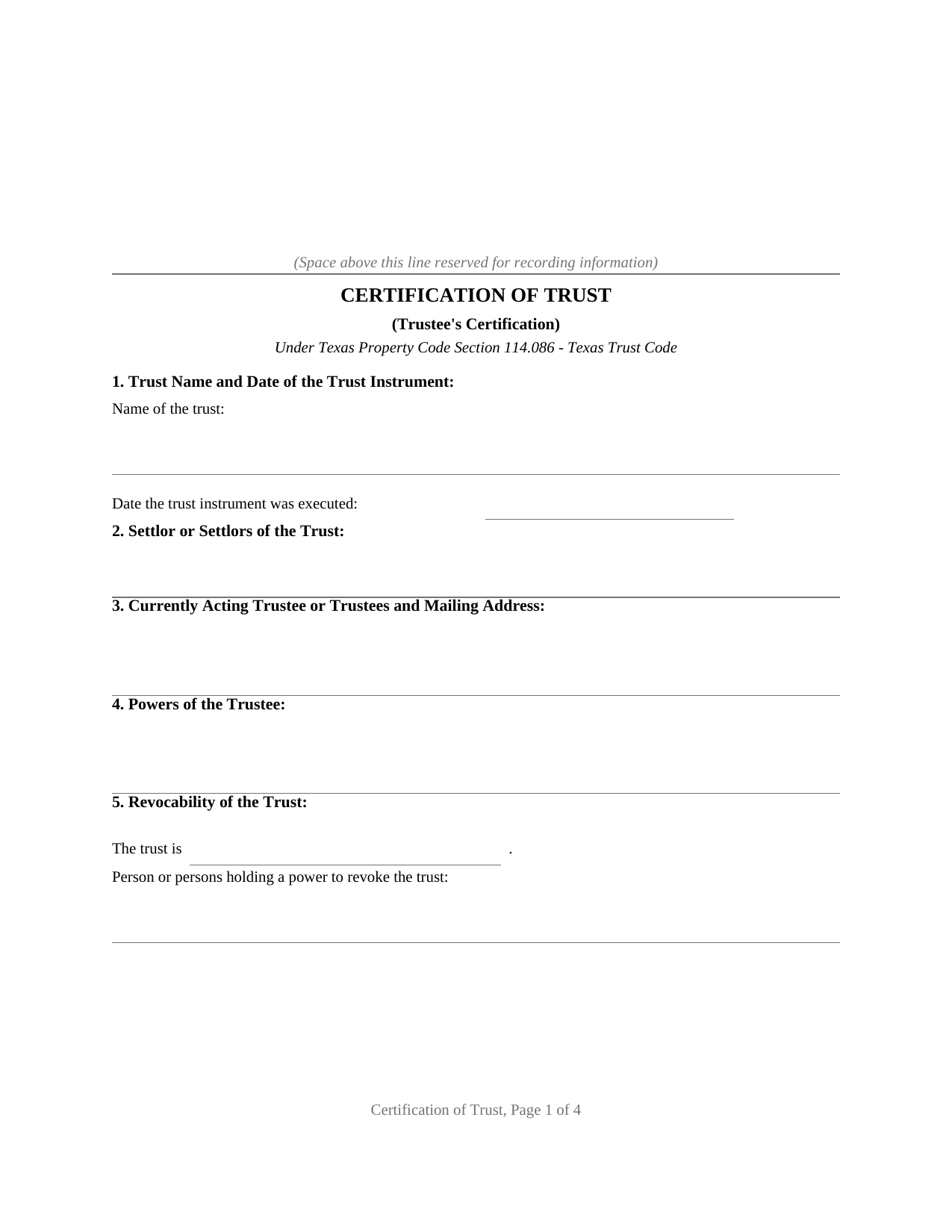
Yoakum County Certification of Trust Form
Fill in the blank Certification of Trust form formatted to comply with all Texas recording and content requirements.
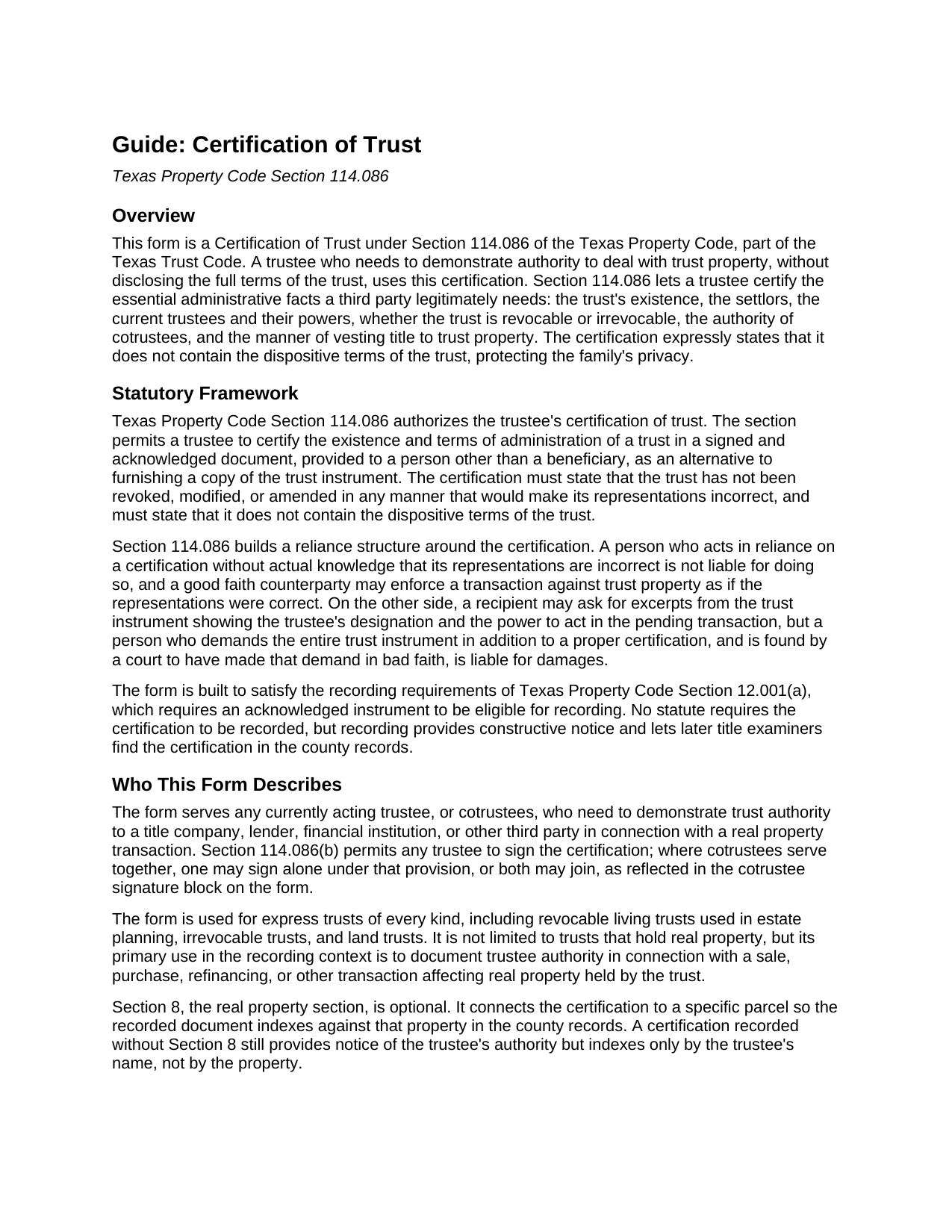
Yoakum County Certification of Trust Guide
Line by line guide explaining every blank on the Certification of Trust form.
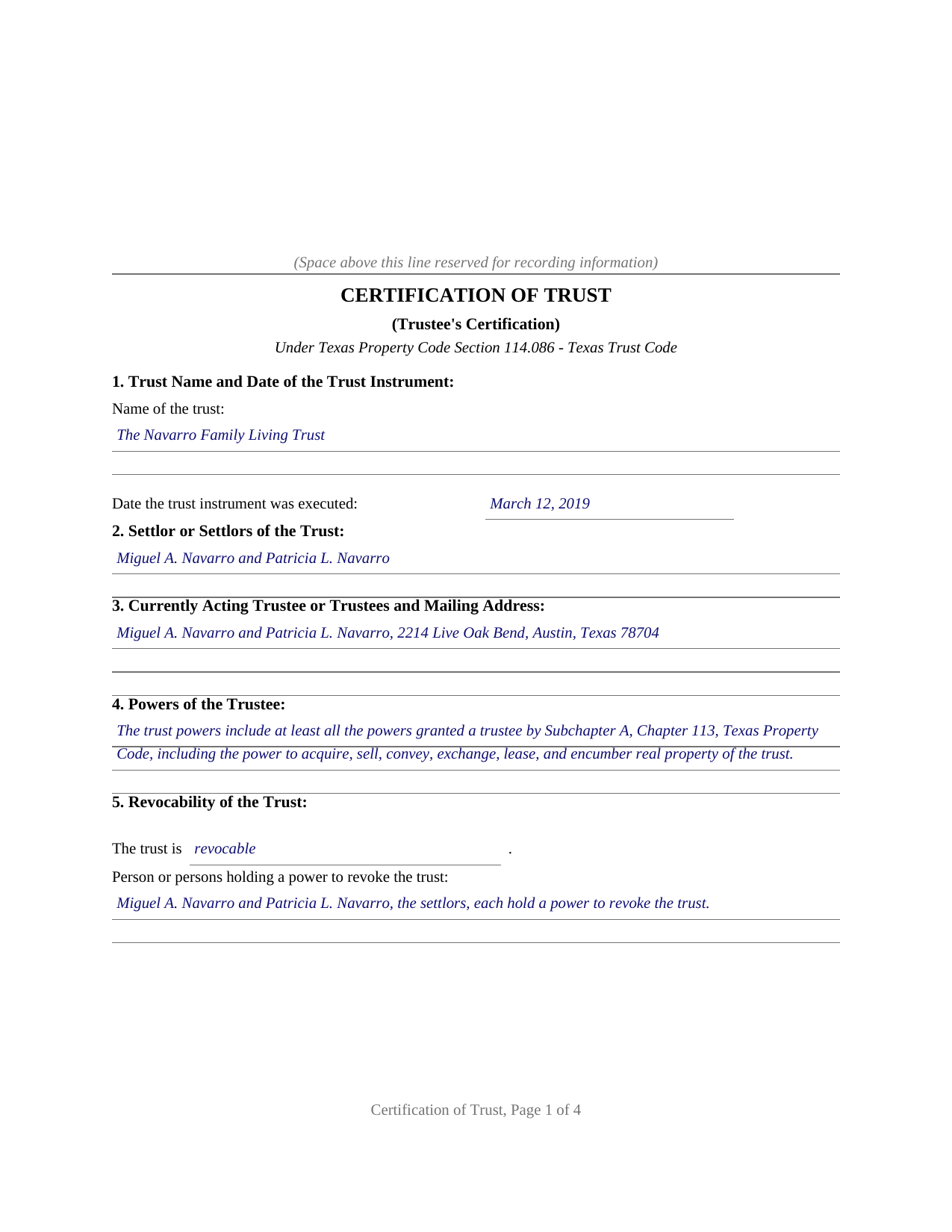
Yoakum County Completed Example of the Certification of Trust Document
Example of a properly completed Texas Certification of Trust document for reference.
All 3 documents above included • One-time purchase • No recurring fees
Immediate Download • Secure Checkout
Additional Texas and Yoakum County documents included at no extra charge:
Where to Record Your Documents
Yoakum County Clerk - Courthouse
Plains, Texas 79355
Hours: Monday - Friday 8:00am - 5:00pm
Phone: (806) 456-7491 Ext. 294
Recording Tips for Yoakum County:
- Bring your driver's license or state-issued photo ID
- Ensure all signatures are in blue or black ink
- Avoid the last business day of the month when possible
- Both spouses typically need to sign if property is jointly owned
- Bring extra funds - fees can vary by document type and page count
Cities and Jurisdictions in Yoakum County
Properties in any of these areas use Yoakum County forms:
- Denver City
- Plains
- Tokio
Hours, fees, requirements, and more for Yoakum County
How do I get my forms?
Forms are available for immediate download after payment. The Yoakum County forms will be in your account ready to download to your computer. An account is created for you during checkout if you don't have one. Forms are NOT emailed.
Are these forms guaranteed to be recordable in Yoakum County?
Yes. Our form blanks are guaranteed to meet or exceed the applicable formatting requirements used for recording in Yoakum County, including margin requirements, font requirements, and other layout standards. This guarantee applies to formatting, not to the legal sufficiency of information entered by the user or the suitability of a form for a particular transaction.
Can I reuse these forms?
Yes. You can reuse the forms for your personal use. For example, if you have multiple properties in Yoakum County you only need to order once.
What do I need to use these forms?
The forms are PDFs that you fill out on your computer. The free Adobe Acrobat Reader is recommended, and most PDF apps also work. You do NOT enter your property information online - you download the blank forms and complete them privately on your own computer.
Are there any recurring fees?
No. This is a one-time purchase. Nothing to cancel, no memberships, no recurring fees.
How much does it cost to record in Yoakum County?
Recording fees in Yoakum County vary. Contact the recorder's office at (806) 456-7491 Ext. 294 for current fees.
Questions answered? Let's get started!
A Texas trustee is regularly asked to prove the trust: a title company examining a sale, a lender refinancing trust property, a bank retitling an account. Handing over the full trust instrument answers the question at the cost of the family's privacy, because the dispositive terms, who ultimately takes and on what conditions, travel with it. Section 114.086 of the Texas Property Code supplies the alternative this form prepares: a certification of trust, signed by a currently acting trustee, that carries the administrative facts a third party legitimately requires and expressly omits the dispositive terms of the trust.
What the Certification Carries
The statute lists seven items: the trust's existence and the date the trust instrument was executed, the settlor's identity, the currently acting trustee and mailing address, the trustee's powers (stated specifically or by reference to the general powers of Chapter 113, Subchapter A), revocability and who holds a power to revoke, the authority of cotrustees, and the manner of vesting title to trust property. Section 114.086(c) adds one required sentence: the trust has not been revoked, modified, or amended in any manner that would cause the representations in the certification to be incorrect. The form collects the seven items in numbered sections and performs the certification in a single operative paragraph the trustee signs before a notary.
Reliance the Statute Enforces
What gives the certification its force is the reliance structure built around it. A person who acts in reliance on a certification without knowledge that its representations are incorrect is not liable and may assume without inquiry the facts it contains, and a good faith counterparty may enforce the transaction against the trust property as if the representations were correct. The statute also polices the other side of the exchange: a recipient may require excerpts from the trust instrument showing the trustee's designation and power to act in the pending transaction, but a person who demands the entire trust instrument on top of a certification or those excerpts is liable for damages where a court finds the demand was not made in good faith.
Built for the County Records
No statute conditions the certification on recording, but a certification connected to real property is commonly placed of record so later title examiners find it. The form is built for that path. It carries a notarial acknowledgment, which qualifies it for recording under Property Code Section 12.001(a); an optional section identifying the property by county and legal description, so the recorded instrument indexes against the parcel; and a printed statement that the certification is not a conveyance and transfers no interest in real property. Because Section 114.086(b) lets any trustee sign, the form provides a signature block and a separate acknowledgment certificate for one trustee and for a cotrustee who joins.
What Arrives in the Download
The package contains the certification as a fillable PDF formatted to Texas recording standards, a completed example filled in for a realistic Travis County fact pattern, and a plain language guide covering every numbered section, the signing formalities, and recording, including the photo identification requirement at the recording counter for documents presented in person on or after December 4, 2025. The materials are informational and are not legal advice; a Texas attorney can apply Section 114.086 to a particular trust or transaction.
Important: Your property must be located in Yoakum County to use these forms. Documents should be recorded at the county recording office listed above.
This Certification of Trust meets all recording requirements specific to Yoakum County.
Our Promise
The documents you receive here are guaranteed to meet or exceed the applicable Yoakum County recording format requirements. If there is a rejection caused by our formatting, we will correct the issue or refund your payment. This guarantee applies to document formatting only and does not extend to information entered by the user, the selection of the form, or the legal effect of the completed document.
Save Time and Money
Get your Yoakum County Certification of Trust form done right the first time with Deeds.com Uniform Conveyancing Blanks. At Deeds.com, we understand that your time and money are valuable resources, and we don't want you to face a penalty fee or rejection imposed by a county recorder for submitting nonstandard documents. We constantly review and update our forms to meet rapidly changing state and county recording requirements for roughly 3,500 counties and local jurisdictions.
4.8 out of 5 - ( 4,840 Reviews )
Darlene D. 5 out of 5 stars
A little confusing to try to save your docouments and how to process them but once figured out easy to do.
Thank you!
William M. 5 out of 5 stars
I found your service for deeds easy to use and I was able to quickly get the information (forms, example of forms filled out, and guide for filling out the form) down downloaded. I wish all government services and information was as easy to use as your's was. Thank you!
We appreciate your business and value your feedback. Thank you. Have a wonderful day!
KELLY S. 5 out of 5 stars
very happy. I will use you for all my needed documents thanks for being here
We appreciate your business and value your feedback. Thank you. Have a wonderful day!
Gina B. 5 out of 5 stars
This website is reliable and informative. So glad I can across this website. They provide a wide range of documents that are always provided on the recording county website. Thanks!
Thank you!
JOY W. 5 out of 5 stars
Really great resource to use in a time that can be very stressful. Downloading was very simple and the instructions provided were detailed and easy to follow. I was grateful to have found this.
Thank you for your review, Joy. We’re glad the process was straightforward and helpful when you needed it most.
David H. 5 out of 5 stars
Exceeded expectations; bundle included not only the form but also detailed instructions and definitions and a completed "John Doe" example.
We appreciate your business and value your feedback. Thank you. Have a wonderful day!
Nancy C. 5 out of 5 stars
Easy to use, found what I was looking for.
We are grateful for your feedback and looking forward to serving you again. Thank you!
Santo W. 5 out of 5 stars
Quality platform! Five Stars for sure and easy to navigate!
We appreciate your comments and your trust in us. Thank you.
Leo H. 5 out of 5 stars
The deed was very easy to use and the material provided were helpful in completing the form. We haven't filed it yet, but I assume that all will go well.
We appreciate your business and value your feedback. Thank you. Have a wonderful day!
John M. 5 out of 5 stars
Easy to use site with a good selection of documents
Thank you!
Michael S. 5 out of 5 stars
Well designed easy to use system. Provided all instructions and updates required, as well as catching an extra form required by our county.
We appreciate your business and value your feedback. Thank you. Have a wonderful day!
Larry M. 5 out of 5 stars
Everything went well except that any information that I typed in on the computer download moves upward so that the letters or numbers are somewhat elevated above the line that should be even with the words on the form. I think it will be acceptable to the county recorder, but I don't especially like to submit things that appear uneven. I asked for help but just received a robotic reply that said to take steps that I already had done. So unless you know a way to correct this I likely won't use your forms again.
Thank you!
Mark W. 5 out of 5 stars
Great form and easy to complete. Sending a sample and instructions was very helpful. Thank you!
We appreciate your business and value your feedback. Thank you. Have a wonderful day!
Rebecca F. 5 out of 5 stars
Forms were great. I wasn't able to find them anywhere. Even the county recorder didn't have them
Thank you for your feedback. We really appreciate it. Have a great day!
Martin P. 4 out of 5 stars
The DEEDs website is very easy to navigate and find the required documents. I have not yet had an opportunity to review the documents I purchased and downloaded. That is the reason I have assigned a rating of four stars. I fully hope that can raise my rating to five stars after I've used those documents.
We appreciate your business and value your feedback. Thank you. Have a wonderful day!