Bailey County Conditional Waiver and Release on Final Payment Form
Last validated November 5, 2026 by our Forms Development TeamFormatted for recording in Bailey County, for property anywhere in the county: rural and unincorporated areas as well as Bula, Enochs, Maple, Muleshoe.
- 3 documents included
- Immediate PDF download
- Formatting guarantee
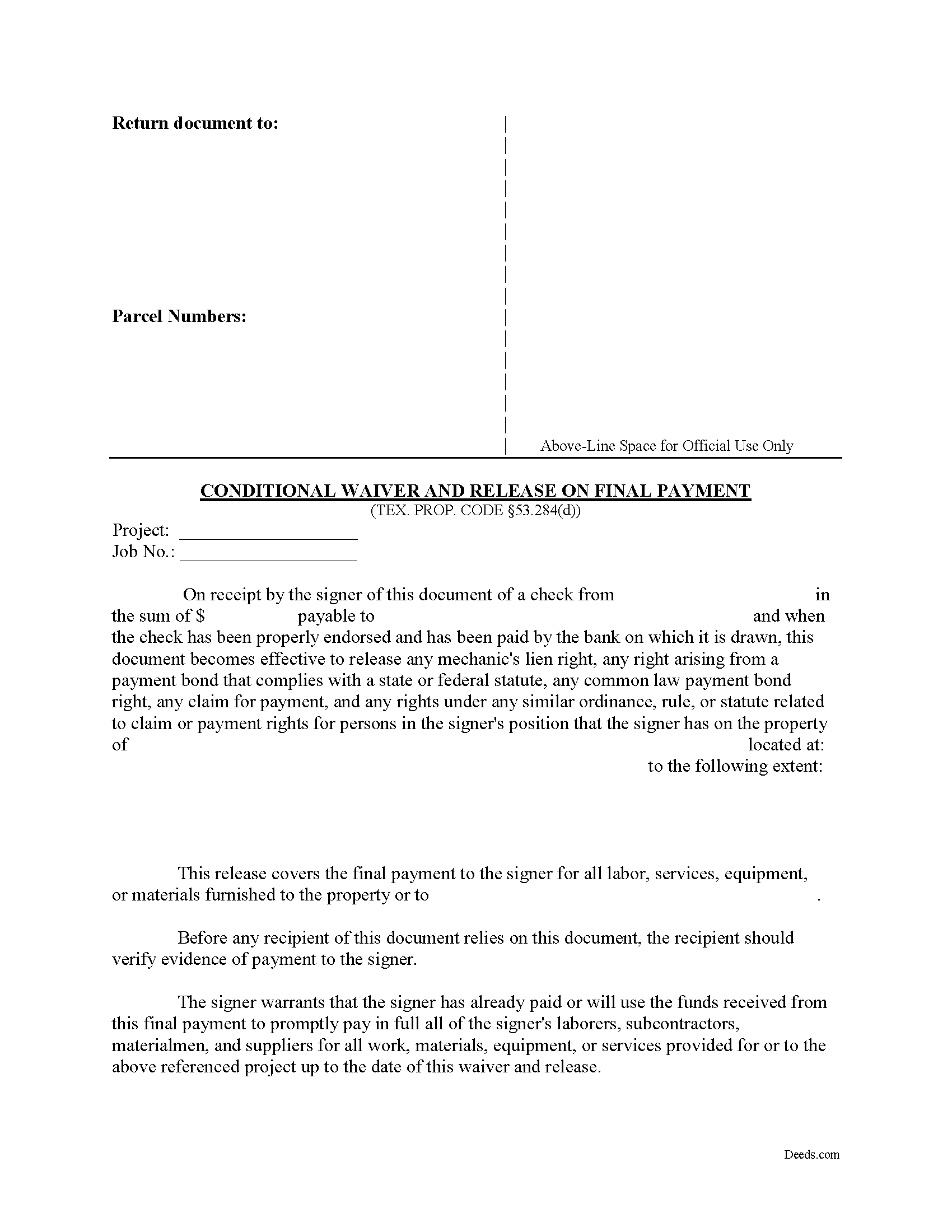
Bailey County Conditional Waiver and Release on Final Payment Form
Fill in the blank Conditional Waiver and Release on Final Payment form formatted to comply with all Texas recording and content requirements.
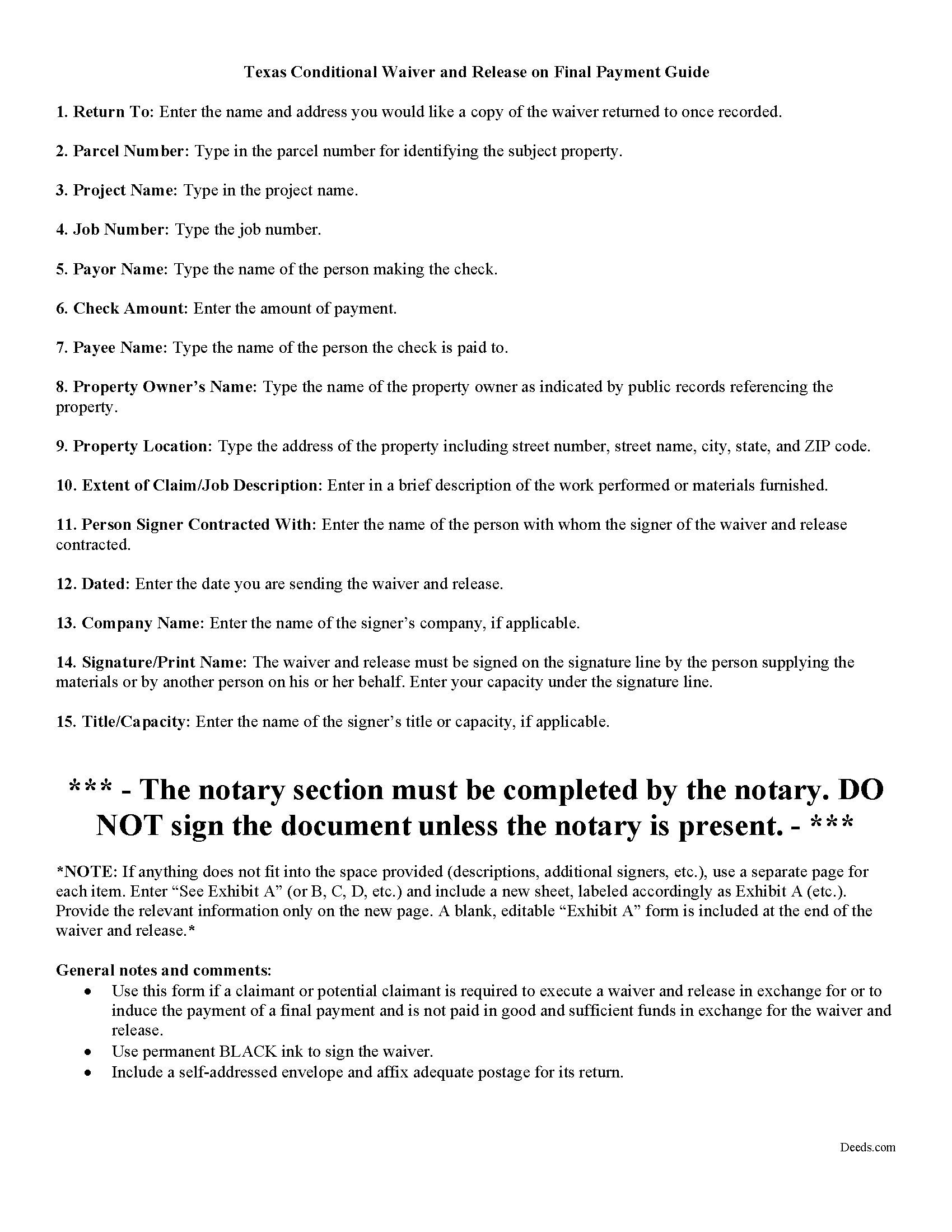
Bailey County Conditional Waiver and Release on Final Payment Guide
Line by line guide explaining every blank on the form.
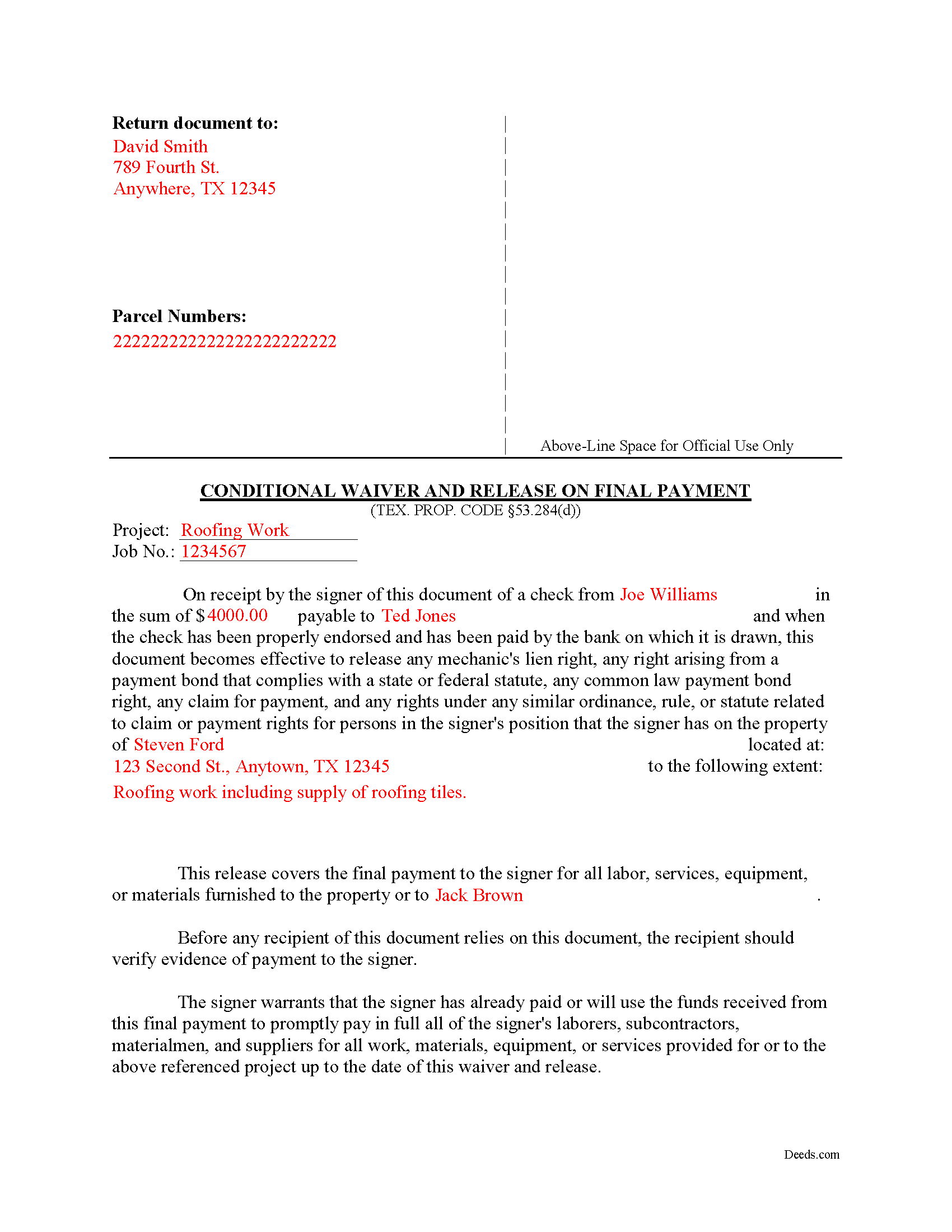
Bailey County Completed Example of the Conditional Waiver and Release on Final Payment Document
Example of a properly completed form for reference.
All 3 documents above included • One-time purchase • No recurring fees
Immediate Download • Secure Checkout
Additional Texas and Bailey County documents included at no extra charge:
Where to Record Your Documents
Bailey County Clerk
Muleshoe, Texas TX 79347
Hours: Monday to Friday 8:30am - 12:00 and 1:00 - 5:00pm
Phone: (806) 272-3044
Recording Tips for Bailey County:
- Bring your driver's license or state-issued photo ID
- Ensure all signatures are in blue or black ink
- Recorded documents become public record - avoid including SSNs
- Recording fees may differ from what's posted online - verify current rates
- Request a receipt showing your recording numbers
Cities and Jurisdictions in Bailey County
Properties in any of these areas use Bailey County forms:
- Bula
- Enochs
- Maple
- Muleshoe
Hours, fees, requirements, and more for Bailey County
How do I get my forms?
Forms are available for immediate download after payment. The Bailey County forms will be in your account ready to download to your computer. An account is created for you during checkout if you don't have one. Forms are NOT emailed.
Are these forms guaranteed to be recordable in Bailey County?
Yes. Our form blanks are guaranteed to meet or exceed the applicable formatting requirements used for recording in Bailey County, including margin requirements, font requirements, and other layout standards. This guarantee applies to formatting, not to the legal sufficiency of information entered by the user or the suitability of a form for a particular transaction.
Can I reuse these forms?
Yes. You can reuse the forms for your personal use. For example, if you have multiple properties in Bailey County you only need to order once.
What do I need to use these forms?
The forms are PDFs that you fill out on your computer. The free Adobe Acrobat Reader is recommended, and most PDF apps also work. You do NOT enter your property information online - you download the blank forms and complete them privately on your own computer.
Are there any recurring fees?
No. This is a one-time purchase. Nothing to cancel, no memberships, no recurring fees.
How much does it cost to record in Bailey County?
Recording fees in Bailey County vary. Contact the recorder's office at (806) 272-3044 for current fees.
Questions answered? Let's get started!
A lien waiver is used by a lien claimant or potential claimant to forfeit his or her right to a lien upon a progress payment or final payment. The waiver can be conditional, meaning that the payment must clear the bank before the lien is released, or unconditional, meaning the lien is released upon the recording of the waiver regardless of whether or not the claimant is ever actually paid.
A waiver and release given by a claimant or potential claimant is unenforceable unless it substantially complies with the applicable form described in Sec. 53.284 of the Texas Property Code.
The four types of lien waivers in the State of Texas include:
- Conditional Waiver and Release on Progress Payment;
- Unconditional Waiver and Release on Progress Payment;
- Conditional Waiver and Release on Final Payment; and
- Unconditional Waiver and Release on Final Payment
Let's say a contractor finishes work on a project where she recorded a lien. The owner wants the lien released, and writes a check for the full amount of the balance due. The contractor offers a conditional waiver and release on final payment, which protects her interests in case the bank refuses to honor the check. As long as the check is good, the lien gets released. Otherwise, the claimant retains the lien until the responsible party finds another way to pay the bill.
Under Sec. 53.284(d), if a claimant or potential claimant is required to execute a conditional waiver and release in exchange for or to induce the final payment, the waiver becomes valid ONLY AFTER payment in good and sufficient funds, meaning that a single or joint payee check must clear the bank on which it's drawn.
The document identifies the parties, the project, the work and/or materials provided, and relevant dates and payment amounts. Sign it in front of a notary and submit it to the local recording office.
In summary, a lien waiver is an important tool, but take care to use the proper form. The wrong choice can lead to a loss of lien rights before receiving payment. Each case is unique, and Texas lien law can be complicated. Contact an attorney for complex situations, with questions about waivers, or any other issues related to mechanic's liens.
Important: Your property must be located in Bailey County to use these forms. Documents should be recorded at the county recording office listed above.
This Conditional Waiver and Release on Final Payment meets all recording requirements specific to Bailey County.
Our Promise
The documents you receive here are guaranteed to meet or exceed the applicable Bailey County recording format requirements. If there is a rejection caused by our formatting, we will correct the issue or refund your payment. This guarantee applies to document formatting only and does not extend to information entered by the user, the selection of the form, or the legal effect of the completed document.
Save Time and Money
Get your Bailey County Conditional Waiver and Release on Final Payment form done right the first time with Deeds.com Uniform Conveyancing Blanks. At Deeds.com, we understand that your time and money are valuable resources, and we don't want you to face a penalty fee or rejection imposed by a county recorder for submitting nonstandard documents. We constantly review and update our forms to meet rapidly changing state and county recording requirements for roughly 3,500 counties and local jurisdictions.
4.8 out of 5 - ( 4,863 Reviews )
Sue C. 5 out of 5 stars
Very helpful. Easy to use. Able to avoid the cost of having an attorney prepare the document I needed.
Your appreciative words mean the world to us. Thank you and we look forward to serving you again!
AKILAH S. 4 out of 5 stars
It was a little challenging and I had to call to speak to someone a few time but I got it done and and over with so I'm happy.
It was a pleasure serving you. Thank you for the positive feedback!
Michael S. 5 out of 5 stars
Thanks for making what I thought would be complicated, so easy. I loved being able to avoid getting a lawyer along with their high fees.
Glad to hear the process was straightforward for you, Michael. Thanks for choosing us—we appreciate your feedback!
Tamyra M. 5 out of 5 stars
Easy instructions.
Thanks for your feedback. We’re glad we could help.
richard s. 5 out of 5 stars
had exactly what i needed and good price
Thank you Richard! Have an amazing day.
Lisa M. 5 out of 5 stars
Excellent service!!
We appreciate your business and value your feedback. Thank you. Have a wonderful day!
Sandra B. 5 out of 5 stars
Easy and fast. Was able to find the documents needed and saved so much money!!
We appreciate your business and value your feedback. Thank you. Have a wonderful day!
Jamie B. 5 out of 5 stars
Deeds.com made the recording of our Deed in a county where we do not reside, VERY easy! Customer service was great with all my questions answered immediately via my account portal. Very user friendly service! I wish the available documents were a little less pricey, but all in all, to get the job done right, I'll probably utilize the document downloads in the future.
Thank you for your feedback. We really appreciate it. Have a great day!
Martin P. 4 out of 5 stars
The DEEDs website is very easy to navigate and find the required documents. I have not yet had an opportunity to review the documents I purchased and downloaded. That is the reason I have assigned a rating of four stars. I fully hope that can raise my rating to five stars after I've used those documents.
We appreciate your business and value your feedback. Thank you. Have a wonderful day!
Omar F. 5 out of 5 stars
Great! Thank you!
Thank you!
Gregory B. 5 out of 5 stars
I believe you need more instruction on the use of the web site. I would type and nothing would appear on the form. When I tried to save a completed form I ended with a blank form with no detail.
Thank you!
Sylvia O. 5 out of 5 stars
Very efficient, and the samples and instructions are very easy to follow. Thank you Deeds.com
Thank you!
Ruby C. 5 out of 5 stars
very easy to use this site as I live out of state.
Tanks Ruby, glad we could help.
john m. 5 out of 5 stars
its a bit confusing for a novice computer user. I would prefer to print out the forms, fill them out on paper, then attach them to an email to discuss the accuracy of the forms with a friend, and then take the completed forms to the County office to be recorded
Thank you for your feedback. We really appreciate it. Have a great day!
Theodore K. 2 out of 5 stars
This does the job but we are not able to save this in our account and if you don't pay for Adobe and only have Adobe reader, I cannot save any information on the form online in my account. I do understand why they do this because they would lose money. A huge issue is that when I got to the end of the document and was adding an Exhibit A, as I typed, the page kept jumping back up the to top and I couldn't see what I was typing. I had to type a little then scroll back down and when I would type more, it would jump up again. This was a real problem.
Thank you for your feedback. We really appreciate it. Have a great day!