Jim Hogg County Correction Deed Form
Last validated November 13, 2026 by our Forms Development TeamFormatted for recording in Jim Hogg County, for property anywhere in the county: rural and unincorporated areas as well as Guerra, Hebbronville.
- 3 documents included
- Immediate PDF download
- Formatting guarantee
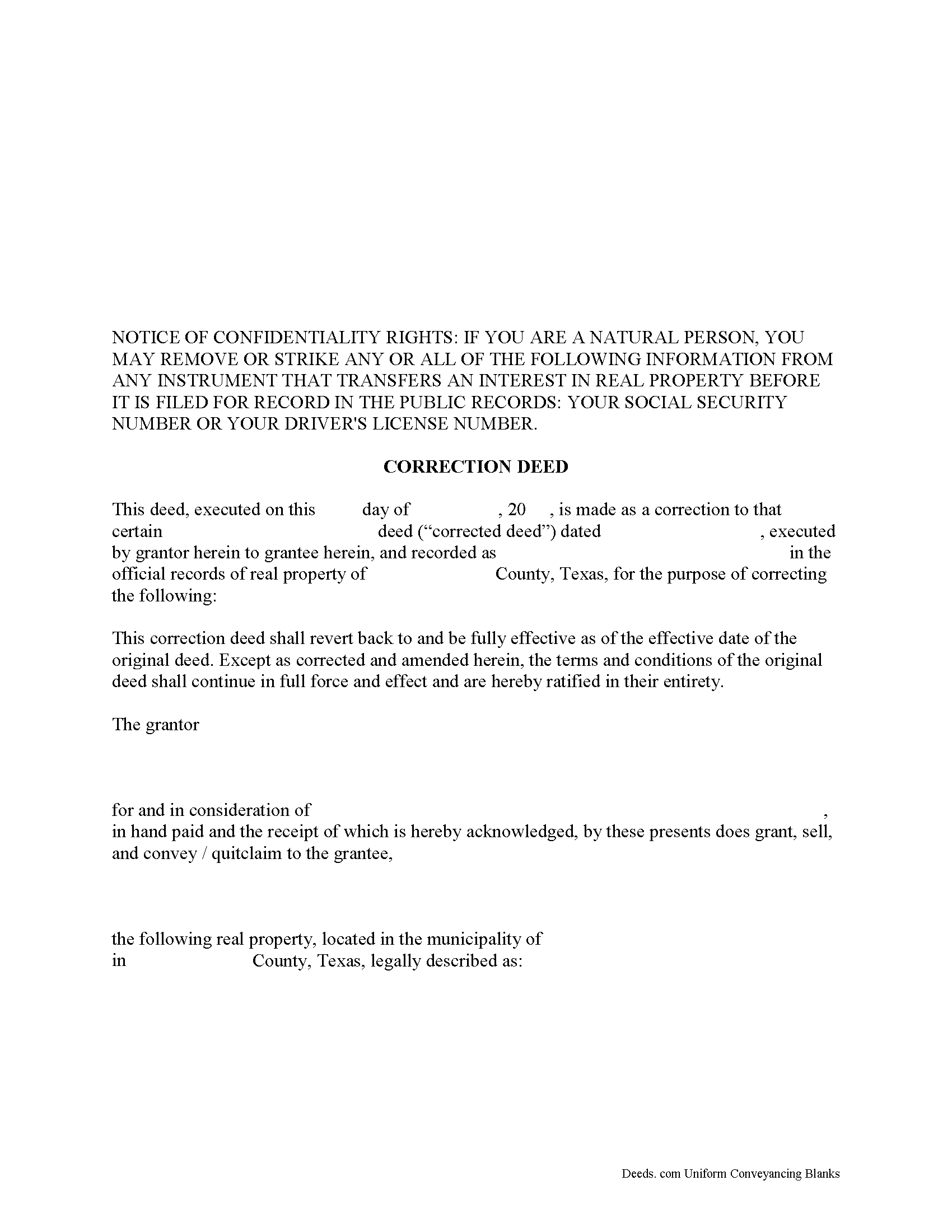
Jim Hogg County Correction Deed Form
Fill in the blank form formatted to comply with all recording and content requirements.
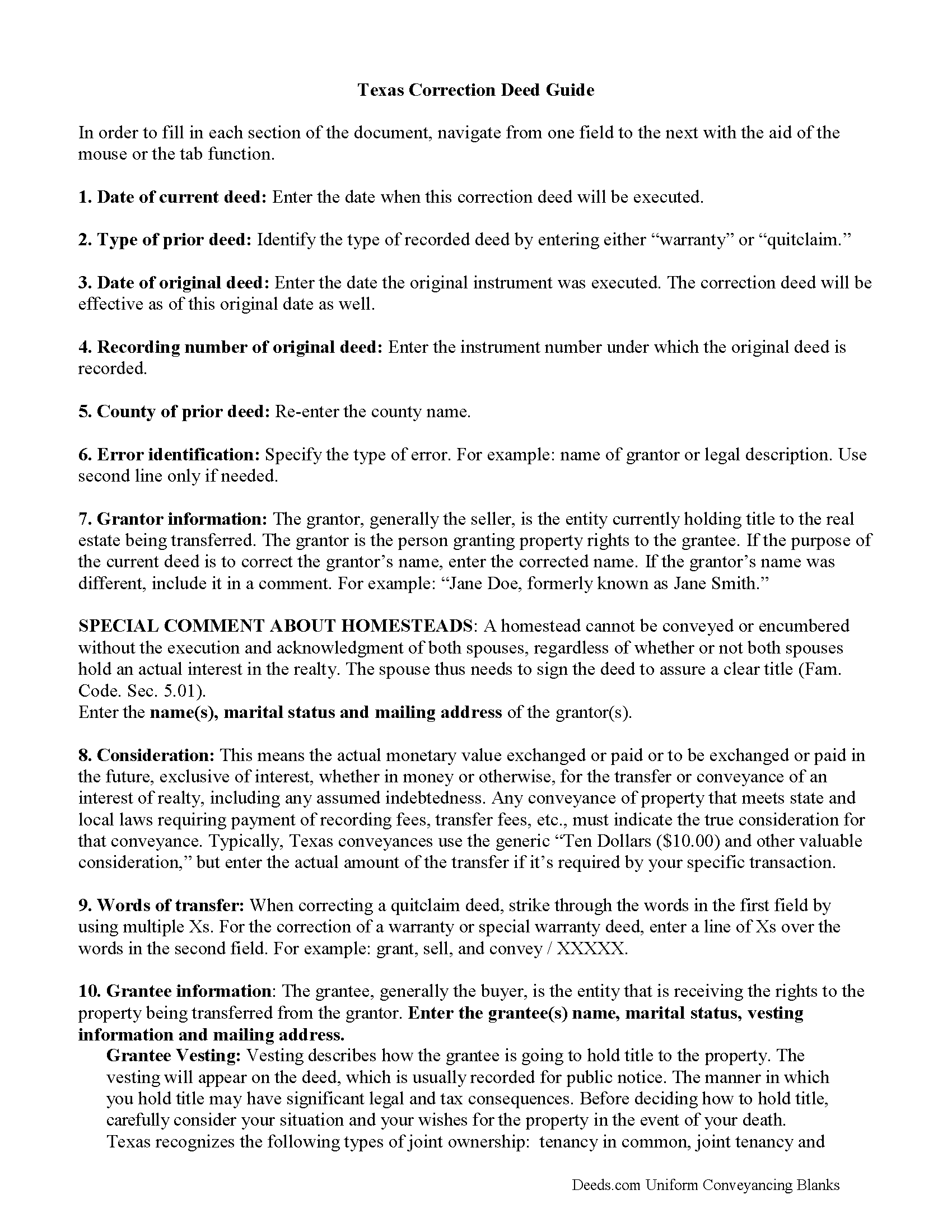
Jim Hogg County Correction Deed Guide
Line by line guide explaining every blank on the form.
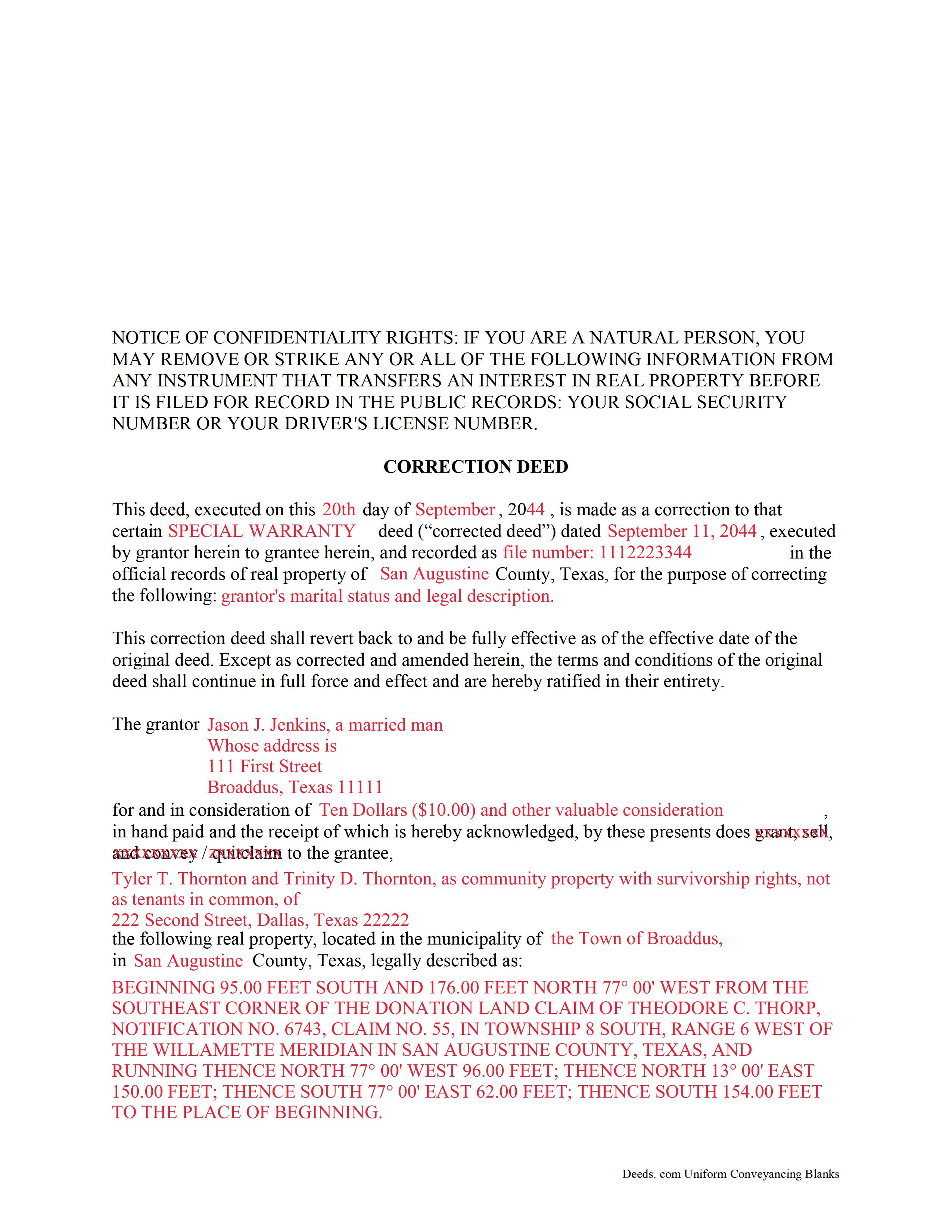
Jim Hogg County Completed Example of the Correction Deed Document
Example of a properly completed form for reference.
All 3 documents above included • One-time purchase • No recurring fees
Immediate Download • Secure Checkout
Additional Texas and Jim Hogg County documents included at no extra charge:
Where to Record Your Documents
County and District Clerk
Hebbronville, Texas 78361-3509
Hours: Monday-Friday 9:00am - 5:00pm
Phone: (361) 527-5825
Recording Tips for Jim Hogg County:
- Bring your driver's license or state-issued photo ID
- Ensure all signatures are in blue or black ink
- Verify all names are spelled correctly before recording
- White-out or correction fluid may cause rejection
- Ask about their eRecording option for future transactions
Cities and Jurisdictions in Jim Hogg County
Properties in any of these areas use Jim Hogg County forms:
- Guerra
- Hebbronville
Hours, fees, requirements, and more for Jim Hogg County
How do I get my forms?
Forms are available for immediate download after payment. The Jim Hogg County forms will be in your account ready to download to your computer. An account is created for you during checkout if you don't have one. Forms are NOT emailed.
Are these forms guaranteed to be recordable in Jim Hogg County?
Yes. Our form blanks are guaranteed to meet or exceed the applicable formatting requirements used for recording in Jim Hogg County, including margin requirements, font requirements, and other layout standards. This guarantee applies to formatting, not to the legal sufficiency of information entered by the user or the suitability of a form for a particular transaction.
Can I reuse these forms?
Yes. You can reuse the forms for your personal use. For example, if you have multiple properties in Jim Hogg County you only need to order once.
What do I need to use these forms?
The forms are PDFs that you fill out on your computer. The free Adobe Acrobat Reader is recommended, and most PDF apps also work. You do NOT enter your property information online - you download the blank forms and complete them privately on your own computer.
Are there any recurring fees?
No. This is a one-time purchase. Nothing to cancel, no memberships, no recurring fees.
How much does it cost to record in Jim Hogg County?
Recording fees in Jim Hogg County vary. Contact the recorder's office at (361) 527-5825 for current fees.
Questions answered? Let's get started!
In Texas, a correction deed is the deed issued to make changes to an erroneous deed, referred to as the corrected deed. These two instruments are closely linked, and all corrections are effective as of the date of the original recorded instrument (Property Code Sec. 5.030).
Texas Property Code distinguishes between material and non-material corrections, giving specific examples in each category. Non-material changes are generally clerical in nature and include additions to or corrections of: party names and marital status; elements of the property description, such as, an error in a metes and bounds description or incorrect acreage; the recording date or reference data to an earlier instrument; a missing or defective acknowledgement. All these corrections can be made by persons other than the parties of the original instrument, as long as reasons for the correction and knowledge of the facts corrected are stated and evidence of notification of the original parties or their heirs is provided (Property Code Sec. 5.028).
Material corrections, on the other hand, can only be made by the original parties or their heirs and must be executed by all of parties involved. Such changes include the addition or removal of land, disclaimers, a mortgagee's consent or subordination to a recorded instrument, and changes of lot or unit number (Property Code Sec. 5.029). A Texas Supreme Court decision from 2009 also specified the addition or removal of mineral rights as among the material changes that can only be made by the original parties.
In some areas of Texas, it has been common practice for the attorney who made the error to correct it through a scrivener's affidavit when the parties are not available and the error is only minor in nature. This type of correction is ineffective when a title company employee makes it or when it is made to a certified copy of the original instrument. Only when the parties initial the changes and sign a statement why they are being made is the correction of a certified copy acceptable for recording, but even then, can it be only made for the types of errors specified in the statutes (see above). It is always advisable to check with the local county recorder.
(Texas Correction Deed Package includes form, guidelines, and completed example)
Important: Your property must be located in Jim Hogg County to use these forms. Documents should be recorded at the county recording office listed above.
This Correction Deed meets all recording requirements specific to Jim Hogg County.
Our Promise
The documents you receive here are guaranteed to meet or exceed the applicable Jim Hogg County recording format requirements. If there is a rejection caused by our formatting, we will correct the issue or refund your payment. This guarantee applies to document formatting only and does not extend to information entered by the user, the selection of the form, or the legal effect of the completed document.
Save Time and Money
Get your Jim Hogg County Correction Deed form done right the first time with Deeds.com Uniform Conveyancing Blanks. At Deeds.com, we understand that your time and money are valuable resources, and we don't want you to face a penalty fee or rejection imposed by a county recorder for submitting nonstandard documents. We constantly review and update our forms to meet rapidly changing state and county recording requirements for roughly 3,500 counties and local jurisdictions.
4.8 out of 5 - ( 4,853 Reviews )
THEODORE P. 5 out of 5 stars
You were very helpful and patient with me in learning your portal. I now understand your process.
We are thankful for your continued support and feedback, which inspire us to continuously improve. Thank you..
Roger E. 5 out of 5 stars
I have not yet used the product, but am confident that I will like it, because of this prompt request for a product review.
Thank you for your feedback. We really appreciate it. Have a great day!
Lisa C. 3 out of 5 stars
Please change on the example for the warranty deed the portion that says Source of Title: They don't use book and pages anymore They only use recording numbers. Please show an example with that for Maricopa County AZ Plus your Notary certificates should have a blank part for if it is signed in another state.
Thank you for your feedback. We really appreciate it. Have a great day!
John V. 5 out of 5 stars
getting the proper forms was easy--filling them out, not so much
Thank you!
Helen H. 5 out of 5 stars
I had a notary to read over my quitclaim deed and she said it looked good. So I am pleased.
Thank you!
Deborah O. 5 out of 5 stars
Response time was fantastic. I had no idea it would be so quick. I would definitely use again. They send you a message if they need additional information, etc. I would rate them a 10+ on a 1-10 scale
Thank you for your feedback. We really appreciate it. Have a great day!
Elaine D. 5 out of 5 stars
Easement deed contract was easy to complete, however after additional research raises some concerns because the Ohio deed does not list a requirement for witness signatures and does not provide lines or an area for witness signatures. The document does provide the necessary area for the notary information and the grantor and grantee.
Thank you for your feedback. We really appreciate it. Have a great day!
Helen M. 1 out of 5 stars
The forms are very confusing when there is so much to download! Trying to keep track and make sure you have everything needed is terrible! I think I have everything but I was under the impression I would be filling it out online and with instructions... I am very disappointed to say the least!
Sorry to hear of your disappointment Helen. We have gone ahead and canceled your order and payment. We do hope that you are able to find something more suitable to your needs elsewhere. Have a wonderful day.
Koko H. 5 out of 5 stars
Five star. Prompt and easy way to obtain information. Good value.
We appreciate your business and value your feedback. Thank you. Have a wonderful day!
Christopher V. 5 out of 5 stars
GREAT STUFF TKS
Thank you!
SHIRLEY R. 5 out of 5 stars
This was Awesome!
We appreciate your business and value your feedback. Thank you. Have a wonderful day!
Jan H. 5 out of 5 stars
This is a great service. It was easy to find and the instructions were complete and easy to follow.
Thank you!
Janet J. 5 out of 5 stars
These forms were very easy to both download and print, as well as fill out on the site and then print. The instructions are clear and concise. We have not yet been to the County to file them, but we are expecting no issues.
We appreciate your business and value your feedback. Thank you. Have a wonderful day!
Charles B. 5 out of 5 stars
Excellent andeasy to navigate website for non-lawyers. Needed some forms for a specific county in a specific state, and Deeds.com took me right there, where I downloaded the forms and a guide on how to fill them out.
We appreciate your business and value your feedback. Thank you. Have a wonderful day!
Michael C. 5 out of 5 stars
I would appreciate being able to increase the size of the blocks such as the Grantor block and the legal description block where information is enter on the form and to adjust the font. Otherwise great product,
Thank you for your feedback Michael. We do wish we could make that an option. Unfortunately, adhering to formatting requirements (specifically margin requirements) leaves a finite amount of space available on the page.