Hopkins County Deed of Trust and Promissory Note Form
Last validated November 11, 2026 by our Forms Development TeamFormatted for recording in Hopkins County, for property anywhere in the county: rural and unincorporated areas as well as Brashear, Como, Cumby, Dike, Pickton, Saltillo, Sulphur Bluff, Sulphur Springs.
- 7 documents included
- Immediate PDF download
- Formatting guarantee
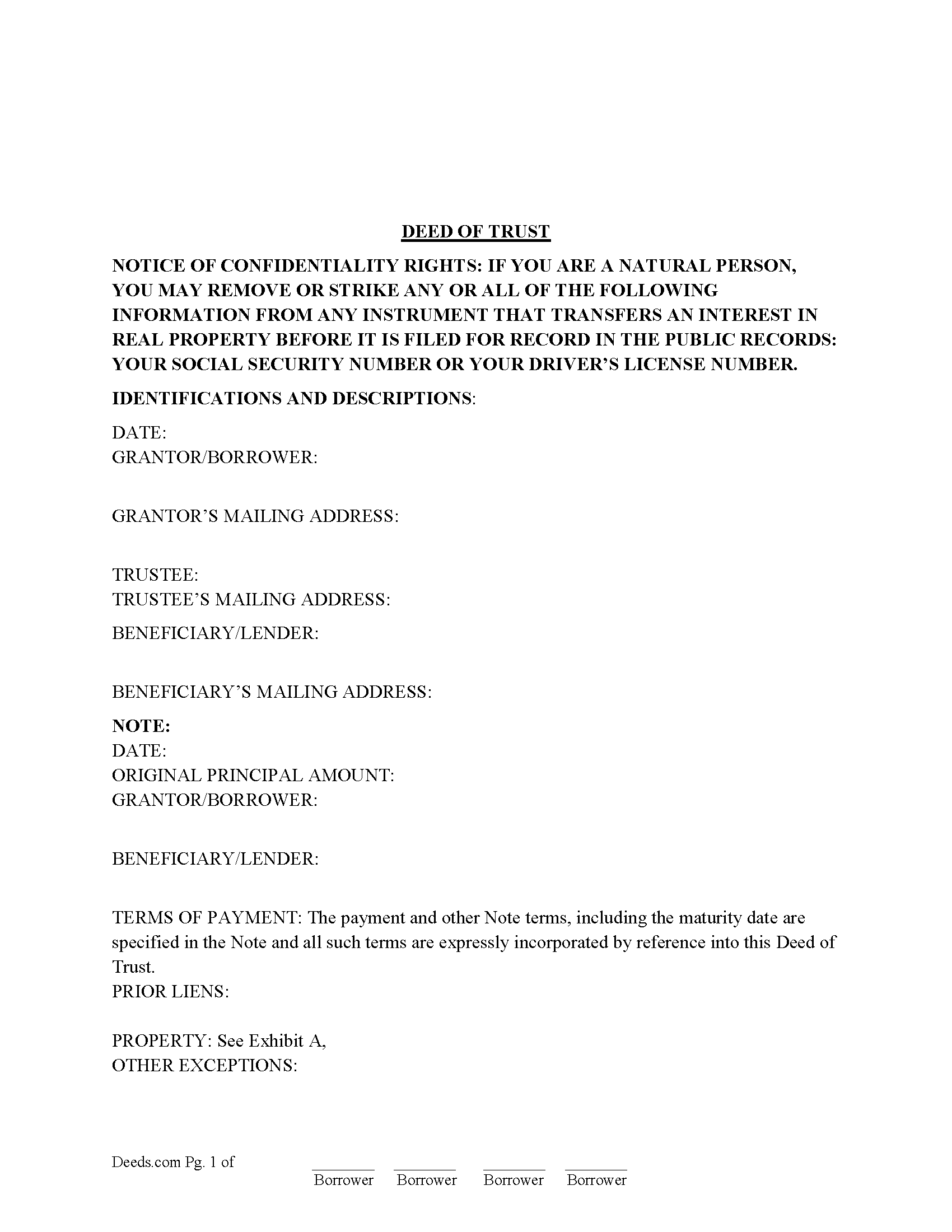
Hopkins County Deed of Trust Form
Fill in the blank form formatted to comply with all recording and content requirements.
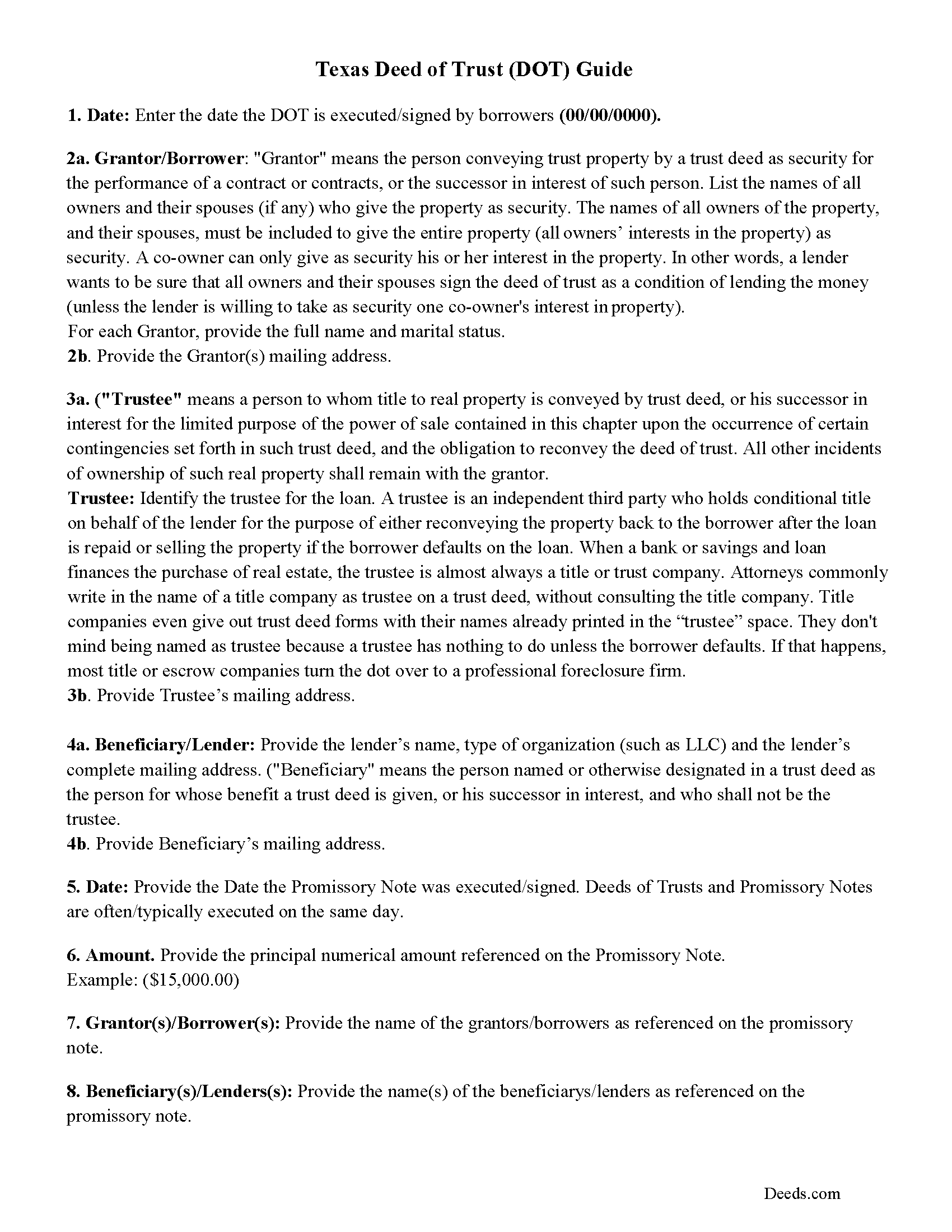
Hopkins County Texas Deed of Trust Guidelines
Line by line guide explaining every blank on the form.
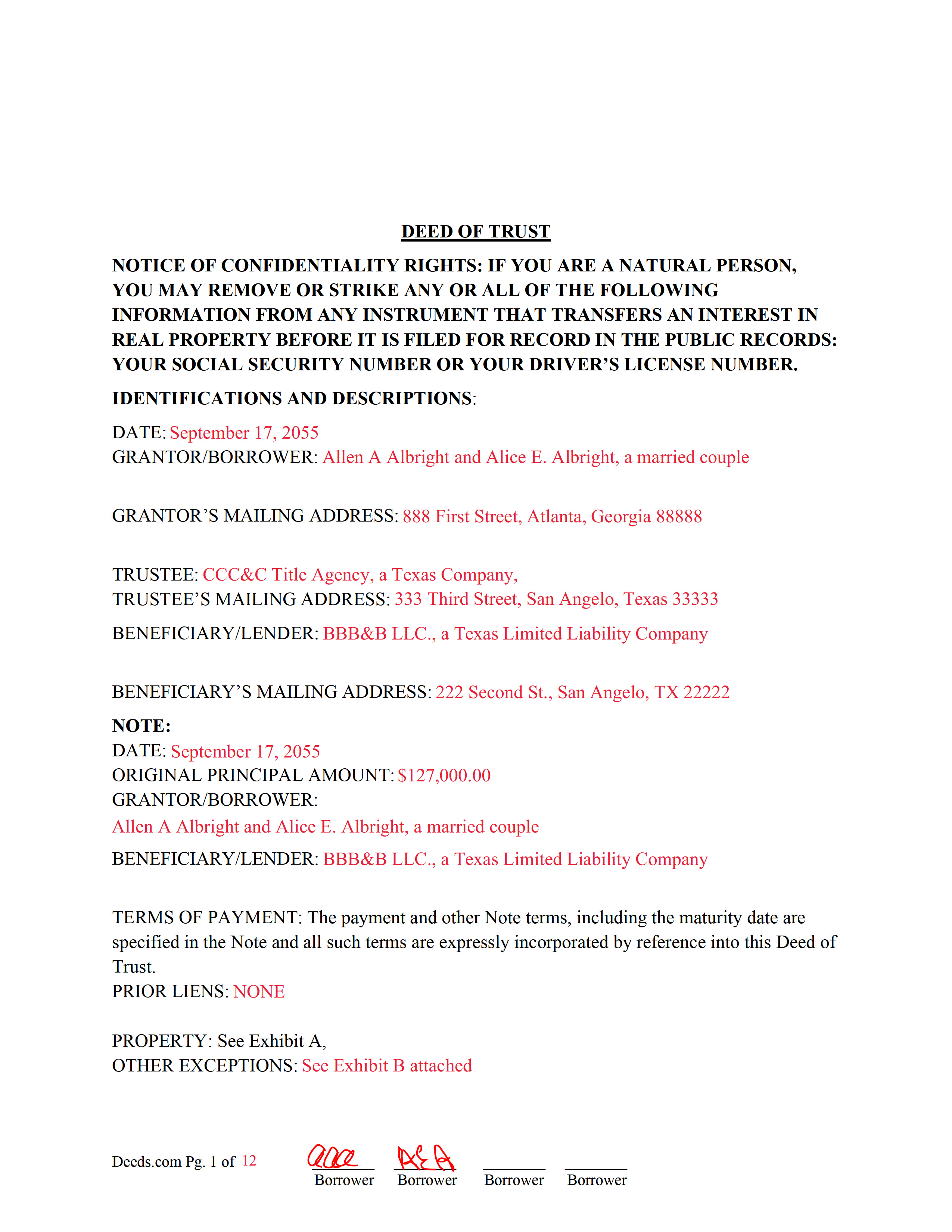
Hopkins County Completed Example of the Deed of Trust Document
Example of a properly completed form for reference.
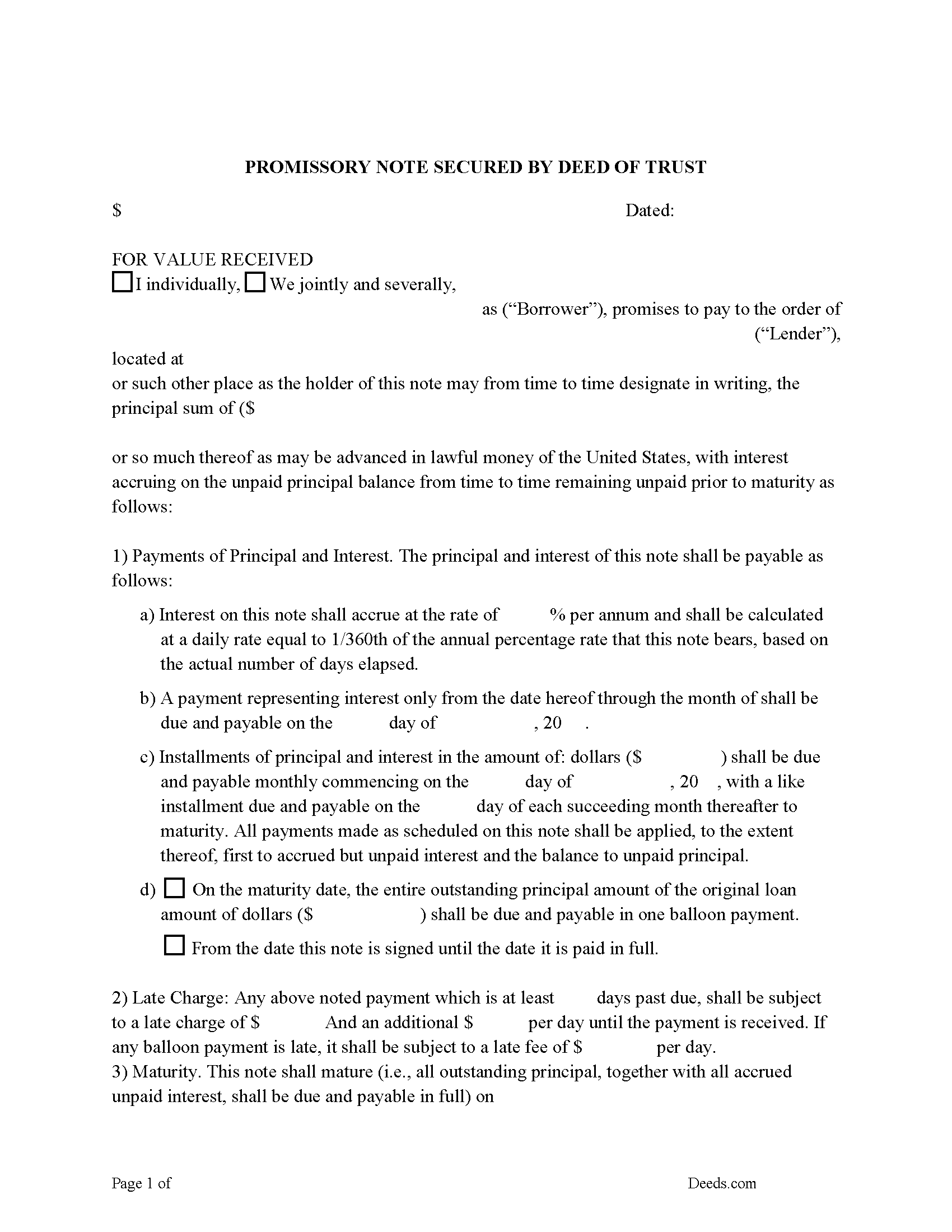
Hopkins County Promissory Note Form
Note secured by Deed of Trust, fill in the blank.
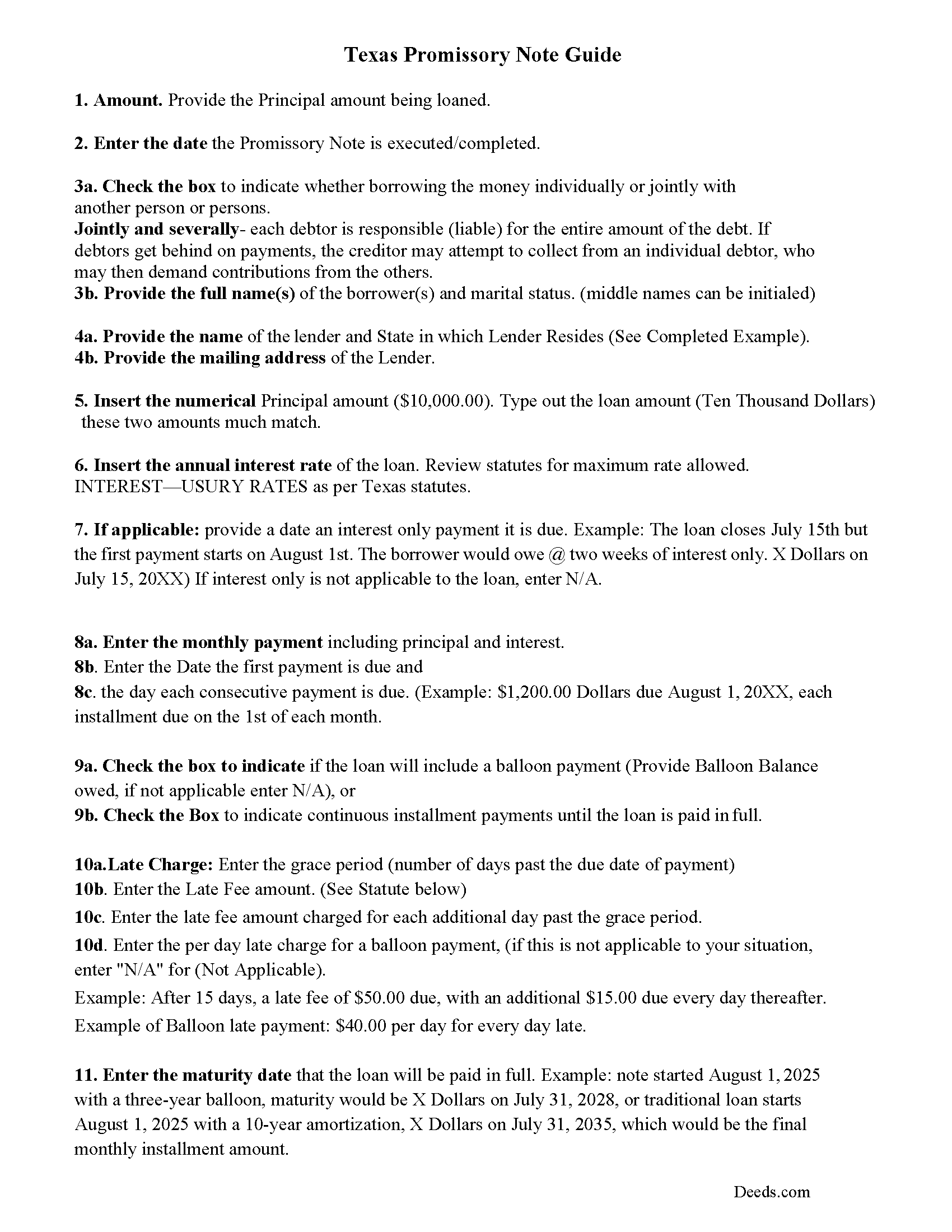
Hopkins County Promissory Note Guidelines
Line by line guide explaining every blank on the form.
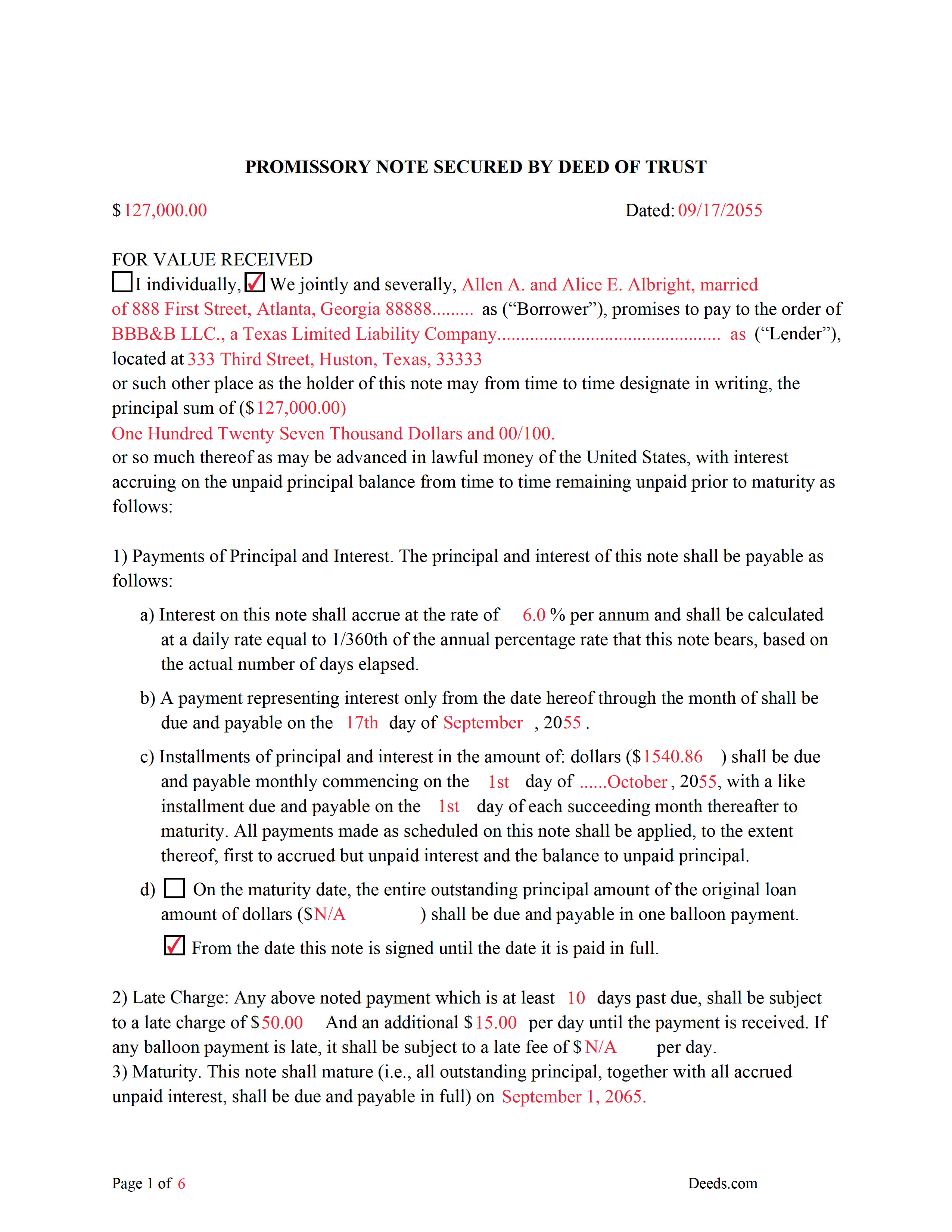
Hopkins County Completed Example of the Promissory Note Document
This Promissory Note is filled in and highlighted, showing how the guideline information, can be interpreted into the document.
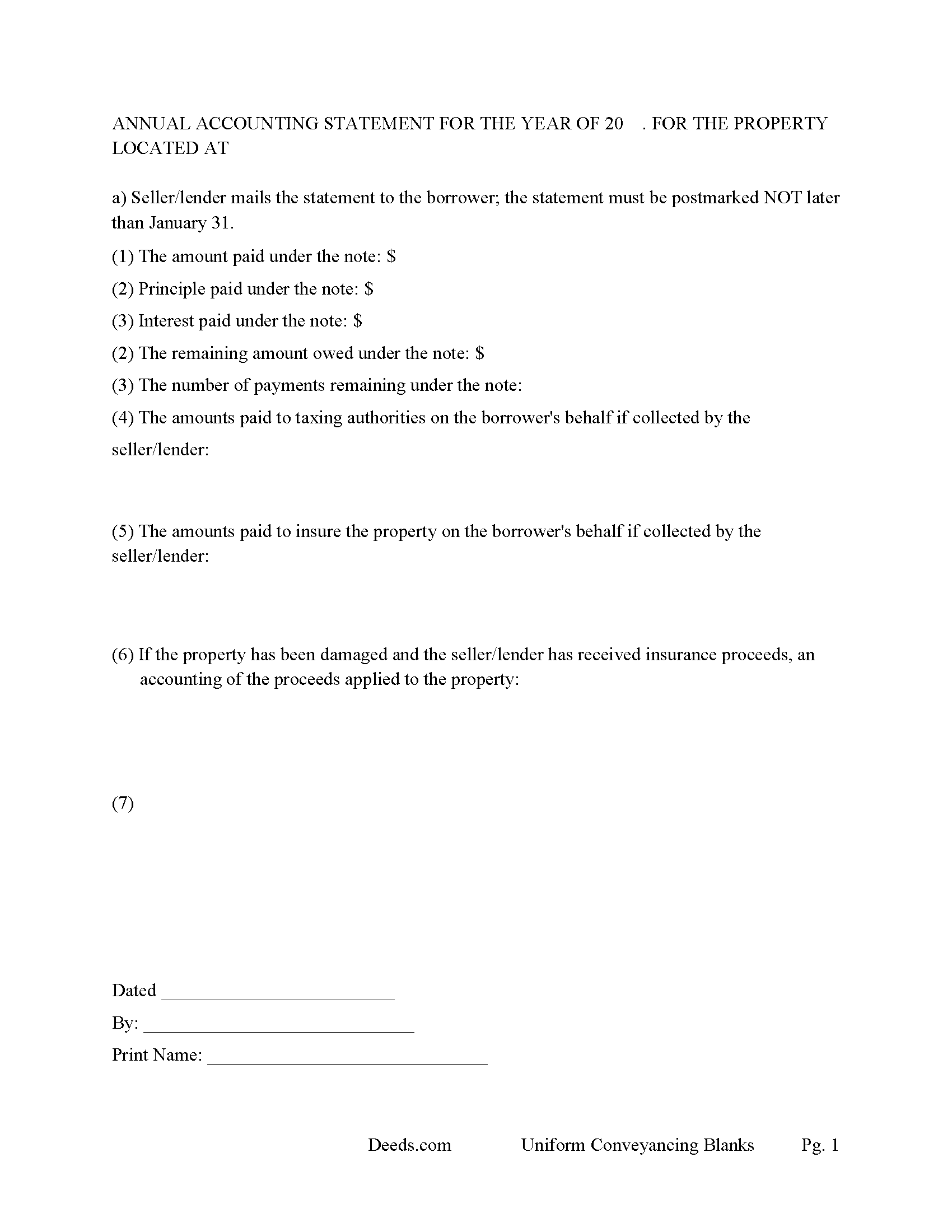
Hopkins County Annual Accounting Statement Form
Mail to borrower for fiscal year reporting.
All 7 documents above included • One-time purchase • No recurring fees
Immediate Download • Secure Checkout
Additional Texas and Hopkins County documents included at no extra charge:
Where to Record Your Documents
Hopkins County
Sulphur Springs, Texas 75482
Hours: Monday - Friday 8:00 am - 5:00 pm
Phone: (903) 438-4074
Recording Tips for Hopkins County:
- Bring your driver's license or state-issued photo ID
- Ensure all signatures are in blue or black ink
- Leave recording info boxes blank - the office fills these
- Make copies of your documents before recording - keep originals safe
- Recorded documents become public record - avoid including SSNs
Cities and Jurisdictions in Hopkins County
Properties in any of these areas use Hopkins County forms:
- Brashear
- Como
- Cumby
- Dike
- Pickton
- Saltillo
- Sulphur Bluff
- Sulphur Springs
Hours, fees, requirements, and more for Hopkins County
How do I get my forms?
Forms are available for immediate download after payment. The Hopkins County forms will be in your account ready to download to your computer. An account is created for you during checkout if you don't have one. Forms are NOT emailed.
Are these forms guaranteed to be recordable in Hopkins County?
Yes. Our form blanks are guaranteed to meet or exceed the applicable formatting requirements used for recording in Hopkins County, including margin requirements, font requirements, and other layout standards. This guarantee applies to formatting, not to the legal sufficiency of information entered by the user or the suitability of a form for a particular transaction.
Can I reuse these forms?
Yes. You can reuse the forms for your personal use. For example, if you have multiple properties in Hopkins County you only need to order once.
What do I need to use these forms?
The forms are PDFs that you fill out on your computer. The free Adobe Acrobat Reader is recommended, and most PDF apps also work. You do NOT enter your property information online - you download the blank forms and complete them privately on your own computer.
Are there any recurring fees?
No. This is a one-time purchase. Nothing to cancel, no memberships, no recurring fees.
How much does it cost to record in Hopkins County?
Recording fees in Hopkins County vary. Contact the recorder's office at (903) 438-4074 for current fees.
Questions answered? Let's get started!
A deed of trust (DOT) is a document that conveys title to real property to a trustee as security for a loan until the grantor (borrower) repays the lender according to terms defined in a promissory note. It's similar to a mortgage but differs - mortgages only include two parties (borrower and lender). In Texas a Deed of Trust is the preferred lending instrument.
There are three parties to a deed of trust: the borrower (grantor), the lender (beneficiary), and the trustee. The trustee, typically a title agency or other disinterested party, serves two purposes: to initiate the foreclosure process for the lender if the borrower defaults on the loan, and to transfer (reconvey) the property back to the borrower after the debt is paid in full.
This DOT includes a power of sale clause, this can be beneficial to the lender, saving time and expense in the case of a foreclosure. Sec.51.0074. DUTIES OF TRUSTEE.
(a) One or more persons may be authorized to exercise the power of sale under a security instrument.
(b) A trustee may not be:
(1) assigned a duty under a security instrument other than to exercise the power of sale in accordance with the terms of the security instrument; or
(2) held to the obligations of a fiduciary of the mortgagor or mortgagee.
Use these forms to finance real property; residential, rental, condominiums, vacant land, and planned unit developments. A promissory note secured by a deed of trust, that include stringent default terms can be beneficial to the lender, typical of owner financing, investor financing, etc.
(Texas Deed of Trust Package includes forms, guidelines, and completed example)
For use in Texas only.
Important: Your property must be located in Hopkins County to use these forms. Documents should be recorded at the county recording office listed above.
This Deed of Trust and Promissory Note meets all recording requirements specific to Hopkins County.
Our Promise
The documents you receive here are guaranteed to meet or exceed the applicable Hopkins County recording format requirements. If there is a rejection caused by our formatting, we will correct the issue or refund your payment. This guarantee applies to document formatting only and does not extend to information entered by the user, the selection of the form, or the legal effect of the completed document.
Save Time and Money
Get your Hopkins County Deed of Trust and Promissory Note form done right the first time with Deeds.com Uniform Conveyancing Blanks. At Deeds.com, we understand that your time and money are valuable resources, and we don't want you to face a penalty fee or rejection imposed by a county recorder for submitting nonstandard documents. We constantly review and update our forms to meet rapidly changing state and county recording requirements for roughly 3,500 counties and local jurisdictions.
4.8 out of 5 - ( 4,856 Reviews )
Melody P. 5 out of 5 stars
Great service continues! Thanks again!
Thank you!
Deidre E. 5 out of 5 stars
Best thing since sliced bread. Do your homework. Find the documents with Deeds.com and bypass expensive and unnecessary lawyers fees.
We deeply appreciate the trust you have placed in our services. Thank you for your valuable feedback and for choosing us.
Stephen S. 5 out of 5 stars
This is awesome. Making sure not only that everything is worded correctly but also formatted correctly is great. Thank you.
Thank you for your feedback. We really appreciate it. Have a great day!
Maria S. 3 out of 5 stars
The paperwork/forms are fine, but there isn't enough explanation for me to figure out how to file the extra forms (which I do need in my case). The main form, Deed Upon Death is fine. I think the price is pretty high for these forms. I wouldn't have purchased it because there are places to get them for much cheaper (about 6 dollars), but this site had the extra forms I wanted (property in a trust and another form). Unfortunately these were included as a "courtesy" and there are no instructions for them. So three stars for being clear about what was in the package, having the right forms that I need, but instructions for putting them to use and price took a couple of stars off. Downloading was easy and once you download you can type the info into the PDF--that makes working with the forms much easier.
Thank you for the feedback Maria. Regarding the supplement documents, it is best to get assistance from the agency that requires them. These are not legal documents, they should provide full support and guidance for them.
SHARON R. 5 out of 5 stars
Excellent Service! Please note that form Realty Transfer Tax Statement of Value does not print completely. Part of the pages are cut off. Otherwise, excellent service.
Thank you for your feedback. We really appreciate it. Have a great day!
Shirley G. 5 out of 5 stars
Excellent so far. Quick response!
Thank you!
Carolyn D. 5 out of 5 stars
The sight provided exactly what I needed and was easy to use. I was able to download the type of Deed I used and was completely satisfied with the website.
Thank you!
ALEX A. 5 out of 5 stars
Yes I appreciate your services everything so far looking good this shows the facts the reasons most of all format I enjoy it I hopefully I can use it for some other legal forms also for Fry's Baker's fraud title fraud I'm interested in a lot of services that will provide me with a preferences of a fraud situations on mortgage security loans but other than that the services are awesome and I appreciate it appreciate your services and I'll keep on using it and thanks again thumbs up
Thank you!
dorothy f. 5 out of 5 stars
Thank you, for help.
Anytime Dorothy, have a great day.
Linda L. 5 out of 5 stars
Excellent service. Very quick response.
Thank you Linda, we appreciate your feedback.
Karen F. 3 out of 5 stars
Form needs to be gender neutral. Also, while the format prompts for the correct information to be included, more of the form needs to be open for editing and to eliminate unnecessary spacing.
Karen, thank you for your helpful feedback. We appreciate you pointing this out and are reviewing the form to make the language gender neutral, improve editability, and reduce unnecessary spacing so it is easier to complete.
CYNTHIA Z. 5 out of 5 stars
So easy to use and fast.
Thank you!
Jayne B. 5 out of 5 stars
This makes it so easy and I'm so glad I found you. I visited two other sites before I found this one. They were cumbersome to use to the point where I abandoned them and kept on looking. Then I found yours, and it was a breeze. Thank you so much!
We appreciate your business and value your feedback. Thank you. Have a wonderful day!
Nancy v. 5 out of 5 stars
Amazing! So easy to get all the forms. Very impressive!
Thank you!
Christian M. 5 out of 5 stars
Easy to find the necessary documents needed
We appreciate your business and value your feedback. Thank you. Have a wonderful day!