Bowie County Demand for Payment Form
Last validated November 10, 2026 by our Forms Development TeamFormatted for recording in Bowie County, for property anywhere in the county: rural and unincorporated areas as well as De Kalb, Hooks, Maud, Nash, New Boston, Redwater, Simms, Texarkana.
- 3 documents included
- Immediate PDF download
- Formatting guarantee
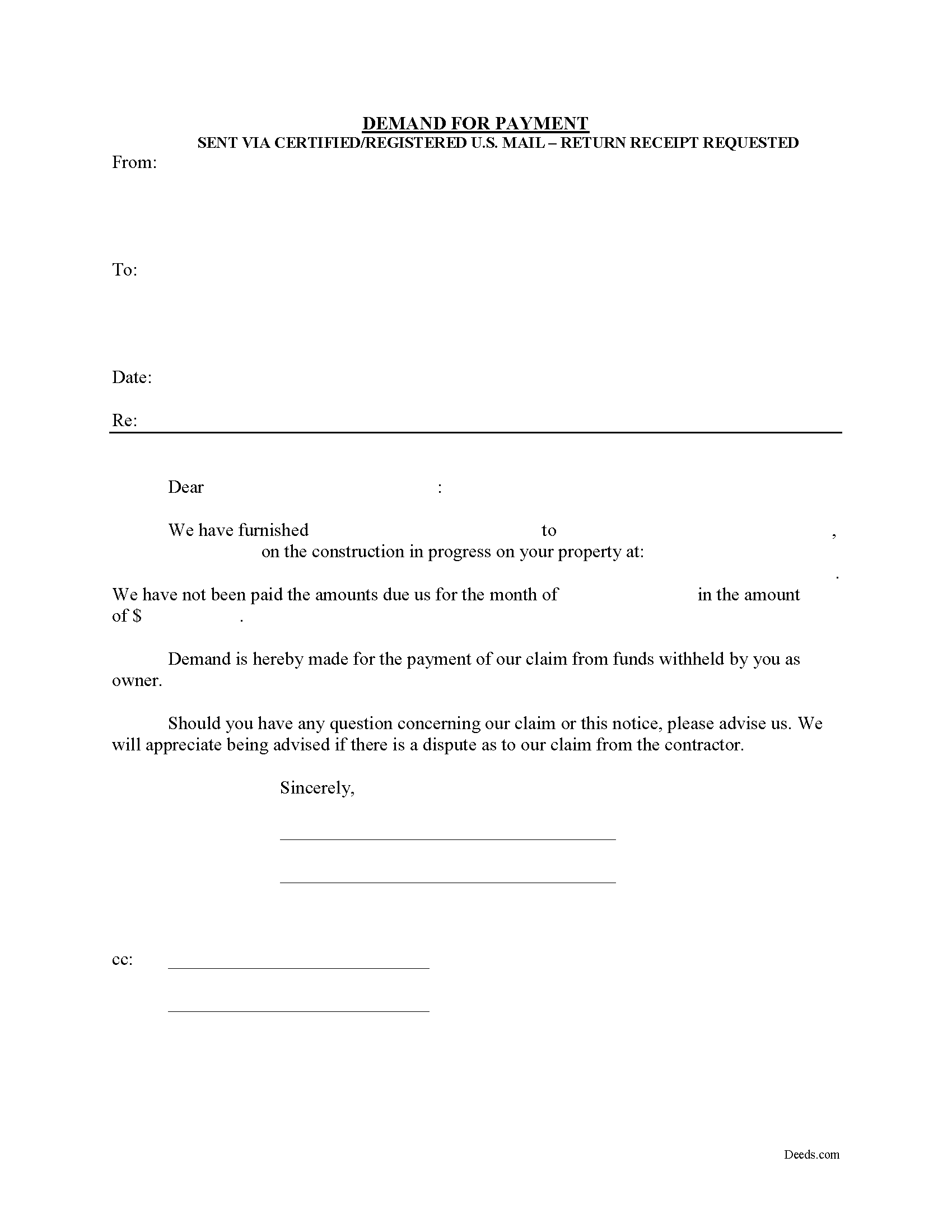
Bowie County Demand for Payment Form
Fill in the blank Demand for Payment form formatted to comply with all Texas recording and content requirements.
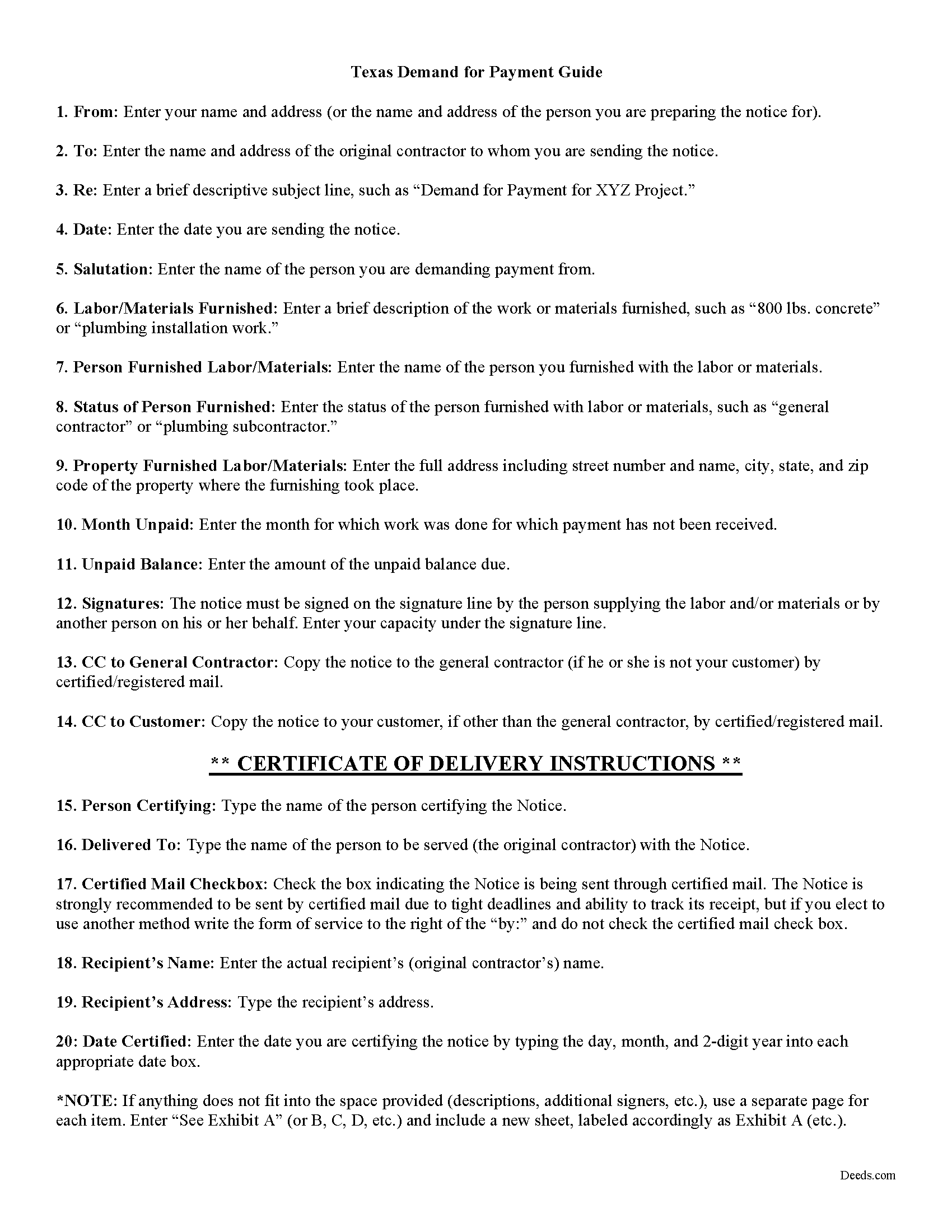
Bowie County Demand for Payment Guide
Line by line guide explaining every blank on the form.
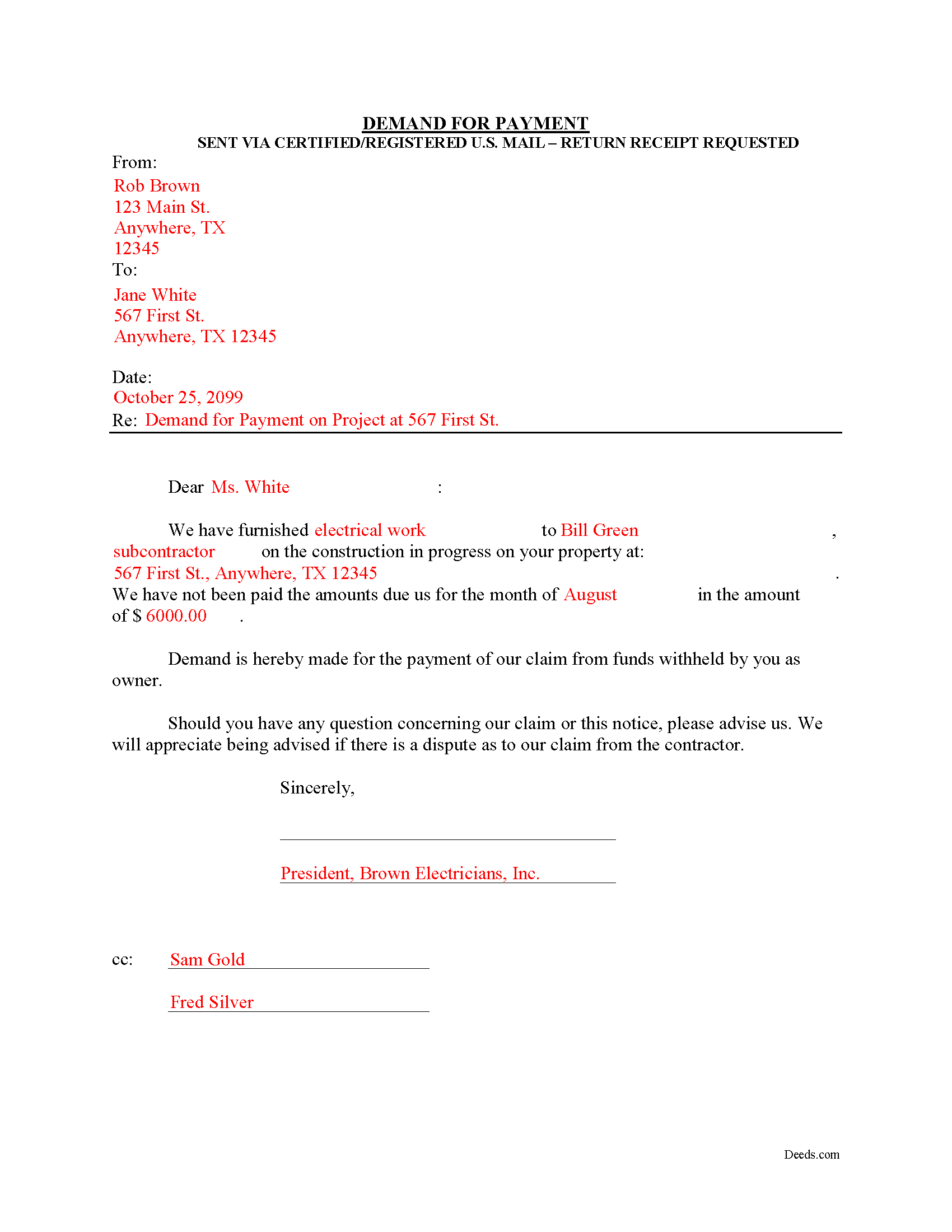
Bowie County Completed Example of the Demand for Payment Document
Example of a properly completed form for reference.
All 3 documents above included • One-time purchase • No recurring fees
Immediate Download • Secure Checkout
Additional Texas and Bowie County documents included at no extra charge:
Where to Record Your Documents
Bowie County Clerk
New Boston, Texas 75570
Hours: 8:30 to 12:00 & 1:00 to 4:30 M-F
Phone: (903) 628-6740
Recording Tips for Bowie County:
- Bring your driver's license or state-issued photo ID
- Ensure all signatures are in blue or black ink
- Ask about accepted payment methods when you call ahead
- Ask for certified copies if you need them for other transactions
- Ask if they accept credit cards - many offices are cash/check only
Cities and Jurisdictions in Bowie County
Properties in any of these areas use Bowie County forms:
- De Kalb
- Hooks
- Maud
- Nash
- New Boston
- Redwater
- Simms
- Texarkana
Hours, fees, requirements, and more for Bowie County
How do I get my forms?
Forms are available for immediate download after payment. The Bowie County forms will be in your account ready to download to your computer. An account is created for you during checkout if you don't have one. Forms are NOT emailed.
Are these forms guaranteed to be recordable in Bowie County?
Yes. Our form blanks are guaranteed to meet or exceed the applicable formatting requirements used for recording in Bowie County, including margin requirements, font requirements, and other layout standards. This guarantee applies to formatting, not to the legal sufficiency of information entered by the user or the suitability of a form for a particular transaction.
Can I reuse these forms?
Yes. You can reuse the forms for your personal use. For example, if you have multiple properties in Bowie County you only need to order once.
What do I need to use these forms?
The forms are PDFs that you fill out on your computer. The free Adobe Acrobat Reader is recommended, and most PDF apps also work. You do NOT enter your property information online - you download the blank forms and complete them privately on your own computer.
Are there any recurring fees?
No. This is a one-time purchase. Nothing to cancel, no memberships, no recurring fees.
How much does it cost to record in Bowie County?
Recording fees in Bowie County vary. Contact the recorder's office at (903) 628-6740 for current fees.
Questions answered? Let's get started!
The Demand for Payment form is used by unpaid individual claimants to demand payment of their claim on an owner who is authorized to withhold funds under 53.083(a) of the Texas Property Code. The demand form also provides notice to the owner that all or part of the claim has accrued under Texas Code 53.053 or is past due under the agreement between the parties.
The claimant must also send a copy of the demand to the original contractor. If the original contractor intends to dispute the claim, he must give the owner written notice no later than the 30th day after the day he receives the copy of the demand. Failure to respond in a timely fashion implies approval of the demand and the owner must then pay the claim.
The Demand for Payment identifies the parties, the project, and relevant dates, services/materials, and fees. It is a required step in securing an eventual mechanic's lien on the owner's property if the claim remains unpaid after demand is sent.
The form does not require a notary seal or other verification, nor is it filed in the local land records. Instead, deliver the demand for payment via certified or registered mail, with a return receipt requested.
Each case is unique, and the mechanic's lien law in Texas can be complicated. Contact an attorney for complex situations, with specific questions about sending a demand for payment, or any other issue related to mechanic's liens.
Important: Your property must be located in Bowie County to use these forms. Documents should be recorded at the county recording office listed above.
This Demand for Payment meets all recording requirements specific to Bowie County.
Our Promise
The documents you receive here are guaranteed to meet or exceed the applicable Bowie County recording format requirements. If there is a rejection caused by our formatting, we will correct the issue or refund your payment. This guarantee applies to document formatting only and does not extend to information entered by the user, the selection of the form, or the legal effect of the completed document.
Save Time and Money
Get your Bowie County Demand for Payment form done right the first time with Deeds.com Uniform Conveyancing Blanks. At Deeds.com, we understand that your time and money are valuable resources, and we don't want you to face a penalty fee or rejection imposed by a county recorder for submitting nonstandard documents. We constantly review and update our forms to meet rapidly changing state and county recording requirements for roughly 3,500 counties and local jurisdictions.
4.8 out of 5 - ( 4,864 Reviews )
Patricia A. 5 out of 5 stars
This service was a godsend since I am currently disabled.
We appreciate your business and value your feedback. Thank you. Have a wonderful day!
Ann C. 5 out of 5 stars
This was a very easy and pleasant experience using your website. I needed a legal document and with the sample and instructions it was easy to complete (with the fillable PDF) and print a clean document ready for execution.
Thanks, Ann! We’re happy to hear everything went smoothly for you and that the process met your needs. We appreciate you taking the time to share your experience.
Teresa R. 5 out of 5 stars
Zero problems, ended up with quality documents. Will use again.
We appreciate your business and value your feedback. Thank you. Have a wonderful day!
Janet B. 5 out of 5 stars
Review: Very user friendly and that is very important to me. Quick, easy and clear instructions. I would highly recommend deeds.com for your online filing services.
Thank you for your feedback. We really appreciate it. Have a great day!
Thomas E. 4 out of 5 stars
For the most part the process went smoothly. However, I have some suggestions to make the photo verification process better. 1) State up front that you must configure your appearance to conform with the photo on your state issued ID. In other words, take off you glasses if you are not wearing them in the photo. I know you issued that suggestion AFTER a couple of failed attempts. 2) I do not need glasses for driving, but I do need them for reading and close up work. I had difficulty reading the instructions about turning my head right and left on the screen without my glasses.
Thank you, Thomas. Both suggestions are fair and we have passed them along for the ID verification step. Glad the rest of the process went smoothly.
Mica M. 5 out of 5 stars
I love deeds.com - hands down, the quickest way to record a warranty deed. The process and communication is so quick - the recording transaction too. Worth the extra $20 to me for my time! I didn't spend over an hour driving around, talking to someone via a kiosk to record the deed, didn't have to spend the energy of loading kids into the car to come with me, etc. The efficiency and timely process is worth the cost! Love having this available! The whole process via deeds.com took less than 5 minutes to upload a document and less than 3 minutes to pay the invoice shortly thereafter. The final recording was in my inbox in less than an hour. Thank you!
Thank you for your feedback. We really appreciate it. Have a great day!
Tracie R. 5 out of 5 stars
Great company and very fast at getting deeds to me. :)5 star!!
Thank you!
Anita B. 5 out of 5 stars
Service was fast and complete. Would use again.
Thank you!
Ismael R. 5 out of 5 stars
Very informative and acess was instant and precise.
Great to hear — thank you for taking the time to write a review.
Thomas G. 1 out of 5 stars
Wasn’t what I expected
Sorry to hear that your expectations were missed. Your order has been canceled. We do hope that you find something more suitable to your expectations elsewhere. Do keep in mind that purchasing legal forms should not be an exploratory endeavor.
Cruz C. 5 out of 5 stars
L-o-v-e your site. Great over-all usable docs. thanks
Thank you for your feedback. We really appreciate it. Have a great day!
Sharon L. 5 out of 5 stars
Both experiences were professional. Thank you
We’re always here to help. Thank you for your feedback.
Laura M. 5 out of 5 stars
Very easy and I appreciate that when you hover over the blank, directions pop up and tell you what to put in that blank. I also appreciated that when I lost the original password, I sent an email and Deeds.com cancelled my order, refunded my account, so that I could start over.
It was a pleasure serving you. Thank you for the positive feedback!
Lutz P. 5 out of 5 stars
Your forms are great but I couldn’t use them with my computer and acrobats reader didn’t work. And then my thermal printer would only print 1/3 size pages with no way to fix it. I ordered a new color printer and we’ll see what happens.
Thank you, Lutz. We're glad you like the forms, and we're sorry getting them working turned into such a hassle. That shrunken page is typical of thermal printers: most use narrow receipt or label paper, so a full page gets scaled down to fit, and no setting can change that. Thermal paper also fades over time, which you don't want on a document you're recording, so the new printer is the right call. When it arrives, print on plain white paper with “Actual size” selected in the print settings so the page comes out full size with its margins intact. If Acrobat Reader gives you trouble again, save the form to your computer first and open the saved file in Acrobat Reader rather than in your web browser. Still stuck? Contact our support team and we'll walk you through it.
Warren B. 5 out of 5 stars
Outstanding. There is nothing worse than finding the correct forms or having to hire an atty to do what most people can do on their own. I cant speak for all but these forms are fairly easy. The addition of guides and supplement forms are excellent. I just saved quite a bit of money with your site. Thanks
We appreciate your business and value your feedback. Thank you. Have a wonderful day!