Oldham County Disclaimer of Interest Form
Last validated October 19, 2026 by our Forms Development TeamFormatted for recording in Oldham County, for property anywhere in the county: rural and unincorporated areas as well as Adrian, Boys Ranch, Vega, Wildorado.
- 3 documents included
- Immediate PDF download
- Formatting guarantee
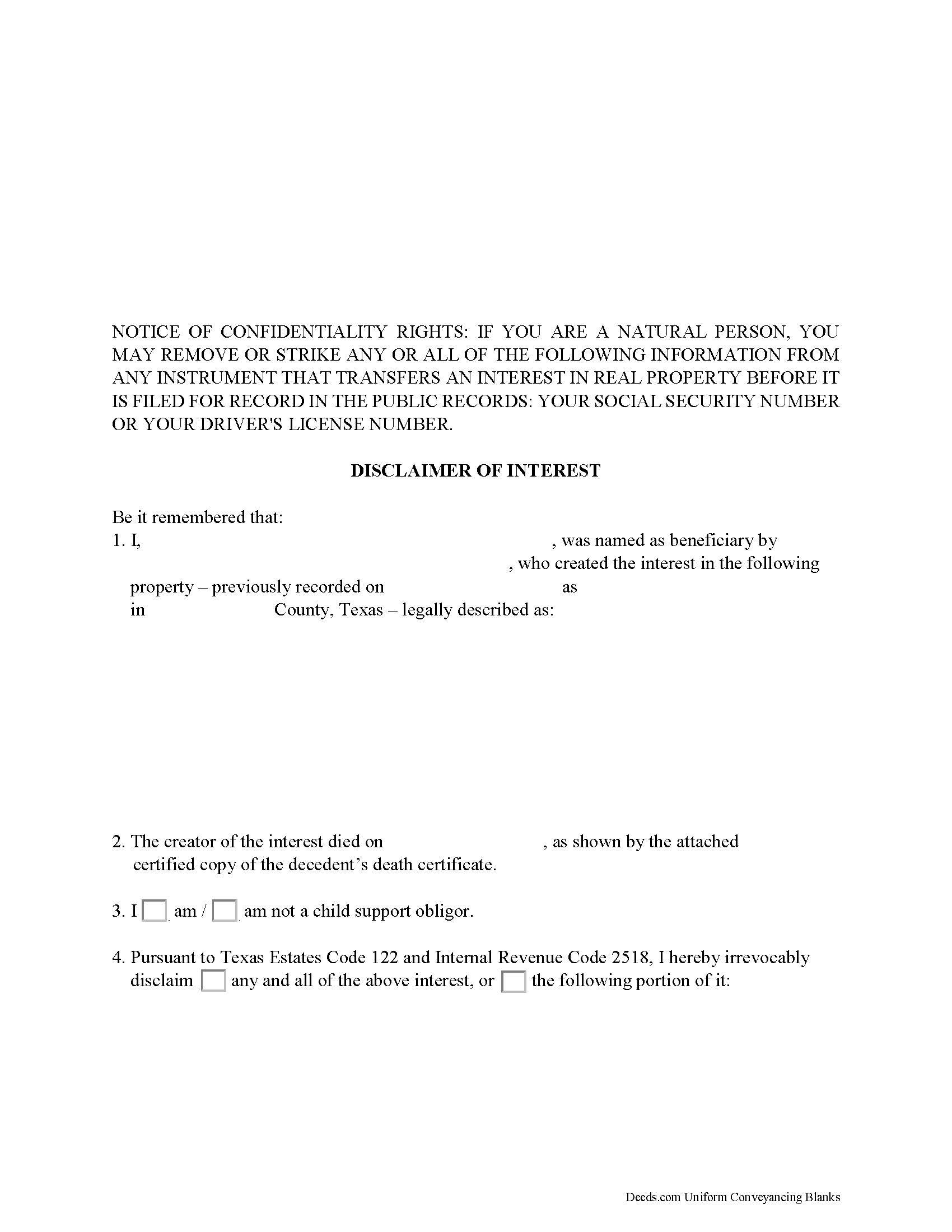
Oldham County Disclaimer of Interest Form
Fill in the blank form formatted to comply with all recording and content requirements.
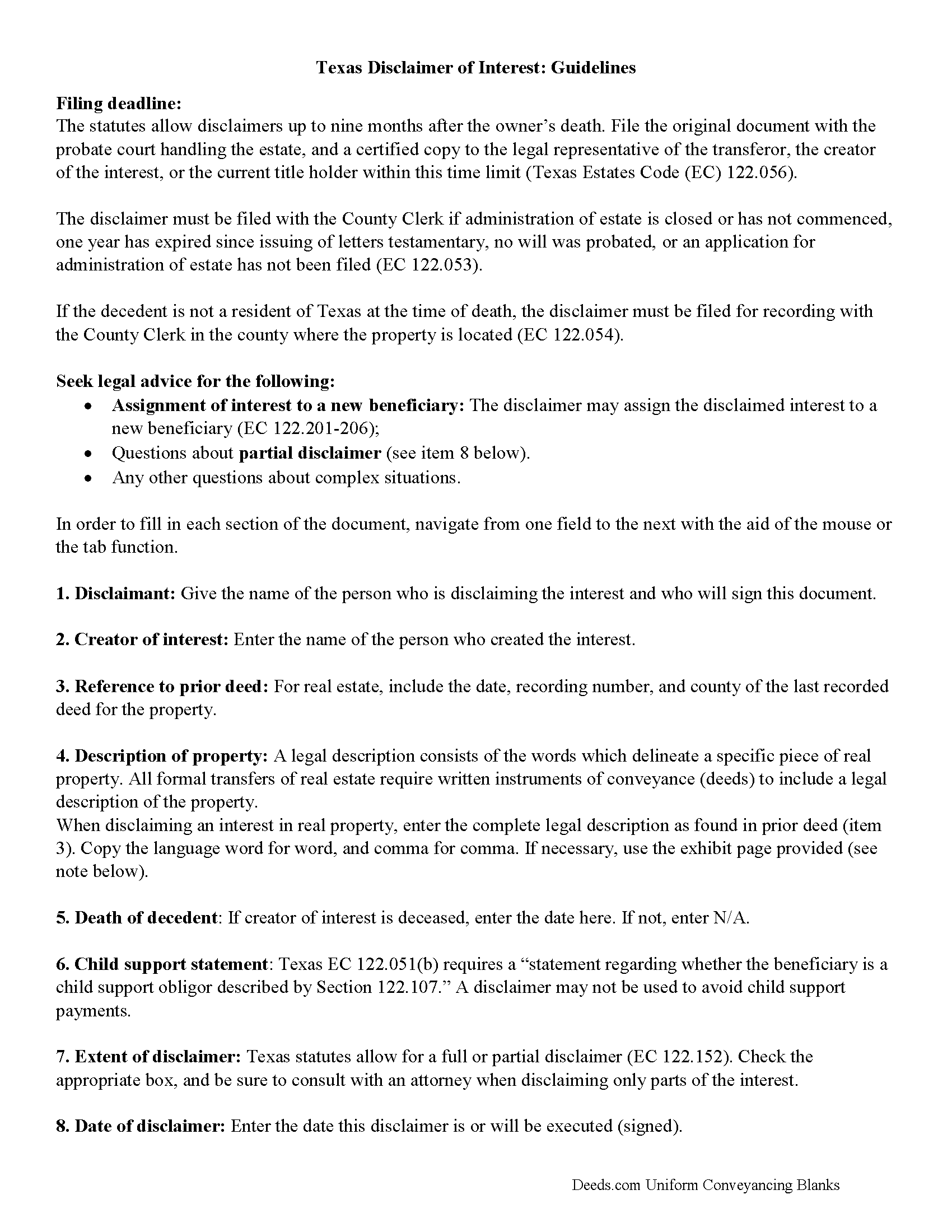
Oldham County Disclaimer of Interest Guide
Line by line guide explaining every blank on the form.
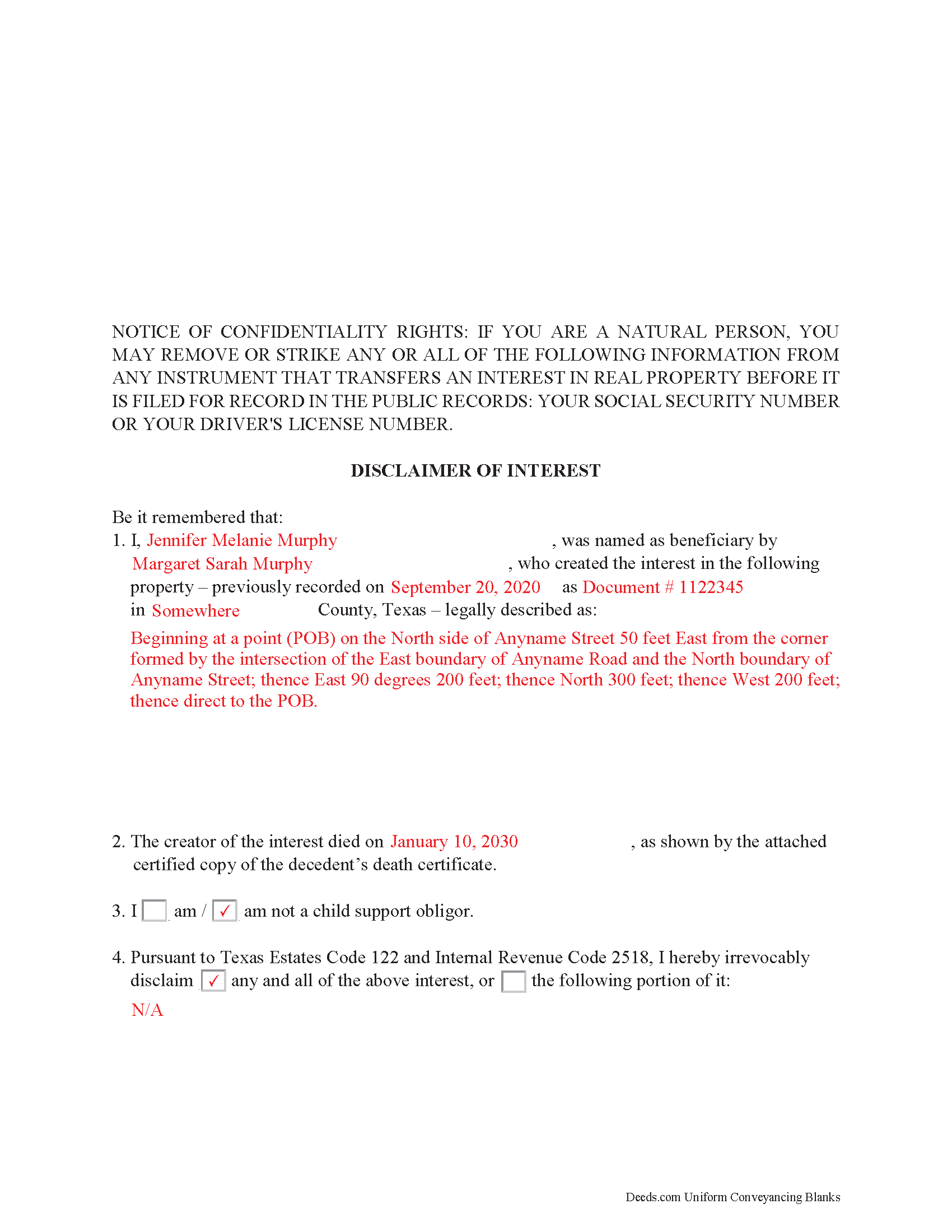
Oldham County Completed Example of the Disclaimer of Interest Document
Example of a properly completed form for reference.
All 3 documents above included • One-time purchase • No recurring fees
Immediate Download • Secure Checkout
Additional Texas and Oldham County documents included at no extra charge:
Where to Record Your Documents
County Clerk's Office
Vega, Texas 79092
Hours: Monday - Friday 8:30am - 12:00 & 1:00 - 5:00pm
Phone: 806-267-2667
Recording Tips for Oldham County:
- Bring your driver's license or state-issued photo ID
- Ensure all signatures are in blue or black ink
- Avoid the last business day of the month when possible
- Both spouses typically need to sign if property is jointly owned
- Bring extra funds - fees can vary by document type and page count
Cities and Jurisdictions in Oldham County
Properties in any of these areas use Oldham County forms:
- Adrian
- Boys Ranch
- Vega
- Wildorado
Hours, fees, requirements, and more for Oldham County
How do I get my forms?
Forms are available for immediate download after payment. The Oldham County forms will be in your account ready to download to your computer. An account is created for you during checkout if you don't have one. Forms are NOT emailed.
Are these forms guaranteed to be recordable in Oldham County?
Yes. Our form blanks are guaranteed to meet or exceed the applicable formatting requirements used for recording in Oldham County, including margin requirements, font requirements, and other layout standards. This guarantee applies to formatting, not to the legal sufficiency of information entered by the user or the suitability of a form for a particular transaction.
Can I reuse these forms?
Yes. You can reuse the forms for your personal use. For example, if you have multiple properties in Oldham County you only need to order once.
What do I need to use these forms?
The forms are PDFs that you fill out on your computer. The free Adobe Acrobat Reader is recommended, and most PDF apps also work. You do NOT enter your property information online - you download the blank forms and complete them privately on your own computer.
Are there any recurring fees?
No. This is a one-time purchase. Nothing to cancel, no memberships, no recurring fees.
How much does it cost to record in Oldham County?
Recording fees in Oldham County vary. Contact the recorder's office at 806-267-2667 for current fees.
Questions answered? Let's get started!
Use the disclaimer to renounce an interest in real property in Texas.
A beneficiary in Texas can disclaim a bequeathed asset or power (Texas Estates Code, Chapter 122). Such a disclaimer, which must be in writing and signed by the beneficiary or a legally authorized representative, allows that beneficiary to renounce his or her interest in the property, either in full or partially (122.151-153). A beneficiary who is a child support obligor, however, must fulfill his obligations prior to any renunciation of an interest (122.107).
A disclaimer is irrevocable and binding for anyone who makes a claim against the beneficiary, for example, potential creditors (122.003-004). Unless the beneficiary is a charitable organization or governmental agency of the state, the document must be received within nine months after the decedent's death, or other qualifying event (122.055), and it is only valid if no actions have indicated prior acceptance of the property (122.104).
The document must be filed with the probate court in the county where the will or estate is being administered, or the county clerk if estate proceedings are closed (122.052-053). If the decedent is not a resident of the state, it must be filed with the county clerk for recording (122.054). It further must be delivered to the representative of the deceased or executor of the estate or the holder of legal title (122.056). When in doubt as to the drawbacks and benefits of renouncing the property, as well as assigning it to a subsequent beneficiary (122.201-206), consult with an attorney.
(Texas Disclaimer of Interest Package includes form, guidelines, and completed example)
Important: Your property must be located in Oldham County to use these forms. Documents should be recorded at the county recording office listed above.
This Disclaimer of Interest meets all recording requirements specific to Oldham County.
Our Promise
The documents you receive here are guaranteed to meet or exceed the applicable Oldham County recording format requirements. If there is a rejection caused by our formatting, we will correct the issue or refund your payment. This guarantee applies to document formatting only and does not extend to information entered by the user, the selection of the form, or the legal effect of the completed document.
Save Time and Money
Get your Oldham County Disclaimer of Interest form done right the first time with Deeds.com Uniform Conveyancing Blanks. At Deeds.com, we understand that your time and money are valuable resources, and we don't want you to face a penalty fee or rejection imposed by a county recorder for submitting nonstandard documents. We constantly review and update our forms to meet rapidly changing state and county recording requirements for roughly 3,500 counties and local jurisdictions.
4.8 out of 5 - ( 4,859 Reviews )
Gloria C. 5 out of 5 stars
AMazing service. Fast and affordable.
We appreciate your business and value your feedback. Thank you. Have a wonderful day!
Jack B. 5 out of 5 stars
All worked out well.
Thank you!
Kristina H. 5 out of 5 stars
Everything I needed to complete my release of lien was easy to obtain from Deed.com - and the example and instructions were helpful as well. The website is simple and efficient. Thanks!
We appreciate your business and value your feedback. Thank you. Have a wonderful day!
ROBERT K. 5 out of 5 stars
It was so easy to obtain the necessary documents.
Thank you for your feedback. We really appreciate it. Have a great day!
Karen P. 5 out of 5 stars
Very easy to use.
Thank you!
Chrystal L. 5 out of 5 stars
Excellent! Follow the prompts for easy access. Forms readily available. Thanks!
We appreciate your business and value your feedback. Thank you. Have a wonderful day!
constance t. 5 out of 5 stars
Excellent service!
We appreciate your business and value your feedback. Thank you. Have a wonderful day!
Susan G. 5 out of 5 stars
I was pleased with the example of a completed beneficiary deed and instructions. It made filling out the deed very easy.
Thank you!
Liliana H. 5 out of 5 stars
I had a great experience using Deeds.com to file my legal document. The whole process was simple and easy to follow. The website walks you through each step, and everything is explained clearly. At one point, I had to resubmit my documents, but even that was quick and easy. There were clear instructions, and I had no trouble making the changes and sending them again. The communication was great too. I was kept updated the whole time, and any questions I had were answered fast. If you need to file legal documents and want a stress-free way to do it, I definitely recommend Deeds.com. They made the whole process smooth from start to finish.
Thank you, Liliana! We really appreciate you taking the time to share your experience. We're glad everything went smoothly and that our team could support you when needed. It means a lot to know you'd recommend us!
Frank T. 5 out of 5 stars
Great service, fast easy to use, accurate forms for our project. Thank you. FTM
Thank you for your feedback. We really appreciate it. Have a great day!
Thomas D. 2 out of 5 stars
The documents themselves are fine and the information provided with them is helpful. I find the actual processing of the documents, however, to be difficult particularly once the document has been saved. First, I note that the box for the date only allows entry of the last 2 digits of the year. Unfortunately, my download only allows me to enter one of the 2 digits required. When I delete it repeatedly, it eventually allows both digits to be entered but puts them in extremely small text and in superscrypt. I have not found a solution to this problem and am not sure the deed can even be recorded with this problem. Another problem is that if you try to revise the document after you have saved it the curser goes to the end of the line after each key entry. This means that there basically is no way to efficiently save the document for reworking later since you will have to delete everything you have entered in the text box unless you only need to make a single keystroke change or are willing to replace the curser after each entry. Try that with a long property description! Please note that I am using a Mac to prepare my documents and perhaps this is part of an "incompatibility problem". However, I didn't see a disclaimer regarding Mac use and so would expect the documents to perform correctly. Overall, I give the program a "2 star" rating because I am experiencing significant difficulties in entering dates in the documents even before saving them and because saving your work for later revision appears to be basically unworkable.
Thank you for your feedback Thomas, we appreciate you being specific about the issues you encountered. Adobe and Mac have a fairly long history of issues working together.
Lawrence R. 4 out of 5 stars
Forms do not allow enough space for fields and cutoff. Need to expand the fields to allow for more writing. I ended up re-typing to be able to include full property description. Would be nice if available in Word format rather than only PDF format.
Thank you for your feedback. We really appreciate it. Have a great day!
Robyn D. 5 out of 5 stars
Excellent service, knowledgeable and helpful representatives via the messaging service. Reliable information provided by reps, overall excellent experience.
We appreciate your business and value your feedback. Thank you. Have a wonderful day!
TERRY E. 5 out of 5 stars
VERY EASY TO USE !
Thank you!
Aaron H. 5 out of 5 stars
Excellent service! Easy to use interface and quick response post-recording.
Thank you for your feedback. We really appreciate it. Have a great day!